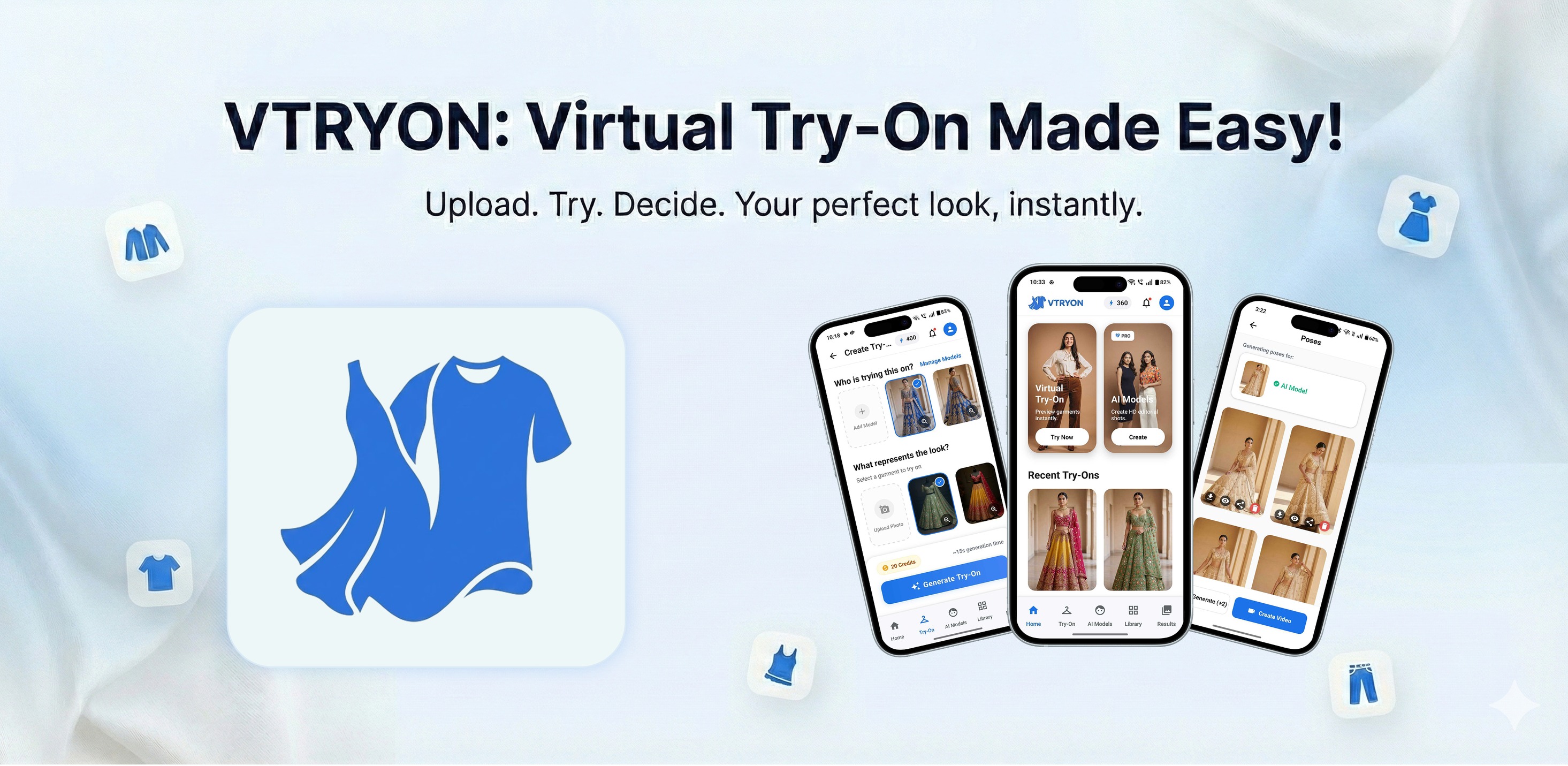
Vtryon
| 开发者 | Vtryon |
|---|---|
| 更新时间 | 2026年5月15日 20:38 |
| PHP版本: | 7.4 及以上 |
| WordPress版本: | 6.9 |
| 版权: | GPLv2 or later |
| 版权网址: | 版权信息 |
详情介绍:
- API token authentication: store your Vtryon API token server-side only (sent as x-api-key on each request).
- Smart garment syncing: Sync (product screen or Products list) opens a picker that lists the product’s gallery images so you can choose which image to send to Vtryon, or upload from device if the garment photo is not in the list. Sync All (Products list or category Garment sync) batch-syncs only products missing a Garment ID and always uses each product’s main (featured) image—you’ll see a confirmation explaining that before the run starts.
- Download control: optionally hide the Download result button on the storefront while keeping the result image and “Try another photo” (WooCommerce → Vtryon → Settings).
- Image validation: multi-step flow checks customer photos against AI quality rules before try-on runs.
- Granular control: storewide on/off for the whole site; optional logged-in-only mode; enable or disable try-on per product category and per product.
- Product page placement: choose where the try-on block appears on single product pages (WooCommerce hooks/priorities), with shortcode support for custom layouts.
- Polished admin and storefront UI with accessible notices (bundled SweetAlert2 on relevant screens).
- Efficient polling for validation and task status to limit unnecessary requests.
- Developer hooks and filters to adjust payloads, limits, and behavior.
- Ready-to-use catalog SKU image generation
- Pose generation for the same SKU
- Expanded AI fashion workflows inside WooCommerce
vtryon_upload_person_payload— person image upload payload.vtryon_create_task_payload— task creation JSON.vtryon_max_upload_size— max upload size (default 5 MB).vtryon_default_garment_type— garment type (defaultstitched).vtryon_api_base_url— override API base URL (advanced).vtryon_display_preset_definitions— register or change product page placement presets (hook,priority,labelper preset).vtryon_display_position— override the resolved hook, priority, and preset slug for the single-product try-on block.vtryon_bulk_sync_max_products— max products per Sync All run (default 2000).
vtryon_before_upload_person— before sending a person image.vtryon_after_create_task— after a task is created.vtryon_before_download/vtryon_after_download— around result download tracking.
- WooCommerce (active)
- PHP 7.4+
- A valid Vtryon account (sign up at https://vtryon.legresca.ai/app )
安装:
- Install from the Plugins screen.
- Activate the plugin.
- Install and activate WooCommerce.
- Go to WooCommerce → Vtryon. If you do not have an account, sign up at https://vtryon.legresca.ai/app (Create Account).
- Generate an API token in your Vtryon dashboard (see https://vtryon.legresca.ai/guide/api-integration), paste it under API token, and save. The plugin tests the connection and shows a status notice.
- Under Storewide try-on, keep Enable virtual try-on for the entire site checked unless you want try-on hidden everywhere (category/product settings apply only when this is on).
- Under Product page placement, choose where the try-on block appears on single product pages (default: after add to cart).
- (Optional) Enable Visibility to show the try-on button only to logged-in users.
- Under Download result button, choose whether to show the download control after a try-on completes.
- For each product: add product images (gallery), enable Vtryon on the product, and click Sync with Vtryon (product edit screen) or Sync in the Garment ID column. A dialog lists gallery images to choose from, or you can upload a different file from your computer. Sync All on the Products list (or Garment sync on a category) asks for confirmation first: it syncs every product still missing a Garment ID using only the main (featured) image for each product; products that already have a Garment ID are skipped.
常见问题:
Does this require WooCommerce?
Yes. The plugin checks for WooCommerce and shows an admin notice if it is missing.
Are API credentials exposed to visitors?
No. Only the WordPress REST URL and a REST nonce are passed to the browser; the API token and garment APIs run on the server.
What image formats are supported?
Featured images and customer uploads use JPG and PNG (validated with WordPress file checks).
Does the plugin load third-party scripts on my store?
The plugin bundles SweetAlert2 for admin sync feedback and storefront messages. No remote script loads are required for core operation.
Can I turn off try-on for the whole store or move the try-on block?
Yes. Use WooCommerce → Vtryon → Settings: uncheck Enable virtual try-on for the entire site to disable try-on site-wide, and use Product page placement to change where the block appears. For a custom position you can also use the [vtryon] shortcode (and remove the automatic hook in code if you need only the shortcode).
How do I choose which image is synced to Vtryon for a product?
Use Sync with Vtryon on the product edit screen or Sync in the Garment ID column on the Products list. A dialog lists the product’s gallery images; pick one or choose upload from device for a file that is not in the gallery. Sync All does not show this dialog—it syncs each qualifying product using its main (featured) image only, after you confirm.
Where is the full Markdown documentation?
The same documentation ships as README.md in the plugin folder. It is also shown under WooCommerce → Vtryon → Help guide below the quick start section.
更新日志:
- API token authentication (x-api-key) replaces email/password login.
- Garment sync: choose a product gallery image or upload from your device (product edit/add screen and Products list Sync). Sync All confirms that batch sync uses each product’s main (featured) image only.
- Improved Photo Guidelines & Consent model UX.
- Initial release on WordPress.org guidelines baseline.