Watermark Manager
| 开发者 | labanthegreat |
|---|---|
| 更新时间 | 2026年3月13日 03:00 |
| PHP版本: | 8.0 及以上 |
| WordPress版本: | 6.7 |
| 版权: | GPL-2.0-or-later |
| 版权网址: | 版权信息 |
详情介绍:
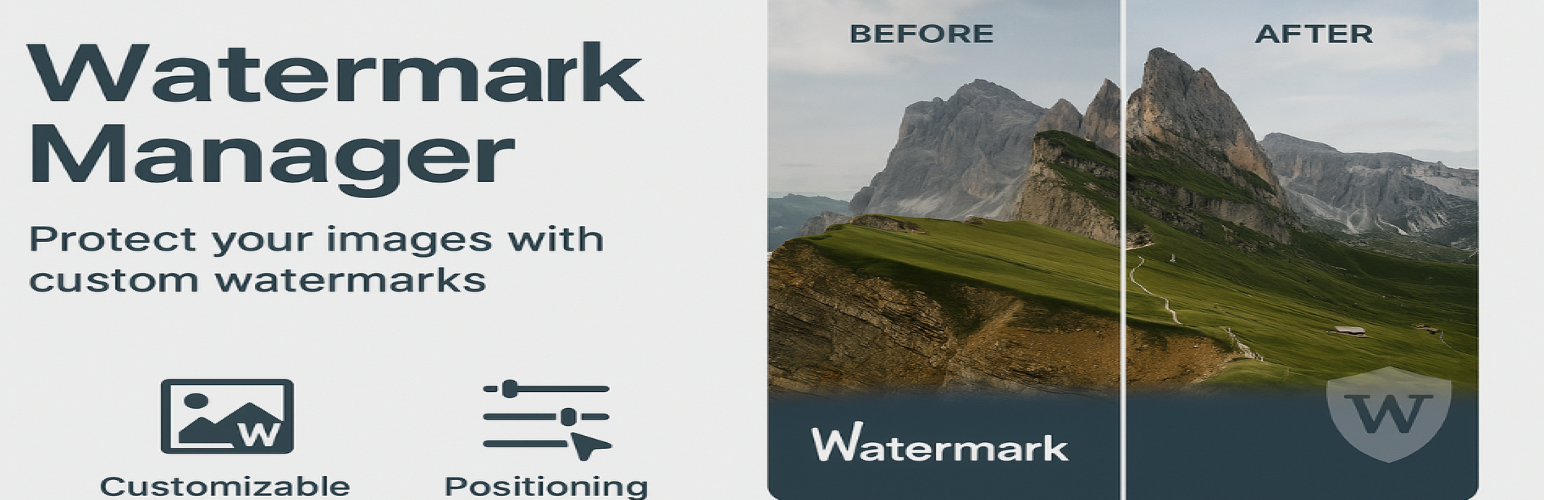
Watermark Manager adds text or image watermarks to your WordPress media uploads. It supports single-image and batch operations, reusable templates, automatic backup of originals, and a full WP-CLI interface.
Features
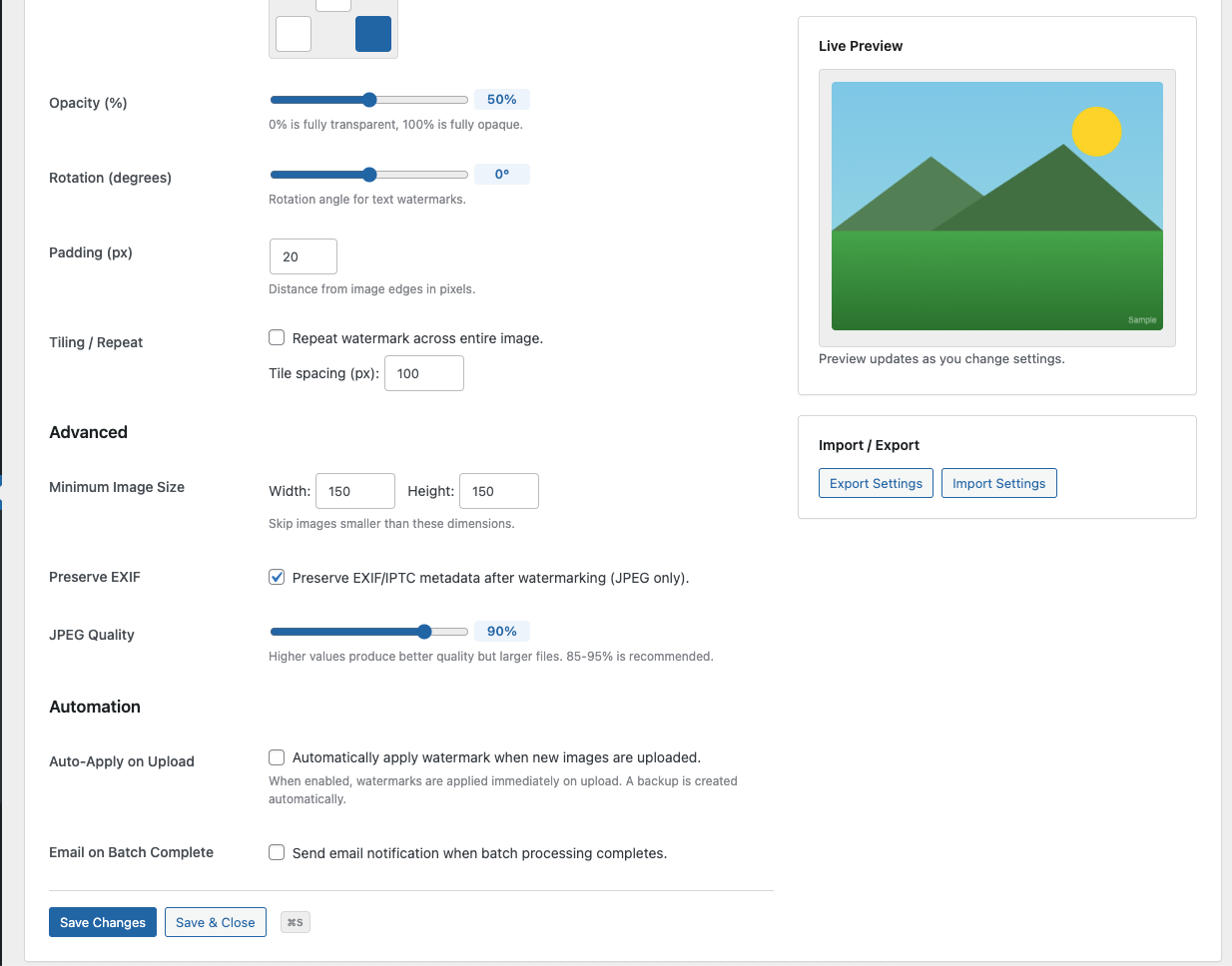
- Text watermarks with configurable font size, colour, and opacity
- Image watermarks scaled relative to the target image
- Five position options: top-left, top-right, center, bottom-left, bottom-right
- Tiling mode to repeat the watermark across the entire image
- Rotation for both text and image watermarks
- Auto-apply watermarks on upload
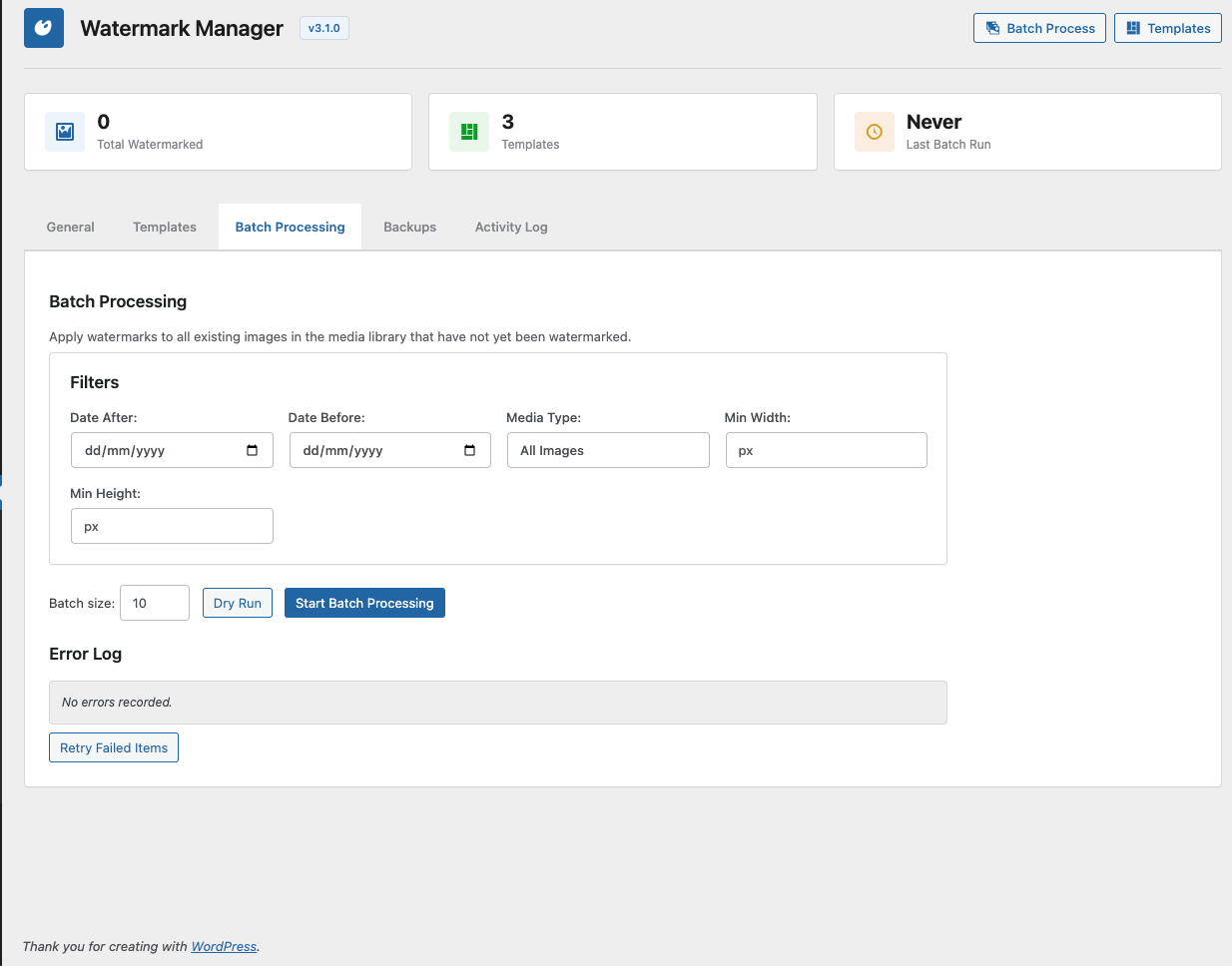
- Batch processing with date range and dimension filtering
- Dry-run mode to preview batch operations before applying
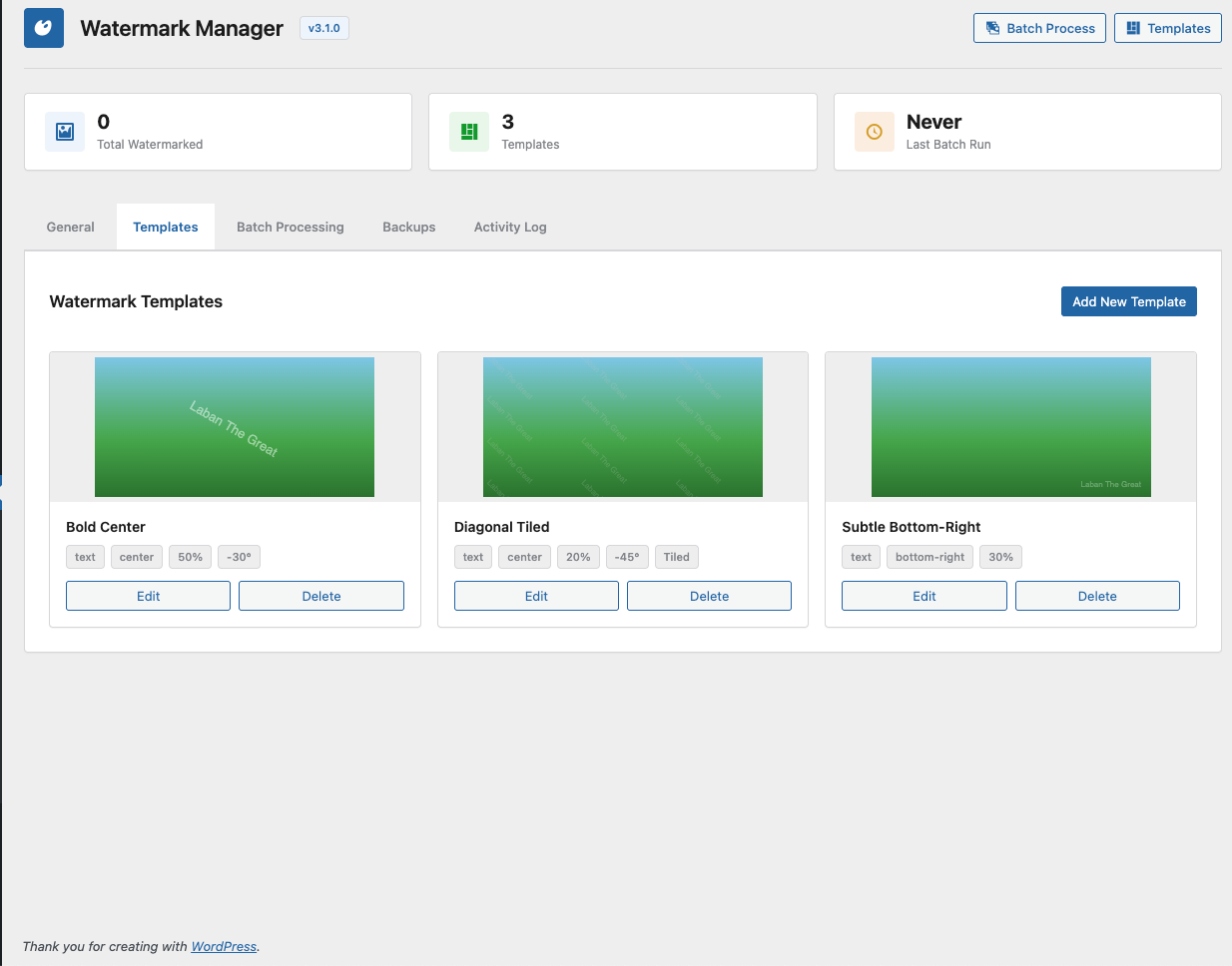
- Reusable watermark templates (saved as a custom post type)
- Backup and restore of original images
- Daily cron cleanup of old backups with configurable retention
- Per-image watermark controls on the attachment edit screen
- Import and export settings as JSON
- Activity log tracking all watermark operations
- JPEG EXIF/IPTC metadata preservation
- Optional WebP output conversion
- Minimum image size threshold to skip small images
- WP-CLI commands for all operations
- WordPress 6.0 or higher
- PHP 8.0 or higher
- GD library with TrueType font support
安装:
- Upload the
watermark-managerdirectory to/wp-content/plugins/. - Activate the plugin through the Plugins menu in WordPress.
- Go to Settings > Watermark Manager to configure.
wp-content/uploads/wm-backups/.屏幕截图:
常见问题:
What image formats are supported?
JPEG, PNG, GIF, and WebP. You can optionally convert output to WebP regardless of the source format.
Can I restore the original image after watermarking?
Yes. When backup is enabled, originals are saved before watermarking. Restore from the admin UI, attachment edit screen, or WP-CLI.
Can I watermark existing images?
Yes. Use the batch processor in the admin UI or run wp watermark batch from the command line.
Does it work with WP-CLI?
Yes. Commands include wp watermark apply, wp watermark batch, wp watermark remove, wp watermark status, and wp watermark templates.
What happens when I delete the plugin?
All plugin options, post meta, watermark templates, cron events, and the backup directory are removed on uninstall.
更新日志:
3.1.0
- Batch query refactoring for CLI and admin.
- Memory-safe batch processing with runtime cache flushing.
- Dimension filtering in batch operations.
- Capped error log and batch sizes.
- Centralized AJAX handler.
- WP-CLI commands: apply, batch, remove, status, templates.
- EXIF/IPTC metadata preservation for JPEG files.
- Batch dry-run mode, retry failed items, error log.
- Manual backup cleanup, paginated backup list.
- Import/export settings.
- Email notification on batch completion.
- Watermark template system (custom post type).
- Image watermark support (in addition to text).
- Tiling mode for both text and image watermarks.
- Image backup and restore system with daily cron cleanup.
- Activity log.
- Initial release.
- Text watermarks with position, opacity, and scale controls.
- Auto-apply on upload.
- Batch processing via admin UI.
- Per-attachment watermark controls on the edit screen.