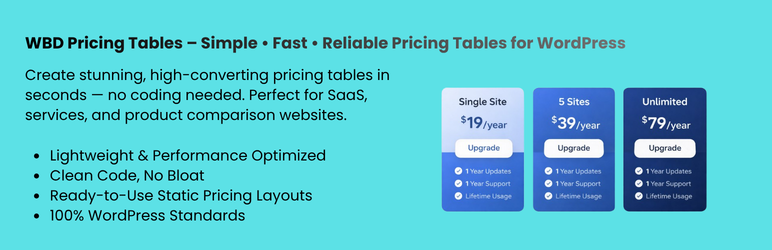
WBD Pricing Tables – Gutenberg Pricing Table & Comparison Block
| 开发者 |
wpbranddigital25
freemius |
|---|---|
| 更新时间 | 2026年9月30日 01:52 |
| PHP版本: | 7.4 及以上 |
| WordPress版本: | 7.1 |
| 版权: | GPLv2 or later |
| 版权网址: | 版权信息 |
详情介绍:
Pricing Tables Block for Gutenberg is a powerful and easy-to-use WordPress pricing table plugin that helps you create stunning pricing tables, pricing comparison tables, and pricing plans layouts directly inside the block editor.
Live Demos | Pricing | Support
Whether you're building SaaS pricing pages, product comparison tables, or service plans — this Gutenberg pricing table block gives you full control without any coding. Lightweight, fast, and fully responsive — works with every WordPress theme.
🚀 Perfect for freelancers, agencies, SaaS, startups, and WooCommerce websites.The plugin provides dedicated Pricing Table functionality and a Comparison Pricing Table block for presenting plans, products, or features in an easy-to-understand format.
Features
✅ Free Features
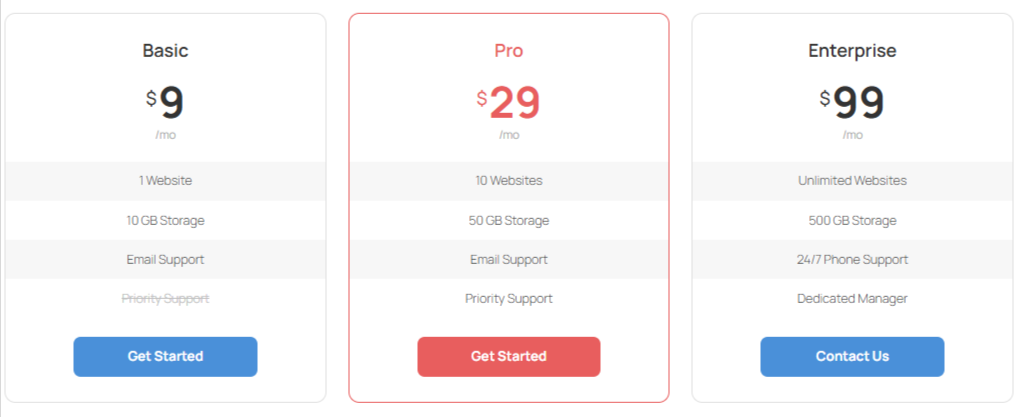
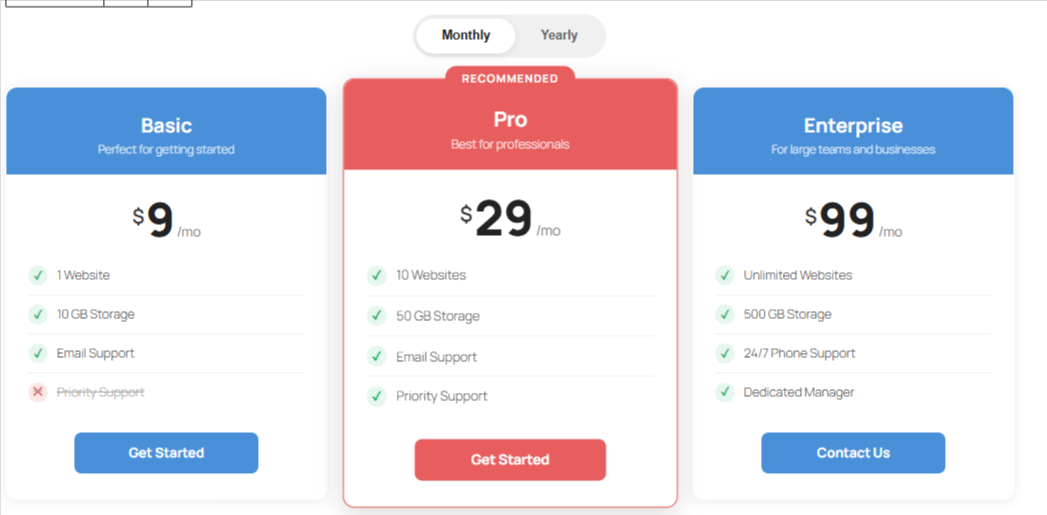
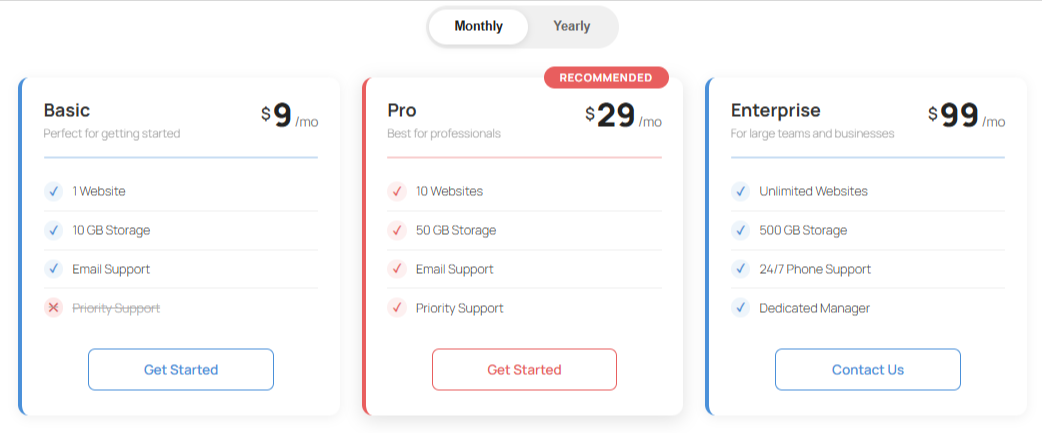
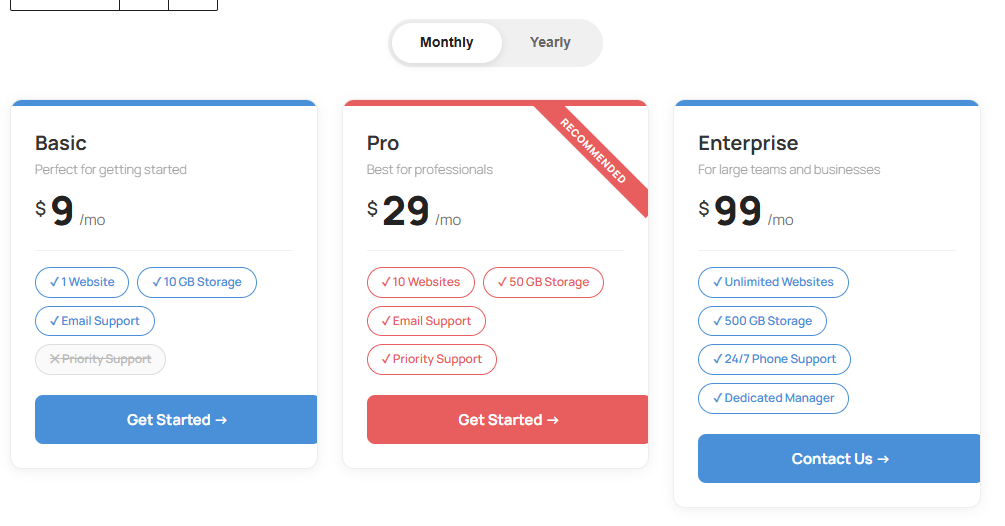
Free Templates - Add up to 3 pricing plans displayed side by side in a responsive grid.
Customizable Plan Details — Set plan name, price, currency symbol, billing period, and description for each plan.
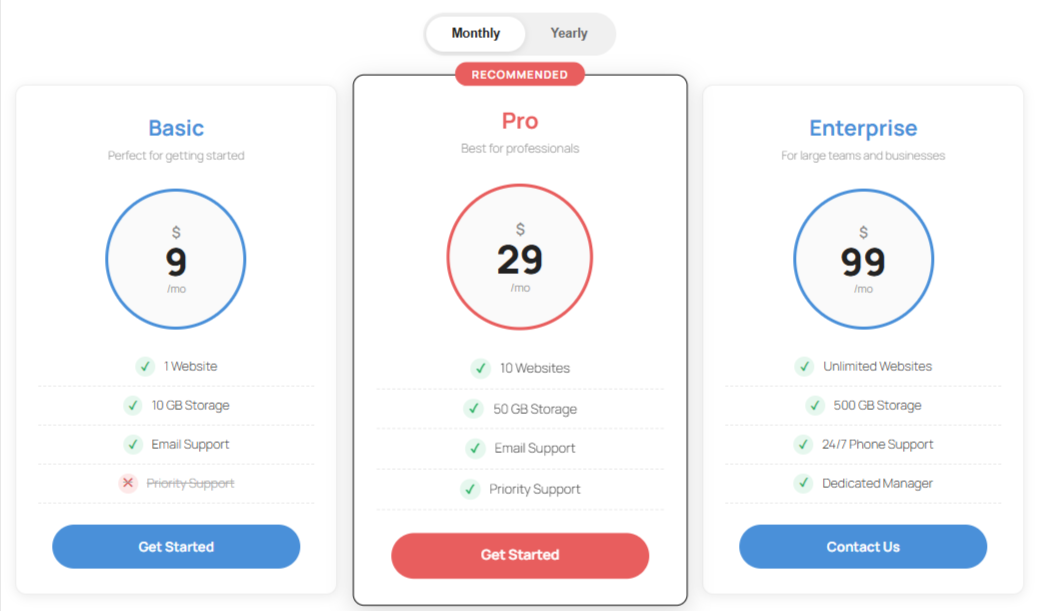
Feature Lists — Add unlimited features per plan with optional checkmark or cross icons to indicate included/excluded features.
Call-to-Action Buttons — Customize button text and URL for each plan with option to open links in a new tab.
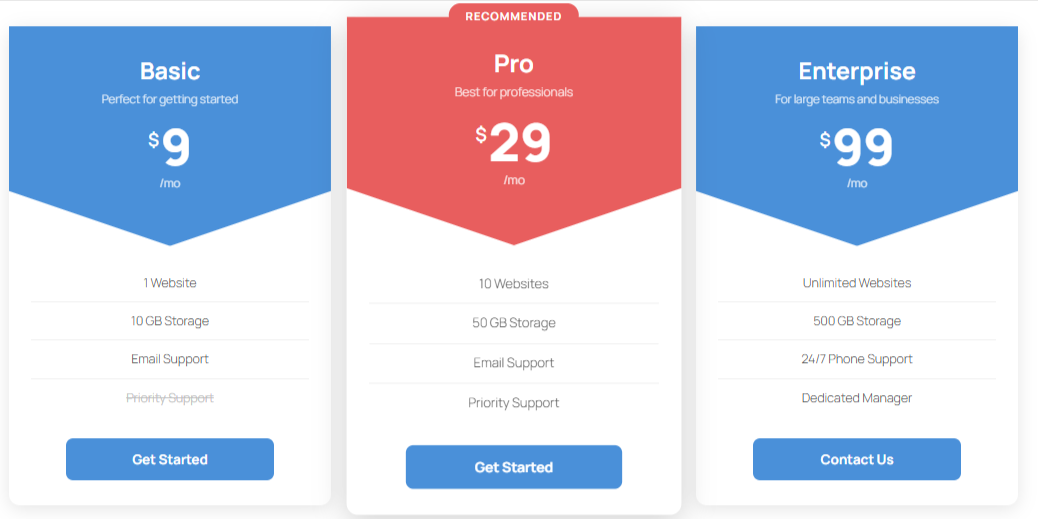
Featured/Recommended Plan — Highlight a plan as "recommended" with a badge and visual emphasis.
Color Customization — Choose header background color, header text color, button color, button text color, and featured plan accent color.
Layout Options — Choose between 1 to 4 columns layout.
Responsive Design — Plans stack gracefully on smaller screens.
Live Preview — See all changes in real time within the editor.
⚡ Pro Version Features
If you need even more features, styling options, or premium support, you can upgrade to the Pro version:
Five Premium Templates
Comparison pricing table block
Advanced Styling & Layout Controls
Priority Support — Dedicated help within 24 hours
Pricing Table and Comparison Blocks
WBD Pricing Tables includes pricing table functionality for presenting plans and a Comparison Pricing Table block for comparing products, plans, or features.
Use pricing tables to show plan details and pricing. Use comparison tables to help visitors review differences between available options.
Why Choose This Pricing Table Block Plugin?
- Built specifically for Gutenberg (Block Editor)
- Lightweight and fast loading (better SEO performance)
- Fully responsive pricing table design
- No shortcode required – 100% block-based
- Clean UI inspired by modern SaaS pricing tables
安装:
- Log in to your WordPress admin dashboard.
- Go to Plugins → Add New.
- Search for WBD Pricing Tables.
- Click Install Now.
- Click Activate.
- Edit or create a page using the WordPress Block Editor.
- Click the + Block Inserter.
- Search for Pricing Table.
- Add the pricing table block to your page.
- Configure your plans, features, buttons, colors, and layout from the Block Inspector.
- Download the plugin ZIP file.
- Go to Plugins → Add New → Upload Plugin.
- Upload the plugin ZIP file.
- Click Install Now.
- Click Activate Plugin.
屏幕截图:
常见问题:
How many plans can I add?
You can add up to 6 pricing plans in a single block.
Can I highlight a recommended plan?
Yes! Each plan has a "Featured" toggle that adds a visual badge and elevated styling.
Is the block responsive?
Yes, the pricing table is fully responsive and adapts to all screen sizes.
更新日志:
1.2.0
- New Two Premium Theme.
- Fixed Theme Style Problem
- Performance optimazation.
- Added new Comparison Pricing table block.
- Compliance update: Remove all Freemius premium feature gating and overlays. All built-in templates and layouts are now 100% free and functional.
- Remove auto-deactivation hook to prevent deactivating other plugins without consent.
- Document public repository source code and build steps in the readme.
- Bump version and tested up to tags.
- Fix conflict with Pro version.
- Fixed Theme Style Problem
- Add new Layout Style theme.
- Performance optimazation.
- Initial release with full pricing table functionality.