Ozow Gateway for WooCommerce
| 开发者 | Ozow |
|---|---|
| 更新时间 | 2026年2月11日 20:47 |
| PHP版本: | 7.4 or later 及以上 |
| WordPress版本: | 6.9.1 |
| 版权: | GPLv3 |
| 版权网址: | 版权信息 |
详情介绍:
Ozow is one of South Africa’s fastest growing fintechs changing the finance landscape by creating cashless and contactless payment solutions that speak to the heart of your customer’s needs.
The Ozow extension for WooCommerce enables you to accept payments via one of South Africa’s most popular payment gateways.
安装:
Installation Steps
- Upload the plugin files to the
/wp-content/plugins/plugin-namedirectory, or install the plugin through the WordPress plugins screen directly. - Activate the plugin through the \'Plugins\' screen in WordPress
- Look for the \"Ozow Gateway for WooCommerce\" plugin and click on \"Activate\".
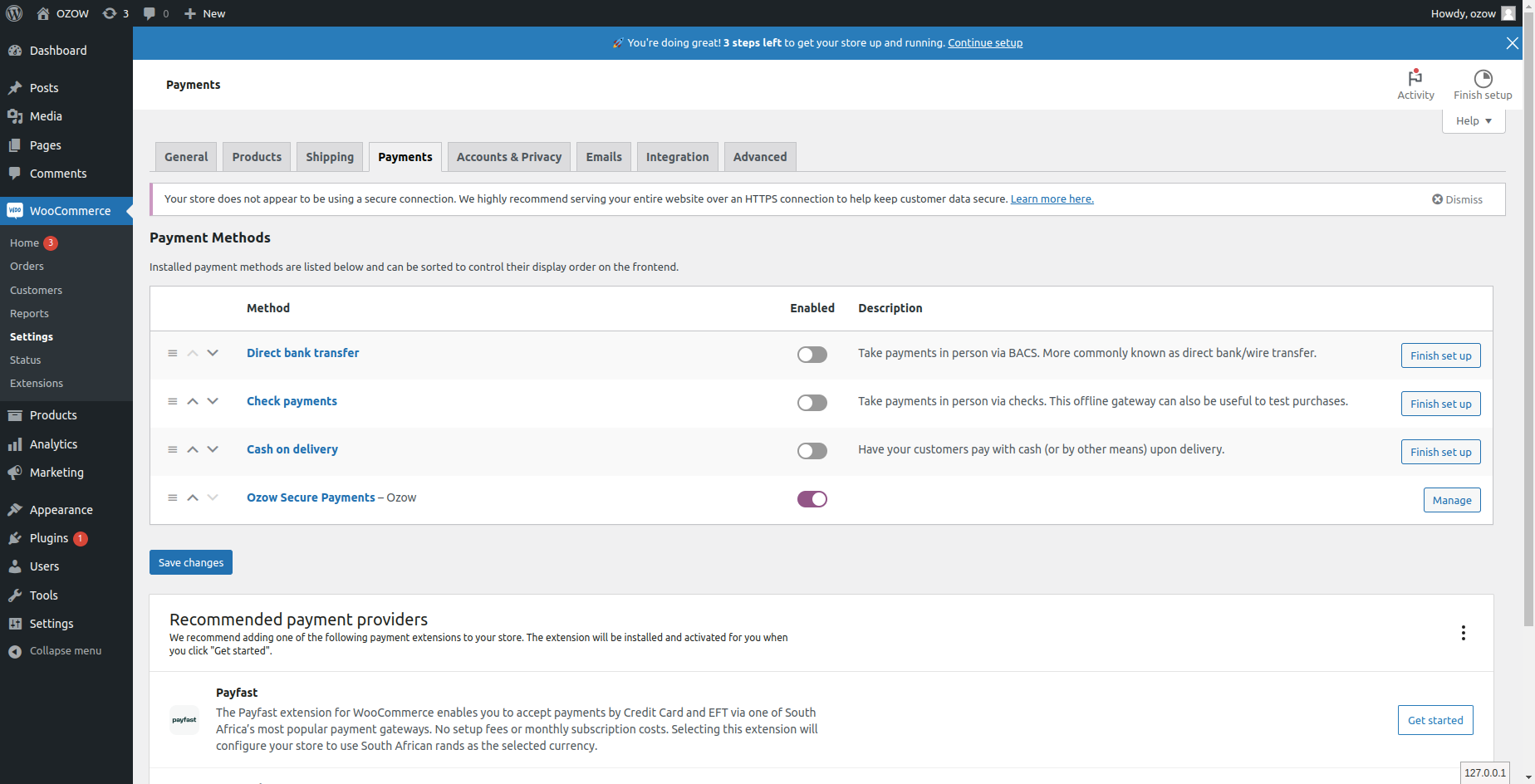
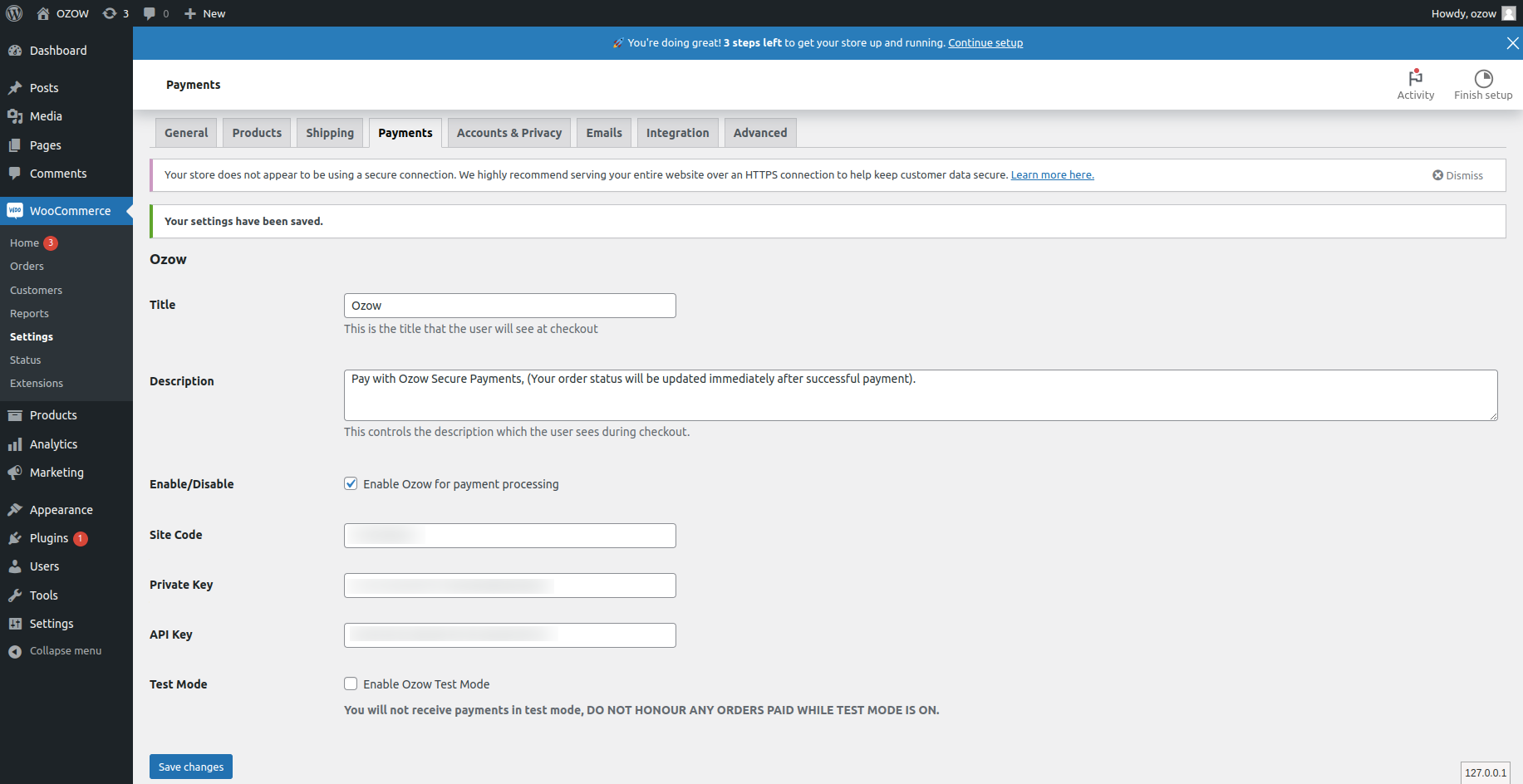
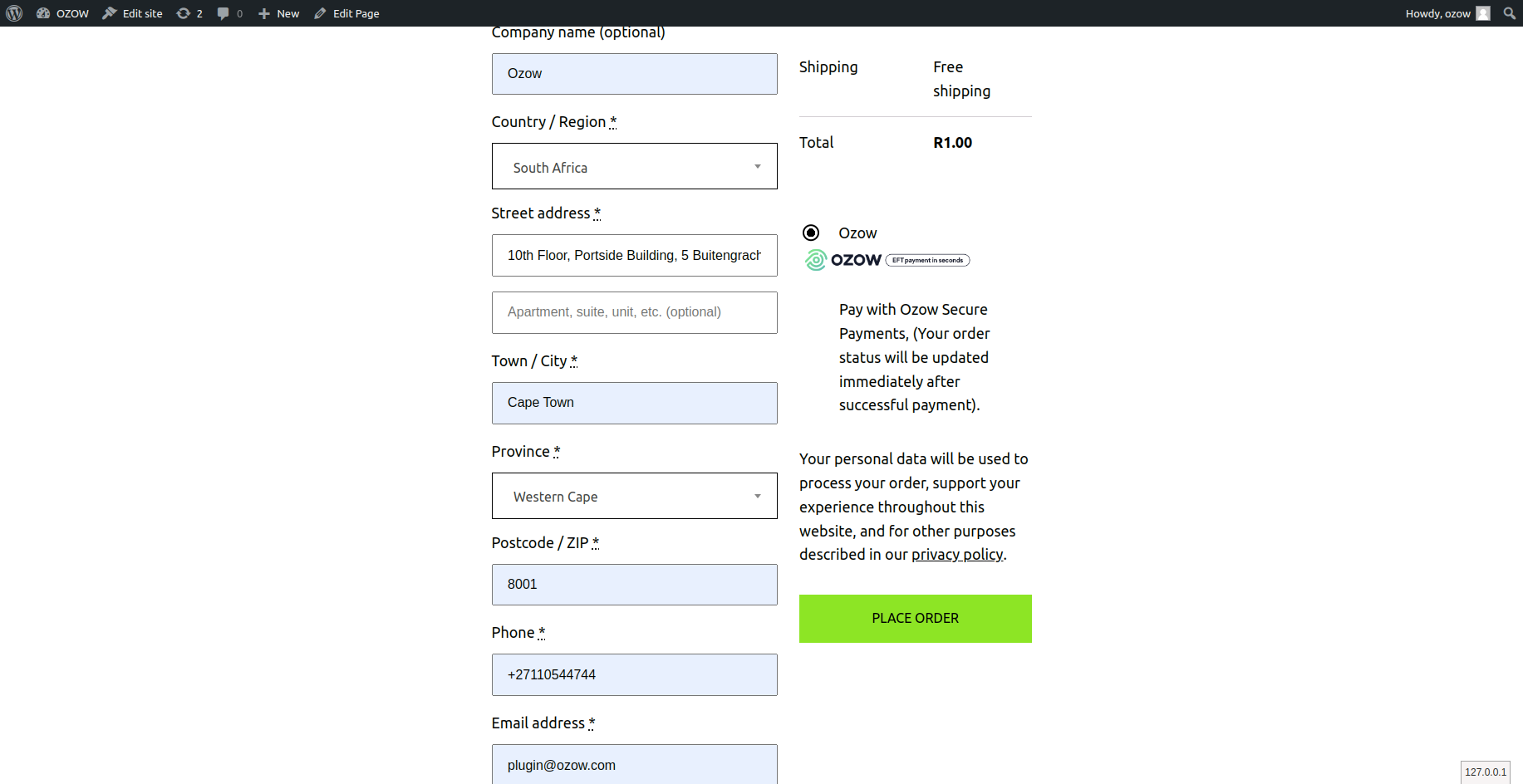
- Configure Ozow in your WooCommerce settings: 4.1 Hover over \"WooCommerce\" link in the left menu and click on the \"Settings\" link. 4.2 Click on the \"Payments\" tab on the top of the screen. 4.3 Click on the \"Ozow Secure Payments\". 4.4 Configure the title and description that will be displayed to users on checkout and fill in your merchant settings (these can be retrieved from the Ozow Merchant Admin site).
- Any edits made to the plugin to bypass certain features/restraints are done so at your own risk, Ozow will not be held responsible or accountable for any payments made or transactions failing as a result after a plugin provided by us has been edited. If you encounter any bugs or errors or would like to request a feature in the plugin please let us know at info@ozow.com *
屏幕截图:
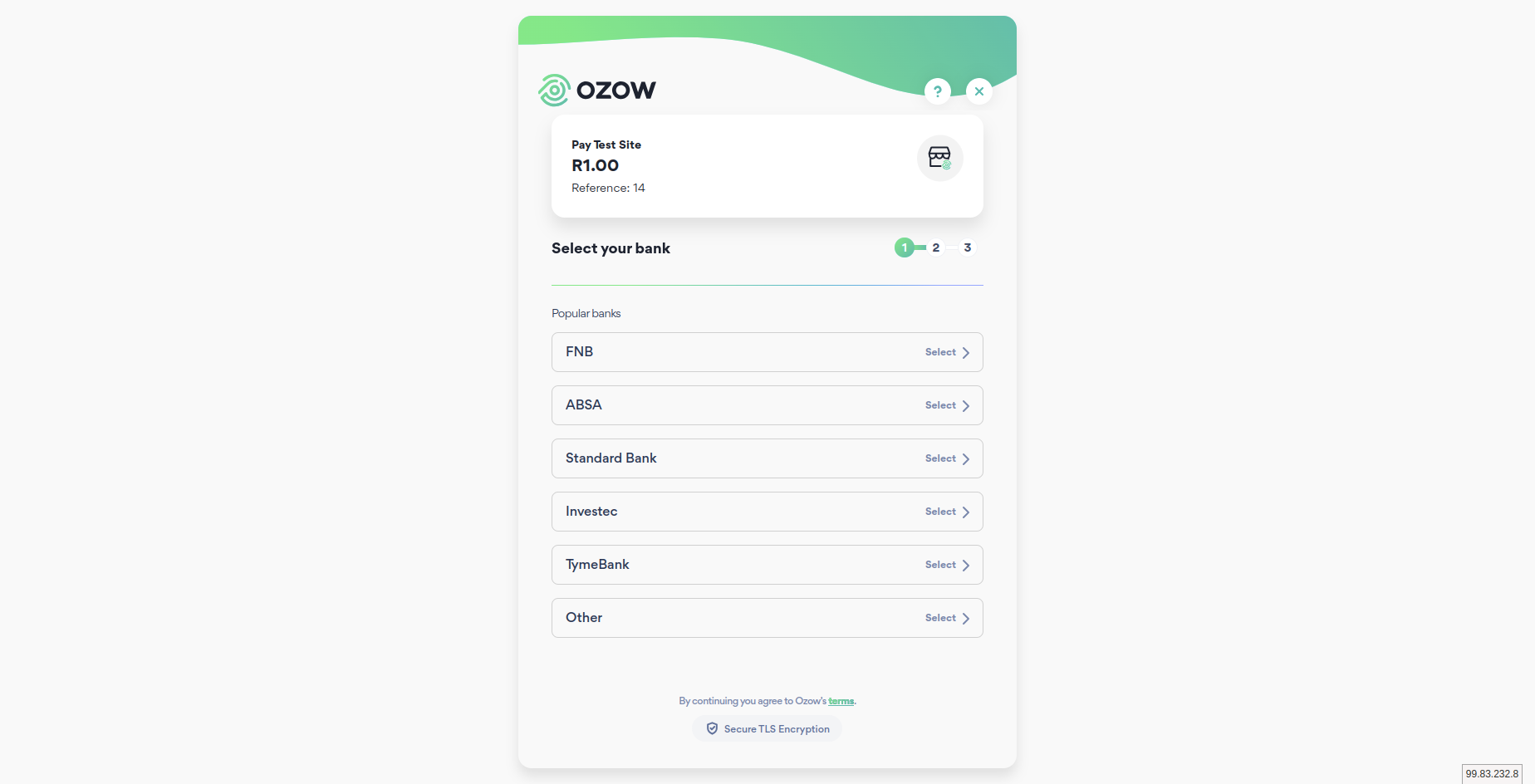
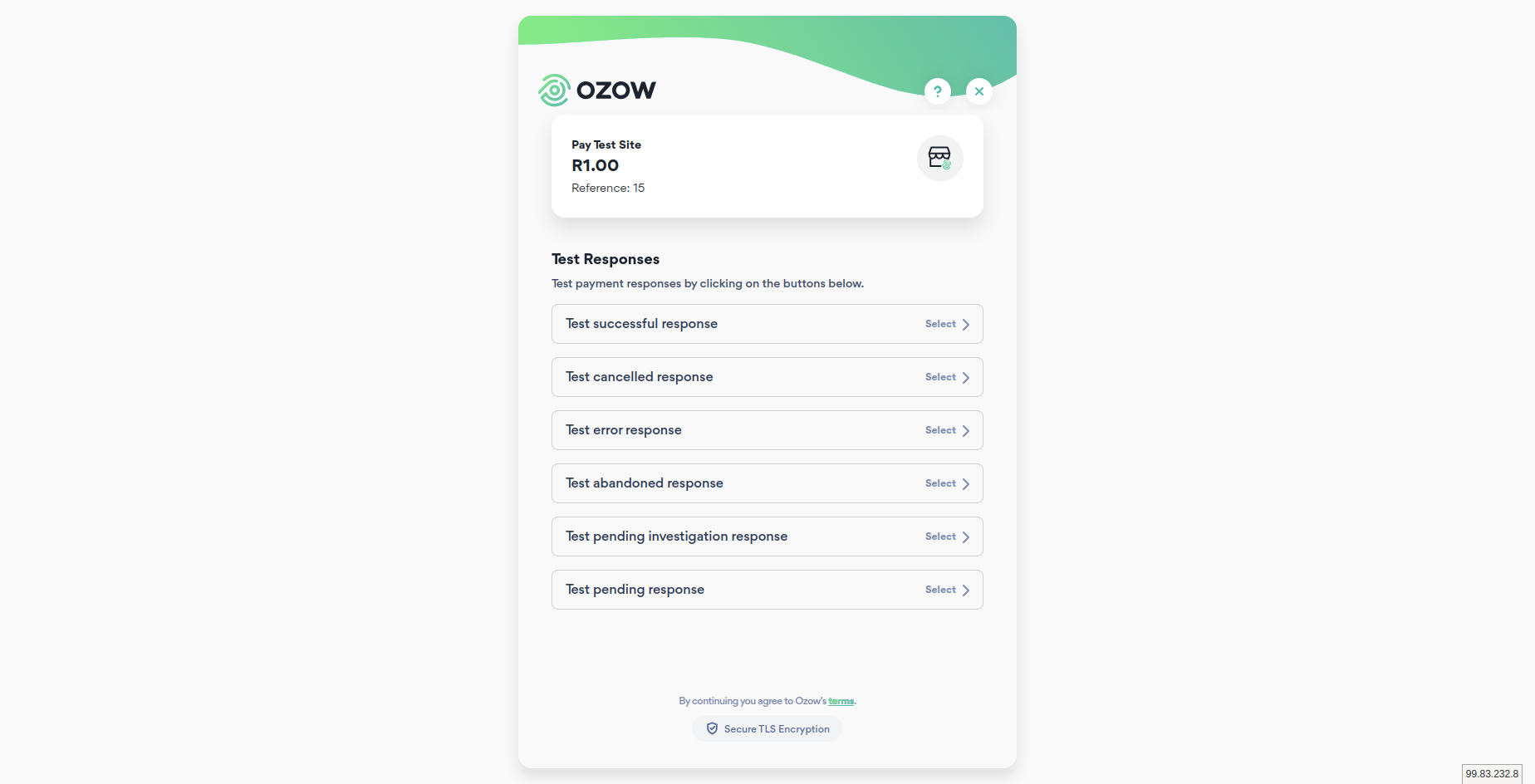
常见问题:
Does this require a Ozow merchant account?
Yes! A Ozow merchant account, merchant key and merchant ID are required for this gateway to function.
更新日志:
1.0.0 - 2023-09-01
- Initial release
- Added: Compatibility with WooCommerce block-based checkout.
- Added: WooCommerce HPOS (High-Performance Order Storage).
- Dev – Bump WordPress “tested up to” version to 6.8.1.
- Dev – Bump WooCommerce “tested up to” version to 9.8.5.
- Dev – Perform full security and guideline check for plugin re-review.
- Fix – Ensure special characters in API key and private key are stored and retrieved correctly.
- Dev – Added decoding logic to prevent HTML entity issues for sensitive credentials.
- Dev – Verified safe handling of special characters without affecting plugin functionality or security.
- Added – Implemented functionality to resend payment links within the administrative backend.
- Fixed – Ensured that all payment notifications are processed correctly for orders.
- Fix – Resolved deprecated warnings for dynamic property creation in PHP 8.2+ by declaring protected properties and using getter methods.
- Dev – Improved compatibility with PHP 8.2, 8.3, and 8.4.
- Dev – Tested with WordPress 6.9.1 and WooCommerce 10.5.0.
- Dev – Updated plugin metadata and “tested up to” version fields.
- Dev – No functional changes.