Variation Images – Additional Variation Images for WooCommerce
| 开发者 |
manikmist09
pluginever |
|---|---|
| 更新时间 | 2026年8月24日 20:14 |
| PHP版本: | 7.4 及以上 |
| WordPress版本: | 7.1 |
| 版权: | GPLv2 or later |
| 版权网址: | 版权信息 |
详情介绍:
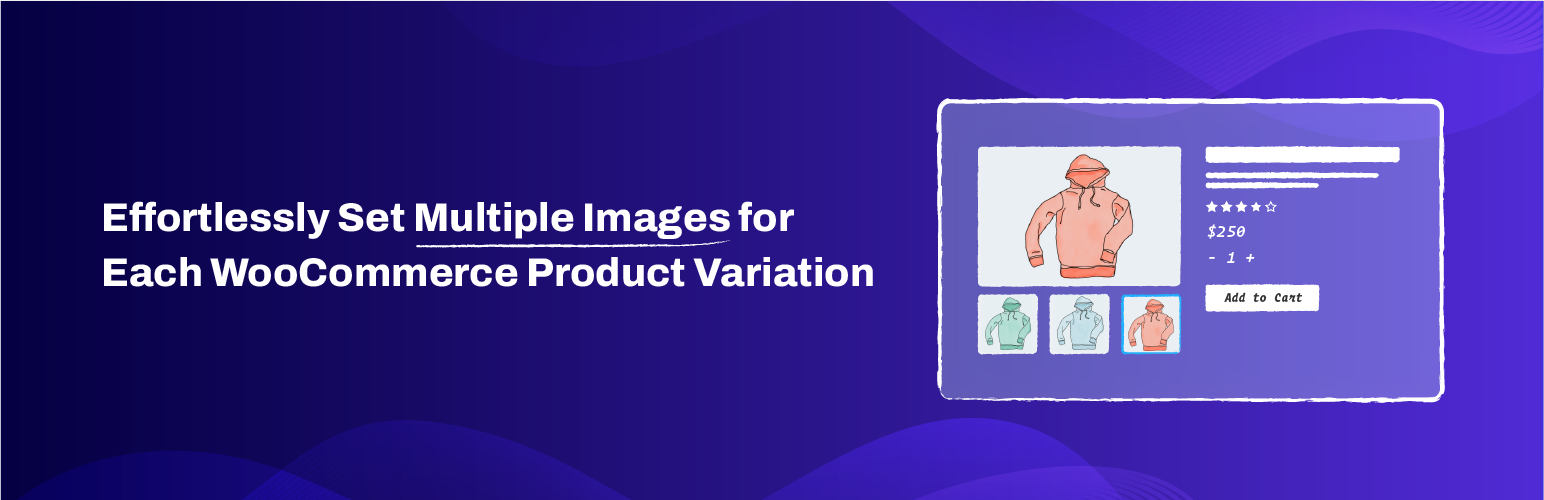
Variation Images lets you add multiple images per variation in your WooCommerce store. By default, WooCommerce only supports a single image for each product variation — forcing you to work around limited visuals. With this plugin, every variation can have its own image gallery.
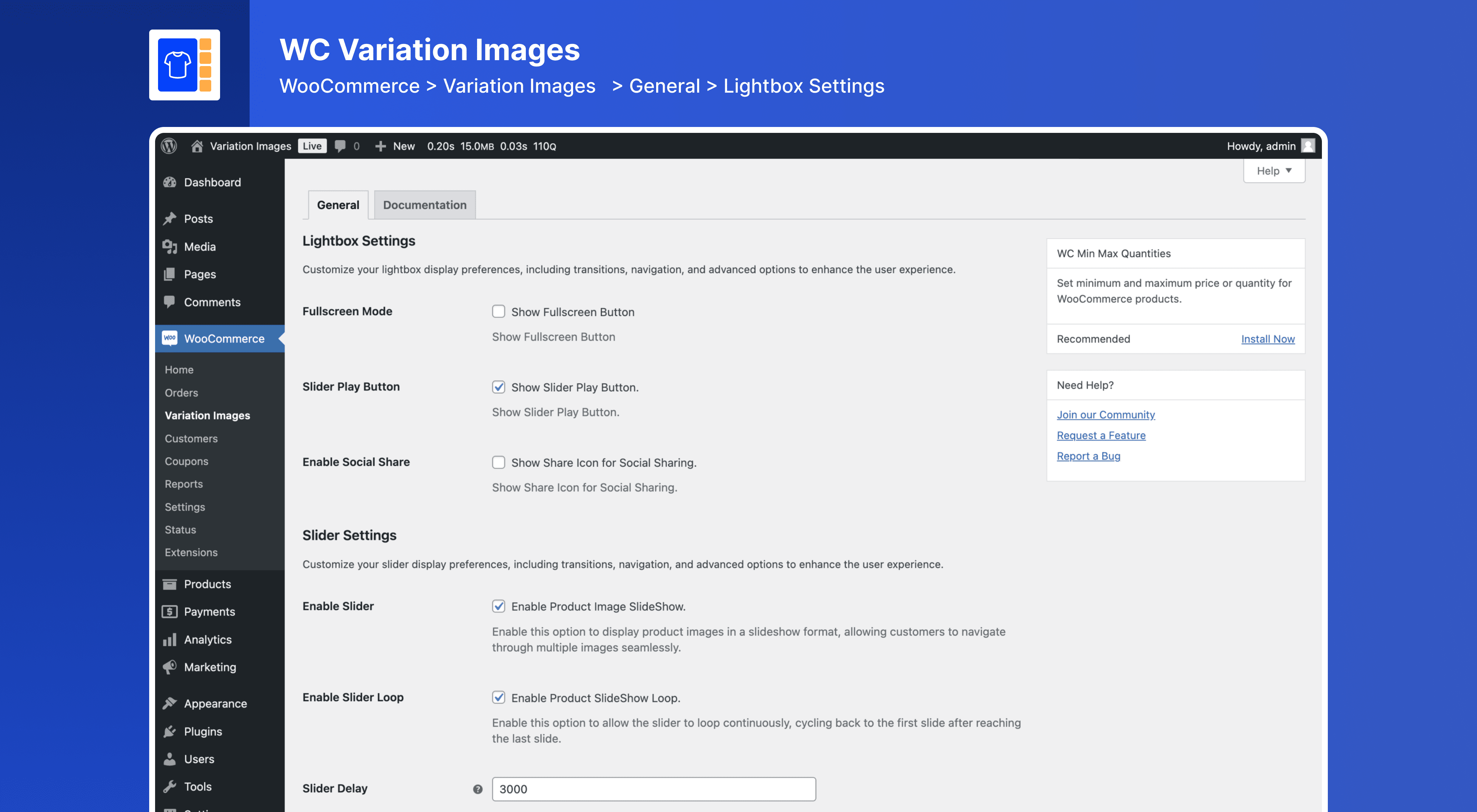
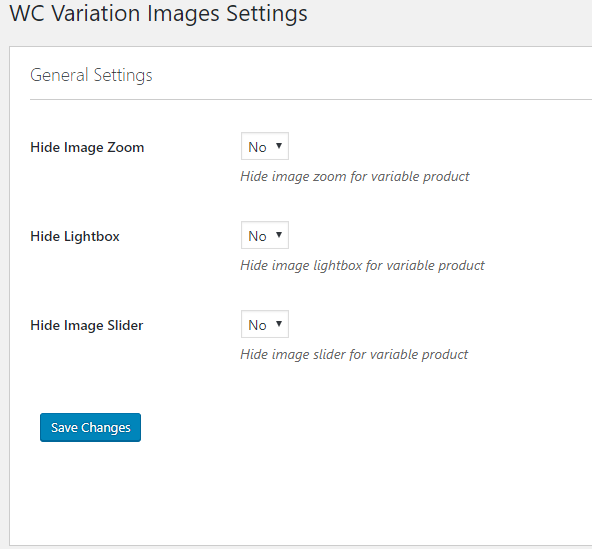
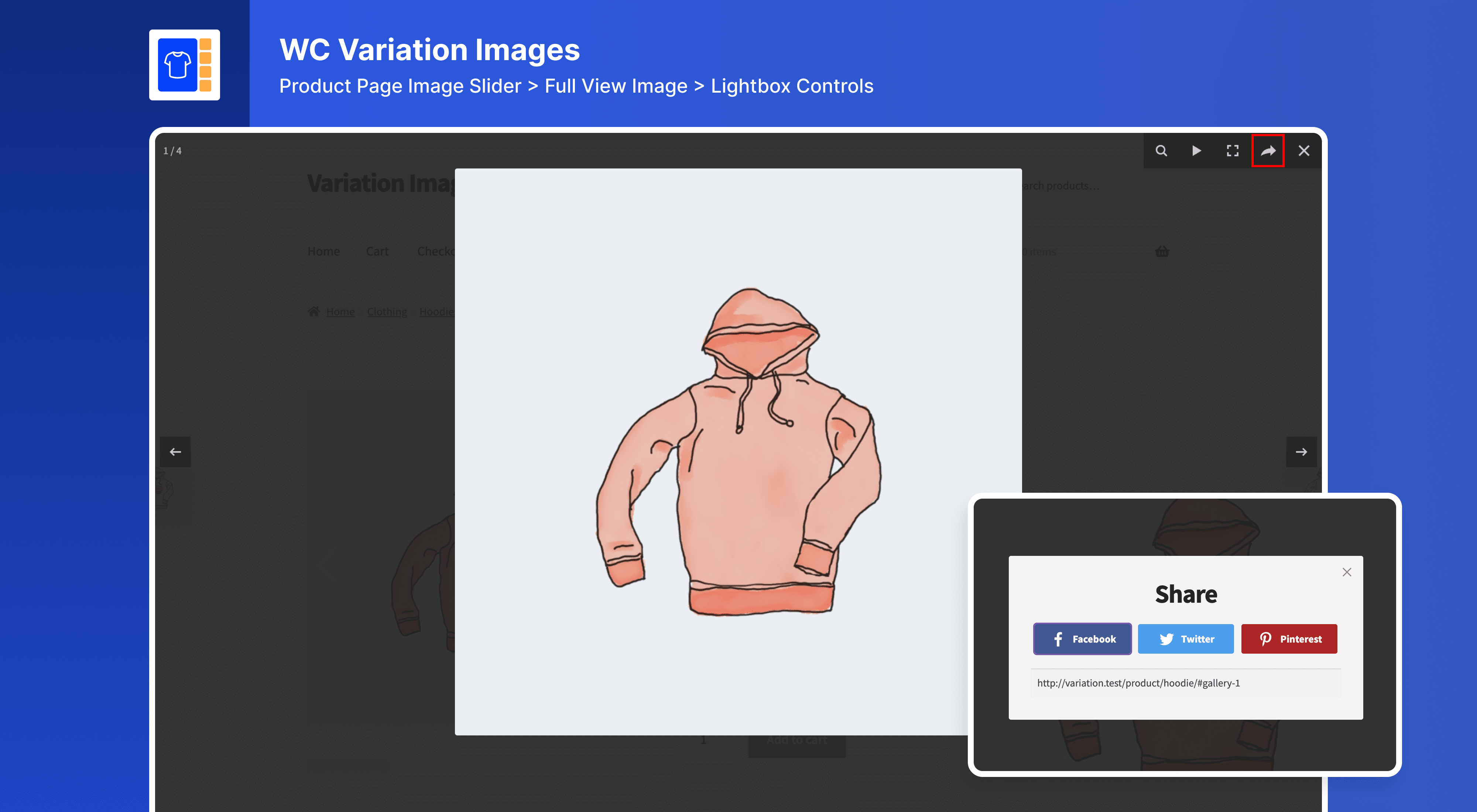
Whether you are selling fashion, electronics, furniture, or digital goods, each product variation can now be shown from every angle. The variation image gallery supports zoom, lightbox, intuitive slider navigation, and is fully responsive across devices.
With support for image zoom, lightbox viewing, and flexible gallery positions, your store will look more professional and deliver an engaging shopping experience across all devices.
With this plugin, you can:
- Show realistic views and alternate angles per variation to build trust.
- Reduce customer hesitation by giving a full visual context before they select a variation.
- Make your product pages stand out and increase conversion rates.
- Showcase complete product views with multiple images per variation
- Replace the default single image with a complete product variation image gallery
- Improve customer confidence with visual clarity and detailed variation views
- Help buyers make faster decisions with clear variation gallery visuals
- Enable advanced features like zoom, lightbox, and slider navigation
- Fully responsive and compatible with most WooCommerce themes
安装:
📦 From WordPress Dashboard
- Navigate to Plugins > Add New
- Search “Variation Images for WooCommerce”
- Locate the plugin from the search result
- Click Install Now, then Activate Please note that if you didn’t find the plugin in the search result, you can try searching with the “PluginEver” keyword.
- Download the ZIP file
- Go to Plugins > Add New > Upload Plugin
- Upload & activate
- Unzip plugin file
- Upload folder to
/wp-content/plugins/ - Go to dashboard → Plugins → Activate
屏幕截图:
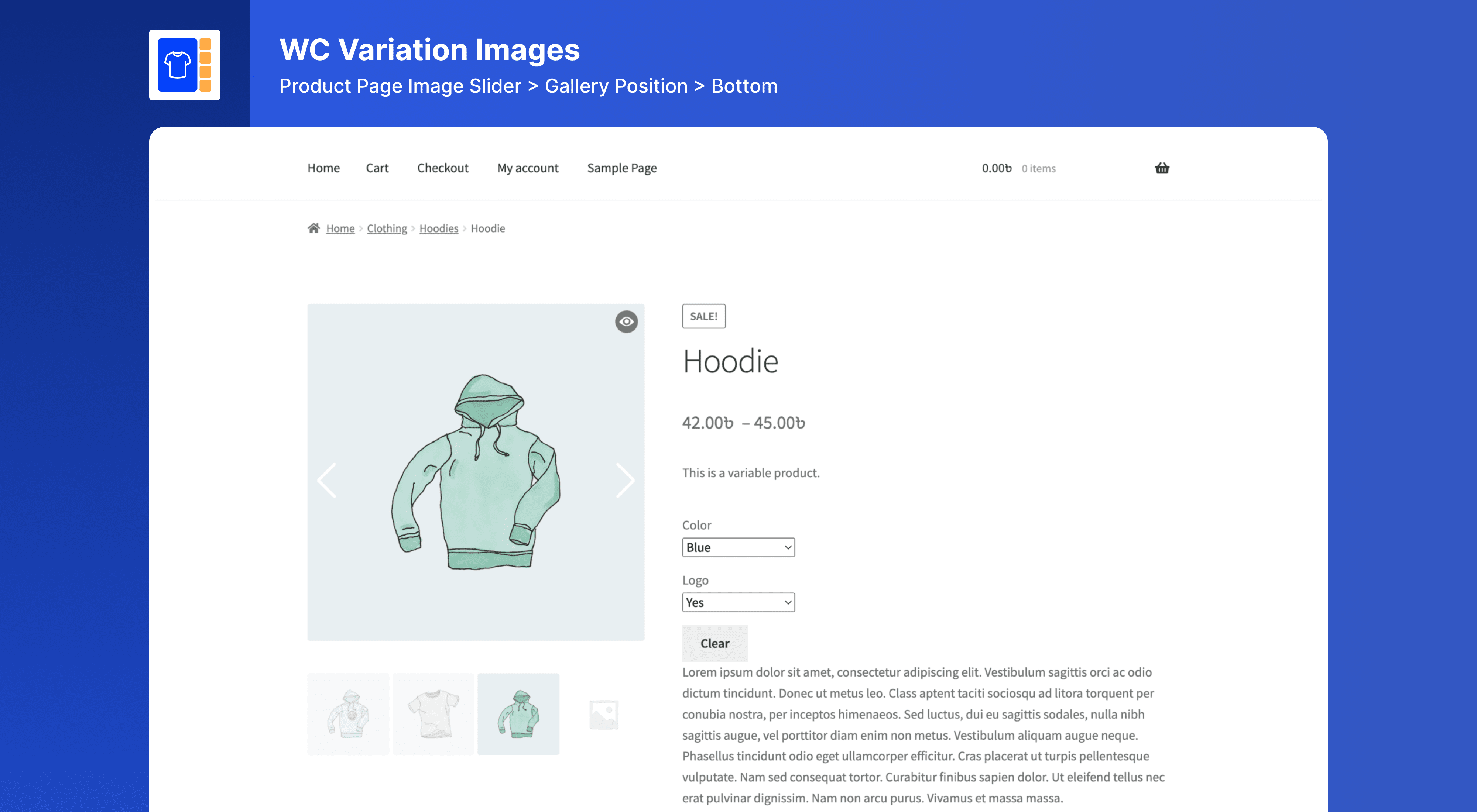
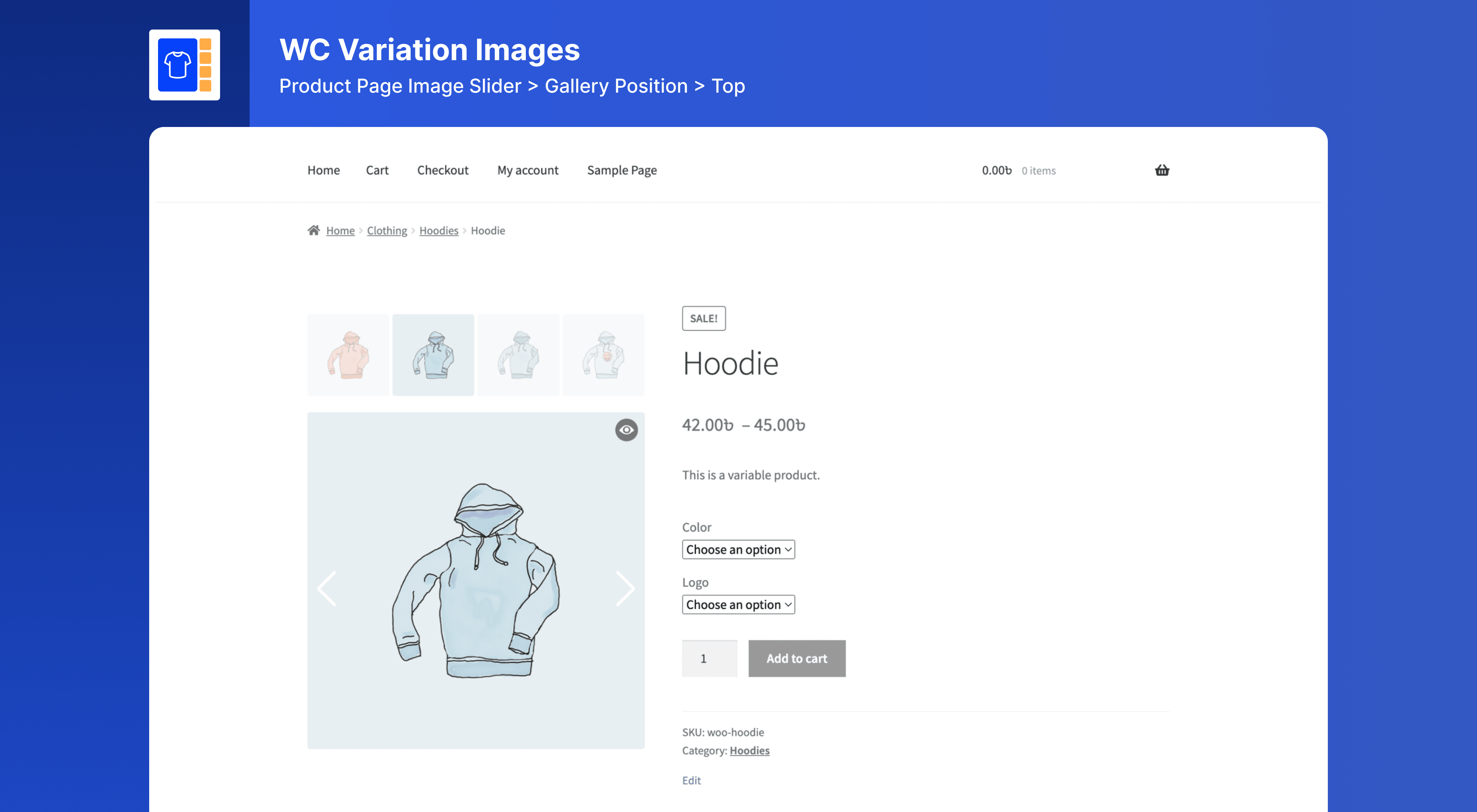
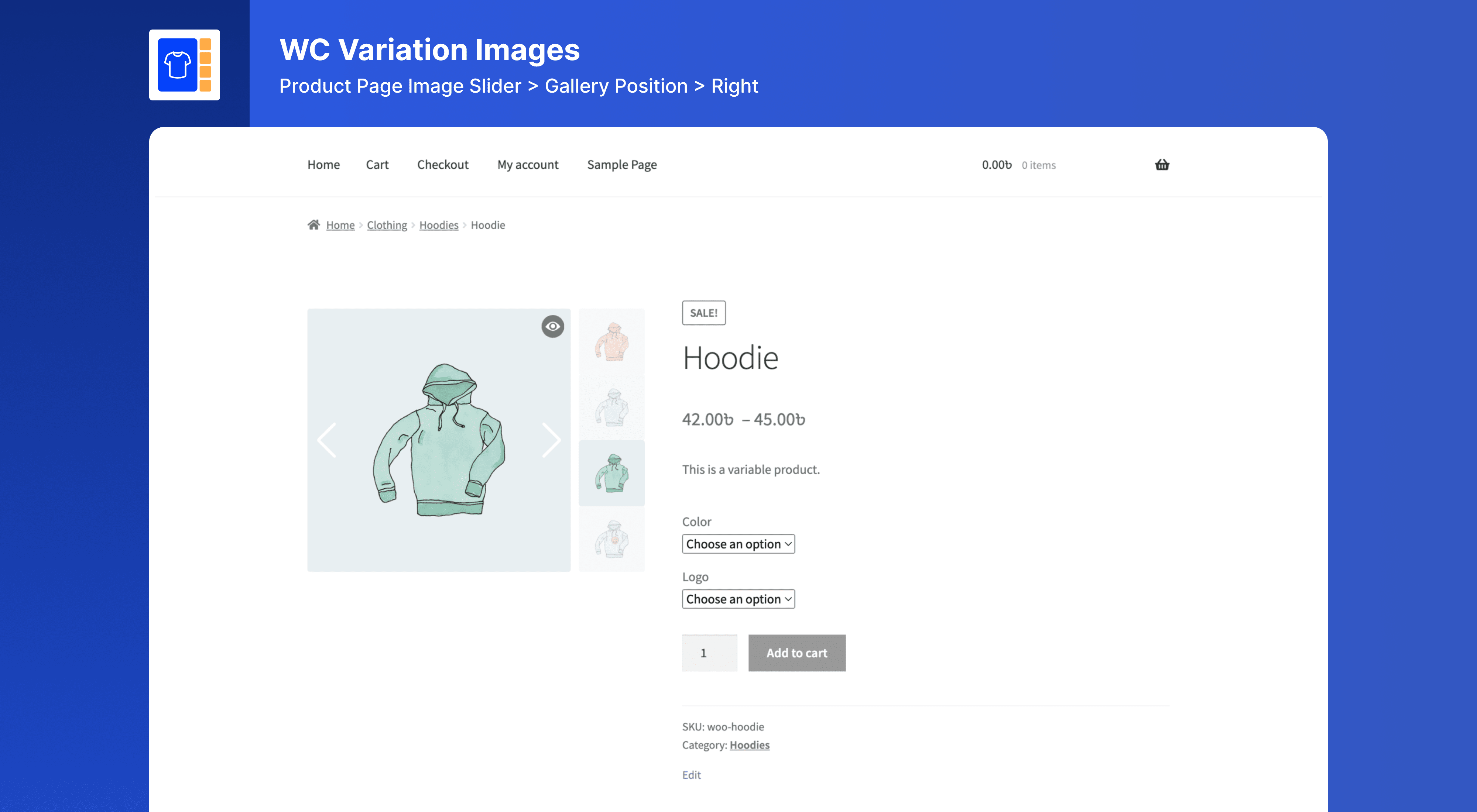
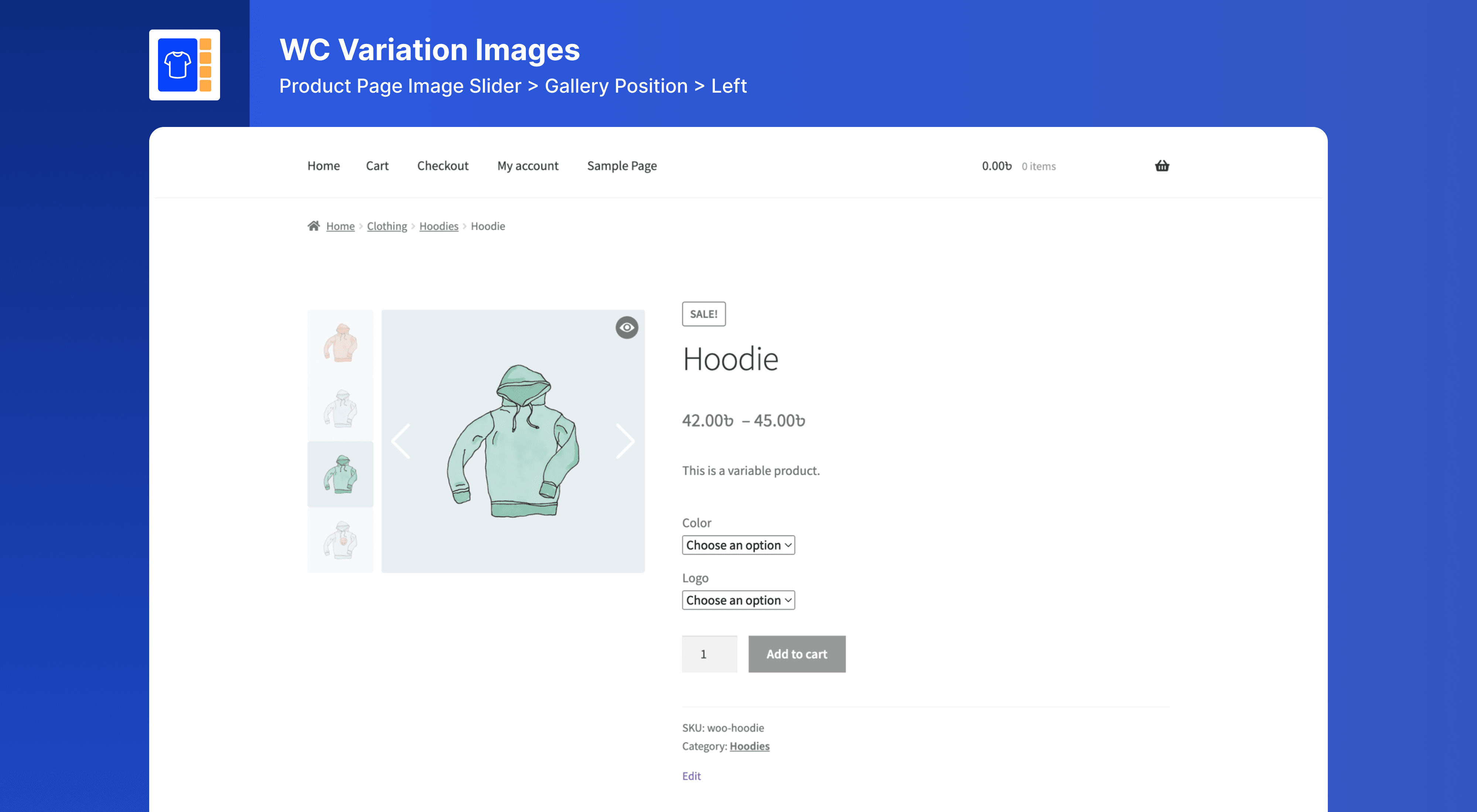
常见问题:
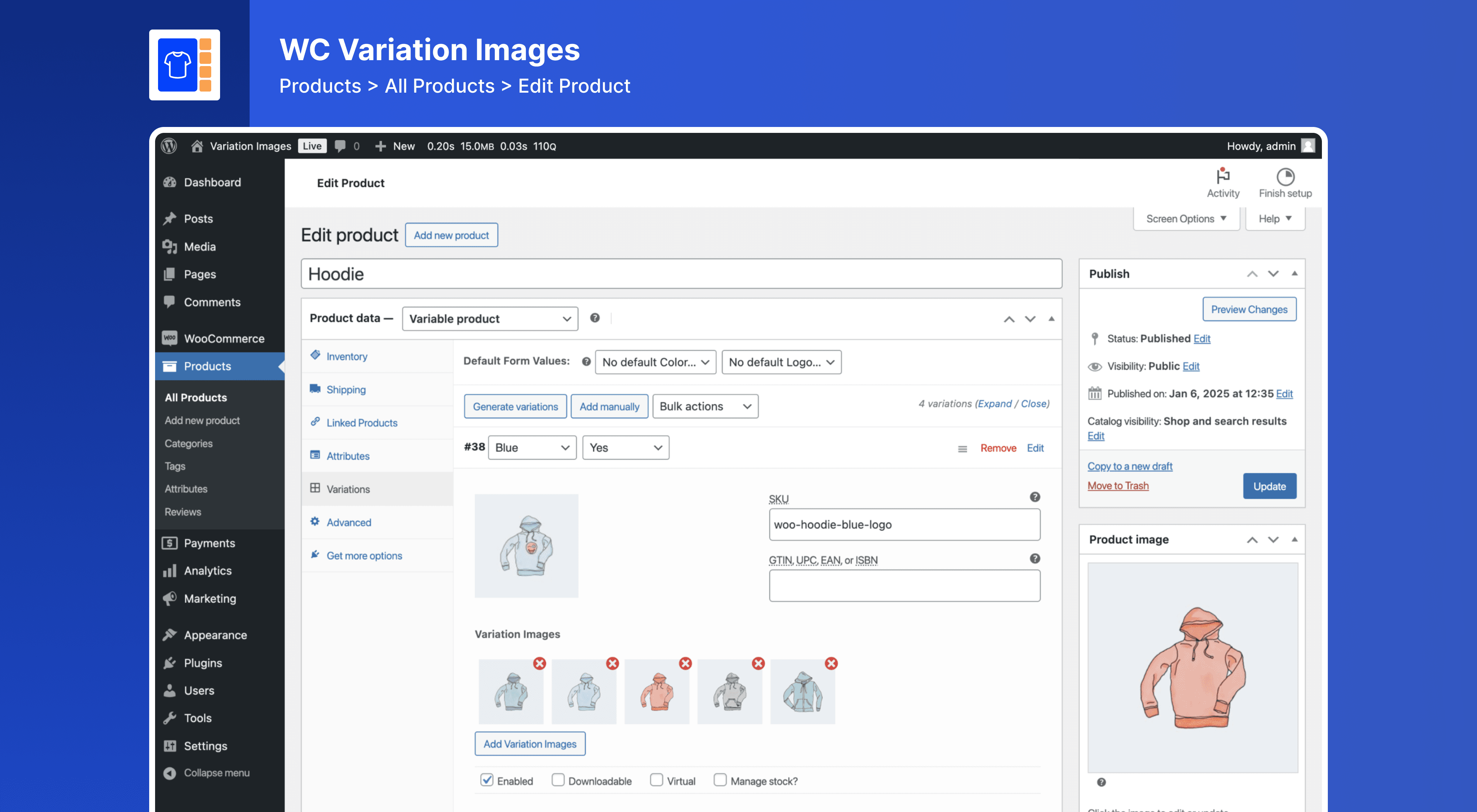
How do I add multiple images to a product variation?
Edit a variable product → Go to Variations tab → You’ll see image upload options for each variation.
Does Variation Images work with all WooCommerce themes?
Yes! It’s compatible with major WooCommerce themes like Astra, OceanWP, Flatsome, Storefront, and others.
Is Variation Images compatible with Multisite?
Yes, Variation Images works with WordPress Multisite networks.
Will it slow down my store?
No. The plugin is lightweight, well-coded, and optimized for performance.
How many images can I add per variation?
The free version supports 3 images per variation. The Pro version allows unlimited images.
Where can I get support?
Support is available via our PluginEver Helpdesk or through the WordPress.org support forum.
更新日志:
1.4.1 (24th August 2026)
- Fix: Fixed several minor issues related to plugin functionality, stability, and compatibility.
- Compatibility: Tested with Latest WordPress and WooCommerce Versions.
- New: Updated the plugin core architecture for improved performance, maintainability, and compatibility.
- New: Added a deactivation feedback survey to help improve the plugin experience.
- New: Added helpful admin notifications and a Pro panel in the settings page.
- Enhanced: Improved the settings page, admin interface, and overall plugin experience.
- Enhanced: Improved the plugin installation and update process.
- Fix: Fixed the frontend slider display and several minor issues related to plugin functionality and stability.
- Compatibility: Checked compatibility with the latest version of WordPress and WooCommerce.
- Fix: Fixed missing slider and lightbox assets causing broken gallery display on frontend.
- Fix: Fixed Swiper and FancyBox libraries not loading correctly after build process changes.
- Compatibility: Tested with WooCommerce 10.6.
- Fix - Fixed compatibility issue with WooCommerce 10.4
- Fix: Updated plugin naming to comply with WordPress.org trademark guidelines.
- Enhance: Improved readme content clarity and removed promotional language per guidelines.
- Fix - Fixed minor issues.
- Enhance: Update the plugin notices.
- Compatibility - Checked compatibility with the latest version of WooCommerce (v10.3).
- Compatibility - Checked compatibility with the latest version of WordPress and WooCommerce.
- New - Added new feature to variation image gallery.
- Enhance - Improved code structure and enhanced functionality.
- Fix - Fixed some known issues.
- Compatibility - Checked compatibility with the latest version of WordPress and WooCommerce.
- Fix - Fixed some known issues.
- Enhance - Improve code structure, enhance functionality and remove unused code.
- Compatibility - Compatible with the latest version of WordPress and WooCommerce.
- Fix - Some known issues.
- Compatibility - Checked compatibility with WC latest version.
- Enhance - Update Framework
- Enhance - Add New Feature Gallery Position
- Fix - Fixed some known issues
- Compatibility - Checked compatibility with WP latest version
- Compatibility - Checked compatibility with WC latest version
- Fix - Fixed some known issues
- Compatibility - Checked compatibility with WP latest version
- Compatibility - Checked compatibility with WC latest version
- Fix - Fixed some known issues
- Fix - Fixed security issues
- Enhance - Update Framework
- Compatibility - Checked compatibility with WP latest version
- Compatibility - Checked compatibility with WC latest version
- Fix - WC HPOS issue
- WC compatibility with 9.1.4
- WP compatibility with 6.6.1
- WC compatibility with 7.1
- WP compatibility with 6.1
- WC compatibility with 3.7.1
- WP compatibility with 5.2.4
- [Fix] image preview in variation product
- [Fix] Hide variation slider when reset/clear variation option
- First release