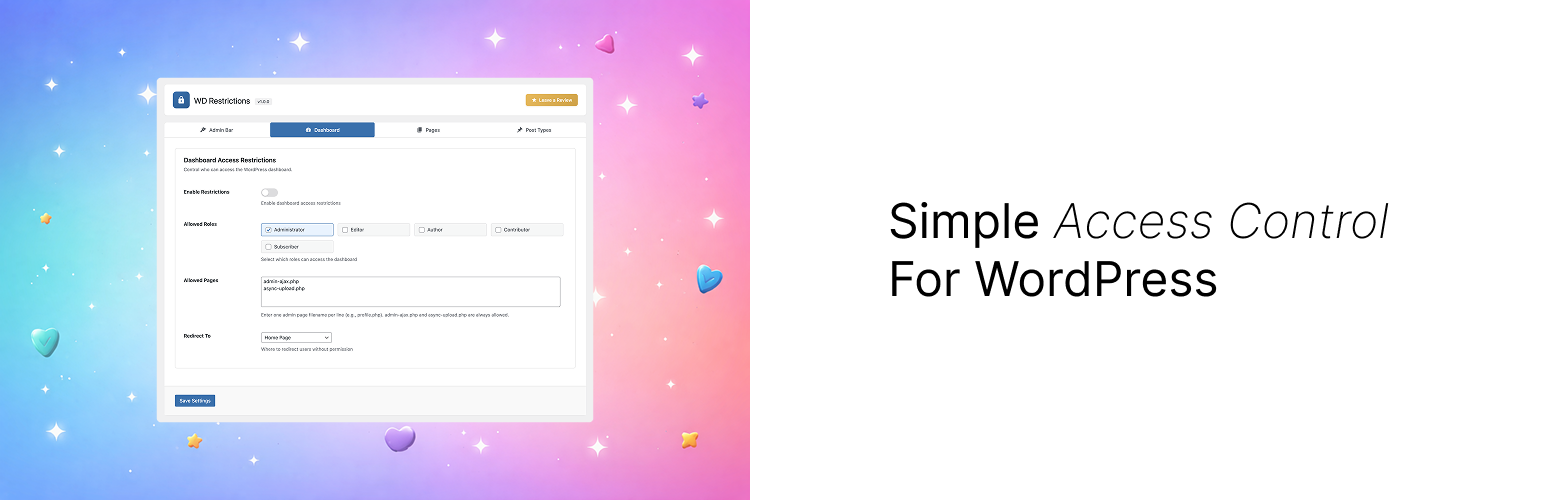
WD Restrictions
| 开发者 |
wolfdevs
realblackz |
|---|---|
| 更新时间 | 2026年10月4日 21:55 |
| PHP版本: | 7.4 及以上 |
| WordPress版本: | 7.1 |
| 版权: | GPLv2 or later |
| 版权网址: | 版权信息 |
详情介绍:
- Hide the WordPress admin bar from specific user roles
- Control who can see the admin bar on the front-end
- Role-based permissions
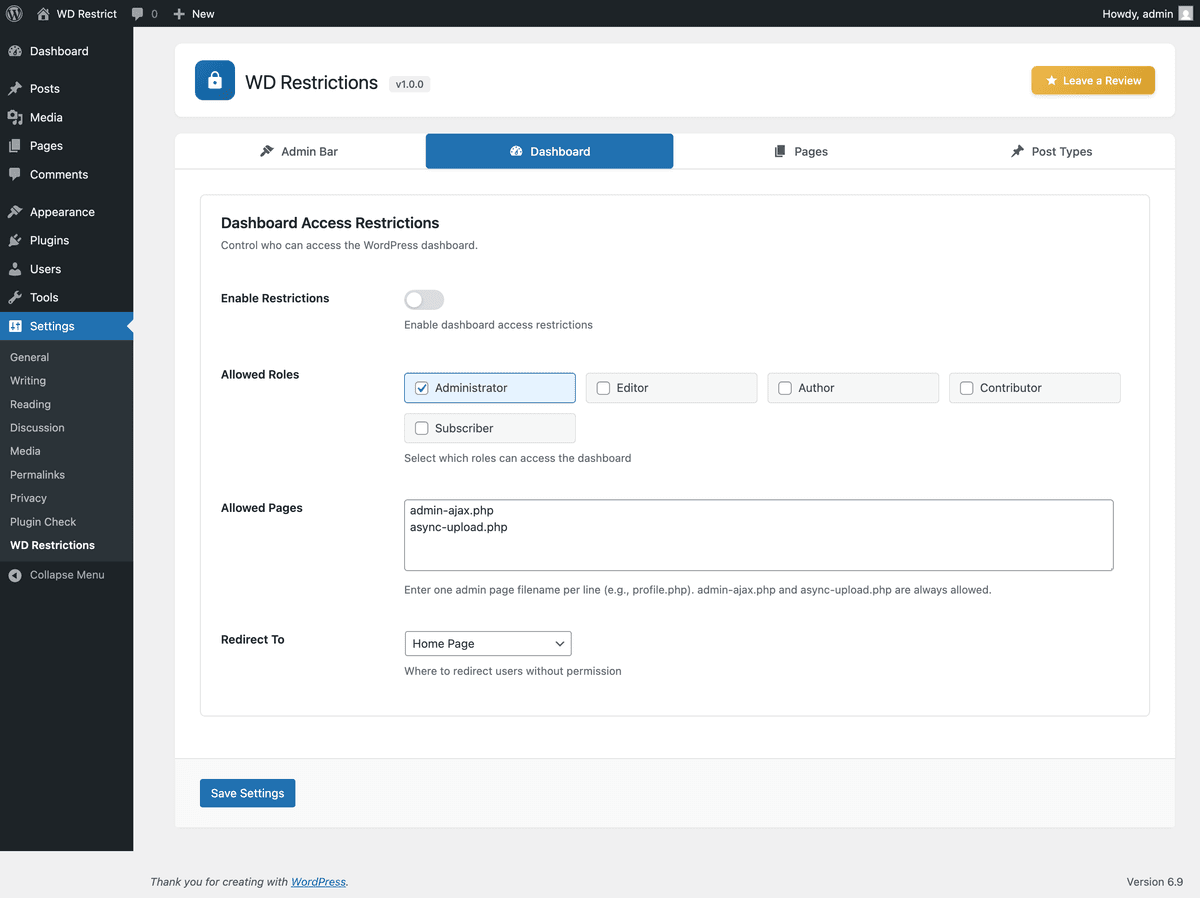
- Restrict access to the WordPress dashboard by user role
- Whitelist specific admin pages (e.g., profile.php)
- Custom redirect URLs for unauthorized users
- Automatically allows AJAX and file upload endpoints
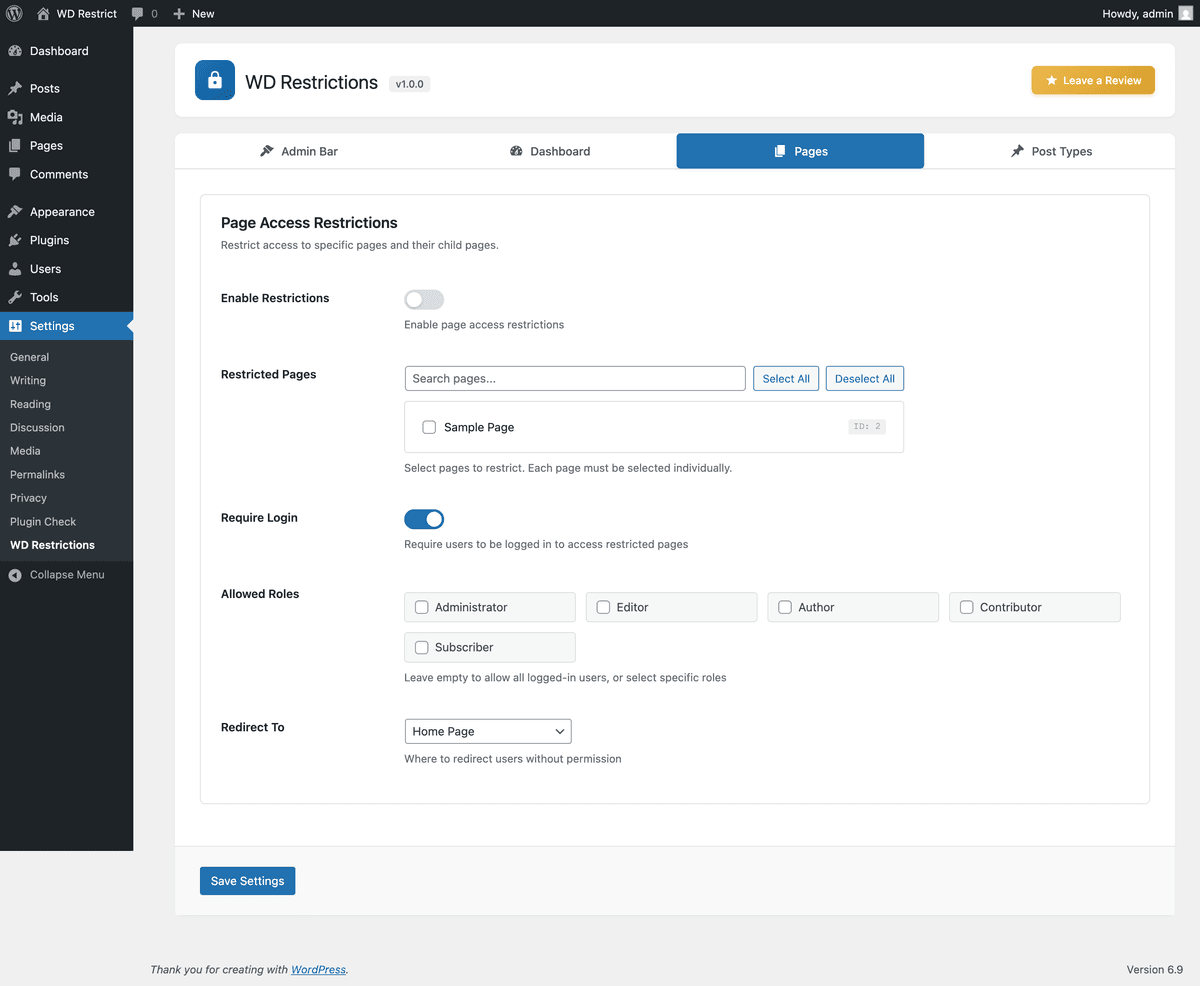
- Restrict access to specific pages
- Require login to view restricted pages
- Role-based access control
- Custom redirect URLs
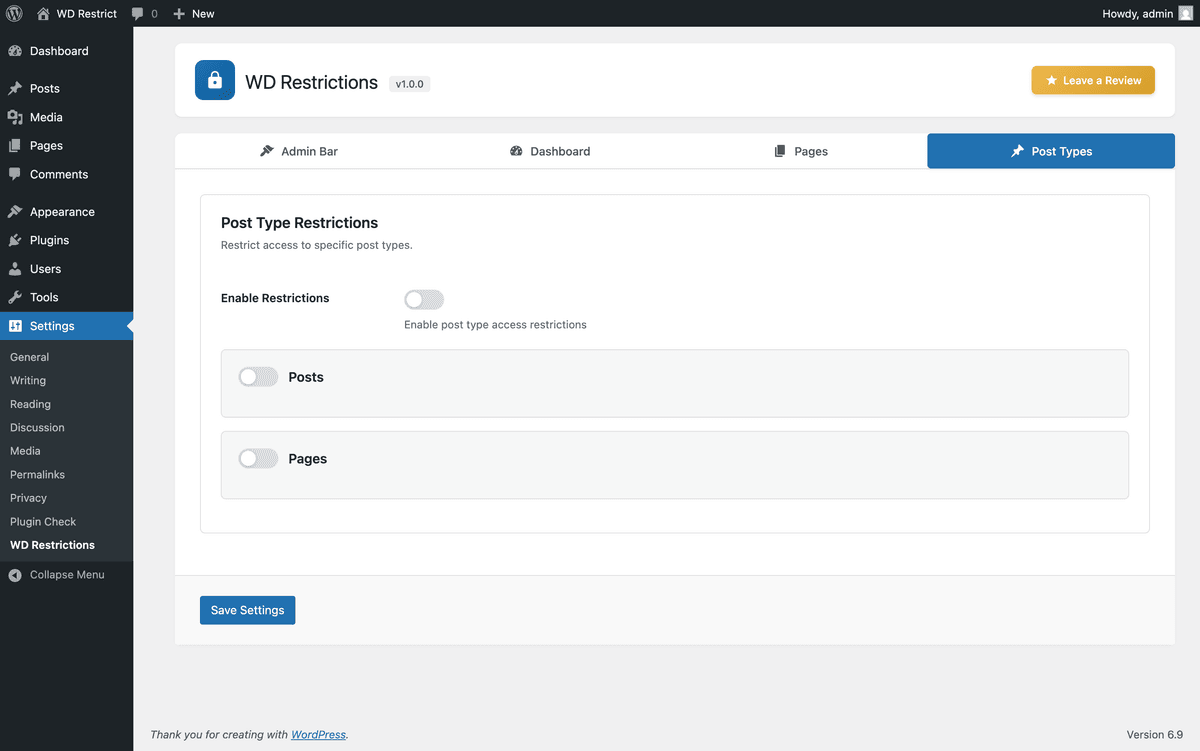
- Restrict access to any public post type
- Individual settings per post type
- Require login or specific roles
- Custom redirect URLs per post type
- Optional custom login page using [wd_restrict_login_form]
- Native WordPress authentication and password reset handling
- After-login destinations: home, previous page, dashboard, selected page, or local custom URL
- Login page stays accessible even when page or post-type restrictions are enabled
- Native login fallback and emergency disable switch
- Membership Sites - Restrict content to logged-in members
- Client Portals - Hide dashboard from non-admin users
- Intranet Sites - Control access to internal pages
- Multi-Author Blogs - Limit contributor access
安装:
- Upload the
wd-restrictionsfolder to/wp-content/plugins/ - Activate the plugin through the 'Plugins' menu in WordPress
- Navigate to Settings > WD Restrictions to configure
屏幕截图:

常见问题:
Will this affect administrators?
By default, administrators have full access to everything. You can customize this in the settings.
Can I restrict multiple pages at once?
Yes! Select multiple pages in the Pages tab.
What happens if a user tries to access a restricted area?
They will be redirected to the URL you specify (defaults to homepage). You can also redirect to the login page or any custom URL.
Can I use different redirect URLs for different restrictions?
Yes! Each restriction type (dashboard, pages, post types) can have its own redirect URL.
Does this work with custom post types?
Absolutely! Any public post type will appear in the Post Types tab.
Is this compatible with caching plugins?
Yes! The plugin includes compatibility with popular caching plugins including WP Rocket, W3 Total Cache, WP Super Cache, and LiteSpeed Cache.
How do I set up a custom login page?
Create and publish a page containing [wd_restrict_login_form]. In Settings > WD Restrictions > Custom Login, select that page and enable custom login. Existing installations keep this feature disabled until configured. The page must not be password protected.
What happens after submitting a custom form?
Forms submit to WordPress's native login endpoint. Errors, password-reset confirmation, reset links, recovery mode, and reauthentication use the native WordPress screens. The custom page exposes login_form and lostpassword_form hooks. Some security plugins require scripts or additional UI from the native screen; use the native fallback when needed. Compatibility with every CAPTCHA or two-factor plugin is not guaranteed.
How can I recover access?
Keep Native Login Fallback enabled and visit wp-login.php?wdr_native_login=1. This is available while logged out and still requires valid credentials. If necessary, add define( 'WD_RESTRICT_DISABLE_LOGIN', true ); to wp-config.php to disable all custom login behavior. This does not disable other access restrictions.
How does Previous Page work?
An explicit redirect_to destination takes priority. Otherwise Previous Page uses a local referring page when available, falling back to home. Login screens are excluded. Custom redirect URLs must be local unless their host is allowed by WordPress's allowed_redirect_hosts filter.
Can the login page be cached?
Exclude it from full-page caches and CDN caches. The plugin sends no-cache headers and signals supported cache plugins, but a cache serving an existing response before WordPress runs must be configured separately. Purge caches after changing the login page.
更新日志:
- Added optional custom login page and login/password-reset request shortcode
- Kept native authentication, reset, recovery, and reauthentication flows
- Added after-login destinations, native login fallback, and emergency disable switch
- Exempted the configured login page from page and post-type restrictions
- Preserved original content destinations when redirecting visitors to login
- Added login page validation and cache prevention
- Return an access-denied response when a restriction would redirect to itself
- Fixed admin notices appearing inside plugin header
- Added dedicated notices container for proper notice placement
- Improved compatibility with third-party plugin notices
- Initial public release
- Admin bar restrictions by user role
- Dashboard access control with role-based permissions
- Page restrictions with hierarchical page selector
- Post type restrictions with individual settings
- Redirect options: Home, Login, any page, or custom URL
- Modern tabbed settings interface
- Cache plugin compatibility (WP Rocket, W3 Total Cache, WP Super Cache, LiteSpeed Cache)
- Security: capability checks on all AJAX handlers
- Fully translatable