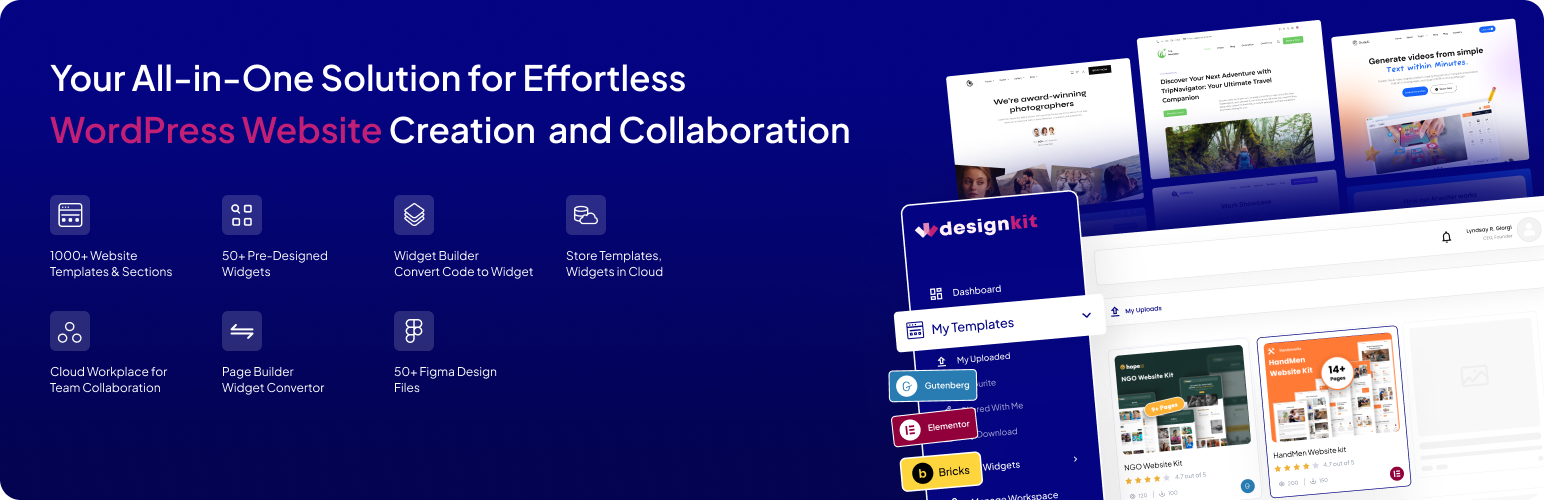
WDesignKit is the ultimate designer tool for WordPress, empowering designers to create stunning websites in minutes. It's the fastest way to build a WordPress website, making it a must-have tool for every WordPress designer or agency owner. Build faster with AI Templates, build widgets and code snippets with your favorite AI tool via MCP, and connect WDesignKit to compatible AI assistants through the Model Context Protocol (MCP) to streamline your WordPress workflow.
VISIT WDESIGNKIT WEBSITE
Quick Navigation Links
Visit Website |
Video Tutorials |
Documentations |
Roadmap |
Join Facebook Community |
Free Support |
Premium Support |
AI Chat (Instant Answers)
Complete WDesignKit Features Explained Under 4 Mins
Watch Now
https://www.youtube.com/watch?v=Bw5IHPxr0Nc
https://www.youtube.com/watch?v=4RhZwuyFd8k&t=101s
What is WDesignKit ?
- AI Templates: Import Elementor & Gutenberg Templates Pre-Populated with AI-Generated Content, No More Replacing Placeholder Text Line by Line
- AI Widget Builder: Describe the widget you need in plain language, and your favorite AI tool, connected via MCP, builds a production-ready Elementor, Gutenberg, or Bricks widget.
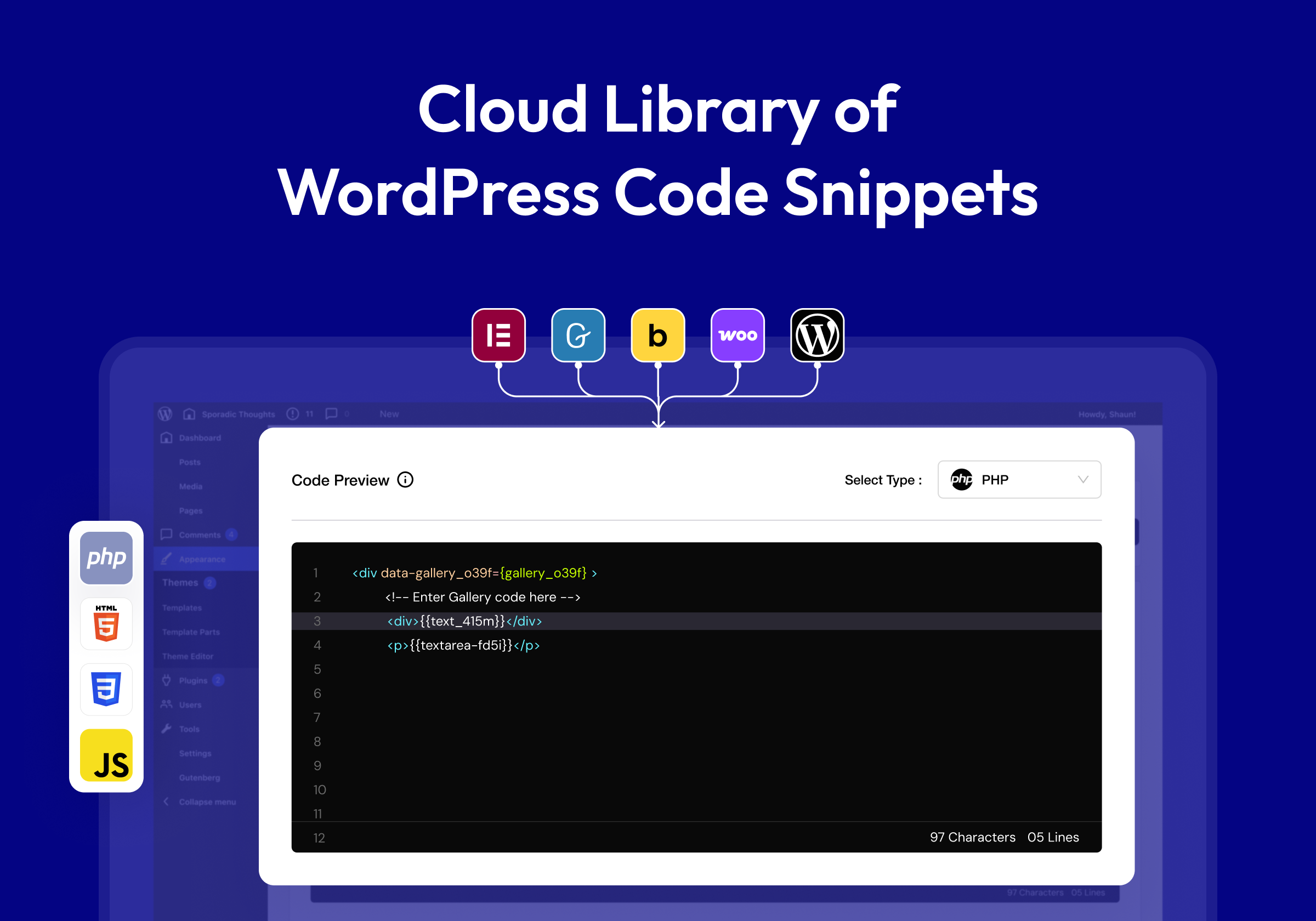
- AI Code Snippets: Generate custom WordPress code snippets through a conversation with your favorite AI tool, connected via MCP, no manual coding or copy-pasting required.
- MCP Workflow: Connect WDesignKit to AI Assistants via Model Context Protocol (MCP) so You Can Design, Build, and Manage WordPress Sites Through a Chat Workflow
- 1600+ Elementor Page Templates, Kit & Sections: Ready-Made, Professionally Designed Pages, Kits & Sections You Can Import into Elementor in One Click
- 1500+ Gutenberg Templates & Patterns: Full Page Layouts & Reusable Patterns Built for the Native WordPress Block Editor
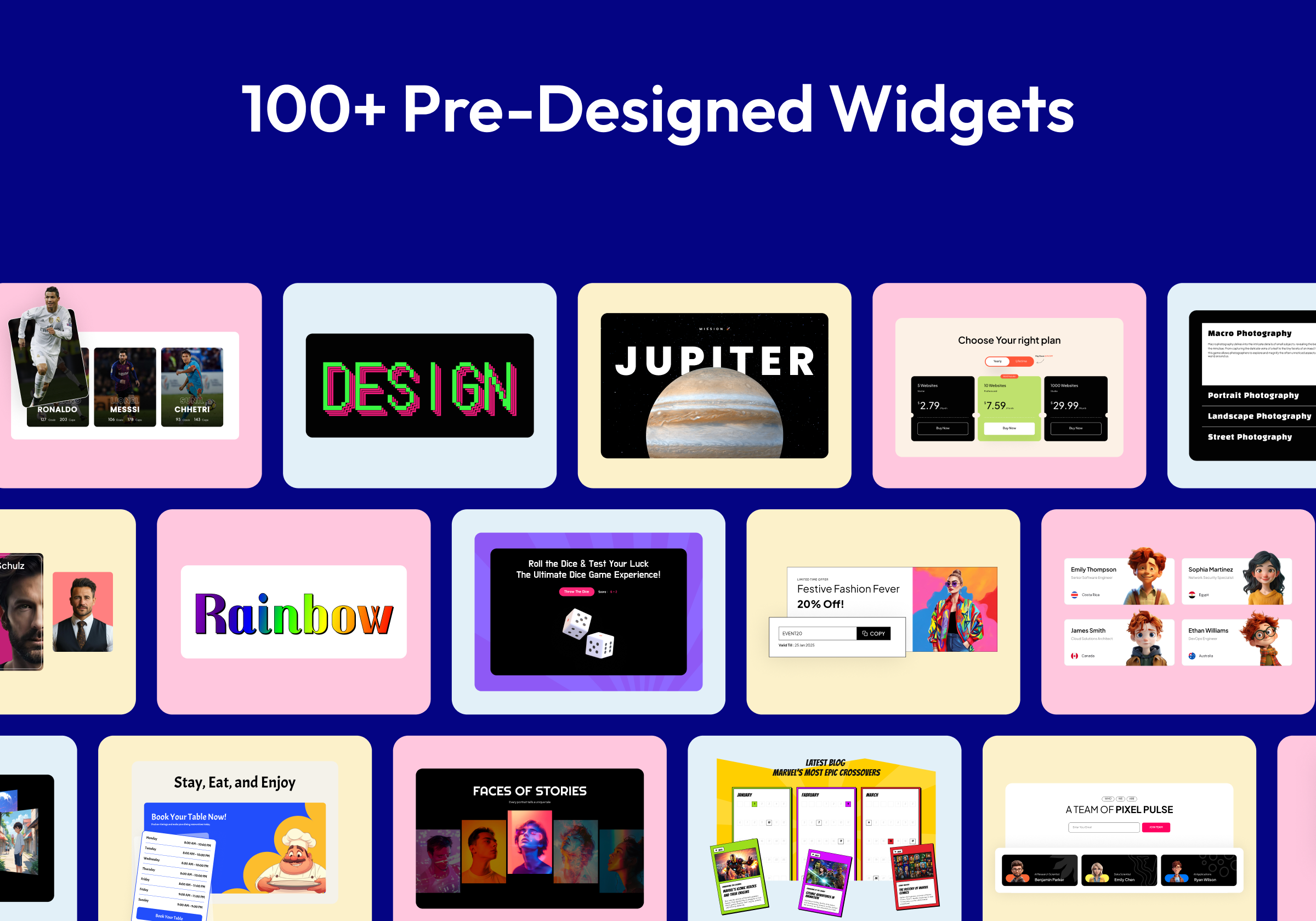
- 110+ Elementor Widgets Library: Ready-to-Use Elementor Widgets Covering Sliders, Forms, Galleries, Content Blocks & More
- 30+ Gutenberg Blocks Library: Pre-Built Gutenberg Blocks to Extend the Native Block Editor Without Extra Plugins
- 80+ Bricks Elements Library: Pre-Built Elements Ready to Drop into Any Bricks Builder Layout
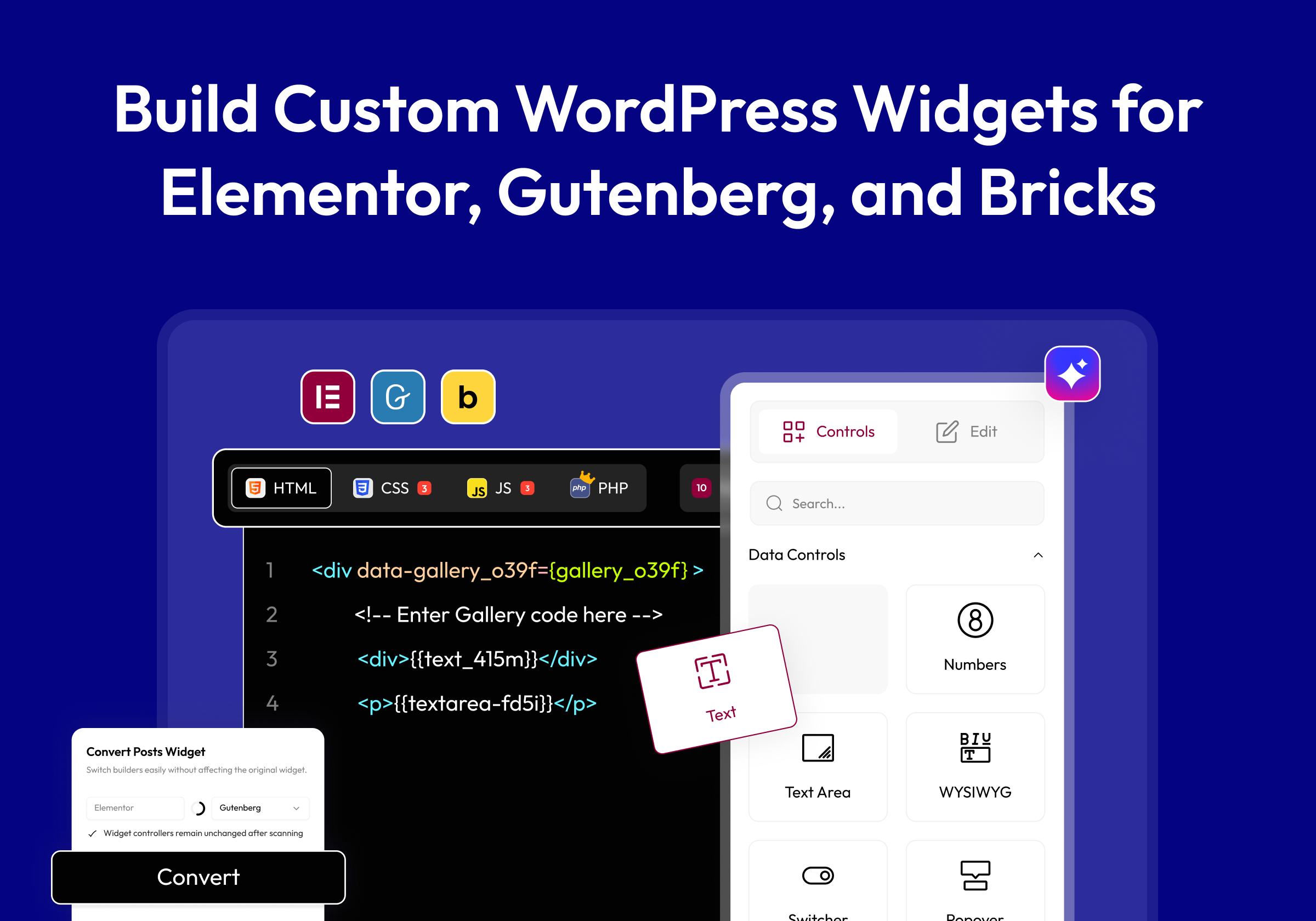
- Elementor Widget Builder: Turn Your Custom HTML, CSS & JS Code into a Fully Working Elementor Widget, No Elementor Widget Development Experience Needed
- Gutenberg Blocks Builder: Turn Your Custom Code into a Native Gutenberg Block Ready to Use in the Block Editor
- Nexter Blocks Builder: Turn Your Custom Code into a Reusable Nexter Block
- Bricks Elements Builder: Turn Your Custom Code into a Reusable Bricks Element
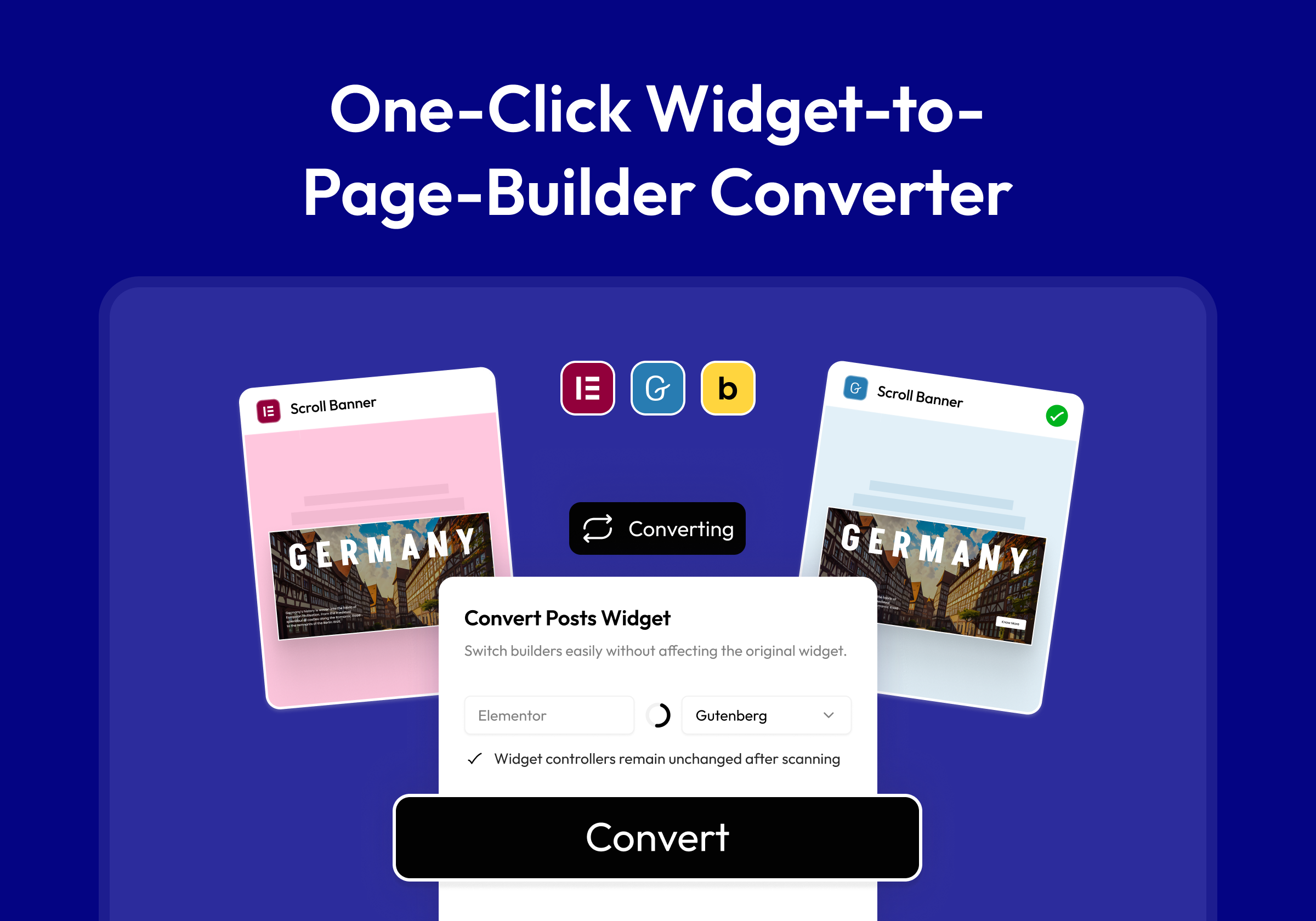
- 1-Click Widget Converter: Easily Convert Elementor Widgets to Gutenberg Blocks or Bricks Elements & Vice Versa, No Rebuilding from Scratch When You Switch Builders
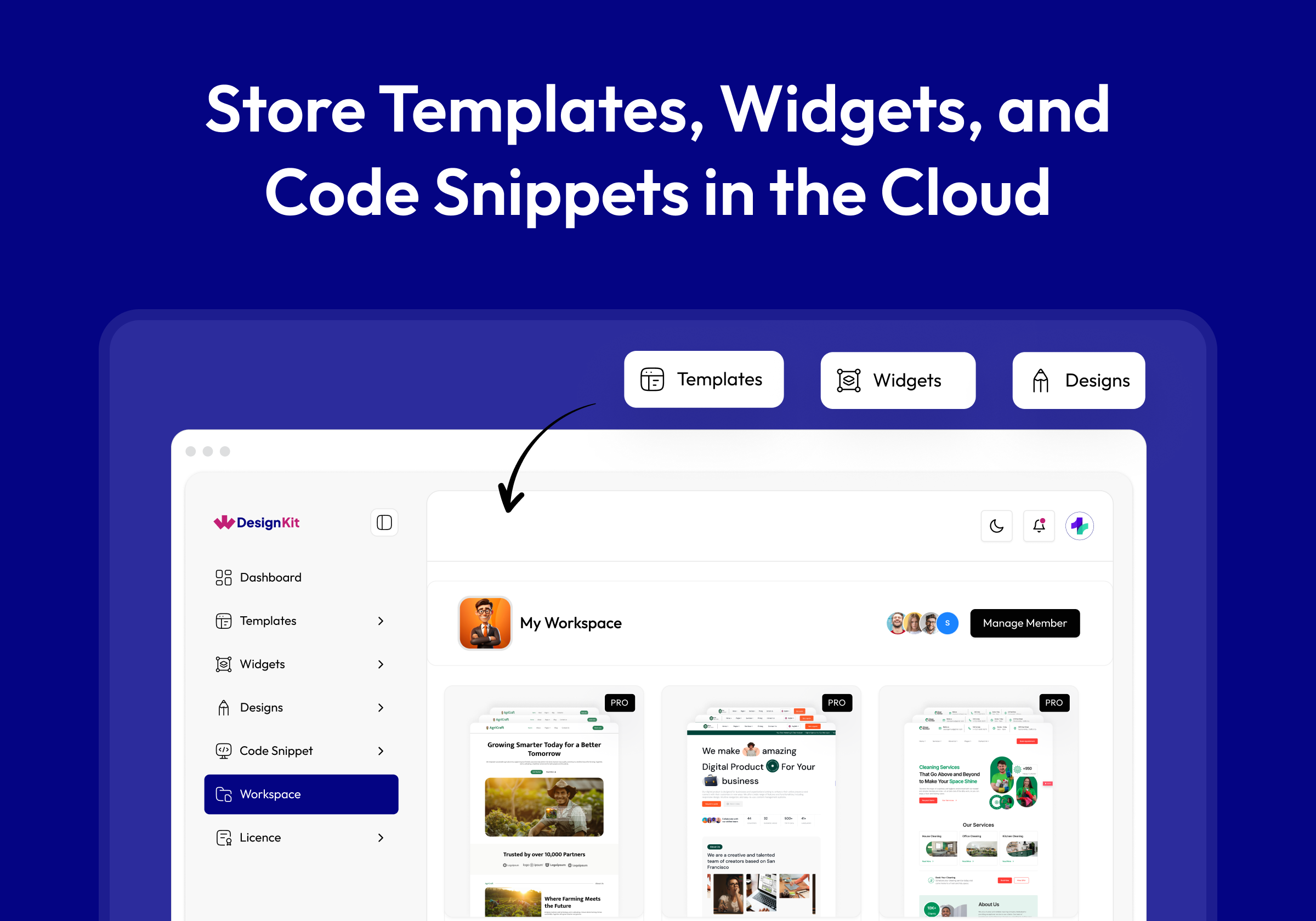
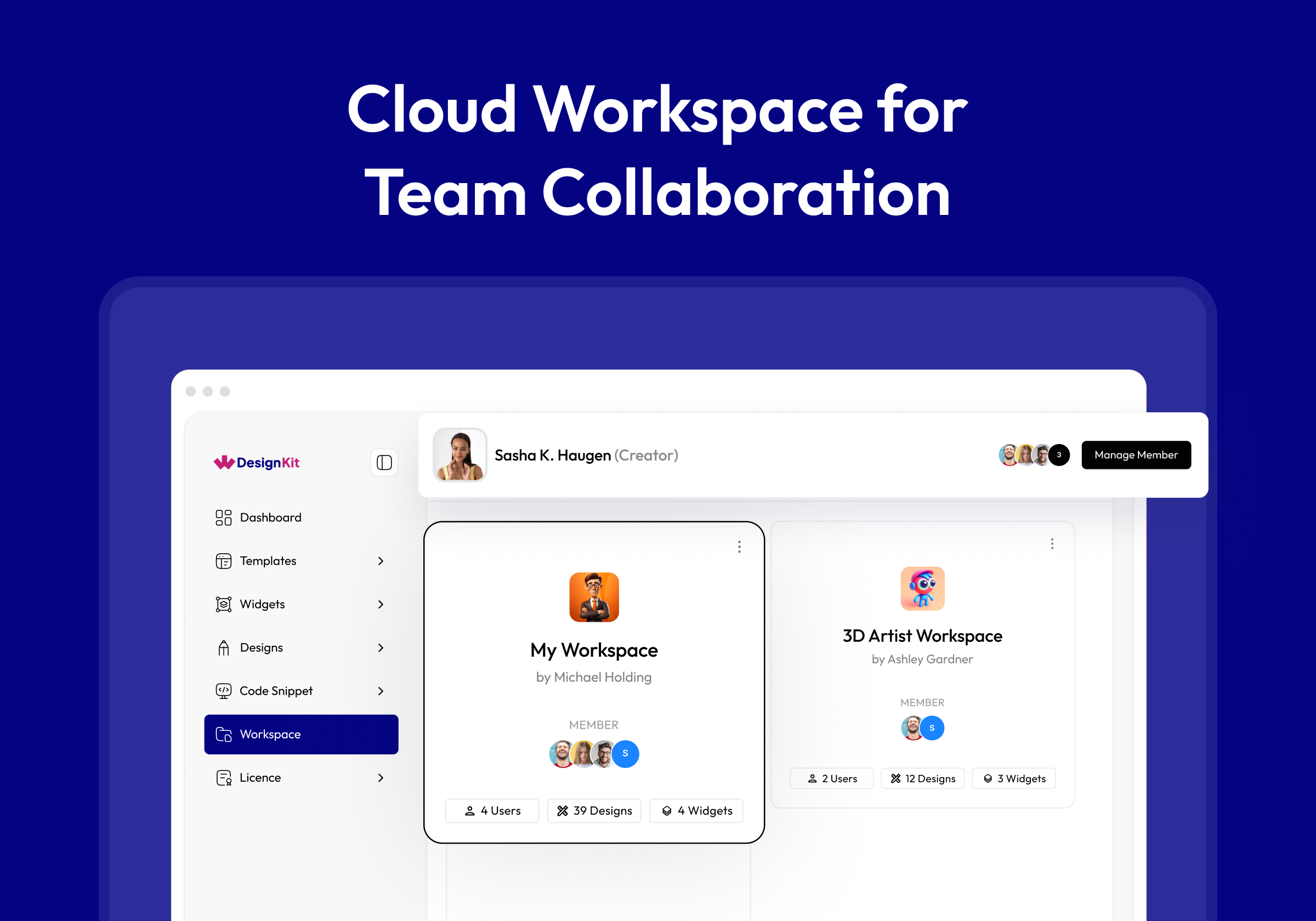
- Cloud Workspace: Collaborate with your Team & Store Page Templates, Figma Designs or Custom Widgets on Cloud
- 60+ Figma Designed Websites: Editable Figma Website Kits with Auto Layout, Ready to Hand Off to Design Directly into a Live Build
🔍 OUR PRODUCTS
💰
The Plus Addons for Elementor - 120+ Elementor Widgets to create Elementor Widgets Easily.
💰
NexterWP Theme, Blocks & Extensions - Best Starter Theme for WordPress with 22+ WordPress Extension & 90+ Gutenberg Blocks.
💰
UiChemy - Figma to Elementor & Bricks Convertor - Convert your Figma Templates In Live Elementor Website using our
FREE Figma Plugin.
2.7.0 - 05 Oct 2026
New: Smart AI Content import wizard - a chat-style flow that writes the kit's page copy, blog posts and WooCommerce products for your business, with colour, font and image pickers built in.
New: Import kits from
wdesignkit.com straight to a connected site or a temporary sandbox site, with live progress.
New: Server-side import engine - kits import in resumable steps, so a slow host or a closed tab no longer leaves a half-built site.
Improved: Much faster kit and template imports - copy is generated in one AI request and images load in the background.
Improved: Importing a template inside the Elementor editor now adds it in one step with a single Undo.
Fixed: Pages could be imported twice during a kit import.
Fixed: The import could stop after installing plugins.
Fixed: Minor Bug Fixes & Improvements.
2.6.6 - 14 Sep 2026
Improved: Bricks widgets now register out of the box, like Elementor and Gutenberg.
Fixed: Bricks Builder showed as off in the MCP settings ability even when it was on.
Fixed: Minor Bug Fixes & Improvements.
2.6.5 - 21 Aug 2026
New: Added WordPress 7.1 Abilities API support.
Improved: Ability discovery can now be filtered by namespace, public exposure and fields.
Improved: Hardened ability inputs and tightened permissions for rollback, data removal and dependency install.
Fixed: Minor Bug Fixes & Improvements.
2.6.4 - 17 Aug 2026
New: Added new Abilities to save a full template with globals, list templates, fix broken template data, and set cross-builder, demo and Figma links.
New: Added globals import flow so button styles, radius, shadows and animations carry over on template import.
New: Added Site Info persistence during kit import, auto-filling business details on the next kit.
New: Optional data sharing — help improve WDesignKit by sharing non-sensitive information about how the plugin is used. It is off by default, you are asked once a couple of days after install, and nothing is sent until you turn it on.
New: When data sharing is on, the shared information includes how many widgets you have built for each builder and which of them are actually placed on your pages (Elementor, Gutenberg, Gutenberg core and Bricks), which library widgets are installed, how many templates you have imported split by page kits and single templates, and your cloud storage and AI credit figures. No personal data, no licence key, no page content.
Improved: Much faster widget loading — widget registration is now cached instead of scanning the disk on every request.
Improved: Hardened the widget builder directory, image downloads and export paths against unsafe file writes.
Improved: Deactivation feedback now uses the shared POSIMYTH dialog — the same form as our other plugins, carrying WDesignKit's own accent colour and logo.
Improved: The Plugins screen no longer loads an external Google Fonts stylesheet, and the retired feedback endpoints have been removed.
Improved: White-labelled installs no longer show the feedback form.
Fixed: The same widget could land in two different folders when created, duplicated or re-downloaded.
Fixed: Widget validation wrongly failed valid Bricks elements and Gutenberg blocks.
Fixed: AI import showed incorrect credits and resumed on the wrong step when reopening a kit.
Fixed: The data-sharing and deactivation dialogs now use WDesignKit's own brand colour; they were showing an unrelated accent.
Fixed: A data-sharing request the server refuses is now recorded in the debug log instead of failing silently.
Fixed: Deactivating the plugin now removes its background weekly task instead of leaving it scheduled in WordPress.
Fixed: Uninstalling now clears your data-sharing choice, so reinstalling asks again instead of quietly resuming.
Fixed: The deactivation form now opens on translated sites. It was tied to an element id WordPress builds from the translated plugin name, so on non-English locales it never appeared at all.
Fixed: Choosing "Skip & Deactivate" no longer contacts our servers. It previously sent a request even though no feedback was being given.
Fixed: Feedback is now sent over a verified SSL connection — the old request skipped certificate verification.
Fixed: Minor Bug Fixes & Improvements.
2.6.3 - 03 Aug 2026
New: Added new Abilities to sync and pull widget code, set widget thumbnails, and validate widgets.
New: Added new Abilities to import code snippets and delete a snippet everywhere it is used.
Improved: Hardened security across widget import and preview by adding path-traversal protection and safer handling of external data.
Improved: Added SSRF safeguards for image URLs and stricter ownership checks on workspace IDs.
Improved: Removed an unused unauthenticated (nopriv) AJAX registration.
Fixed: Minor Bug Fixes & Improvements.
2.6.2 - 29 July 2026
New: Created new Abilities for browsing Kits and Kit pages, importing a full Kit, and setting a template thumbnail.
Improved: Significantly faster AI Kit import with batched AI content generation.
Improved: Added an AI-compatible badge to template cards and the browse filter.
Improved: Split the license key credits table into separate Storage Credit and AI Credit columns.
Improved: Refined existing Widget & Template Abilities for better reliability.
Fixed: Widget Abilities crash when AI-generated PHP code declared a namespace.
Fixed: Newly created widgets showing a broken thumbnail image in the widget library.
Fixed: Generate AI Blog Posts toggle not responding to full-row click.
Fixed: Pages failing during Kit import.
Fixed: Minor Bug Fixes & Improvements.
2.6.1 - 22 July 2026
Fixed: Improved import stability by handling failed API requests gracefully and displaying user-friendly error messages.
Fixed: Resolved category and tag assignment issues during page and section imports.
Fixed: Resolved Elementor global colors, typography, and site settings not updating correctly after import.
Fixed: Improved Bricks widget scanning by skipping invalid widget files without interrupting the scan process.
Fixed: Resolved Gutenberg style generation issues for border, dimension, slider, gradient, textarea, and related controls.
Fixed: Improved Gutenberg dimension controls to correctly apply individual side values, border-radius, and reset behavior.
Fixed: Resolved third-party Gutenberg block and style initialization issues after kit import.
Improved: Enhanced template and section import reliability with automatic retry support for temporary connection failures.
Improved: Increased import reliability for large pages and sections.
Improved: Optimized the import workflow by removing unnecessary background processing and reducing unnecessary console warnings.
Fixed: Minor Bug Fixes & Improvements.
2.6.0 - 09 July 2026
New: Download Widget as Plugin — export any widget as a ready-to-use WordPress plugin.
Fixed: All abilities failed to register due to a missing permission callback dependency.
Fixed: Bricks Widget Builder Group Controller issue in Repeater.
Fixed: Minor Bug Fixes & Improvements.
2.5.5 - 29 June 2026
Fixed: Resolved the Switcher controller compatibility issue in Gutenberg Core.
Improved: Enhanced the URL controller UI for improved usability and consistency.
2.5.4 - 24 June 2026
New: Added 10+ new controllers to the Gutenberg Core Builder, expanding design and content-building capabilities.
Improved: Enhanced the AI Template import workflow for a smoother, faster, and more reliable import experience.
2.5.3 - 18 June 2026
Fixed: Minor Bug Fixes & Improvements.
2.5.2 - 10 June 2026
Improved: Cross Domain Copy Paste Prevent unavailable widgets to paste
Fixed: Minor Bug Fixes & Improvements.
2.5.1 - 05 June 2026
Added: Auto download of WDesignKit widgets during cross-domain copy & paste.
Improved: Language translation in cross-domain copy & paste feature.
Improved: Product Abilities
Fixed: Minor Bug Fixes & Improvements.
2.5.0 - 29 May 2026
New: Cross Domain Copy Paste Feature
Fixed: Minor Bug Fixes & Improvements.
2.4.0 - 28 May 2026
Compatibility: Added compatibility with WordPress v7.0
Added: New abilities and feature enhancements
Updated: Improved Plugin Deactivation Popup UI
2.3.3 - 14 May 2026
New: Added support to replace uploaded images during template import.
Fixed: Corrected untranslatable hard-coded strings and source typos across admin notices, widgets, and templates.
Fixed: Gutenberg core widgets loading issue in listing page.
Fixed: Minor Bug Fixes & Improvements.
2.3.2 - 9 May 2026
Fixed: Frontend widget loading issue after 2.3.1 plugin release
Fixed: Minor bug fixes and performance improvements
2.3.1 - 8 May 2026
Improved: Enhanced WDesignKit template import flow for smoother downloads.
Fixed: Resolved issue with Nexter Blocks widget download.
Fixed: Minor Bug Fixes & Improvements.
2.3.0 - 1 May 2026
New : Download WDesignKit While Template Import.
Fixed: Minor Bug Fixes & Improvements.
2.2.10 - 23 March 2026
Improved: Import Products during WooCommerce Kit import.
New : Add New Image Library support in AI Kit import.
Fixed: Site logo update issue in Elementor AI Kit import flow.
Fixed: Navigation menu link update issue in Kit import.
Fixed: Minor Bug Fixes & Improvements.
2.2.9 - 05 March 2026
Fixed: Gutenberg AI imported content not rendering on the frontend.
Fixed: Error when importing AI-generated block posts.
Fixed: Page import error caused by invalid JSON during AI Kit import.
Improved: Final loading page design in the Kit import process.
Improved: Plugin installation retry process.
Fixed: Minor Bug Fixes & Improvements.
2.2.8 - 27 Feb 2026
Improved: Tooltip content enhanced for better clarity
Improved: Nexter Blocks icon updated
Improved: Responsive UI on License page optimized
Improved: White Label flow logic refined
Improved: White Label validation logic updated to validate using white_label meta value instead of static licence_type check
Fixed: Default value issue in Number Controller
Fixed: Letter capitalization inconsistencies
Fixed: Inconsistencies in Credit and Widget Builder name labels.
Fixed: Product logo display issue
Fixed: Builder name input box issue
Fixed: Responsive issue on Storage page
Fixed: Minor Bug Fixes & Improvements.
2.2.7 - 12 Feb 2026
New: Add an Industry select dropdown in the Site Information section.
Improved: Plugin and theme installation process in Kit import.
Improved: Blog post import process in Kit import.
Improved: Search bar for AI image selection in AI Kit import.
Improved: Add tooltips to every step for better understanding of the AI Import flow.
Fixed: Page template and section auto-linking issue after import.
Fixed: Minor Bug Fixes & Improvements.
2.2.6 - 28 Jan 2026
Fixed: Minor Bug Fixes & Improvements.
2.2.5 - 23 Jan 2026
Added: AI compatibility on the License page.
Added: Code snippet compatibility on the Workspace page.
Compatibility : Compatibility with the latest Nexter Extension update, ensuring seamless support for the new file-based code snippet execution system.
Improved: Added a tooltip on the error page during Kit import.
Fixed: Required plugin installation issue during the Blog Post import process.
Fixed: Minor Bug Fixes & Improvements.
2.2.4 - 13 Jan 2026
Improved: Import Blog Post with Kit.
Improved: Allowing the “Need Help?” section to be hidden when white label mode is enabled In Nexter.
Improved: Removed unnecessary borders from the Database Remove toggle.
Improved: Removed the extra “Select Workspace” label.
Improved: Hidden links when white label mode is enabled.
Improved: Enqueued CSS to hide the WDK logo from the widgets list and the “Need Help?” section from the widget panel.
Improved: Updated the broken chat link to redirect to the Home page.
Improved: Image selection process in the AI Kit import.
Fixed: Gutenberg Builder issue Where wp was undefined.
Fixed: Wordfence Security issue about widget Push ajax.
Fixed: Privacy Policy Broken link issue.
Fixed: Capitalization issue for "Add More" button.
Fixed: Page import error in the AI Kit import process.
Fixed: Continuous loading issue when the widget name is empty.
Fixed: Capitalization inconsistencies across the UI for better readability.
Fixed: An issue where a widget error prevented subsequent widgets from registering.
Fixed: A crash that occurred when converting a widget from Elementor to Bricks and clicking on a section of the converted widget.
Fixed: Duplicate notification messages.
Fixed: Minor Bug Fixes & Improvements
2.2.3 - 1 Jan 2026
Fixed: AI Template Import License Issue
Fixed: Minor Bug Fixes & Improvements
2.2.2 - 30 Dec 2025
Added: Add Filter AI Compatibility in browse template page.
Added: Clear all filters feature in all browse pages.
Added: AI logo in Template Card
Fixed: Minor Bug Fixes & Improvements
2.2.1 - 26 Dec 2025
Fixed: Minor Bug Fixes & Improvements
2.2.0 - 24 Dec 2025
New: Widget Builder: Gutenberg Core Widget Builder.
New: Widget Builder: Widget Update feature.
New: AI-Powered Kit Import.
Fixed: Minor Bug Fixes & Improvements
2.1.6 - 17 Dec 2025
Added: Winter Sale banner.
Improved: Updated Theme Builder page side design for improved usability and consistency.
Improved: Increased name length support for existing widgets.
Improved: Enhanced Overall UI Consistency and Usability.
Improved: Restricted access to advanced Widget Builder controls to Pro users only, including: Textarea, WYSIWYG, Popover, Gallery, Repeater, Icons Control, Slider, Text Shadow, Box Shadow, Background, CSS Filter, Select Template, Post Listings, Product Listing, Taxonomy, Choose, Datetime, Normal / Hover, Raw HTML, Preview.
Fixed: Resolved logo display issue in Gutenberg block panels.
Fixed: Resolved Scrollbar issue in Popups.
Fixed: Resolved Theme Builder redirect issue when clicking the logo.
Fixed: Resolved Widget Search Malfunction.
Fixed: Minor Bug Fixes & Improvements
2.1.5 - 11 Dec 2025
Fix : Pro notice displaying on the Builder page even when the Pro plugin was already activated.
Fix : Minor Bug Fixes & Improvements
2.1.4 - 1 Dec 2025
Improved: SSL compatibility for all asset URLs in the Widget Builder.
Improved: Added a common provider to ensure stable mounting and unmounting of popups.
Improved: Updated Forgot Password title and description for better user understanding.
Improved: Replaced static WDesignKit text with a dynamic product name on the Remove License Key popup.
Fixed: Skeleton loading issue on the Theme Builder page.
Fixed: Design issues in dark mode on the Theme Builder page.
Fixed: Issue on the editor side where importing templates for Gutenberg/Elementor created a new template instead of importing content.
Fixed: Resolved JavaScript selector issue in the Gutenberg editor affecting responsive mode
2.1.3 – 21 Nov 2025
Fixed: Minor bugs and overall improvements.
2.1.2 – 21 Nov 2025
Fixed: Minor bugs and overall improvements.
2.1.1 – 17 Nov 2025
Added: Theme Builder page with full integration to the Nexter Extension – Theme Builder module.
Fixed: Initial Loading Issue Fixed.
Fixed: Tab selection issue on the templates page with no templates.
Fixed: License activation issue in ThePlus Addons and Nexter blocks.
Fixed: Minor bugs and overall improvements.
2.1.0 – 14 Nov 2025
Compatibility: Server compatibility enhancements & Additional Functionality Updatesz
Fixed: Browse Widget Height Issue.
Fixed: Save Template Redirection Delay issue after close popup
Fixed: Minor bugs and overall improvements.
2.0.12 – 28 Oct 2025
Improved: Removed Unnecessary Notice from the Snippet Bundle.
Improved: Loader Design for Better user Experience.
Fixed: Theplus Addons displayed the wrong preset.
Fixed: Cursor Pointer Missing on the Save Template Button.
Fixed: Resolved Brick Widget Download issue (unable to download when child theme active).
Fixed: Server Widget Import Loading issue.
Fixed: Manage License — Page loader issue.
Fixed: My Templates — Status Color not Showing Properly During Download.
Fixed: Unwanted Header Menu Options Showing in Popup with Nexter plugin.
Fixed: Grammatical Error in Snippet download steps.
Fixed: Minor bugs and overall improvements.
2.0.11 – 16 Oct 2025
Improved: Template import speed.
Improved: Removed Result Counter from My Snippets Page.
Improved: Added Result Counter in Preset Page.
Improved: Template note for clarity and accuracy.
Improved: Removed Dynamic Controller Card Variable.
Improved: Individual Builder Hover Color for Controller Card.
Improved: Hover Effect in Widget Editor.
Improved: Changed text display style from small to capitalized for better readability.
Improved: Favorite Snippet flow — data now fetched via API.
Improved: Added pagination for favorite snippets.
Improved: Browse Snippet filter skeleton created.
Improved: Step icons in snippet and snippet kit download process.
Improved: Snippet note updated to match the template for consistency.
Improved: Pagination number & content display on preset popup.
Improved: Controller color in widget builder for dark mode.
Improved: Single snippet redirection in code editor.
Improved: Removed notice in full page & section while importing template.
Improved: Removed pagination content in My Snippet page.
Improved: Cursor pointer added in snippet cards.
Improved: Loader performance during snippet download.
Improved: Loader design in snippet pages.
Improved: Import snippet status loader design.
Improved: Product name capitalization in filter panel.
Improved: Skeleton design in snippet section.
Improved: Added comma in support feature list.
Improved: Widget delete loader in My Widget.
Improved: License delete button color.
Improved: TPAE & Nexter widget download popup UI/UX.
Fixed: Code Snippets Tag Issue — When tags are already selected and a search is made for unavailable tags, a “No results found” message is now displayed instead of showing the selected tags.
Fixed: Divider Controller Dropdown Issue — Dropdown in the divider controller now closes properly.
Fixed: Popup Closing on ESC Key Press (Widget Editor).
Fixed: Controller Colors in Dark Mode.
Fixed: Consistent Checkbox Color Across Builders.
Fixed: Loading Issue for Pro Snippet.
Fixed: Console error on widget side.
Fixed: Favorite Snippet icon issue after API flow update.
Fixed: Placeholder image issue in import template pages.
Fixed: Page refresh issue in code editor side without importing any snippet.
Fixed: Snippet tag search issue.
Fixed: My Snippet download and required plugin install issue.
Fixed: Favorite snippet visibility issue on the favorite page.
Fixed: Critical error and site crash issue when downloading multiple snippet bundles followed by a template download.
Fixed: Console error while downloading widget and redirecting using that button.
Fixed: Grammatical mistakes and letter capitalization issue in Manage License.
Fixed: Letter capitalization issue in Preset plugin name.
Fixed: Minor bugs and overall improvements.
2.0.10 – 6 Oct 2025
Improvements: Updated toast message for Move Template in Workspace.
Improvements: Added retry button for better error handling.
Improvements: Added full-click functionality on editor side.
Improvements: Updated pagination content.
Improvements: Added hover effects for improved interactivity.
Improvements: Updated tag colors in Browse Snippet.
Improvements: Updated font and button colors in TPAE & Nexter popups.
Improvements: Product logo and name toast updated.
Improvements: Removed extra dots and spacing inconsistencies in content.
Improvements: Widget Builder: Updated alignment controller design.
Improvements: Widget Builder: Updated controller color scheme.
Improvements: Widget builder: Improved tooltip design and behavior.
Improvements: Widget Builder: YouTube banner text color refined for better visibility — changed from light to dark.
Improved: Updated "Installing" and "Installed" text to reflect changes according to the snippet download steps.
Improved: Removed unnecessary console logs.
Fixed: Added loader in Snippet Bundle.
Fixed: Preset filter button color issue.
Fixed: Constant loading issue resolved — after token expiration, users are now redirected to the login page.
Fixed: Snippets Filter selection now persists when navigating back — previously selected options no longer reset.
Fixed: Widget Builder: Push Button shake issue.
Fixed: Widget Builder: Multiple scroll issue.
Fixed: Widget Builder: Console error occurrences.
Fixed: Widget Builder: CPT Controller error in Gutenberg Builder.
Fixed: Redirection issues in multiple modules in snippet import.
Fixed: Browse Snippet – Full button area now clickable for Download/View link.
Fixed: Button cut and scroll issues in Create Widget popup.
Fixed: Snippet working inconsistencies and added missing Re-download option.
Fixed: Disabled switcher color issue in dark mode.
Fixed: Downloading snippets again in My Snippet now works correctly.
Fixed: Snippet Download Plugins now download correctly when downloading a snippet from My Snippet.
Fixed: Widget enable/disable toggle in settings panel now auto-enables on import if it was off.
Fixed: Widget Popup Close issue resolved after downloading a widget.
Fixed: Preset tick mark, black dot, and spacing issues.
Fixed: Missing loader visibility on Snippet Bundle button.
Fixed: Header & footer condition logic issue.
Fixed: Solve conflict with ACF builder.
Fixed: Button overlay issue resolved when activating the loader.
Fixed: TPAE & Nexter popup alignment issue fixed, with updated design matching the new UI.
Fixed: Immediate close issue for the "Delete Widget" popup fixed.
Fixed: Minor bugs and overall improvements.
2.0.9 – 3 Oct 2025
Improvement: Added loader with a proper skeleton effect in the workspace popup.
Improvement: Widget Builder: Updated design for save button in widget builder.
Improvement: Updated the template loader to align with the widget loader.
Improvement : Added Template Meta Settings in Gutenberg JSON.
Fixed: Solve Retry option error in Import Kit process.
Fixed: Resolved the redirection issue on both Gutenberg and Elementor editor side.
Fixed: Immediate close issue on the workspace widget’s move and copy popup.
Fixed: Radio button issue on the editor side.
Fixed: Deactivate widgets show issue in widget listing page.
Fixed: Widget Builder: Alignment issue in align controllers in bricks widget builder.
Fixed: Button shake issue.
2.0.8 – 30 Sep 2025
New: Added cancel button in My Widget popup.
New: Changed content in Save Template popup.
New: Updated login slider content.
Improvement: Added icon in widget builder.
Improvement: Plugin side link changes implemented.
Fixed: Widget builder scroll issue fixed.
Fixed: Snippet auto-enable issue fixed.
Fixed: Tick mark alignment issue.
Fixed: Checkbox color issue.
Fixed: Button shake in snippet deletion.
Fixed: Loader shake issue.
Fixed: Scroll issues in TPAE & Nexter popup.
Fixed: Font color issue in plugin notice.
Fixed: Gutenberg popup multiple refresh issue.
Fixed: Single workspace count issue.
Fixed: Kit redirection issue.
Fixed: Extra plugin download issue removed.
Fixed: Save Template popup image card issue.
Fixed: Elementor side blank page save issue.
Fixed: CDN content updated.
Fixed: Background color issue.
Fixed: Extra toast messages removed.
Fixed: Push widget loader issue resolved.
Fixed: Workspace page showing a blank page.
Fixed: Widget Builder : Controller dropdown issue.
Fixed: Widget Builder : Variable panel responsive ness issue.
Fixed: Minor bugs and overall improvements.
2.0.7 – 26 Sep 2025
New: Added Retry option in Kit Import process.
New: Widget Builder : Added Raw HTML support in the info controller of Bricks.
Improvement: Default category pre-selected in the Browse Template popup.
Improvement: Widget Builder : Added WDesignKit logo on widgets in the page editor.
Fixed: Prevented popup from closing while a process is ongoing.
Fixed: Removed Category & Tag filters from the Gutenberg Template Import process.
Fixed: Minor bugs and overall improvements.
2.0.6 – 19 Sep 2025
Improvement: Added Download Popup for Widgets.
Improvement: Changed Template Import Flow to load Templates one by one.
Fixed: URL Controller and Icons Controller Default Value Error in Bricks Controller.
Fixed: CDN load Issue in Widget of Gutenberg Editor.
Fixed: Nexter block preset import bug where blocks were not being replaced.
Fixed: Bug where the selected category remained selected during import.
Fixed: Minor bugs and overall improvements
2.0.5 – 19 Sep 2025
Fixed: Minor bugs and overall improvements
2.0.4 – 15 Sep 2025
Fixed: Template import where Nexter Builder template include & exclude page conditions were not applied correctly.
Fixed: Site name Incorrectly appended to Elementor & Gutenberg Template name and slug During Import.
Fixed: Minor bugs and overall improvements
2.0.3 – 13 Sep 2025
Fixed: Gutenberg Widget Enable issue
Fixed: Minor bugs and overall improvements
2.0.2 – 12 Sep 2025
Fixed: Elementor Widget enable issue
Fixed: Minor bugs and overall improvements
2.0.1 – 11 Sep 2025
Fixed: Gutenberg Import Template Issue
Fixed: Minor bugs and overall improvements
2.0.0 – 11 Sep 2025
Major Release: This is a major release with a new UI/UX and overall product enhancements.
New: Revamped dashboard UI/UX
New: Code Snippet Cloud connection with Nexter Extension
New: Dashboard dark mode
New: Enhanced template import process
New: Redesigned widget builder
New: Improved settings panel
Improved: Performance and security optimizations
Improved: Optimized code and file structure
Fixed: Minor bugs and overall improvements
For older changelog entries, please see the
additional changelog.txt file delivered with the plugin.