
Web-Engine Graph
| 开发者 | web-engineer |
|---|---|
| 更新时间 | 2026年10月28日 20:46 |
| PHP版本: | 8.1 及以上 |
| WordPress版本: | 7.1 |
| 版权: | GPLv2 or later |
| 版权网址: | 版权信息 |
详情介绍:
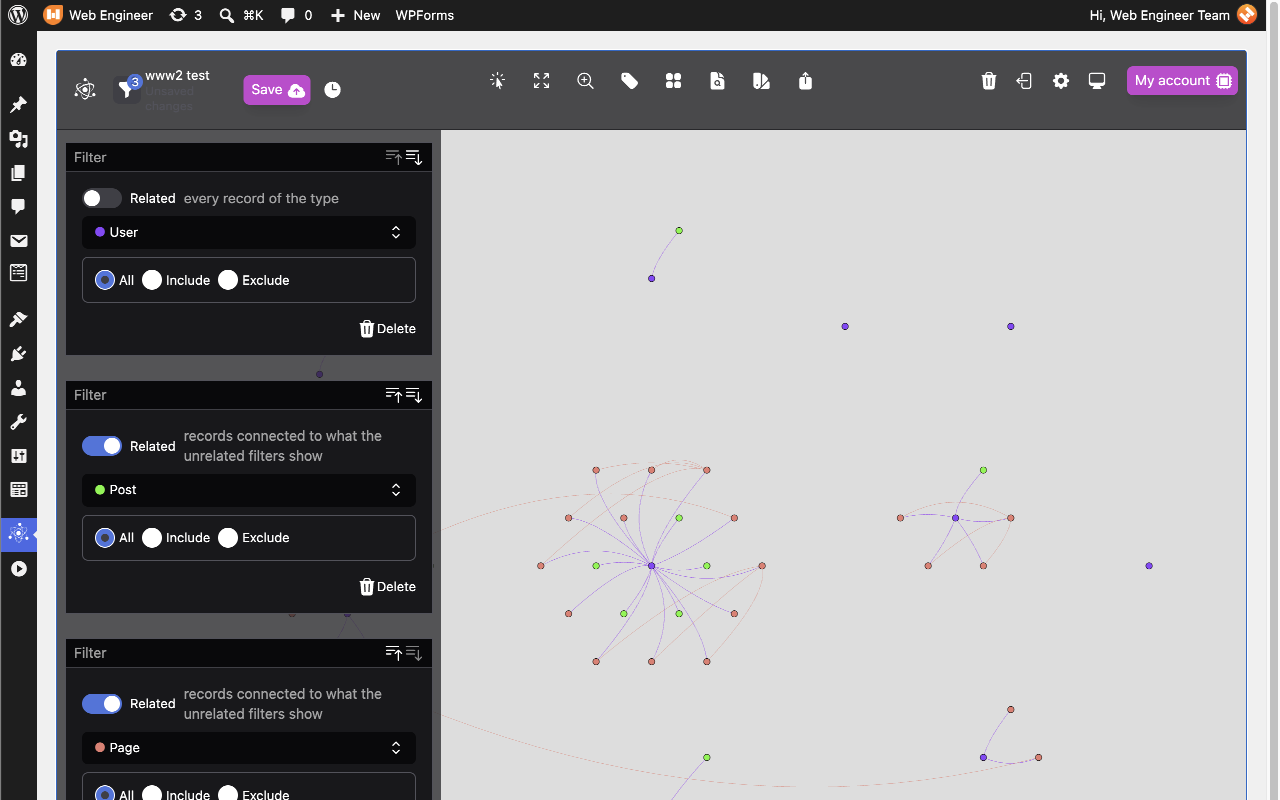
- Posts, pages and your site's own custom post types (published content only)
- Categories, tags and other public taxonomies, joined to the content that uses them
- Users, joined to the content they wrote and to their roles
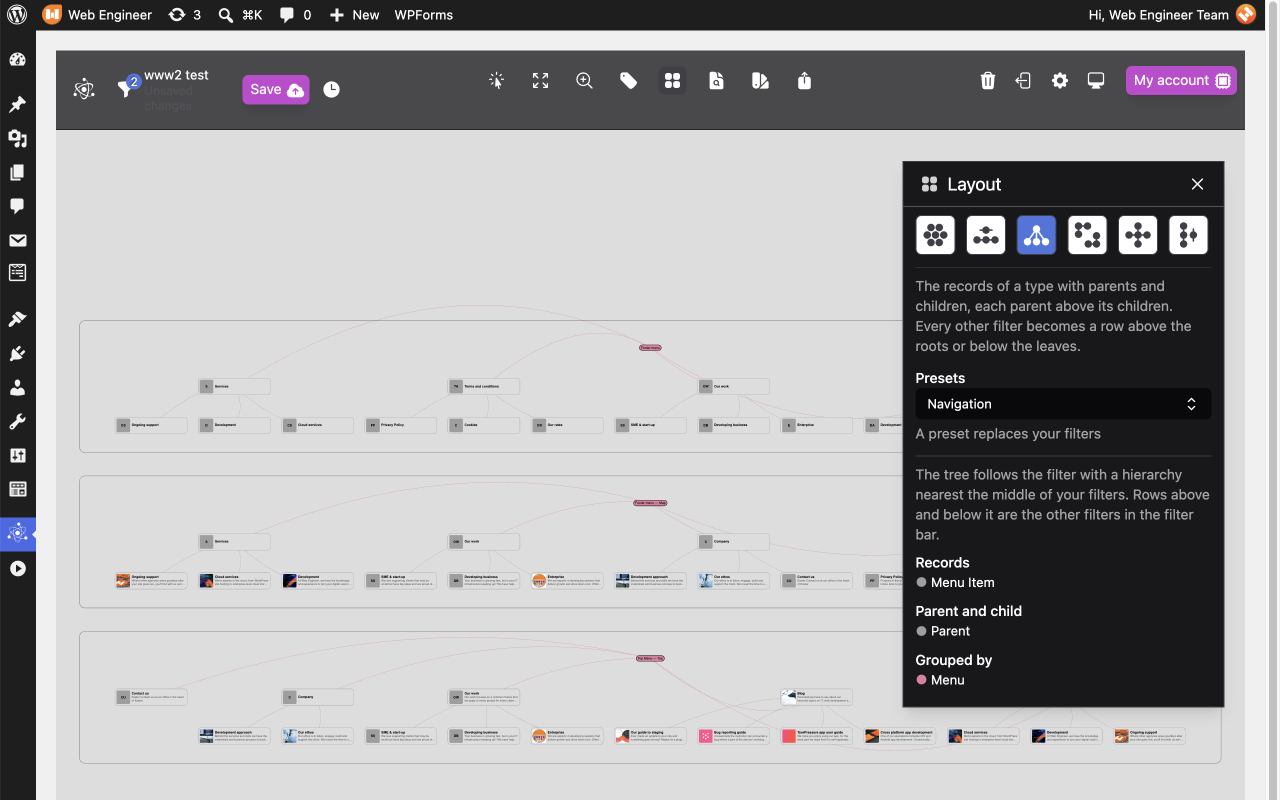
- Navigation menus and their items, joined to the pages, posts and terms they link to
- Parent and child pages, and the same for any hierarchical post type
- Manual: you place every record, and nothing moves unless you move it
- Series: the records of one type along a line, in date or alphabetical order, with related records in rows above and below
- Tree: records with parents and children, each parent above its children
- Grouped: one cluster per record type
- Hubs: each record of one type at the centre of the records that connect to it
- Columns: one column per filter, sorted to shorten the lines between neighbouring columns
安装:
- In your WordPress admin, go to Plugins > Add New Plugin and search for "Web-Engine Graph", or upload the plugin's zip file from that screen.
- Click Install Now, then Activate.
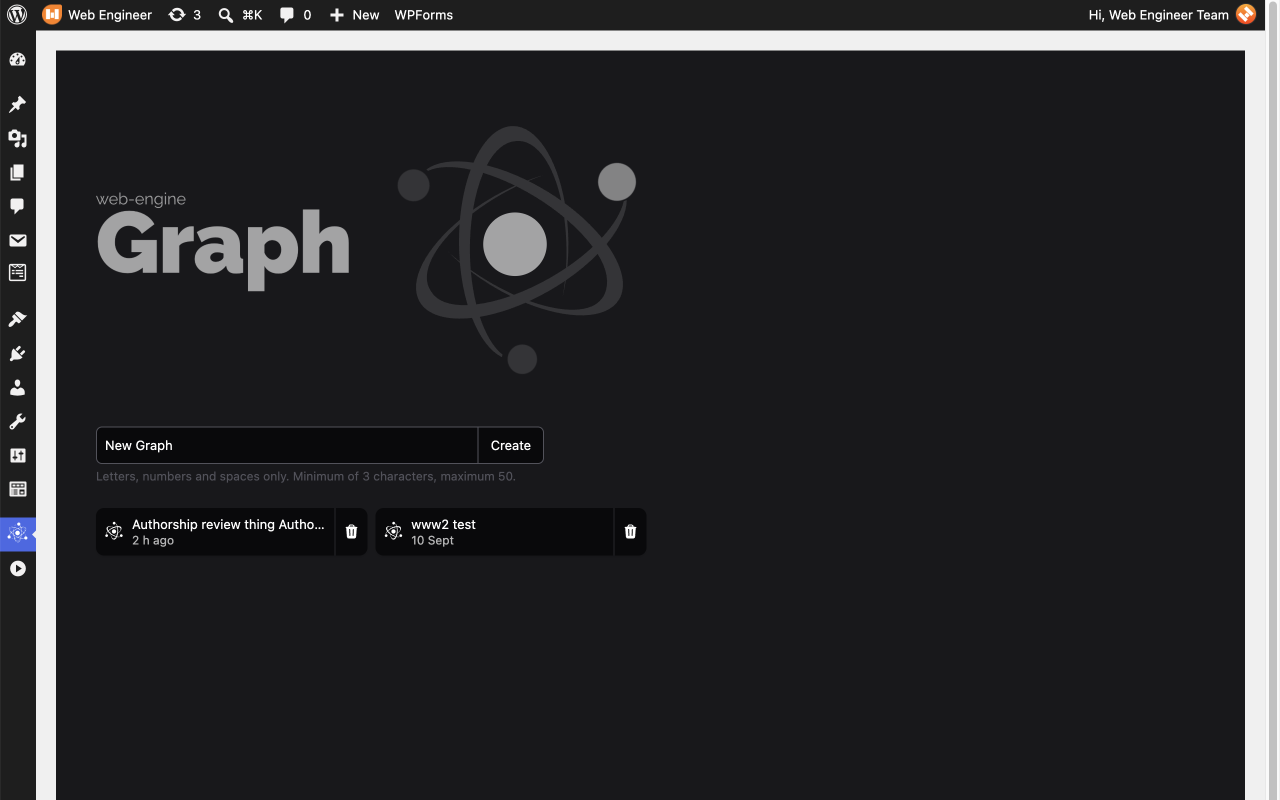
- Open Graph in the admin menu. Your site's graph is drawn straight away.
- Optional, to save graphs: as an Administrator, click Register on the Graph page. A Web-Engine cloud page opens in a new tab; sign in or register there and approve the connection. The tab closes itself, and a Save button appears on the Graph page.
屏幕截图:
常见问题:
Do I need an account?
No. The graph, the filters and the layouts all work without one. An account is needed only to save a graph and reopen it later. Registration is free.
Is the plugin free?
Yes. Everything in the plugin is free, with or without a cloud account. The Web-Engine cloud offers optional paid features of its own; the plugin does not need them.
Can I use it without connecting to the cloud?
Yes. Without a connection the graph is drawn from your site's database and nothing is sent anywhere. Your changes last until you leave the page; the page warns you before you leave with unsaved changes.
What is sent to the cloud?
Nothing, until an Administrator connects the site. After that, the site contacts the cloud only when someone saves, lists or reopens saved graphs, or opens My account, and when the plugin is deleted. A save contains the records that were on screen at the time: each one's title or name, type, link, WordPress ID and publication date, and the connections between them. For users, that is their display name, the link to their author page and their roles. It never contains post content, email addresses or passwords. The External services section has the full list. Saved graphs may be shown in the cloud's public gallery, as agreed when registering.
Who can see the graph?
In WordPress, users who can edit other people's posts: Editors and Administrators by default. The page reads every published post, term, user and menu on the site, so it is not offered to Authors, Contributors or Subscribers.
How do I disconnect or remove my data?
Deleting the plugin from the Plugins screen removes the options it stored in WordPress. If no other Web-Engine plugin (such as Web-Engine Sentry) is installed, it also tells the cloud the site is leaving, the cloud revokes the site's access, and the site's connection details are deleted. If another Web-Engine plugin is installed, the connection is left for that plugin to use. Deleting the plugin does not ask the cloud to delete graphs you have saved. To have them deleted, contact support@web-engineer.co.uk.
Does it work on multisite?
Yes. Each site in a network has its own graph, built from that site's content, and its own cloud connection. Deleting the plugin removes its data from every site in the network.
Is anything tracked?
No. The plugin contains no analytics or tracking code and loads no scripts, fonts or images from other servers: all its JavaScript is bundled with the plugin.
Is there a limit on how much is drawn?
By default the graph reads up to 500 posts of each post type, 200 terms of each taxonomy and 500 users, so that a large site still produces a graph a browser can draw. Developers can change these limits with the we360cloud_graph_max_records filter.
更新日志:
- First release.
- Draws a site's posts, pages, custom post types, terms, users, roles and menus as a graph of connected records.
- Filter stack with include, exclude and related filters.
- Six layouts: Manual, Series, Tree, Grouped, Hubs and Columns.
- Optional saving to a Web-Engine cloud account, with a history of saves for each graph.