
Web-Art Login Shield with reCAPTCHA
| 开发者 | webartdesigning |
|---|---|
| 更新时间 | 2026年7月7日 19:54 |
| 捐献地址: | 去捐款 |
| PHP版本: | 7.4 及以上 |
| WordPress版本: | 7.0 |
| 版权: | GPLv2 or later |
| 版权网址: | 版权信息 |
详情介绍:
- no ads
- no telemetry or analytics sent to the author
- no third-party dashboards provided by the plugin
- no all-in-one security suite overhead All login protection modules (reCAPTCHA, Login Protect, Advanced login URL) are opt-in and disabled by default.
安装:
- Install the plugin by uploading the ZIP via Plugins -> Add New -> Upload Plugin, or install it from the WordPress plugin directory after it is published.
- Activate the plugin.
- Open the plugin settings page in the WordPress admin area.
- (Optional) Enter Google reCAPTCHA v2 Site Key and Secret Key.
- Save the keys and click Verify reCAPTCHA (if provided).
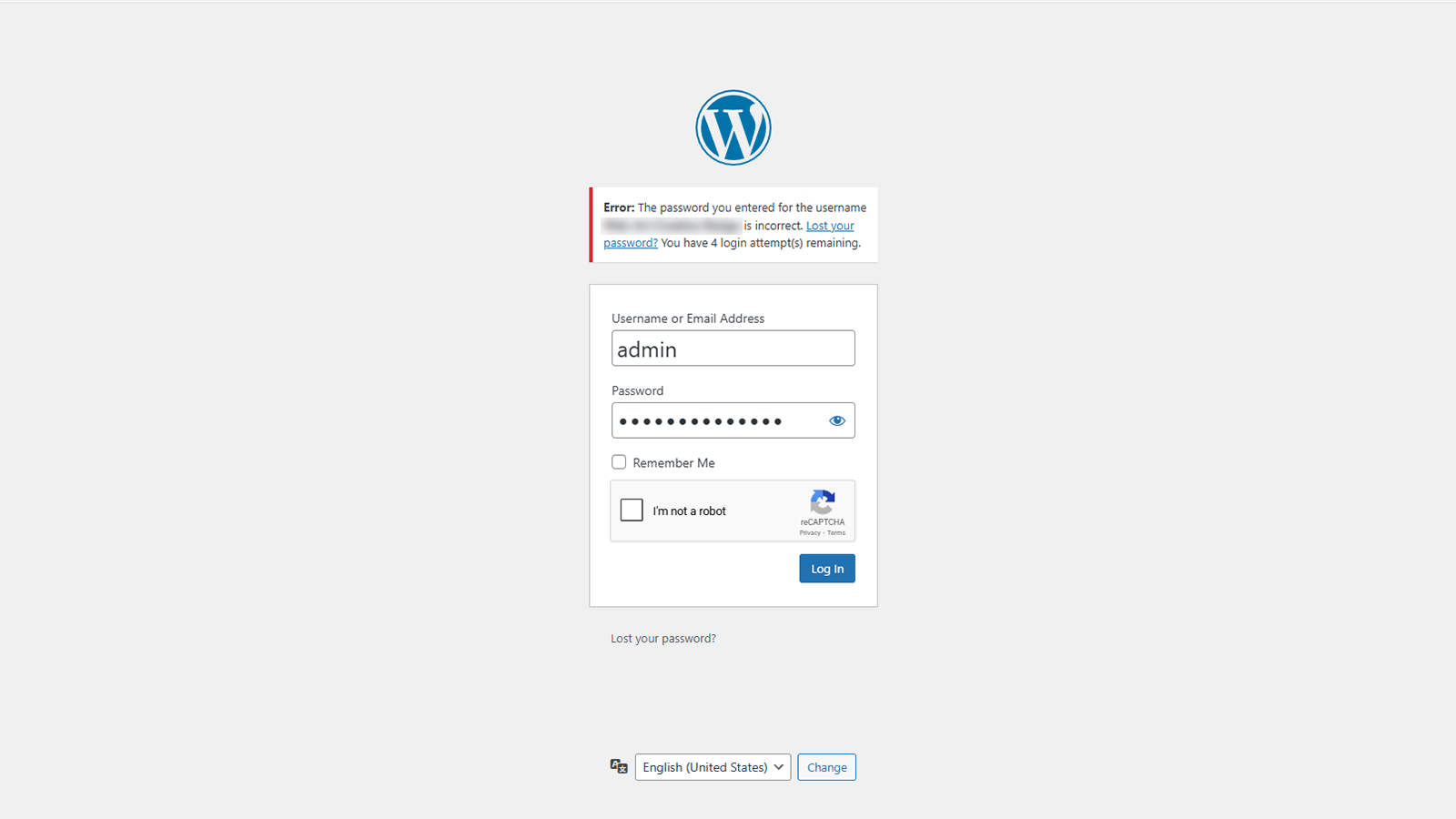
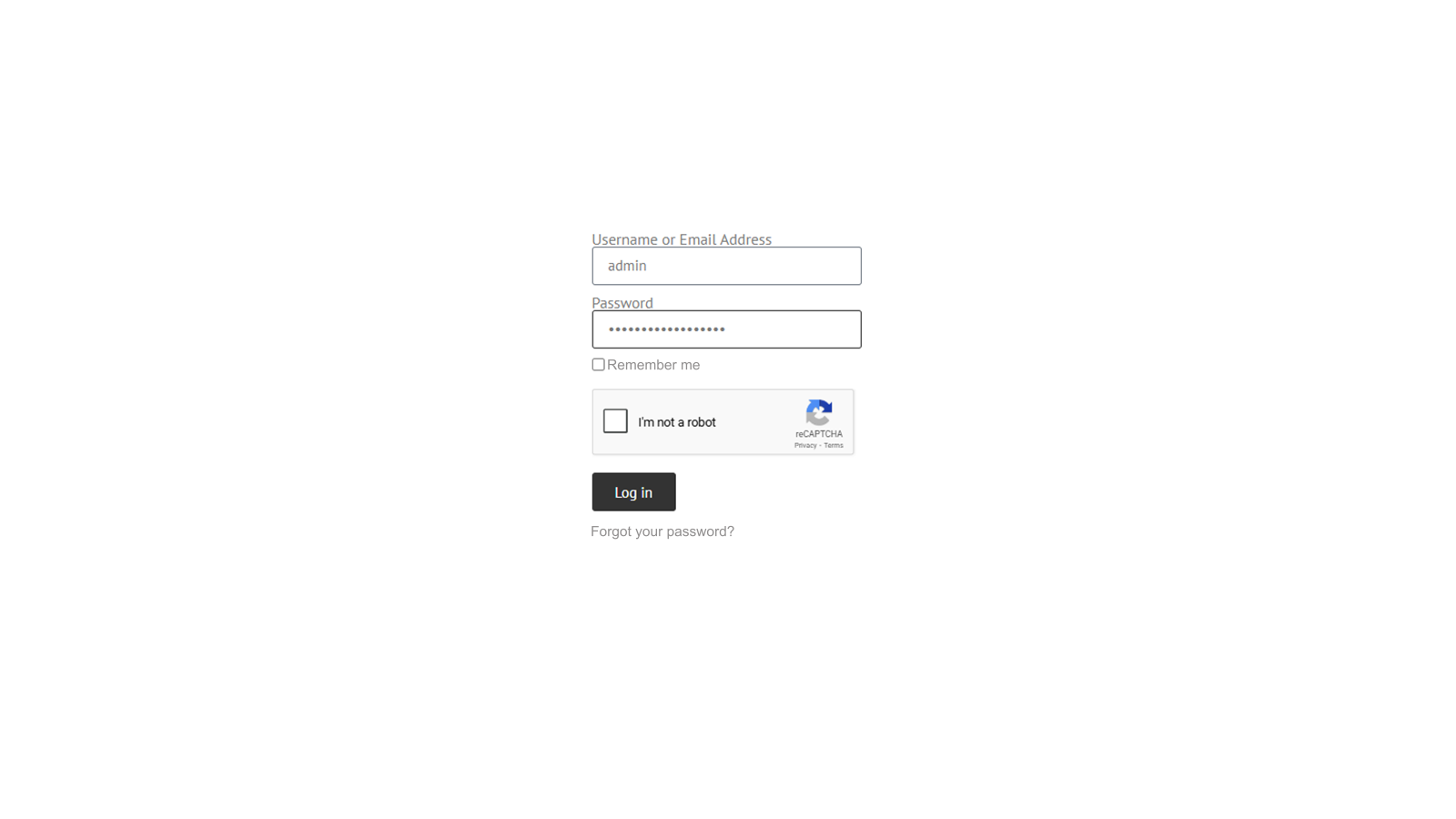
- After successful verification, reCAPTCHA will be enabled automatically.
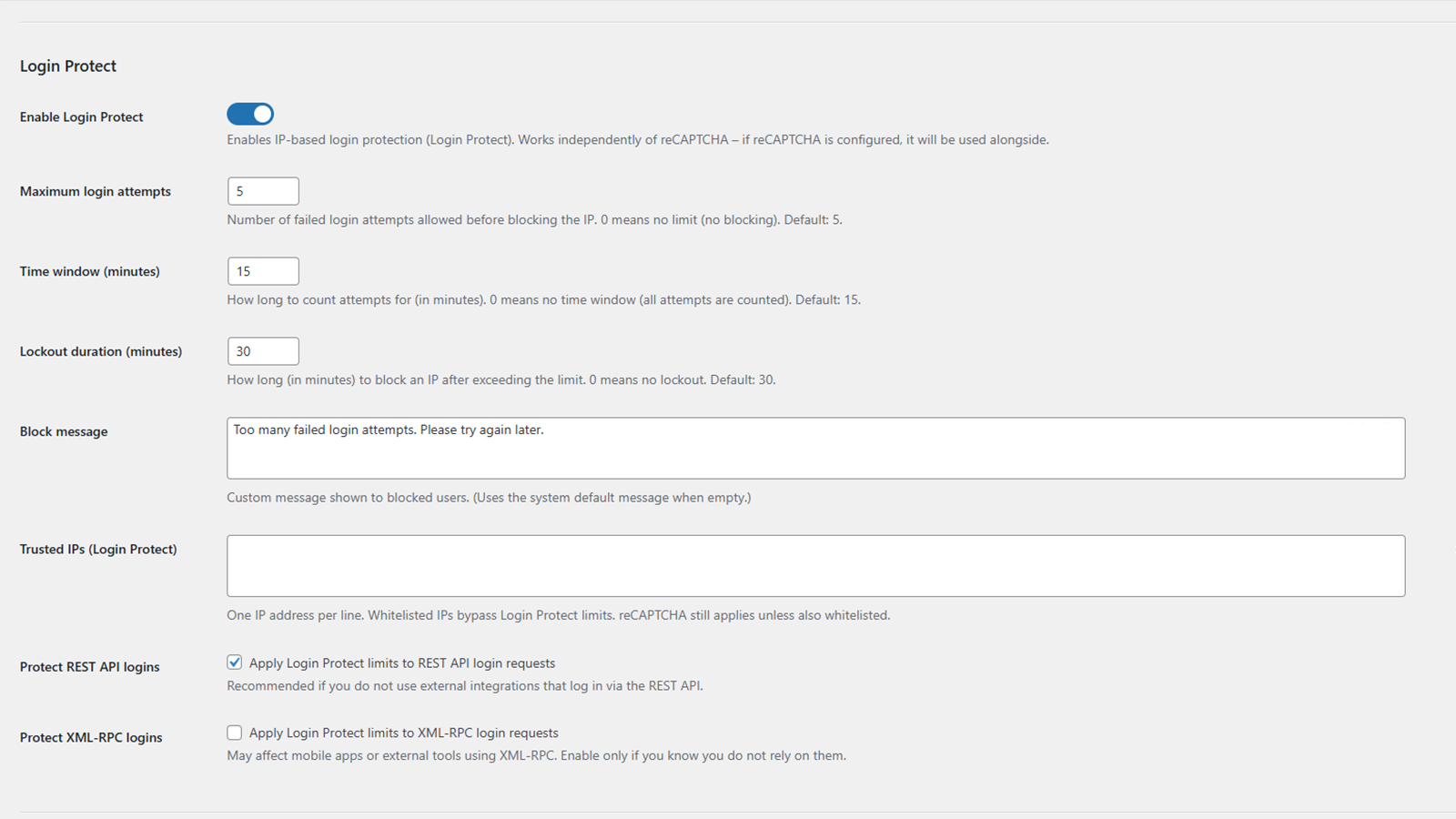
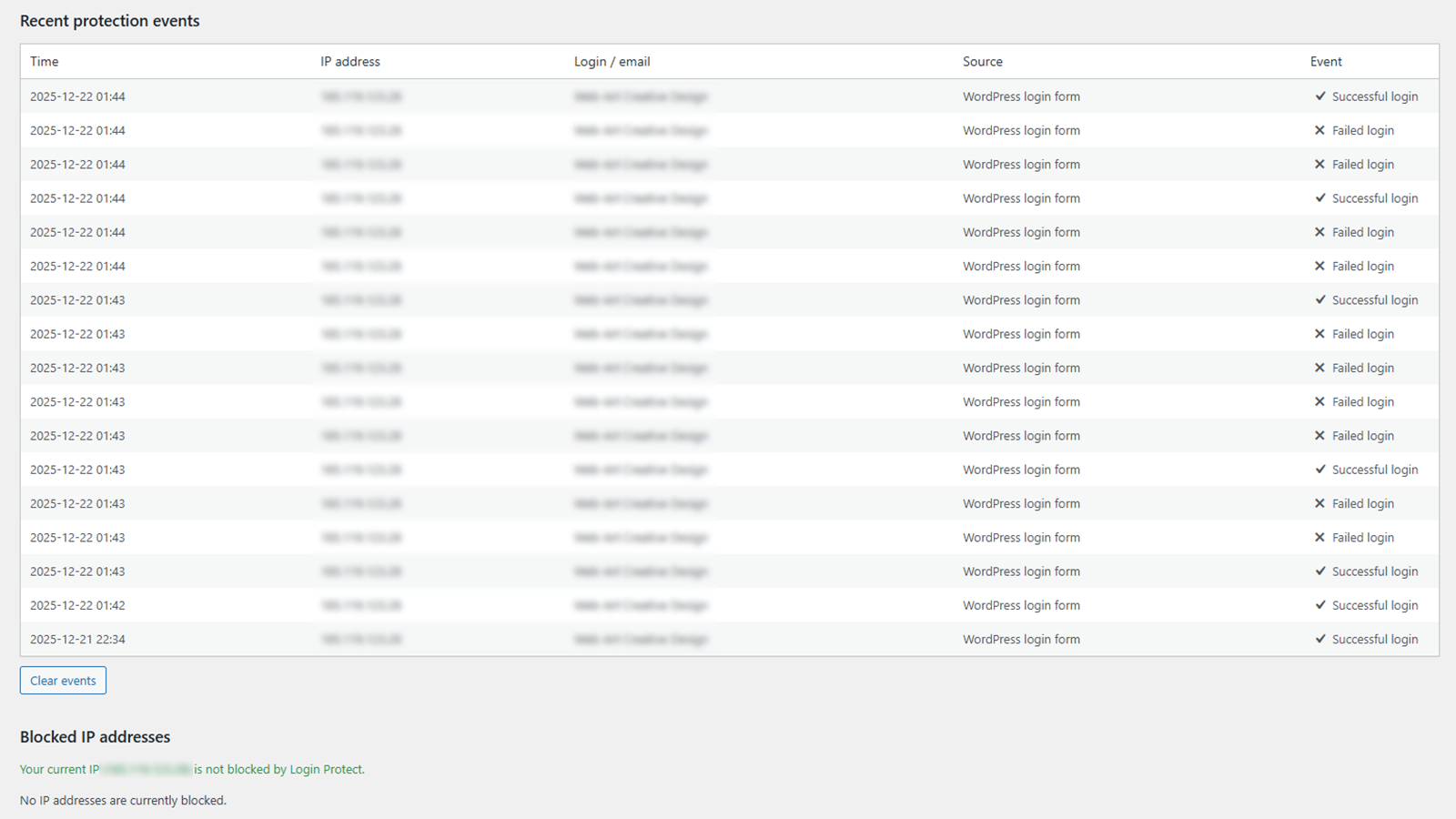
- (Optional) Enable Login Protect lockouts and configure limits and allowlists.
- (Optional) Enable Elementor Login and/or Elementor Forms protection.
- (Optional) Enable Advanced login options (toggle) and review the generated slugs. Important: copy and store your custom login URL.
屏幕截图:
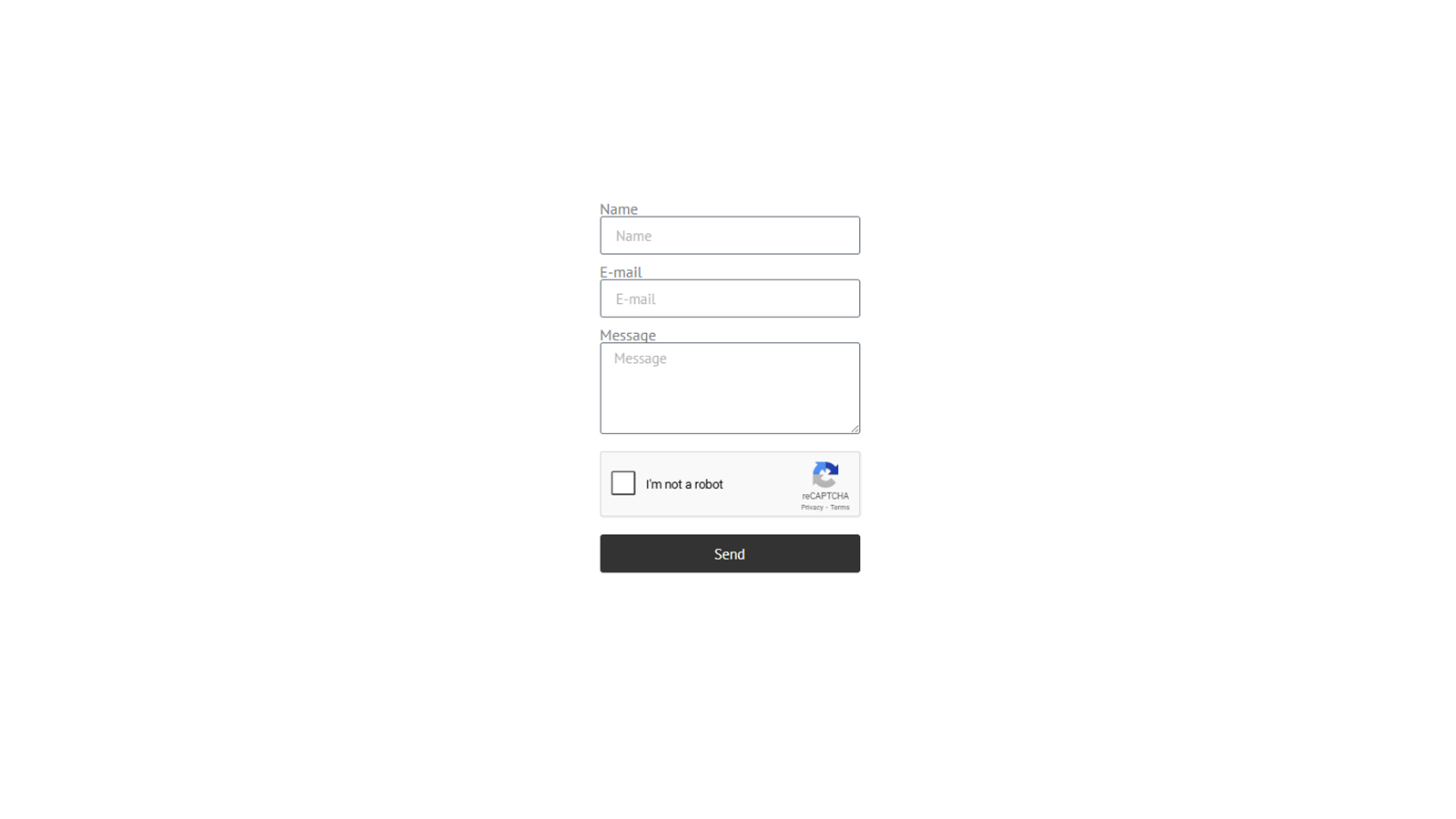
常见问题:
Do I need reCAPTCHA keys?
Yes. To use reCAPTCHA protection you must configure a reCAPTCHA v2 Site Key and Secret Key in the plugin settings.
Why can't I enable Elementor reCAPTCHA options?
Elementor Login and Elementor Forms reCAPTCHA can be enabled only after reCAPTCHA v2 is configured and successfully verified in the plugin settings.
Does the reCAPTCHA IP allowlist apply to Elementor too?
Yes. IPs added to the reCAPTCHA allowlist bypass reCAPTCHA checks on wp-login.php, Elementor Login and Elementor Forms. This bypass applies only to reCAPTCHA - Login Protect rate limits and lockouts may still apply.
What happens if Google reCAPTCHA verification is unreachable?
If reCAPTCHA protection is enabled for the given login or form and verification cannot be completed, the request is rejected to reduce the risk of automated bypass. Administrators can disable the feature in plugin settings or deactivate the plugin via hosting or FTP.
Are protections active immediately after installation?
No. Login protection modules are disabled by default and must be explicitly enabled by an administrator.
Does the plugin disable XML-RPC completely?
No. The XML-RPC endpoint is not disabled. The plugin can optionally disable a small set of high-risk XML-RPC methods (pingback and system.multicall) when Login Protect is enabled and "Protect XML-RPC logins" is enabled. Login Protect can also optionally apply rate limiting/lockouts to XML-RPC authentication attempts under the same conditions.
What if Elementor (or another plugin/theme) already adds reCAPTCHA (v2/v3)?
For Elementor Login widgets and Elementor Forms, the plugin avoids injecting a second reCAPTCHA widget if it detects an existing widget or an existing g-recaptcha-response field on the form. If a g-recaptcha-response token is submitted, the plugin will use it for server-side verification. To avoid conflicts (duplicate widgets, mixed keys, different versions), it is recommended to keep only one reCAPTCHA integration active for a given login/form flow (including wp-login.php).
What is IP Blocking (Site-wide) and how is it different from Login Protect?
Login Protect applies rate limiting and temporary lockouts mainly to authentication attempts (wp-login.php, and optionally REST/XML-RPC logins). IP Blocking is a separate site-wide deny rule that blocks selected IPs from accessing the entire site (HTTP 403), regardless of login attempts.
How does Advanced login URL work?
When Advanced is enabled, wp-login.php and wp-admin are protected for non-authenticated visitors. The login screen is served only under the configured custom login URL slug. Both slug fields are required when Advanced is enabled, and saving is blocked if any field is empty. The default recommended redirect slug is "404" (redirects to /404/ so your theme can display its 404 template).
Is the Advanced login URL slug translated per site language?
No. The Advanced login URL uses a single configured slug value. If you run a multilingual site, choose a neutral slug that you want to use across languages.
I forgot my Advanced login URL slug and cannot access the login screen. What can I do?
You can temporarily disable Advanced login URL protection via wp-config.php: define('LGRE_DISABLE_ADVANCED_LOGIN', true); Important: add the constant in wp-config.php before WordPress loads plugins. A safe place is between "Add any custom values..." and "That's all, stop editing!". After you regain access, remove the constant to restore Advanced login URL protection.
I accidentally blocked my own IP address using IP Blocking (Site-wide). What can I do?
You can temporarily disable site-wide IP Blocking via wp-config.php: define('LGRE_DISABLE_IP_BLOCKING', true); Important: add the constant in wp-config.php before WordPress loads plugins. A safe place is between "Add any custom values..." and "That's all, stop editing!". After you regain access and remove your IP from the blocklist, remove the constant to restore IP Blocking.
更新日志:
- Compatibility: Tested with WordPress 7.0.
- Tweak: Updated plugin metadata for WordPress 7.0 compatibility.
- Feature: Added IP Blocking (Site-wide) with a permanent IP blocklist (HTTP 403 across the site).
- UX: Separated and standardized admin status labels (permanent vs temporary IP blocks).
- UX: Documented optional note format support (IP | reason) for reCAPTCHA allowlist and Login Protect trusted IPs.
- Security: Login Protect lockouts on wp-login.php return HTTP 429 with Retry-After header for active lockouts (POST login attempts only).
- UX: Added wp-login.php lockout countdown notice ("Try again in:") and client-side submit blocking during lockout.
- Fix: Improved lockout messaging on the login screen to clearly indicate an active lockout when the lockout is triggered.
- Hardening: Reduced unnecessary request inspection by narrowing wp-login POST attempt detection to relevant contexts.
- Recovery: Added wp-config.php kill-switch constants to temporarily disable Advanced login URL and/or IP Blocking in emergency situations.
- Feature: Added visual alignment options (Left, Center, Right) for reCAPTCHA in Elementor Login and Elementor Forms.
- Security: Enhanced input sanitization standards for better FastCGI/Nginx compatibility.
- Performance: Disabled reCAPTCHA rendering in the Elementor Editor backend to improve editor performance.
- Fix: Stabilized Elementor Forms reCAPTCHA alignment in multi-column layouts when column gaps are used.
- UX: Simplified and unified configuration status labels in the admin settings.
- Tweak: General code hardening and strict type enforcement.
- Initial release