
AI Chatbot & Live Chat – WebChatAgent
| 开发者 | webchatagent |
|---|---|
| 更新时间 | 2026年8月3日 15:18 |
| PHP版本: | 7.4 及以上 |
| WordPress版本: | 7.0 |
| 版权: | GPLv2 or later |
| 版权网址: | 版权信息 |
详情介绍:
- Free to install and run – The plugin and the free plan cost nothing; paid plans add higher limits and advanced integrations
- Answers from your content – Train the AI on website pages, PDFs, Word files, spreadsheets, Notion or Confluence
- AI chatbot + human live chat – Automate routine questions and take over any conversation when a person is needed
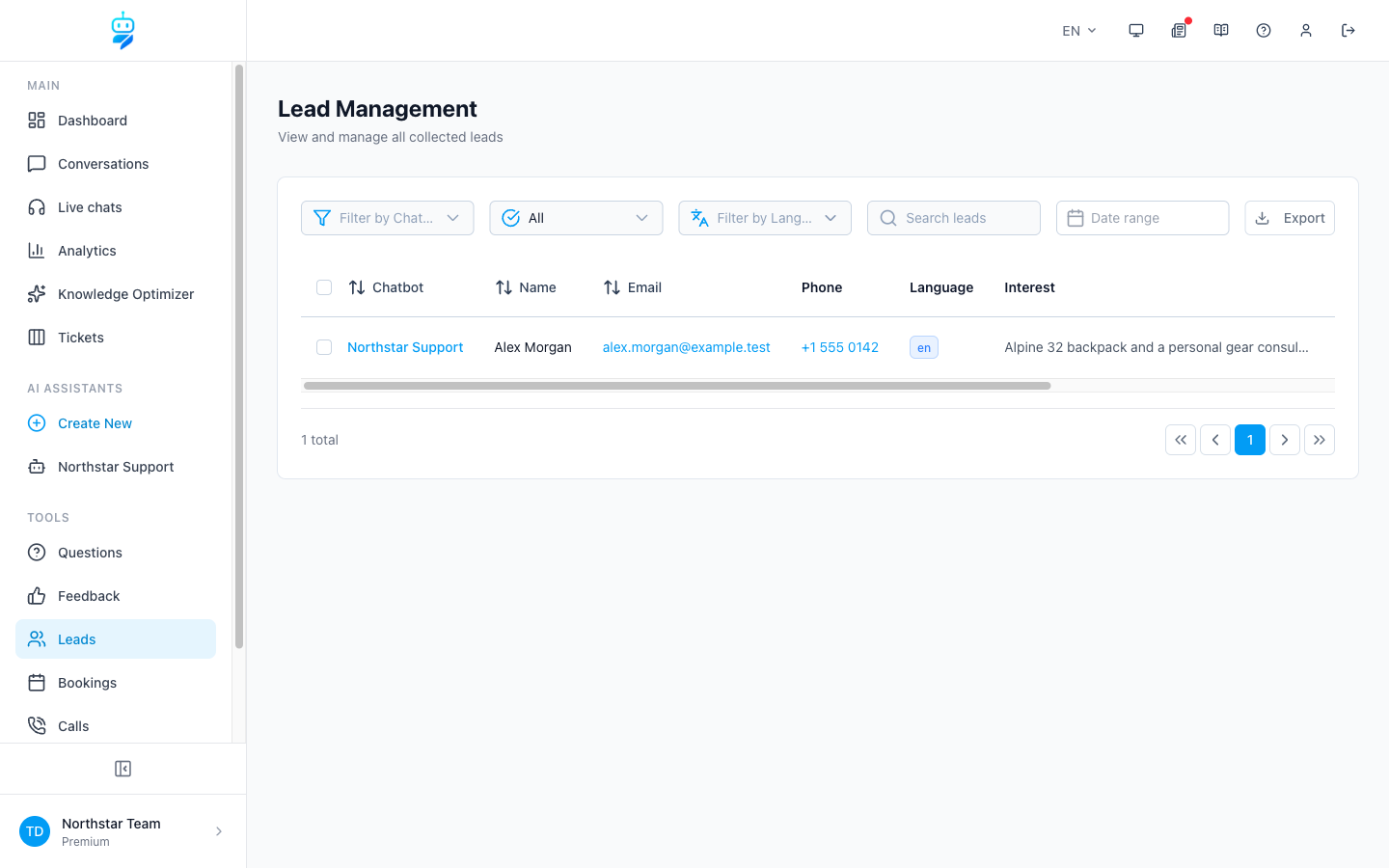
- Lead capture and bookings – Collect contact details, qualify enquiries and book appointments inside the chat
- Built for WordPress – Use the floating widget, shortcode or native Gutenberg block
- Privacy-focused controls – Anonymized IP storage, configurable retention settings, a DPA and documented provider choices help support GDPR requirements
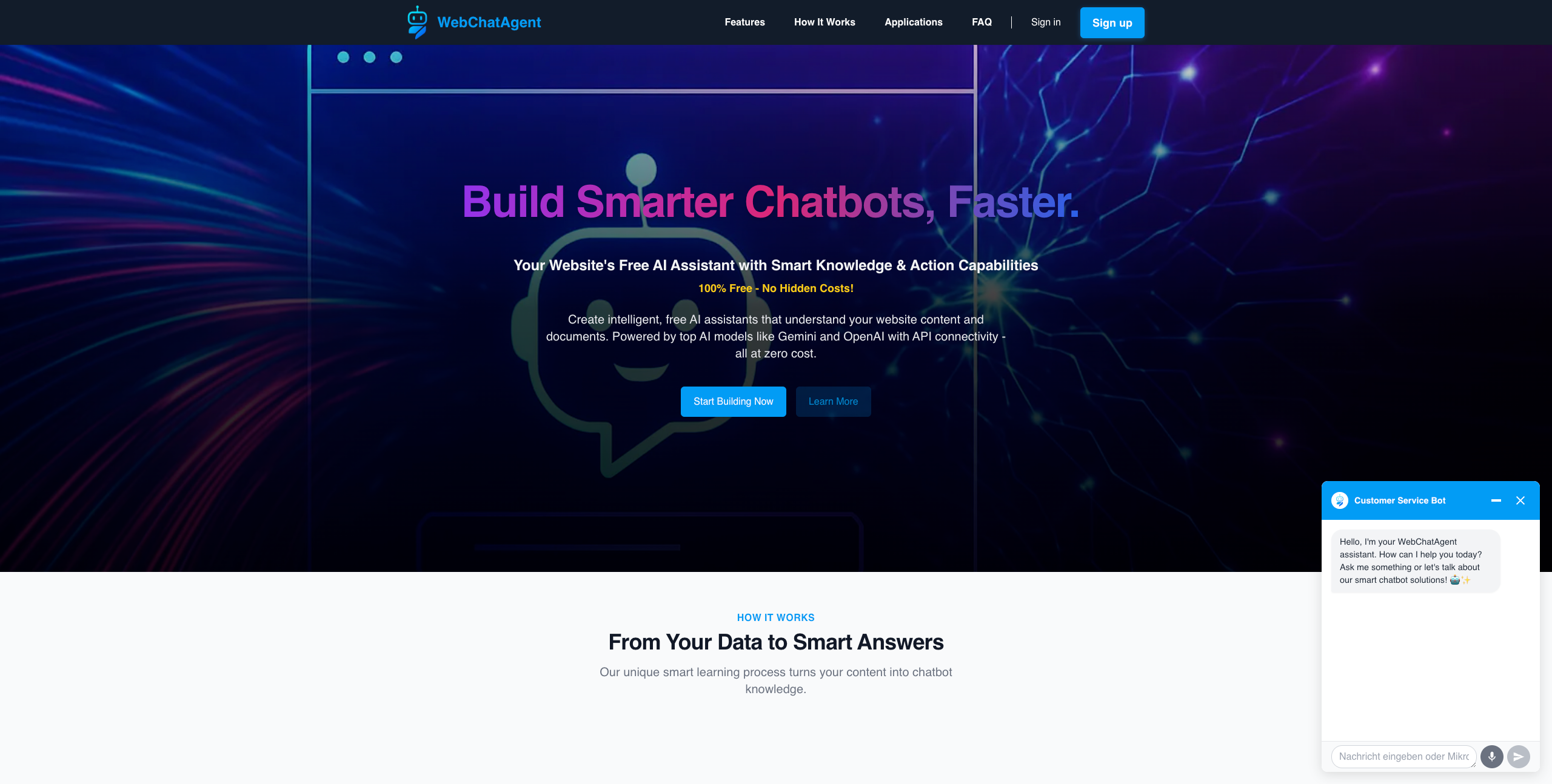
- Create a chatbot at https://webchatagent.com and add your website or documents as knowledge sources.
- Copy the Chatbot ID into WordPress > WebChatAgent and enable the widget.
- Customize the design and behaviour in WebChatAgent. Changes appear automatically on your WordPress site.
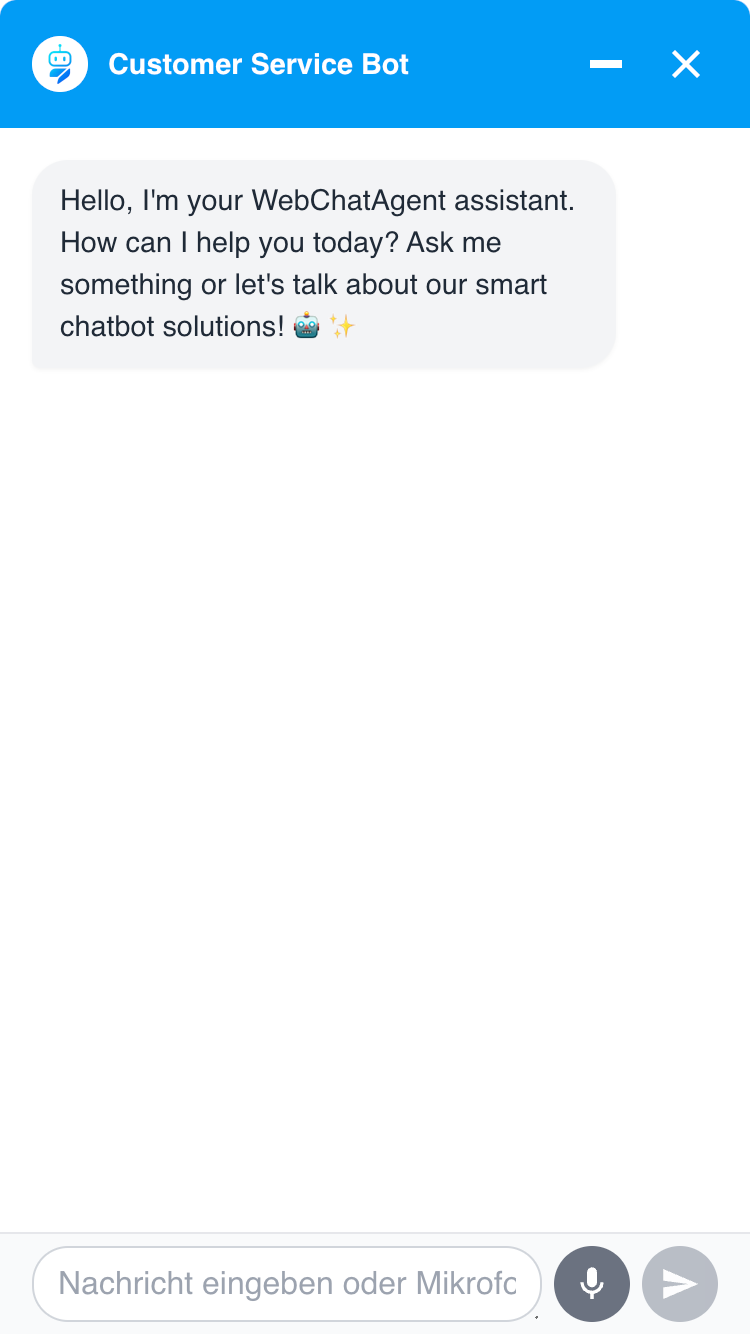
- No-code floating widget – Add the chatbot across your site without editing theme files
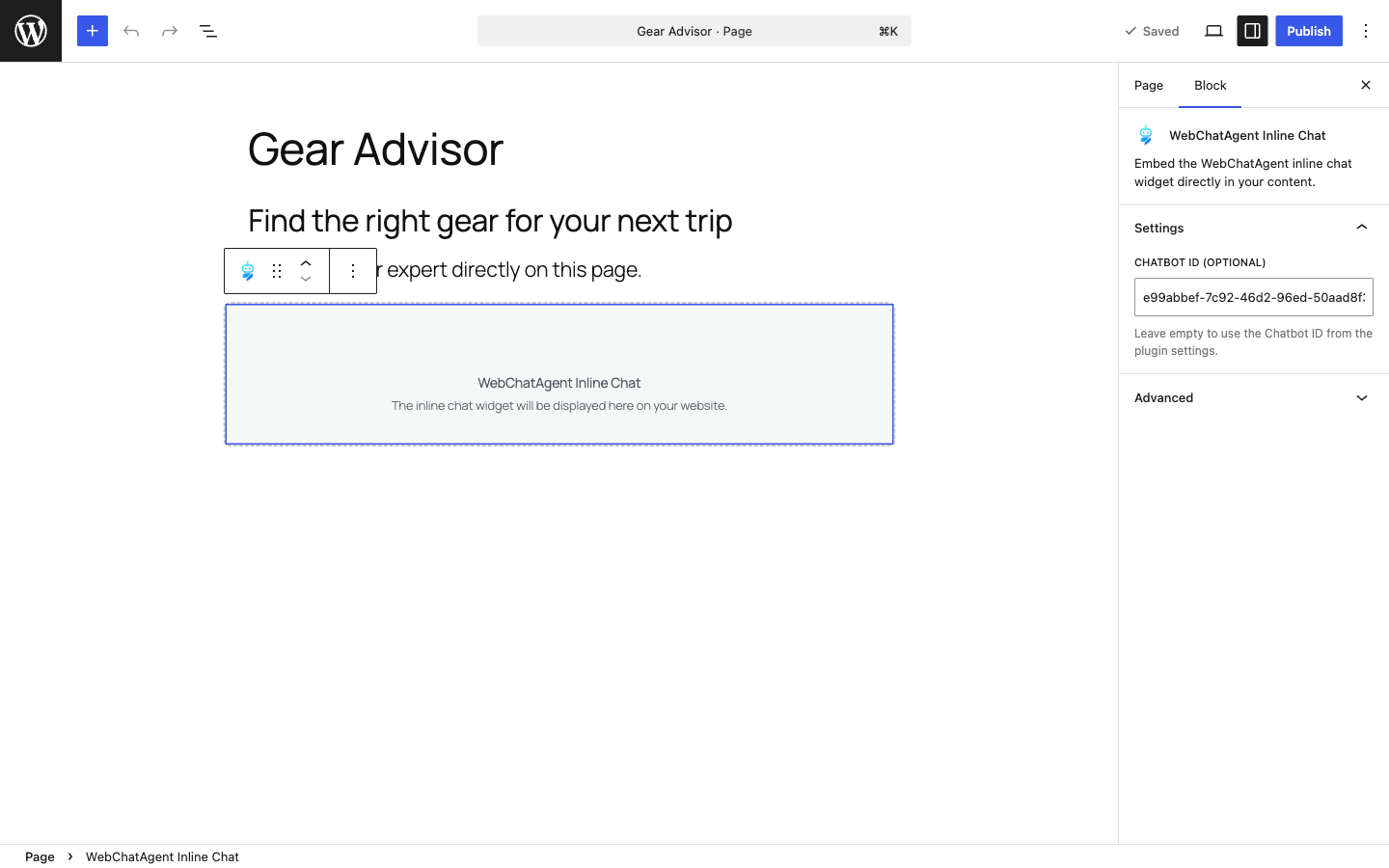
- Native Gutenberg block – Place an inline chat directly inside a page or post
- Shortcode support – Use
[webchatagent_inline]in the Classic Editor, page builders and text widgets - Per-embed Chatbot ID – Override the default bot for individual pages or campaigns
- Live preview – Check the current widget directly in the WordPress admin
- Efficient loading – Inline widget assets load only on pages that contain the block or shortcode
- Context-aware answers (RAG) based on your pages and uploaded documents
- OpenAI ChatGPT, Google Gemini, xAI Grok and Mistral AI model support
- Live chat and human takeover with one shared conversation inbox
- Action Bar and Form Builder for links, WhatsApp, Calendly and custom lead forms
- Proactive triggers based on time, scroll depth, exit intent, inactivity and other visitor behaviour
- WooCommerce and API connectors for order status, product information and business data
- Multilingual conversations, voice input, file upload and message streaming
- Analytics, lead management, tickets, feedback and knowledge testing in the WebChatAgent dashboard
安装:
- Install WebChatAgent from the WordPress plugin directory and activate it.
- Create a free account at https://webchatagent.com.
- Add your website or documents and create a chatbot.
- Copy its Chatbot ID from the WebChatAgent dashboard.
- Open WordPress > WebChatAgent, paste the ID and enable the chatbot.
- Save the settings and check the live preview.
[webchatagent_inline]. You can override the global ID with [webchatagent_inline chatbot-id="..."].屏幕截图:
常见问题:
Do I need an account or my own OpenAI API key?
You need a WebChatAgent account to create and manage the chatbot. You do not paste an OpenAI, Gemini or other model API key into WordPress. Enter only the Chatbot ID generated in your WebChatAgent dashboard.
Is the plugin free?
The WordPress plugin is free and WebChatAgent offers a free plan. Paid plans provide higher usage limits, more team features and advanced integrations. Current plan details are available at https://webchatagent.com/pricing.
How does the chatbot learn from my WordPress site?
Add your website URL as a knowledge source in WebChatAgent. The crawler indexes the permitted pages and can also process JavaScript-rendered content. You can add PDFs, Word files, spreadsheets and other sources from the dashboard.
Can a human take over an AI conversation?
Yes. Your team can open the conversation inbox, take over a chat in real time and hand control back to the AI afterwards.
Can I place the chatbot inside a page instead of using the floating button?
Yes. Use the native WebChatAgent Inline Chat Gutenberg block or the [webchatagent_inline] shortcode. Inline embeds work independently of the switch that controls the floating widget.
Does it work with WooCommerce?
Yes. The API Connector can retrieve WooCommerce data such as product details and order status. Customers can be asked to verify their identity before personal order information is returned. Connector availability depends on the selected plan.
Can I customize the widget?
Yes. Colors, fonts, avatar, welcome message, prompt buttons, behaviour and position are configured in the WebChatAgent dashboard. The WordPress admin displays a live preview of the saved configuration.
How does WebChatAgent help with GDPR requirements?
WebChatAgent provides privacy-focused controls including anonymized IP storage, configurable retention settings, a DPA and documented provider choices. Whether a website is GDPR compliant depends on its complete configuration, consent flow, privacy notice and legal requirements. Verify the current retention and erasure process before making commitments to data subjects. See https://webchatagent.com/privacy-policy for details.
更新日志:
- Fixed: The WordPress admin preview and Chatbot ID validation now identify the WordPress site correctly when Allowed websites restrictions are enabled
- Improved: App and API domains can be overridden independently for controlled staging and development environments
- Added: Where to find the Chatbot ID, via "Chatbot actions" in the dashboard or the chatbot URL
- Fixed: The confirmation after saving settings never appeared
- Added: Notice explaining that widget settings are managed in the WebChatAgent dashboard and shown read-only in WordPress
- Added: Direct links to the dashboard from the settings screen once a Chatbot ID is stored
- Fixed: Admin notices from other plugins or themes no longer overlap the plugin header
- Fixed: Welcome and speech bubble messages showed raw HTML instead of formatted text
- Improved: Read-only values are now visually marked as such
- Improved: Clearer privacy wording in the plugin directory listing
- Improved: Clearer setup guidance and transparent free/paid plan wording in the WordPress admin
- Improved: Privacy and external-service documentation
- Improved: WordPress.org description, screenshots and positioning
- Added:
[webchatagent_inline]shortcode for pages, posts, page builders and text widgets - Added: Native WebChatAgent Inline Chat Gutenberg block
- Added: Optional per-embed Chatbot ID
- Added: Inline Embed tab with a copy-ready shortcode
- Improved: Inline assets load only on pages that use the embed
- Compatibility: Minimum required WordPress version is now 5.8
- Added: Bundled German, Spanish, French, Italian, Dutch and Russian admin translations
- Fixed: Plugin text domain loading
- Improved: Translatable admin validation and media messages