Webkoding AgeWall – Age Verification and Age Gate
| 开发者 | webkoding |
|---|---|
| 更新时间 | 2026年9月5日 03:36 |
| PHP版本: | 7.4 及以上 |
| WordPress版本: | 7.1 |
| 版权: | GPLv2 or later |
| 版权网址: | 版权信息 |
详情介绍:
- True server-side enforcement. Protected content, shortcodes and blocks are withheld before the response is sent. The gate requirement (minimum age and method) is signed and re-derived on the server, so it cannot be weakened by tampering with the request.
- Whole-site gate or per-content gates. Gate the entire site with an overlay or a dedicated page, or gate individual pieces of content with the
[agewall]shortcode and the AgeWall block. - Per-post and per-category restrictions. Mark any post, page, custom post type or term as age-restricted, with its own minimum age and method.
- Two verification methods.
- Confirmation ("I am over N") — a lightweight self-declared check.
- Date of birth (DOB) — a self-declared date, validated on the server.
- Choose your enforcement. Withhold the content entirely (the default and the strictest), redirect to a gate page, or cover the page with an overlay when you need search engines to keep seeing it.
- Search-engine friendly. Optionally allow known search-engine bots to bypass the gate for SEO.
- Customizable gate appearance. Set the gate title, message and logo, and choose an overlay, modal or inline template.
- No accounts, no tracking, no third-party calls. AgeWall stores no personal data and contacts no external service.
- Translation ready. All strings use the
webkoding-agewalltext domain and alanguages/webkoding-agewall.pottemplate is included.
- ID document upload with manual review, stored outside the web root
- Yoti and VerifyMyAge as verification providers
- Ordered, country-aware rules — a different minimum age per jurisdiction
- An audit log of every attempt, with a retention policy you set
- WooCommerce: the cart and the checkout guarded, not only the product page
agewall/register_providers), supply your own rule set (agewall/rules), resolve the visitor's country (agewall/visitor_country), observe every verification attempt (agewall/verification_attempt), and add your own settings tabs and admin screens (agewall/settings_tabs, agewall/admin_menu).
安装:
- Upload the
webkoding-agewallfolder to the/wp-content/plugins/directory, or install the plugin through the WordPress Plugins screen. - Activate the plugin through the "Plugins" screen in WordPress.
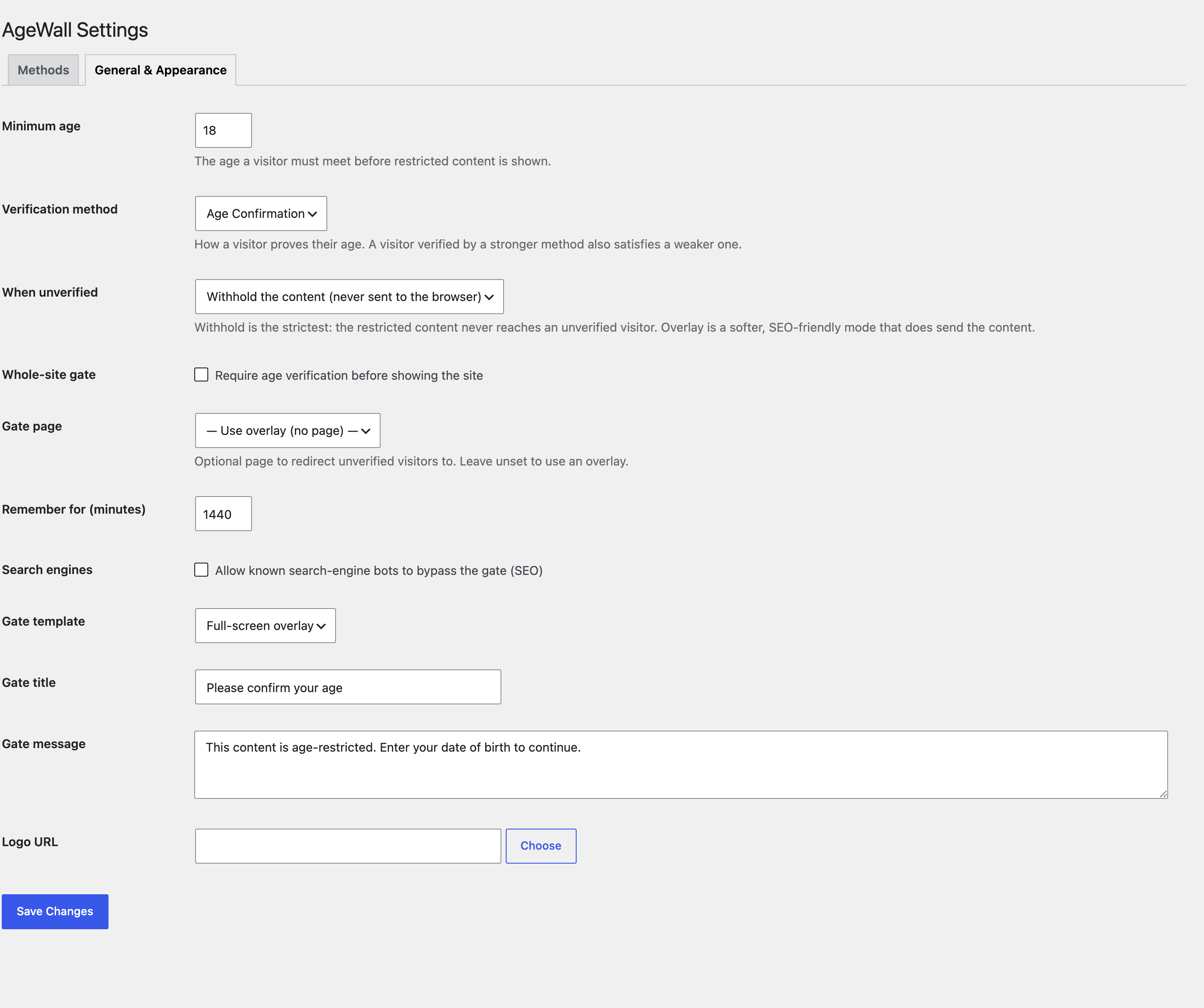
- Go to AgeWall in the admin menu, set your minimum age, verification method and appearance.
- (Optional) Mark individual posts, pages or terms as age-restricted from the AgeWall box on their edit screen.
屏幕截图:
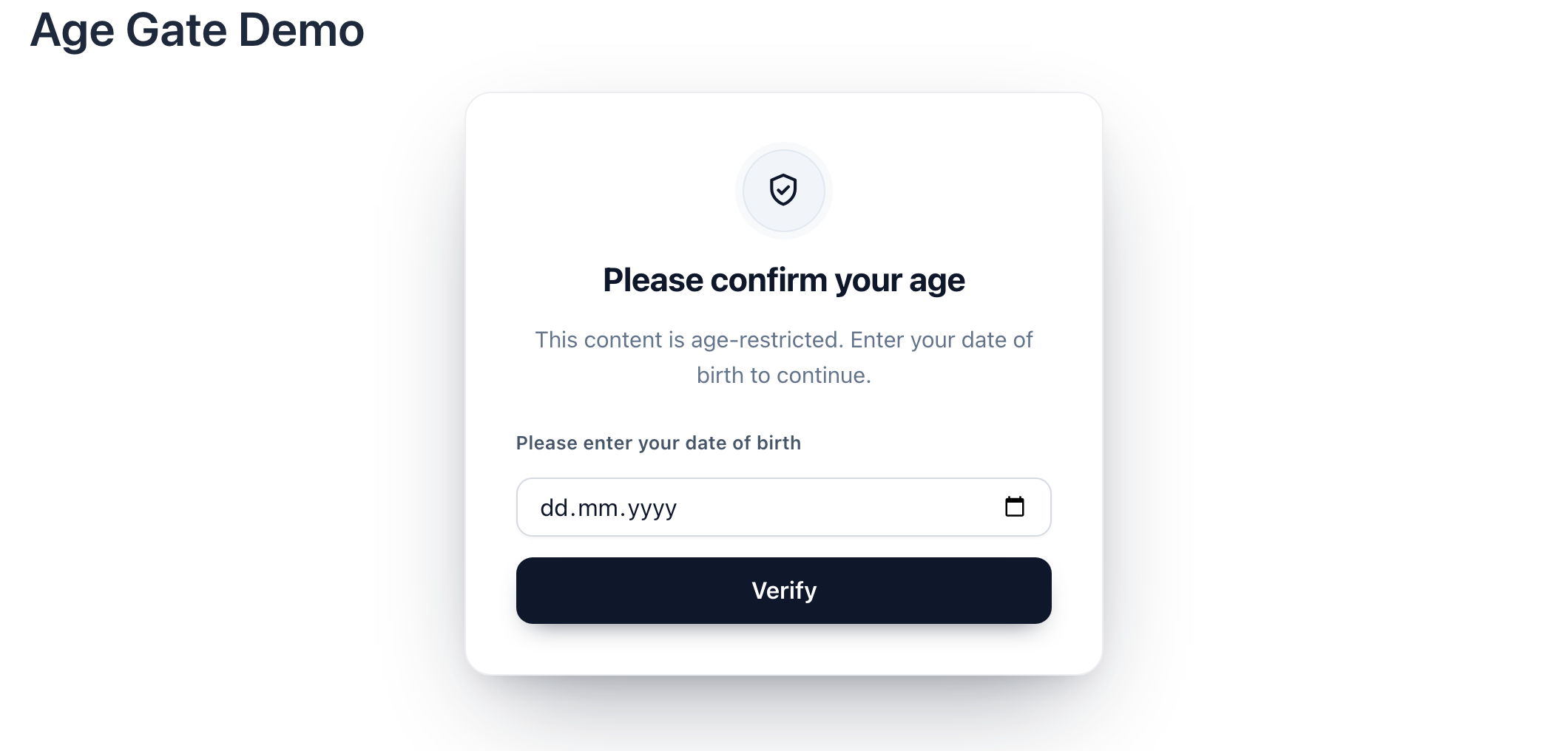
![A public article with one age-restricted section locked by the `[agewall]` shortcode. The surrounding paragraphs stay public.](https://cdn.jsdelivr.net/wp/webkoding-agewall/assets/screenshot-3.png)
常见问题:
Does AgeWall really hide content from unverified visitors, or is it just a visual overlay?
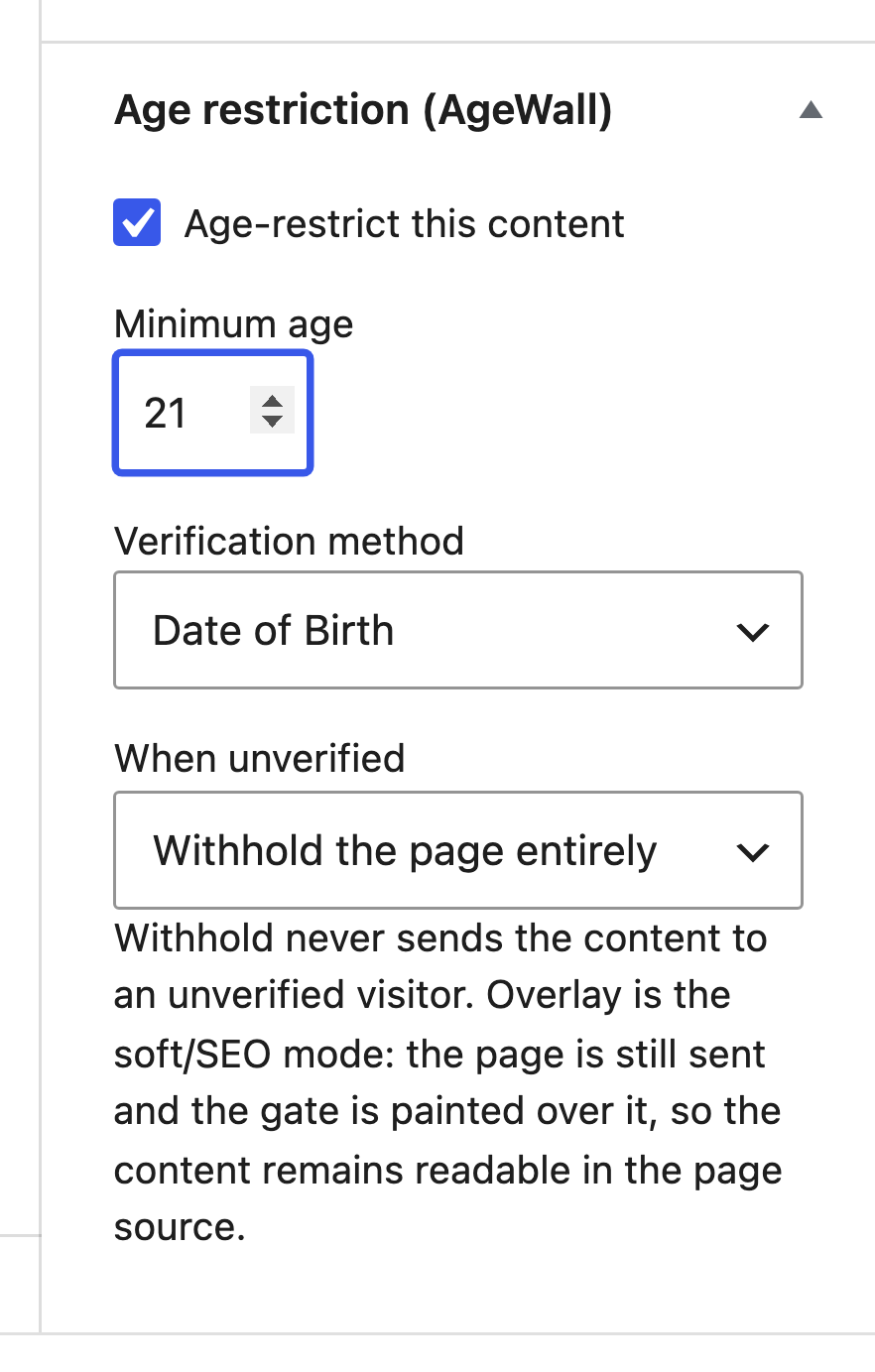
It genuinely withholds the content on the server. Restricted content is never placed in the HTTP response for an unverified visitor, so it cannot be exposed by disabling JavaScript, editing CSS, or viewing the page source. This depends on the rule's action, and the difference is important: withhold and redirect are content-withholding — the protected page is never rendered or sent to an unverified visitor — and withhold is the default. Overlay is a soft/SEO mode: the page still renders and is sent in the response with the gate painted over it, so use it only when you want search engines and existing rankings to keep seeing the page, not when the content must actually be withheld.
Which verification methods are included?
Confirmation ("I am over N") and self-declared date of birth. Both are checked on the server, and a visitor verified by the stronger method also satisfies the weaker one.
What personal data does AgeWall store?
None. AgeWall stores no personal data about your visitors, creates no database tables, and makes no third-party requests. A visitor's proof of age is held in a signed cookie that records only the scope, the minimum age and the method it was granted for — never a date of birth.
Can I enforce a different age for different countries?
No. Every visitor is held to the same rule, which you set once in Settings. The plugin does not geolocate visitors and does not vary the minimum age by country. Developers can hook agewall/rules and agewall/visitor_country to match on their own criteria.
Can I add my own verification method?
Yes. Implement Agewall\Providers\ProviderInterface and register it on the agewall/register_providers action. It will appear automatically everywhere a method can be chosen.
Is AgeWall translation ready?
Yes. Every user-facing string uses the webkoding-agewall text domain, and a languages/webkoding-agewall.pot template is bundled for translators.
更新日志:
- The Methods list now says, at the end of the list, that document and database checks are a separate add-on — where an admin choosing verification methods is actually standing, rather than only in the card at the foot of the page.
- The add-on card at the foot of the settings screen no longer appears when the add-on is installed.
- Fixed: a WooCommerce product marked age restricted was still for sale. The gate covers post content, which on a product page is the description and nothing else, so the price, the quantity field and Add to cart were untouched and the order went through without anyone being asked their age. The product is now taken out of sale until the visitor verifies, and a request sent straight to the cart is refused as well.
- Fixed: the short description of a restricted product showed the gate's words with its markup stripped, buttons fused into one line. It now shows a sentence.
- Added: after activation the plugin says what is left to do instead of appearing to do nothing, and one verification method is switched on so the Methods tab is not empty.
- Added: links to the settings screen and to the paid add-on in the Plugins list.
- Renamed: the listing now says what the plugin does, not only what it is called. No functional change.
- Initial release.