
WebLegal
| 开发者 | lauyansoftware |
|---|---|
| 更新时间 | 2026年9月25日 04:17 |
| PHP版本: | 7.4 及以上 |
| WordPress版本: | 7.1 |
| 版权: | GPLv2 or later |
| 版权网址: | 版权信息 |
详情介绍:
This plugin is an interface to WebLegal.ai, a paid external service that writes legal documents for websites and online shops: privacy policy, cookie policy, terms of use and terms of sale, adapted to your country rather than merely translated.
The plugin does not generate documents and does not sell anything inside your admin. You buy your pack on weblegal.ai, then paste your invoice number and the email you used at checkout into the plugin's settings screen. The plugin then:
- downloads each document you bought,
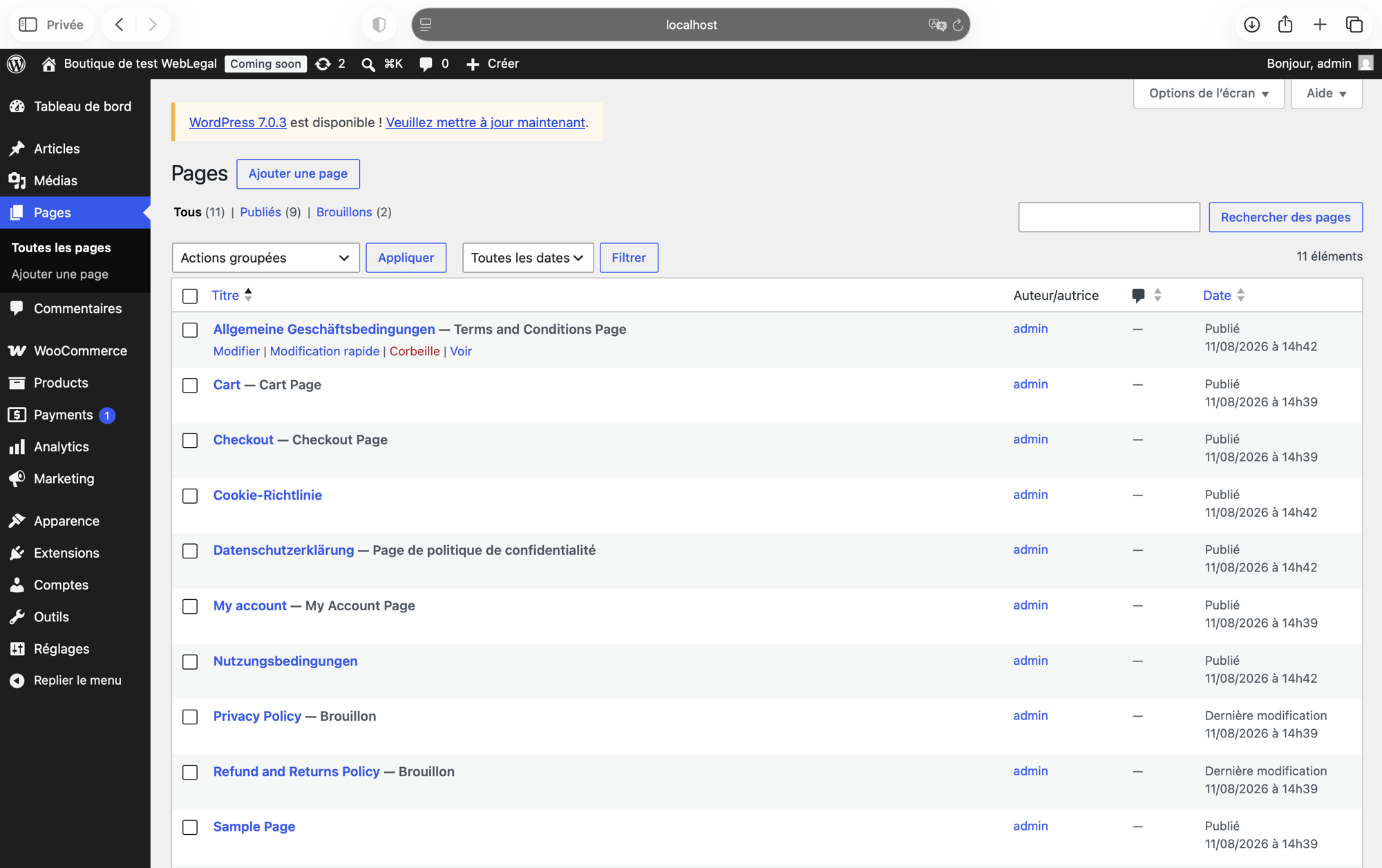
- publishes it as a regular WordPress page on your domain,
- sets it as the native WordPress privacy policy page where applicable,
- sets it as the WooCommerce terms page, so the terms checkbox appears at checkout.
安装:
You need a WebLegal.ai purchase before the plugin has anything to publish. If you do not have one yet, buy a pack on weblegal.ai first — the plugin never sells anything inside your admin.
- Install the plugin through Plugins > Add New, or upload the
weblegalfolder to/wp-content/plugins/. - Activate it through the Plugins screen.
- Go to Settings > WebLegal.
- Enter the invoice number from your purchase email (for example
WEBLEGAL-0123) and the email address you used at checkout. - Click Publish my pages.
屏幕截图:
常见问题:
Do I need a WebLegal account?
No account is created. You identify your purchase with your invoice number and the email address used at checkout.
Does the plugin work without WooCommerce?
Yes. Without WooCommerce it publishes your pages and sets the WordPress privacy policy. The terms-page setting only exists when WooCommerce is active.
What happens to my pages if I deactivate the plugin?
Nothing. The pages stay published and stay yours. Uninstalling removes only the plugin's own settings.
Does it add a cookie banner?
Not in this version. WebLegal offers a free cookie banner, but it is not part of this plugin.
Does it send data anywhere?
It contacts weblegal.ai to list and download the documents attached to your invoice. It sends your invoice number and the email you entered, and nothing else. No visitor data ever leaves your site.
更新日志:
0.1.0
- First release: publish purchased documents as pages, wire the WordPress privacy policy and WooCommerce terms settings, update on demand.