WebsiteCrawler SEO Dashboard
| 开发者 | PramodC88 |
|---|---|
| 更新时间 | 2026年3月17日 14:52 |
| PHP版本: | 5.0 及以上 |
| WordPress版本: | 6.9 |
| 版权: | GPLv2 or later |
| 版权网址: | 版权信息 |
详情介绍:
The SEO Dashboard plugin by WebsiteCrawler.org analyzes on page SEO elements and
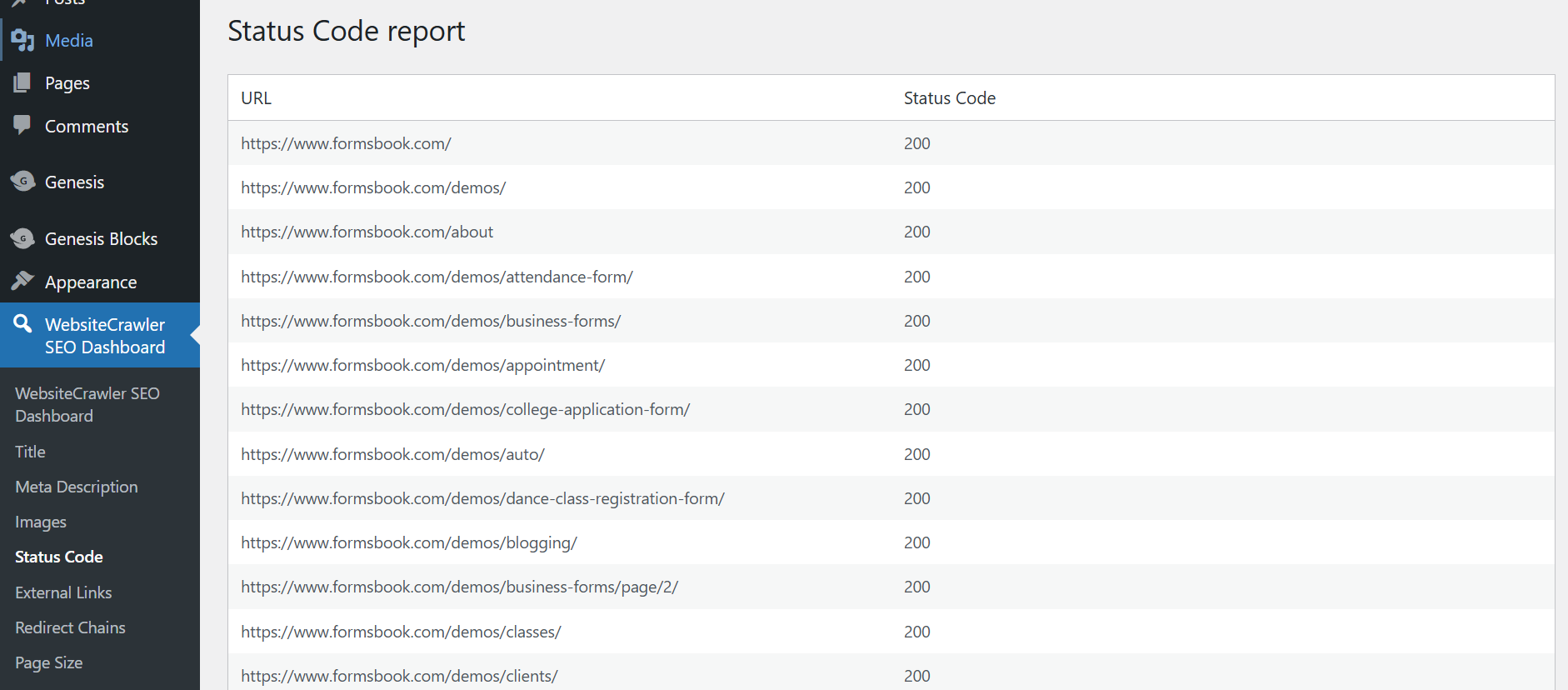
generates dedicated reports for the elements so that you can quickly find out the pages that needs to be optimized. The plugin invokes the crawler programmatically, which handles the crawling, page rendering, and analysis task without putting any load on your server i.e. the plugin connects your WordPress site with the WebsiteCrawler.org platform.\
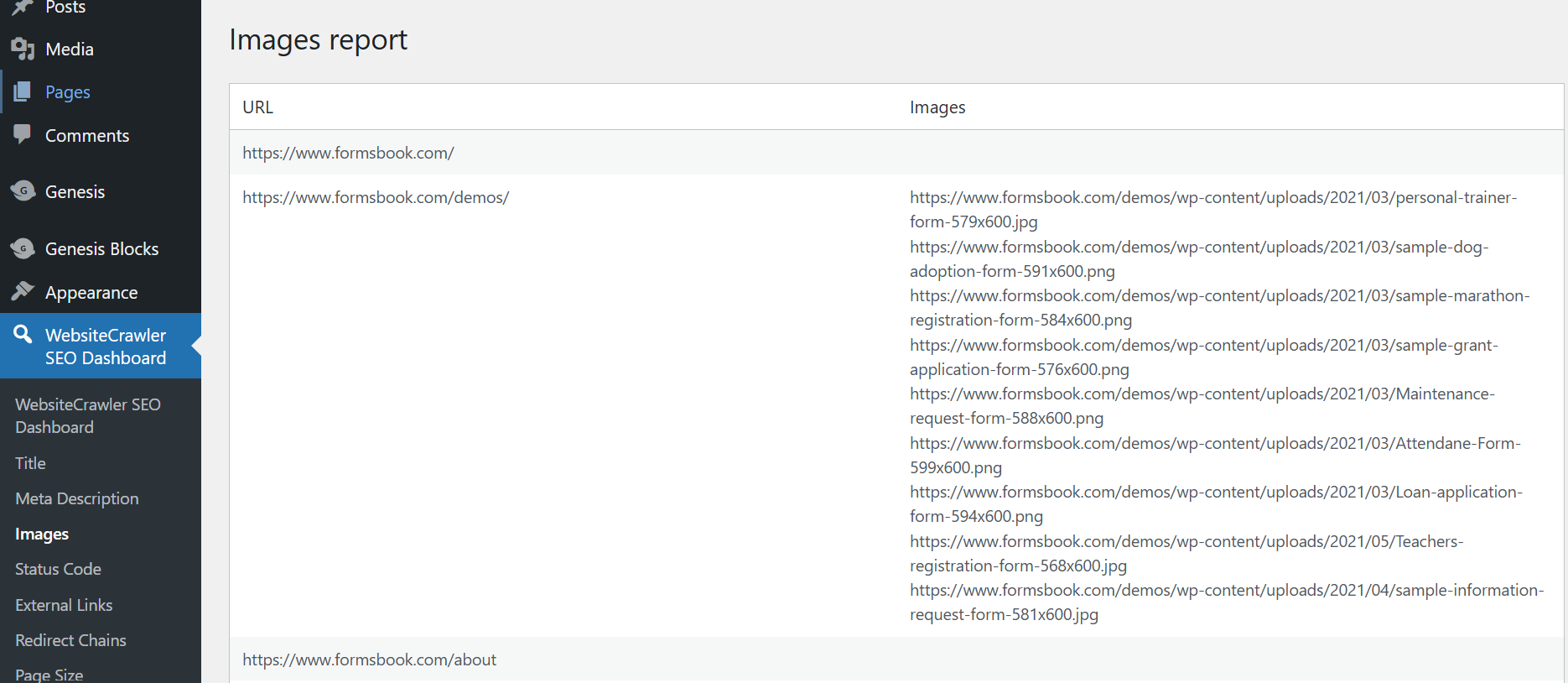
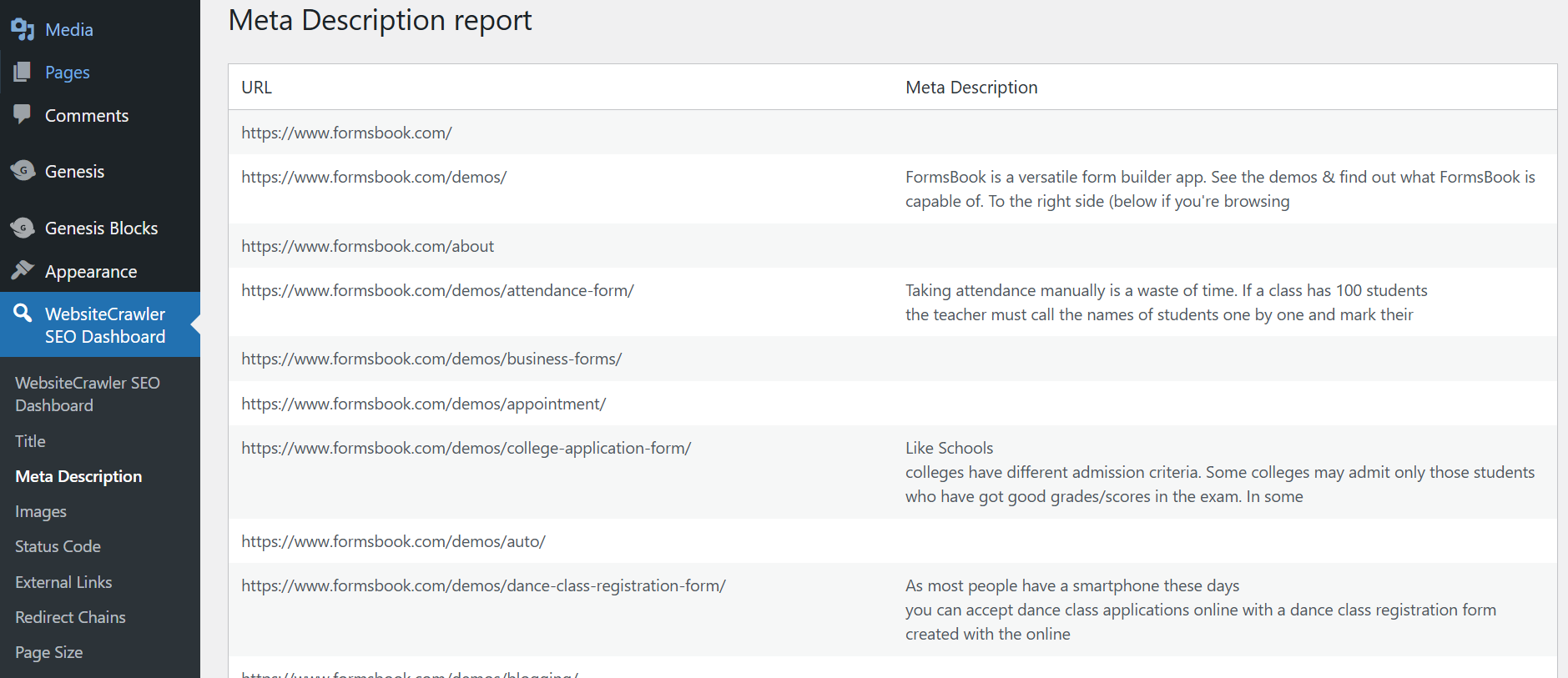
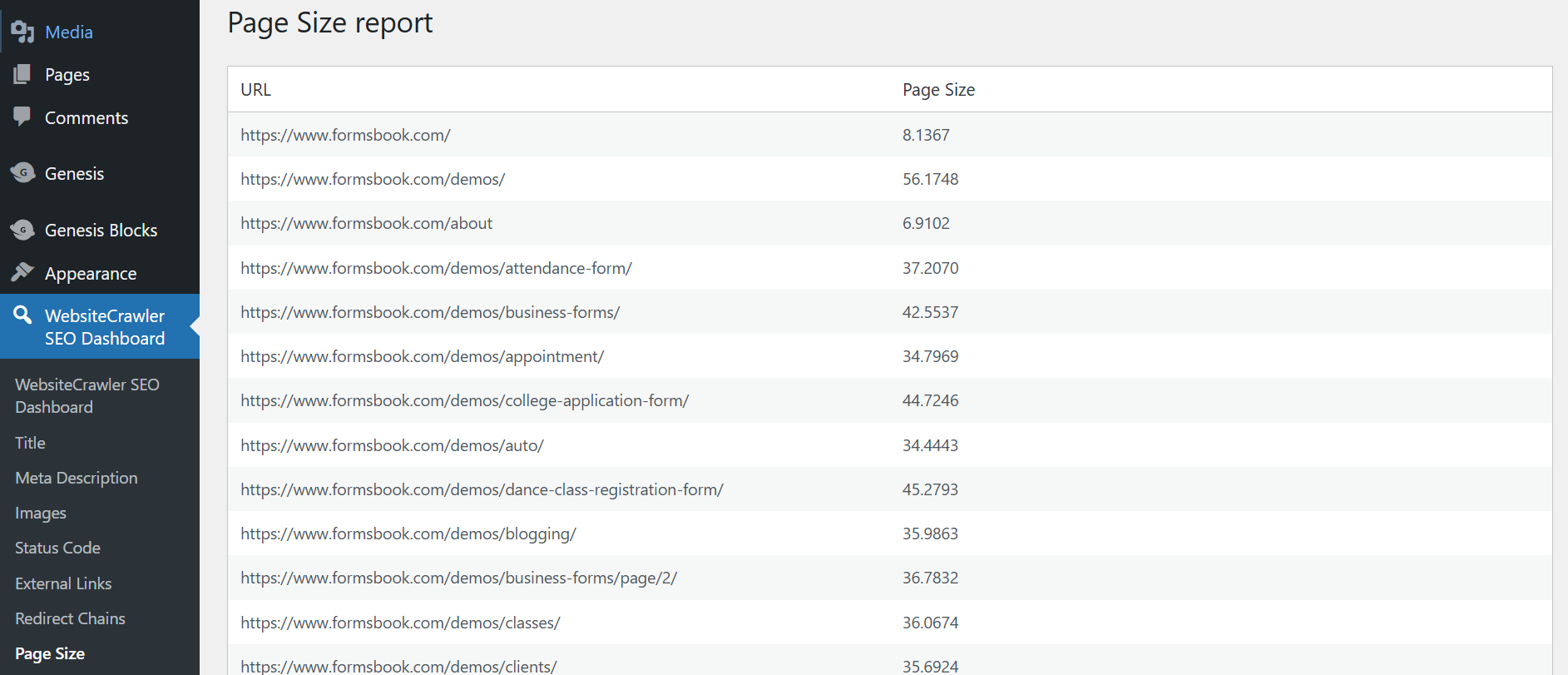
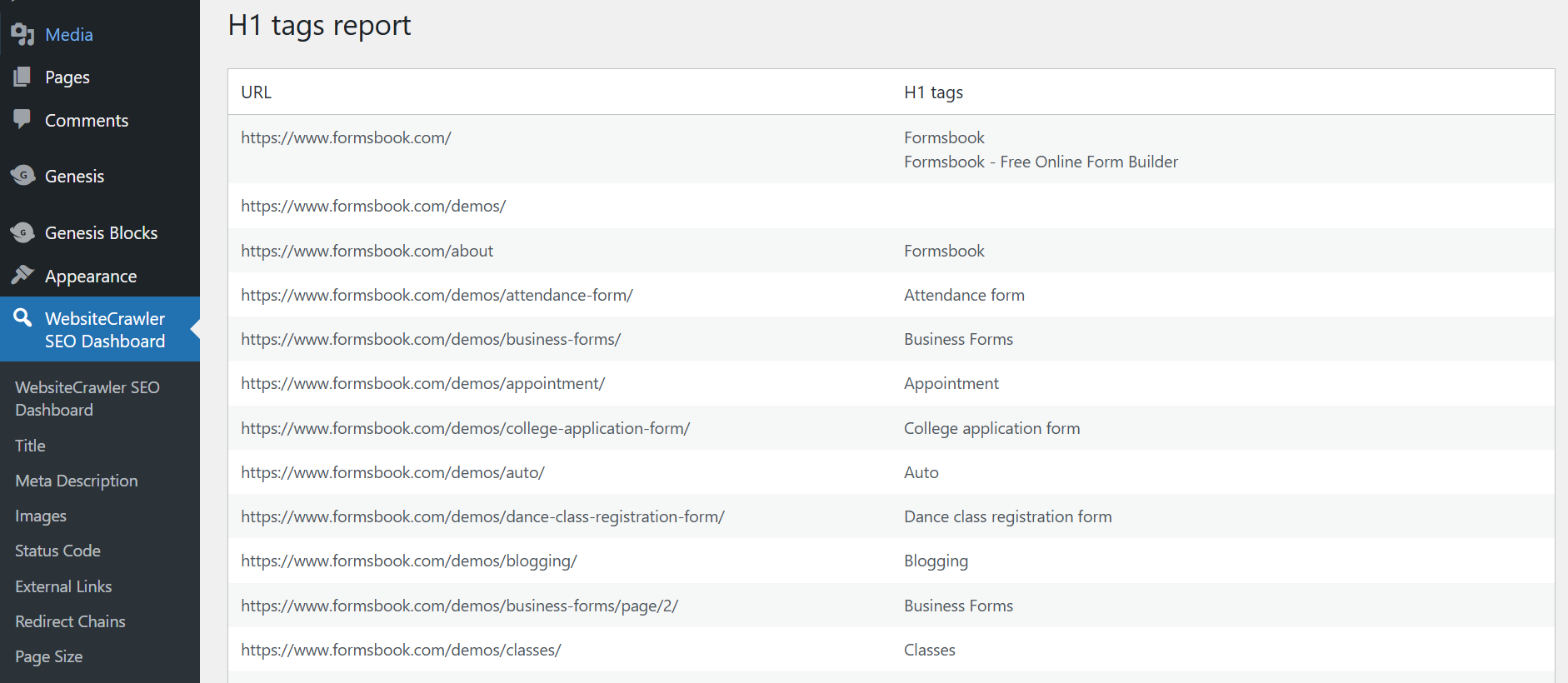
It provides full access to the free/basic plan of the platform which supports processing of up to 25 pages of a website via the WebsiteCrawler.org API and brings important reports such as page size, redirect chains, robots.txt status, h1 to h6 tags, etc to the WordPress dashboard.\
The plugin itself is fully functional and does not restrict or disable features after installation.\
Users may choose to upgrade their plan outside of WordPress.org to access pro features and unlock higher crawl limits.
安装:
- Upload the plugin files to the
/wp-content/plugins/directory, or install via the WordPress Plugins screen directly. - Activate the plugin through the 'Plugins' page in the WordPress admin page.
- Navigate to Settings > SEO Dashboard settings to configure your API key.
- Get your free API key from the WebsiteCrawler.org settings page and enter the key in the SEO Dashboard settings page.
- Follow the instructions on the settings page to initiate the crawl.
屏幕截图:
常见问题:
Is this plugin trialware?
No. The plugin is fully functional and connects to the free plan of WebsiteCrawler via the API.\ Any limitations are part of the SaaS free plan, not restrictions in the plugin code.
Do I need a paid account?
No. You can use the free/basic plan. If you want more features or higher limits, you can upgrade your plan.
Where do I get an API key?
You can sign up for a free account at WebsiteCrawler.org and generate an API key from our settings page.
更新日志:
1.0.0
- Initial release with full free plan integration.