WProofreader spell & grammar check plugin for WordPress
| 开发者 | webspellchecker |
|---|---|
| 更新时间 | 2026年8月11日 23:04 |
| 捐献地址: | 去捐款 |
| PHP版本: | 7.4 及以上 |
| WordPress版本: | 7.0 |
| 版权: | GPL-2.0+ |
| 版权网址: | 版权信息 |
详情介绍:
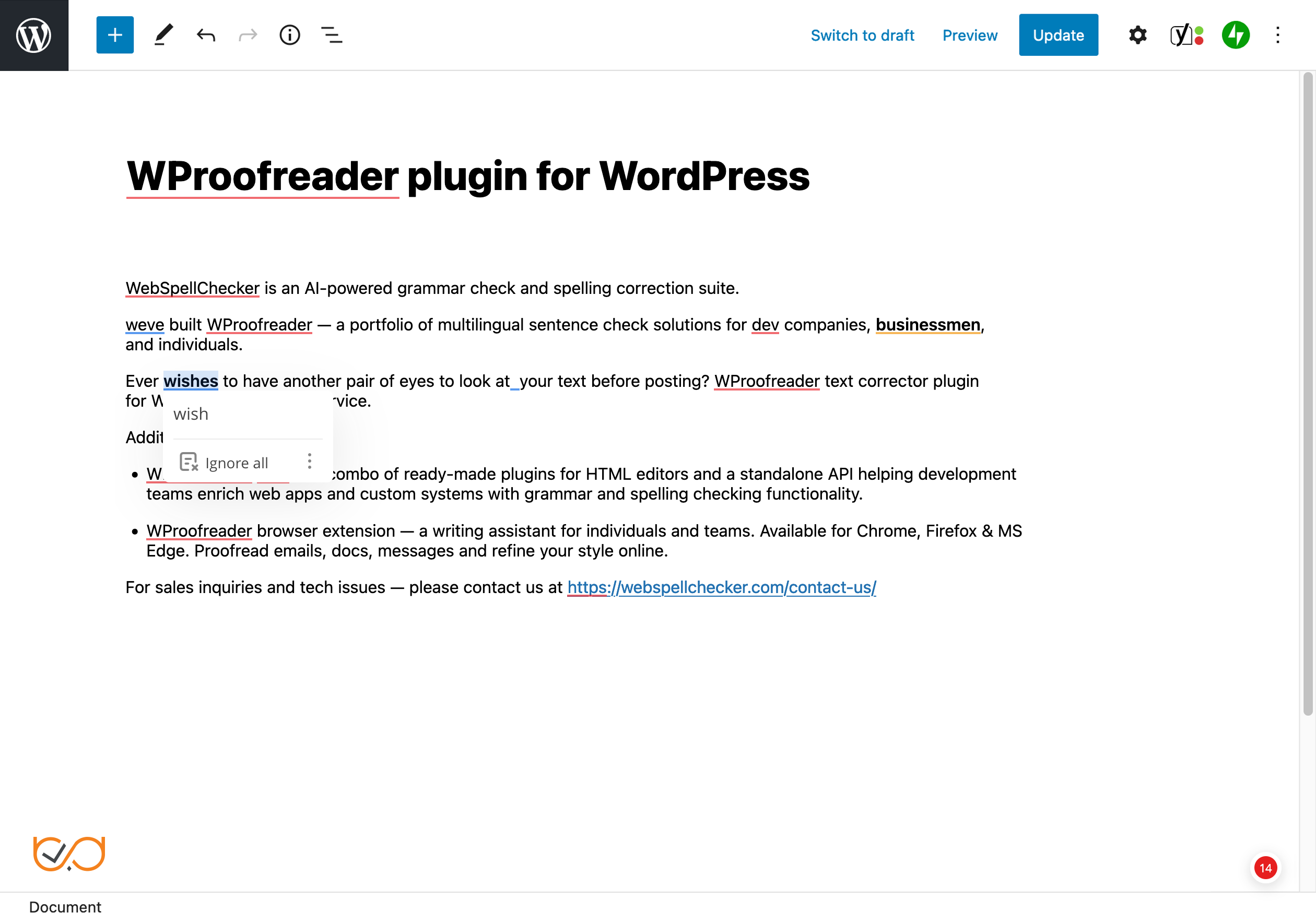
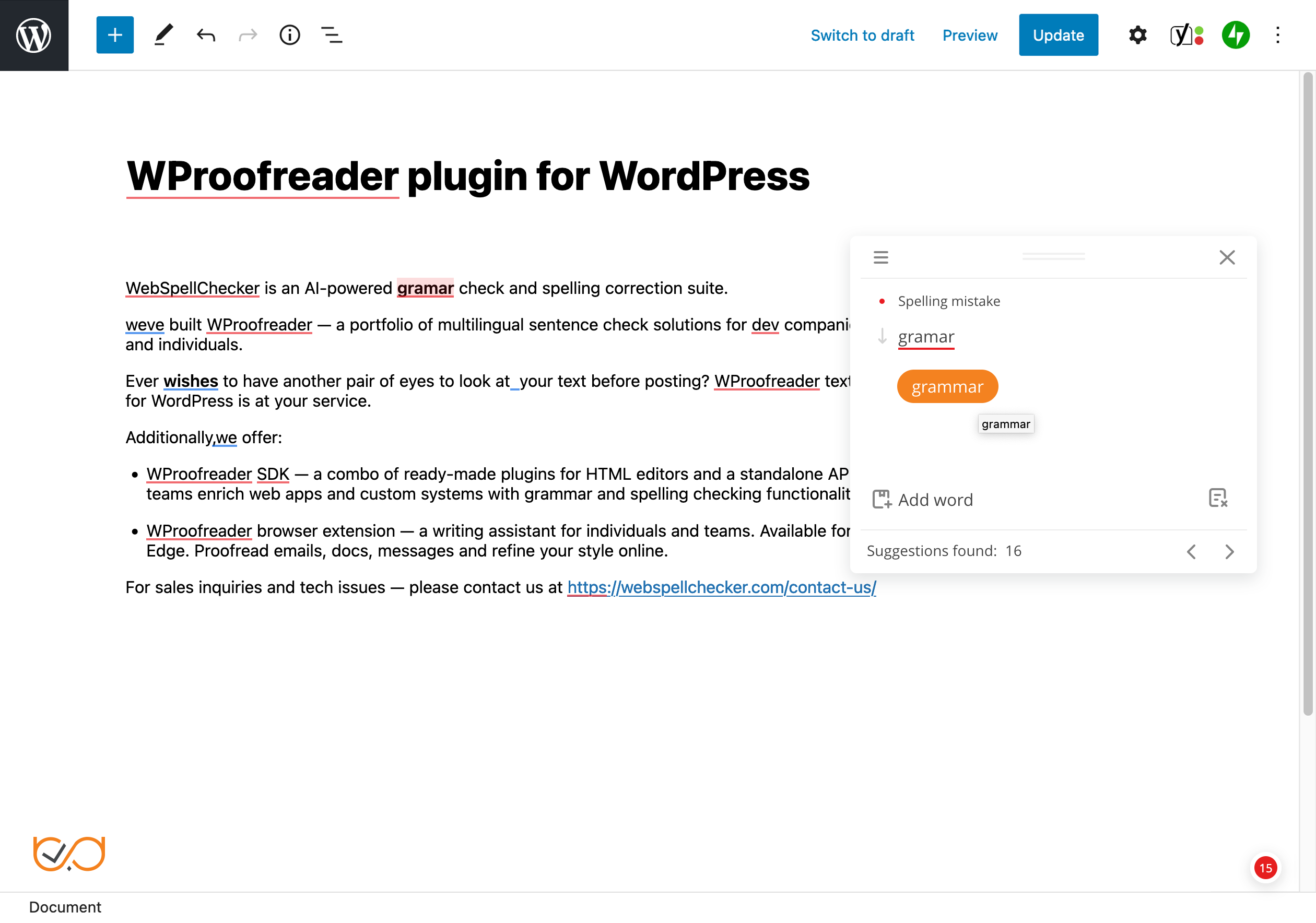
- The check-as-you-type mode instantaneously detects writing mistakes and provides suggestions on-hover.
- The proofread-in-dialog mode aggregates all the issues detected and suggestions provided.
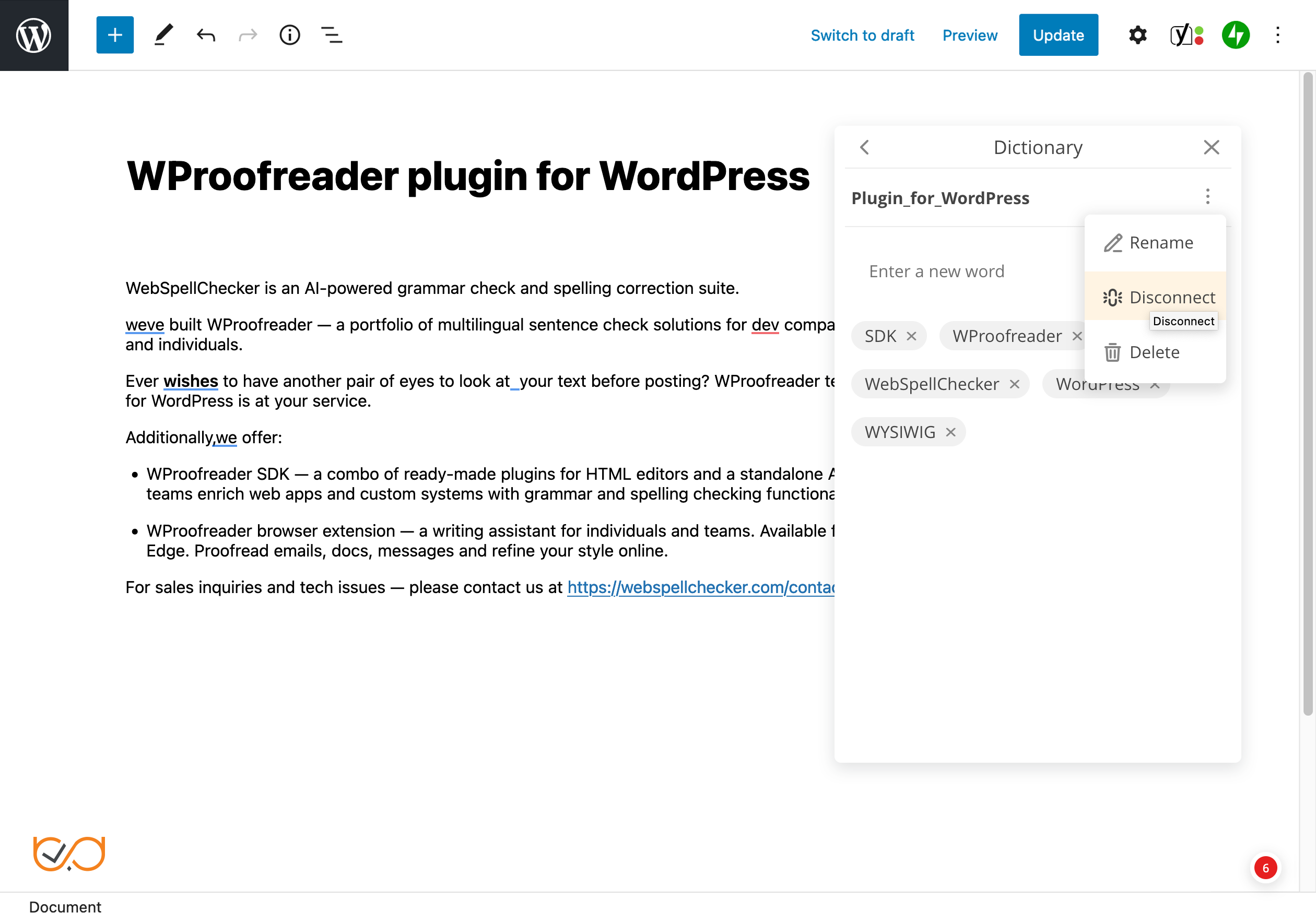
- User-level custom dictionary allows end users to create personal dictionaries with specific words and terms (complex words, acronyms, proper names, etc.) and use them while working with WordPress. Once a word is added to a personal dictionary, it will not be considered as a misspelling, and will appear in the suggestions list. All words you add are stored either in the browser local storage or on our cloud and are accessible from the browser.
- Organization-level custom dictionary allows creating dictionaries that extend the vocabulary of the standard dictionary with custom words specific to your organization culture, industry, domain, etc. All the words added to a dictionary by the admin will be available to all users within your organization. This type of dictionary is available only under the Pro version.
- Specialized medical spelling dictionaries for English, German, French and Spanish, and legal dictionaries for English. Available for both, Free and Pro versions of the plugin.
- Multi-language support
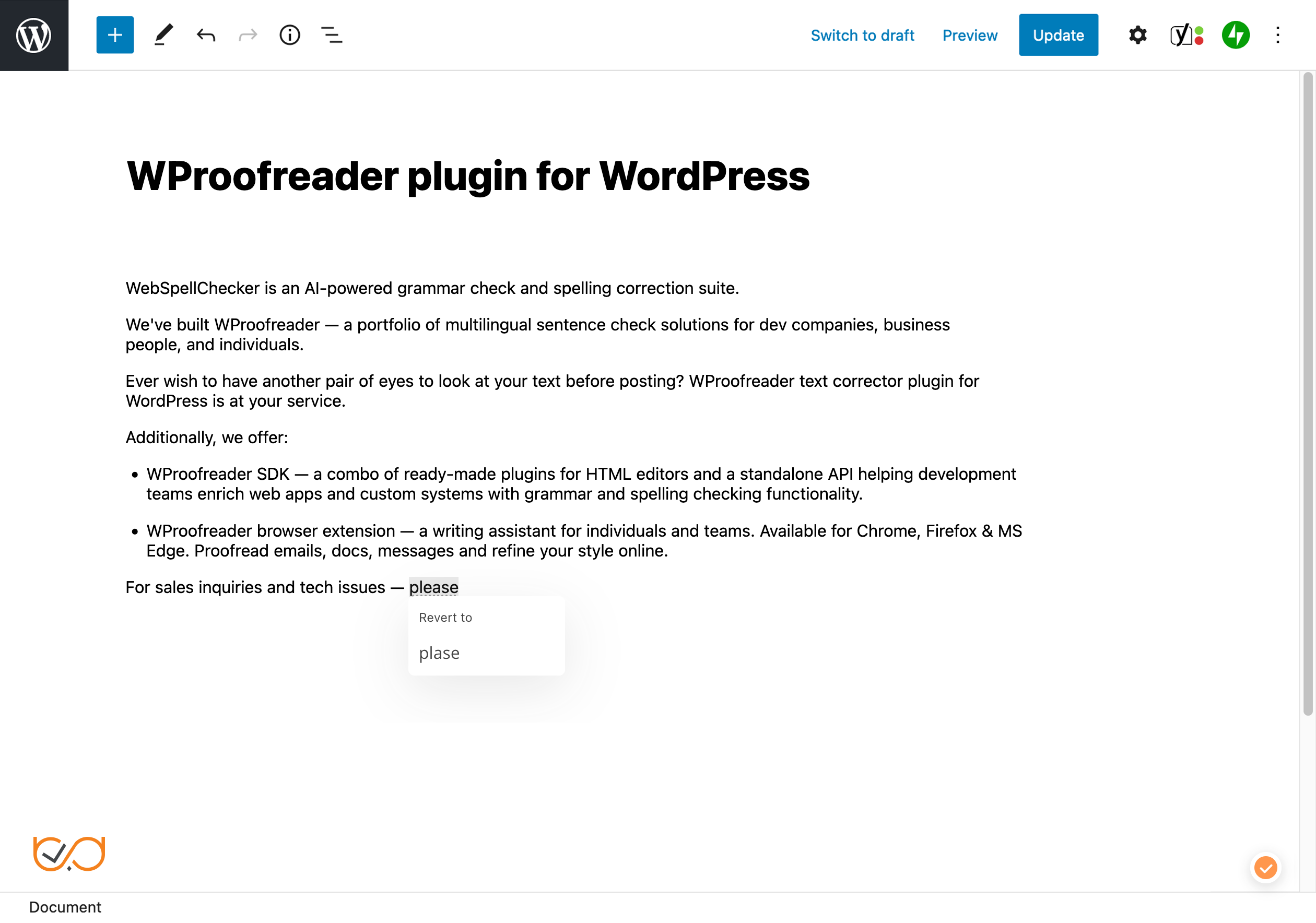
- Spelling autocorrect functionality for instant correction of common typos
- Text autocomplete suggestions functionality for faster writing
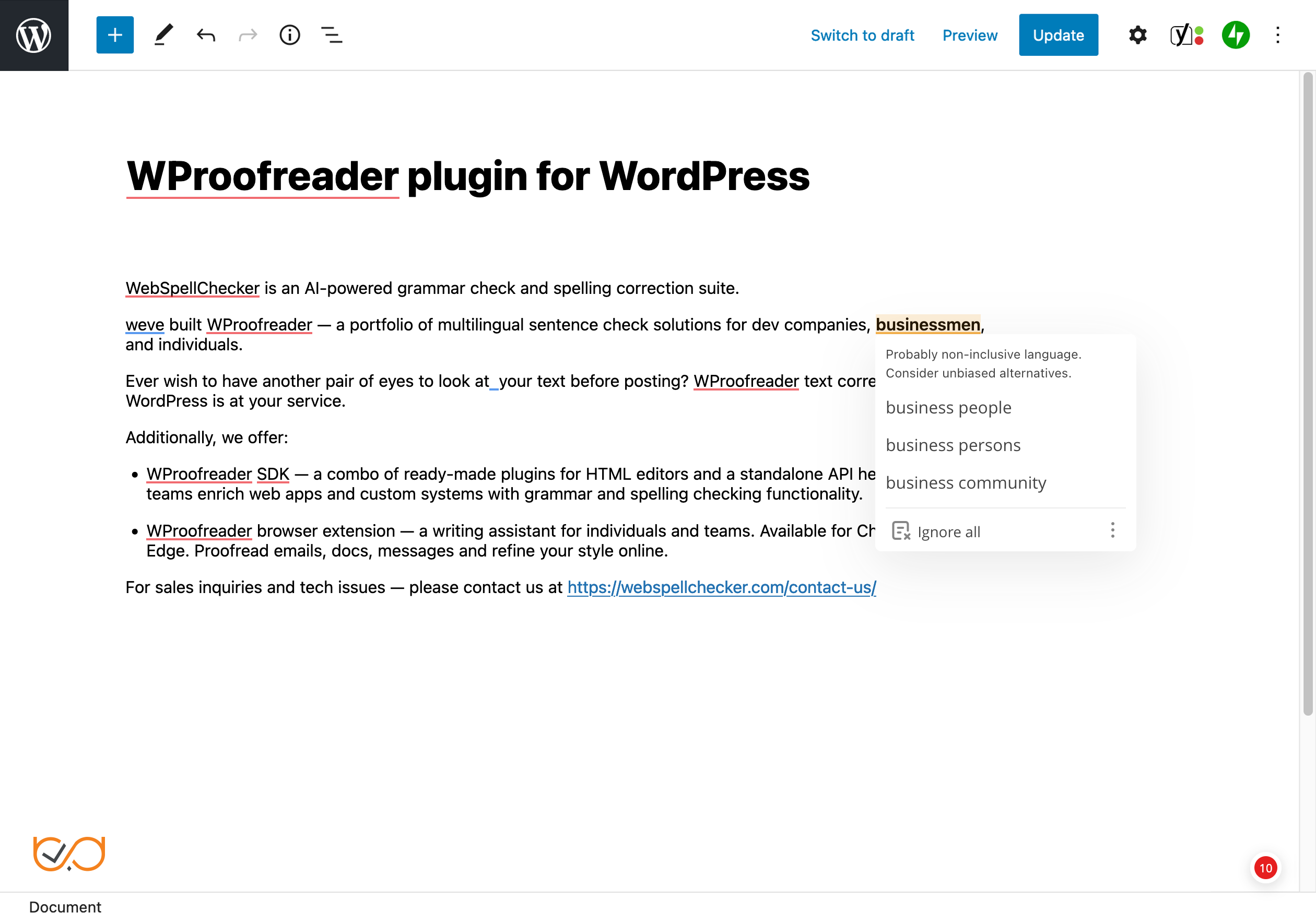
- Style check functionality with pre-defined non-inclusive and profanity language check for professional writing
- Style guide builder for creating language rules
- User-level and organization-level dictionaries
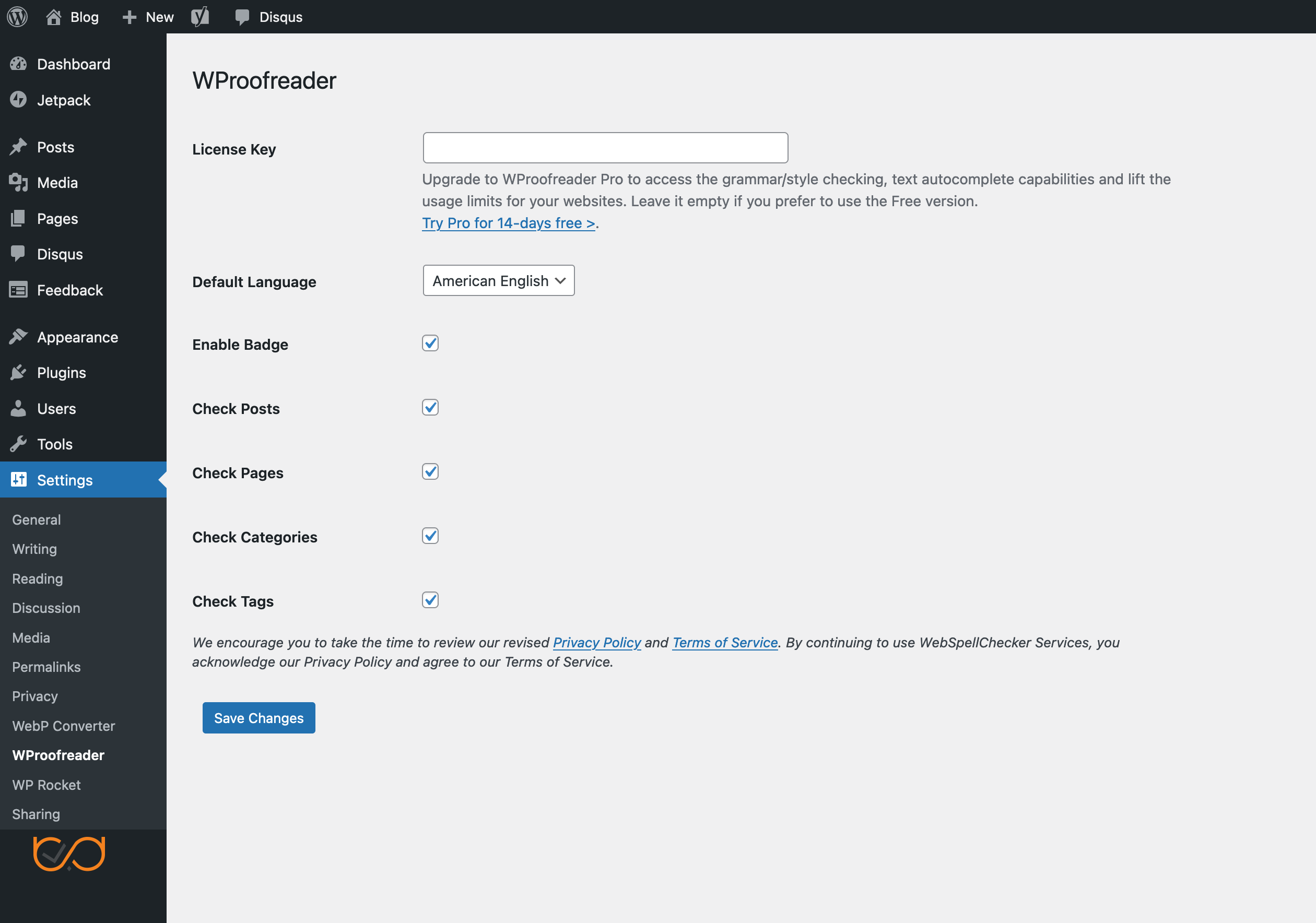
- Straightforward plugin configuration (check the video tutorial)
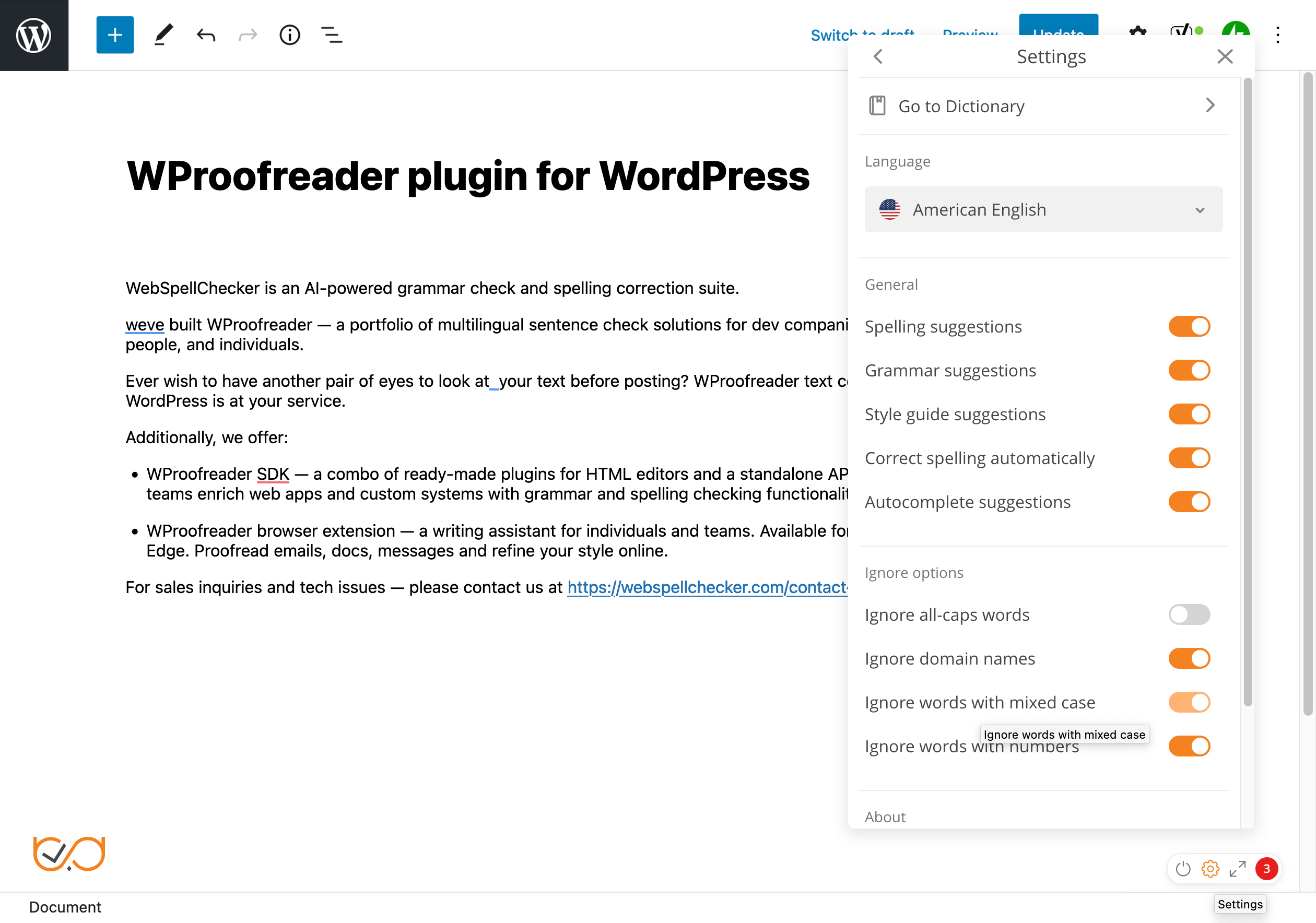
- Visible and intuitive text check with different colors used for spelling, grammar, and style guide issues
- Easily toggle on/off the plugin button
- Support the latest version of WordPress
- Seamlessly integrates with the WordPress editor (Gutenberg) and compatible with the classic editor. Supported browsers: Chrome, Firefox, Safari, Microsoft Edge.
- Content elements supported: pages, posts, tag descriptions, category descriptions, WooCommerce, WP eCommerce product descriptions, any custom post types, meta description fields of Yoast SEO plugin, all fields in the Admin panel and user-facing editable fields (disabled by default).
- It saves time proofreading in any of the two modes, check-as-you type and proofread-in-dialog.
- You can create and maintain quality posts in different languages without being worried about possible mistakes.
- Advanced functionality for spelling autocorrect, autocomplete suggestions and style guide for faster and more productive writing.
安装:
- Visit 'Plugins > Add New'.
- Search for 'WProofreader'.
- Activate WProofreader from your Plugins page.
- Download WProofreader plugin.
- Upload the 'wproofreader' directory to your '/wp-content/plugins/' directory, using your favorite method (ftp, sftp, scp, etc...)
- Activate WProofreader from your Plugins page.
屏幕截图:

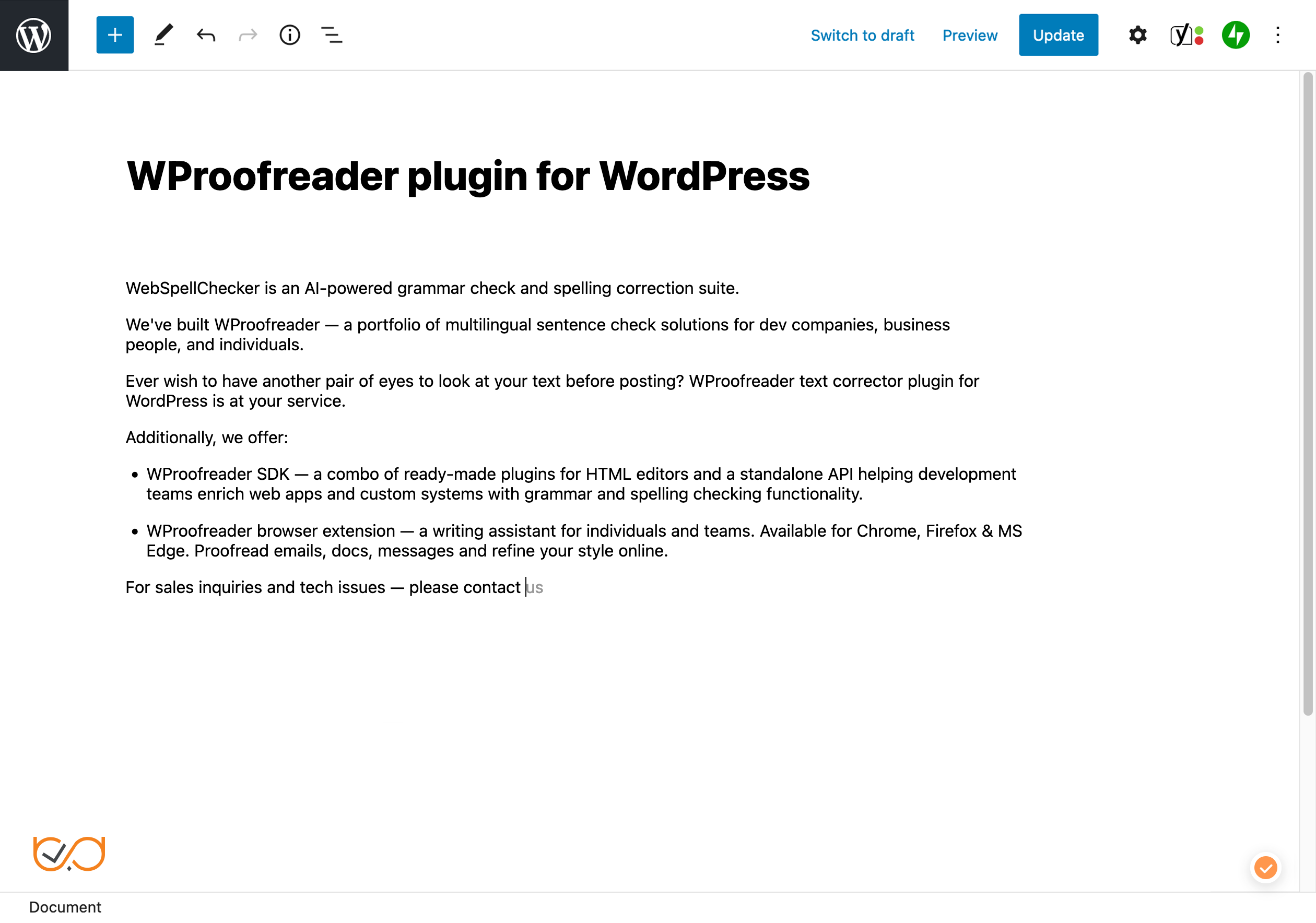
常见问题:
What is a license key and how to obtain one?
A license key is a special data string that verifies authorized access to the Pro version of WProofreader plugin. The license key is provided by the WebSpellChecker when the Pro version is purchased.
Does the WProofreader plugin check the entire website?
The plugin doesn't check the whole website at a time. It is enabled only when the content on your website is in editing mode. Here is the list of content types which can be checked by the plugin: content of pages, content of posts, tag descriptions, category descriptions, WooCommerce and WP eCommerce product descriptions, any Custom Post Type, Meta description fields of Yoast SEO plugin, all fields in the Admin panel and user-facing website elements.
What other languages are available for WProofreader plugin?
The Free version and Pro version of WProofreader plugin support 20+ popular languages.
- Note that not all languages support grammar checks. Languages with grammar enabled are marked.
What is a user-level custom dictionary and how can I create one?
WProofreader plugin has a special functionality called a custom dictionary. It allows creating personal dictionaries with specific words and terms (complex words, acronyms, proper names, etc.) and using them across your website. Words added to a personal dictionary will not be marked as misspellings. To create a new user-level custom dictionary, click the badge in the bottom right corner of the text field and select Settings. Then go to Dictionaries. Name your new dictionary and click Create. All new words will be added to a brand-new dictionary. If you have several personal dictionaries, for example, with different term types, new words will be added to the one, which is currently in use. Check docs. To create an organization-level custom dictionary to be used across all the websites under your subscription, please follow the instructions in this guide.
Does WProofreader plugin check grammar as well?
Not all languages in the list support grammar checks. Check the updated list of supported languages and the ones that can be used for grammar-check.
Is technical support available for WProofreader plugin?
Priority support is provided by WebSpellChecker for Pro users. Community support is available to all users via the plugin support forum. For Pro inquiries, please contact us.
What are the Terms of Service?
Please see the complete WebSpellChecker Terms of Service for WProofreader plugin.
Is my text secure? What is your Privacy Policy?
We have an extensive Privacy Policy in place to protect your texts. Please see the details here.
What browsers are supported?
The plugin supports the latest versions of Chrome, Firefox, Safari, and MS Edge.
Can I suggest a feature?
Sure, please let us know how we can make the plugin more useful for you. Create a new topic under the support section of this plugin.
更新日志:
- Changed: the Report button is now shown directly in the suggestion popup instead of the "more" menu.
- Fixed: the Report button is now available in the suggestion popup and the proofread dialog. The plugin overrode the action items list and left the report item out.
- Fixed: post content corruption on save in the block editor (content cleanup processed slashed post data and ran on posts merely containing "wsc-" in URLs).
- Reworked content cleanup to remove proofreading markup without re-serializing the rest of the document; autosaves and revisions are now cleaned too.
- Improved block editor integration: correct re-init guard, retry while the editor renders, support for blocks added after load, single bundle load per document.
- Corrections in the classic editor now reliably mark the document as changed.
- Minor settings page and housekeeping improvements; multisite-aware uninstall.
- Refactored plugin internals into focused classes while preserving the public WProofreader class and option names.
- Fixed PHP 8 compatibility issue in the bundled settings API.
- Enabled local user dictionary access for Free edition and disabled autocomplete for Free edition via supported bundle configuration.
- Enabled AI writing assistant for Premium edition by default.
- Added filterable WProofreader service configuration and reduced hard-coded endpoint duplication.
- Hardened the settings AJAX handler and content cleanup.
- Added a few global activation toggles (disabled by default):
-
- Enable in admin area to run WProofreader across the WordPress admin.
-
- Enable on front end to run WProofreader on the public site.
- Fixed issue where spelling autocorrect could modify URLs; now disabled by default in link-related fields.
- Updated service path to remove the legacy component ssrv.cgi, which is no longer used.
- Improved dedicated loading for the Block Editor (enqueue_block_assets), with safe exclusions for the Site Editor and Permalinks settings screen.
- Improved asset versioning based on file modification time to reduce caching issues.
- Improved unified script handles and localization objects for consistency.
- Hardened AJAX endpoint for the language list with nonce verification, capability checks, strict sanitization, and structured JSON response.
- Comprehensive refactoring and code cleanup: simplified initialization flow for admin, Block Editor, and front end; consolidated settings bootstrap and defaults.
- Fixed issue with user preferences not being remembered. A recent issue caused user-selected options (e.g., selected language, ignore settings, enabled check types) to reset on every page reload. Now, these preferences are stored.
- Compact badge enabled by default. Users can now click directly on the badge to launch the proofreading dialog. In earlier versions, this required hovering over the badge and selecting the “proofread in dialog” option.
- Improved suggestion mode in dialog. The dialog now opens in an extended view that shows all suggestions at once. Previously, users had to go through suggestions one by one.
- Renamed WeDevs_Settings_API to WSC_Settings_API and WeDevs_Settings_API_Test to WSC_Settings to avoid naming conflicts with other plugins using similar settings API classes.
- Fixed issue with RTL (right-to-left) languages visibility in the Language dropdown on the plugin Settings page.
- Minor update resolving the URL input problem in the Classic Editor.
- Updated plugin’s graphics and texts
- Enabled the global badge view instead of the standard one. It will add just one badge at the very bottom of the page instead of adding a small badge on each editable element within Gutenber editor. This badge can be disabled from the plugin settings page.
- Fixed issue when WProofreader doesn't start automatically in classic editor inside default Gutenberg editor.
- Fixed warning in class-wsc-settings.php on line 180.
- Fixed issue with the dialog mode.
- Updated text.
- Enabled WProofreader badge by default. If needed, it can be disabled from the plugin's settings tab.
- Enabled the General section on the settings dialog for managing spelling autocorrection. By default, the spelling autocorrection is enabled. If needed, the user can disable it. To do so, please navigate to the badge (orange bubble located at the right bottom corner of the editable block) > click on the gear icon > toggle “Correct spelling automatically”.
- Fixed a minor issue with the plugin permissions and an error shown on the settings page.
- WProofreader is disabled in the table element in the Gutenberg editor to prevent breaking a table and overall glitching.
- Fixed the integration issue that appeared in v2.6 with the Classic editor when Gutenberg is disabled.
- Enabled error logging mechanism. Now errors will be displayed on the plugin settings page, which will help to troubleshoot issues faster.
- Improved the integration with the Gutenberg editor. Now WProofreader will be automatically started in all editable elements of the editor without the necessity to click on each element to enable the spelling/grammar checking.
- The orange badge is disabled by default for all types of elements including the Gutenberg editor. There is a setting allowing to reactivate the badge.
- The dialog mode option for proofreading is disabled by default for the Gutenberg editor.
- Enabled spelling and grammar check in the Meta description fields of Yoast SEO plugin.
- Enabled support of Custom Post Types using the “wproofreader_add_cpt“ filter.
- Added a new option “Disable WProofreader Badge” to the plugin settings which allows disabling an orange badge button. If disabled, the orange badge won’t appear in each editable box on the page. Users will see only underlined spelling and grammar errors that were detected by WProofreader.
- Fixed the issue with “Uncaught TypeError” in the browser console which appeared after the update of the event system in the WProofreader core.
- Fixed the issue: The Gutenberg editor doesn’t react on the text changes (e.g. replace word) that were made by WProofreader.
- Blocked saving of WProofreader span elements to database.
- Fixed the issue: After replacing a word in IE11 or MS Edge, the word remains underlined in the Gutenberg editor.
- Fixed the issue: After replacing a word in IE11 or MS Edge, the input event doesn’t work properly in the Gutenberg editor.
- Resolved the issue with not working plugin under PHP version 7.1. and higher. Consequently eliminated PHP warnings “Invalid argument supplied for foreach()“.
- Fixed the issue with not working grammar checking option in the Pro version.
- Upgraded to be fully compatible with latest versions of WordPress: WordPress 4.x, WordPress 5.x and Gutenberg editor.
- Enabled two comfortable modes for proofreading: instant, underlining mistakes while you type, and dialog, proofreading all the text at once in a separate pop-up window.
- Improved engine to check not only spelling but grammar as well. Checking spelling for 6 languages in a Free version, checking both spelling and grammar for 14 in Pro + spell checking in Finnish and Norwegian Bokmal.
- Introduced new clean and comfy UI: intuitive suggestion boxes, spinner indicating the progress of proofreading, Maximize/Restore icon in a dialog mode, save changes notifications.
- Checks spelling and grammar on Pages, Posts, Tags, Categories, WooCommerce Product Descriptions, and WP eCommerce Product Descriptions including product tags and categories.
- Removed banner ad in the Free version.
- Extended the list of supported browsers: Chrome (the latest), Firefox (the latest), Safari (the latest), Internet Explorer 11, MS Edge (the latest).
- Support of the Yoast SEO and ACF text fields
- Spell Checking in the Titles field
- Fixes for minor issues