
Web Wonderland SEO Image Optimiser
| 开发者 | webwonderland |
|---|---|
| 更新时间 | 2026年11月6日 18:10 |
| PHP版本: | 7.4 及以上 |
| WordPress版本: | 7.1 |
| 版权: | GPLv2 or later |
| 版权网址: | 版权信息 |
详情介绍:
Improve image delivery with optional AI-assisted alt text and attachment titles.
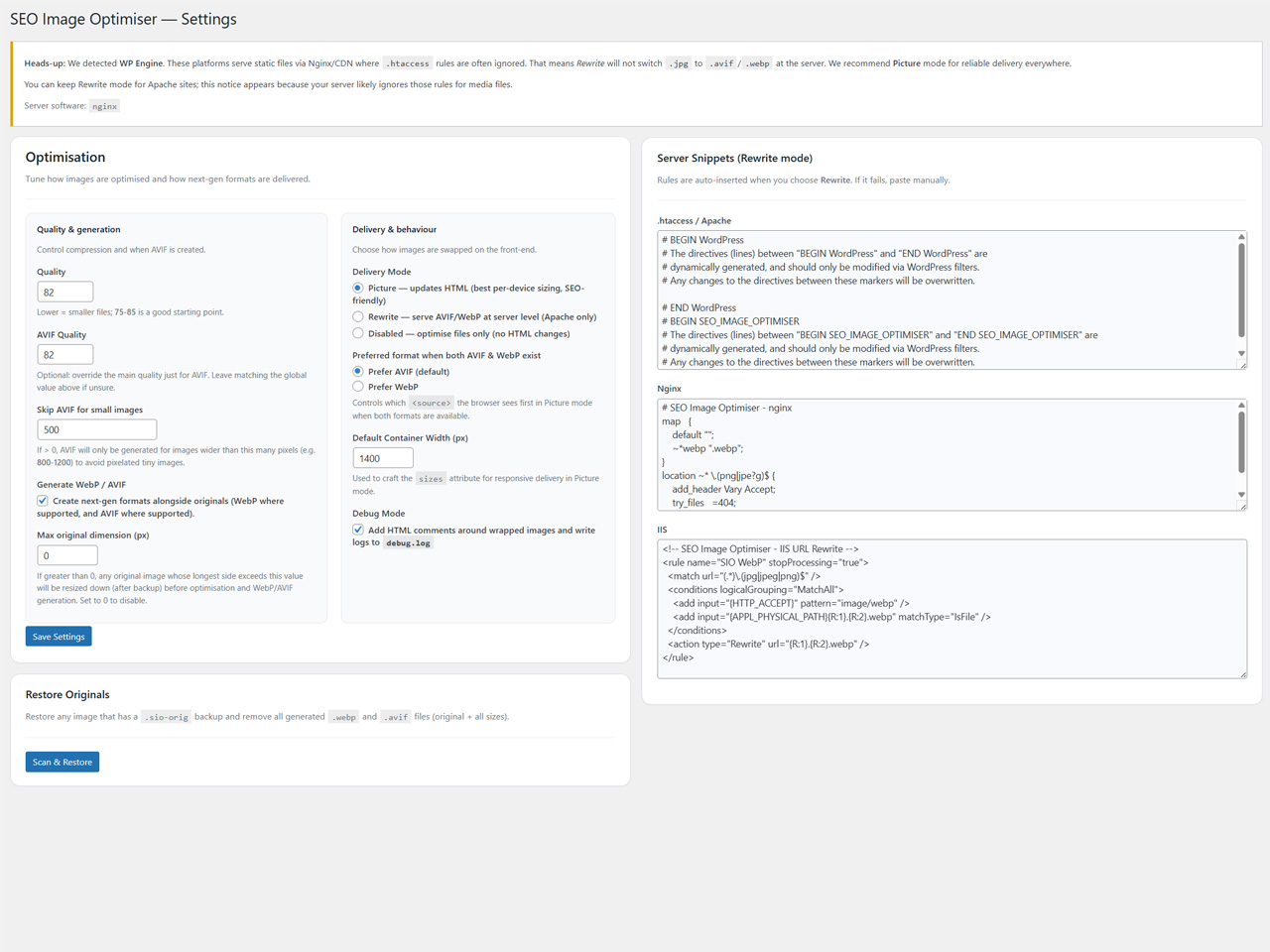
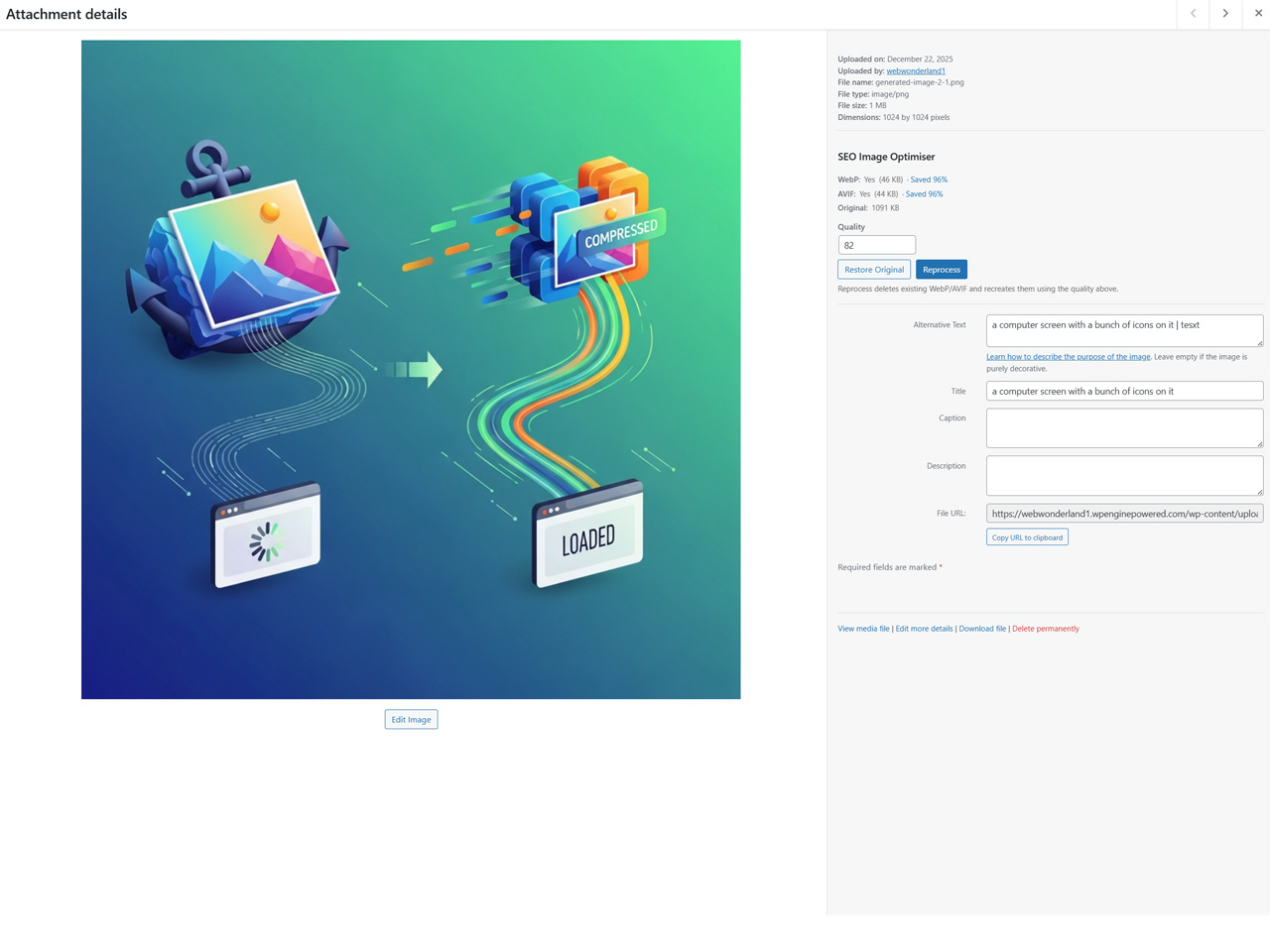
- Generate WebP/AVIF locally when supported by your server, with original-file backups.
- Deliver modern formats through picture markup or server rewriting, using a derivative manifest.
- Configure quality, delivery and queued upload automation with guided setup.
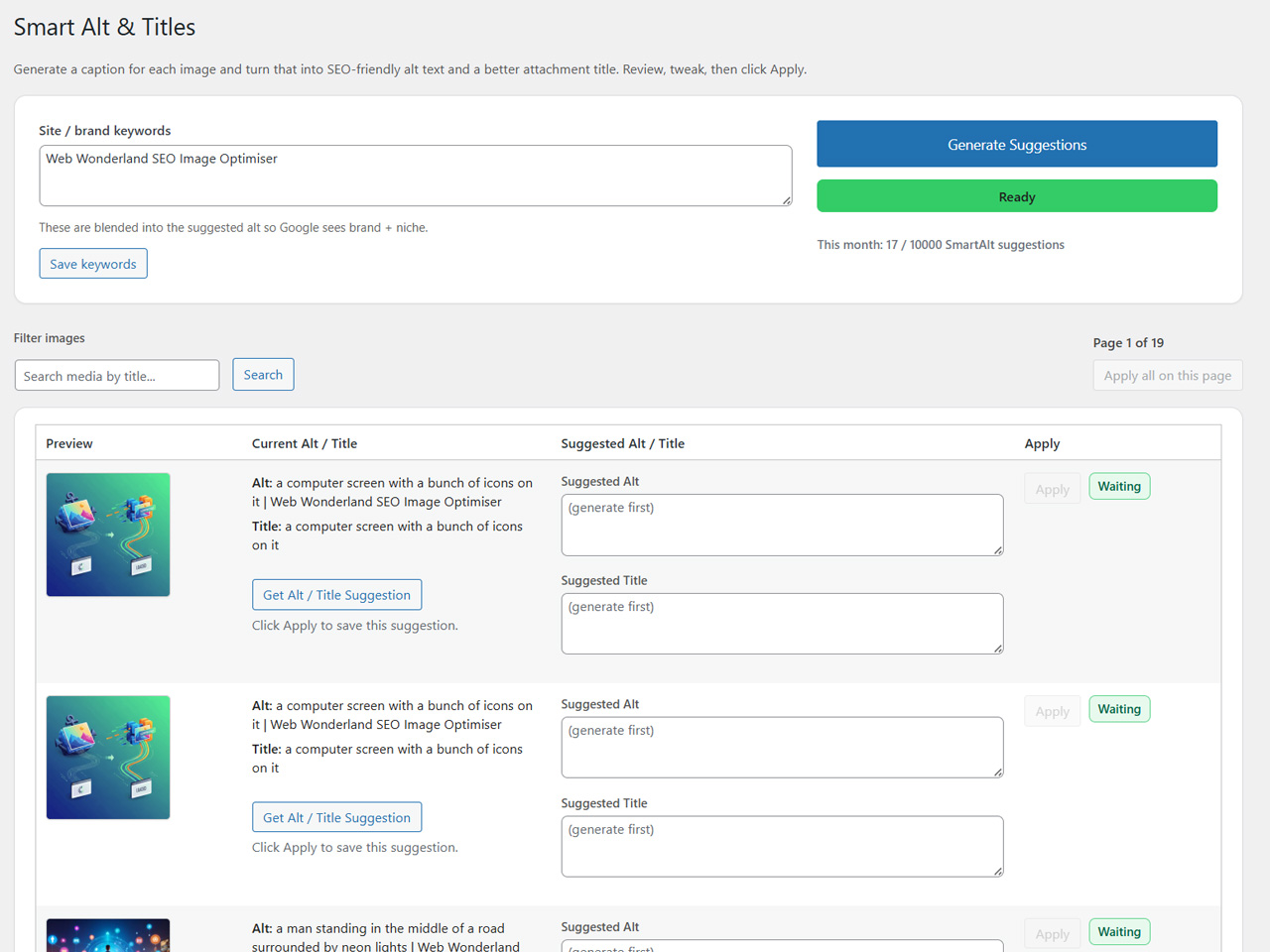
- Generate optional SmartAlt suggestions in your site language, including background library processing.
- Review or explicitly authorise auto-application, with before/after history and undo.
- Choose missing alt text only (recommended), or all supported images.
- Choose review-only or auto-apply, optional title updates, a minimum AI score and an image limit (0 = all eligible images present at start).
- For automatic application, accept the AI accuracy acknowledgement and confirm the run. Replacing existing alt text requires a separate acknowledgement.
- Return to check progress, pause, resume or cancel. Cancellation retains completed changes.
安装:
- Install and activate the plugin.
- Open SEO Image Optimiser > Setup Guide and choose your optimisation and delivery preferences.
- Optionally connect an API key under Cloud Services for remote conversions and SmartAlt.
- Use the Dashboard to optimise existing media, or Smart Alt & Titles (Cloud) for AI suggestions and background captioning.
- Start with a small image limit, review the results and use SmartAlt history to test undo before processing your whole library.
屏幕截图:
常见问题:
Will optimisation replace my original image files?
The optimiser creates an original-file backup before optimisation. Use Restore Originals to recover those files. SmartAlt can separately change alt text and titles if you apply suggestions or authorise automatic application.
Will SmartAlt replace descriptions written by a person?
Missing-alt mode preserves existing descriptions. All-images auto-apply requires explicit permission to replace them. Undo skips changed fields that no longer match the saved AI result.
Can I use the plugin without AI?
Yes. SmartAlt is optional. Local image optimisation does not require an API key.
更新日志:
1.1.3
- Adds resumable whole-library SmartAlt processing with missing-alt or all-image scope, image limits and progress counters.
- Adds review-only or automatic application, explicit AI accuracy acknowledgement and separate permission to overwrite existing alt text.
- Adds configurable AI-score thresholds and keeps decorative, missing-score and below-threshold results for review.
- Adds pause/resume/cancel controls, quota-aware stops and recovery for interrupted background runs.
- Adds durable before/after history for SmartAlt background, upload and manually applied changes.
- Adds individual and background-run undo with protection for newer manual edits, partial-write recovery and interrupted-undo recovery.
- Supports publicly accessible offloaded media in SmartAlt upload/background processing.
- Hardens admin input/output and uploads, uses WordPress filesystem APIs and updates privacy guidance and admin assets.
- Fixes Remote API processing mode persistence for connected API accounts, with validation and actionable save-error feedback. Earlier detailed changes and upgrade notices are preserved in changelog.txt.