
Accessibility Widget by Welcoma – WCAG, ADA & EAA
| 开发者 | autoaltai |
|---|---|
| 更新时间 | 2026年10月24日 18:44 |
| 捐献地址: | 去捐款 |
| PHP版本: | 7.2 及以上 |
| WordPress版本: | 7.1 |
| 版权: | GPLv2 or later |
| 版权网址: | 版权信息 |
详情介绍:
- Plain, dependency-free JavaScript on the front end
- No jQuery or external UI framework required by the widget
- Visitor preferences stored in localStorage in the visitor's browser
- No visitor accessibility preferences stored on your server
- No visitor tracking or advertising cookies added by the widget
- Only enabled functionality and required assets are loaded
- WCAG 2.1 and WCAG 2.2
- ADA
- EAA
- BFSG
- Section 508
安装:
- In WordPress, go to Plugins > Add New.
- Search for "Welcoma Accessibility Widget".
- Install and activate the plugin.
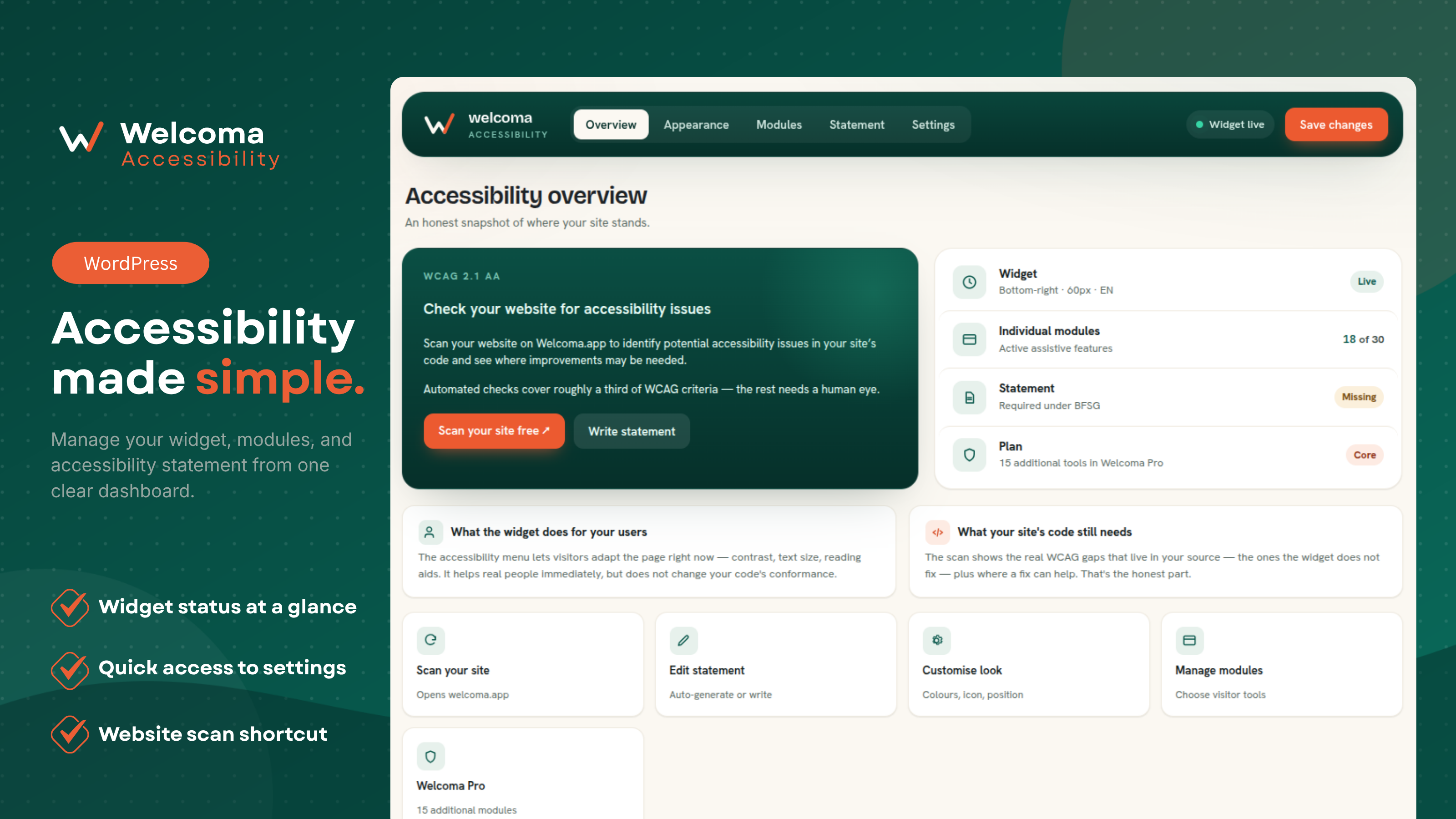
- Open Welcoma Widget in the WordPress admin menu.
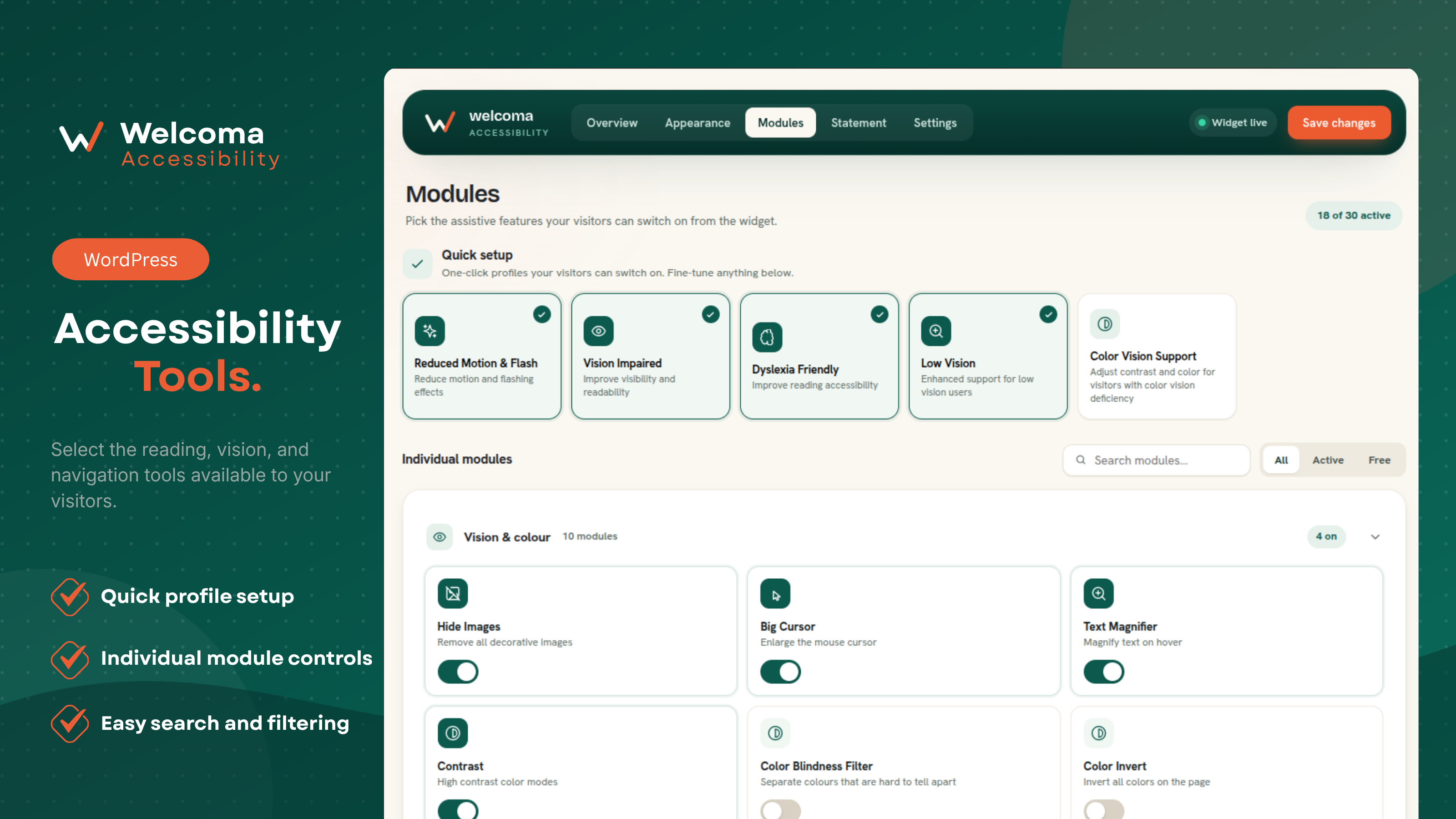
- Enable the tools and profiles you want visitors to use.
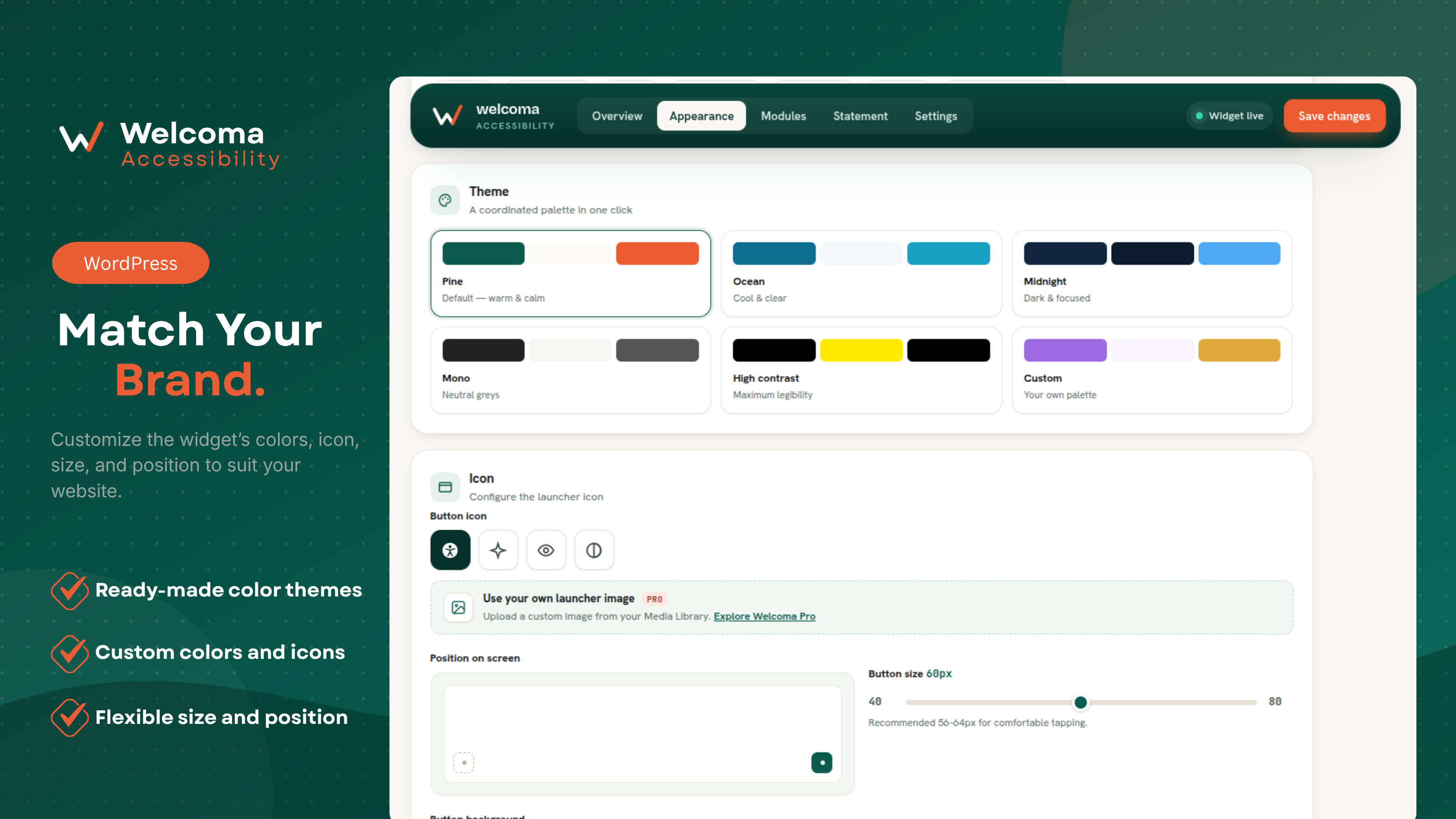
- Customize the widget's position, icon, size and colors.
- Save your changes. The widget will appear on the front end.
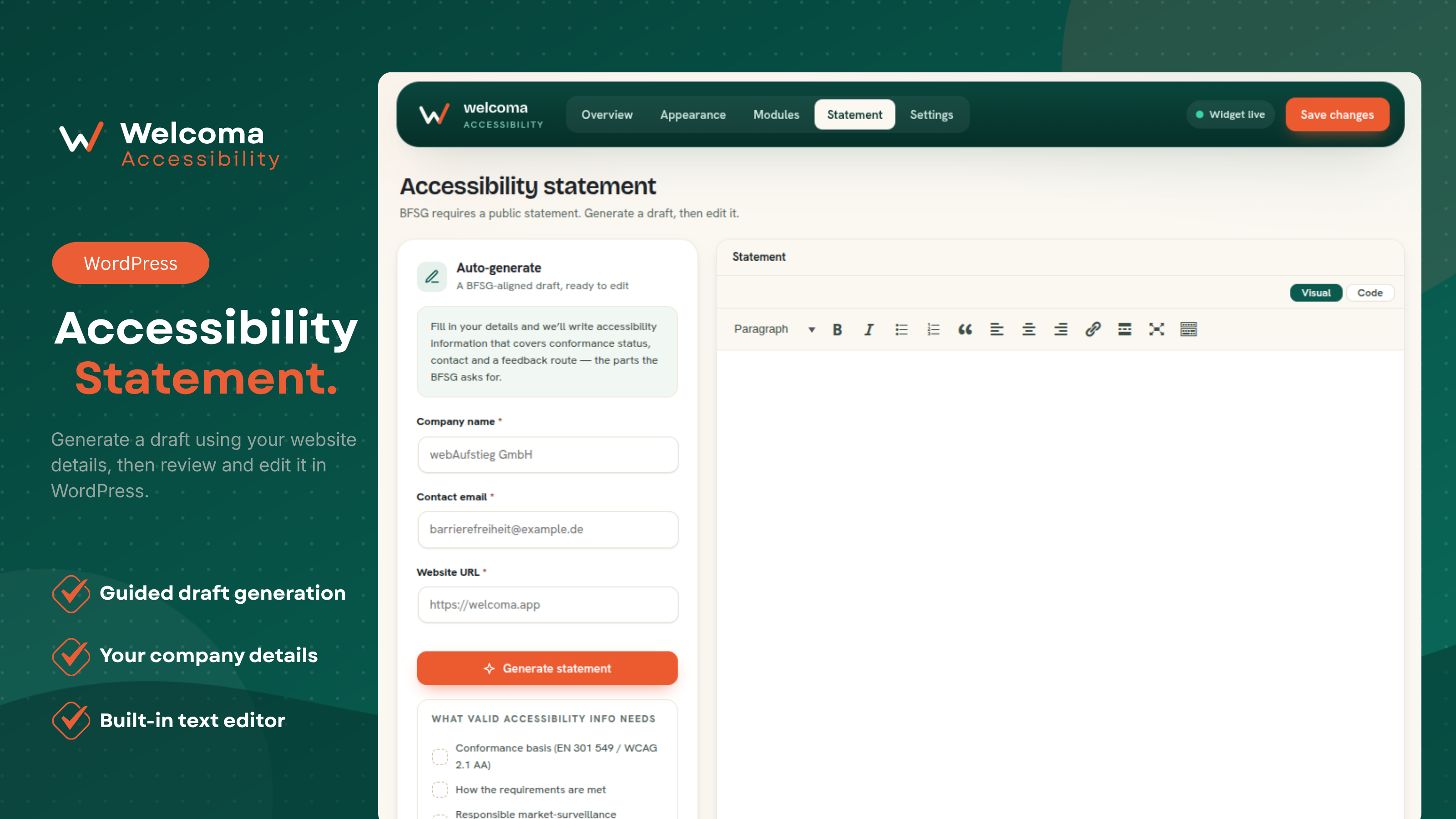
- Optional: create your Accessibility Statement from the Statement tab.
- Download the plugin ZIP file.
- In WordPress, go to Plugins > Add New > Upload Plugin.
- Upload the ZIP file and select Install Now.
- Activate the Welcoma Accessibility Widget plugin.
- Open Welcoma Widget and configure the widget.
- WordPress 6.2 or later
- PHP 7.2 or later
- JavaScript enabled in the visitor's browser for widget interaction
- An internet connection is required only for visitor-requested dictionary lookups
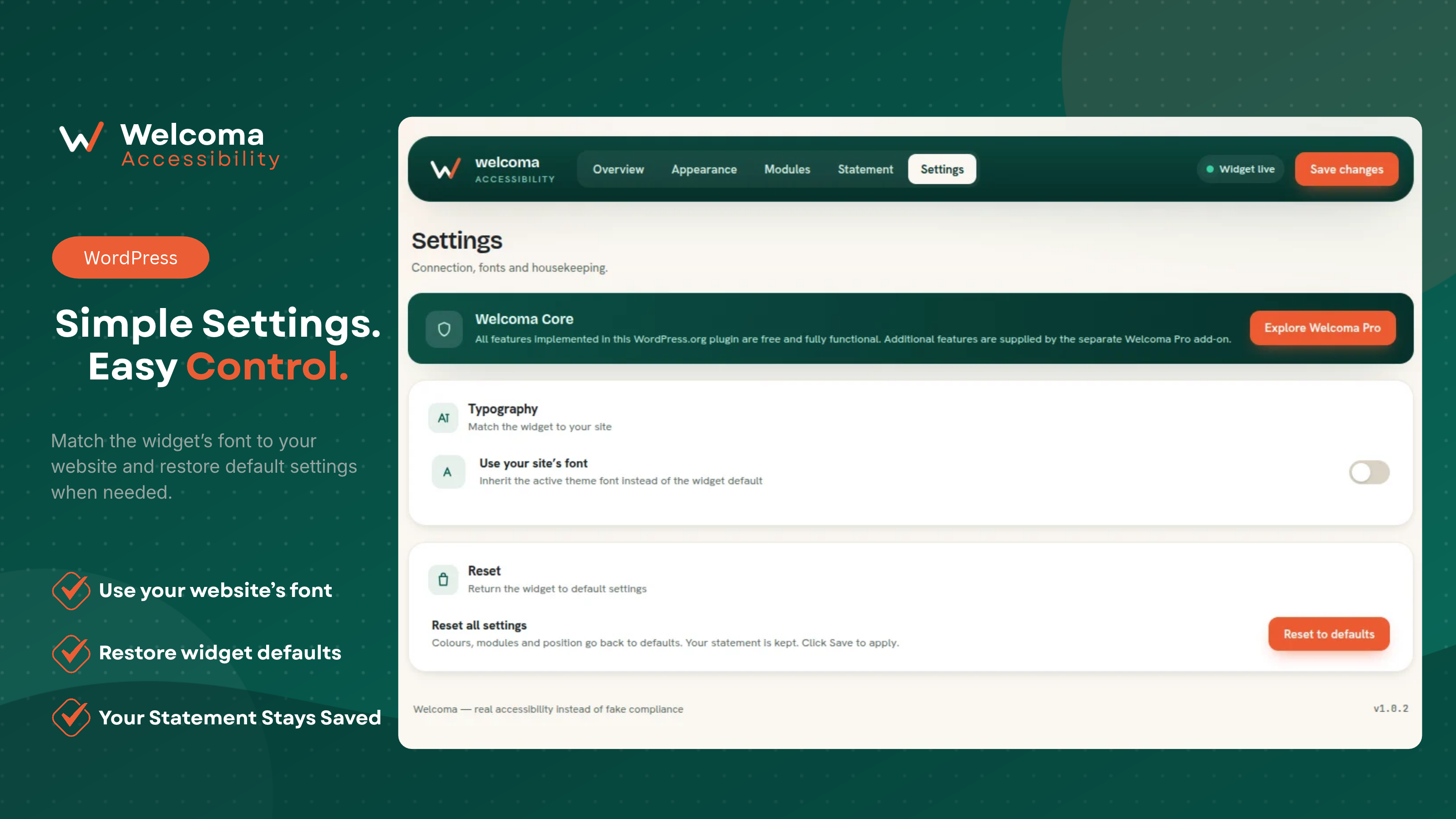
屏幕截图:
常见问题:
Does Welcoma require coding?
No. Install, activate and configure the widget from the WordPress admin dashboard.
Will it work with my theme or page builder?
Welcoma is designed to work independently of a specific theme or page builder by adding its widget to the page and applying visitor-selected adjustments through JavaScript and CSS. Theme styles, optimization tools or unusual markup can sometimes create conflicts, so test the widget on your site after activation.
Does Welcoma support mobile devices?
Yes. The visitor widget and its controls are designed to work across desktop, tablet and mobile layouts.
Does Welcoma support multiple languages?
Yes. The widget interface supports 26 languages. Additional translation tools are provided by the separate Welcoma Pro add-on.
Can I customize how the widget looks?
Yes. You can customize the launcher position, icon, size, offsets and colors for the header, menu, module buttons, active states, reset button and footer. Advanced add-on features such as a custom accessibility title, custom launcher images, custom labels and custom profiles are provided by the separately installed Welcoma Pro add-on.
Where are visitor preferences stored?
Visitor accessibility preferences are stored in the visitor's browser using localStorage. They are not saved as individual visitor records in your WordPress database.
Does Welcoma track visitors?
The front-end widget does not add visitor analytics or advertising tracking. The only request the Core plugin makes to welcoma.app is the Dictionary lookup a visitor starts. See the External services section for details.
Does deleting the plugin remove its data?
Yes. Deleting the plugin through WordPress runs its uninstaller and removes Welcoma settings, translation data and other Welcoma-owned data from the WordPress database. Deactivation alone keeps the data so the plugin can be reactivated without losing its configuration.
What is the difference between Free and Pro?
Free includes the core widget, 30 accessibility tools and 5 profiles, customization controls, multilingual interface support and the Accessibility Statement generator. Pro is a separately distributed add-on that supplies 10 additional tools (40 in total) and 5 additional profiles, custom profiles, custom labels, a custom accessibility title, custom launcher images, an optional connection to the Welcoma website scanner, optional translation features, licensed updates and priority support. Visit https://welcoma.app/pricing/ (German: https://welcoma.app/de/preise/) for the current comparison.
Does Welcoma make my website fully compliant?
No. No accessibility widget can guarantee full accessibility or legal compliance on its own. Welcoma provides visitor-facing tools that can support accessibility, but your website's code, structure, content, forms, media, navigation and testing also determine accessibility.
Does the widget slow down my website?
Welcoma uses plain JavaScript on the front end and does not depend on jQuery or a heavy UI framework. Actual performance depends on your site, enabled options, theme and other plugins, so testing on your production setup is recommended.
The widget is not appearing. What should I check?
- Confirm that Show Widget is enabled in Welcoma Widget settings.
- Save the settings again.
- Clear your website, browser, page and CDN caches.
- Temporarily disable optimization or caching plugins to test for a conflict.
- Temporarily switch to a default WordPress theme to test theme compatibility.
An accessibility tool is not working. What should I check?
- Confirm that the tool is enabled in Accessibility Modules.
- Save the settings after making changes.
- If the tool belongs to the separately installed Welcoma Pro add-on, confirm that add-on is active.
- Clear caches and test again in a private browser window.
- Check the browser console for JavaScript conflicts from the theme or another plugin.
My widget design changes are not visible. What should I check?
Save the widget settings, clear all site and CDN caches, and hard-refresh the page. Also check whether theme or custom CSS rules override the widget styles.
How can I get support?
Visit https://welcoma.app/contact/ and include your WordPress version, PHP version, Welcoma version, active theme, relevant active plugins, steps to reproduce the issue, and any screenshots or error messages.