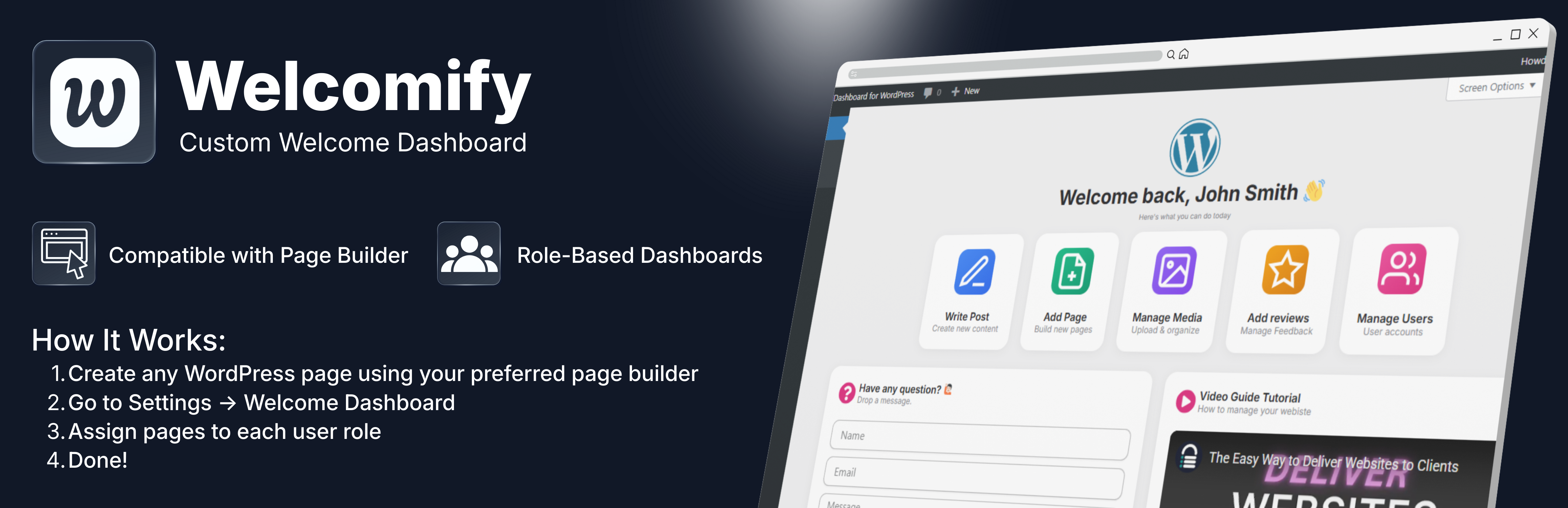
Welcomify - Custom Welcome Dashboard
| 开发者 | theumair07 |
|---|---|
| 更新时间 | 2026年8月5日 06:19 |
| PHP版本: | 7.4 及以上 |
| WordPress版本: | 6.9 |
| 版权: | GPLv2 or later |
| 版权网址: | 版权信息 |
详情介绍:
- Role-Based Dashboards - Assign different welcome pages for each user role (Administrator, Editor, Author, Contributor, Subscriber)
- Page Builder Compatible - Works with Elementor, Gutenberg, Bricks, Divi, Beaver Builder, Breakdance, and more
- Dismissible Option - Allow users to dismiss the welcome panel if desired
- Clean Embed - Pages are displayed cleanly without headers, footers, or sidebars
- Multisite Support - Full support for WordPress multisite networks
- Lightweight - No bloat, just the features you need
- Translation Ready - Fully internationalized and ready for translation
- Create a branded onboarding experience for new users
- Display important announcements to specific user roles
- Show quick-start guides for content creators
- Present analytics dashboards to administrators
- Welcome clients with custom messages
- Go to Elementor > Templates or Bricks > Templates and create a new template
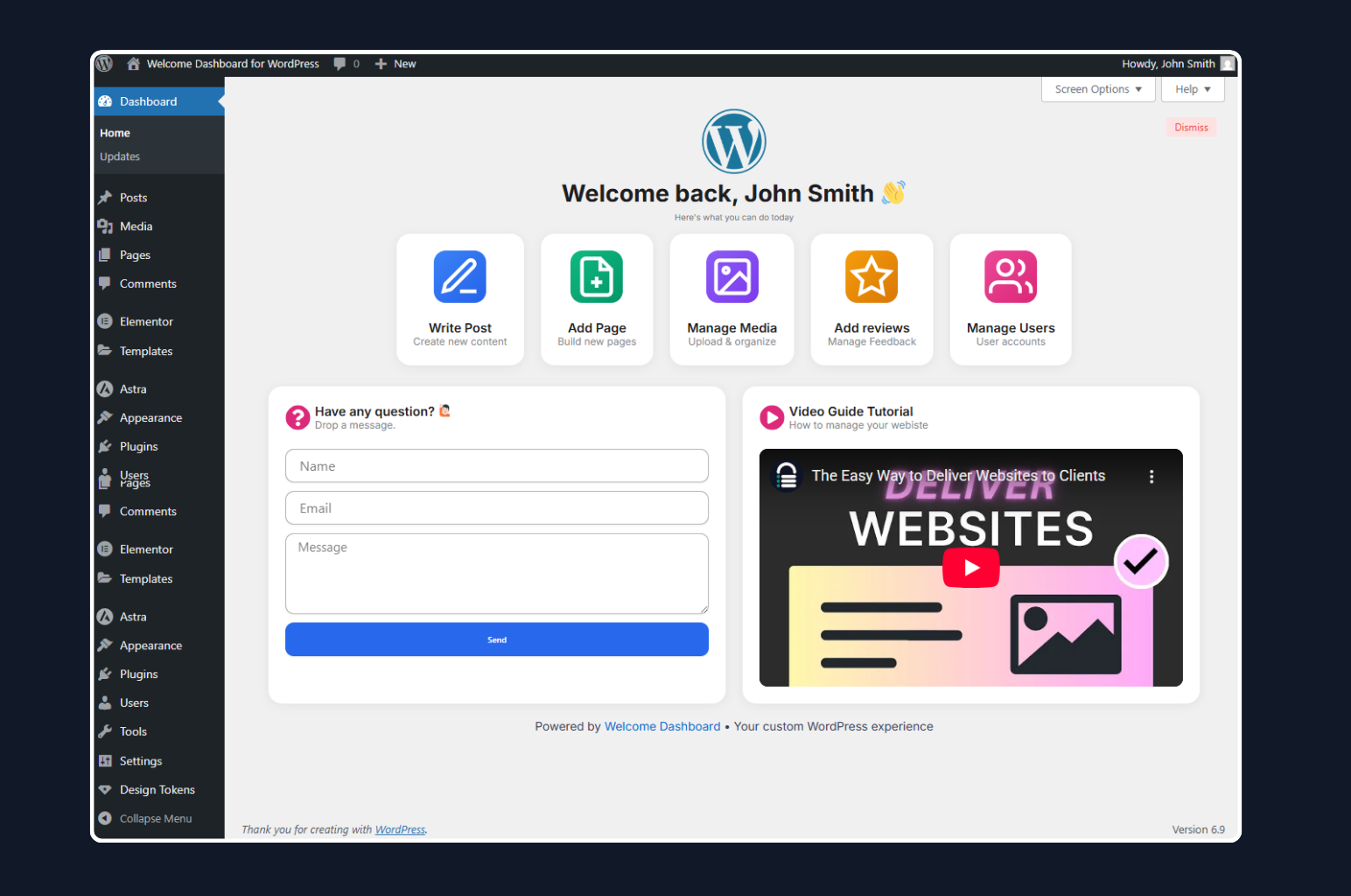
- Design your welcome dashboard content and save the template
- Go to Welcomify in the admin menu
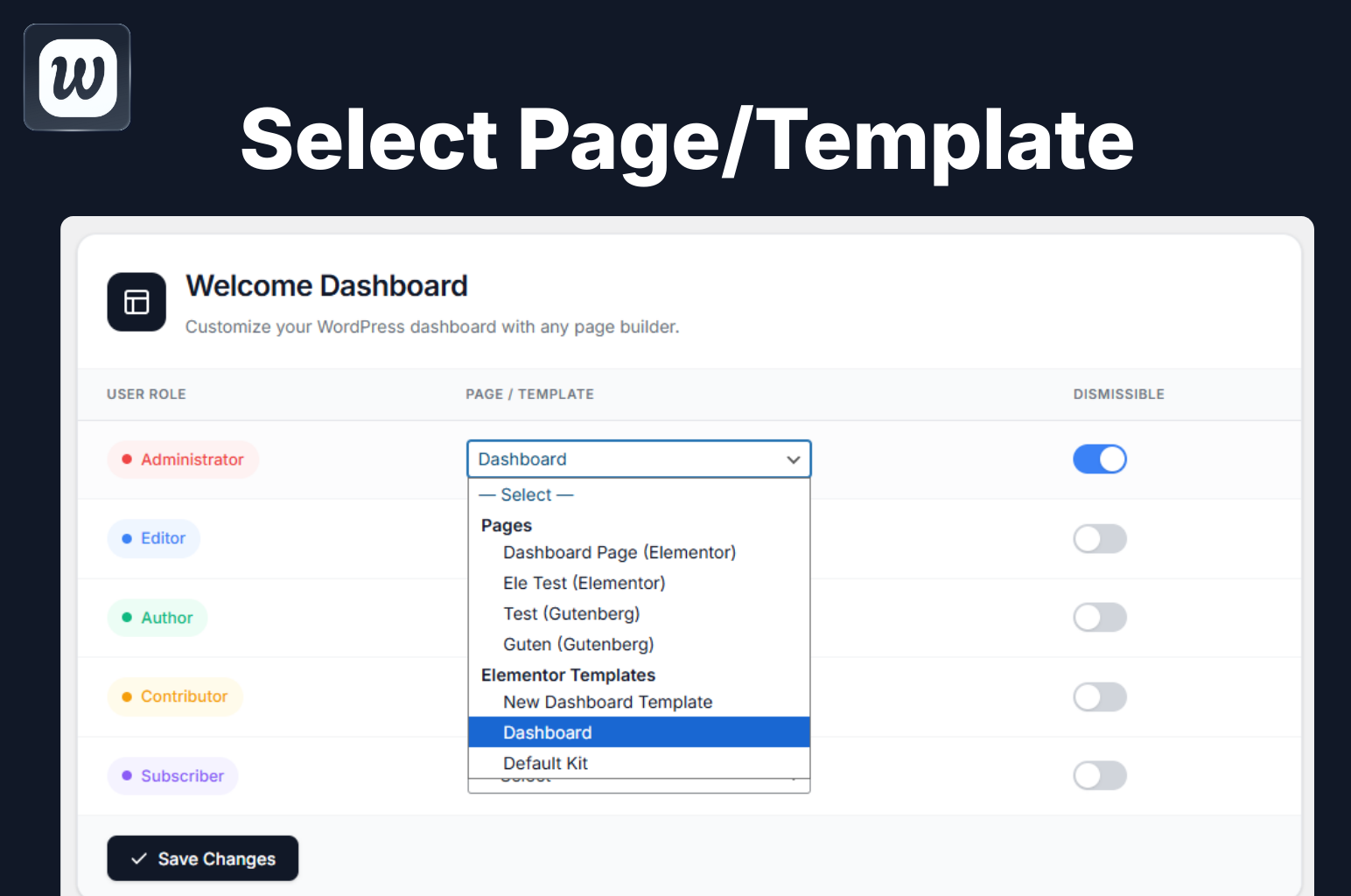
- Select your template from the Elementor Templates or Bricks Templates section in the dropdown
- Assign it to a user role and save
- Create a new WordPress page using your preferred page builder
- Design your welcome dashboard content — the page can be published, private, or even password protected
- Go to Welcomify in the admin menu
- Select your page from the Pages section in the dropdown — it will show a label indicating which builder was used
- Assign it to a user role and save
安装:
- Upload the plugin folder to
/wp-content/plugins/directory - Activate the plugin through the Plugins menu in WordPress
- Go to Welcomify main menu to configure
- Select a page created with any page builder and assign it to user roles
屏幕截图:
常见问题:
Does this plugin require Elementor?
No! While Elementor is fully supported, you can use any page builder or the default WordPress Block Editor (Gutenberg).
Can I show different pages to different user roles?
Yes! This is the core feature. You can assign a unique page to each user role.
Will this work with my theme?
Yes, the plugin embeds your page content in an iframe, so it works independently of your theme.
Is multisite supported?
Yes, full multisite support is included. You can even hide settings from subsites if needed.
Can users dismiss the welcome panel?
Yes, you can enable/disable the dismissible option for each user role individually.
Can I use Elementor or Bricks templates directly?
Yes! For Elementor and Bricks, you select saved templates directly from the Elementor Templates or Bricks Templates sections in the dropdown. Simply go to Elementor > Templates or Bricks > Templates, create your design there, and it will appear in the Welcomify dropdown. For all other builders (Gutenberg, Divi, Beaver Builder, Breakdance), you create a regular WordPress page instead.
What happens if I delete an assigned page?
The plugin automatically detects deleted pages and falls back to the default WordPress welcome panel. No broken dashboards!
Can I use draft, private, or password protected pages?
Yes, you can use pages with any status — published, draft, private, or even password protected. This is useful for creating welcome pages that won't be visible on the front end or indexed by search engines.
更新日志:
- Updated the translation template so all current strings are available to translators
- No functional changes
- New modern dropdown UI with keyboard navigation support
- Renamed "Dashboard" submenu label to "Settings" for clarity
- Added Elementor Templates and Bricks Templates sections for template-based builders
- Added Divi, Beaver Builder, and Breakdance page support in Pages section
- Smart builder detection - labels only show when the builder plugin is active
- Improved deleted page handling - automatically falls back to default WordPress welcome
- Fixed layout with centered dropdown for consistent UI
- Added PRO addon compatibility hooks
- Added filter 'umy_wdw_settings_title' for title override
- Added action 'umy_wdw_pro_template_library' for PRO template handling
- Added PRO badge to Template Library submenu
- Template Library now shows as PRO feature
- Fixed menu icon not displaying
- Fixed template library page blank issue (images not loading on WP.org)
- Renamed image files to use hyphens instead of spaces for better URL compatibility
- Fixed missing menu icon issue on some admin themes
- Fixed blank template library page issue
- Moved plugin settings to a top-level admin menu for better accessibility
- Added Template Library page with Upgrade to Pro option
- Added compatibility detection for Bricks, Divi, Beaver Builder, Oxygen, and Breakdance
- Improved admin UI with modern design elements
- Fixed white space flickering when closing accordions or dynamic content in the embedded page
- Improved iframe height detection using requestAnimationFrame for smoother updates
- Added direct file access protection to uninstall.php
- Fixed links opening inside the embedded iframe instead of navigating the main window
- Links now correctly open in the parent window for proper navigation
- Initial release
- Role-based dashboard pages
- Elementor, Gutenberg, Divi, Bricks Builder, Beaver Builder, Oxygen, and Breakdance support
- Multisite support
- Dismissible option per role
- Translation ready