Weon for WooCommerce
| 开发者 | weonai |
|---|---|
| 更新时间 | 2026年1月28日 01:57 |
| PHP版本: | 7.4 及以上 |
| WordPress版本: | 6.9 |
| 版权: | GPLv2 or later |
| 版权网址: | 版权信息 |
详情介绍:
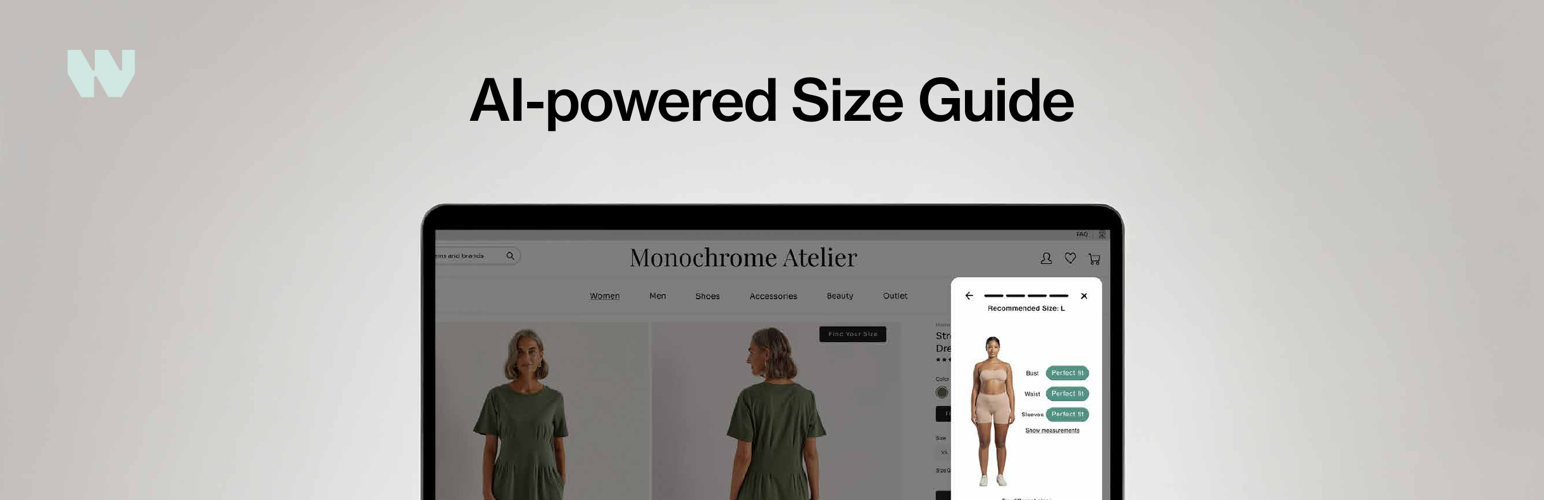
The Weon for WooCommerce plugin seamlessly integrates the Weon size-finding experience into your store. By adding a simple "Find Your Size" button to your product pages, you can reduce returns and increase customer confidence.
After connecting your store, the plugin automatically syncs your products with the Weon service. You can then enable the size recommendation feature by placing the Weon button on your product pages.
Please note: This plugin requires an active Weon subscription to function.
Features:
- Easy Connection: Securely connect to the Weon service with a few clicks, no manual API key handling required.
- Automatic Product Sync: Keeps your product catalog up-to-date with Weon.
- Simple Integration: Adds a customizable "Find Your Size" button to product pages.
- Shortcode Support: Use the
[weon_button]shortcode to place the button anywhere on your product page template.
安装:
The easiest way to install is through the WordPress plugin directory.
From your WordPress dashboard (Recommended):
- Navigate to
Plugins > Add New. - In the search bar, type "Weon for WooCommerce" and press Enter.
- Find the plugin in the search results and click "Install Now".
- Once installed, click "Activate".
- In your WordPress dashboard, go to
Plugins > Add New. - Click the "Upload Plugin" button at the top of the page.
- Select the
weon-for-woocommerce.zipfile and click "Install Now". - Once installed, click "Activate".
- Navigate to
Settings > Weon Integration. - Click the "Connect to Weon" button and authorize the connection.
- Your store is now connected! Product synchronization will begin in the background once your account is activated.
- Navigate to the product page template in your favourite editor and place the
[weon_button]shortcode anywhere you want.
常见问题:
Does this plugin require a Weon account?
Yes, this plugin is the integration layer for the Weon service. You will need an account with Weon to connect your store.
How do I get a Weon account?
You can learn more about our plans and sign up by visiting our website at weon.ai.
Can I customize the button?
Yes. The button defaults to a minimal link style. For advanced customization, you can go to Settings > Weon Integration and add your own custom CSS class to the button. This allows you to apply styles from your theme's stylesheet directly.
更新日志:
1.0.0
- Initial release.