WhoKnew Views - View Counter & Social Proof for WooCommerce
| 开发者 | whoknewio |
|---|---|
| 更新时间 | 2026年8月13日 23:53 |
| PHP版本: | 7.3 及以上 |
| WordPress版本: | 7.1 |
| 版权: | GPL-3.0-or-later |
| 版权网址: | 版权信息 |
详情介绍:
- Predict which products will go viral up to 90 days early
- Identify seasonal demand peaks before your competitors do
- Spot declining products before they drag down your analytics
- Make smarter inventory, advertising, and merchandising decisions based on real view counter data
- Visualize forecast confidence intervals so you understand prediction certainty at a glance No data science background required. WhoKnew Views handles all Prophet model configuration, training, and rendering automatically. You see a clean forecast chart — the AI does the rest.
- Real-time social proof display with full visual customization
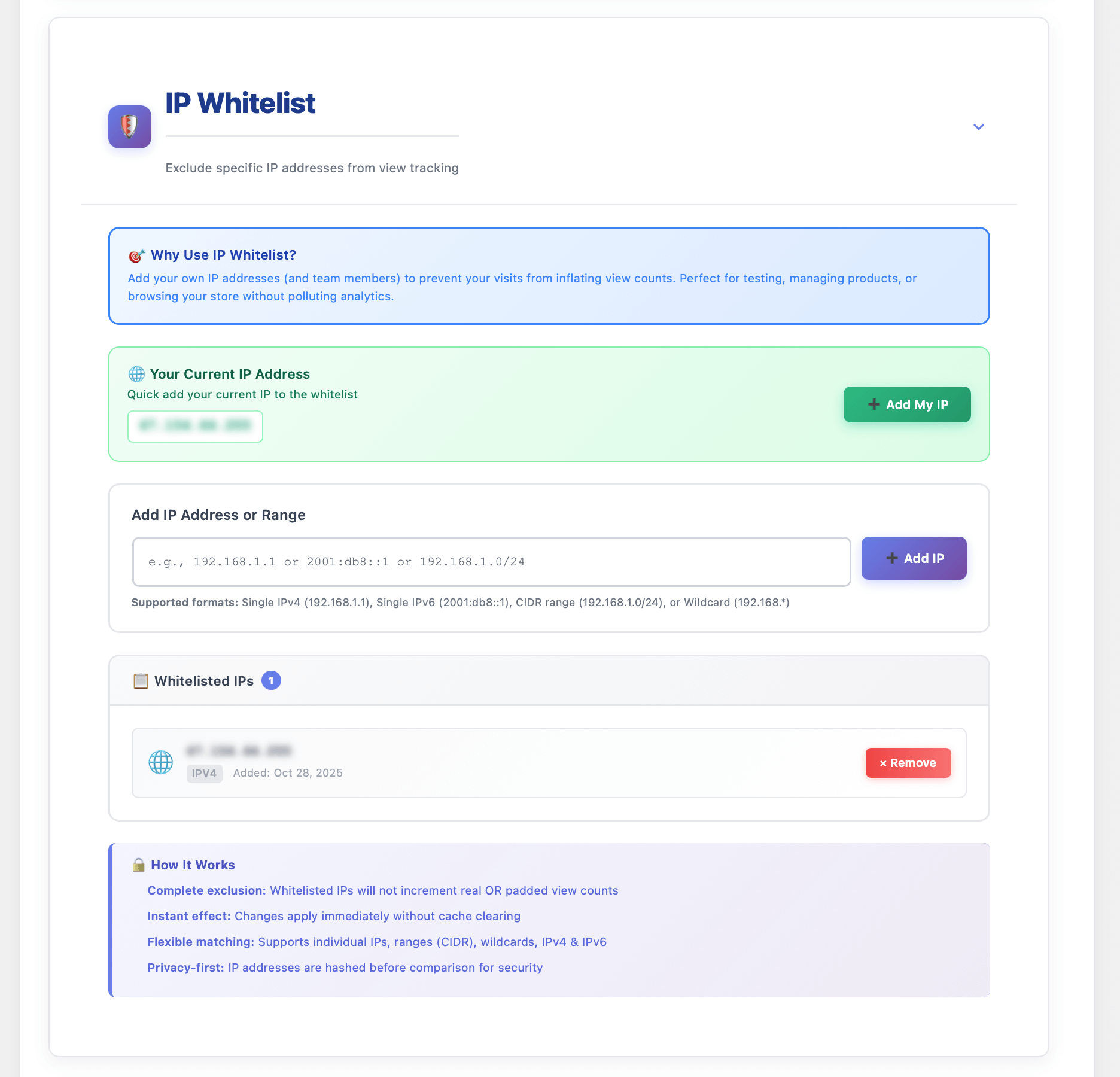
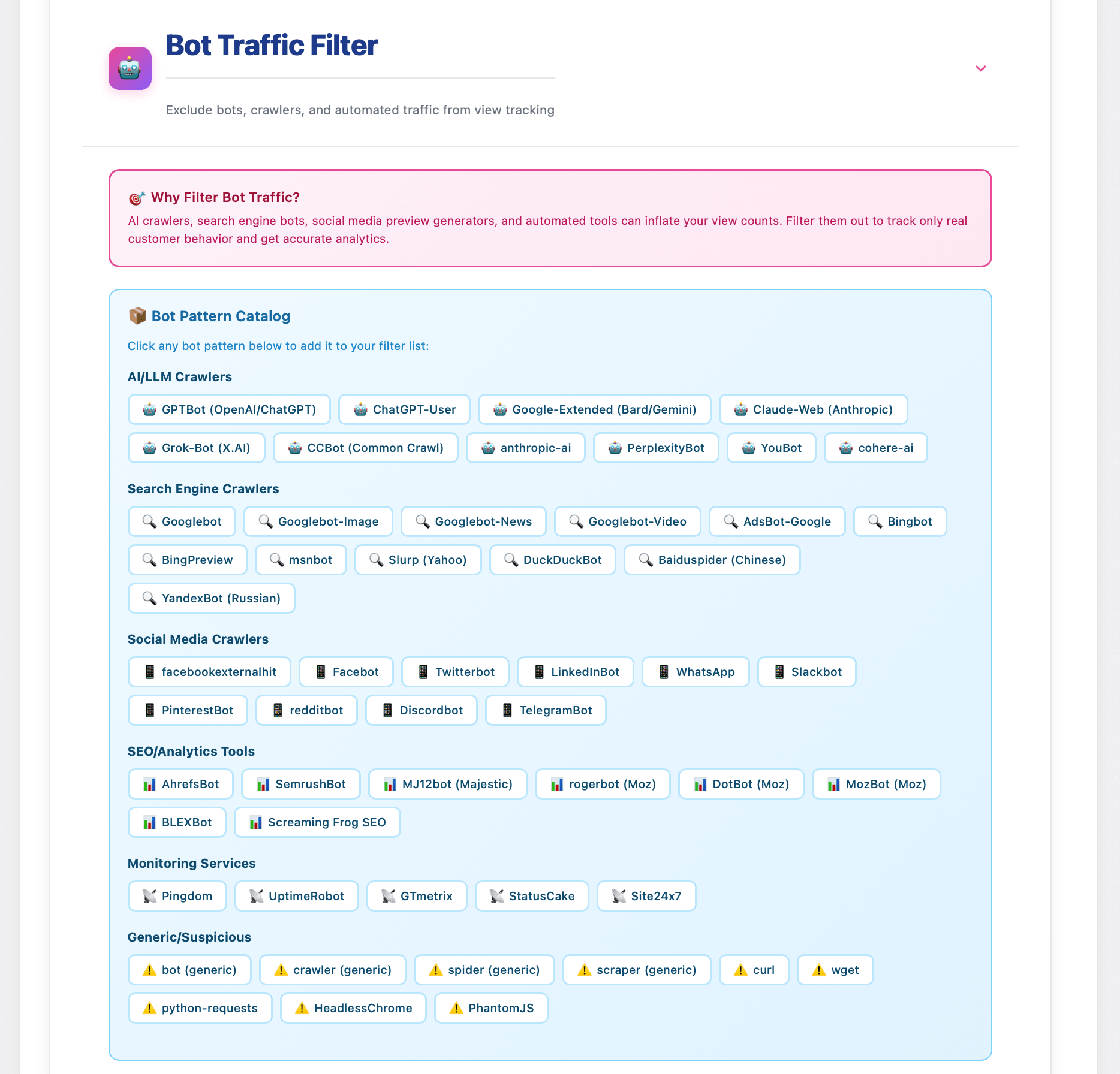
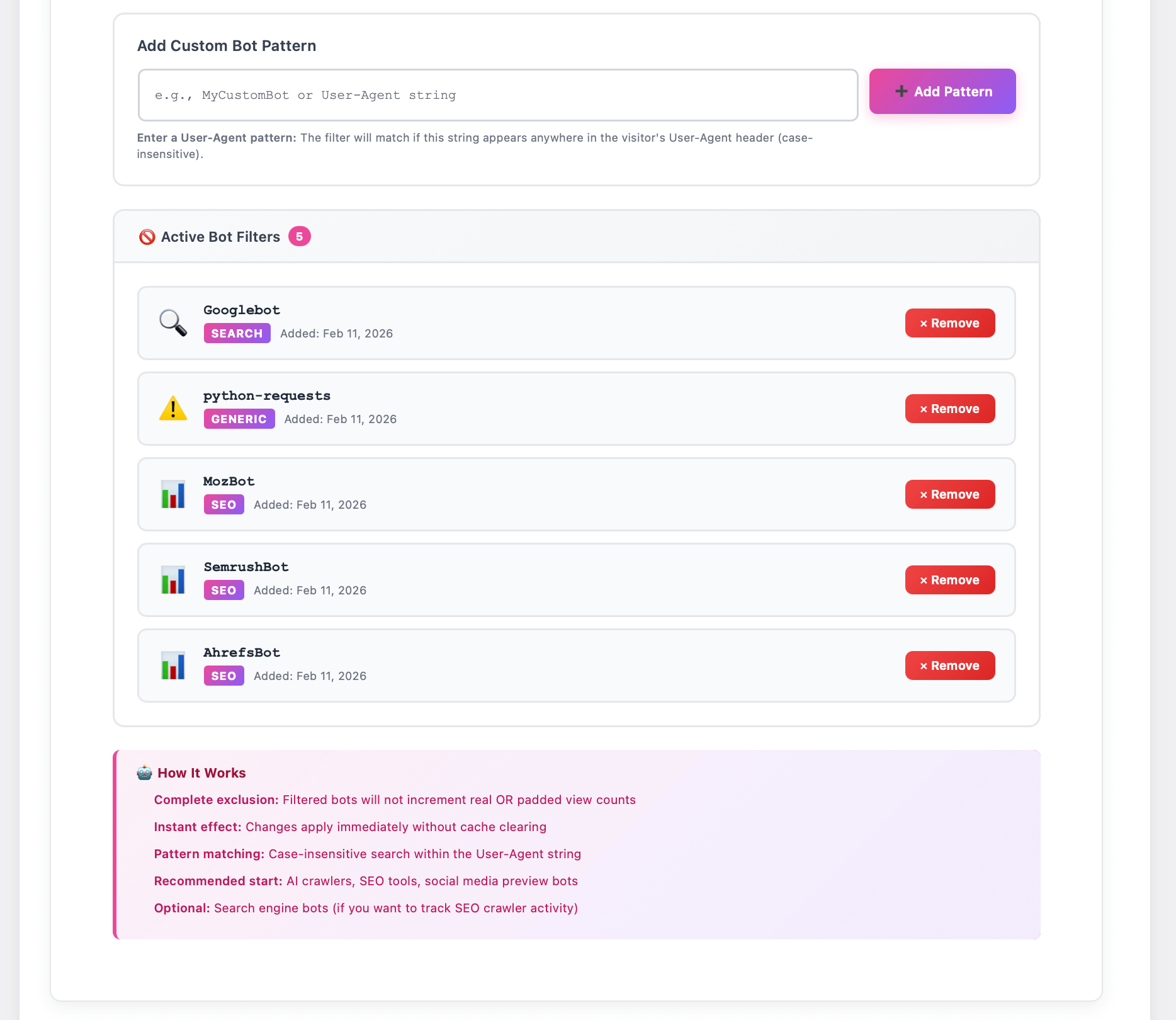
- Clean analytics with bot filtering and IP whitelisting
- Prophet AI forecasting for predictive demand intelligence
- Smart padding to solve the cold start social proof problem
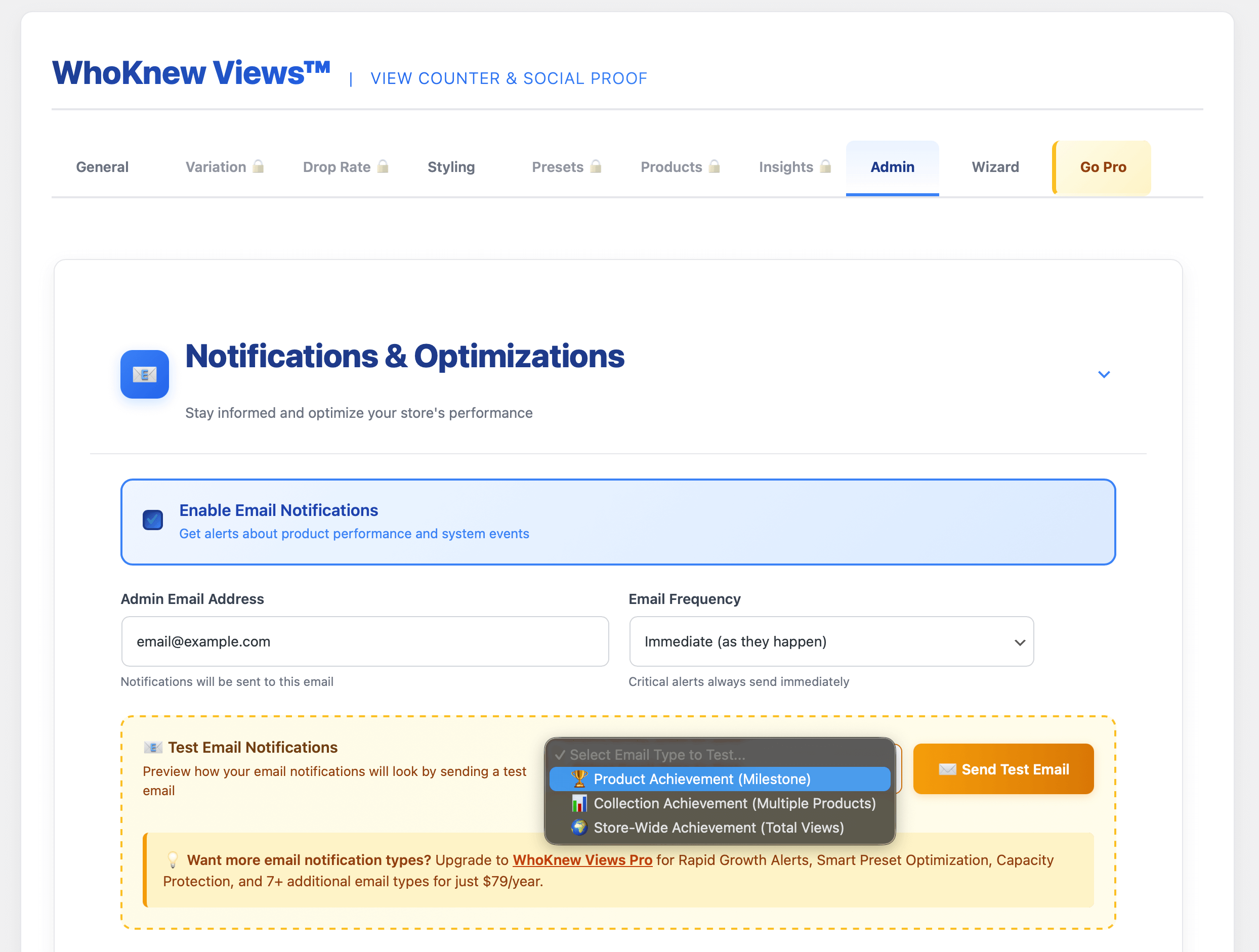
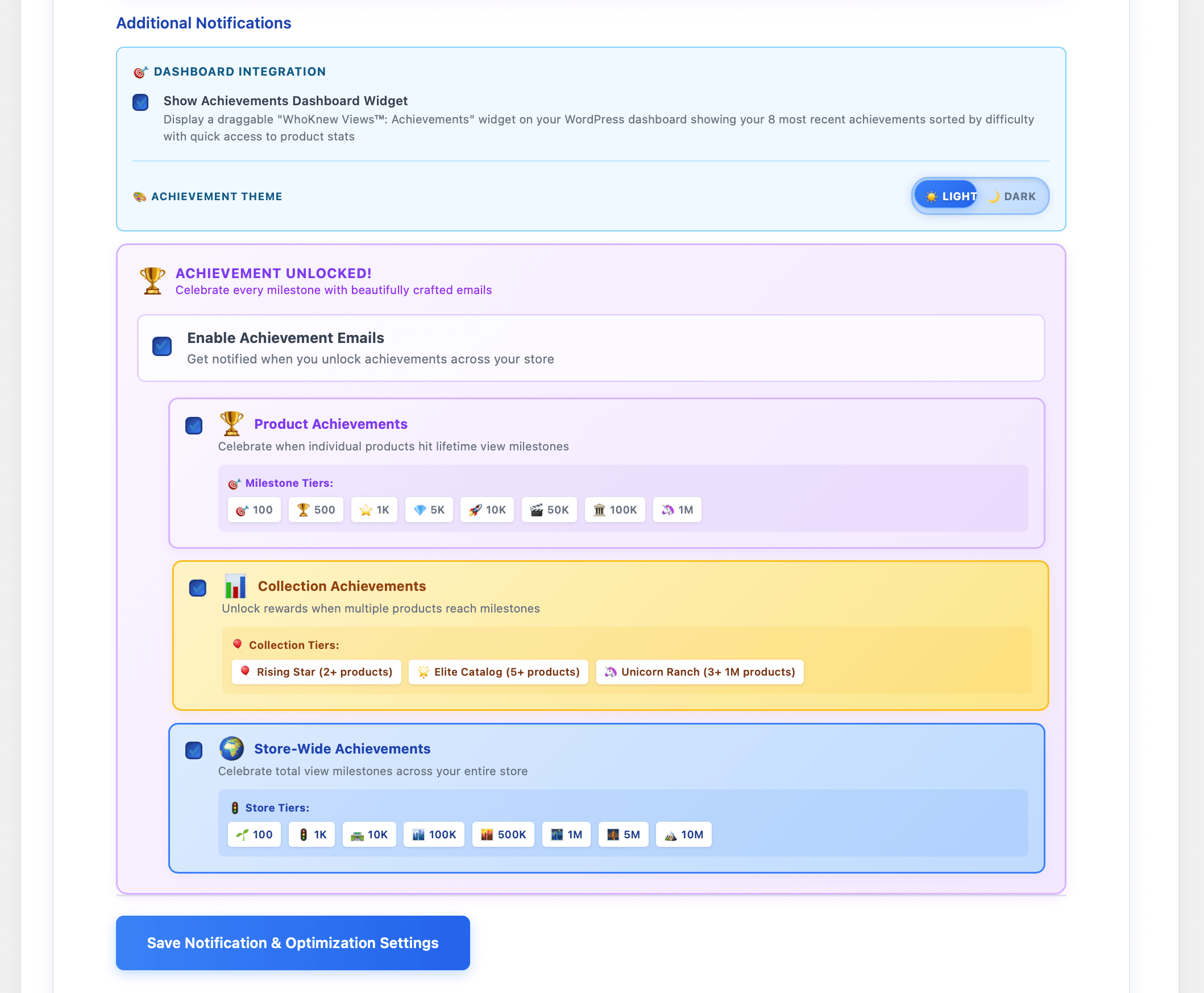
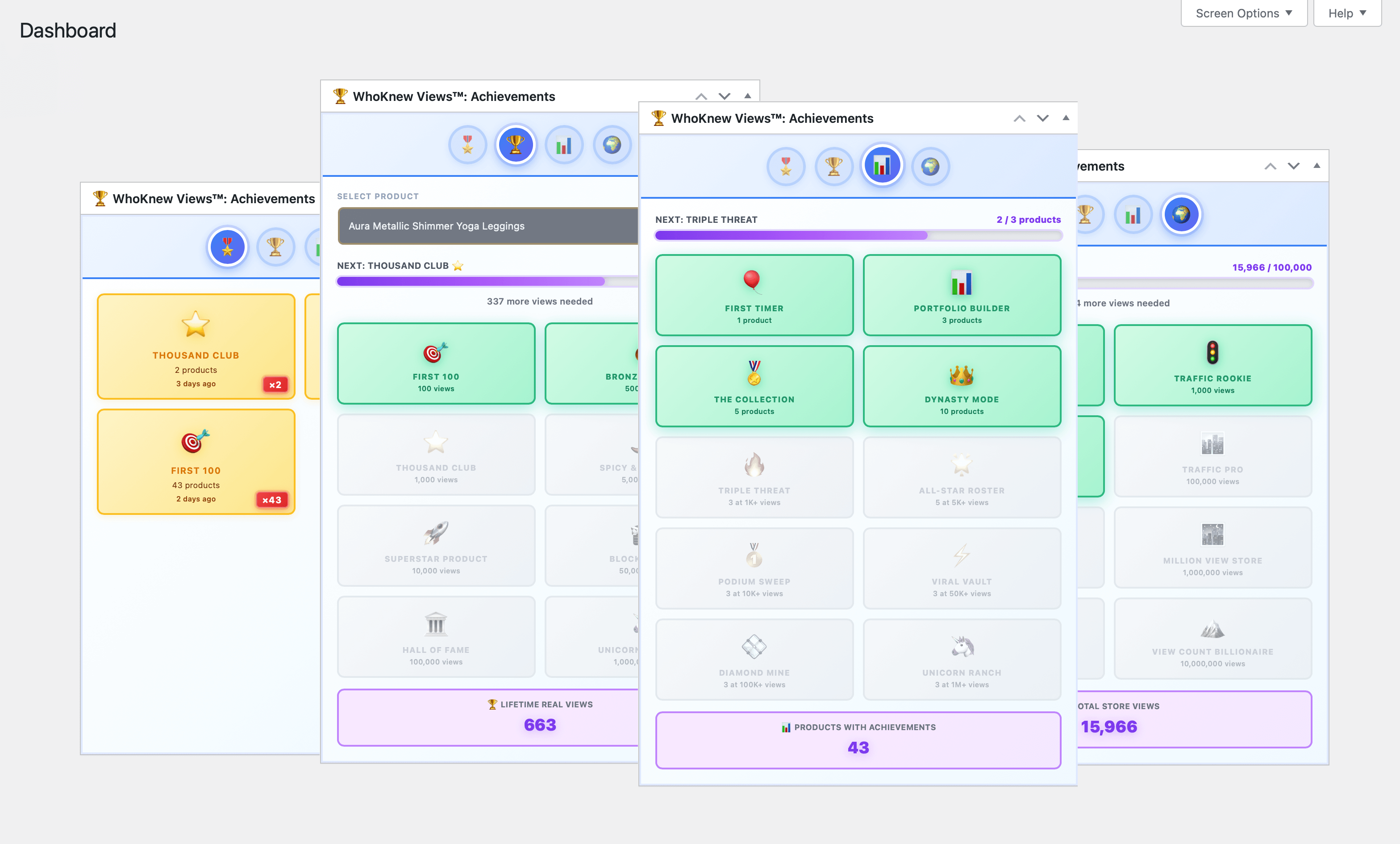
- Email alerts for view spike detection
- 5-year analytics retention with local-only data storage
- Async view tracking — JavaScript tracking never blocks page load
- Daily aggregation — raw view data is rolled up nightly to keep your analytics tables compact
- 90-day rolling window — timestamp data prunes automatically to prevent database bloat
- No external analytics — all view counter data stays in your local WordPress database
- Cache compatible — works with WP Rocket, LiteSpeed Cache, W3 Total Cache, SiteGround Speed Optimizer, and all major caching plugins
- GDPR-conscious design — no personal data transmitted to external servers for view tracking
No coding required. Works with any WooCommerce theme. Free forever with optional Pro upgrade.Upgrade to Pro → | Download Free
安装:
- Upload
whoknew-viewsfolder to/wp-content/plugins/ - Activate via Plugins > Installed Plugins
- Go to WooCommerce > WhoKnew Views to configure
- Pro: Enter license from whoknew.io
屏幕截图:
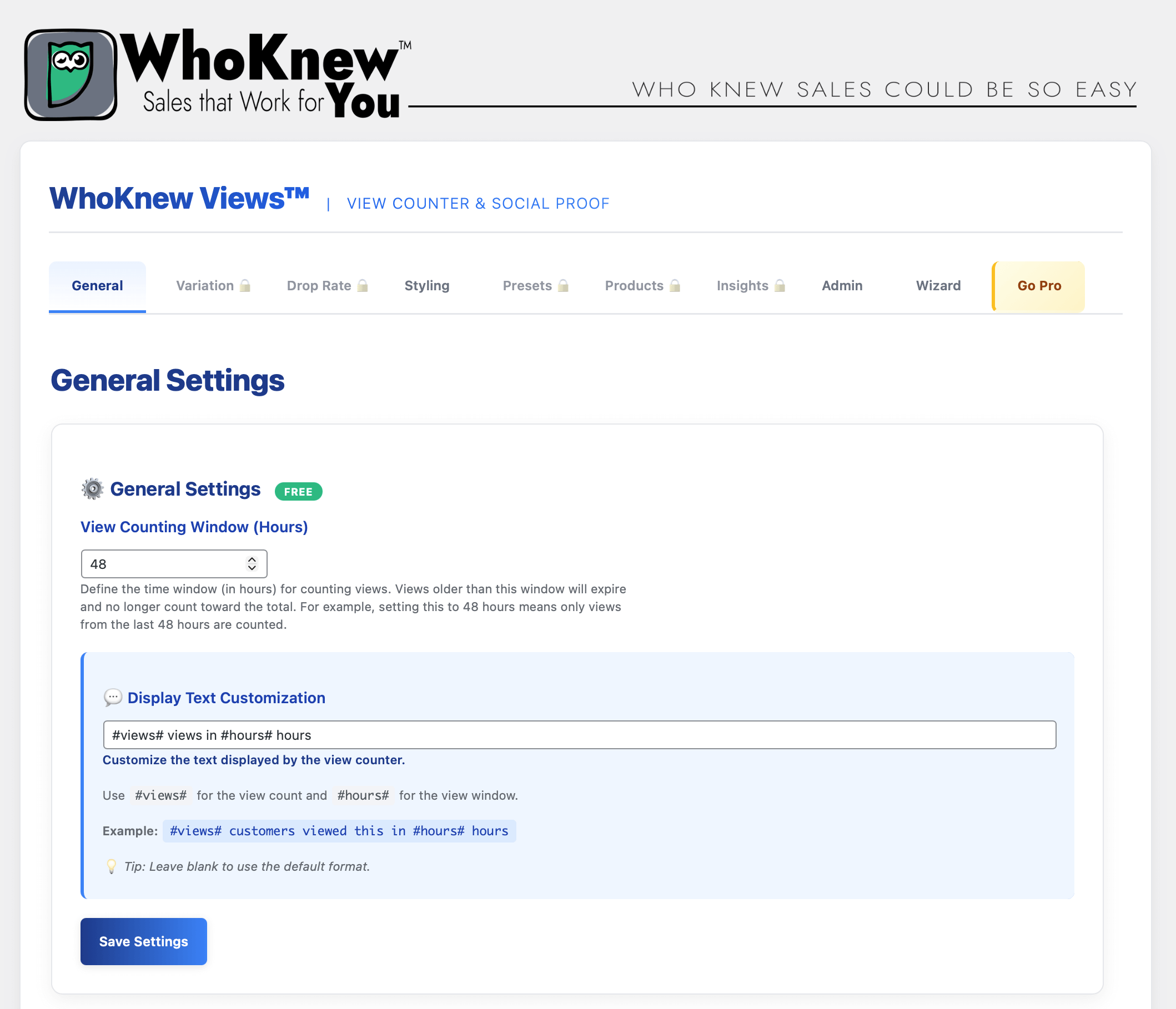
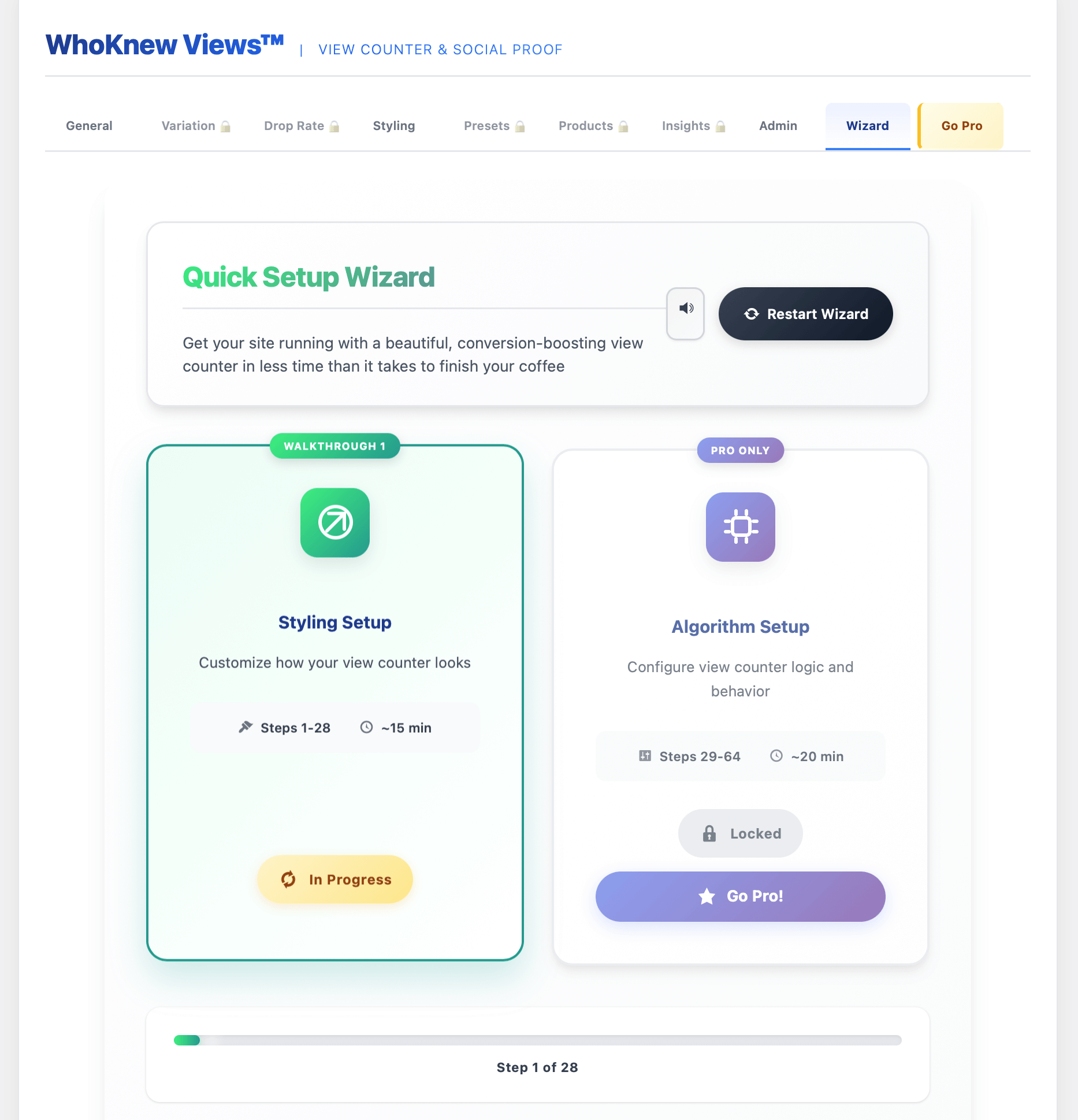
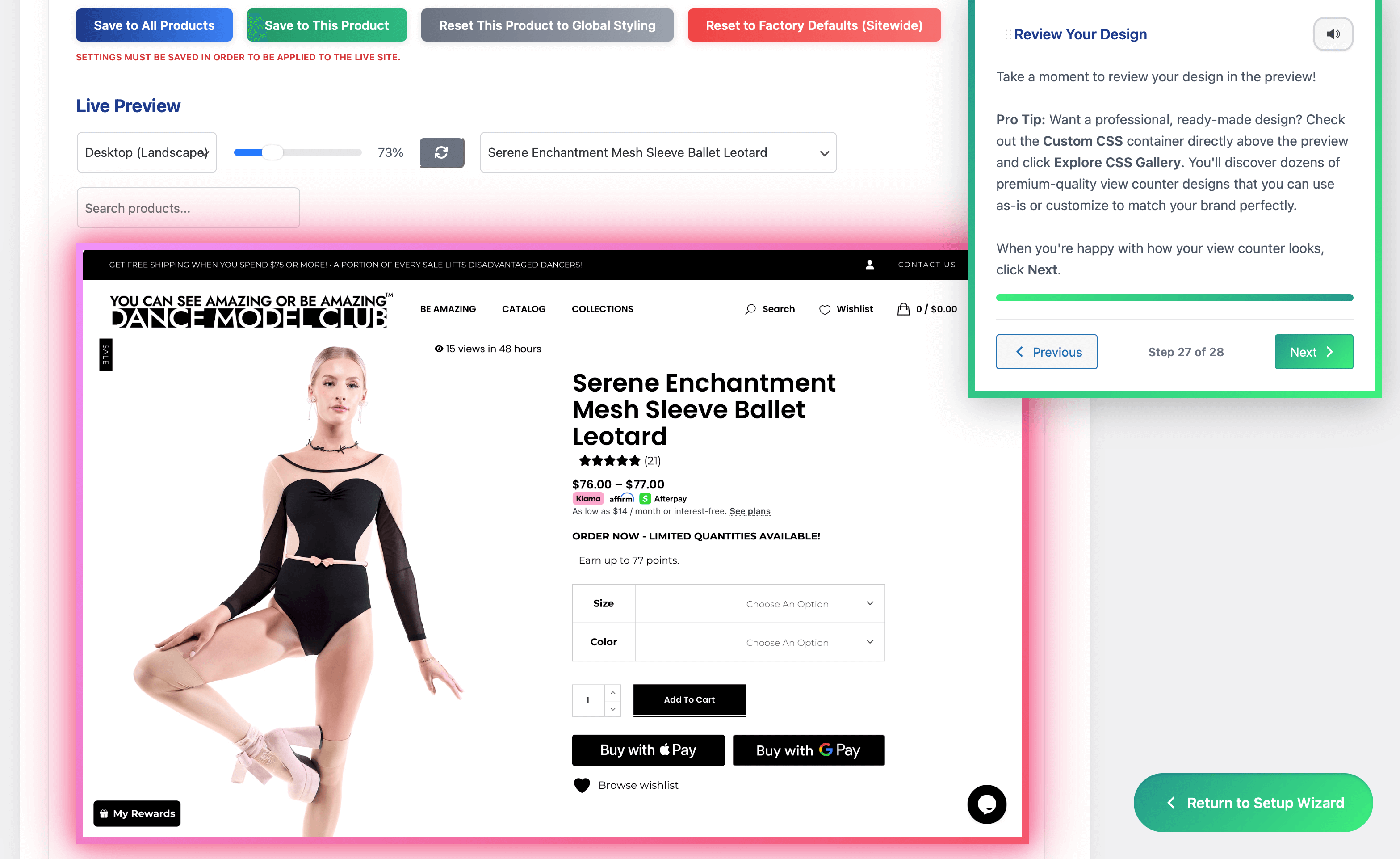
常见问题:
Is this a WooCommerce view counter?
Yes — it tracks real product page views and displays them as social proof directly on your store.
Does it slow down my site?
No. The plugin uses async tracking and daily aggregation to minimize performance impact. View tracking runs in the background and is designed to have minimal effect on your site speed or performance.
How to show the view counter on product pages?
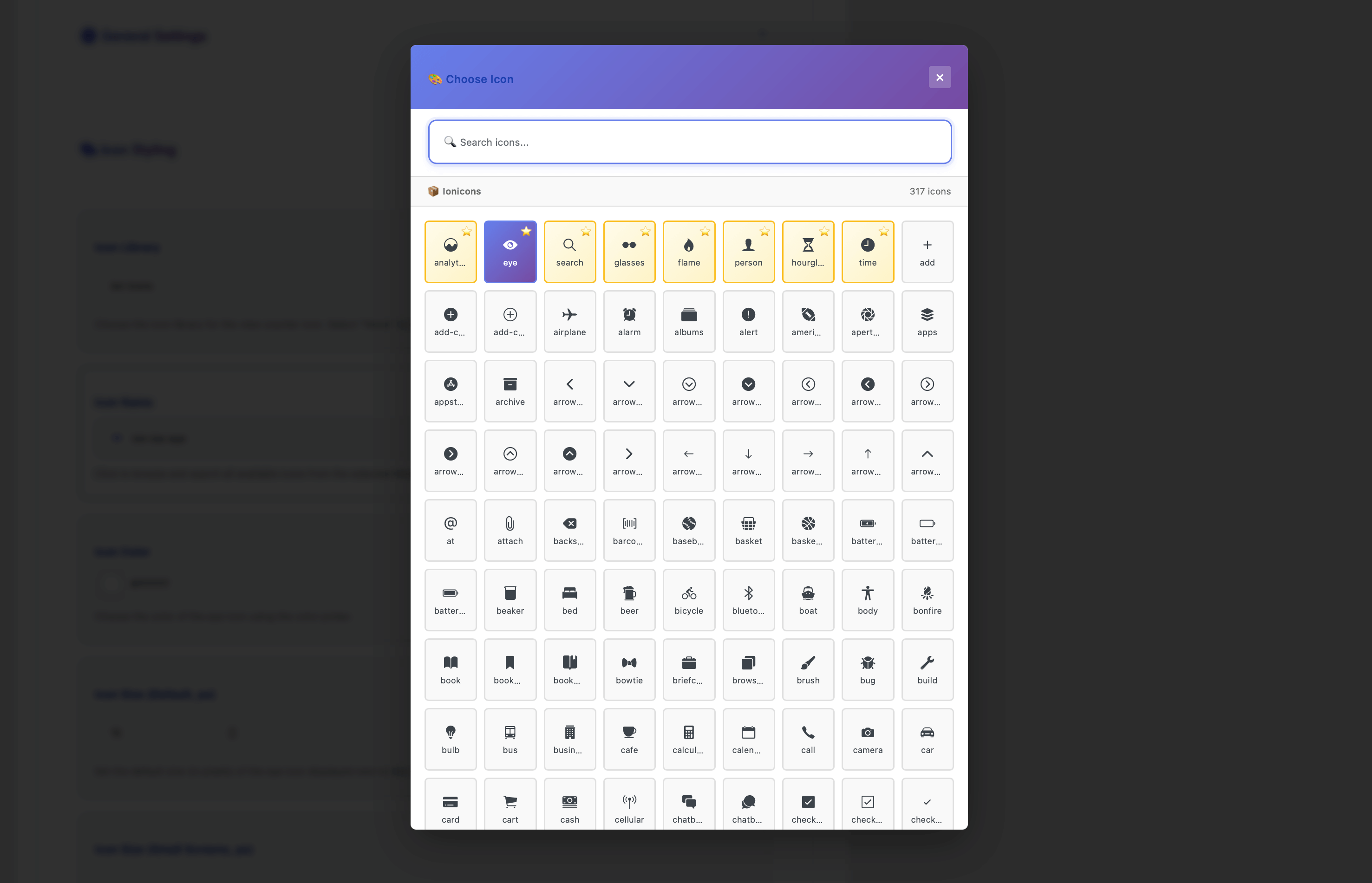
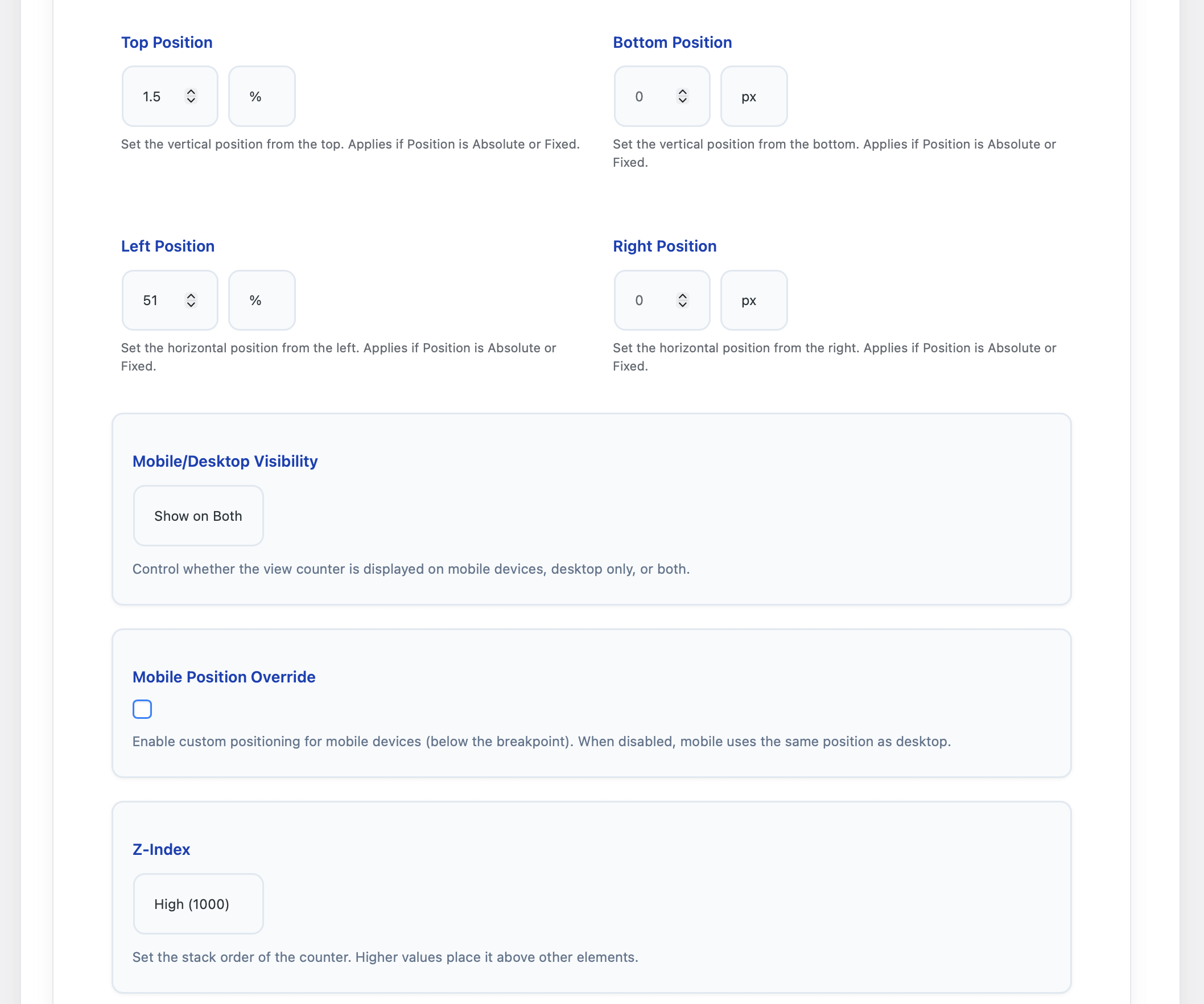
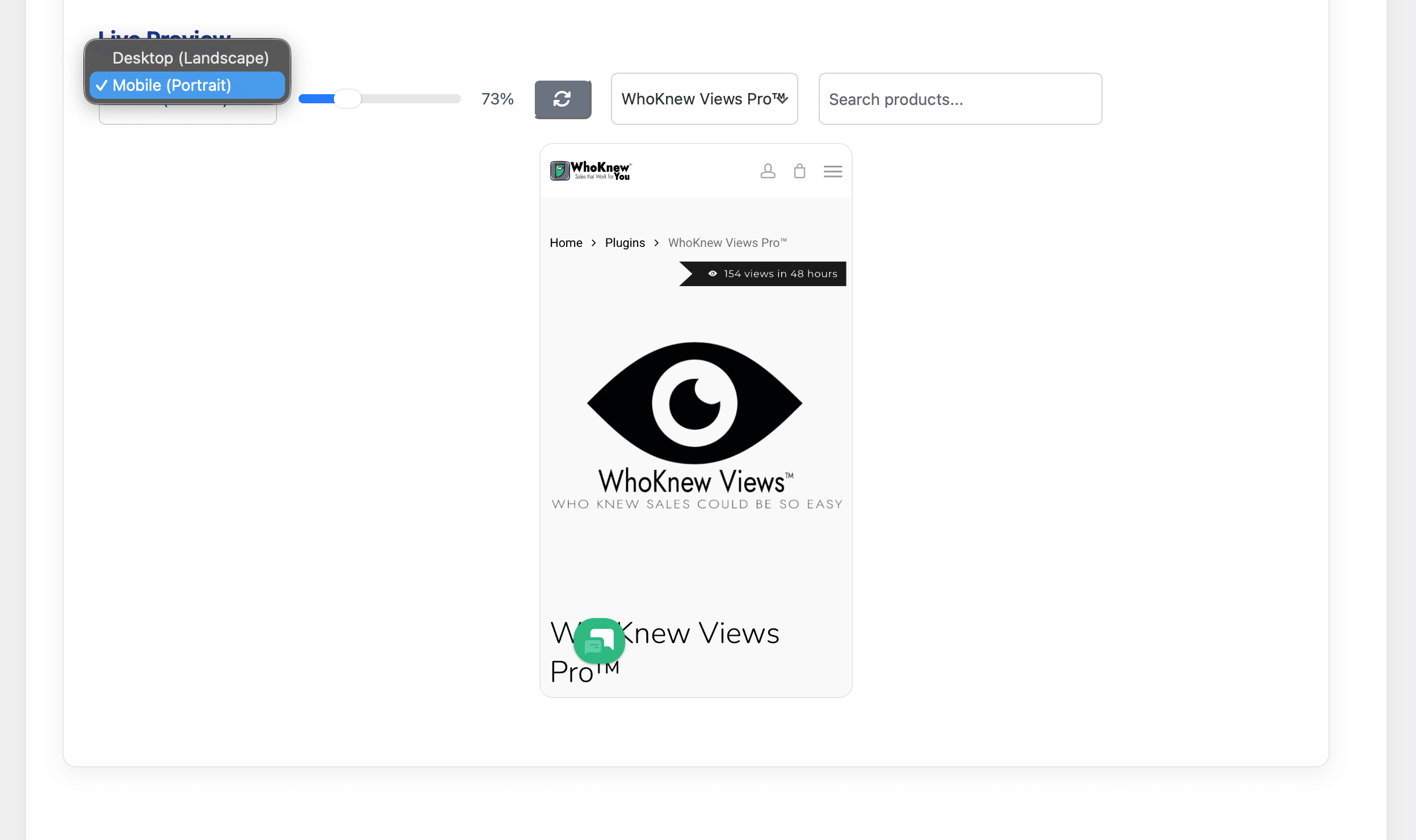
Enable in the styling tab → choose position (no coding required).
Can I customize or hide the view counter on specific products?
Free: Yes for styling, no for conditional display. You can fully customize the appearance (colors, fonts, size, position, even make it transparent), but the counter will render on all products once enabled. You can make it visually invisible with 100% transparency, but it still outputs the HTML. Pro: Full control. Hide or show the view counter per-product with a simple checkbox in the product edit screen. Useful for:
- Hiding counters on low-traffic products
- Only showing on bestsellers
- Excluding sale/clearance items
- Custom display rules for different product categories Upgrade to Pro for conditional display →
What's the difference between free and Pro?
Free = view counter + social proof + basic analytics Pro = Prophet AI forecasting, smart view padding, email alerts, and full analytics exports
What is Prophet AI and how does it work in this plugin?
Prophet is an open-source time series forecasting library developed by Meta's Core Data Science team. The Pro version of WhoKnew Views uses Prophet to analyze your WooCommerce view counter history and generate product-level demand forecasts up to 90 days into the future. It identifies seasonal patterns and trend signals in your analytics data that are invisible to standard reporting tools — giving you an early warning system for viral products before your sales data reflects the spike.
Works with caching plugins?
Yes — compatible with WP Rocket, LiteSpeed Cache, W3 Total Cache, SiteGround Speed Optimizer, and other major caching solutions. View tracking runs async and bypasses cache.
Does it work without cookies or with strict privacy settings?
The plugin uses cookies to prevent duplicate view counts within a cooldown period. It also uses IP addresses for whitelist functionality. View tracking may be affected if users block cookies, but the plugin is designed to work in most scenarios.
Is it GDPR / EU privacy compliant?
The plugin is designed to be GDPR-compliant. All product view tracking data stays in your local WordPress database. No external servers are used for tracking. The plugin uses cookies to prevent duplicate counts and may use IP addresses for whitelist checking. However, you should review your specific privacy requirements and ensure compliance with applicable regulations, including cookie consent requirements where applicable.
Do I need coding knowledge to use this plugin?
No. The plugin features an intuitive dashboard and simple setup. Advanced users can customize styling and settings, but it works out of the box.
更新日志:
- Tested: Confirmed compatibility with WordPress 7.1
- Version bump to match stable tag
- Updated Pro pricing across admin notices, upsell screens, and settings pages
- Updated readme pricing reference
- Fix: Raw view timestamp array now prunes gracefully to a 90-day rolling window on free version, preventing indefinite database growth. Pro aggregated data is unaffected.
- Updated - Confirmed compatibility with WooCommerce 10.5.3
- Launch: WooCommerce view counter + social proof + AI forecasting
- Real-time tracking, bot filtering, mobile-ready
- Pro: Prophet AI forecasting, smart padding, email alerts, analytics exports