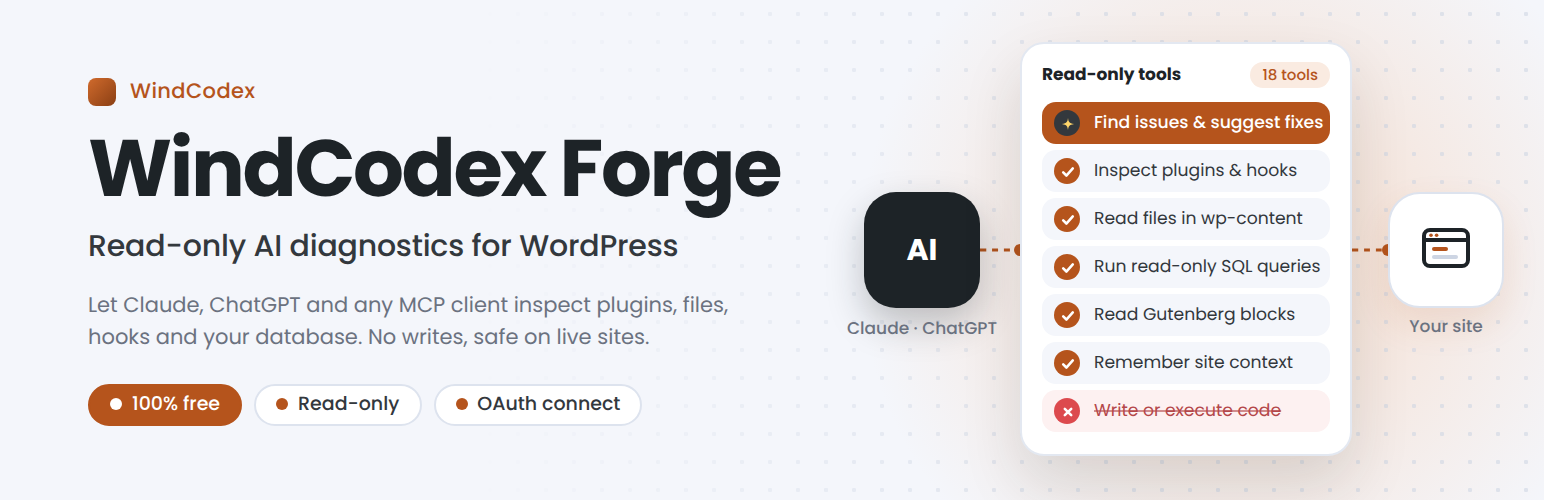
WindCodex Forge – Read-Only AI Diagnostics
| 开发者 | windcodex |
|---|---|
| 更新时间 | 2026年10月19日 14:55 |
| PHP版本: | 7.4 及以上 |
| WordPress版本: | 7.1 |
| 版权: | GPLv2 or later |
| 版权网址: | 版权信息 |
详情介绍:
- Safe to run on a live site – no tool can change your content, settings, users, plugins, theme, files, or database tables.
- No code-execution capability at all – that's not a setting to be careful with; it simply isn't present in the codebase.
- Administrators stay in control – only Administrators can connect an AI app by default, every tool call is logged, and login credentials are never returned.
- Real diagnostics, not guesswork – let an AI read hook registrations, database schema, and file contents directly instead of asking you to paste them in.
- Cross-conversation memory – save a fact or preference once so a future, separate conversation can pick it back up.
- No license key, no paywall – every tool in this plugin is free.
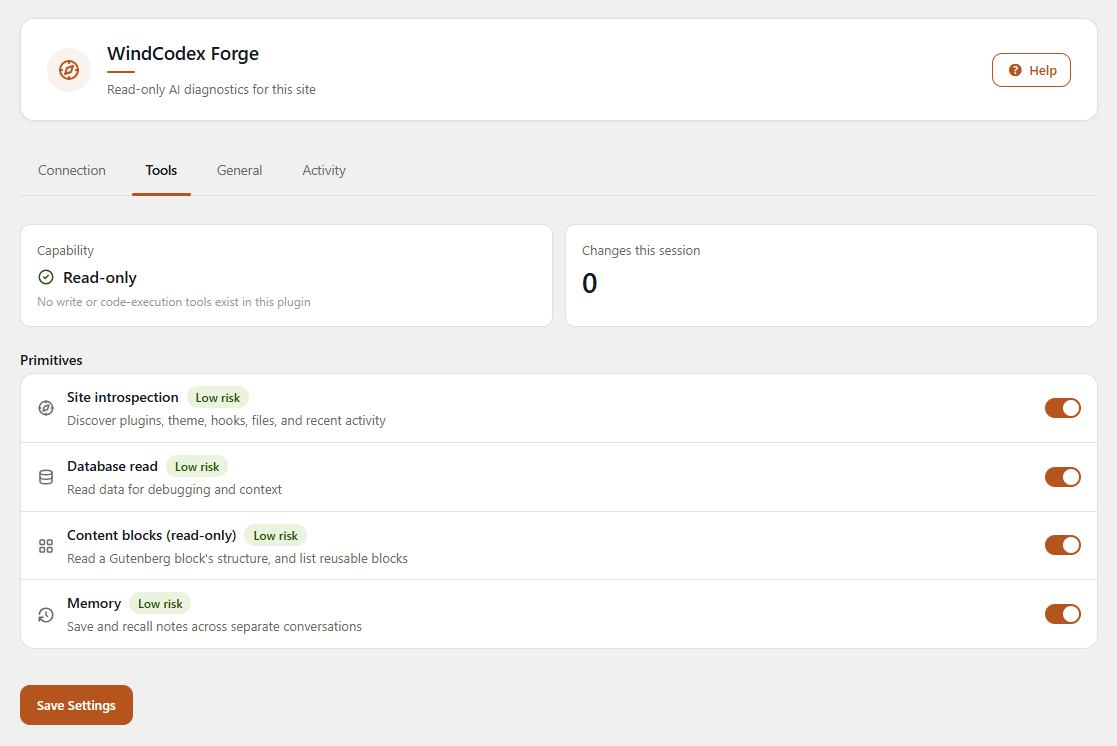
- Site introspection – installed plugins, active theme, registered hooks, screenshots, static page inspection, recent connector activity, and design-authority detection (works out whether an active page builder or the theme's own design tokens should govern new visual work).
- File read – browse and read file contents within wp-content (themes, plugins, uploads).
- Database read – read rows from any table using structured filters (columns, conditions, sorting, paging) that always run as prepared statements – no raw SQL is accepted – plus table listing and schema introspection. Password hashes, reset keys, session tokens, application passwords, and secret-looking option/meta values are never returned.
- Content blocks (read-only) – read a Gutenberg block's full structure (attributes, inner HTML) by position, and list registered reusable blocks.
- Memory –
wp_remember/wp_list_memories/wp_forgetlet a conversation save a fact or preference site-wide so a future, separate conversation can pick it back up. Plaintext, not a secrets vault; capped at 200 entries per site.
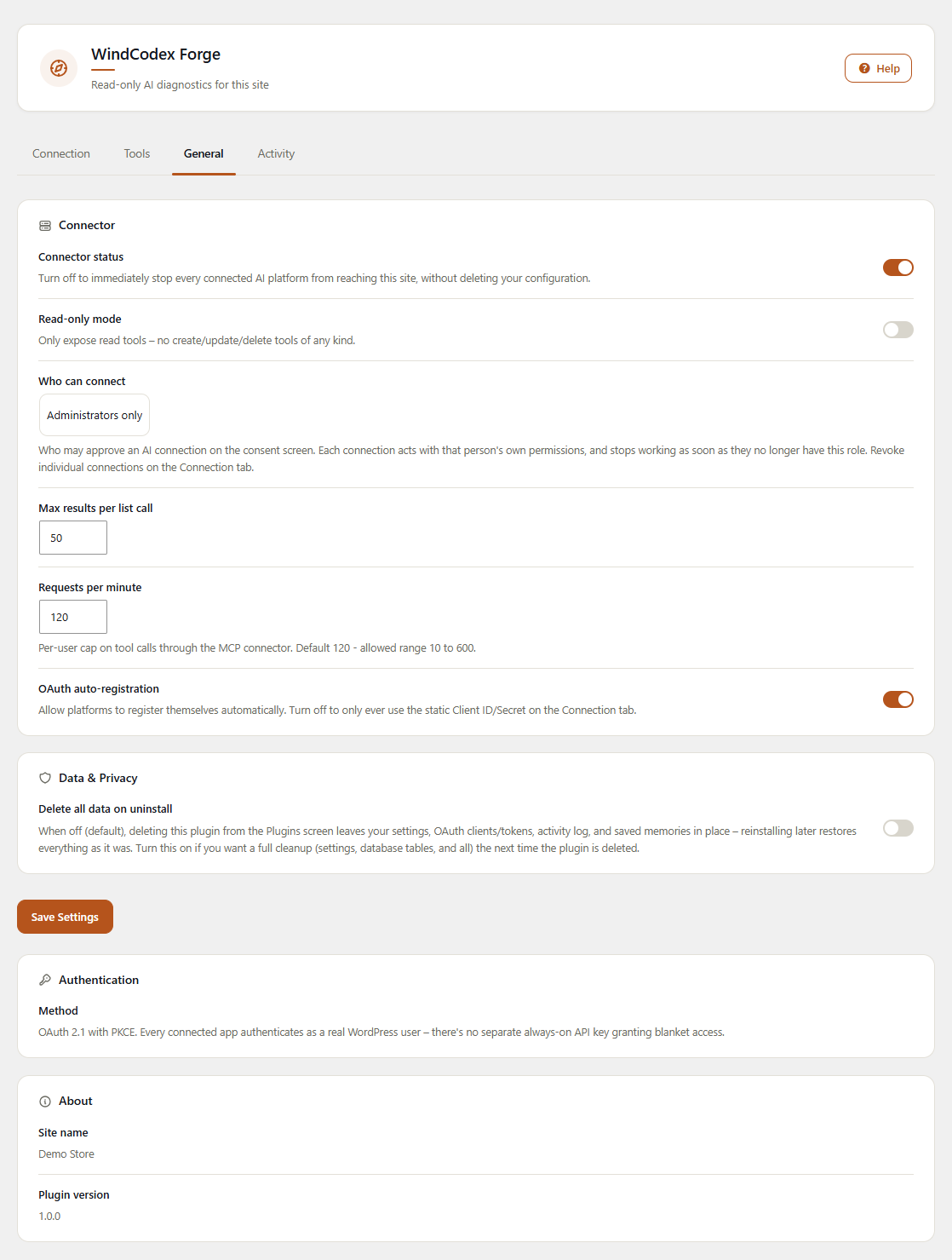
- Access control – choose who may approve an AI connection (Administrators only by default, or Editors and above). Each connection is limited to that person's own permissions and stops working as soon as they lose the role.
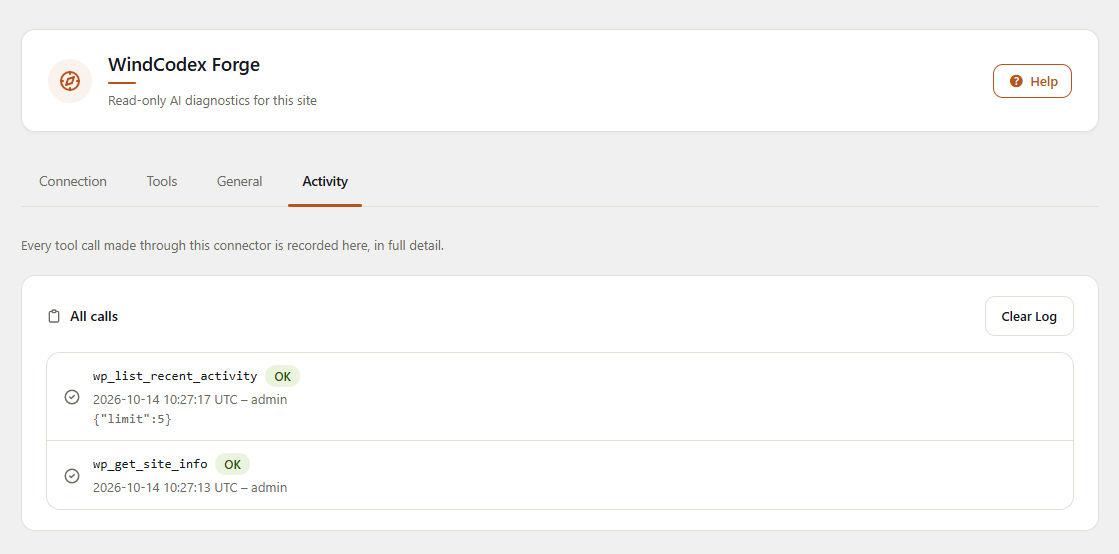
- Activity log – every tool call, successful or not, is recorded with its arguments, the user whose connection made it, and when.
- Per-tool switches – turn any individual tool off.
- Activity log preference – keep the log on (default) or turn recording off.
- Ask an AI to explain why a page looks the way it does by reading the active theme, registered hooks, and page builder in use.
- Debug a data issue by reading rows from your live database without ever risking a write.
- Have an AI review a plugin's or theme's source files directly from wp-content before suggesting a fix.
- Take a screenshot of a page and inspect its structure as part of a support or QA workflow.
- Let a future conversation pick up context – naming conventions, prior decisions, site quirks – saved by an earlier one via memory.
- Audit which connectors and AI platforms have accessed the site recently.
- Onboard onto an unfamiliar client site fast – ask an AI to list active plugins and theme, then read the hooks a specific feature actually depends on, instead of grepping through an unfamiliar codebase by hand.
- Track down a plugin conflict by reading exactly what's hooked into a given action or filter, across every active plugin, before touching any code.
- Review a plugin's or theme's source file straight from wp-content as part of a code review or before writing a patch, without needing FTP/SSH access to the server.
- Read rows from the live database with simple filters to confirm a bug's root cause (bad meta value, orphaned row, wrong option) before writing the fix.
- Take a screenshot of a broken page and get a structural read on it – markup, blocks, active builder – to speed up a bug report or a QA handoff.
- Save project-specific conventions to memory once (naming patterns, past architectural decisions, known quirks of the client's stack) so the next debugging session with the same site doesn't start from zero.
- Only approved people can connect. Administrators only by default. Each connection is limited to the permissions of the person who approved it – there is no shared or fallback account – and stops working immediately if they lose that role. The connection never logs in as that person; it can only read.
- No access to your internal network. The page-inspection tool only fetches public web addresses and the site's own pages, never private or local network addresses.
- Sensitive tools need an Administrator. File and database tools always require an Administrator account, whatever the connection setting.
- Credentials stay private. The database tool refuses requests that select, filter, or sort on password hashes, reset keys, session tokens, or application passwords, and redacts secret-looking values.
- Everything is logged and revocable. Every call appears on the Activity tab, and any connected app can be revoked from the Connection tab.
- Install and activate the plugin.
- Go to Settings > WindCodex Forge and copy the Connector URL from the Connection tab.
- Add it to Claude, ChatGPT, or any other MCP-compatible AI platform as a custom connector.
- Authenticate once via OAuth while logged in as an Administrator – most platforms register themselves automatically from the discovery URLs on the Connection tab.
- The AI can now read plugins, files, the database, and content blocks – but never change them.
- WordPress 6.2 or higher
- PHP 7.4 or higher
- An MCP-compatible AI platform (Claude, ChatGPT, or similar) to connect to
- No account or API key required. The optional screenshot tool asks a public WordPress.com screenshot service to render a page, so that page's URL is sent to it (you can switch that tool off in Settings > WindCodex Forge > Tools)
安装:
- Go to Plugins > Add New.
- Search for WindCodex Forge.
- Click Install Now, then Activate.
- Download the plugin ZIP file.
- Upload the
windcodex-forgefolder to/wp-content/plugins/. - Activate through the Plugins screen in WordPress.
- Go to Settings > WindCodex Forge.
- Copy the Connector URL from the Connection tab and add it to your AI platform as a custom connector.
屏幕截图:
常见问题:
Is it safe to run this on my live, production site?
Yes. This plugin has no code-execution capability and no tool that can change your site's content, settings, users, plugins, theme, files, or database tables.
Can the AI modify my database or files with this plugin?
No. This plugin only exposes read-only tools – database reads, file reads, and read-only content-block inspection. There is no write or code-execution capability anywhere in the codebase. The one exception is the memory tools, which save and delete notes in the plugin's own table.
How does authentication work?
OAuth only. Most platforms register themselves automatically via the discovery URLs shown on the Connection tab. If auto-registration fails, paste the Client ID/Secret from that same tab into the platform's Advanced/OAuth settings instead. The Connection tab lists every app that's ever connected, who it's currently acting as, and lets you revoke any one of them individually.
Who can connect an AI app?
Only Administrators, by default. Anyone else who reaches the consent screen is told their account isn't allowed to connect. To let Editors connect too, change Settings > WindCodex Forge > General > Who can connect. Even then, the file and database tools still require an Administrator.
Does this plugin phone home or require an account?
No. There's no license key and no account, and nothing is sent to WindCodex. It talks to the AI platform you connect, over the OAuth connector you set up yourself. The one exception is the screenshot tool (wp_take_screenshot), which asks a public WordPress.com screenshot service to render a page, so that page's URL is sent to that service and the page must be publicly reachable. You can switch that tool off on the Tools tab.
What can the database read tool actually see?
Rows from any table in your WordPress database, plus schema introspection (table listing and column structure). The AI never sends SQL: it names a table, the columns it wants, and simple conditions (e.g. option_name LIKE 'woocommerce_%'), and the plugin builds the query itself – table and column names are checked against your actual schema, and every value is passed through $wpdb->prepare(). It can only ever produce a single SELECT on one table, so it cannot change data, read files, or write to disk.
Login credentials are never returned: requests that name password hashes, password-reset keys, session tokens, or application passwords are refused, and any value that looks like a password hash – or an option/meta value whose name looks like a password, secret, API key, or token – is replaced with [redacted].
Whose permissions does the AI use?
Those of the WordPress user who logged in and approved the connection on the consent screen – there is no shared or fallback account. If that user later loses the role allowed to connect, or is deleted, the connection stops working immediately. Every tool call is recorded on the Activity tab with its arguments and whether it succeeded, and you can revoke any connected app from the Connection tab at any time.
What is the memory feature for?
wp_remember, wp_list_memories, and wp_forget let one AI conversation save a fact or preference about the site so a completely separate, future conversation can pick it up automatically – useful for naming conventions, past decisions, or site-specific quirks. It's plaintext and capped at 200 entries per site, not intended for secrets.
Which AI platforms can connect to WindCodex Forge?
Any platform that supports the Model Context Protocol (MCP) as a client, including Claude and ChatGPT. Connection uses standard OAuth, so most platforms auto-register themselves from the discovery URLs on the Connection tab.
Can I see which files the AI has access to?
The File read tool is scoped to wp-content (themes, plugins, uploads) only – it cannot read files outside of that directory, such as wp-config.php or core WordPress files.
更新日志:
- Added: "Keep activity log" preference (Settings > WindCodex Forge > General) to stop recording new tool calls.
- Improved: Every tool call from an authorized connection is now recorded in the activity log, including calls the plugin rejects (unknown or disabled tool, account not allowed to connect).
- Fixed: Admin notices are now translatable.
- Fixed: Readme requirement now matches the plugin (WordPress 6.2 or higher).
- Site introspection, file read, database read, read-only content-block access, and memory.
- "Who can connect" setting – Administrators only by default; connections stop working if their user loses the role.
- Every tool call recorded in the activity log.
- Login credentials never returned by the database tool.