
Konto Checkout for WooCommerce
| 开发者 | kontoreikningar |
|---|---|
| 更新时间 | 2025年11月25日 16:57 |
| PHP版本: | 4.4 及以上 |
| WordPress版本: | 6.8 |
| 版权: | GPLv3 |
| 版权网址: | 版权信息 |
详情介绍:
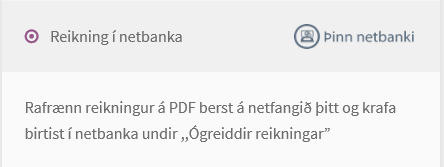
In the checkout process, the customer can choose to get an electronic invoice (PDF) sent to their inbox and for the invoice to appear in their eBank - where they make their payment.
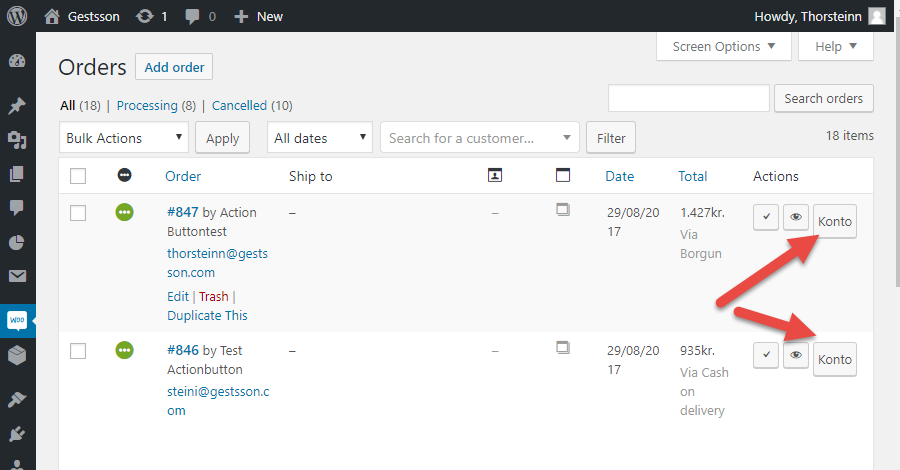
Konto users will have Konto automatically generate an invoice and bill their customers in their respective eBank. Konto provides connections to bookkeeping applications like Navision and makes it easy to generate a legit invoice, bill customers, monitor payment and book the transaction in your choice of accounting solutions.
Note: The plugin requires that Konto users have an API key.
IS: Áskrifendur á konto.is geta virkjað vefþjónustutengingu og fengið úthlutað API lykil sem þarf til að tengja þína vefverslun við reikningakerfi Konto.
安装:
Once you have installed WooCommerce on your Wordpress instance, add this plugin --> view video and images on http://wcplugin.konto.is or follow these steps:
1a. Upload the plugin files to the
/wp-content/plugins/konto directory OR
1b. Install the plugin through the WordPress plugins screen directly (add plugin and upload the zip file).
2. Activate the plugin through the 'Plugins' screen in WordPress.
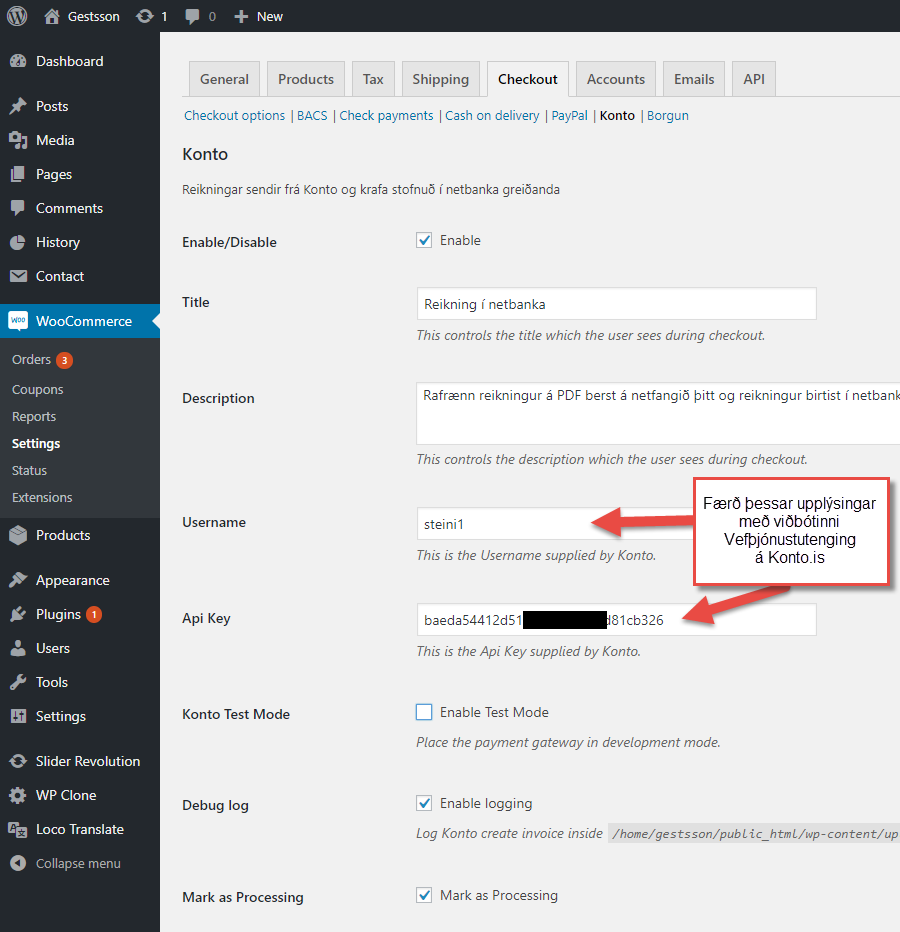
3. Configure plugin. Insert the username and API key in the Checkout settings for the Konto payment plugin and save changes. See details on http://wcplugin.konto.is屏幕截图:
常见问题:
Does the plugin support test mode?
Yes, the plugin supports test mode.
How should I setup Tax for my store?
Please follow the setup instructions on http://wcplugin.konto.is