
Woorise - Forms, Quizzes & Giveaways
| 开发者 | Woorise |
|---|---|
| 更新时间 | 2026年10月23日 16:41 |
| 捐献地址: | 去捐款 |
| PHP版本: | 7.4 及以上 |
| WordPress版本: | 7.2 |
| 版权: | GPL-2.0-or-later |
| 版权网址: | 版权信息 |
详情介绍:
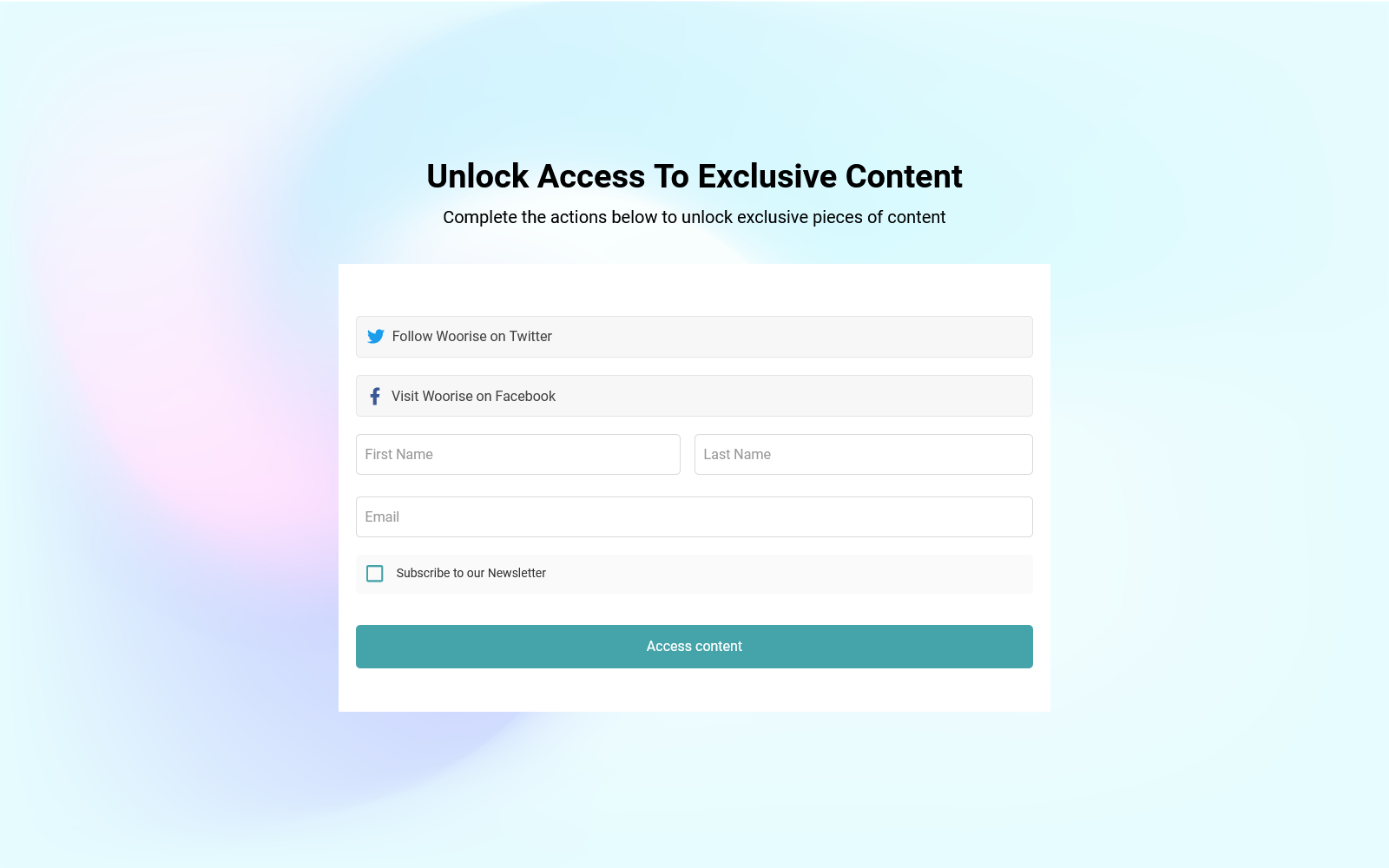
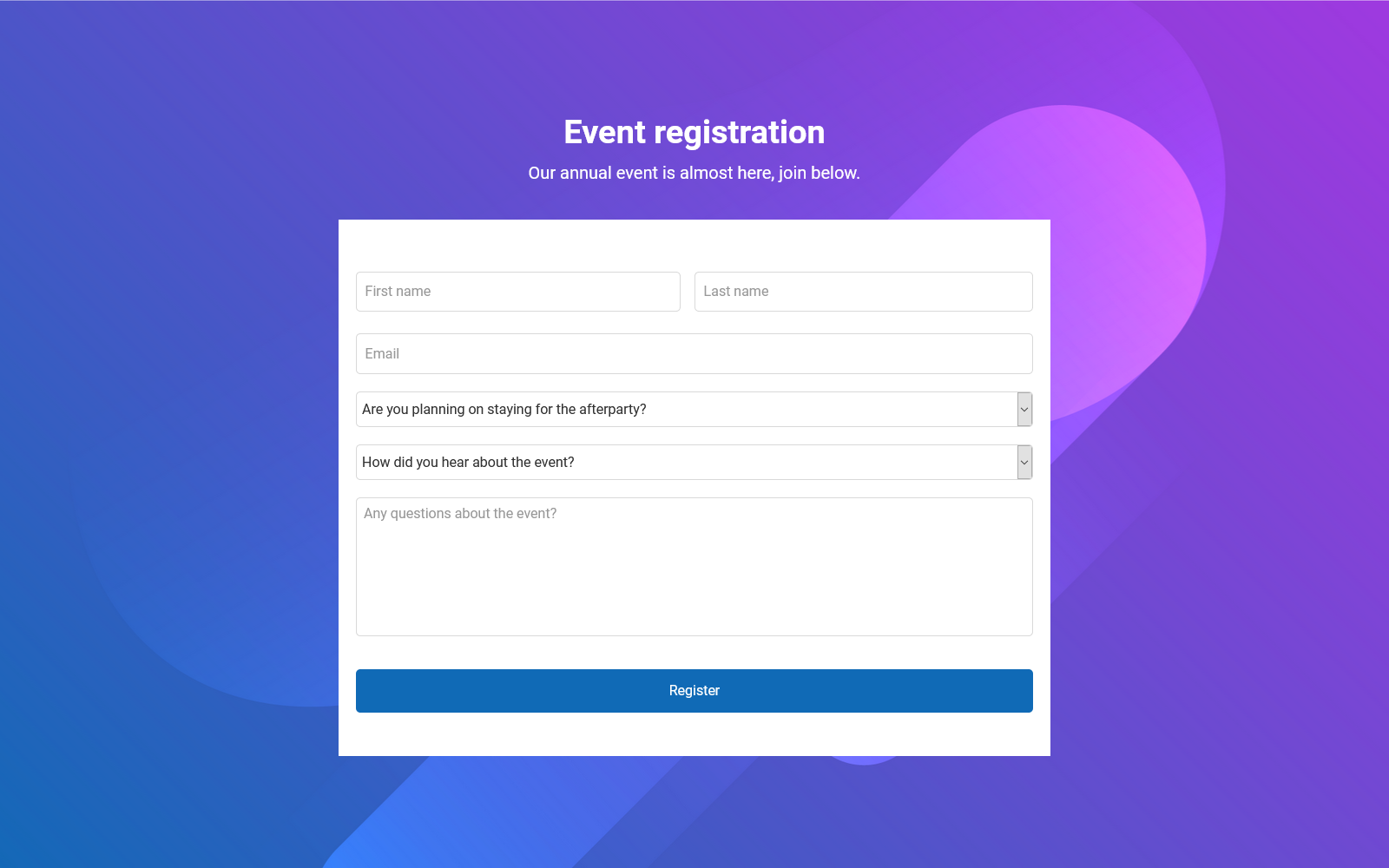
- Forms: Build powerful online forms that you can use to collect data, sign ups, subscribers, do calculations and automate your workflows.
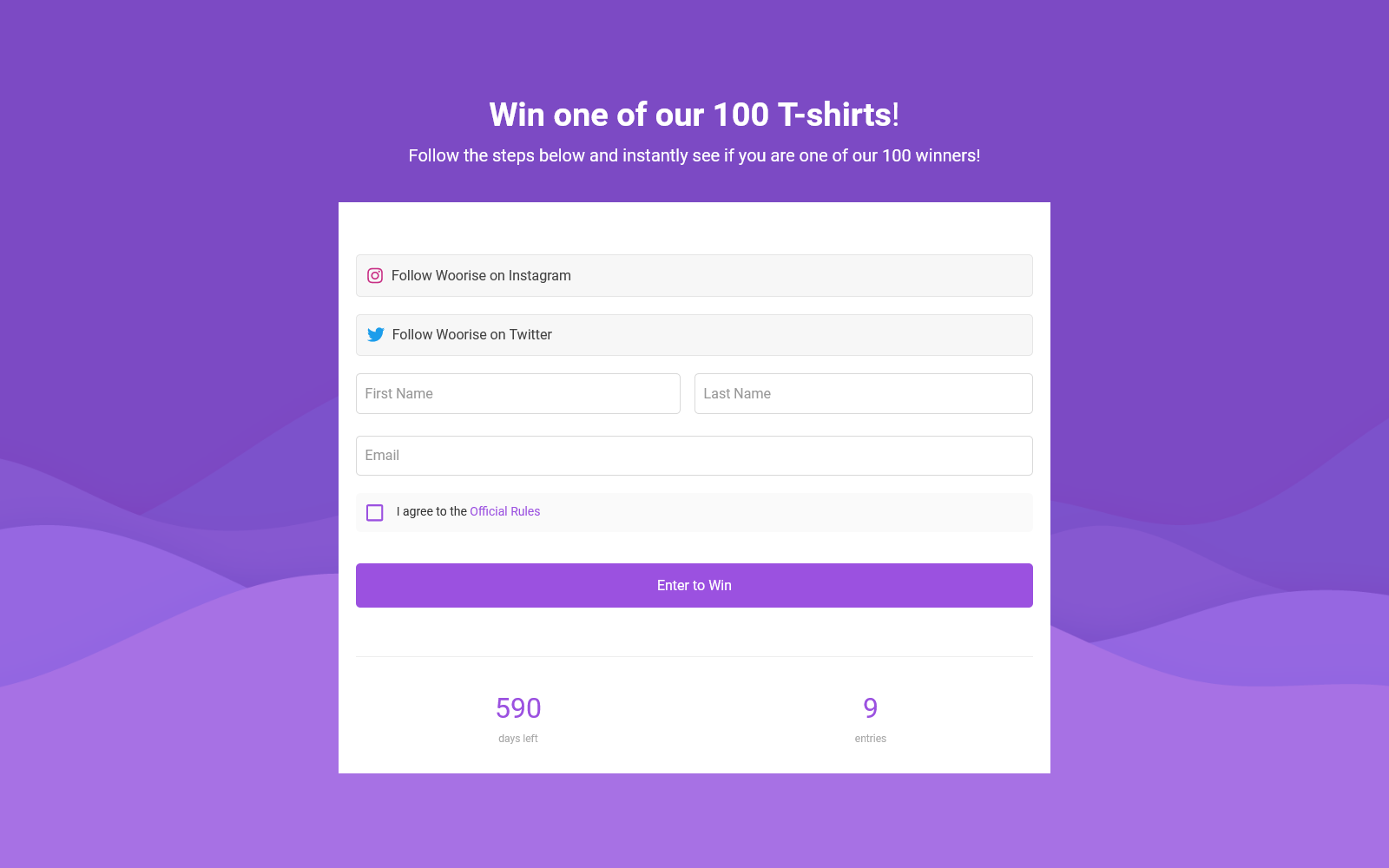
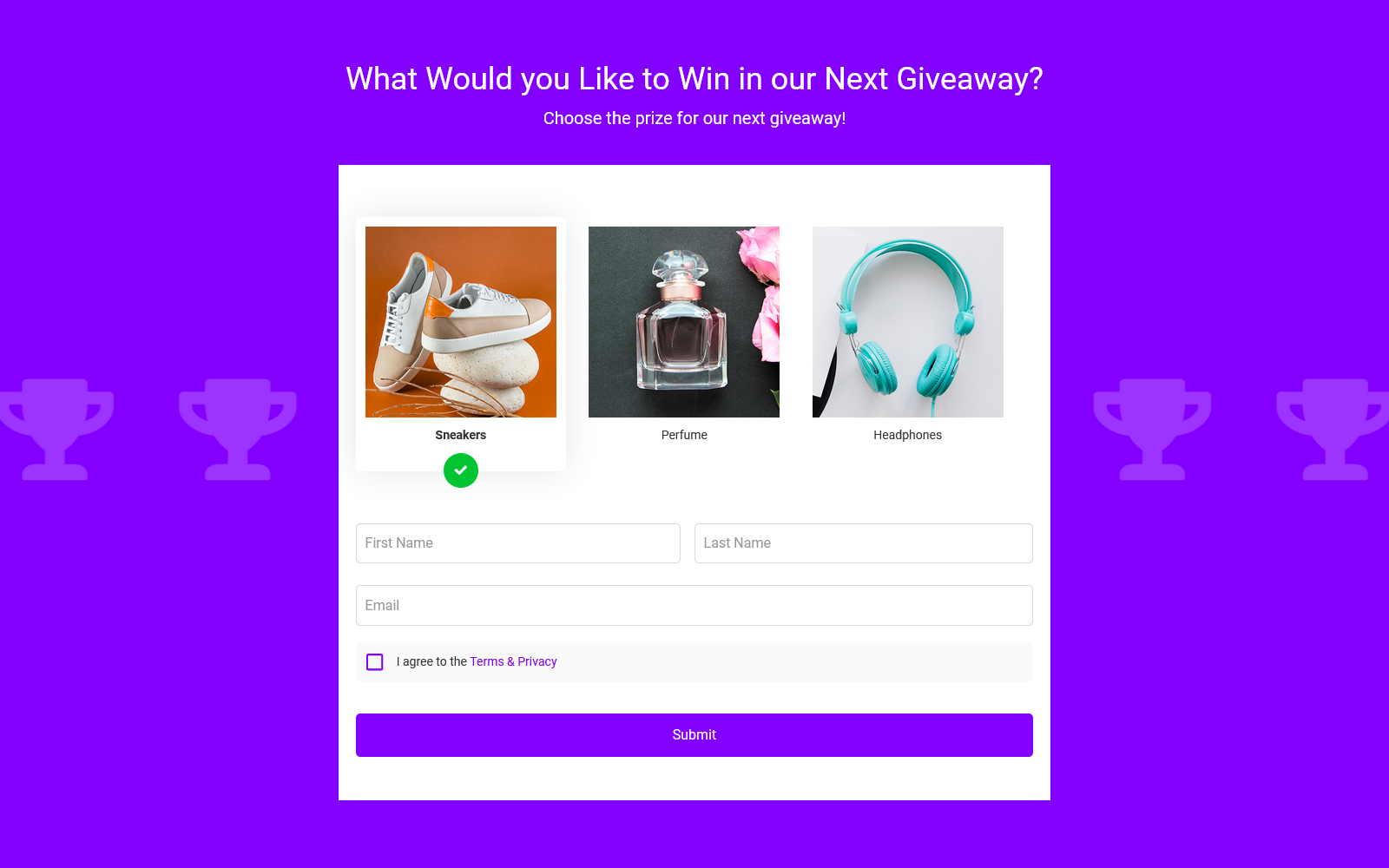
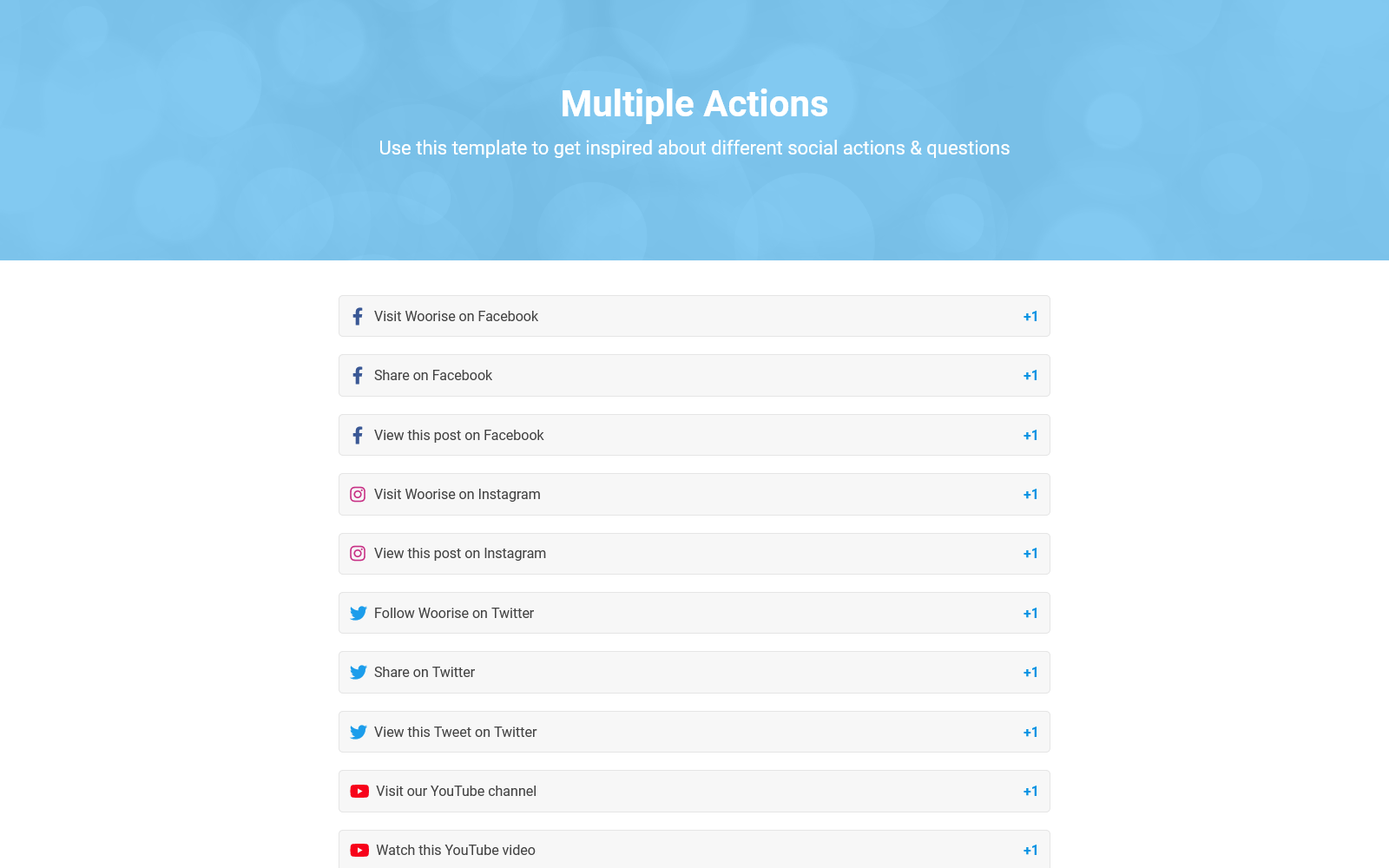
- Giveaways & Contests: Build powerful giveaways, contests and competitions. Collect entries and inspire your audience to engage with your goals.
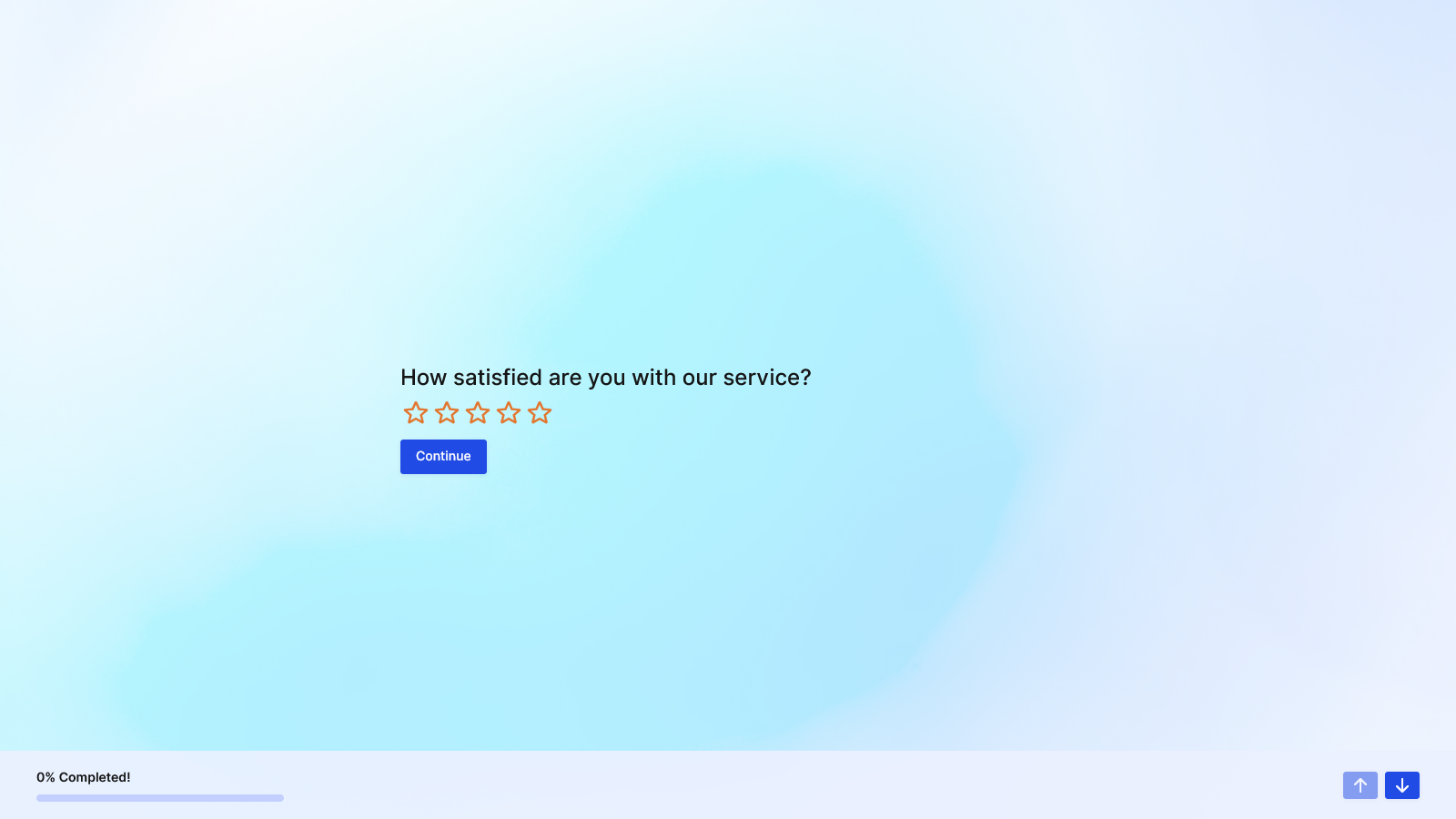
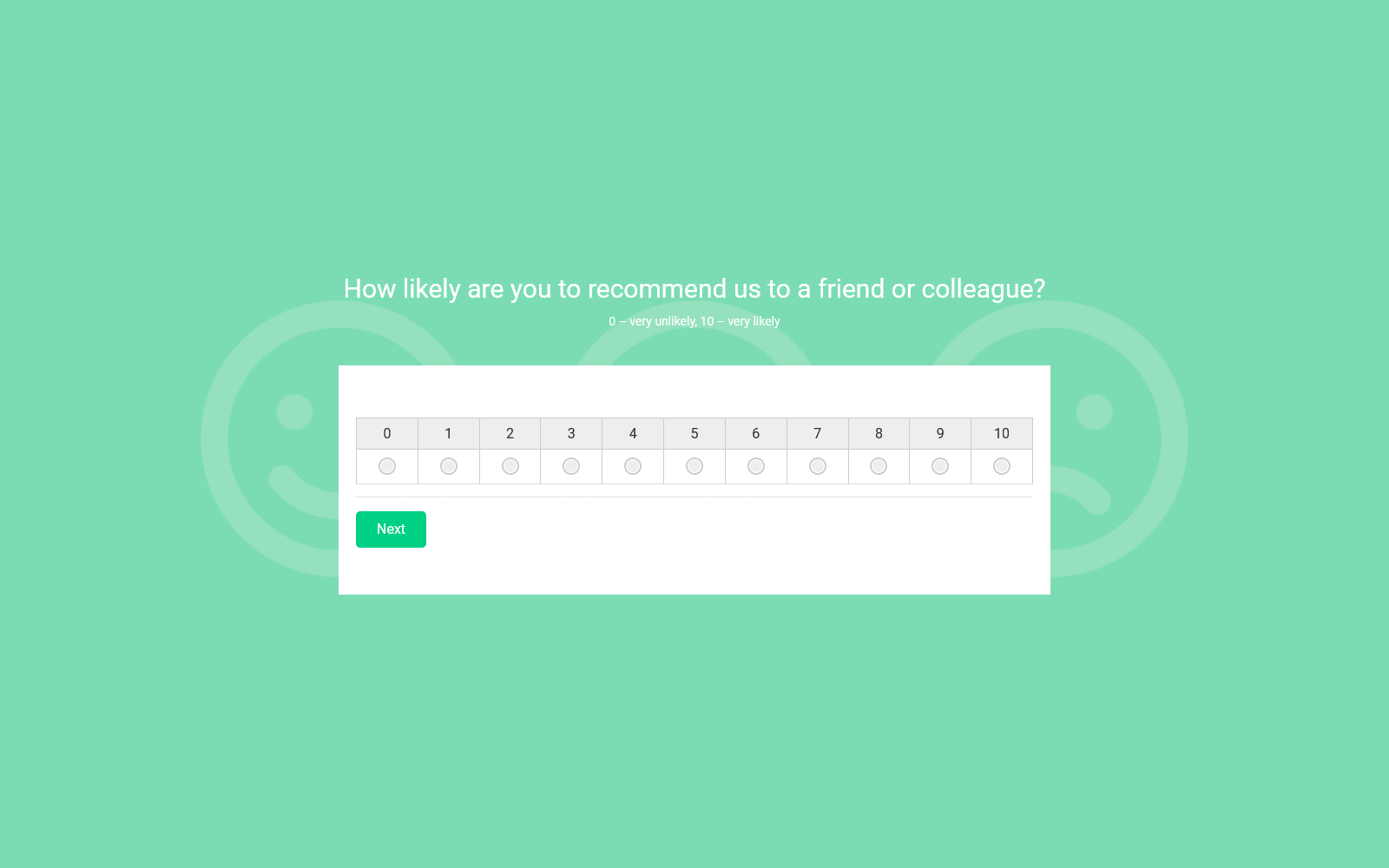
- Surveys: Create powerful online surveys that simply read your customer’s minds. Gain rich insights & make informed business decisions.
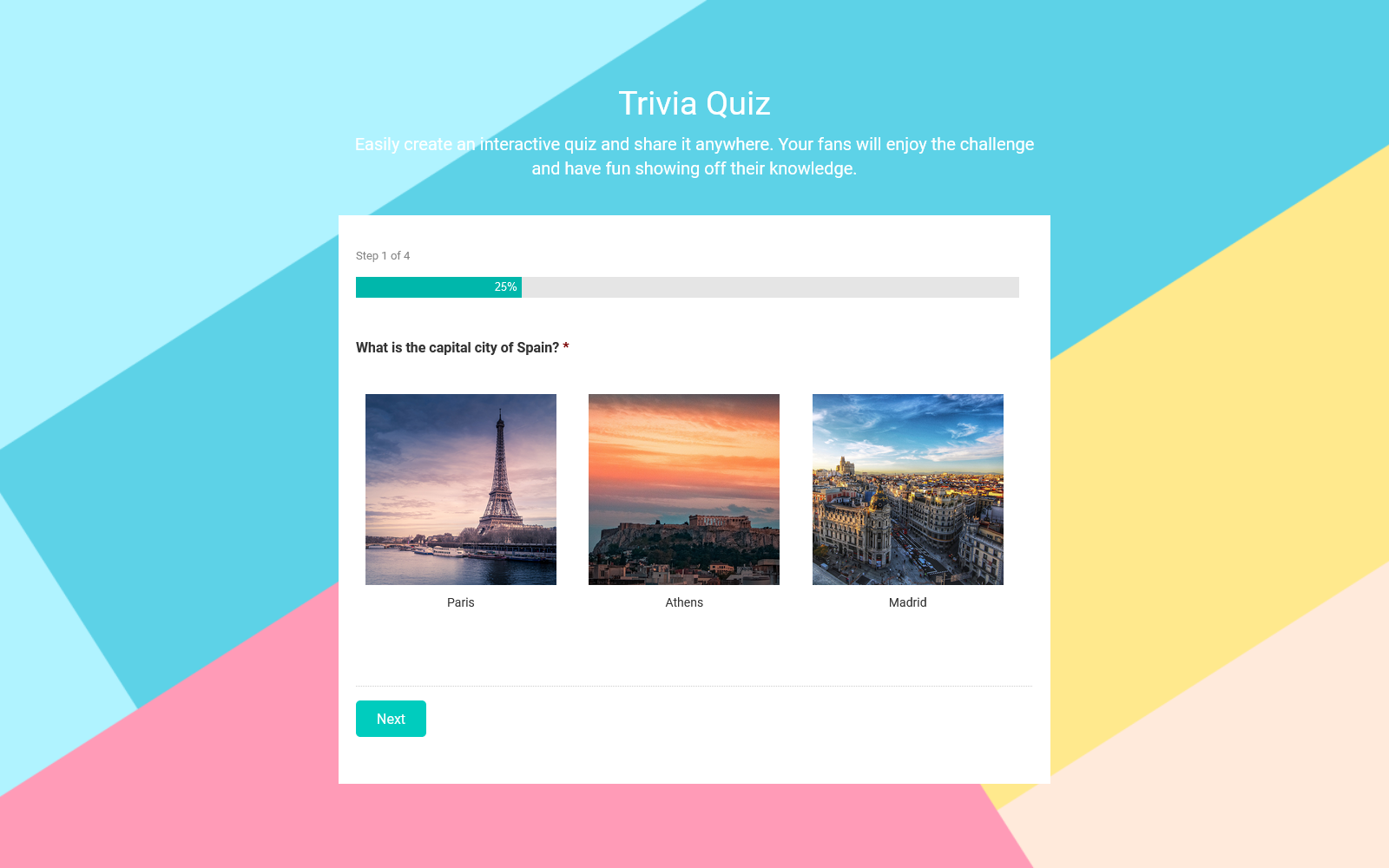
- Quizzes: Create personality, scored, and product recommendation quizzes with personalized results. Capture leads, qualify customers, and help your audience find the right products.
- Popups: Build eye-catching popups that capture attention at the right moment. Collect leads, promote offers, or trigger actions based on user behavior.
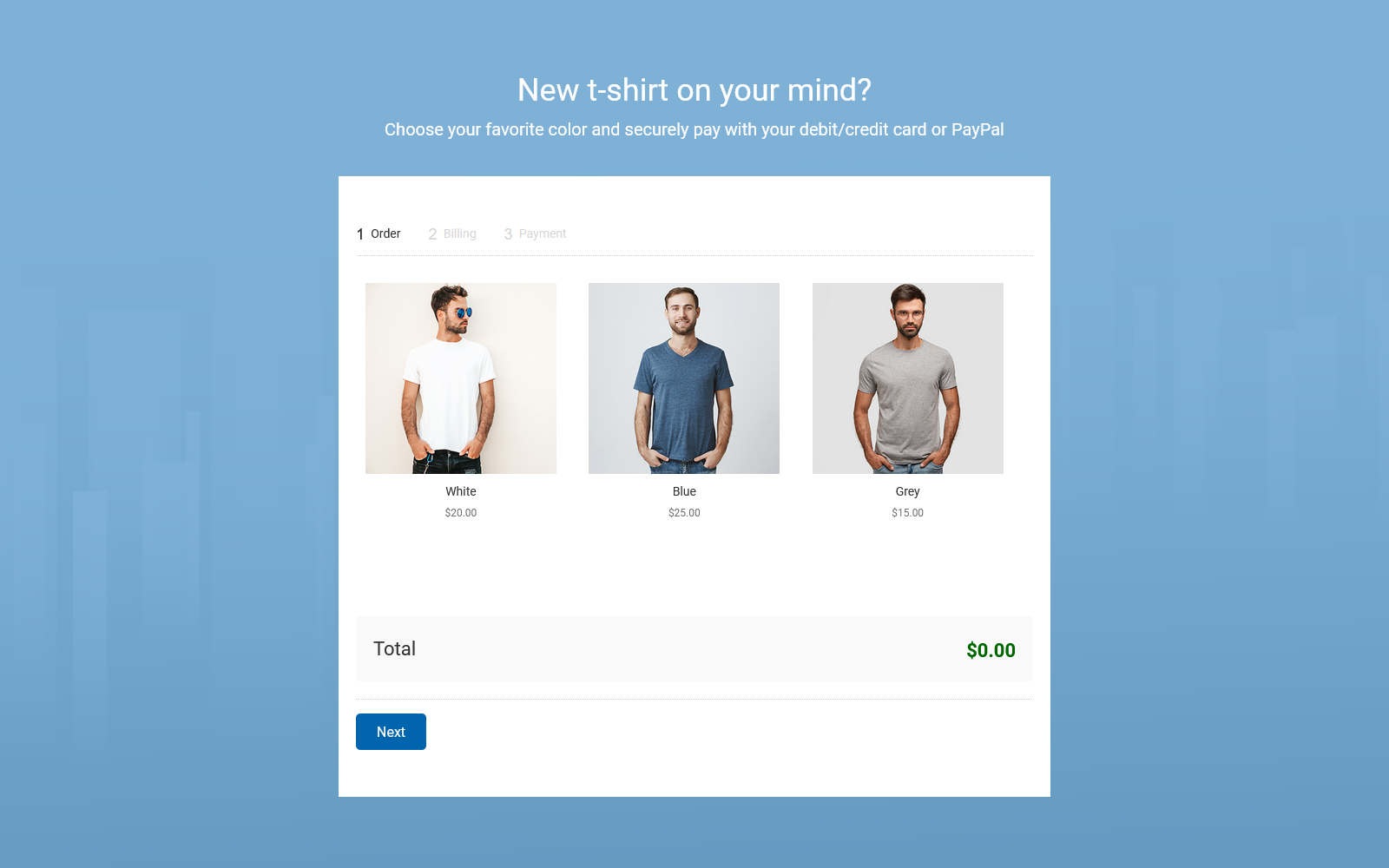
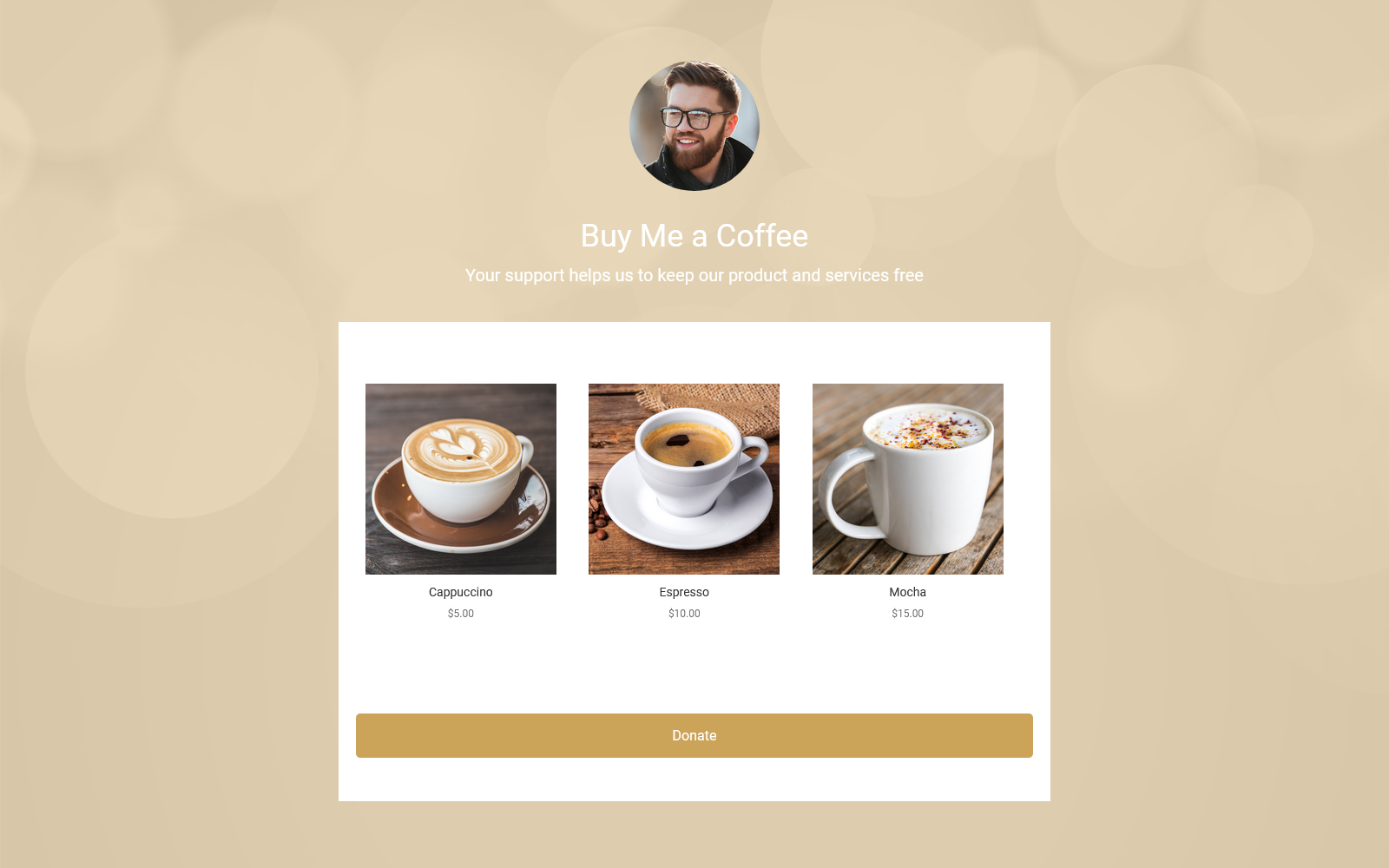
- Form templates: Choose from ready-made form templates for sign-ups, feedback, registrations, orders, and more.
- Survey templates: Start with professionally designed survey templates to gather insights and make data-driven decisions.
- Quiz templates: Launch engaging quizzes to boost interaction, educate users, or collect valuable info in a fun way.
- Giveaway templates: Use contest and giveaway templates to drive engagement and reward your audience.
- Popup templates: Quickly create attention-grabbing popups to capture leads or promote offers based on user behavior.
安装:
- Install the plugin through the WordPress plugins screen or upload the plugin files to the /wp-content/plugins/ directory.
- Activate the plugin through the Plugins screen in WordPress.
- Copy your campaign’s Embed ID and paste it into the Woorise block, or create a new Embed in your WordPress dashboard to display it conditionally across your site.
屏幕截图:


常见问题:
What types of campaigns can I build with Woorise?
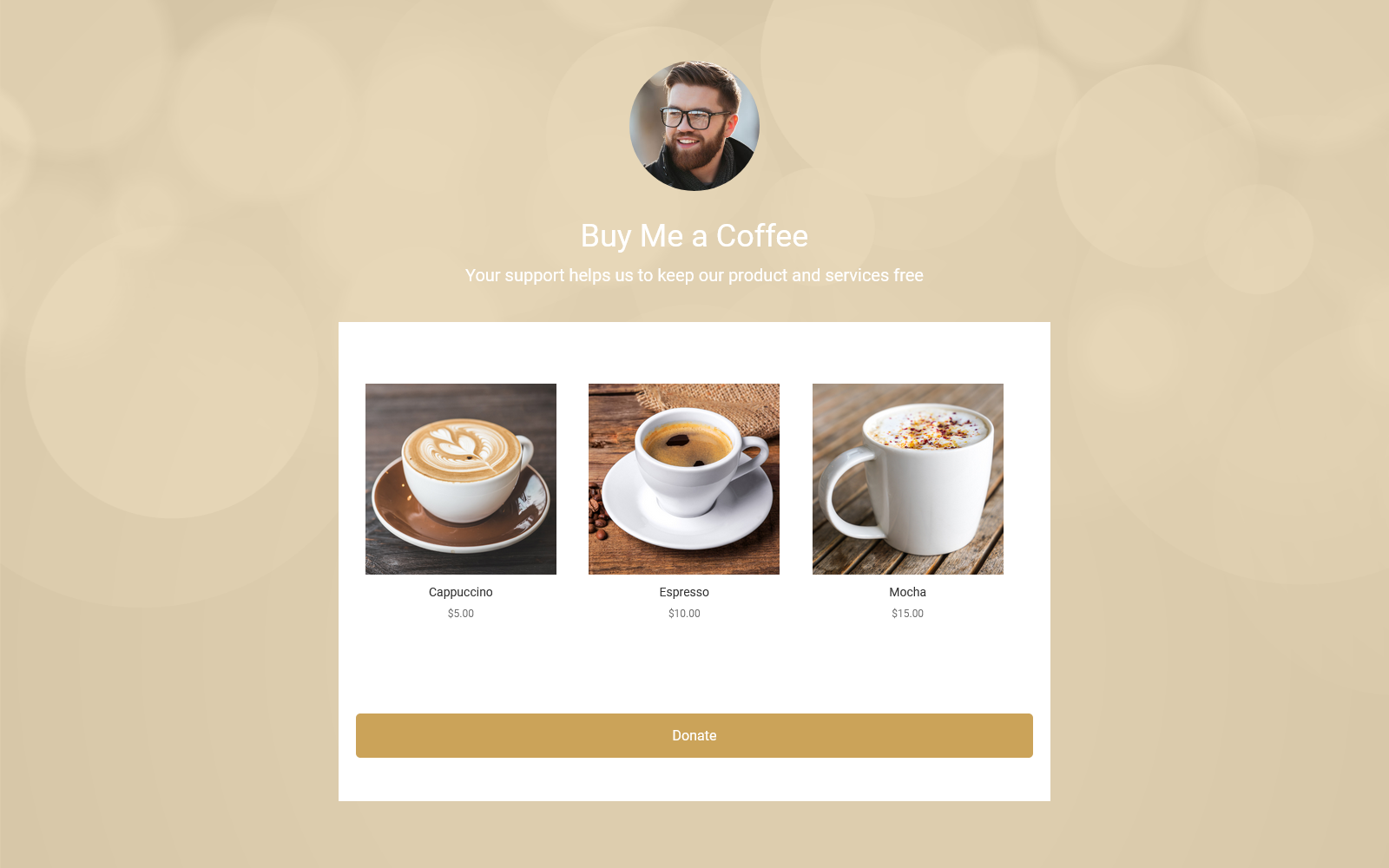
Woorise allows you to create a wide variety of high-converting campaigns such as forms, surveys, quizzes, popups, and viral giveaways. Whether your goal is to collect leads, accept payments, engage audiences, or grow your social media following, Woorise gives you all the tools to build interactive and engaging experiences without any coding.
What does the plugin do?
The Woorise WordPress plugin allows you to easily embed any Woorise campaign on your WordPress site. You can display a campaign on a single post or page using the Woorise block or shortcode, or use Display Conditions to show it across multiple pages or site-wide.
What is Woorise?
Woorise is a modern form builder with automated workflows that helps you capture leads, collect feedback and qualify customers. Turn your forms into branded, interactive experiences with quizzes, surveys, giveaways, personalized outcomes and payments—all without writing code.
Do I need a Woorise account to use this plugin?
Yes. A Woorise account is required. You can get started with a free account. See Woorise plans for current features and limits.
Is the plugin free to use?
Yes, the plugin is completely free to install and use. You’ll need a Woorise account, and you can get started with our free plan. Paid plans are available for additional features and higher limits.
Does the plugin slow down my site?
The plugin loads campaign content from Woorise. Loading times depend on your campaign, WordPress theme, other plugins, and network connection.
Does the plugin work with the block editor and page builders like Elementor?
Yes! Woorise works smoothly with all major WordPress page builders including Elementor, Divi, Beaver Builder, and others. You can easily add a campaign using the Woorise block or shortcode anywhere on your site.
Can I use Woorise without writing any code?
Absolutely. All campaign creation and customizations are handled in the Woorise dashboard using an intuitive drag & drop interface. You never need to touch code to build, update, or embed your campaigns.
How do I style my embedded campaign to match my theme?
All styling and design customizations happen directly inside your Woorise dashboard. Any changes you make are instantly reflected on your website in real time — without the need to edit any WordPress templates or code.
Can I track form or campaign submissions inside WordPress?
Campaign entries are stored in Woorise. You can view entries, analytics, and reports in your Woorise dashboard.
I have more questions
Check out our helpful resources or reach out if you need assistance: