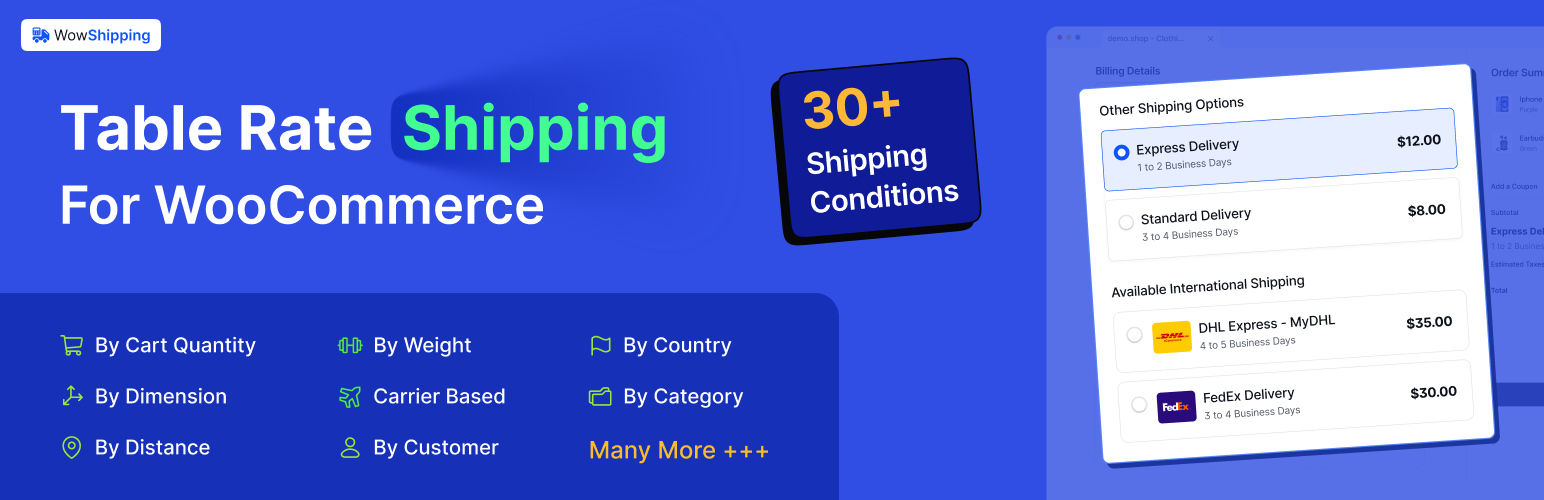
WowShipping - Weight Based & Table Rate Shipping for WooCommerce
| 开发者 | wpxpo |
|---|---|
| 更新时间 | 2026年10月22日 12:39 |
| PHP版本: | 7.4 及以上 |
| WordPress版本: | 7.1 |
| 版权: | GPLv3 |
| 版权网址: | 版权信息 |
标签
下载
1.1.15
1.1.17
1.0.6
1.1.28
1.0.4
1.2.2
1.1.14
1.1.18
1.0.5
1.1.0
1.1.11
1.1.3
1.1.2
1.1.5
1.1.6
1.1.7
1.1.8
1.1.1
1.1.16
1.1.19
1.1.21
1.1.24
1.1.25
1.1.23
1.1.31
1.1.33
1.1.34
1.1.4
1.0.7
1.1.22
1.1.35
1.1.36
1.1.20
1.1.29
1.1.30
1.1.9
1.2.0
1.1.12
1.1.13
1.1.26
1.1.32
1.2.1
1.1.10
1.1.27
1.2.3
1.2.4
2.0.0
详情介绍:
🥇 Weight-Based & Table Rate Shipping
🚚 Beginner-friendly Shipping Solution
💕 A plugin by WPXPO that empowers 60K+ businesses!
📞 Dedicated support team.
🔥 WowShipping Pro | 📃 Documentation
安装:
- Install and activate WooCommerce.
- Install and activate WowShipping.
- Open WooCommerce > WowShipping to create manual shipping rules.
- Optional: install the separate WowShipping Pro add-on for the Pro features listed above.
- WordPress 6.4 or greater
- PHP version 7.4 or greater
- MySQL version 5.6 or greater
- Go to your WordPress Plugin installation menu (Dashboard > Plugins > Add New)
- In the search field type "WowShipping" and press enter.
- Click "Install Now" and then click "Activate"
- Download the plugin and unzip it.
- Upload the unzipped plugin folder to your WordPress installation’s
wp-content/plugins/directory. - Activate the plugin from the Plugins menu (Dashboard > Plugins > Installed Plugins).
屏幕截图:
常见问题:
Does WowShipping support multiple conditions per rate?
Yes. You can combine General and Cart conditions for a manual rate or cart-based display rule.
Which conditions are evaluated by the free plugin?
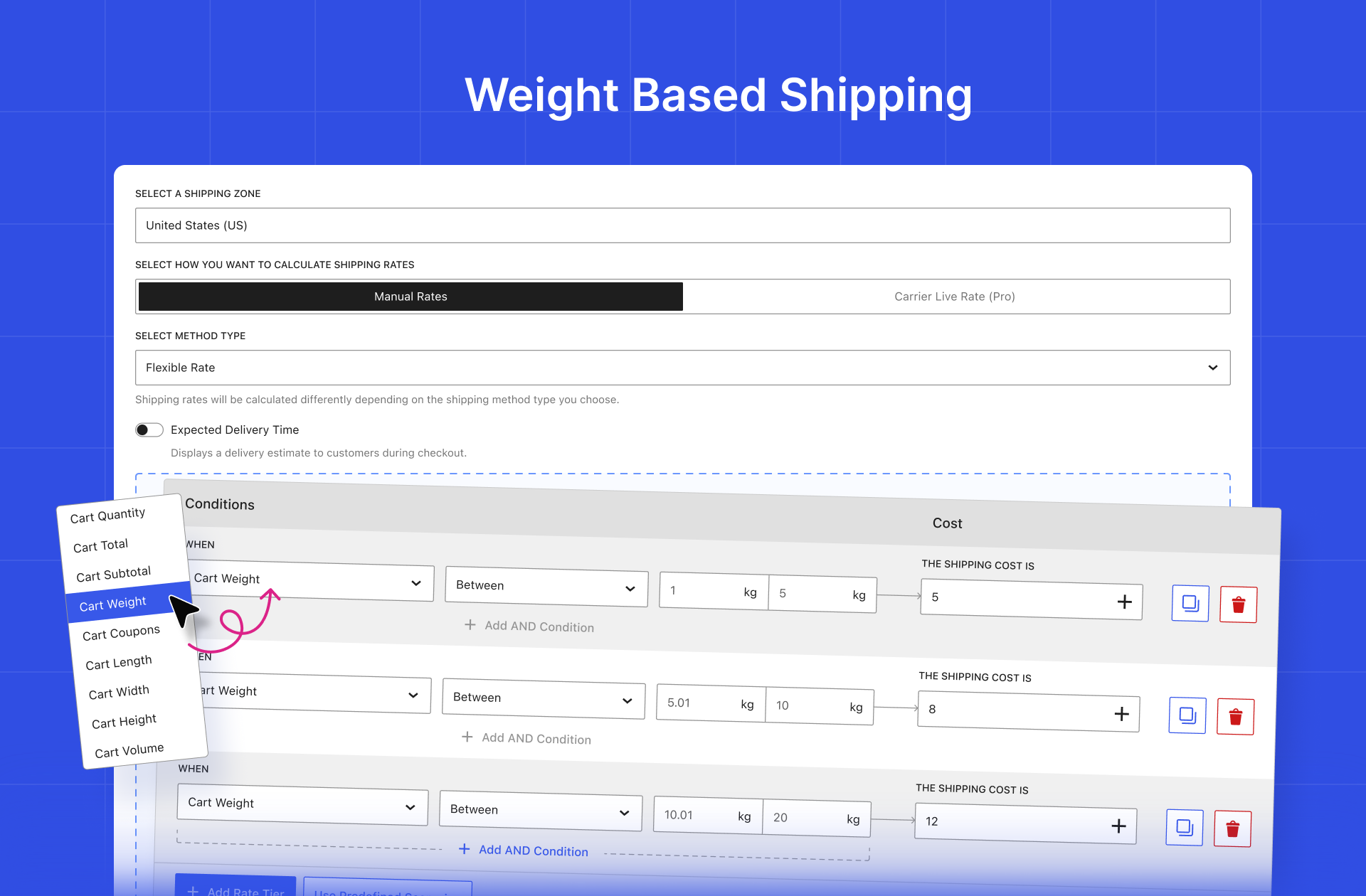
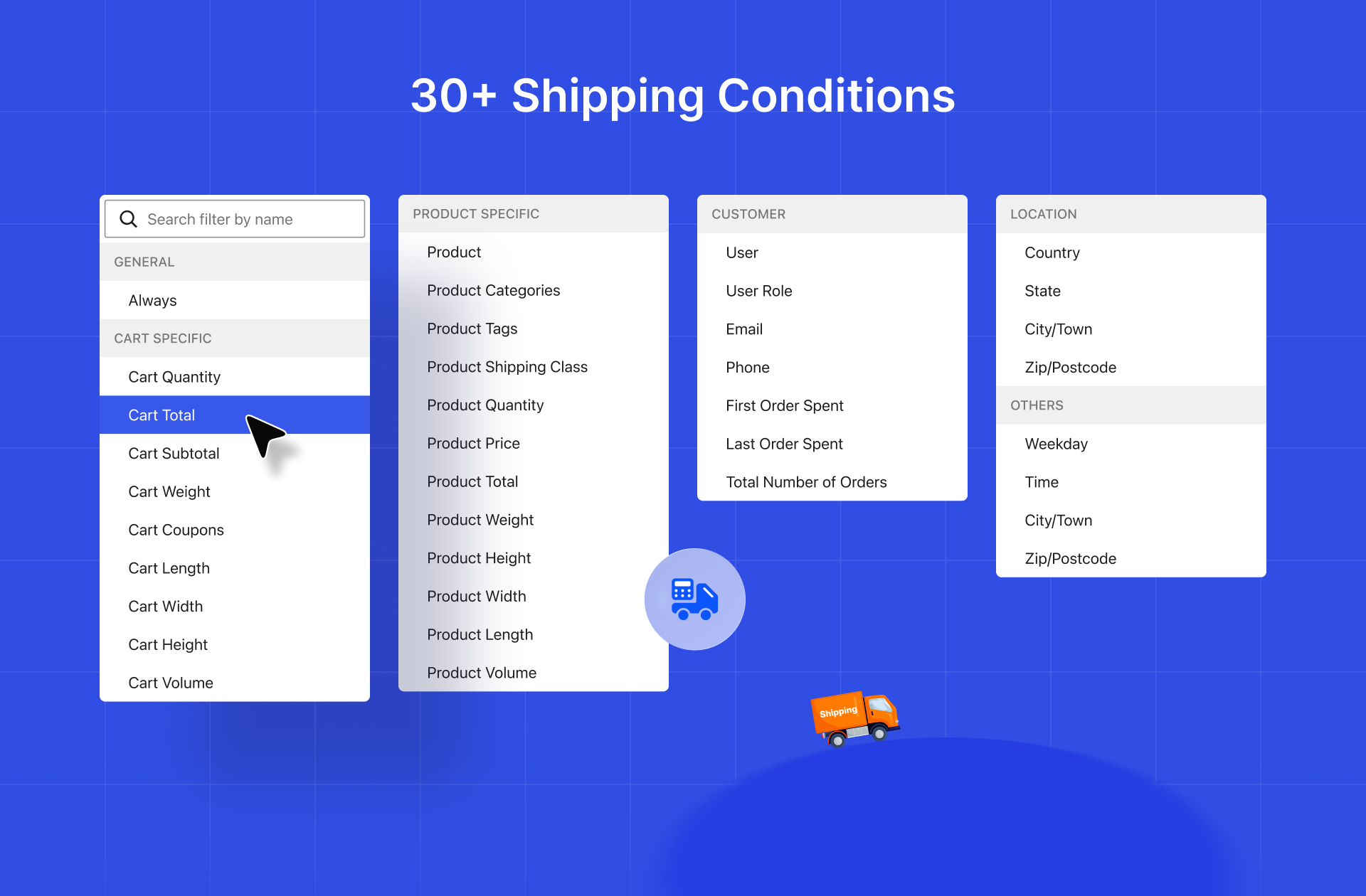
The free plugin evaluates General and Cart conditions, including cart quantity, subtotal, total, weight, dimensions, volume, and coupons. Product, customer, location, weekday, and time conditions require WowShipping Pro.
Can I use shipping classes?
Yes. You can set different rates for each shipping class.
Does it support live carrier rates?
Not in the free plugin. Live carrier rates are provided by the separately installed WowShipping Pro add-on for supported carriers.
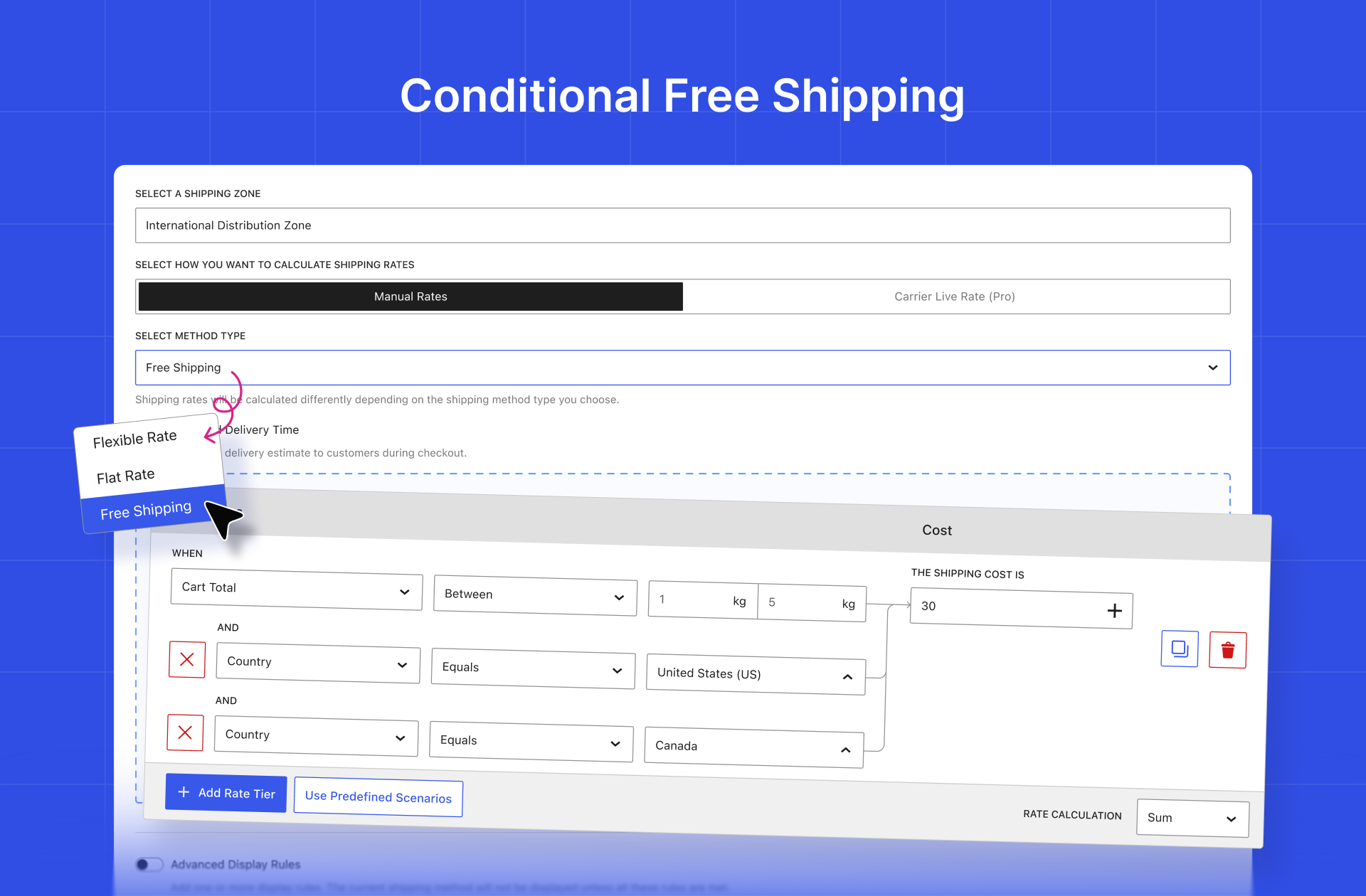
Can I offer conditional free shipping?
Yes. Use General and Cart conditions such as cart total, quantity, weight, dimensions, volume, or coupons.
更新日志:
2.0.0 - 22 Oct 2026
- Fix: Many issue fixed. View the changelogs for older versions.