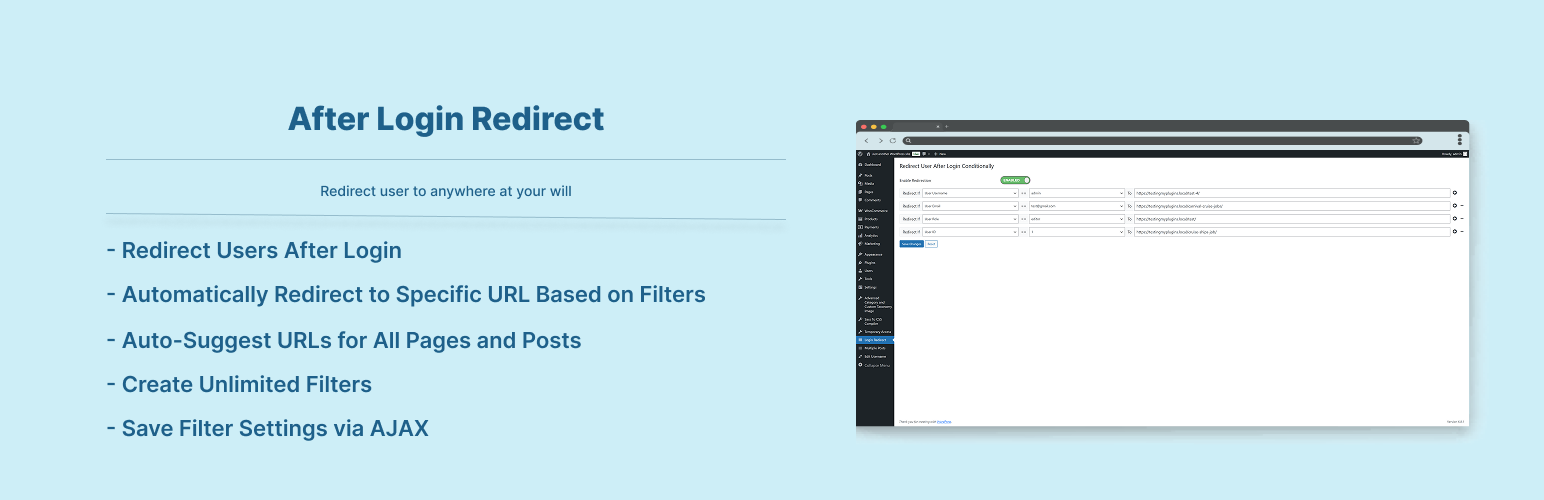
After Login Redirect
| 开发者 | sajjad67 |
|---|---|
| 更新时间 | 2026年5月23日 17:02 |
| PHP版本: | 8.0 及以上 |
| WordPress版本: | 7.0 |
| 版权: | GPLv2 or later |
| 版权网址: | 版权信息 |
详情介绍:
Send user to custom page after successful user login. Filter user by id, email, username, user role and by user visited country to redirect user to specific page.
Features:
- Redirect Users After Login
- Automatically Redirect to Specific Pages Based on Defined Filters
- Auto-Suggest URLs for All Pages and Posts in the "Redirect To" Field
- Create Unlimited Filters
- Redirect by user visited country
- Filter Enable / Disable Option
- Save Filter Settings via AJAX
- Compatibility with WooCommerce My Account page login
安装:
To add a WordPress Plugin using the built-in plugin installer:
Go to Plugins > Add New.
- Type in the name "After Login Redirect" in Search Plugins box
- Find the "After Login Redirect" Plugin to install.
- Click Install Now to begin the plugin installation.
- The resulting installation screen will list the installation as successful or note any problems during the install. If successful, click Activate Plugin to activate it, or Return to Plugin Installer for further actions.
- Go to WordPress plugin page
- Click Add New & Upload Plugin
- Drag / Click upload the plugin zip file
- The resulting installation screen will list the installation as successful or note any problems during the install. If successful, click Activate Plugin to activate it, or Return to Plugin Installer for further actions.
常见问题:
How to use this plugin?
Just activate After Login Redirect plugin, and go to plugin page called Login Redirect and add your filters freely.
Screenshots
- Login Redirect Filter Add.
更新日志:
2.0.5
- Compatibility checkup for latest wp version 7.0
- Checked for latest wp version 6.9
- Added redirection by user visited country
- Added compatibility with WooCommerce My Account login
- Checked for latest wp version 6.8
- Major changes in codebase. Compatibility checkup for latest wp version 6.7
- Compatibility check for wp v6.6
- Compatibility check for wp v6.3
- Minor Updates.
- Compatibility check for wp v6.2
- Minor Updates.
- Initial release.