Ever Accounting - Accounting & Invoicing Solution for Small Businesses
| 开发者 |
everaccounting
manikmist09 |
|---|---|
| 更新时间 | 2026年7月22日 13:28 |
| WordPress版本: | 7.0 |
| 版权: | GPLv2 or later |
| 版权网址: | 版权信息 |
标签
下载
详情介绍:
安装:
- Upload the plugin files to the
/wp-content/plugins/wp-ever-accountingdirectory, or install the plugin through the WordPress plugins screen directly. - Activate the plugin through the 'Plugins' menu in WordPress.
- Navigate to WordPress Admin Dashboard > Accounting to start using the plugin.
- Configure the settings and start managing your finances.
屏幕截图:
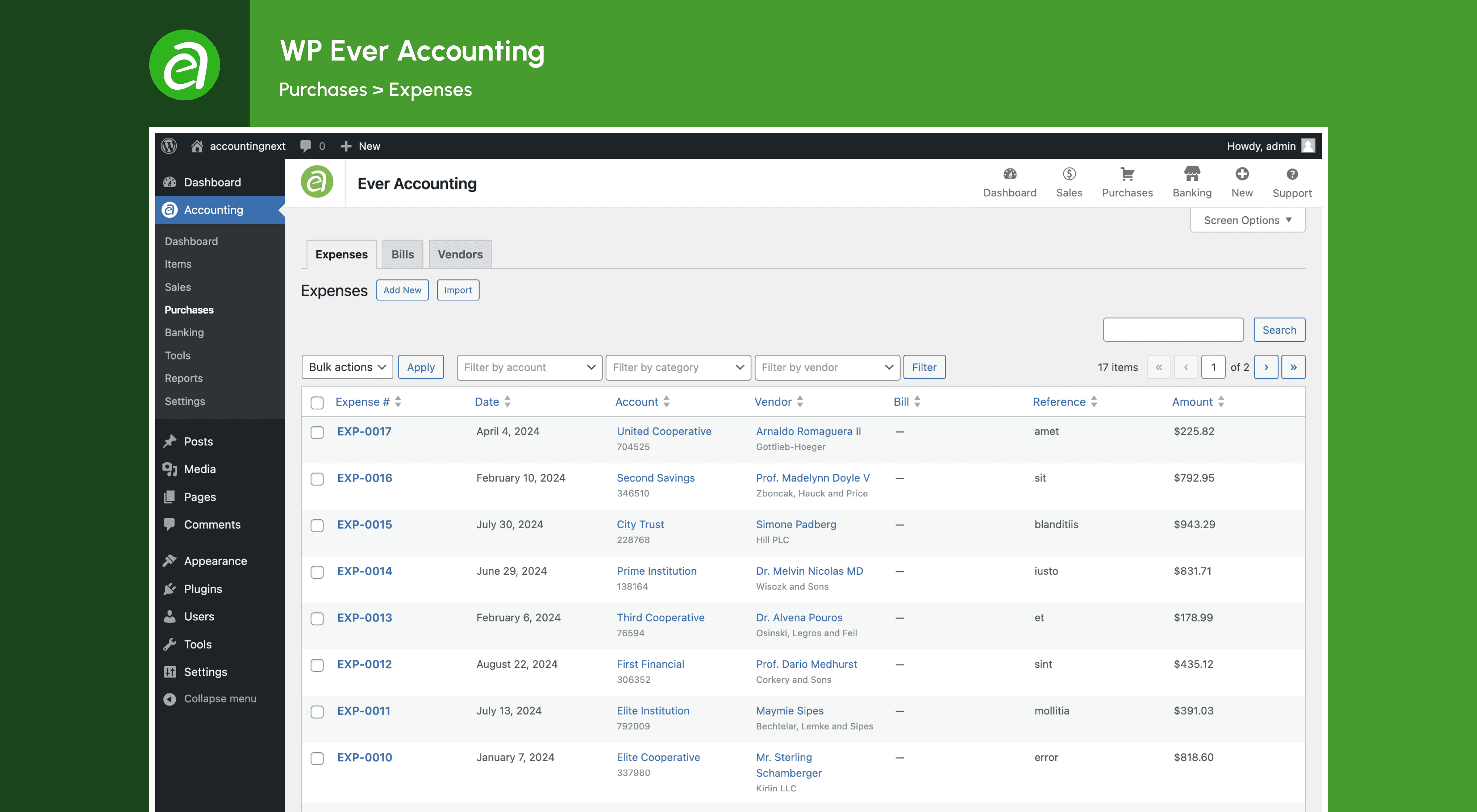
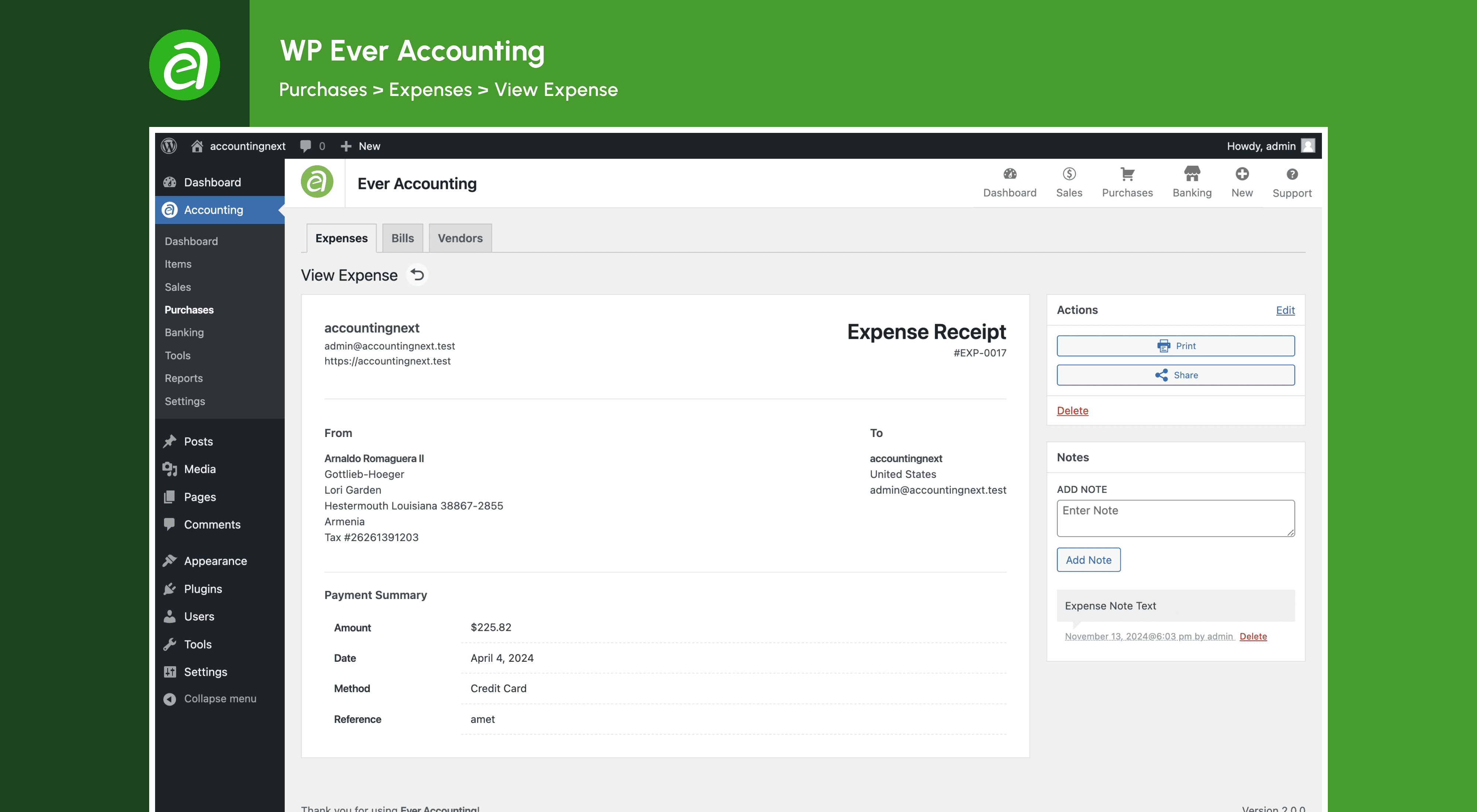
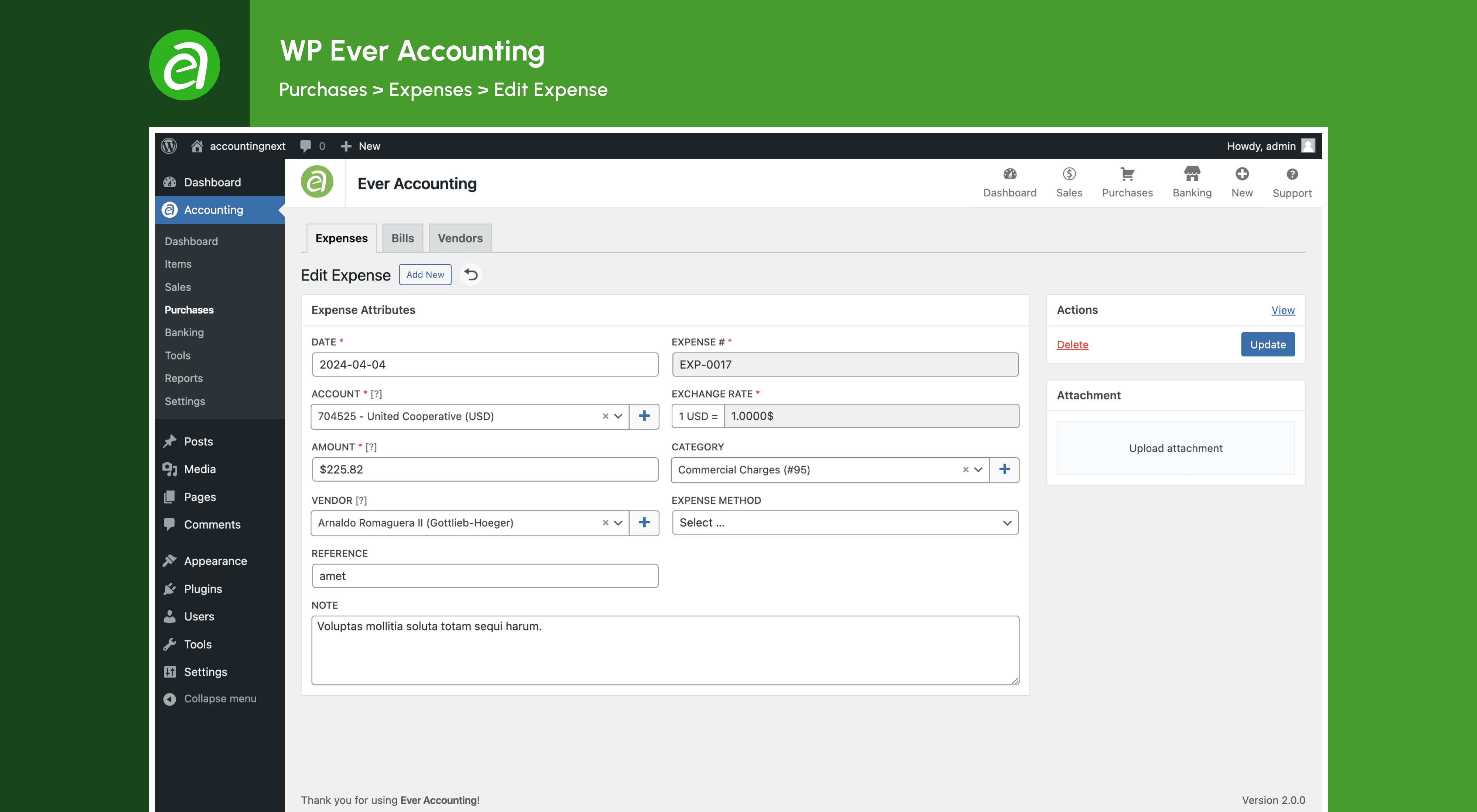
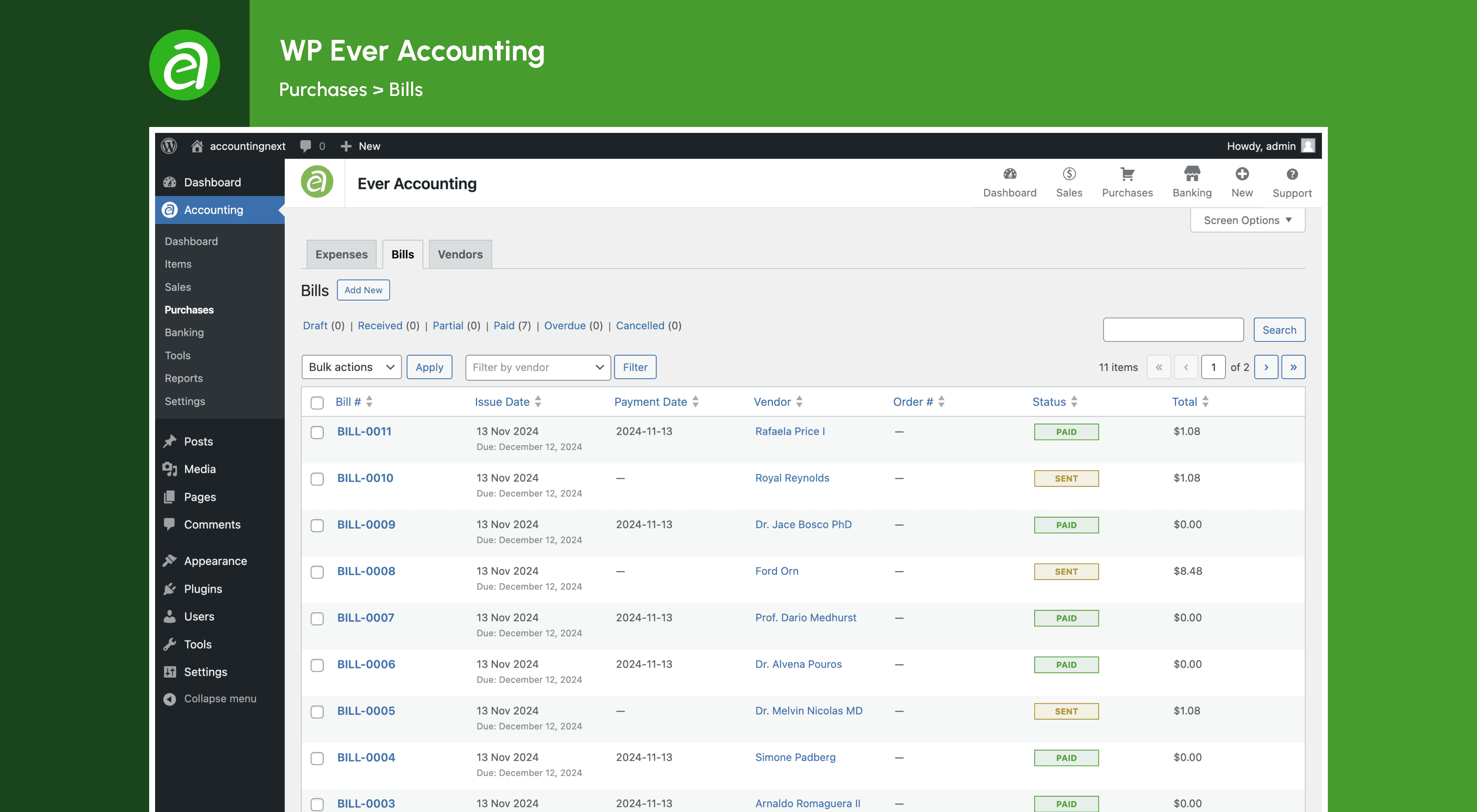
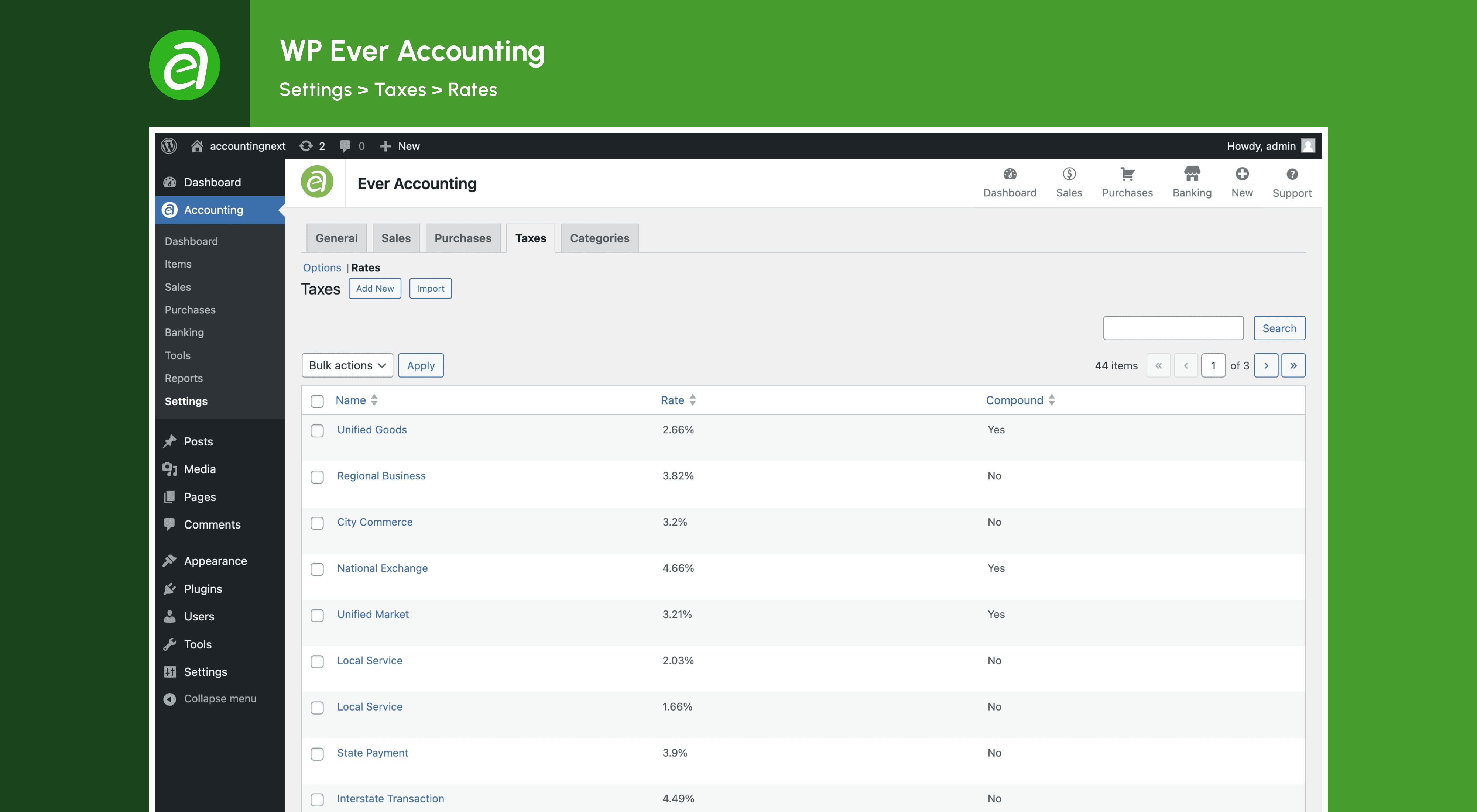
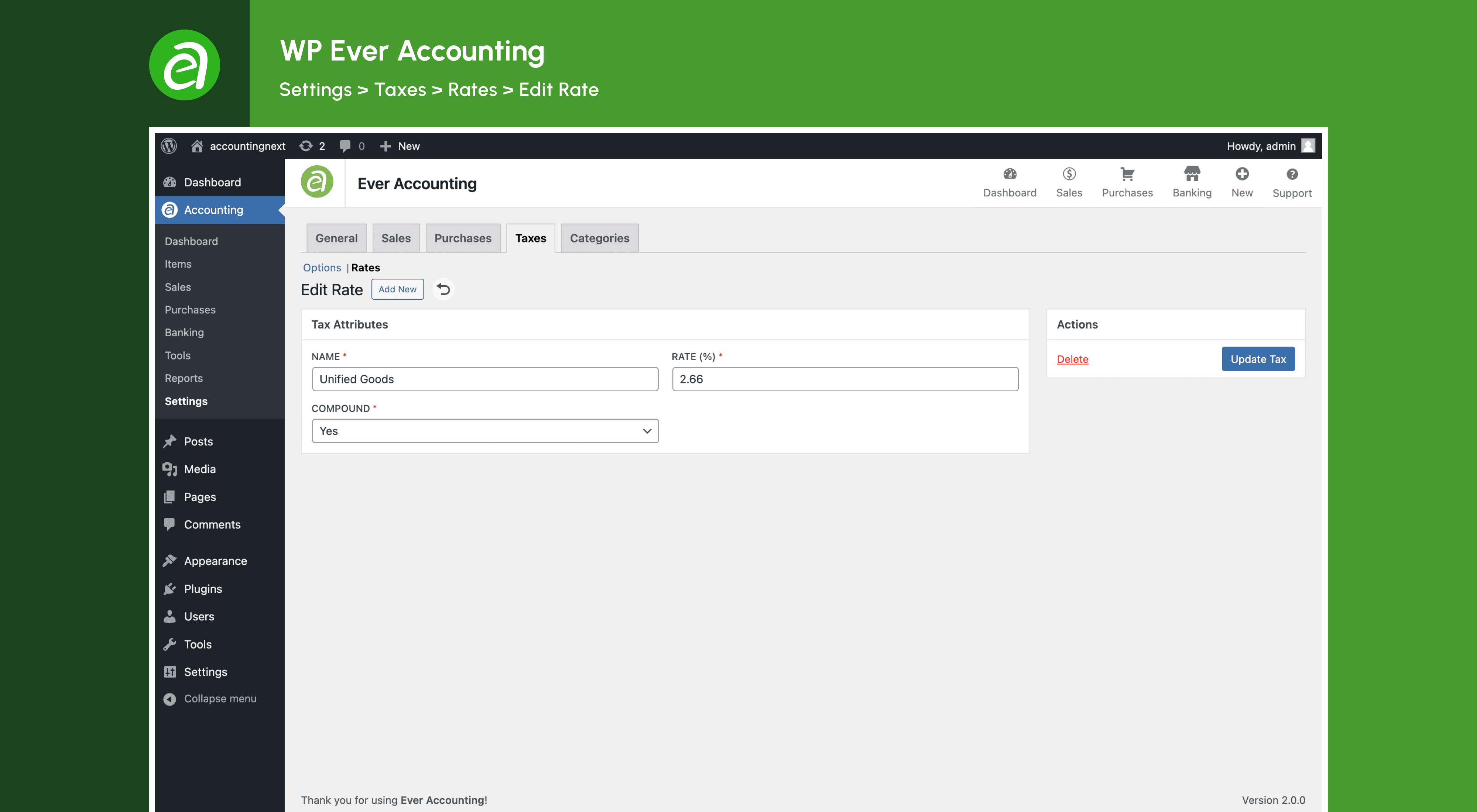
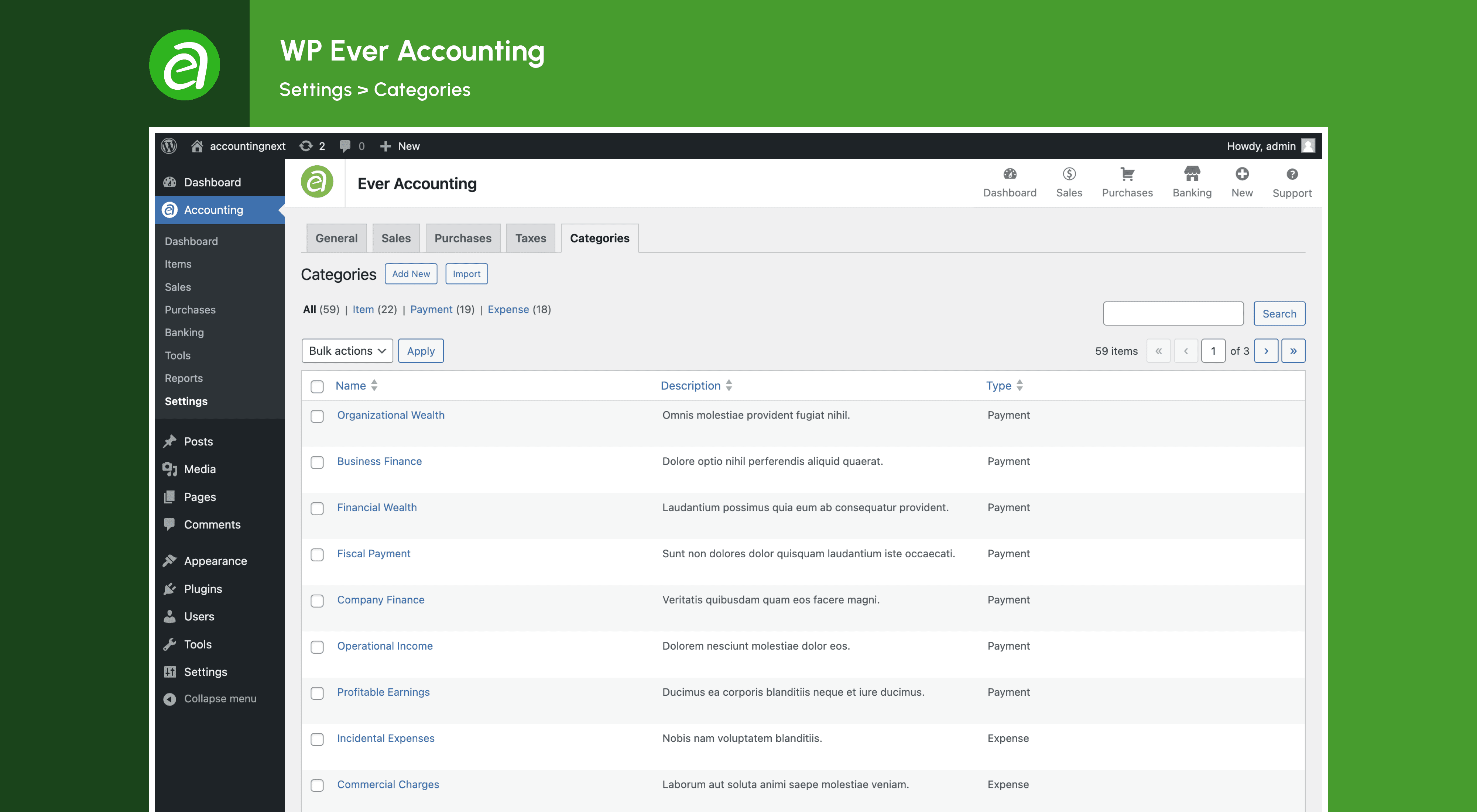
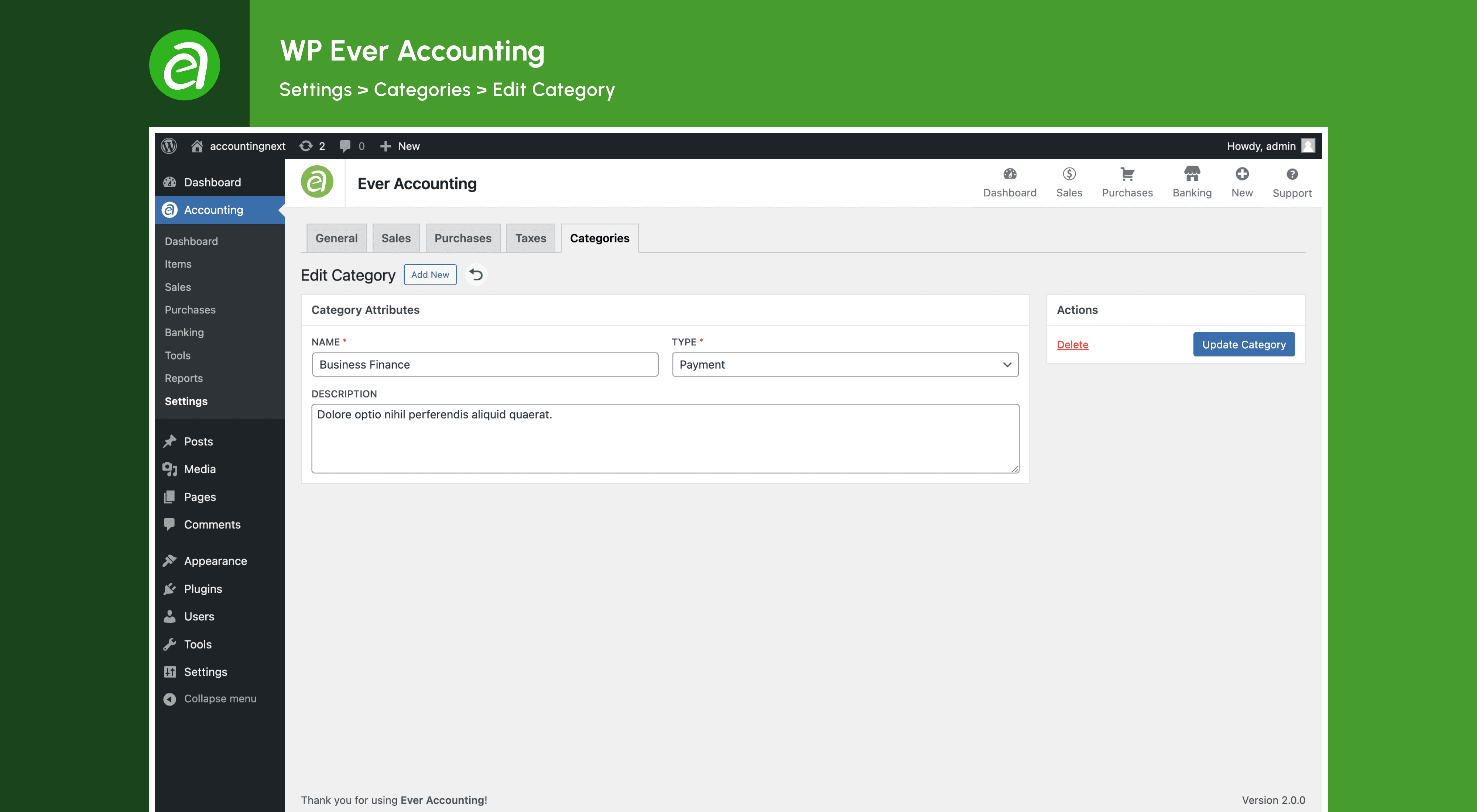
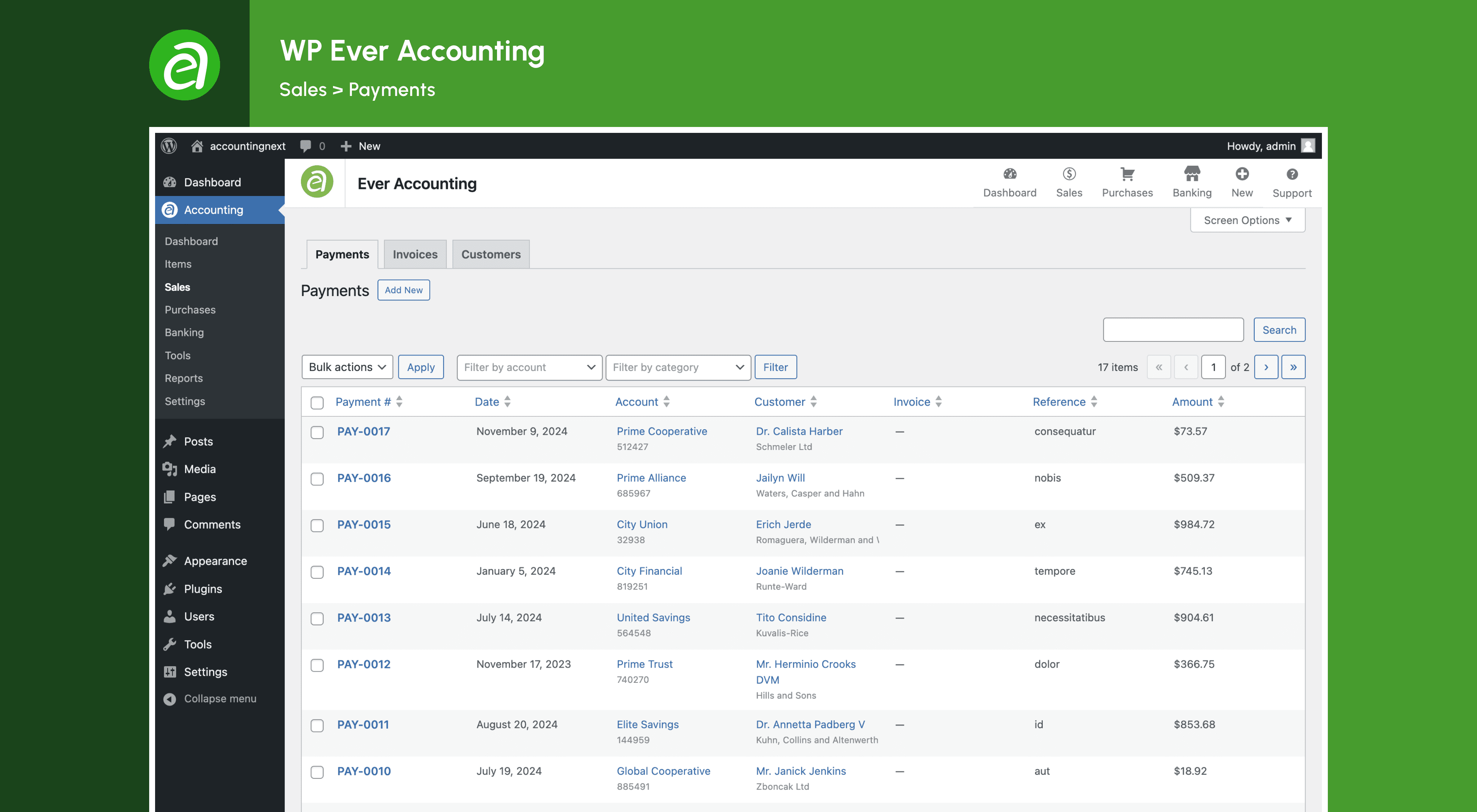
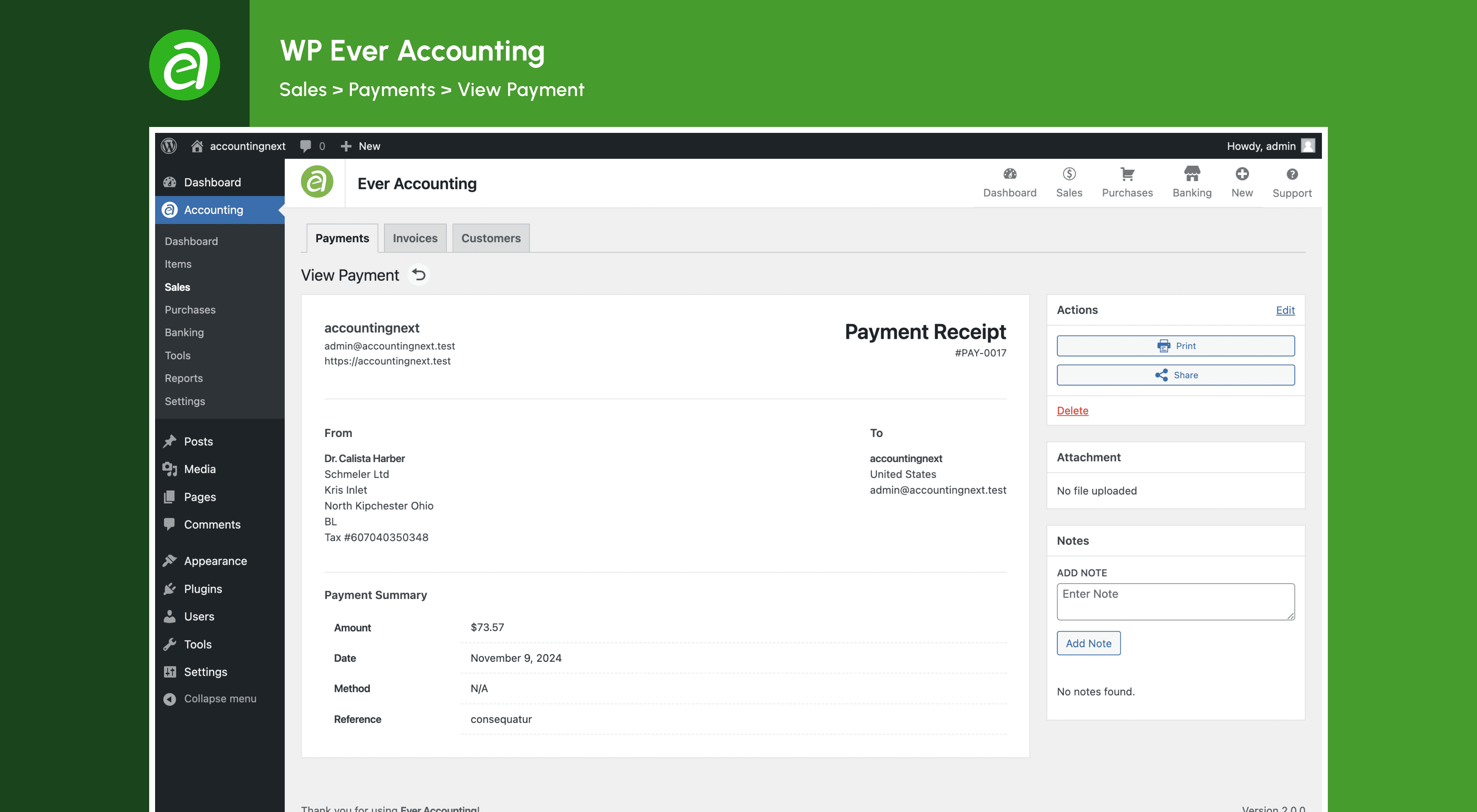
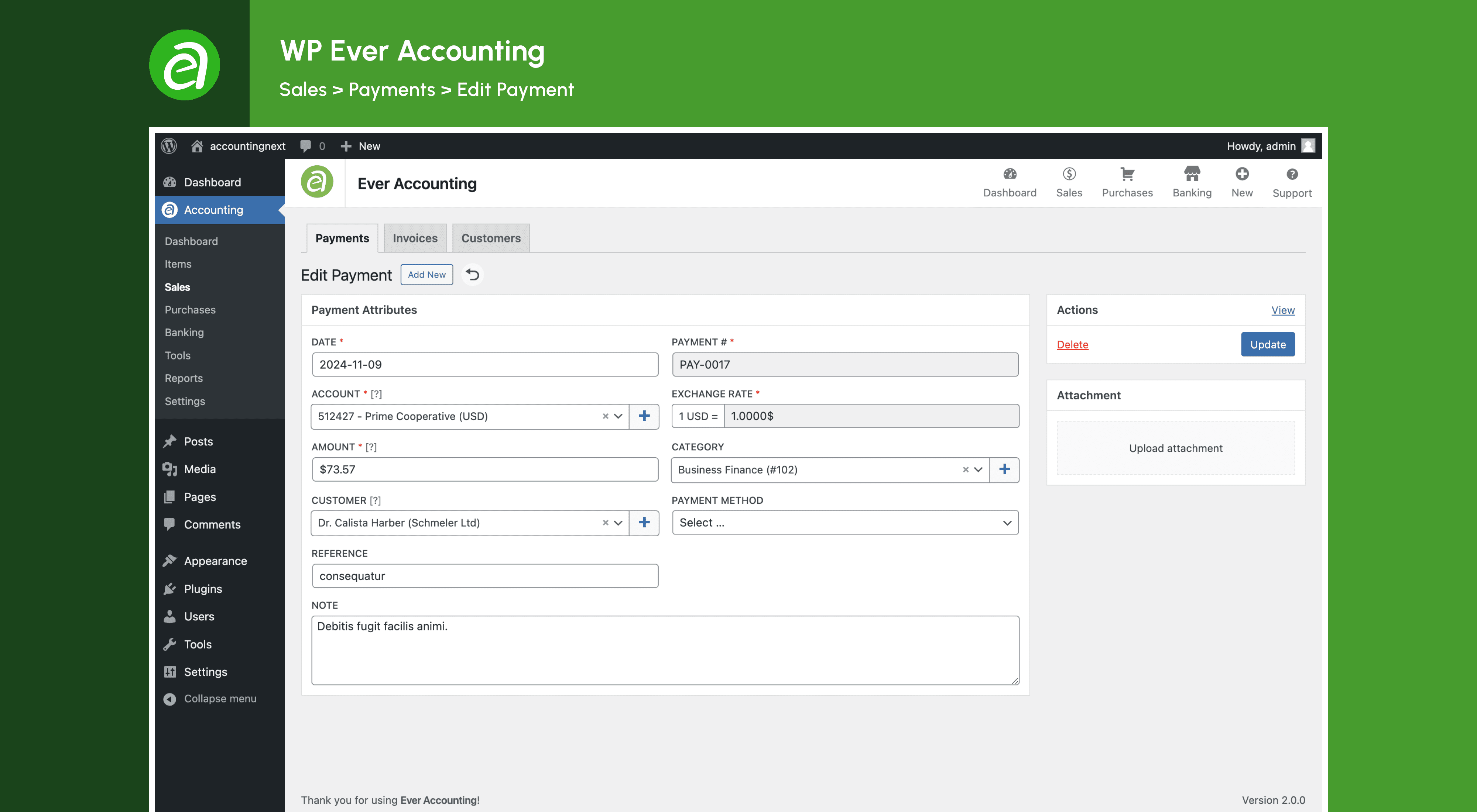
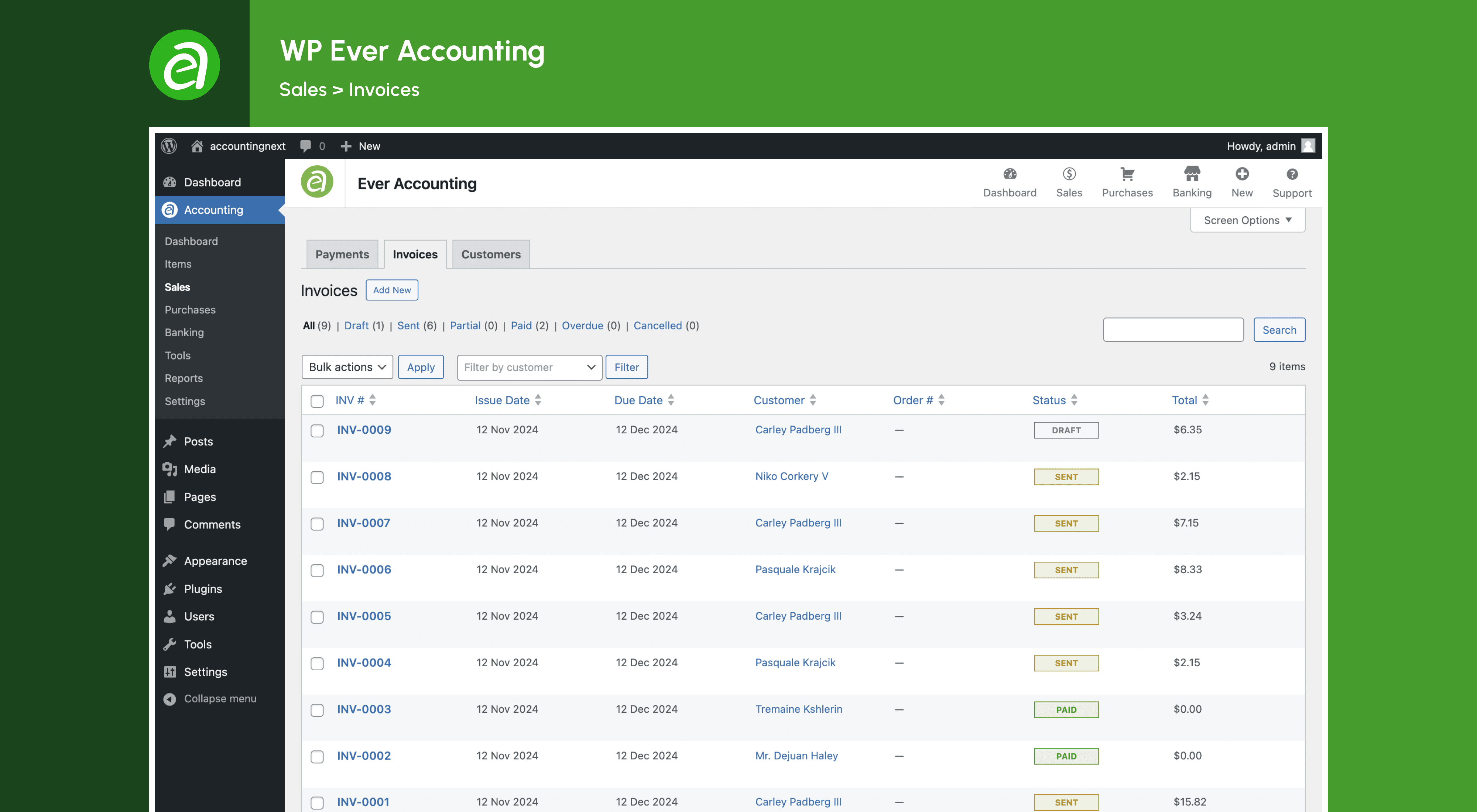
常见问题:
What is Ever Accounting?
Ever Accounting is a powerful accounting plugin for WordPress. It helps you manage your finances, keep track of income and expenses, send professional invoices, and generate detailed reports.
What are the key features of Ever Accounting?
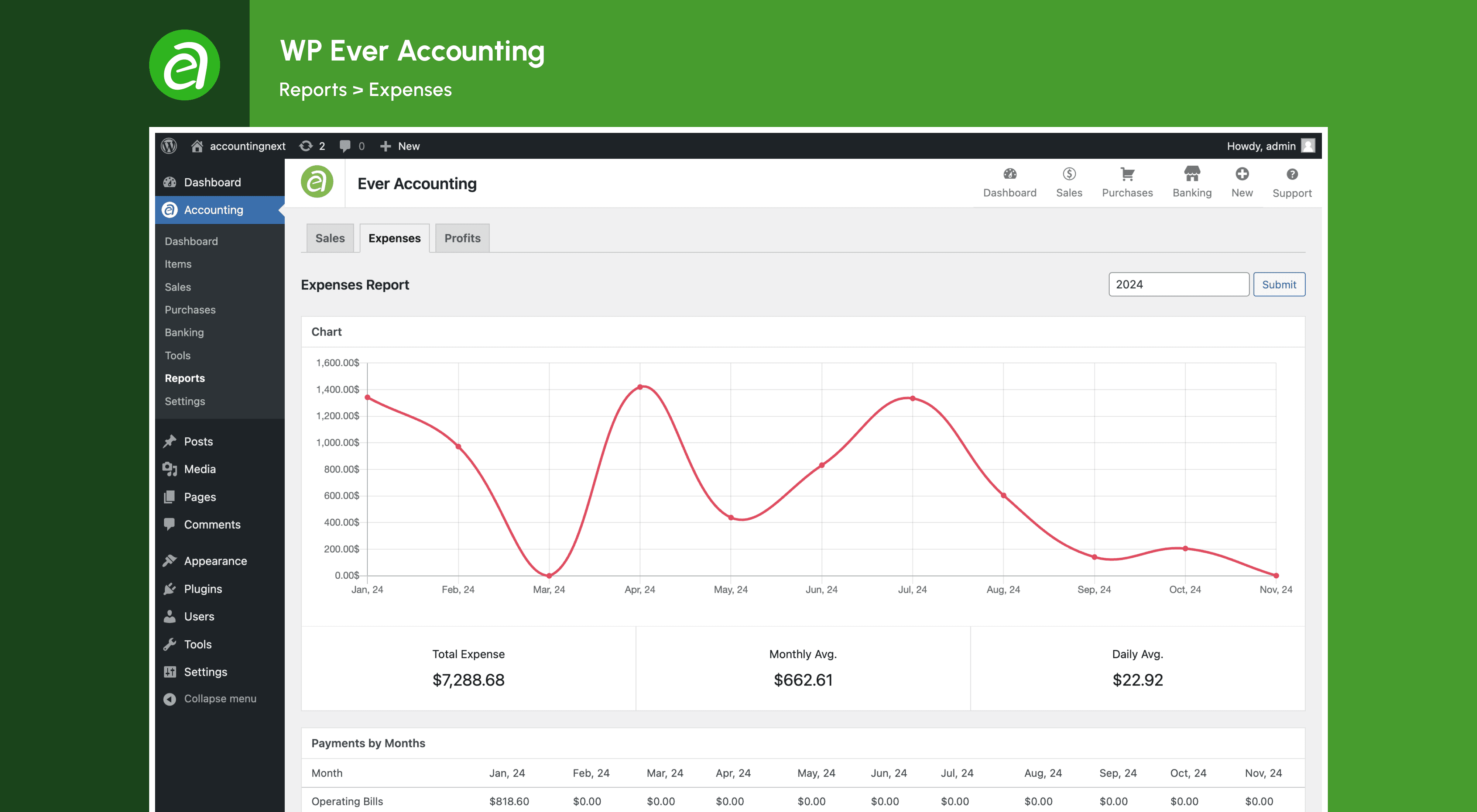
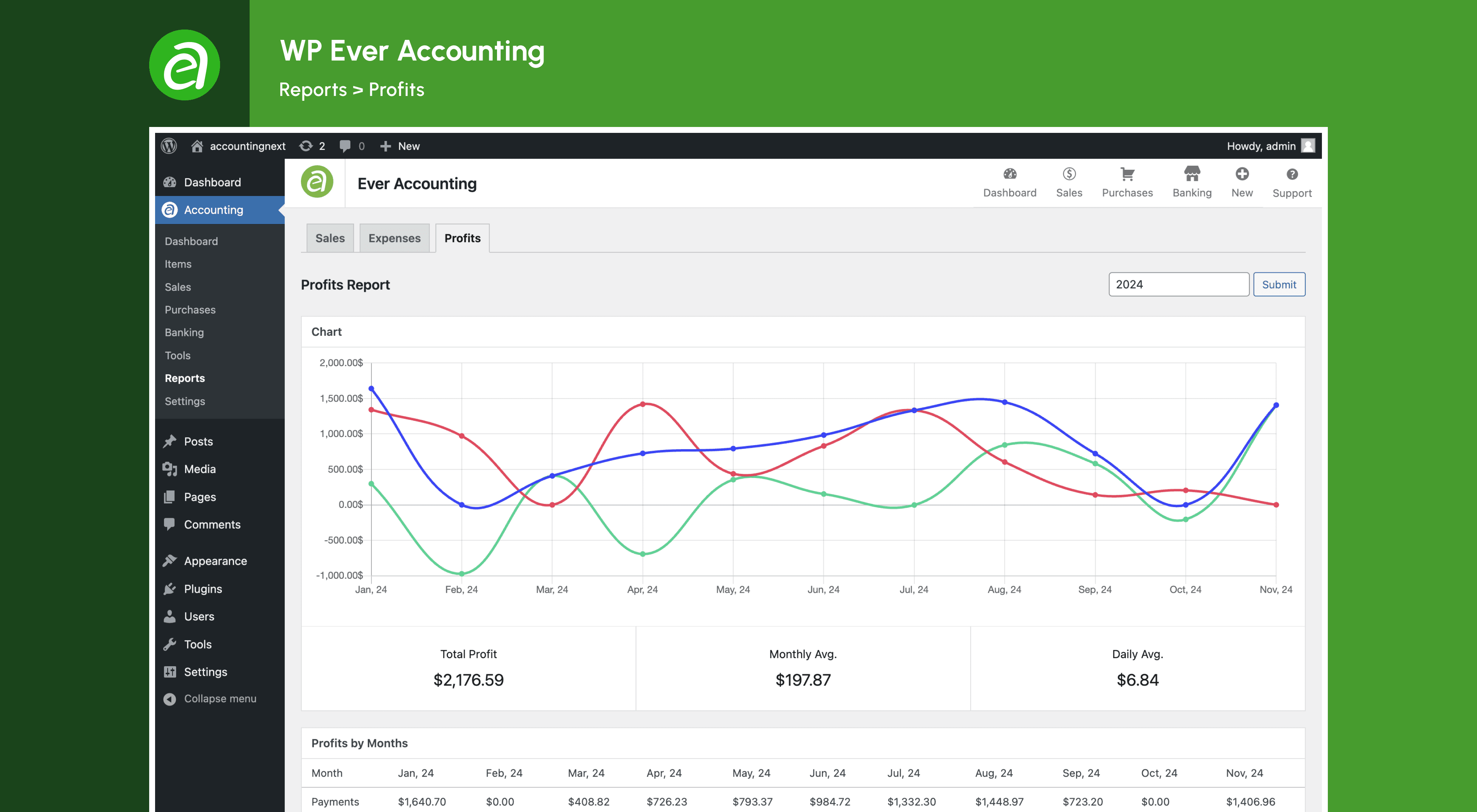
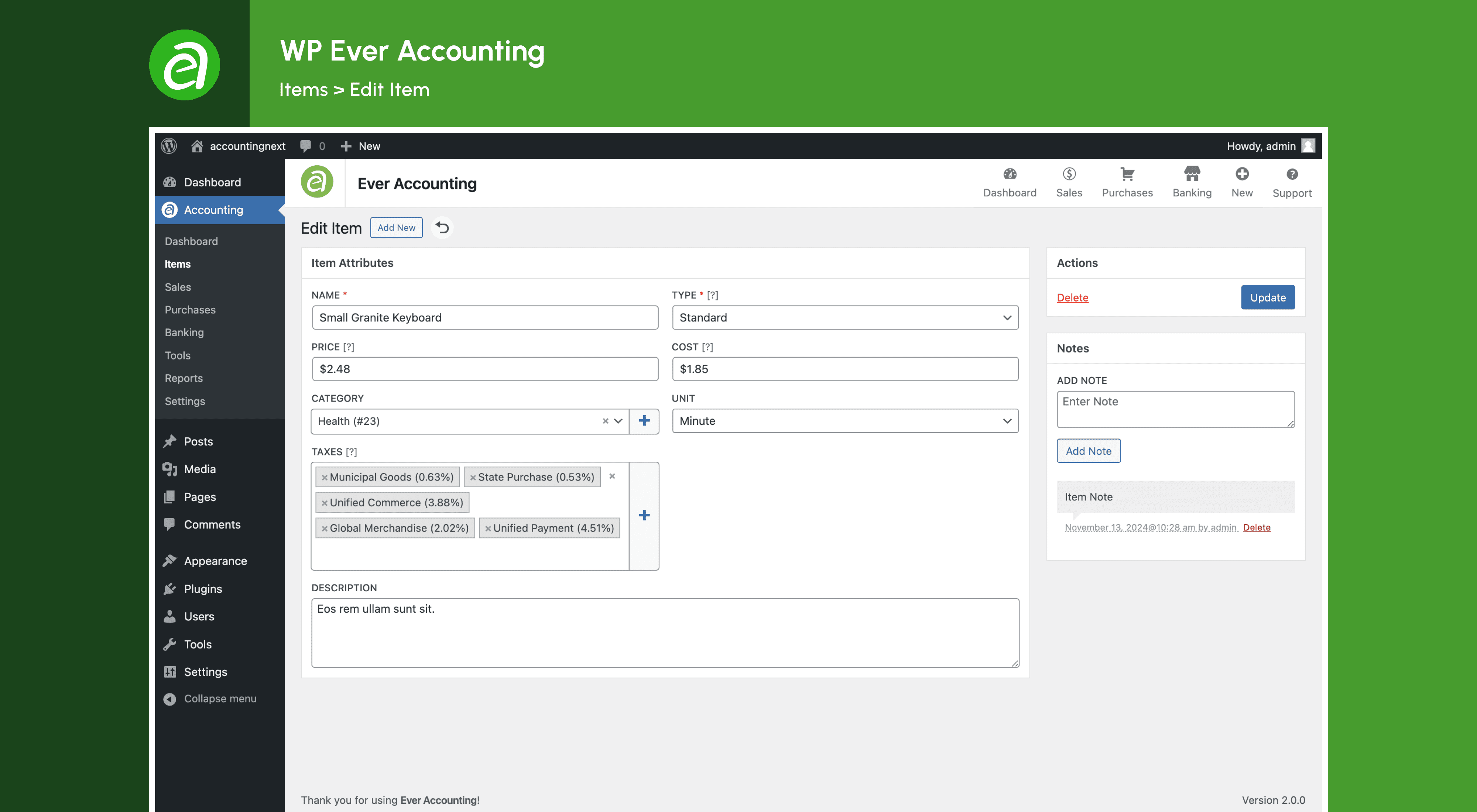
Ever Accounting offers multi-currency support, detailed cash flow insights, professional invoicing, expense tracking, income tracking, billable expenses, vendor management, customer management, bank account management, deposits & transfers, transaction categorization, product & service management, powerful reporting, bulk import & export, and custom user roles.
Who can use Ever Accounting?
Ever Accounting is ideal for small business owners, freelancers, startups, SMEs, accountants, entrepreneurs, WooCommerce store owners, service providers, consultants, agencies, nonprofits, bloggers, affiliate marketers, digital marketers, content creators, e-commerce store owners, and online business owners.
How does Ever Accounting work?
Once installed, Ever Accounting adds an Accounting menu to your WordPress dashboard. From here, access essential submenus such as Dashboard, Items, Transactions, Contacts, Payments, Revenues, Accounts, Transfers, Categories, and Settings. Each section provides powerful tools and data to keep your finances organized.
How do I install Ever Accounting?
To install Ever Accounting, upload the plugin files to the /wp-content/plugins/wp-ever-accounting directory, or install the plugin through the WordPress plugins screen directly. Activate the plugin through the 'Plugins' menu in WordPress and navigate to WordPress Admin Dashboard > Accounting to start using the plugin.
How do I configure Ever Accounting?
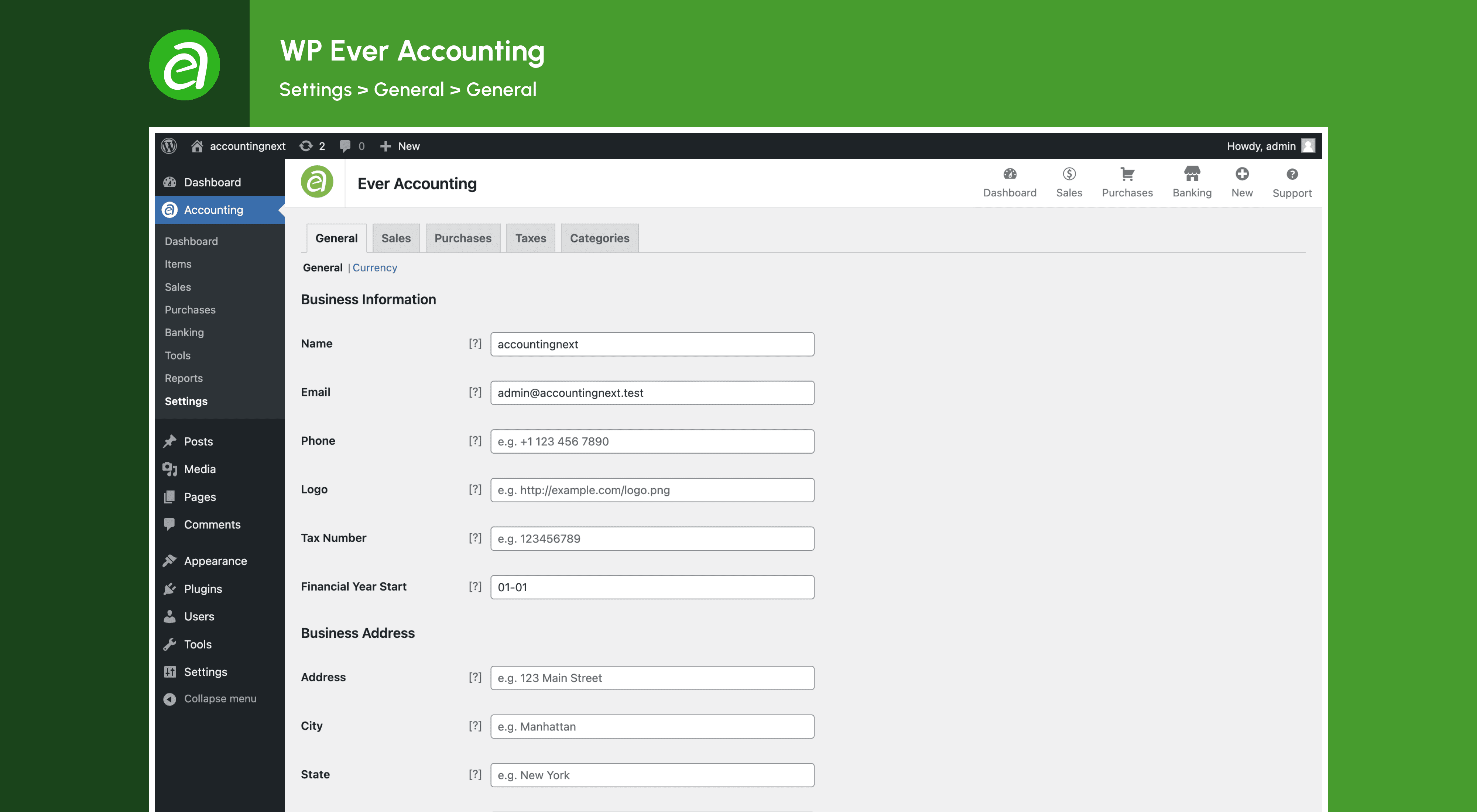
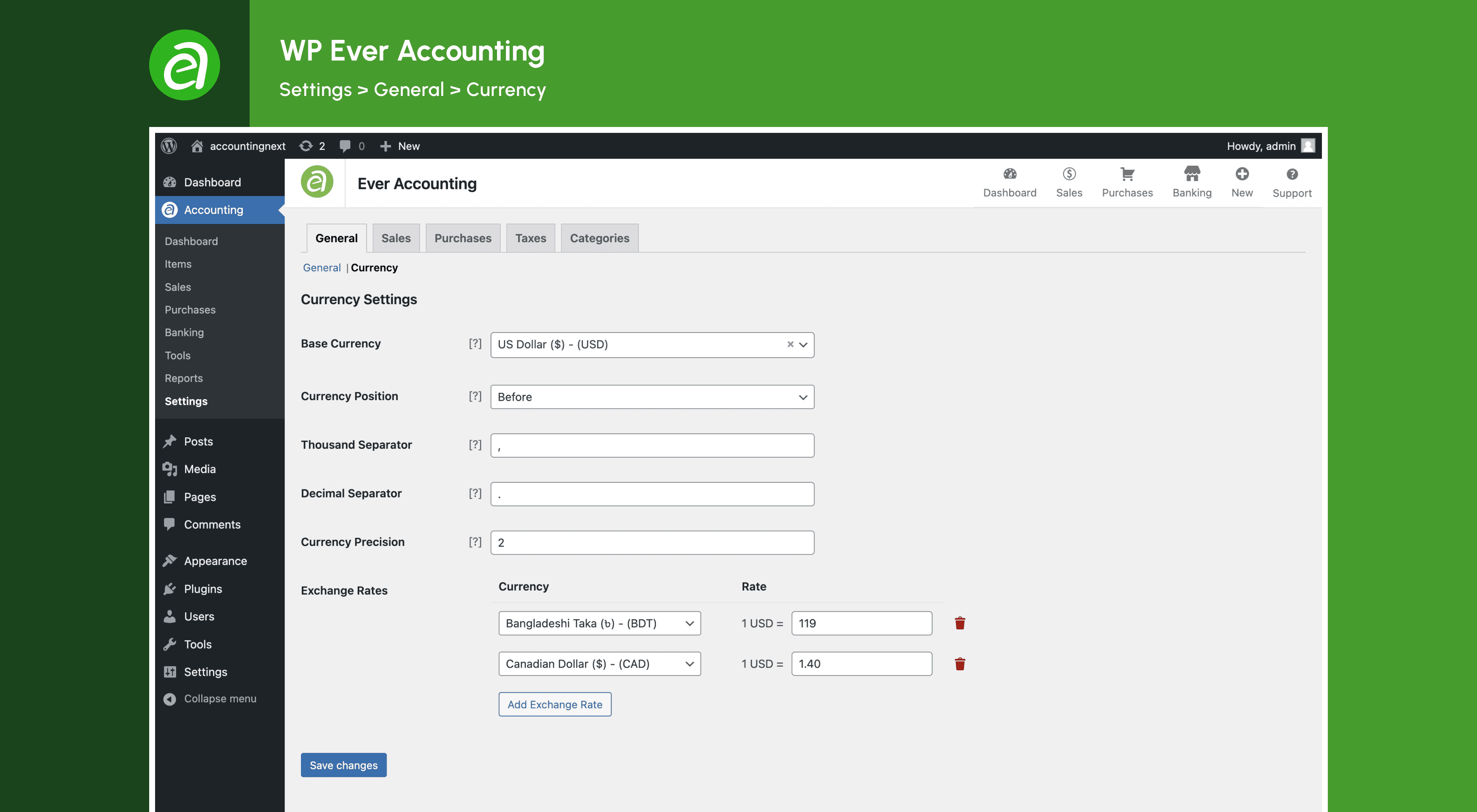
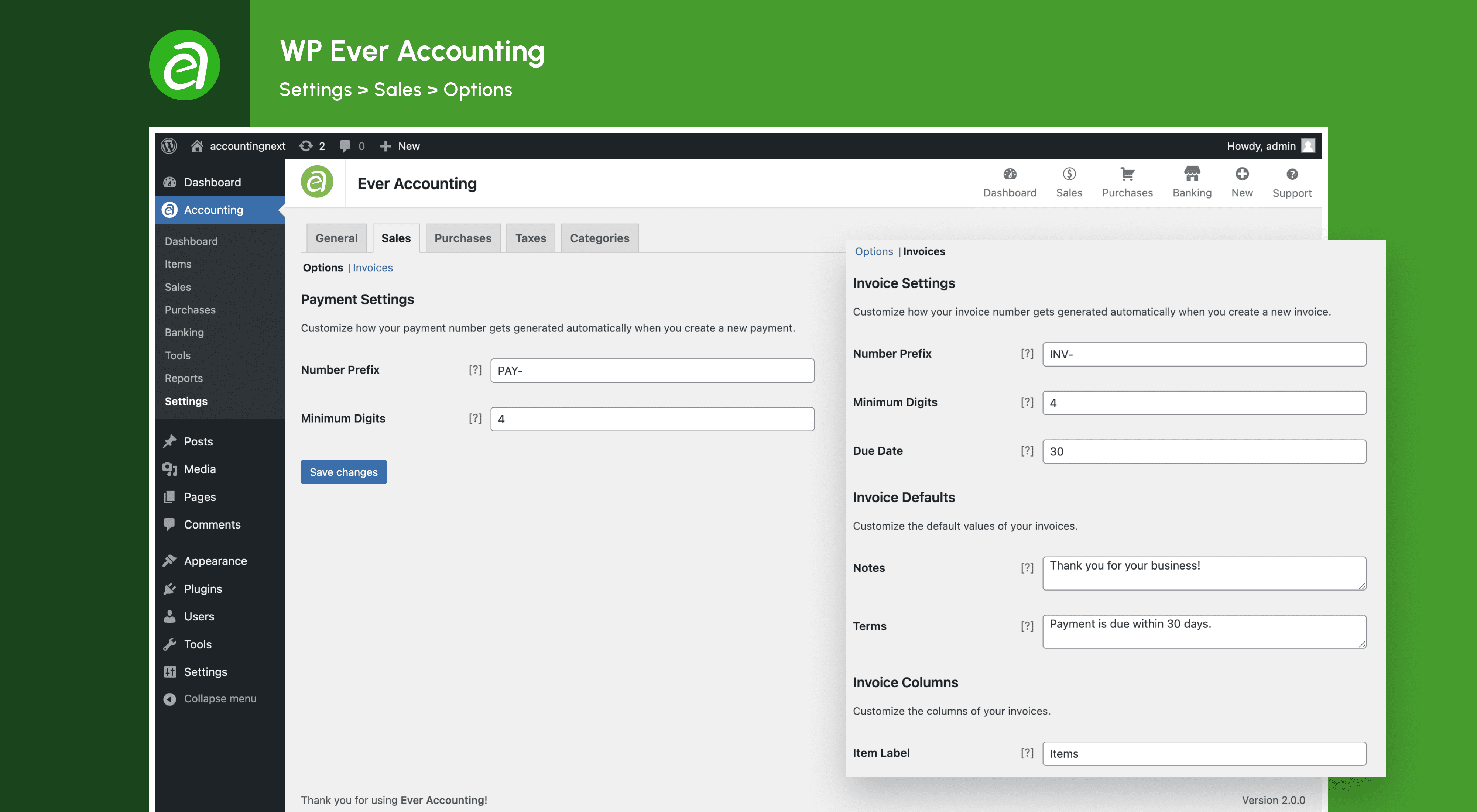
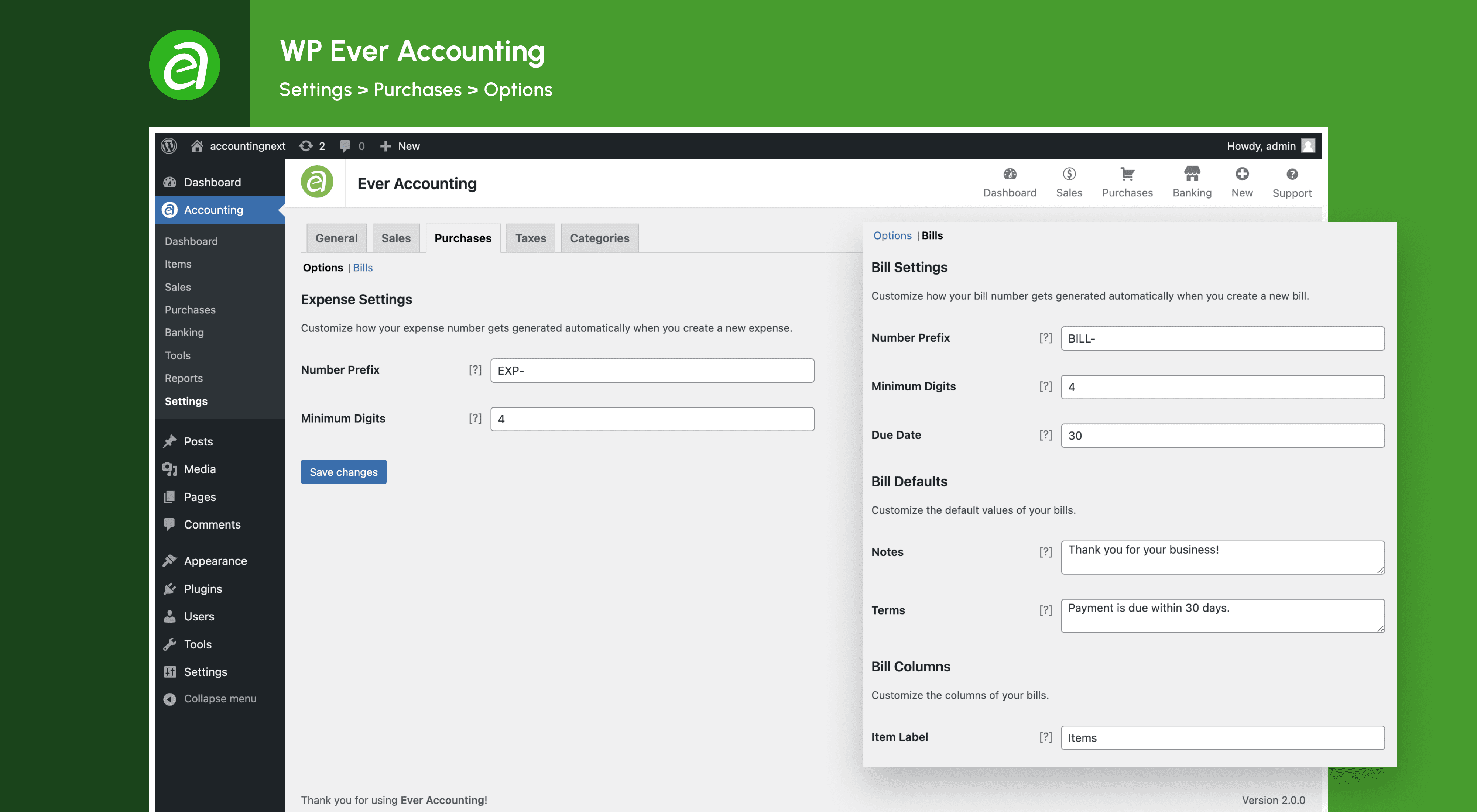
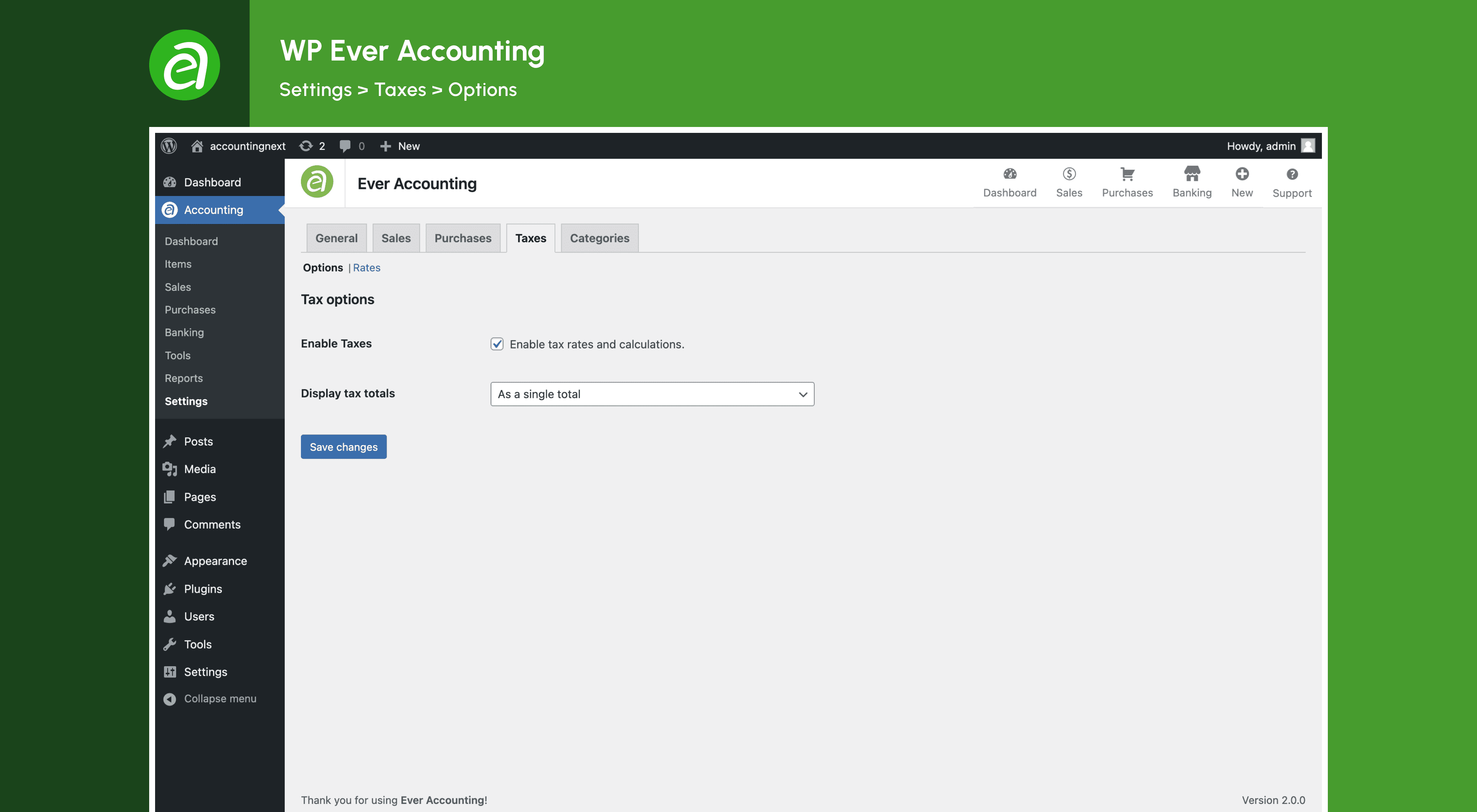
To configure Ever Accounting, navigate to the WordPress Admin Dashboard > Accounting and access the Settings section. Here, you can customize the plugin settings to suit your business needs.
Can I manage multiple currencies with Ever Accounting?
Yes, Ever Accounting offers multi-currency support. You can track income and expenses in multiple currencies and let the plugin convert them into your base currency automatically.
Can I generate professional invoices with Ever Accounting?
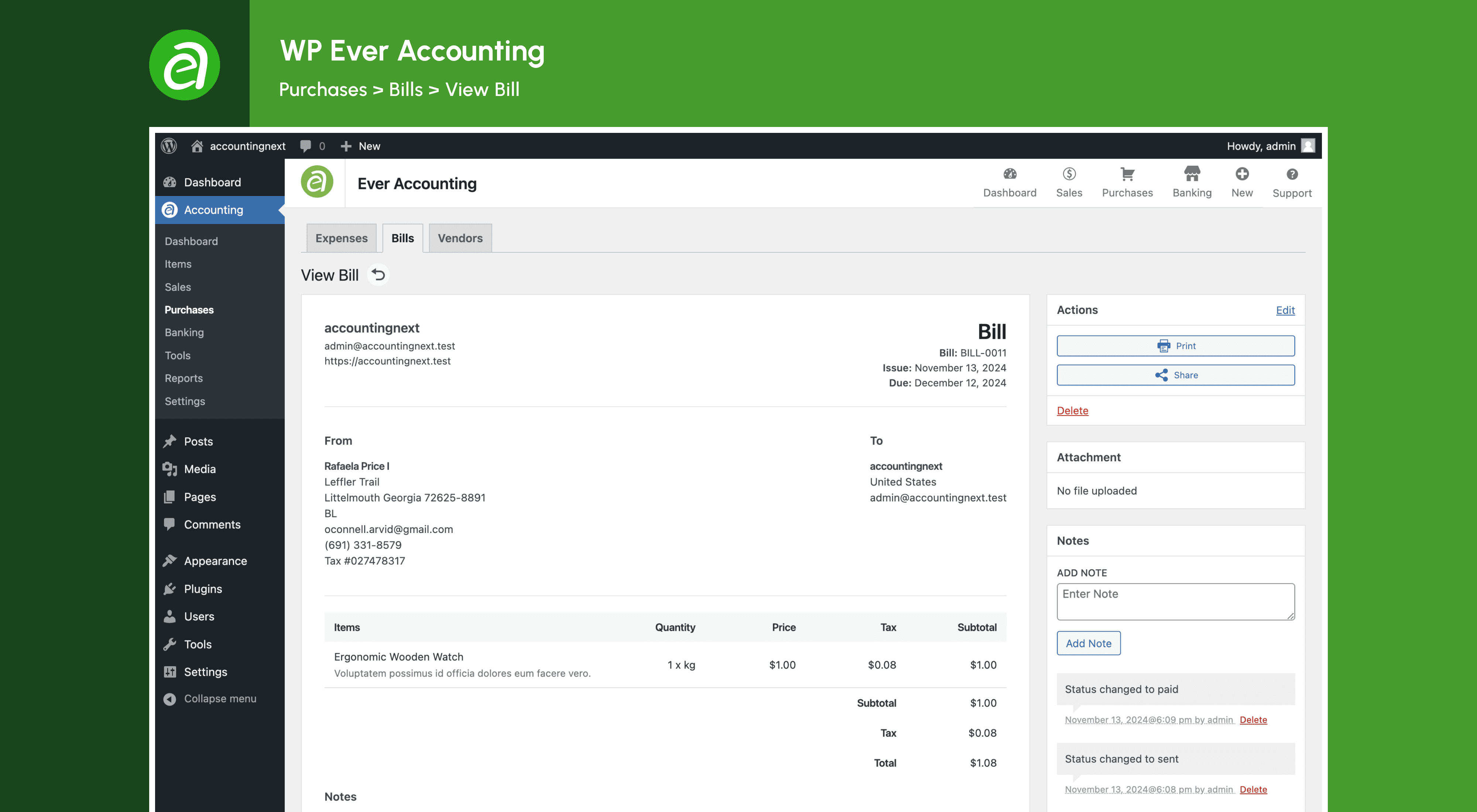
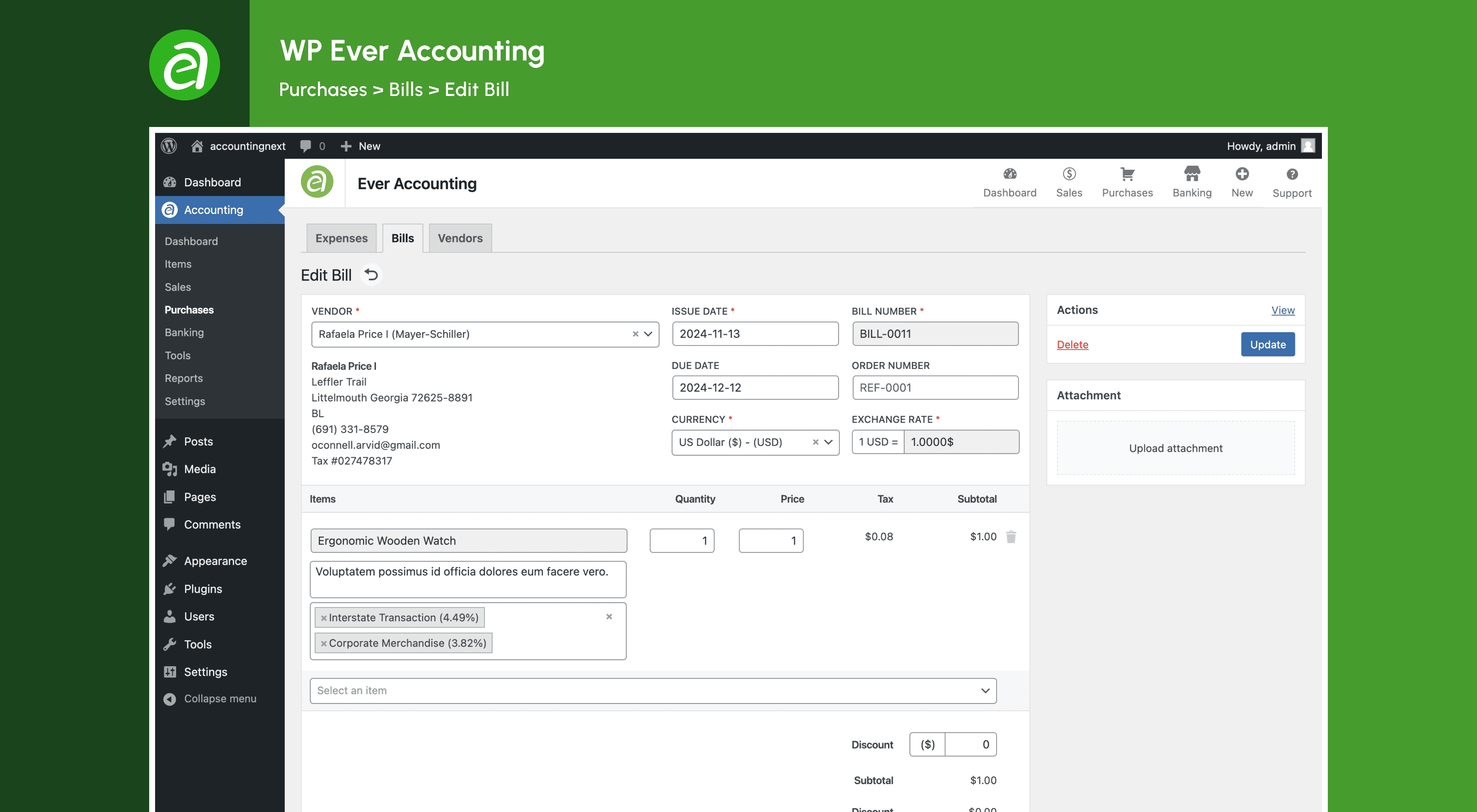
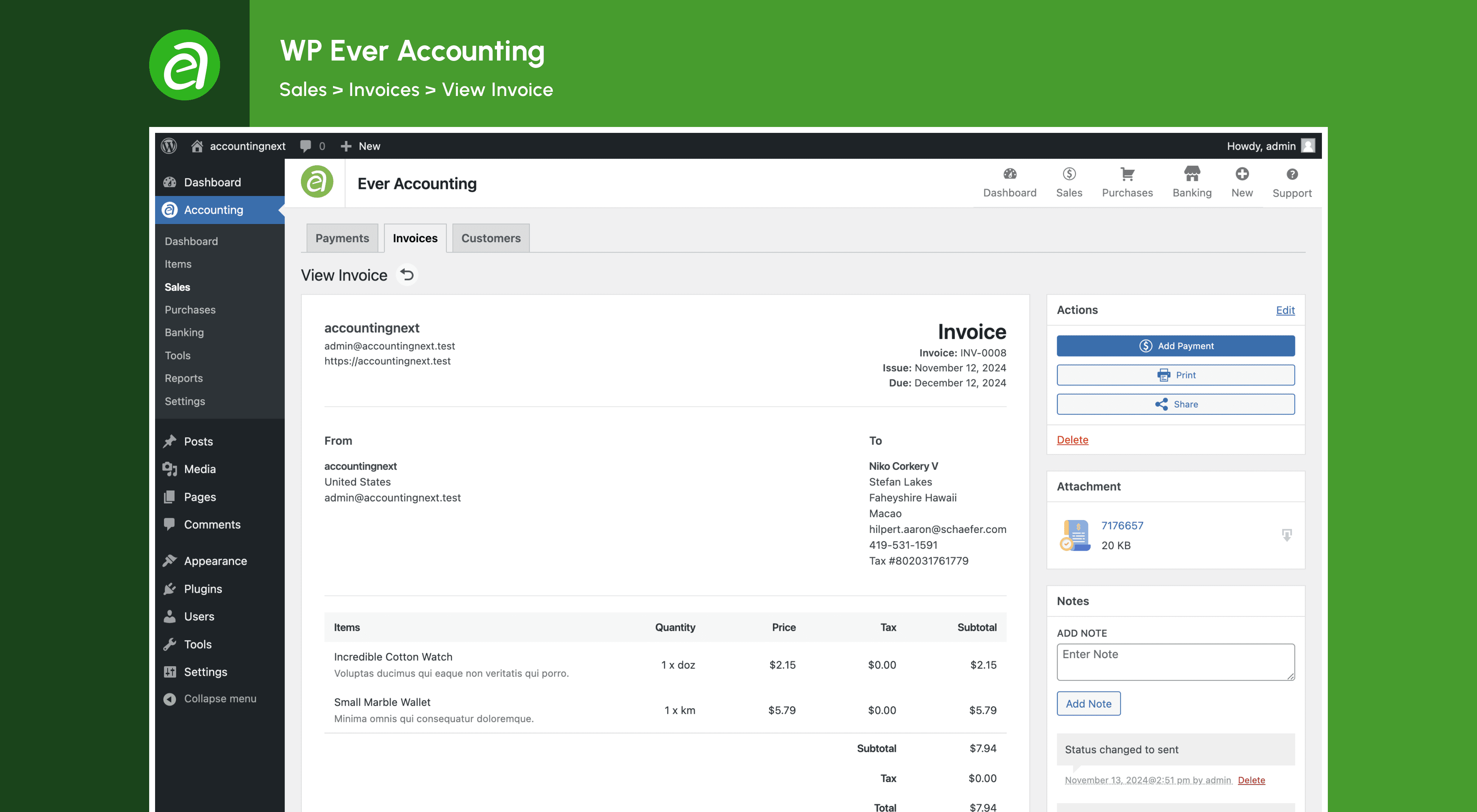
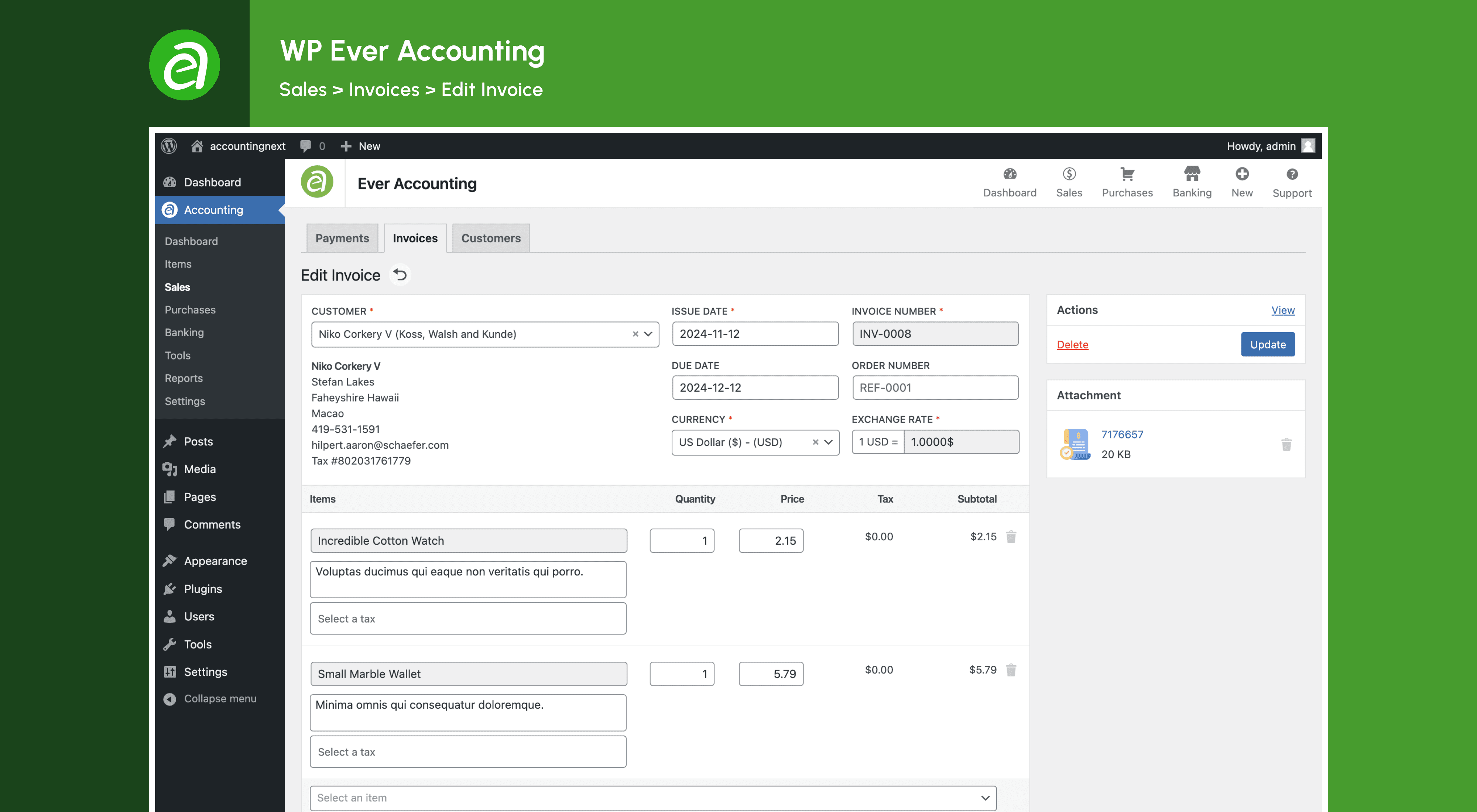
Yes, Ever Accounting allows you to generate, print, and share professional invoices, including tax and discount options, in your clients' currency. You can also create and manage bills for accurate financial records.
Can I track expenses and income with Ever Accounting?
Yes, Ever Accounting allows you to keep accurate records of business expenses in any currency and record all income transactions to monitor payments. You can also group transactions into categories for quick insights.
Can I manage vendors and customers with Ever Accounting?
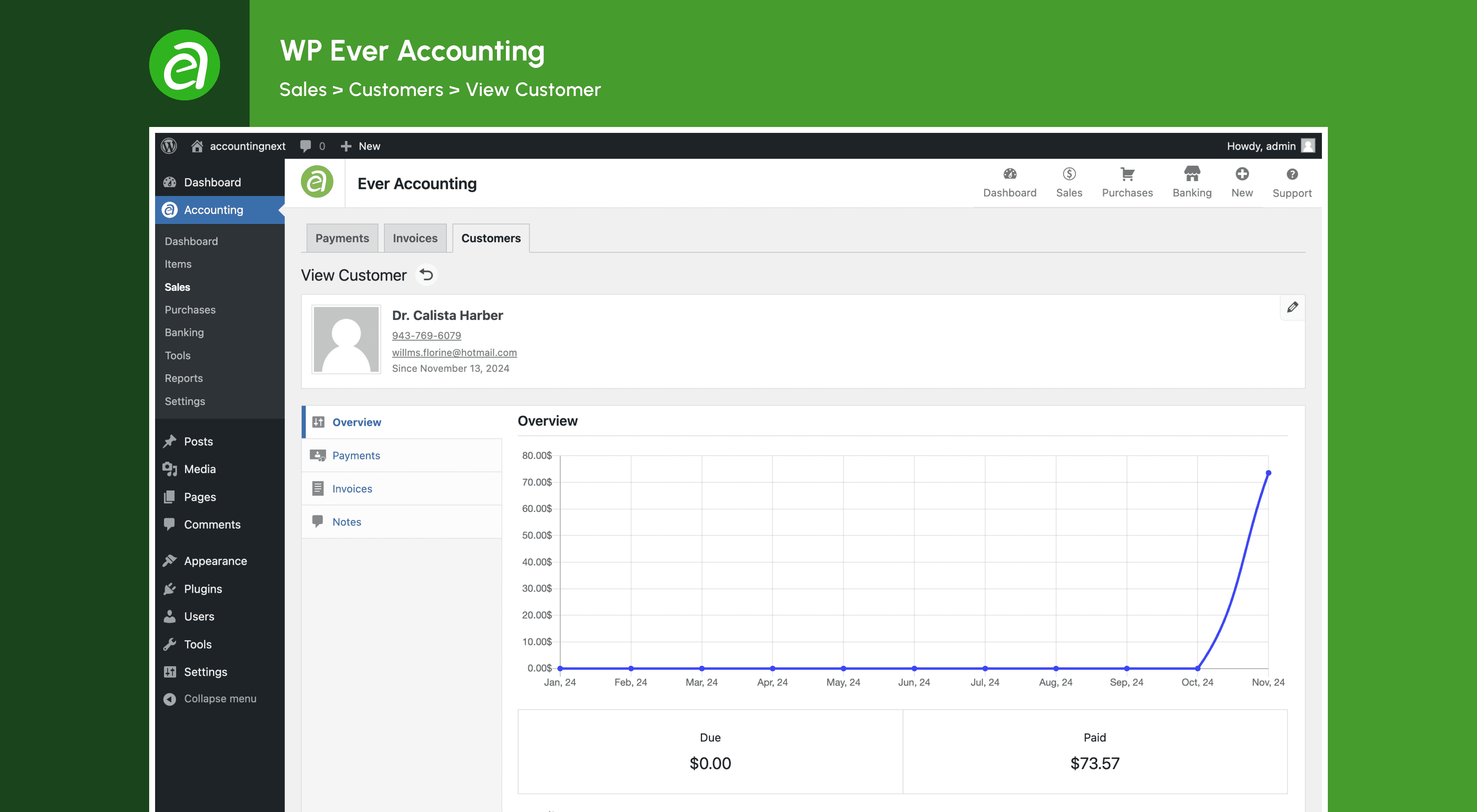
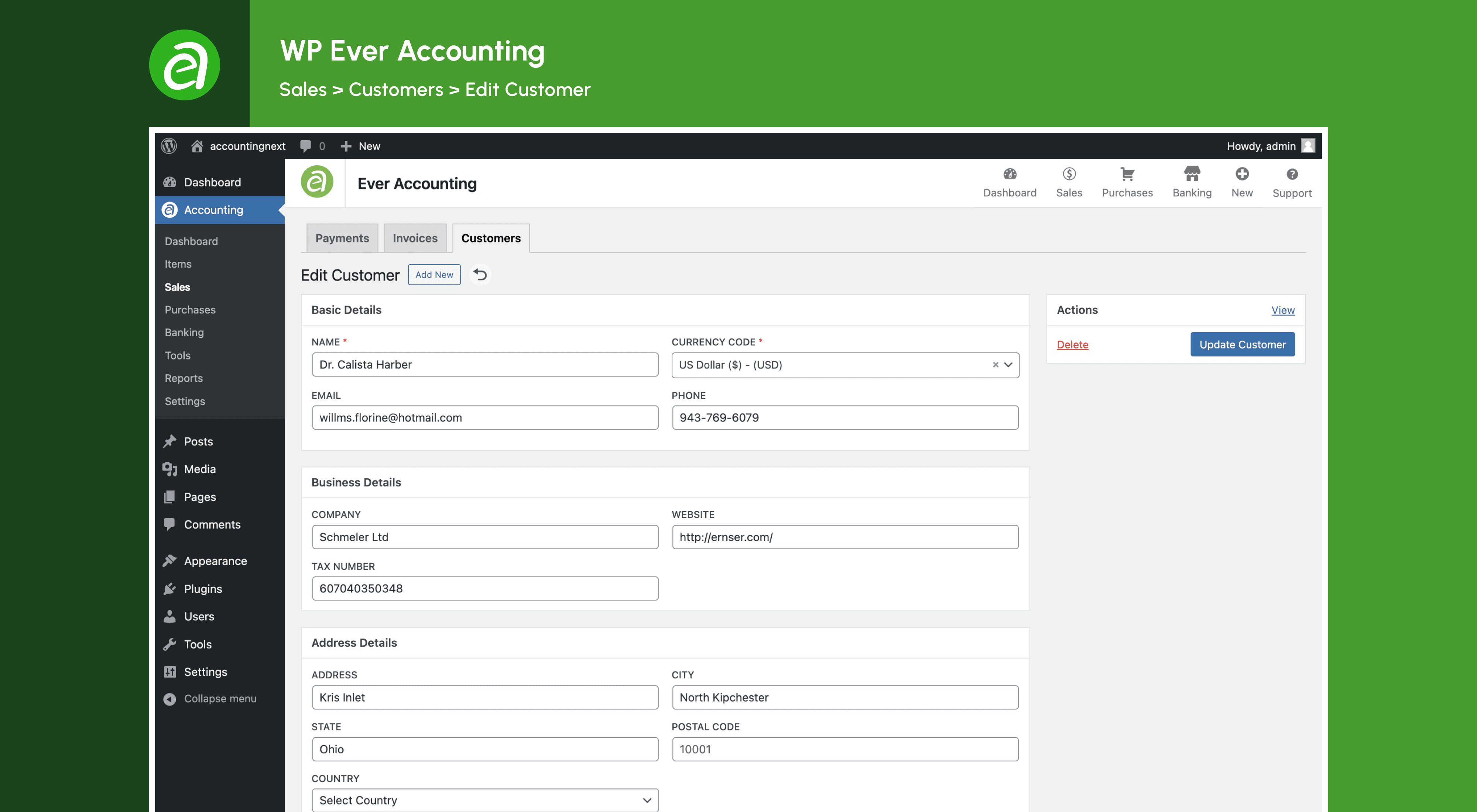
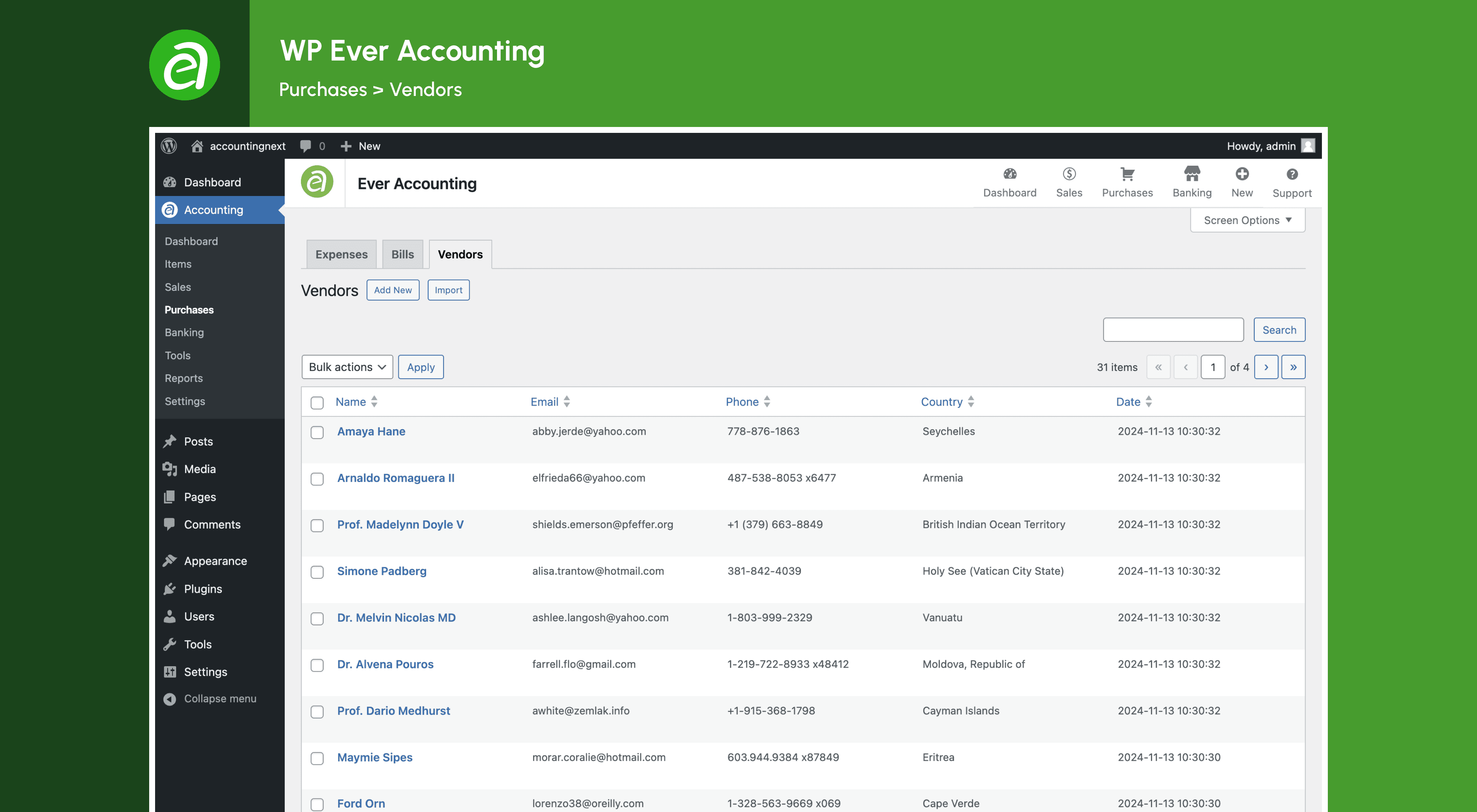
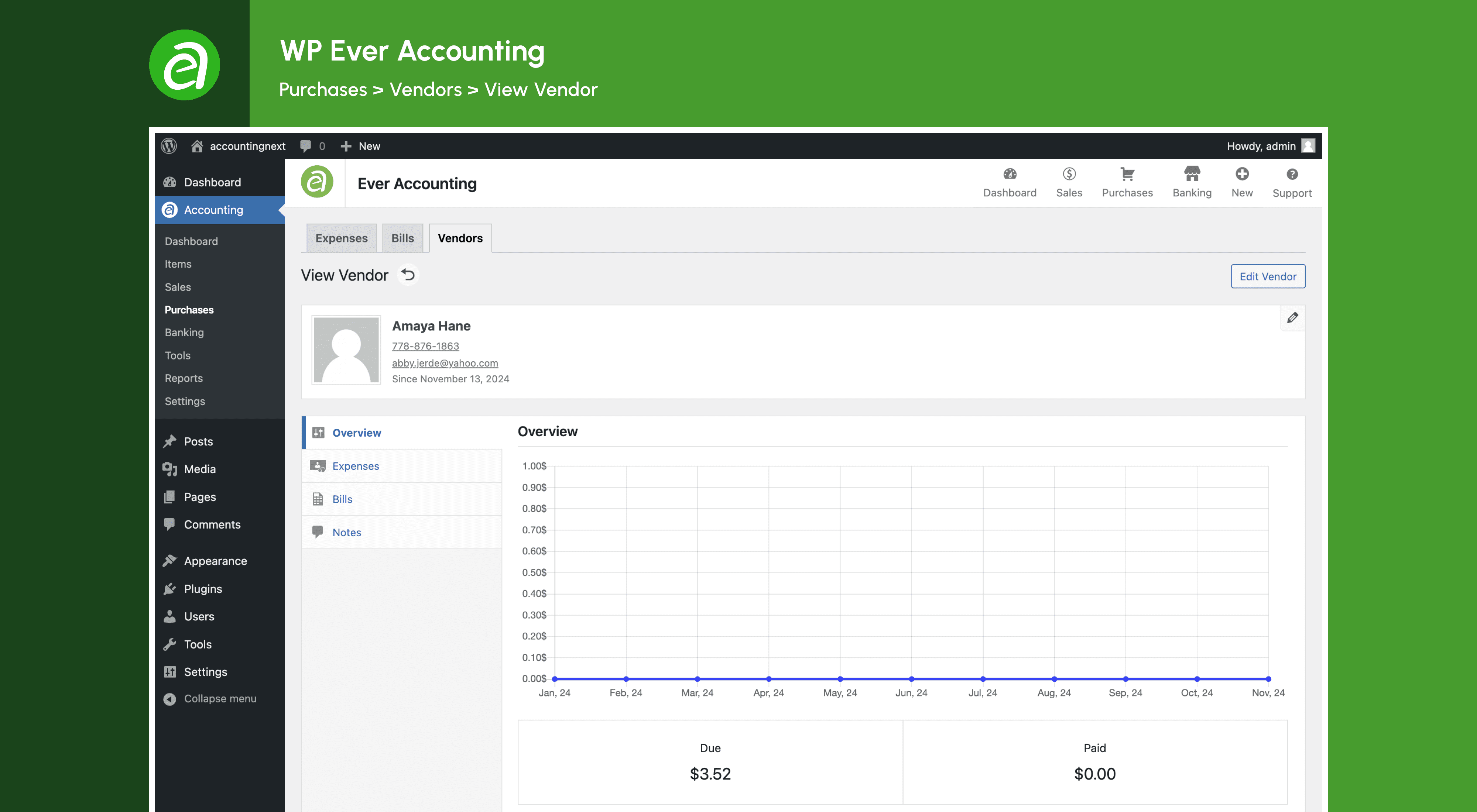
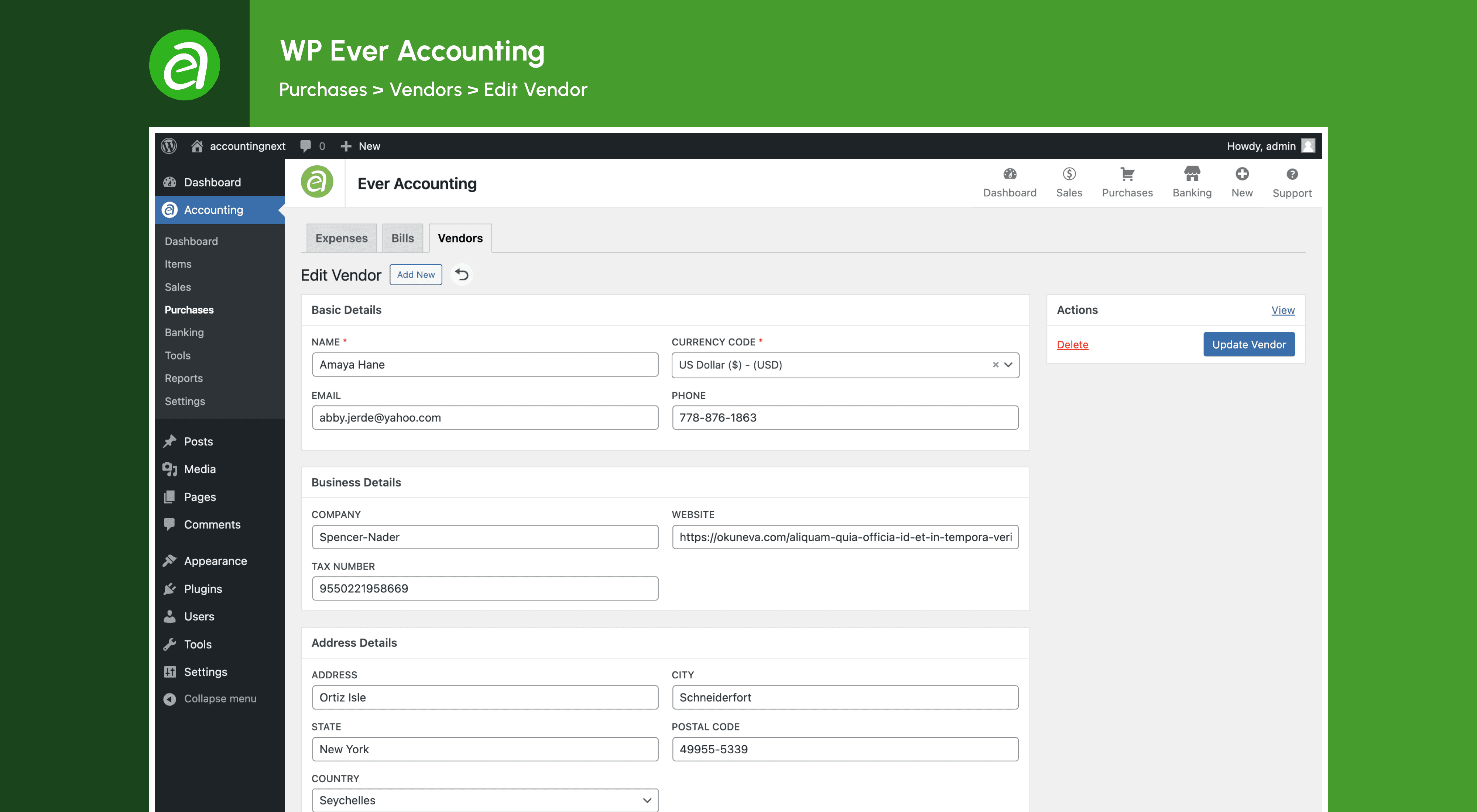
Yes, Ever Accounting allows you to organize essential information about your business contacts, including vendors and customers. You can store details such as name, address, email, phone number, and more to keep track of interactions and transactions. You can also create customers to assign revenues and filter transactions made with them.
Can I manage bank accounts with Ever Accounting?
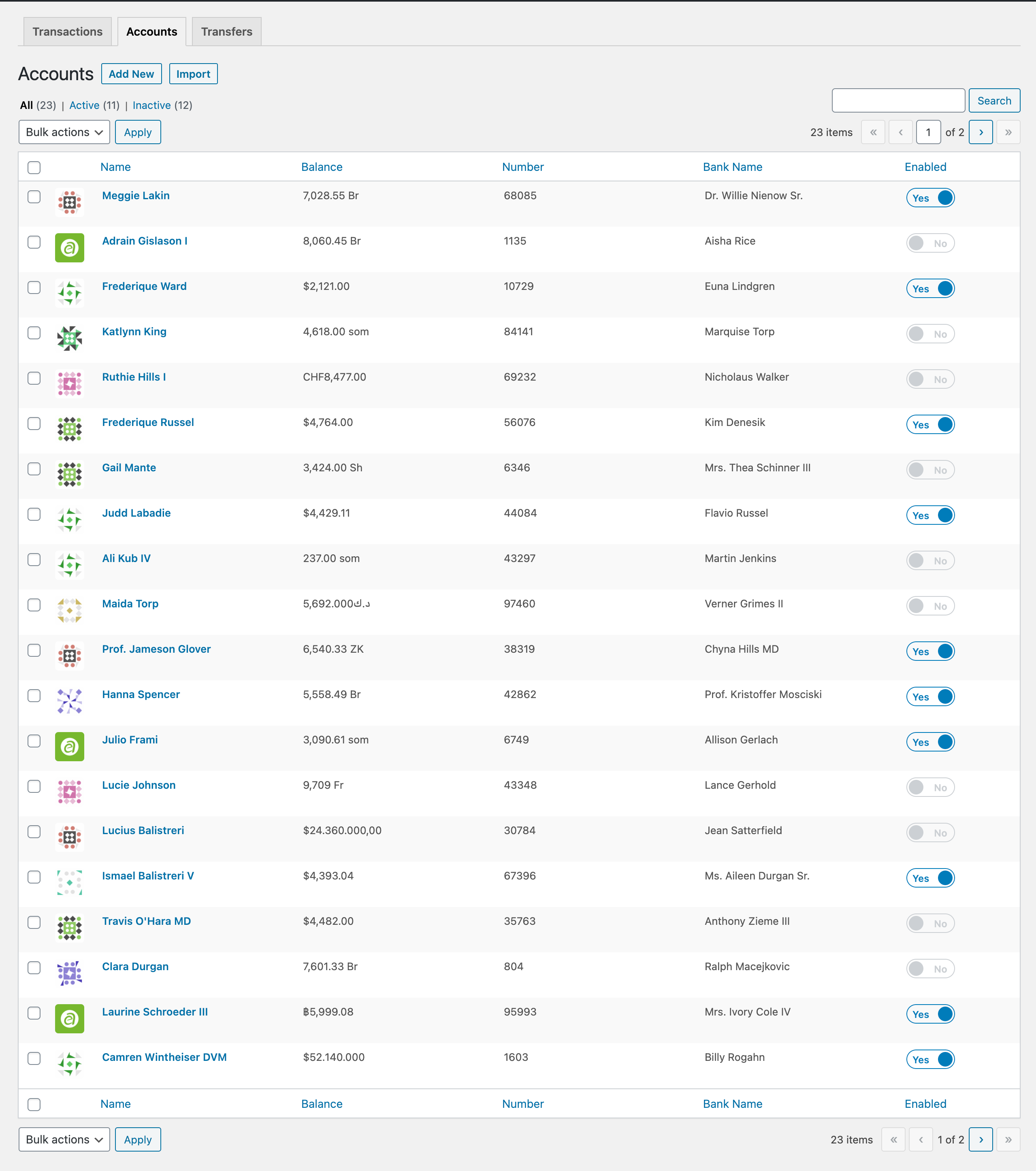
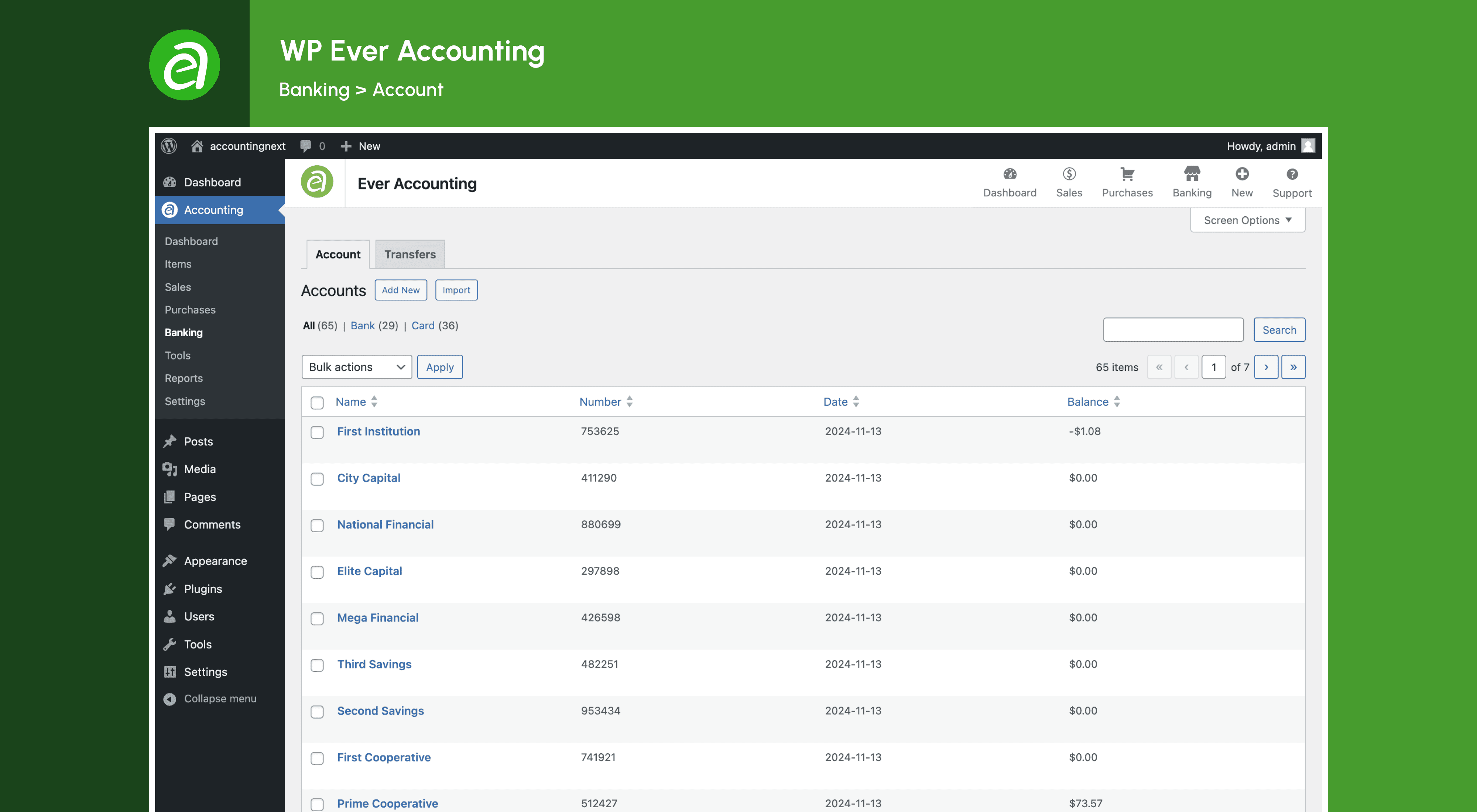
Yes, Ever Accounting allows you to manage unlimited bank and cash accounts with ease. You can track opening and current balances, deposits, and transfers across multiple accounts. You can use any currency, and the plugin will handle the currency conversion automatically.
Can I add deposits and make transfers with Ever Accounting?
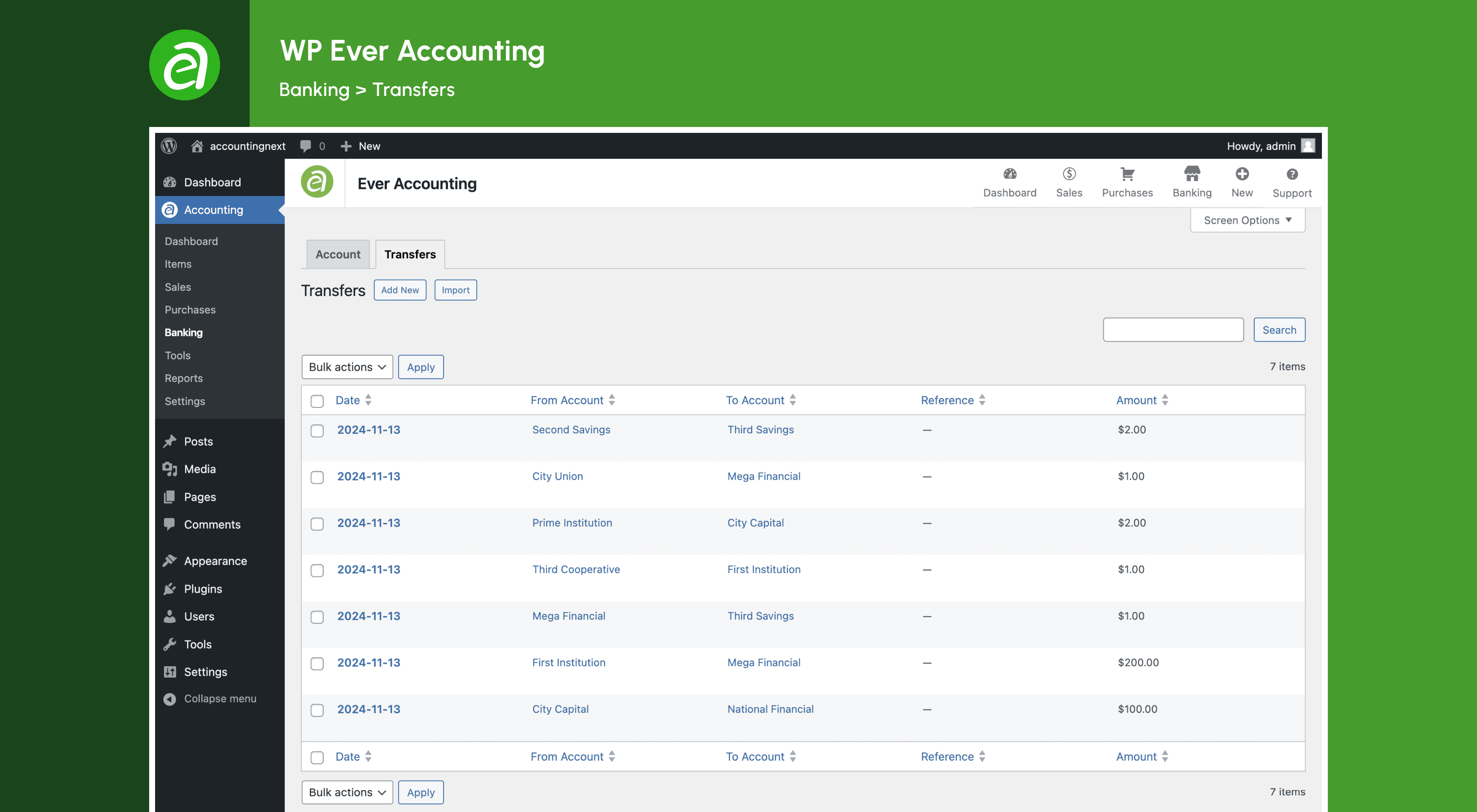
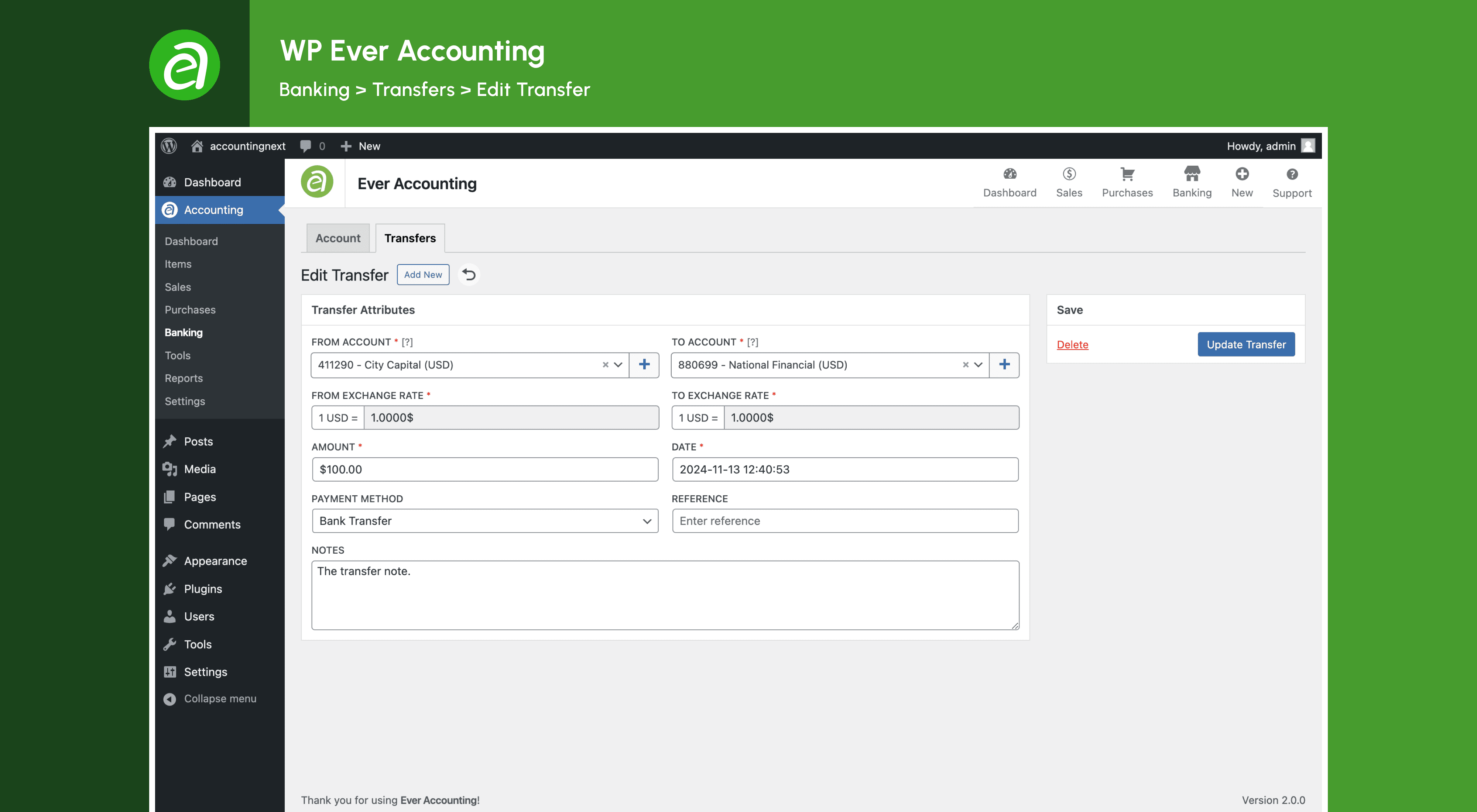
Yes, Ever Accounting allows you to add deposits and make transfers across accounts to keep finances organized. The transferred amount will automatically adjust to the account currency.
Can I generate detailed financial reports with Ever Accounting?
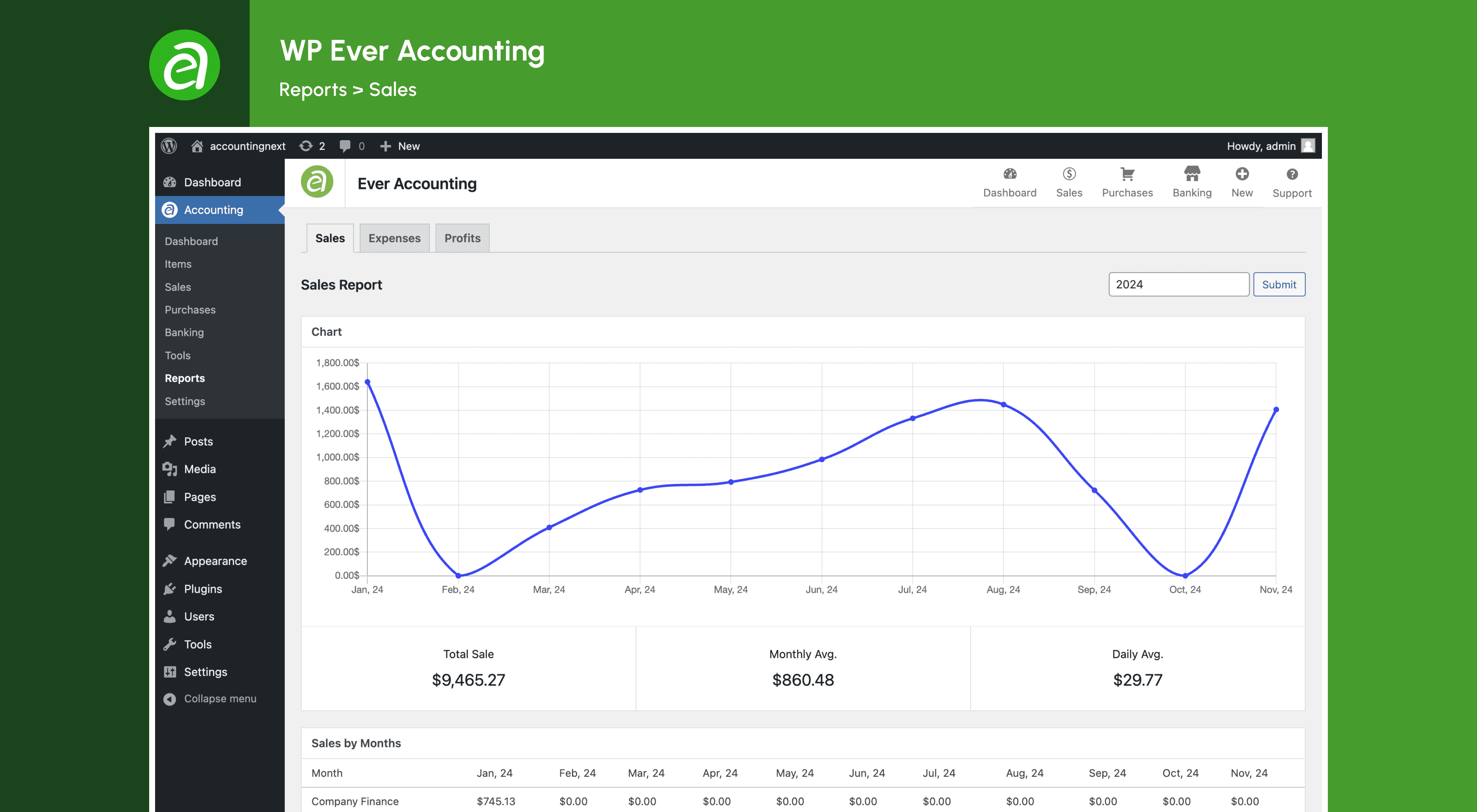
Yes, Ever Accounting allows you to generate detailed financial reports that give you a clear view of your business performance. You can create smart financial reports and budgets to understand and track what matters most.
Can I import and export data with Ever Accounting?
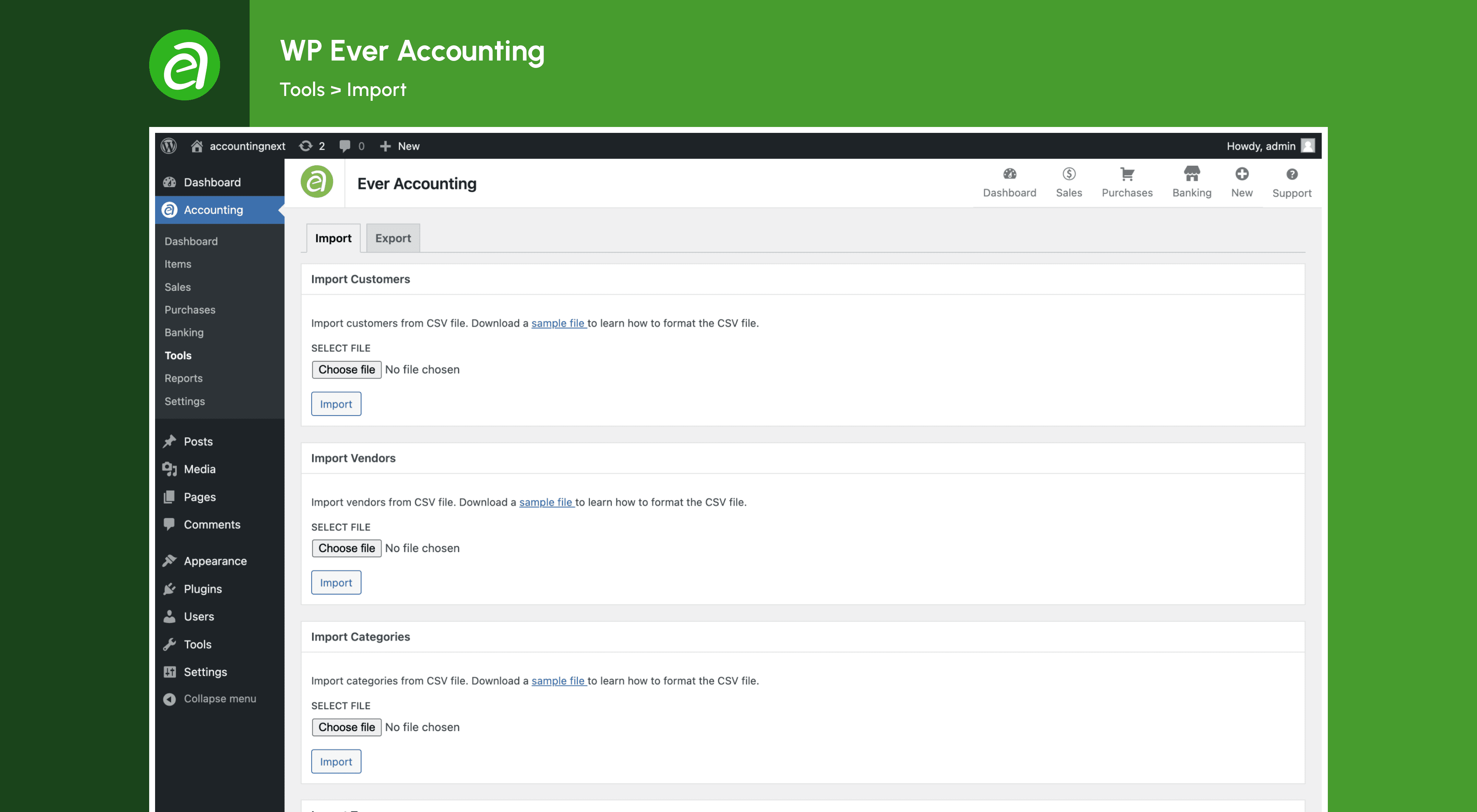
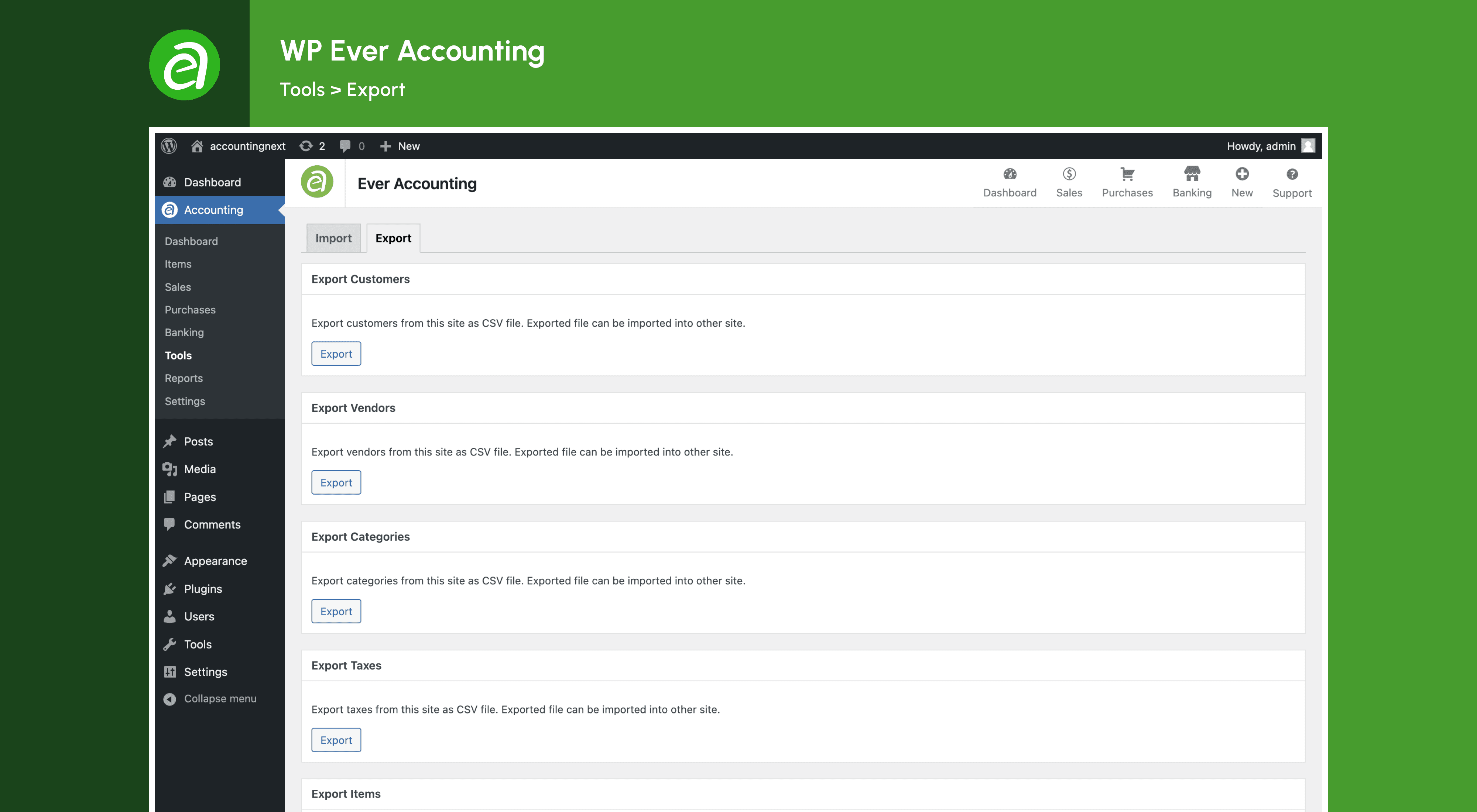
Yes, Ever Accounting allows you to quickly import data like customers, vendors, revenues, payments, accounts, and transactions to/from other systems. You can also export most of your accounting records like customers, vendors, revenues, payments, and accounts in CSV format for analysis or to import later.
Can I assign custom user roles with Ever Accounting?
Yes, Ever Accounting allows you to assign user roles like 'Accounting Manager' and 'Accountant' with controlled permissions to enhance security. You can control permissions to protect and simplify your management experience.
Is Ever Accounting open-source and secure?
Yes, Ever Accounting is an open-source project and hosted in your space. You can be sure that your data is safe and nobody can misuse it. Open-source software provides you full privacy.
Can I use Ever Accounting with WooCommerce?
Yes, Ever Accounting is compatible with WooCommerce. You can track your store's income and expenses with ease and generate detailed reports. However, you need to install the WooCommerce compatibility extension.
Can I use Ever Accounting with other plugins?
Yes, Ever Accounting is compatible with other WordPress plugins. You can use it with any WordPress plugin to enhance your business operations.
Can I use Ever Accounting with other themes?
Yes, Ever Accounting is compatible with other WordPress themes. You can use it with any WordPress theme to manage your finances effectively.
Can I use Ever Accounting for my business?
Yes, you can use Ever Accounting for your business. The plugin is designed to help small business owners, freelancers, startups, SMEs, accountants, entrepreneurs, WooCommerce store owners, service providers, consultants, agencies, nonprofits, bloggers, affiliate marketers, digital marketers, content creators, e-commerce store owners, and online business owners manage their finances effectively.
Can I use Ever Accounting for my clients?
Yes, you can use Ever Accounting for your clients. The plugin is ideal for accountants, agencies, consultants, and service providers who manage finances for multiple clients. You can create separate accounts for each client and manage their finances securely.
Can I use Ever Accounting for multiple businesses?
No, Ever Accounting is designed for single-site use. If you have multiple businesses, you will need to install the plugin on each site separately. You can manage finances for each business independently and keep track of income and expenses effectively.
Can I use Ever Accounting for personal use?
Yes, you can use Ever Accounting for personal use. The plugin is suitable for individuals who want to manage their finances effectively and keep track of income and expenses. You can use it to create invoices, track expenses, generate reports, and monitor cash flow for personal finances.
Can I use Ever Accounting for non-profit organizations?
Yes, you can use Ever Accounting for non-profit organizations. The plugin is ideal for charities, NGOs, and non-profits that want to manage their finances effectively and keep track of donations, expenses, and revenues. You can use it to create invoices, track expenses, generate reports, and monitor cash flow for non-profit finances.
Can I use Ever Accounting for educational purposes?
Yes, you can use Ever Accounting for educational purposes. The plugin is suitable for students, teachers, and educational institutions that want to learn about accounting and finance. You can use it to create invoices, track expenses, generate reports, and monitor cash flow for educational purposes.
Can I use Ever Accounting for affiliate marketing?
Yes, you can use Ever Accounting for affiliate marketing. The plugin is ideal for affiliate marketers who want to manage their finances effectively and keep track of income and expenses. You can use it to create invoices, track expenses, generate reports, and monitor cash flow for affiliate marketing.
Can I use Ever Accounting for blogging?
Yes, you can use Ever Accounting for blogging. The plugin is suitable for bloggers who want to manage their finances effectively and keep track of income and expenses. You can use it to create invoices, track expenses, generate reports, and monitor cash flow for blogging.
What is required to use Ever Accounting?
You only need a fully functional WordPress site (minimum version 5.0). Ever Accounting is fully self-contained and requires no additional dependencies. The plugin is designed to work seamlessly with WordPress and provide a powerful accounting solution for small businesses.
What PHP version is required?
Ever Accounting requires PHP 7.4 or higher to function optimally. Please upgrade to avoid compatibility issues. If you are using an older version of PHP, you may experience performance problems or errors.
Can I suggest new features for Ever Accounting?
Yes, you can suggest new features for Ever Accounting. We welcome user feedback and continuously improve the plugin based on your suggestions. If you have an idea for a new feature or improvement, please let us know, and we will consider it for future updates.
Can I request support for Ever Accounting?
Yes, you can request support for Ever Accounting. We offer dedicated support to help you with any issues or queries you may have. If you need assistance with the plugin, please contact us, and we will be happy to help.
Can I customize Ever Accounting?
Yes, Ever Accounting allows you to customize the plugin settings to suit your business needs. You can configure the settings to match your branding and business requirements.
Can I contribute to Ever Accounting?
Yes, you can contribute to Ever Accounting. We welcome contributions from the community to enhance the plugin and make it better for everyone. If you have a bug report, feature request, or code contribution, please submit it, and we will review it for inclusion in the plugin.
更新日志:
- Fix: Fixed a cron scheduling. = 2.3.0 = (19th July 2026)
- Enhance: Modernize the plugin architecture to improve maintainability and extensibility.
- Enhance: Improve the admin interface with a more modular and consistent structure.
- Enhance: Improve template rendering and internal component management.
- Update: Update project dependencies and development tooling.
- Update: Improve the plugin's internal code structure while maintaining backward compatibility.
- Compatibility: Preserve compatibility with existing data, settings, hooks, and template overrides.
- Compatibility: Tested with the latest version of WordPress. = 2.2.8 = (17th February 2026)
- Compatibility: Check compatible with WordPress 6.9. = 2.2.7 = (27th November 2025)
- Fix: Minor issues are addressed.
- Enhance: Update the plugin notices. = 2.2.6 = (29th October 2025)
- Fix: Updated plugin naming to comply with WordPress.org trademark guidelines.
- Fix: Removed external CDN dependency - AutoNumeric library now included locally for better reliability.
- Fix: Corrected internationalization text domain.
- Enhance: Added comprehensive developer documentation section with source code locations and build instructions.
- Enhance: Improved readme content clarity and removed promotional language per guidelines.
- Enhance: Updated third-party library documentation with proper license attributions. = 2.2.5 = (26th October 2025)
- Enhance: Update the plugin notices. = 2.2.4 = (8th October 2025)
- Fix: Few known issues fixed. = 2.2.3 = (19th August 2025)
- Fix: Fixed minor issues. = 2.2.2 = (10th July 2025)
- Enhance: Improved date handling for better compatibility across various time zones.
- Fix: Resolved a minor issue affecting certain date formats.
- Fix: Chart rendering issues in Account overview page.
- Fix: Expense has missing attachment in the view page. = 2.2.1 = (4th June 2025)
- Enhance: Update the plugin notices to be more user-friendly and informative. = 2.2.0 = (12th May 2025)
- Fix: When WooCommerce is active, accounting related roles redirect to WooCommerce my account page. = 2.1.9 = (16th April 2025)
- Fix: Updated the sample CSV import files to include the correct column headers for better compatibility.
- Compatibility: Checked compatibility with the latest version of WordPress. = 2.1.8 = (10th April 2025)
- Fix: A minor bug fix related to the license activation process. = 2.1.7 = (10th April 2025)
- Fix: Recent Payments report is not showing the correct data.
- Enhance: Improved the dashboard UI for better usability and readability.
- Fix: Fixed few minor bugs and issues. = 2.1.6 = (6th April 2025)
- Fix: Fix security issue on settings page.
- Fix: Fix compatibility with php v8.4 = 2.1.5 = (16th March 2025)
- Enhance: Redesigned the expense view screen for better usability and readability.
- Fix: Updated and corrected dummy data for payments and expenses to reflect accurate sample entries. = 2.1.4 = (25th February 2025)
- Fix: Vendor expenses page is not showing the vendor-specific expenses.
- Fix: Vendor bills page is not showing the vendor-specific bills. = 2.1.3 = (4th February 2025)
- Enhance: Improved user roles and capabilities to manage Accounting.
- New: Add new role "Accounting Auditor" with read-only capabilities.
- Fix: Few minor bug fixes. = 2.1.2 = (25rd January 2025)
- Fix: Minor PHP error fixed. = 2.1.1 = (25rd January 2025)
- Fix: Invoice/Bill not adding items.
- Fix: Invoice/Bill not adding payments.
- Fix: PHP 8.2 compatibility issue. = 2.1.0 = (23rd January 2025)
- Fix: Invoice/Bill issue date and due date not saving.
- Fix: Invoice/Bill customer/vendor name marked as required.
- Fix: Bills date filter not working. = 2.0.9 = (19th January 2025)
- Enhance: Improved user roles and capabilities to manage Accounting.
- Fix: Few minor bug fixes. = 2.0.8 = (6th January 2025)
- Fix: Invoice/Bill not showing contact company name.
- Fix: Missing header row in the exported CSV file containing customer data. = 2.0.7 = (6th January 2025)
- Fix: Invoice/Bill not showing contact company name.
- Enhance: Improved exchange rate calculation.
- Enhance: Add navigation related payments from the invoice/bill view page. = 2.0.6 = (30th December 2024)
- Fix: Resolved a language compatibility issue with the report charts. = 2.0.5 = (23th December 2024)
- Fix: When Invoice/Bill is marked as overdue, the associated payments are deleted. = 2.0.4 = (5th December 2024)
- Fix: User roles management issue. = 2.0.3 = (1 December 2024)
- Fix: Remove legacy roles those are not used anymore. = 2.0.2 = (30 November 2024)
- New: Add filter by date for payments, invoices, expenses, transfers, and bills.
- New: Add button for adding new items in the payment, invoice, expense, transfer, and bill view/edit page.
- Fix: Remove legacy roles and capabilities. = 2.0.1 = (26 November 2024)
- Fix: Downgrade required PHP version to 7.4 = 2.0.0 = (19 November 2024)
- New: Completely redesigned and rewritten plugin.
- Fix: Major code improvements and bug fixes.
- Enhance: Optimize plugin code & structure. = 1.2.0 = (21th April 2024)
- Enhance - Optimize plugin code & structure. = 1.1.9 = (17th April 2024)
- Fix - Showing duplicate items in dropdown.
- Fix - Activate/Deactivate toggle not working.
- Fix - Add invoice note not working.
- Fix - Add bill note not working. = 1.1.8 = (6th April 2024)
- Fix - Compatability with WP v6.5
- Fix - Few minor bug fixes = 1.1.6 = (16th August 2023)
- Fix - Compatability with WP v6.3
- Fix - Few minor bug fixes = 1.1.5 = (24th January 2023)
- Fix: Currency dropdown not showing all currencies.
- Fix: Customer dropdown not showing all customers.
- Fix: Vendor dropdown not showing all vendors.
- Fix: Account dropdown not showing all accounts.
- Fix: Category dropdown not showing all categories.
- Fix: Item dropdown not showing all items.
- Fix: Import not working.
- Fix: Bill mark as paid not working.
- Fix: No account id received error. = 1.1.4 = (21st November 2020)
- Fix: Missing logo in the setup wizard.
- Fix: Stuck on the setup wizard.
- Fix: Transaction subsub links redirecting to accounts page. = 1.1.3 = (8th November 2022)
- Fix - Compatibility with WordPress 6.1
- Minor code improvements
- Fix - Cross currency calculation
- Fix - Invalid invoice status
- Enhance - Optimize plugin code & structure.
- Enhance - Add support for extensions.
- Enhance - Tabs rearranged for better UX.
- Fix - Currency conversion precision is not correct.
- Feature - Complete rewrite of the plugin
- Feature - Add invoicing support
- Feature - Add bill support
- Feature - Add items support
- Feature - Add tax support
- Feature - Single details page for customer
- Feature - Single details page for vendor
- Feature - Single details page for Account
- Feature - Customer & Vendor all time income and expense
- Feature - Customer & Vendor all time income and expense
- Feature - Add cash flow report.
- Feature - Enhanced Settings.
- Fix - Translation not working
- Fix - Sort by date is not working
- Fix - PHP v5.6 compatibility
- Fix - Repeat setup wizard
- Feature - Export and import support
- Feature - Multi-Currency support
- Feature - Custom user roles support
- Feature - Cashflow graph
- Feature - Interactive Quick Setup Wizard
- Enhance - Full rewritten plugin
- Enhance - Update Settings options
- Enhance - Updated UI for adding Category, Customer, Account, Vendor and Currency
- Enhance - Updated Dashboard with custom filter options
- Enhance - Added more search option in transactions, sales and expenses list table
- Fix - revenue payment method is not showing
- Fix - transfer date is not saving
- Feature - upload files to own directory
- Feature - Expense by categories dashboard widget
- Feature - Income by categories dashboard widget
- Feature - Contact table payment & expense visibility
- Feature - Income summary report
- Feature - Expense summary report
- Feature - Income vs Expense summary report
- Initial release