
WP Job Portal – AI-Powered Recruitment System for Company or Job Board website
| 开发者 | wpjobportal |
|---|---|
| 更新时间 | 2026年8月13日 20:37 |
| 捐献地址: | 去捐款 |
| PHP版本: | 7.4 及以上 |
| WordPress版本: | 7.0 |
| 版权: | GPLv3 |
| 版权网址: | 版权信息 |
标签
下载
详情介绍:
安装:
- WordPress 5.5 or greater
- PHP version 7.4 or greater
- MySQL version 5.0 or greater
屏幕截图:
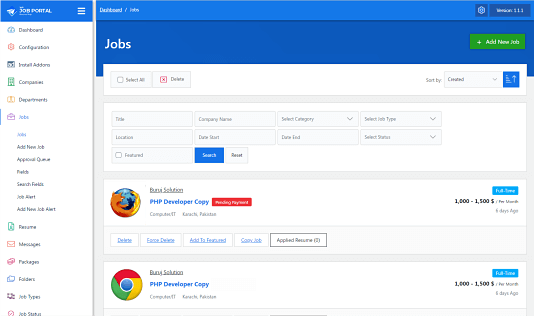
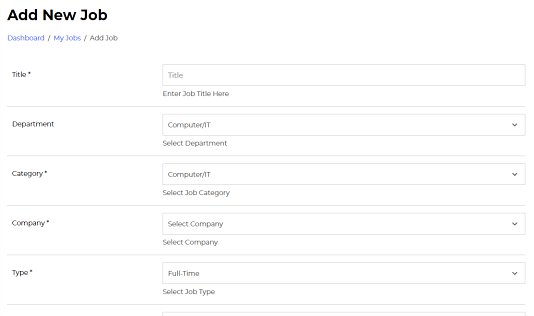
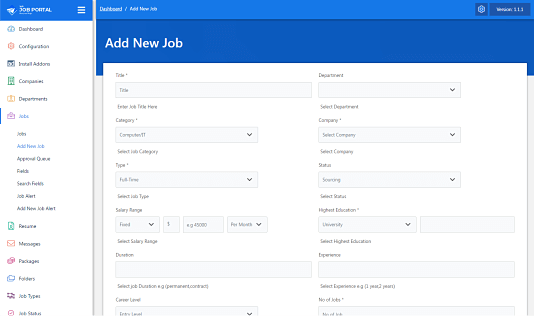
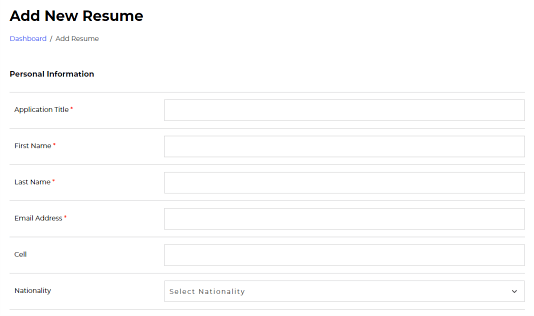
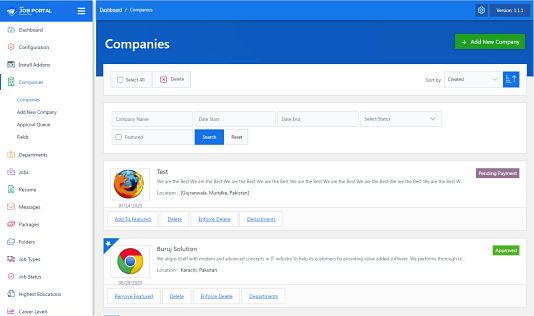
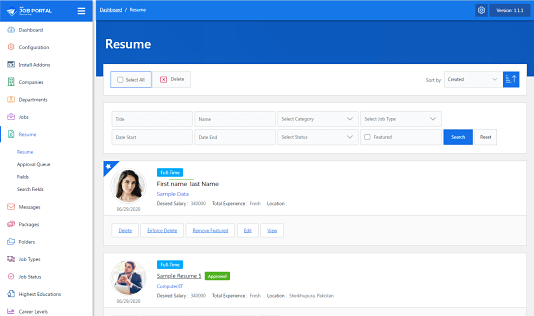
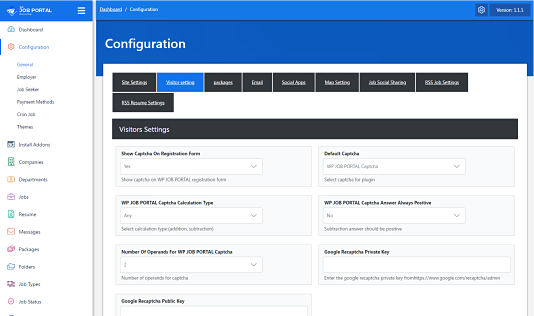
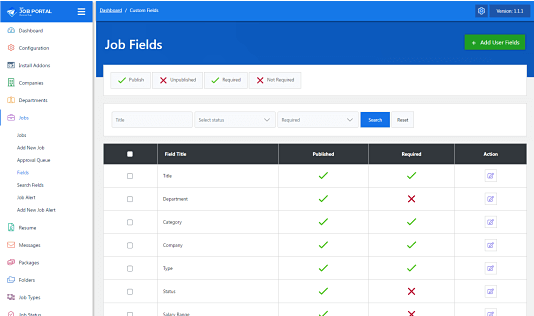
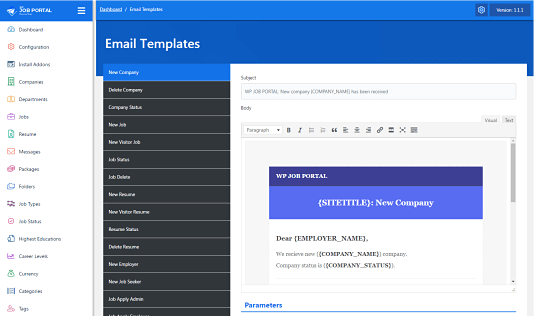
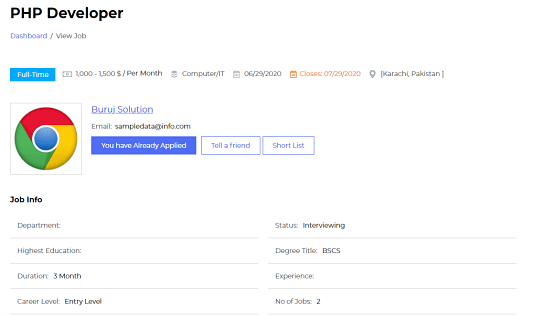
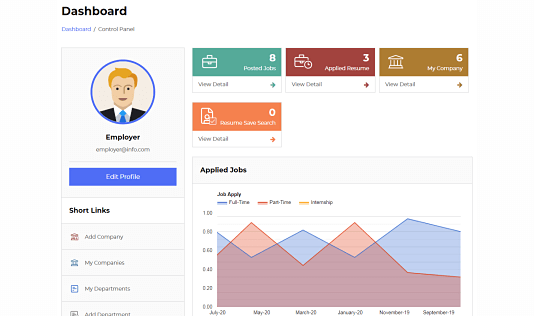
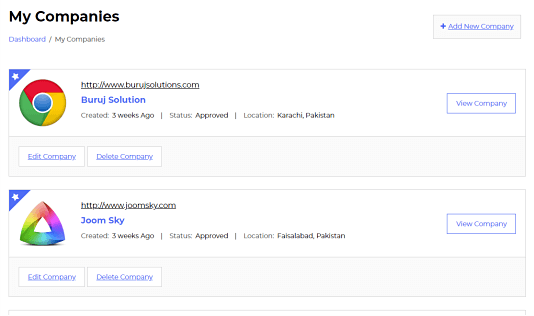
常见问题:
What are common shortcodes
These are common shortcodes [wpjobportal_jobseeker_controlpanel], [wpjobportal_employer_controlpanel], [wpjobportal_job_search], [wpjobportal_job], [wpjobportal_job_categories], [wpjobportal_employer_registration], [wpjobportal_jobseeker_registration], [wpjobportal_login_page], [wpjobportal_searchjob]
Which options are available for employer and job seeker registration shortcodes?
The dedicated registration shortcodes support optional role hiding, header/title visibility, custom button text, a safe post-registration redirect, and a custom wrapper class. Employer example: [wpjobportal_employer_registration hide_role="1" show_header="1" show_title="1" button_text="Register as Employer" redirect_url="" class=""] Job seeker example: [wpjobportal_jobseeker_registration hide_role="1" show_header="1" show_title="1" button_text="Register as Job Seeker" redirect_url="" class=""] The hide_role parameter hides the role selector and securely submits the correct role for the selected dedicated shortcode.
Will WP Job Portal work with my theme?
Yes; WP Job Portal will work with any theme.
Where can I report bugs or contribute to the project?
Bugs can be reported either in our support forum or preferably on the (https://wpjobportal.com).
How can I report security bugs?
You can report security bugs through the Patchstack Vulnerability Disclosure Program. The Patchstack team help validate, triage and handle any security vulnerabilities. Report a security vulnerability.
更新日志:
- Added System Status Page
- Added Role-Based Validation Checks
- Added InnoDB Conversion
- Improve SSL
- Improved Credit System
- Improved Job Alerts
- Security hardening: prepared SQL query paths for job/apply filters and related lookups.
- SEO improvement: added native WP Job Portal jobs XML sitemap and sitemap integration hooks.
- Added New addon Smart Matching
- Updated ZyWrap integration for AI Content Generation.
- Seamless AI Content Generation For Job, Company Description.
- Seamless AI Content Generation For Resume Skills.
- Seamless AI Content Generation For Cover Letter.
- Seamless AI Content Generation For Job Apply.
- Security fixes.
- Added Job Alert Instant Job Apply Support
- Added New Fields For Job Alert Form
- Added Field Ordering Controls For Job Alert Form
- Implemented Auto Down Of Language Files
- Enhanced multilingual compatibility
- Security fixes
- Security fixes.
- Added New addon Job Listing Enhancer
- Improved Job listing top filter
- Added WorkPlace type field for job entity.
- Bug fixes.
- Security fixes.
- Security fixes.
- Updated ZyWrap integration for AI content generation.
- Bug fixes and performance improvements.
- Added 67 new hooks (actions and filters) to extend and customize the plugin functionality.
- Enhanced AI content generation compatibility with Elementor.
- Added a color preview/customization interface for the Elegant Design addon.
- AI Content Generation
- Companies Widget Redesigned
- Jobs Widget Redesigned
- Resumes Widget Redesigned
- Bug fixes
- Color Preview Interface Implemented
- Bug fixes
- Bug fixes
- Security fixes
- Security fixes
- Wordpress widgets design updated
- Elementor widgets design updated
- Default Theme design issues fixed
- Complete redesign with a more modern, cleaner, and intuitive interface.
- Improved company contact detail viewing functionality.
- Improved resume contact detail viewing functionality.
- Added the ability to display descriptions on job and company listings.
- Redesigned the Configuration Interface with a Modern and Enhanced Layout
- Added a “Back to Listing” button that preserves search criteria in the admin area
- Redesigned admin dashboard for a cleaner, more intuitive experience
- Added Screen Options support to the admin dashboard
- Enhanced membership mode for packages with role-based package handling
- Added WP Job Manager import functionality
- Added AI Job Search Widget
- Added AI resume Search Widget
- Improved Custom Elementor Widgets for WP Job Portal
- Improved Quick Start Interface
- Improved Addon Installation
- Added Custom Elementor Widgets for WP Job Portal
- Imporoved WP Job Portal Widgets
- Addon AI Job Search Added
- Addon AI Suggested Jobs Added
- Addon AI Resume Search Added
- Addon AI Suggested Resumes Added
- Resume Search visibility control improved
- Security fixes
- Custom field bug fixed
- Package system functionality improved
- Job form salary field required bug fixed
- Quick Apply upload file bug fixed
- Custom fields bug fixed
- Elementor Support Added
- Elementor widget for WP Job portal shortcodes added
- Elementor widget to customize typography
- Elementor widget to customize color scheme
- Addons auto update functionality added
- Improve Job Apply
- Add Elegant Design Addon
- Remove company requirement in posting a job
- Security fixes
- Job Seeker Dashboard Graph improved
- Employer Dashboard Graph improved
- Security fixes
- Security fixes
- Security fixes
- Security fixes
- Bug fixes
- Improved import location data functionality
- Added job views count on job detail
- Added document (SEO) titles for all layouts
- Security fixes
- Shortcode options added for job, company and resume listing shortocodes
- Shortcode options added for job seeker & employer dashboard shortcode
- New configuration added to control visibility of profile section on user dashboard
- New shortcode added for User Registration
- Open Street Map bug fixed
- New configuration added to set default place holder image
- Security update
- Menu bug fix.
- Native language support for location data (cities, states, and countries).
- Interface to import cities data for any country in international(English) or native language.
- Customizable (SEO-friendly) URLs for job, resume, and company pages.
- Customizable document (SEO) titles for company, job, and resume pages with fixed text and entity properties.
- Wordpress title bug on WP Job Portal pages fixed.
- Security update.
- Add quick apply
- Minimize required fields
- Security update
- Security update
- Added new Shortcode for Featured Jobs
- Added new Shortcode for Featured Resumes
- Added new Shortcode for Featured Companies
- Added new Addon for All Companies
- Added new Addon for All Resumes
- Added new interface to optimize system as a job board or single employer
- Security fix
- Added visibility control for custom fields
- Added Cover Letter addon
- Translation issues fixed
- Bug fixes
- Added 3 New custom field types(Text area, Multi select, File upload)
- Added Custom sections for resume
- Bug fixes
- Bug fixes
- Apply now bug fix
- Security fix
- Bug fix
- Security fix
- Visitor Job Apply Bug fix
- Security fix
- Bug fix
- Add reCaptcha 3
- Security fix
- Bug fix
- Security fix
- Multi Language Job Apply Bug fix
- PHP 8.2 compatibility
- Cover Letter Addon added
- Jobs By Cities page added
- Jobs By Types page added
- Email notifications bug fixed
- Search results pagination bug fixed
- CSS improve
- Custom field bug fix
- Bug fix
- Bug fix
- Compatible with Job Portal theme
- Bug Fix
- Add Help page in admin area
- Add custom fields advance options
- Add plugin colors page
- Configuration base login redirect link
- Configuration base register redirect link
- Bug Fix
- Bug Fix
- Sample Data Fix
- Security Update
- Fixed social login with facebook and linked
- Fixed social apply with facebook and linked
- Bug fixes
- Add Wrapper
- Improvement in resume builder
- Bug fixes
- Bug fixes
- Session and cookies issue resolved
- Bug fixes
- Drag and drop fields ordering
- Custom register link for Job Seeker
- Custom register link for Employer
- Just release.