
Custom Login Page | WebHunt Infotech
| 开发者 | Webhuntinfotech |
|---|---|
| 更新时间 | 2020年1月25日 19:05 |
| 捐献地址: | 去捐款 |
| PHP版本: | 3.5 及以上 |
| WordPress版本: | 5.3.2 |
| 版权: | GPLv2 or later |
| 版权网址: | 版权信息 |
详情介绍:
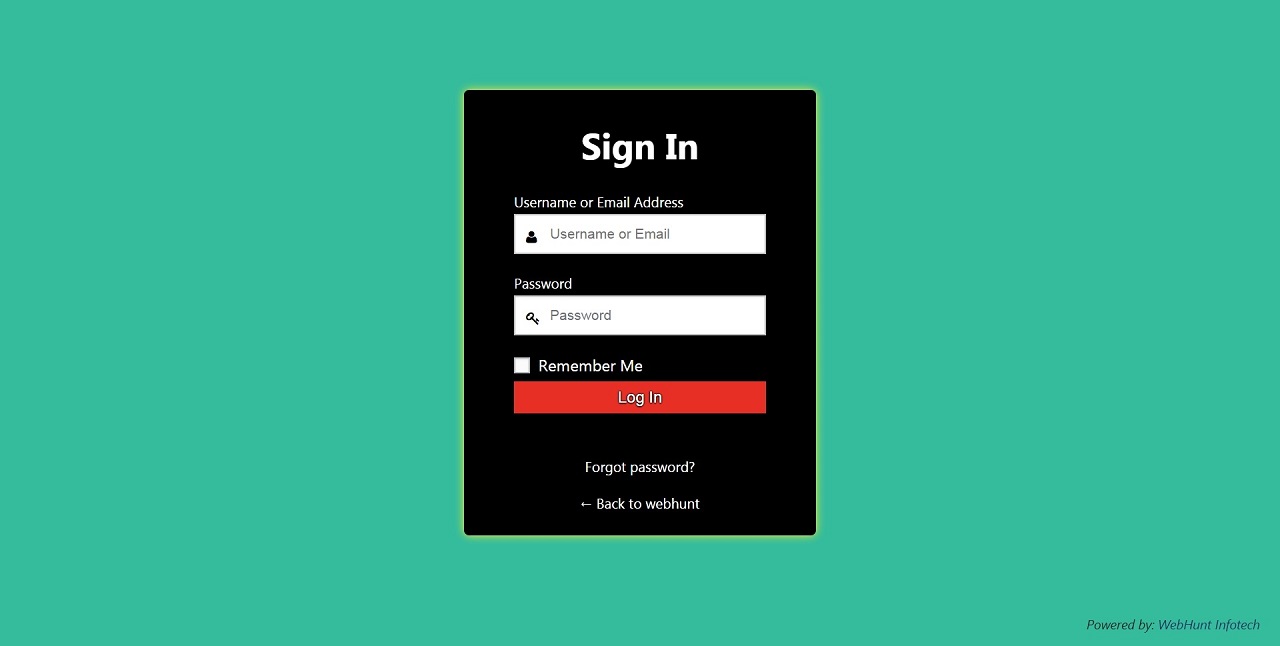
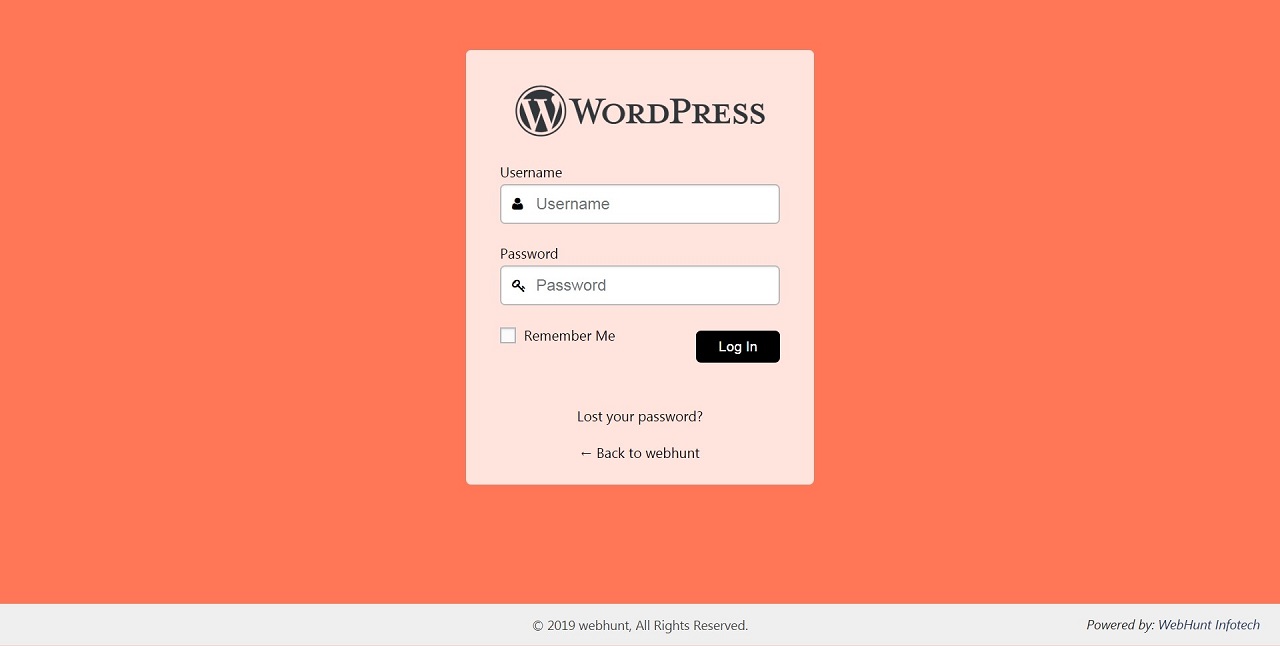
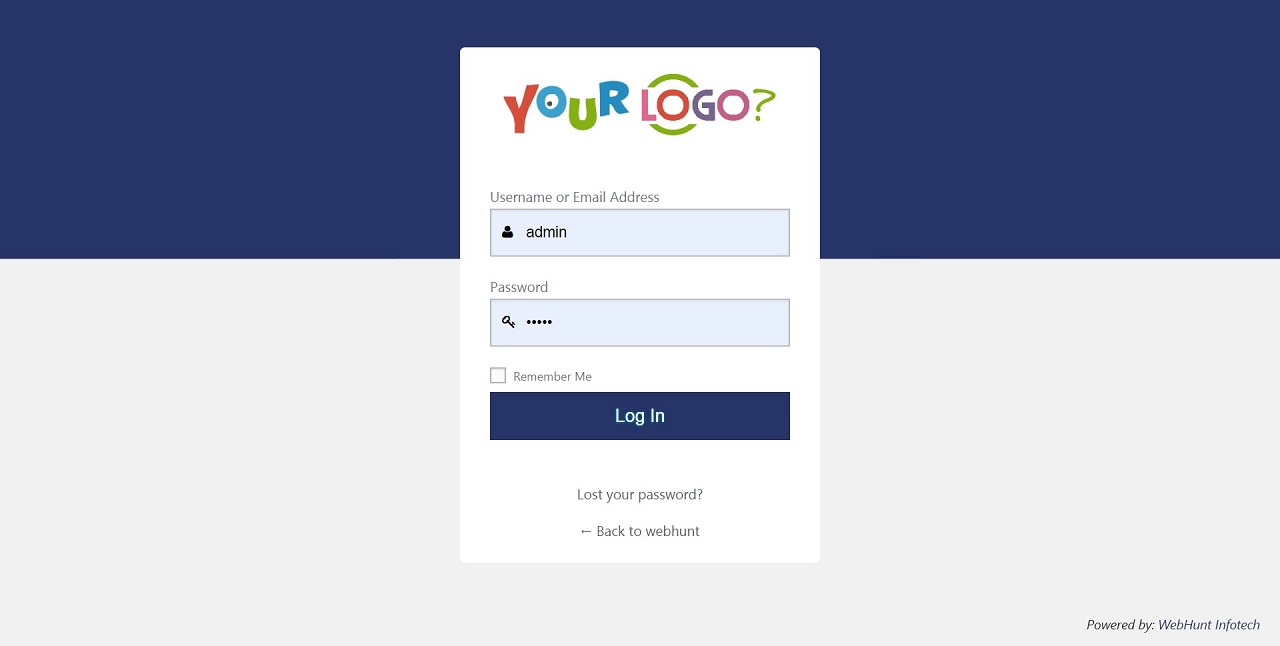
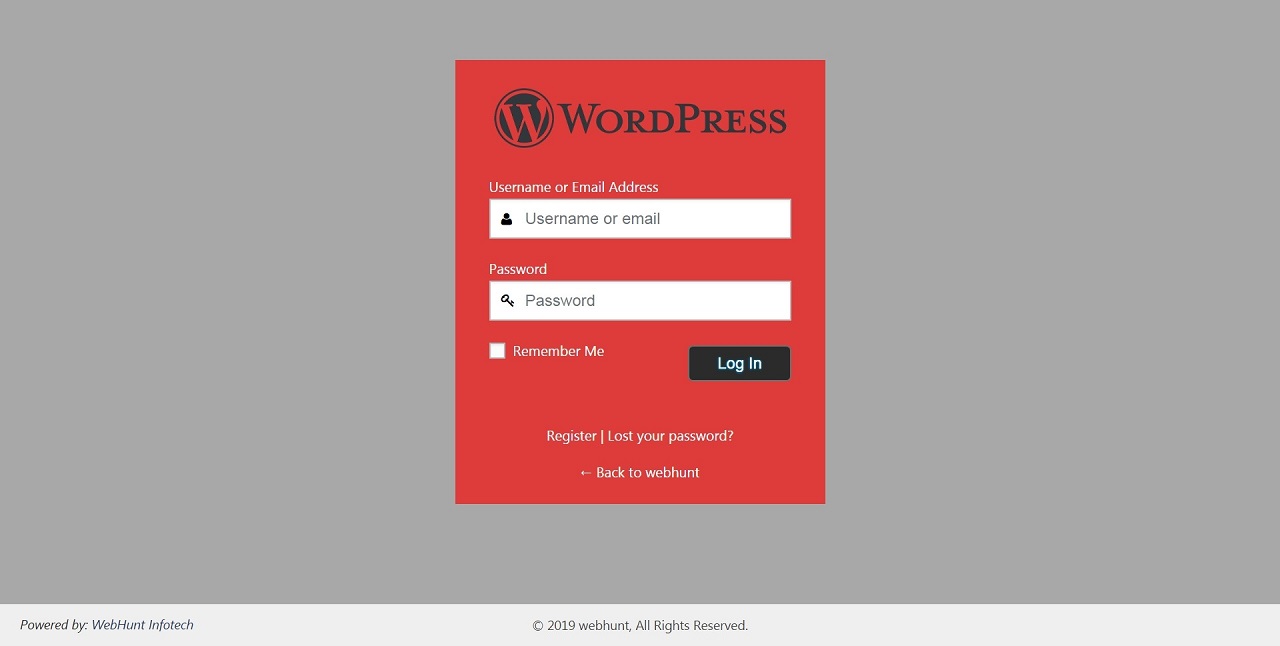
Custom Login Page plugin give ability to customize your WordPress login screen according to you. Create unique login design with Custom Login Page plugin, Almost every element on login page is customizable with Custom Login Page plugin. Design beautiful and eye catching login page styles in few Minutes.
Plugin allows to change background color, background image, login form color, login form font size, login form position, input field styling, button styling, logo image, link text, welcome message, google captcha and many more...
USEFULL LINK FOR LITE VERSION
Plugin Features
- Enable/Disable Plugin any time using plugin Dashboard.
- Pre Design layout with one click demo importer.
- Add Your Logo Image / Logo Text on Login Form.
- Background Colour.
- Background Image.
- Background Image Overlay Color Settings.
- Login Form Image / Color.
- Login Form Transparency.
- Customize Login Form Positions.
- Login Form Width & Height.
- Login Form Button Styling.
- Login Form Button Size.
- Google reCaptcha.
- Redirect Users like (All Subscribers, Editors, Authors and Contributors) on Custom URL After Login.
- Customize Lost Password Text, 'Back To' Site Text.
- All Your Server Systme Information.
- Interactive Plugin Dashboard.
- Import & Export All Plugin Settings.
- Powerful And Easy Setting Panel.
- Unlimited Colour Scheme.
- Welcome message: - You can add Welcome Message on your Login, Registration, Lost Password and Logout page.
- Modification - If you have new ideas concerning Custom Login Page plugin and we may help you to realize them, do not hesitate to write us.
- Support - If you use Custom Login Page plugin and have problems and conflict with other plugin and theme, be sure to contact our support team with the following email address:
webhuntinfotech[at]gmail[dot]com. - Update - We constantly do updates, Free user may download the latest version from WordPress.
webhuntinfotech[at]gmail[dot]com.
Custom Login Page Pro Features
- Error Messages - One of the main feature of the Login Page Customer Pro. You can change every error message that user will get depending on the outcome of login attempts, registration attempts or forget attempts.
- Social Media Login - Custom Login Page Pro plugin have Social Login that allows your user to log in via their social media account like Facebook, Google, Twitter with few clicks.
- Max Login Retry - Set the limit of maximum login retry attempts by user on login form.
- Email Notification of User Lockouts - Get email notification after the number of failed attempts.
- Failed Login Attempts Logs - Plugin save failed login attempts detail so you can easily find detail of spam and bots
- Restrict Unauthorized IP - You can add the IP address or IP range to the blacklist. The user will no longer able to login.
- Manually Added Wishlist IP - You can add the IP address or IP range to the whitelist. The user will no longer face the limitation restriction.
- Login Form Logo - You can add your own logo image or text logo of company & brand.
- Login Form Background - Add colors, image, slide show on background of login page.
- Overlay Color Settings - Set overlay color and opacity on login page background image.
- Login Form Design - You can change your login form design with position, height & width, colors, background colors, icons, placeholder text, label text and buttons.
- ** Login Form Transparency** - Make your login form transparent using this option.
- Redirect Users After Login - Admin can redirect it's existing user after login to a particular page.
- Welcome message - You can add Welcome Message on your Login, Registration, Lost Password and Logout page.
- Google reCpatcha - reCaptcha setting will secure your login form to spam and bots.
- Interactive Plugin Dashboard - Plugin setting dashboard is intuitive and simple in design with tool tips for complex settings.
- Fast Help & Support - Our support is super fast and quick you can check free plugin review for this.
- Major Browser Compatible – Plugin is compatible with major browser like Google Chrome, Mozilla Firefox, Safari etc.
webhuntinfotech[at]gmail[dot]com.
If you have any question contact us at here: Plugin Support Forum
安装:
Install Plugin using WordPress Plugin Search
- Go to the 'Add New' in the plugins dashboard
- Search for 'Custom Login Page'
- Click Install Now button
- Then click Activate Plugin button
- Now plugin is Activated
- You will see plugin option on Wordpress left menu
- First download the ZIP file from Wordpress website
- Log in to your website administrator panel
- Go to the 'Add New' in the plugins dashboard, click “Upload Plugin”
- Upload Custom Login Page ZIP file by choosing it from your computer
- Click Install Now button
- Then click Activate Plugin button.
- You can see the plugin installed on Wordpress left menu.
- First you will need to download the plugin. (it will be a zip file).
- Next, you need to extract the zip file on your computer.
- Login to your FTP
- Access the path /wp-content/plugins/ for your server directory.
- Upload the extracted folder to the /wp-content/plugins/ folder on your web server.
- Activate the plugin in the Plugin dashboard
- You can see the plugin is installed and option will display on Wordpress left menu
屏幕截图:

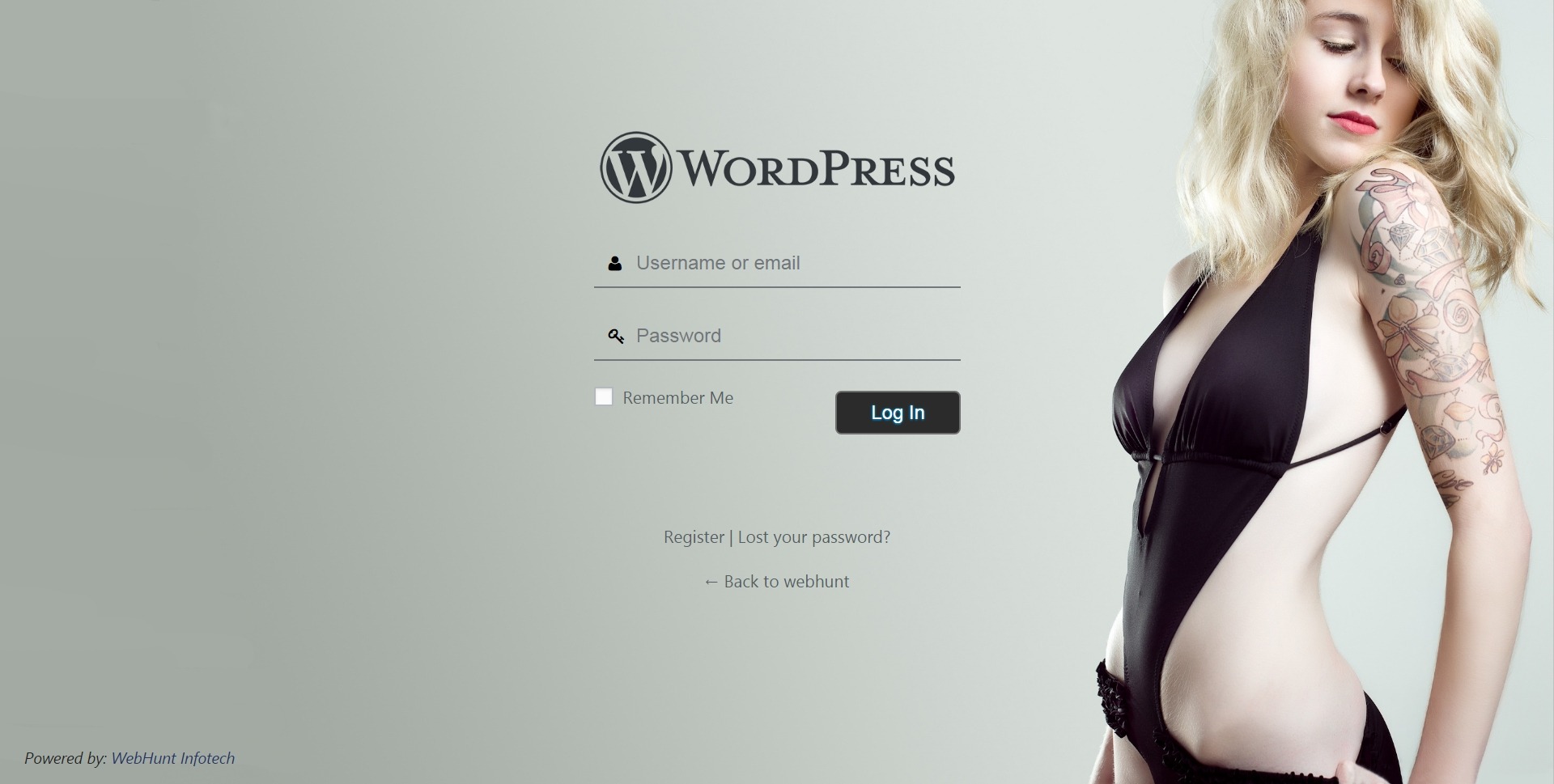
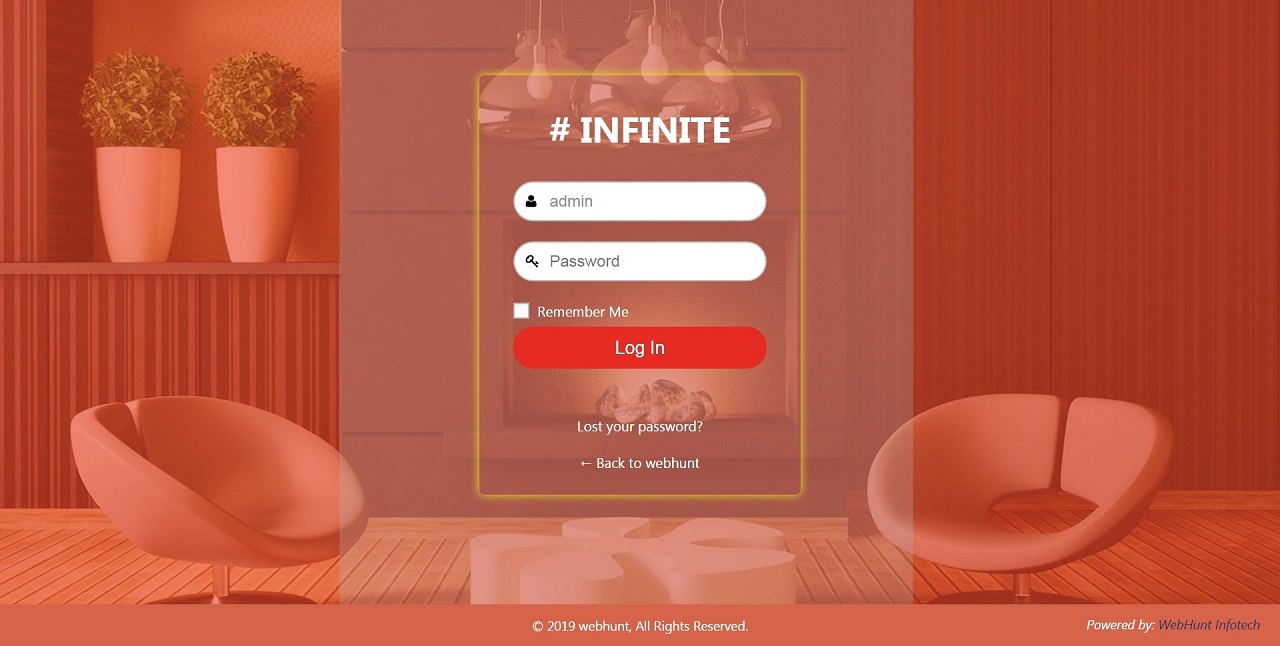
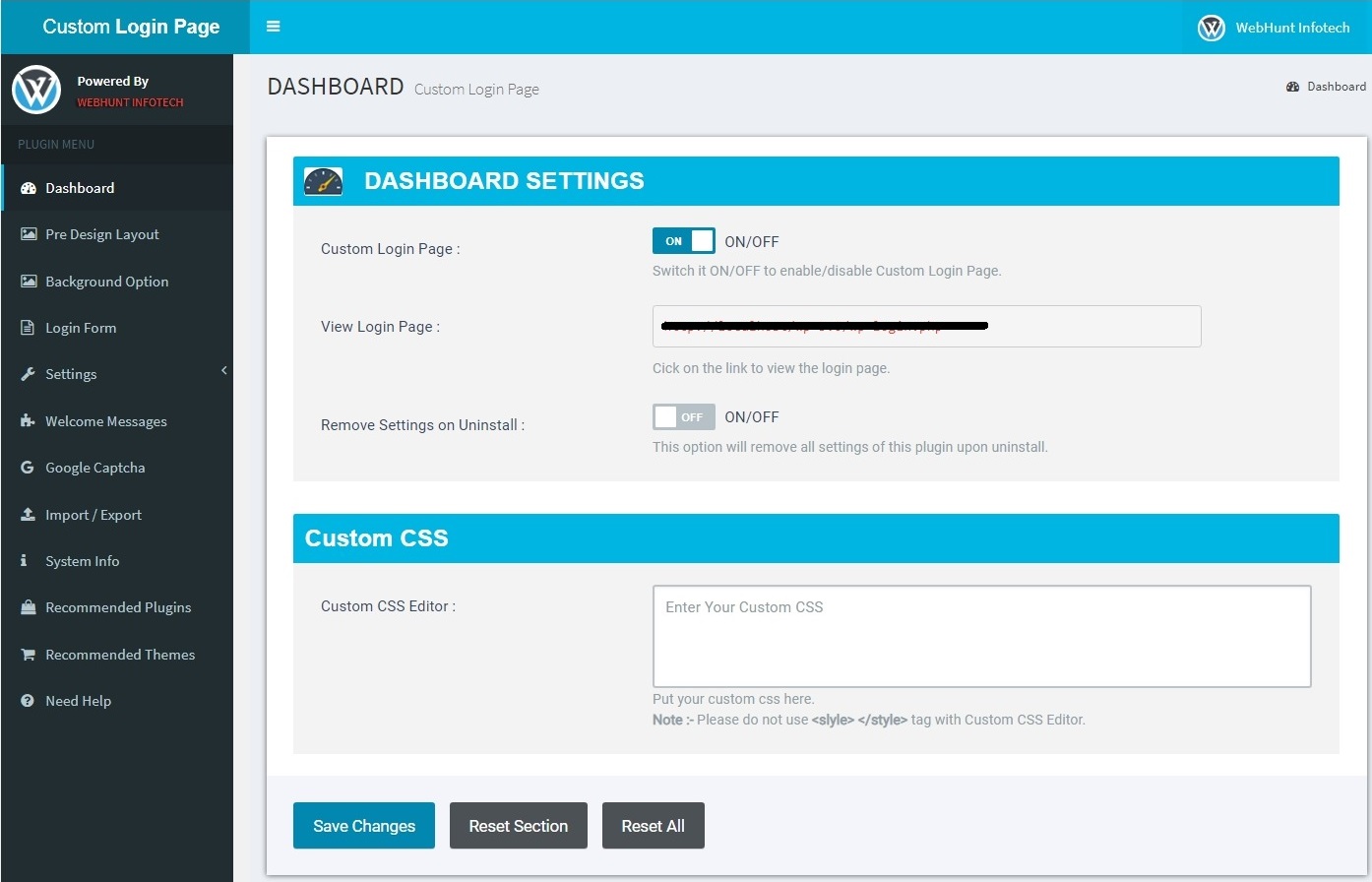
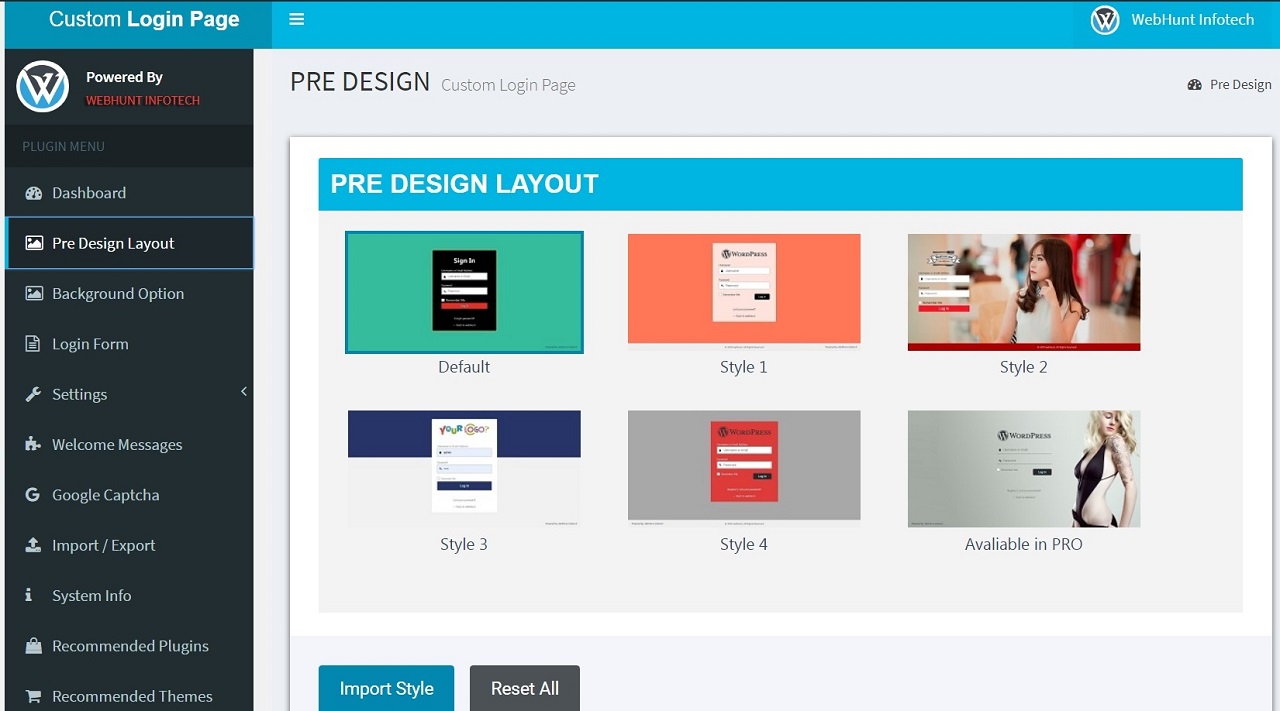
常见问题:
- Reasons to buy the full (pro) version?
- Premium version have many excellent feature that you didn't found in lite version of plugin. It's very light weighted and low costing plugin and as much easy that a wordpress beginner can use this plugin.
- I have paid for premium version, now how to get premium features
- After sucessful payment, you will received a mail with all instractions.
- If you didn't received any mail in few hours please contact us via the following email address: (mailto:webhuntinfotech@gmail.com). We will check and contact you soon as possible.
- Where to ask for support?
- Pro users can contact us by Email
webhuntinfotech [at] gmail [dot] comor write your query to premium support forum. - Free users can use WordPress support forum to ask any query regarding any issue.
- How to get the updated version?
- Pro users can get update notification by Email
webhuntinfotech [at] gmail [dot] com. - Users of the Custom Login Page plugin will find update notification on their WordPress admin panel.
- Where can I find the documentation?
- What to do if my Custom Login Page plugin has conflict with the other plugin or theme?
Please contact with the support via the following email address: webhuntinfotech[at]gmail[dot]com.
Please use WordPress support forum to ask any query regarding plugin issue.
更新日志:
For more information, see Webhunt( https://wwww.webhuntinfotech.com/ ).
Version 1.0.5 25-01-2020
- Fixed: Fixed issue of google captcha.
- Fixed: Other issue fixed.
- Tested: Tested with latest wordpress version.
- Changed: Default login background color changed.
- Fixed: On system info page variable undefined error issue fixed.
- Fixed: Login_headertitle is deprecated issue fixed.
- Fixed: Buy Pro link updated.
- Fixed: Other designing issue fixed.
- Tested: Tested with latest wordpress version.
- Fixed: Manage plugin admin dashboard.
- Fixed: Many bugs fixed.
- Tested: Tested with latest wordpress version.
- Change: Plugin Name change to "Custom Login Page".
- Added: New 'Pre Design Layout' Page added with one click demo importer.
- Added: New Option Added :-
- 'Copyright Bg Color' option under the Setting >> Form Footer tab.
- 'Copyright Text Color' option under the Setting >> Form Footer tab.
- Added: New 'System Info' Page added.
- Added: New 'Recommended Plugins' Page added.
- Fixed: Many Other Issue Fixed.
- Fixed: Background issue fixed of registration form & lost password form.
- Fixed: Plugin settings export issue fixed.
- Update: Plugin icon image updated.
- Update: Screenshot image updated.
- This is first and basic version of Custom Login Page plugin.
webhuntinfotech [at] gmail [dot] com.