
WP Secure Content
| 开发者 |
fahadmahmood
invoicepress |
|---|---|
| 更新时间 | 2026年10月19日 16:47 |
| PHP版本: | 7.2 及以上 |
| WordPress版本: | 7.1 |
| 版权网址: | 版权信息 |
详情介绍:
WP Secure Content lets you lock down any post, page, or WooCommerce product without writing a single line of code. Choose per item whether content is public, members only, restricted to specific roles, or protected by a password — and optionally add copy protection on top.
Why use it?
- Turn selected content into a members-only area without a heavy membership plugin.
- Gate premium products or downloads behind a password or role.
- Show a teaser to logged-out visitors to encourage sign-ups.
- Lock just part of a page with a shortcode when the whole page should stay public.
- Per-item "Content access" box — set access on each post, page, or product: public, members only, specific roles, or password protected.
- Sensible defaults per content type — choose a default access level for posts, pages, and products; override it per item whenever needed.
- Bulk actions — apply access changes to many posts at once from the post list screens.
- Teaser previews — display a short excerpt above the lock message to give visitors a taste of what's behind the gate.
- Custom lock messages — separate, editable messages for logged-out visitors, disallowed roles, and the password prompt.
- Brute-force protection — passwords are rate-limited to slow down guessing attempts.
- Deep protection — also protects excerpts, the REST API, and feeds so the content can't leak through alternate channels.
- WooCommerce aware — locked products cannot be purchased, and access is enforced on the product page.
- Shortcode — wrap any part of a page in
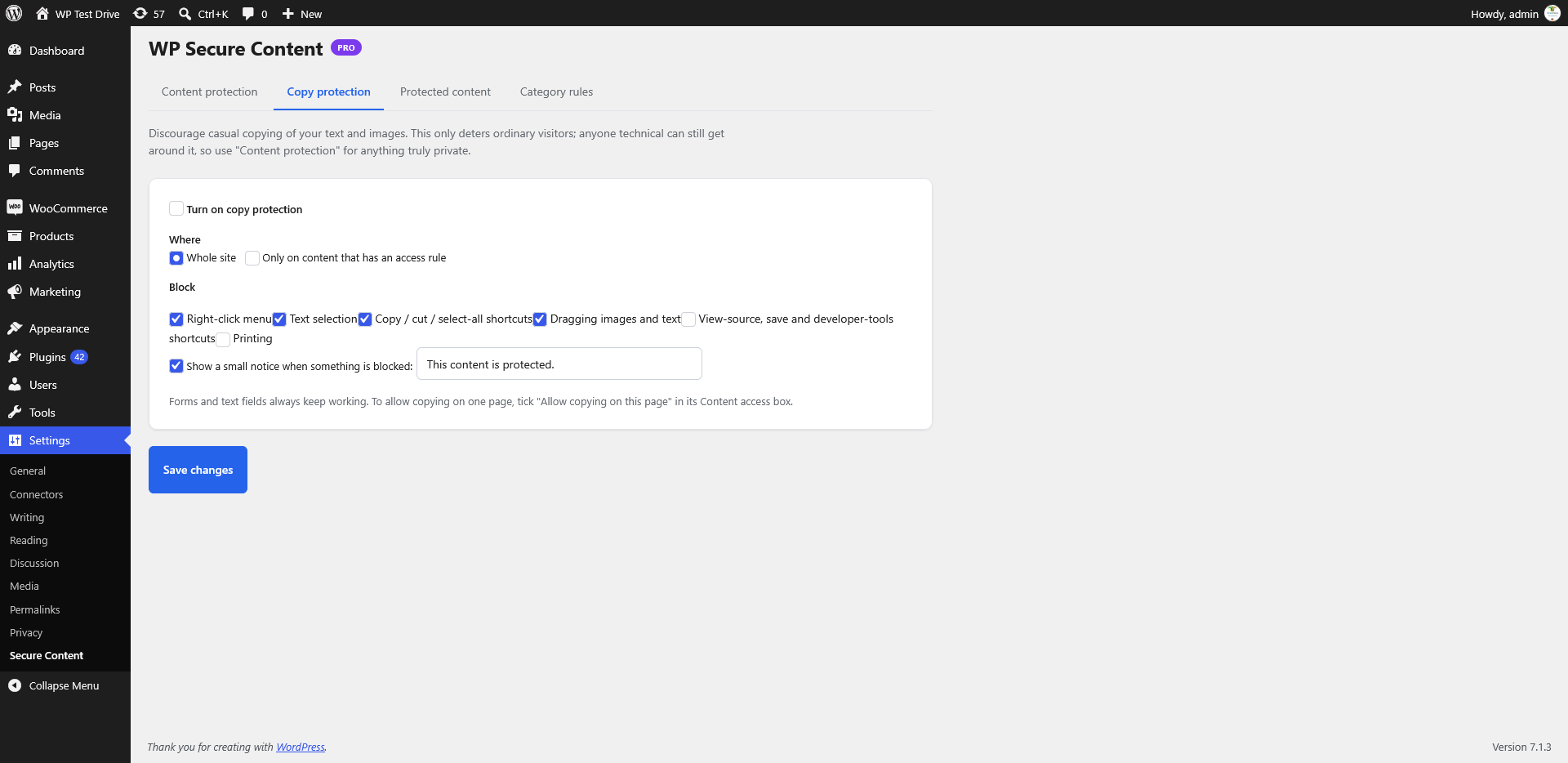
[wpsc_protect]...[/wpsc_protect]to lock only that block. - Optional copy protection — block right-click, text selection, copy keys, dragging, and printing. Configurable and off by default.
- Administrator bypass — admins and post editors can always view protected content, and skip copy protection.
- Content protection — enable content types, set default access, teaser and lock messages, and exceptions.
- Copy protection — toggle and tune the copy-protection behaviours.
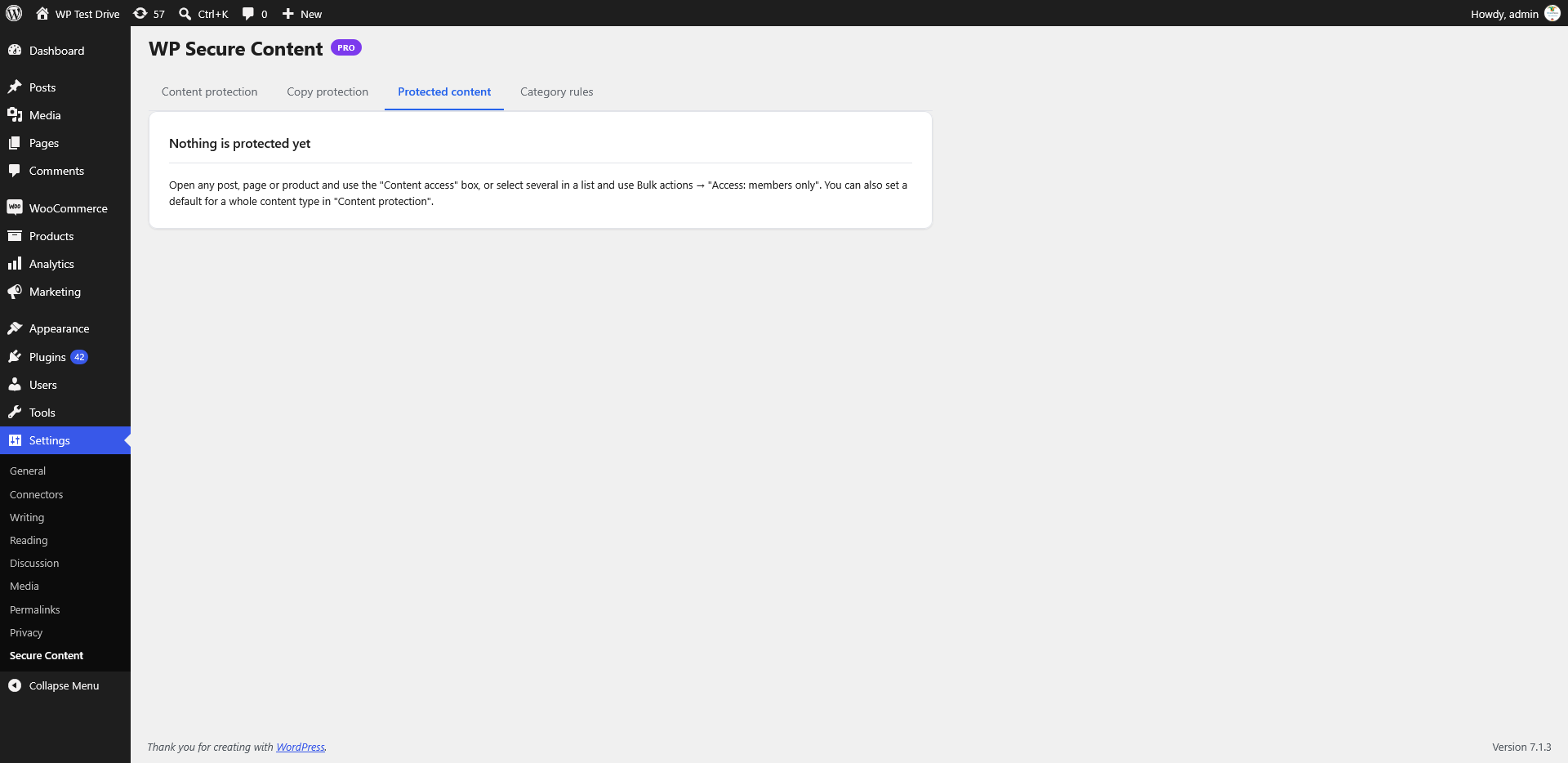
- Protected content — review every item that is currently locked.
- Category rules — apply access rules to whole categories.
安装:
- Upload the
wp-secure-contentfolder to/wp-content/plugins/, or install the plugin through Plugins → Add New in WordPress. - Activate the plugin through the Plugins screen.
- Open Settings → WP Secure Content to choose your defaults and messages.
- Edit any post, page, or product and use the Content access box to override access for that item.
屏幕截图:

常见问题:
Does this work with WooCommerce?
Yes. Products can be locked like any other content type, and locked products cannot be purchased.
Can I protect only part of a page?
Yes. Use the [wpsc_protect] shortcode to wrap the section you want to lock.
Are excerpts, the REST API and feeds protected too?
Yes. When an item is locked, its excerpt, REST API representation, and feed entry are protected as well.
Can administrators always see locked content?
By default, yes. Administrators and post editors can bypass protection. You can turn this off on the Content protection tab.
Is copy protection enabled by default?
No. Copy protection is optional and configurable on the Copy protection tab.
Does it support password-protected items?
Yes, and password attempts are rate-limited to reduce brute-force guessing.
What happens to my old exclusions when I upgrade to 2.0?
Old exclusions are migrated automatically. Check Protected content after upgrading to review the result.
Can I use this alongside a membership plugin?
Yes. Access is role-based, so it composes with any plugin that manages WordPress roles.
更新日志:
2.0.0
- Rebuilt from the ground up.
- Per-post access rules with a "Content access" box on the edit screen.
- Clear settings organised into tabs.
- New Protected content list.
[wpsc_protect]shortcode for locking part of a page.- REST API and excerpt protection.
- Copy protection is now optional and configurable.
- Old exclusions are migrated automatically.