WP Settings & Health Dashboard
| 开发者 | codecompiled |
|---|---|
| 更新时间 | 2026年9月25日 14:32 |
| PHP版本: | 7.4 及以上 |
| WordPress版本: | 6.9 |
| 版权: | GPLv2 or later |
| 版权网址: | 版权信息 |
详情介绍:
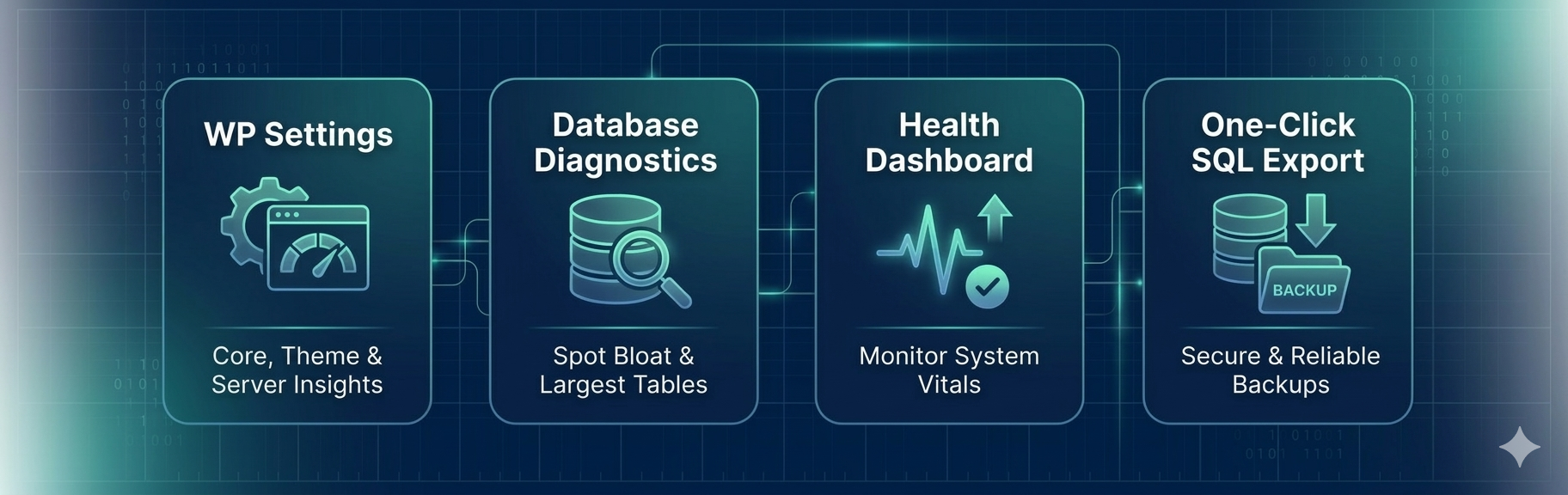
WP Settings & Health Dashboard helps you identify what may be slowing down your WordPress site by exposing hidden database and configuration issues.
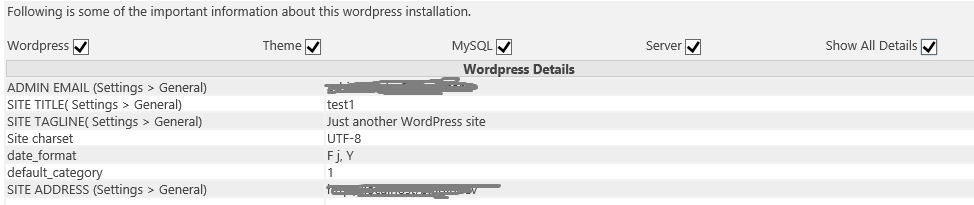
It highlights large database tables, analyzes autoloaded options (data loaded on every request), and provides key insights into WordPress settings, plugins, and server environment.
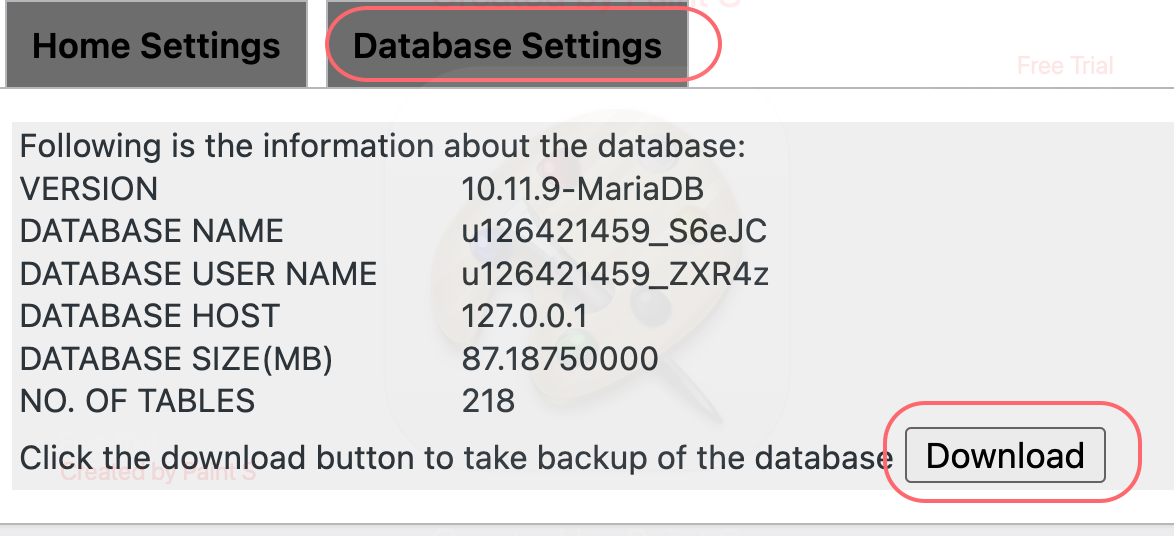
Built for developers and site admins, the plugin also allows you to generate clean, SQL-compatible database backup scripts for safekeeping or migration.
安装:
- Search for "WP Settings" via Plugins > Add New in your dashboard.
- Alternatively, upload the
wp-settingsfolder to the/wp-content/plugins/directory. - Activate the plugin through the 'Plugins' menu.
- Access the dashboard via the WP Settings menu in your sidebar.
屏幕截图:
更新日志:
2.12.2
- Added safer baseline replacement confirmation.
- Added reversible previous-baseline restore.
- Added lightweight baseline history showing current and previous baseline timestamps.
- Improved baseline state handling and safety around replacement and restore actions.
- Fixed WordPress.org metadata and readme formatting.
- Added the Plugin Impact / Ownership View to connect plugins with likely autoload and database footprints.
- Added evidence and confidence indicators to make attribution clear and appropriately cautious.
- Improved the dashboard UI with prioritized impact cards, expandable evidence, and links to existing details.
- Added the Investigation Dashboard to summarize important findings with severity, evidence, and recommended next steps.
- Added Autoload Optimization Recommendations for reviewing large always-loaded options.
- Improved the Autoload Intelligence UI with advisory severity labels and expandable explanations.
- Kept the existing autoload diagnostics and SQL export workflow fully intact.
- Added Autoload Intelligence (detect always-loaded data)
- Highlighted top database tables
- Improved database insights UI
- Feature: Added a real-time Database Table Size Audit tool.
- Feature: Introduced a precision filter dropdown for table sizes (ranging from 0.1 MB to 100 MB).
- Improvement: Optimized UI with a dedicated "Database Tools" tab for better workspace management.
- Fix: Improved PHP 8.1+ compatibility for SQL export headers.
- Fix: Resolved a minor CSS conflict in the admin dashboard cards.
- Optimized plugin metadata and SEO tags for better search visibility.
- Fixed typos in the description and improved documentation.
- Verified compatibility with WordPress 6.7.