
Psychological tests & quizzes
| 开发者 |
ustimenko
starlift ufukluker mimaes memjavad metavoor natchalike it2core champ1on rezaamaleki cristipere osfans chrispeiffer jacha ilariarizzo borrypsy coach2talk ikurtuldu |
|---|---|
| 更新时间 | 2019年9月18日 01:12 |
| PHP版本: | 3.2 及以上 |
| WordPress版本: | 5.2 |
| 版权: | GPLv3 |
| 版权网址: | 版权信息 |
标签
下载
详情介绍:
extraversion > 50% upon calculation give you results.
http://www.youtube.com/watch?v=VkbWn54neB0
Respondent can
- View published test at homepage or at its own URL
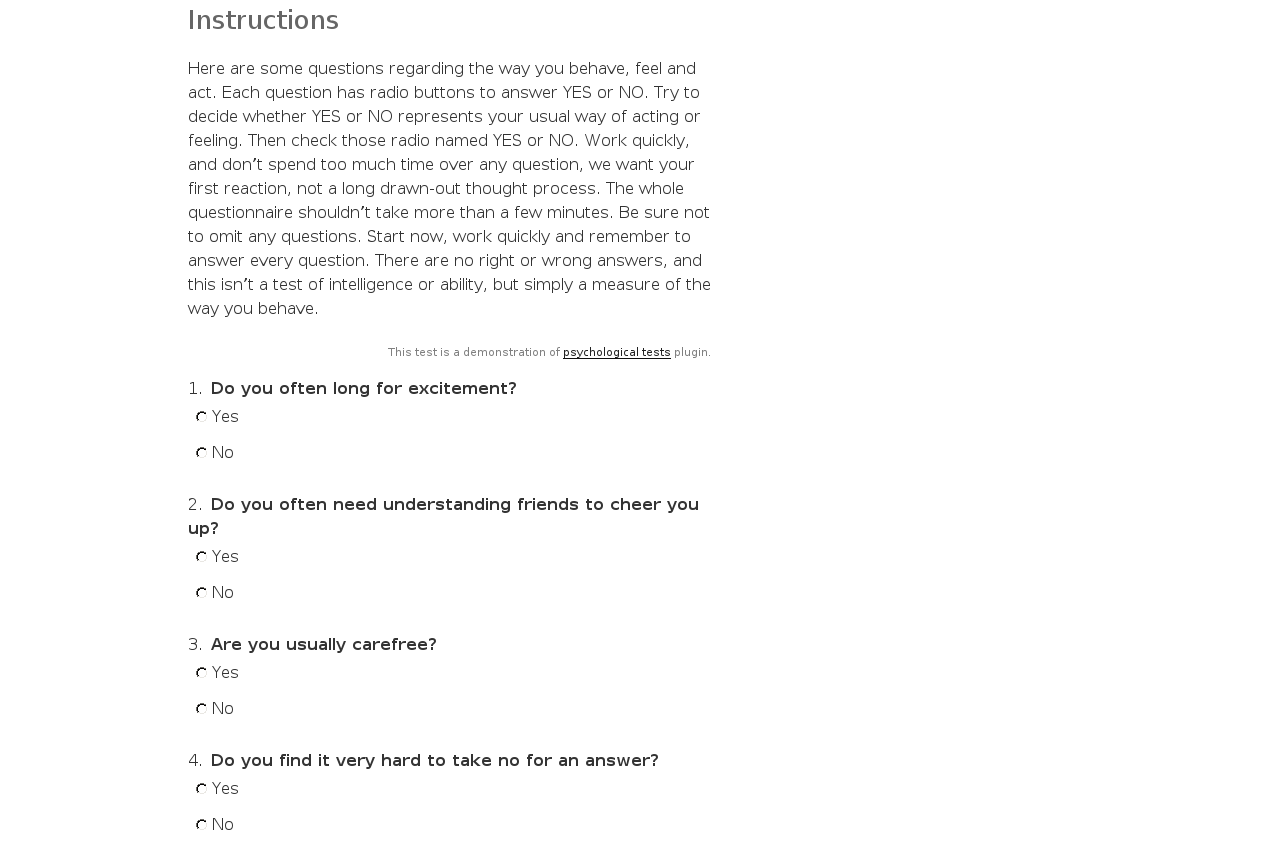
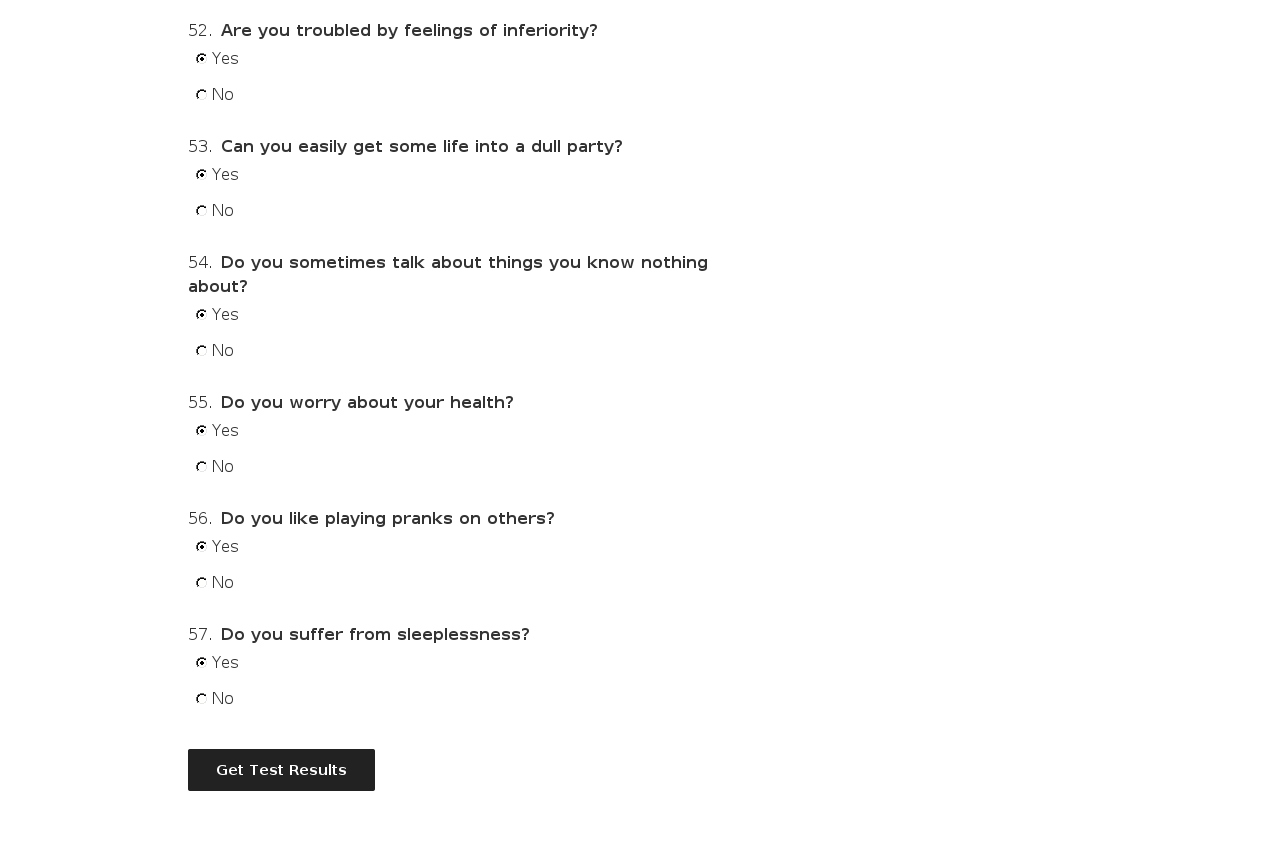
- Pass the test by answering all questions' answers
- Run the test in single page or by one question per step
- See the passing progress in browser's title
- Get own individual results after running the test on standalone page, share them
- View passing history in personal area
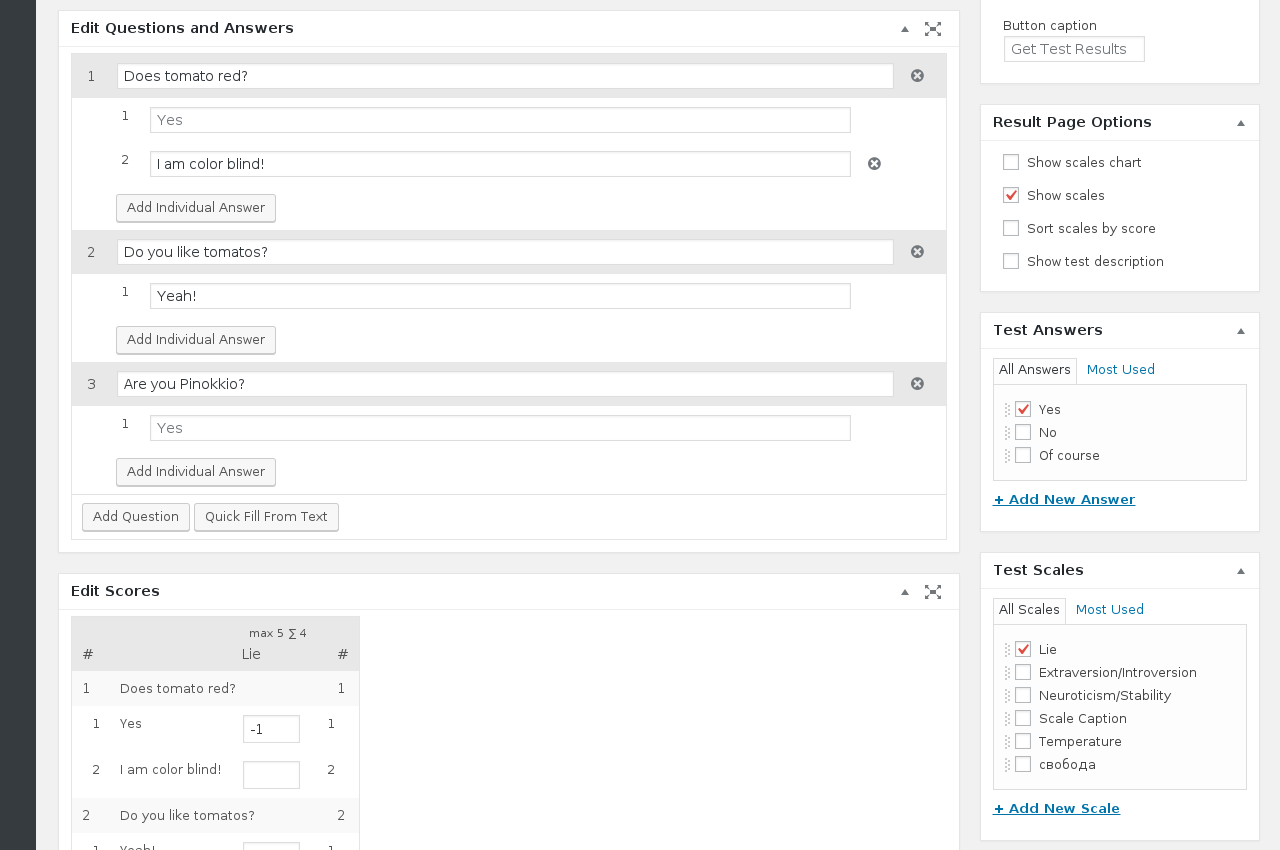
- Create and edit test in test editor like post editor
- Manage related and needed for test scales/results/global answers
- Edit results/scales descriptions (visual mode possible with the help of
visual-term-description-editorplugin) - View and filter tests passings
- Reorder scales/results/global answers
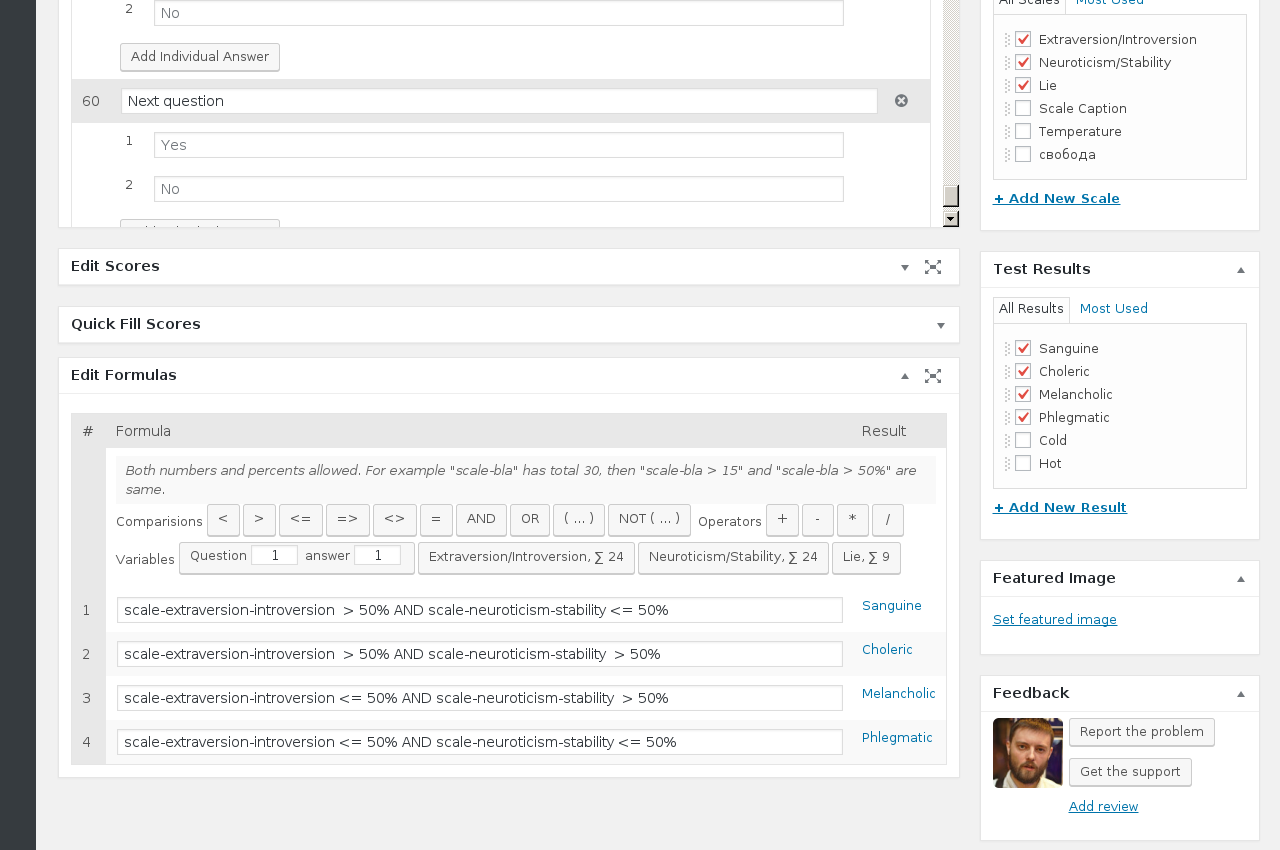
- Edit formulas with formulas editor
- Use total scores by scale as formula variable: extraversion > 50%
- Use concrete question's answer as formula variable: question_5_1 OR question_9_7.
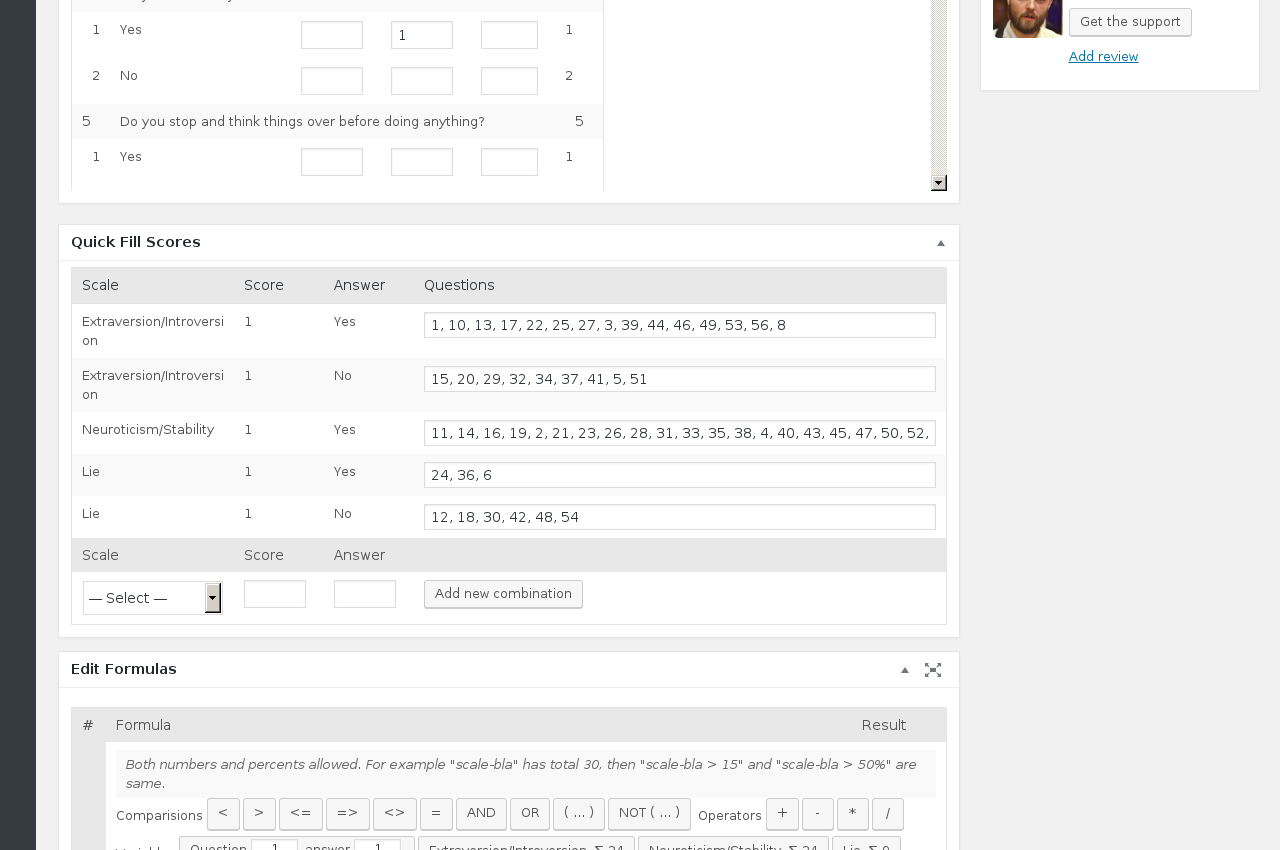
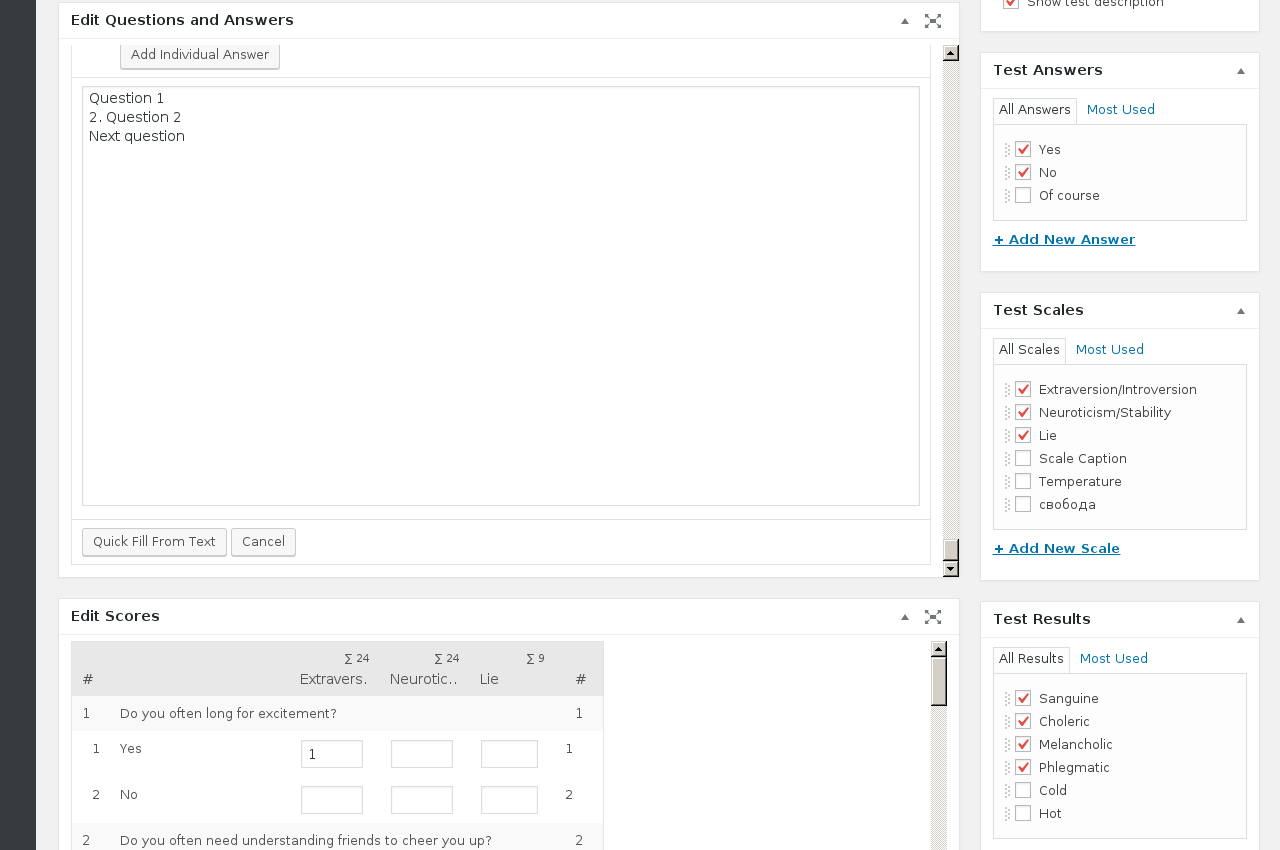
- Quick fill questions from text and scores from combination of scales/answers
- Customize test page options
<, >, <=, =>, <>, AND, OR, ( .. ), NOT ( .. ), +, -, *, /.
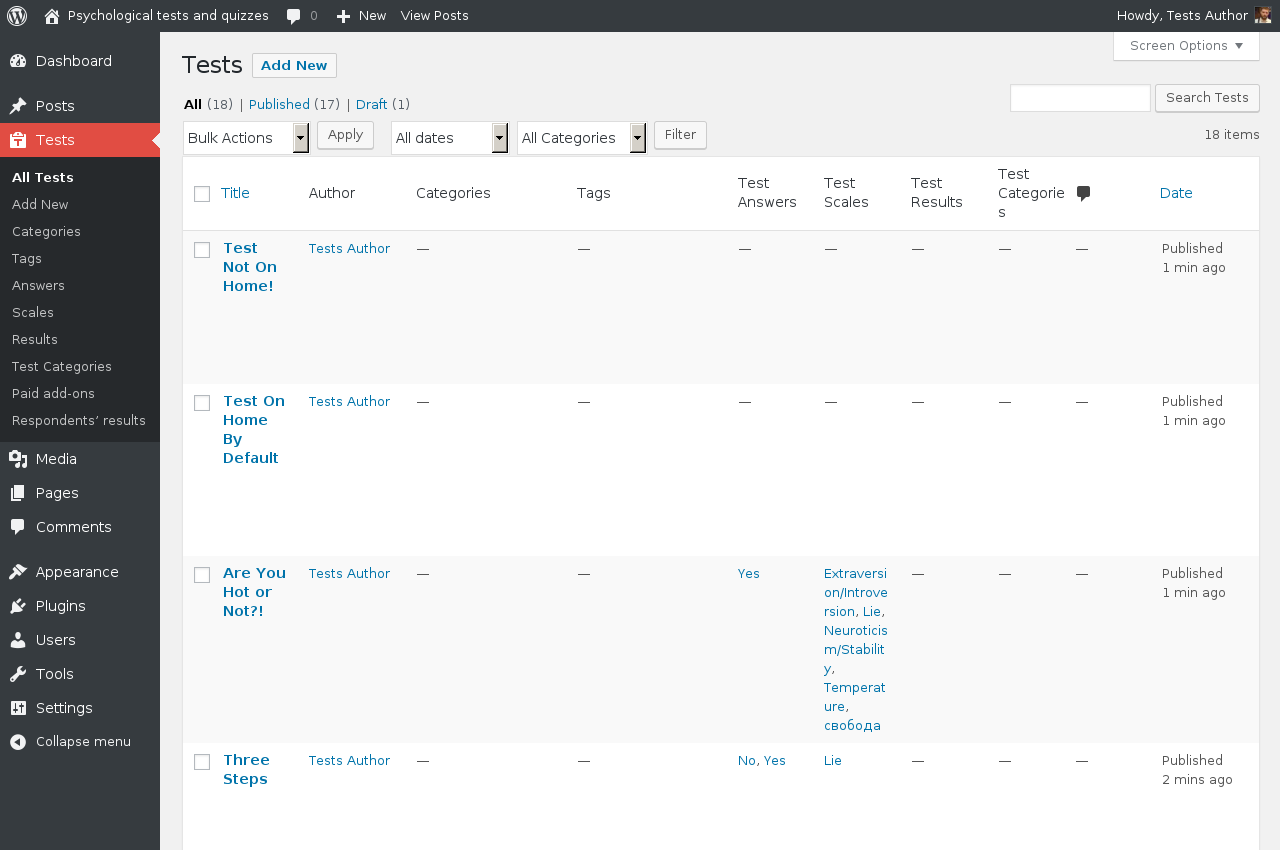
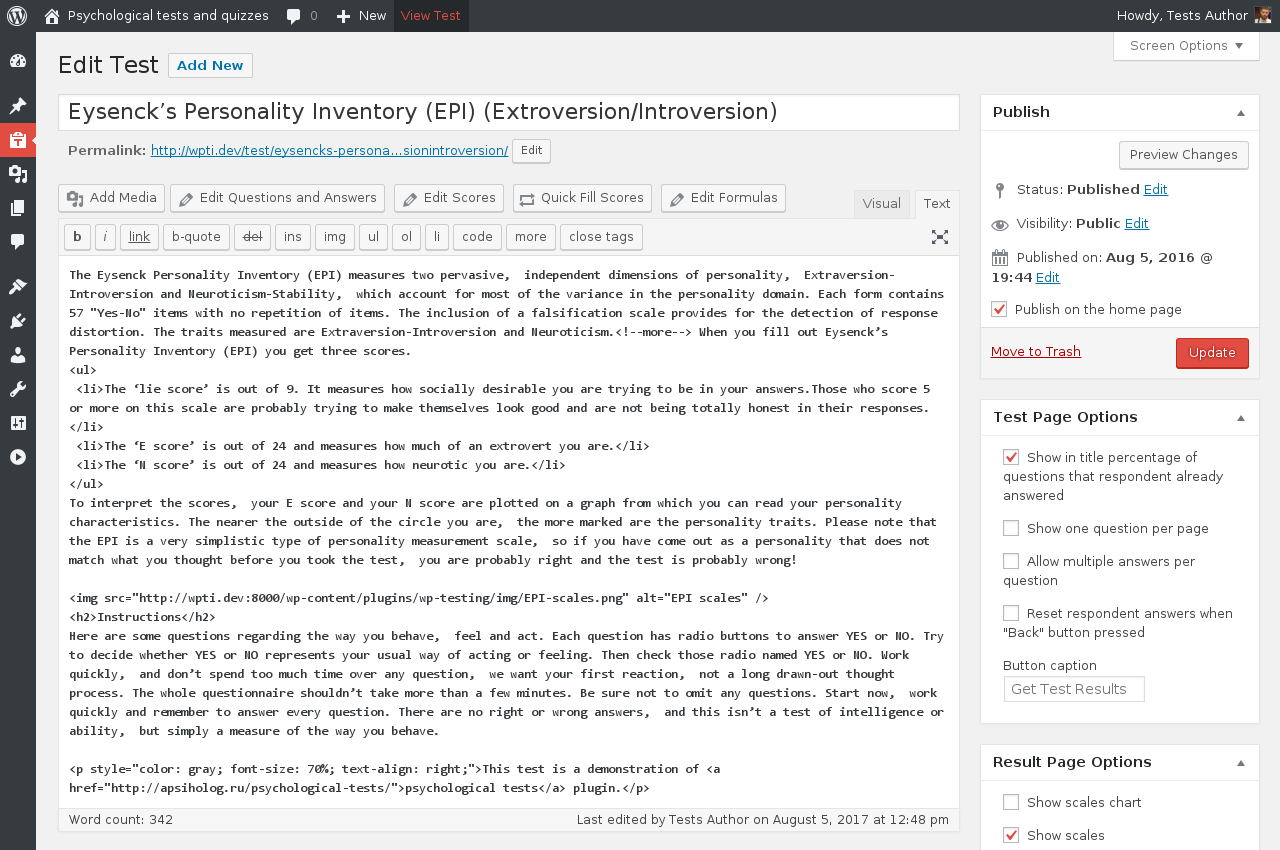
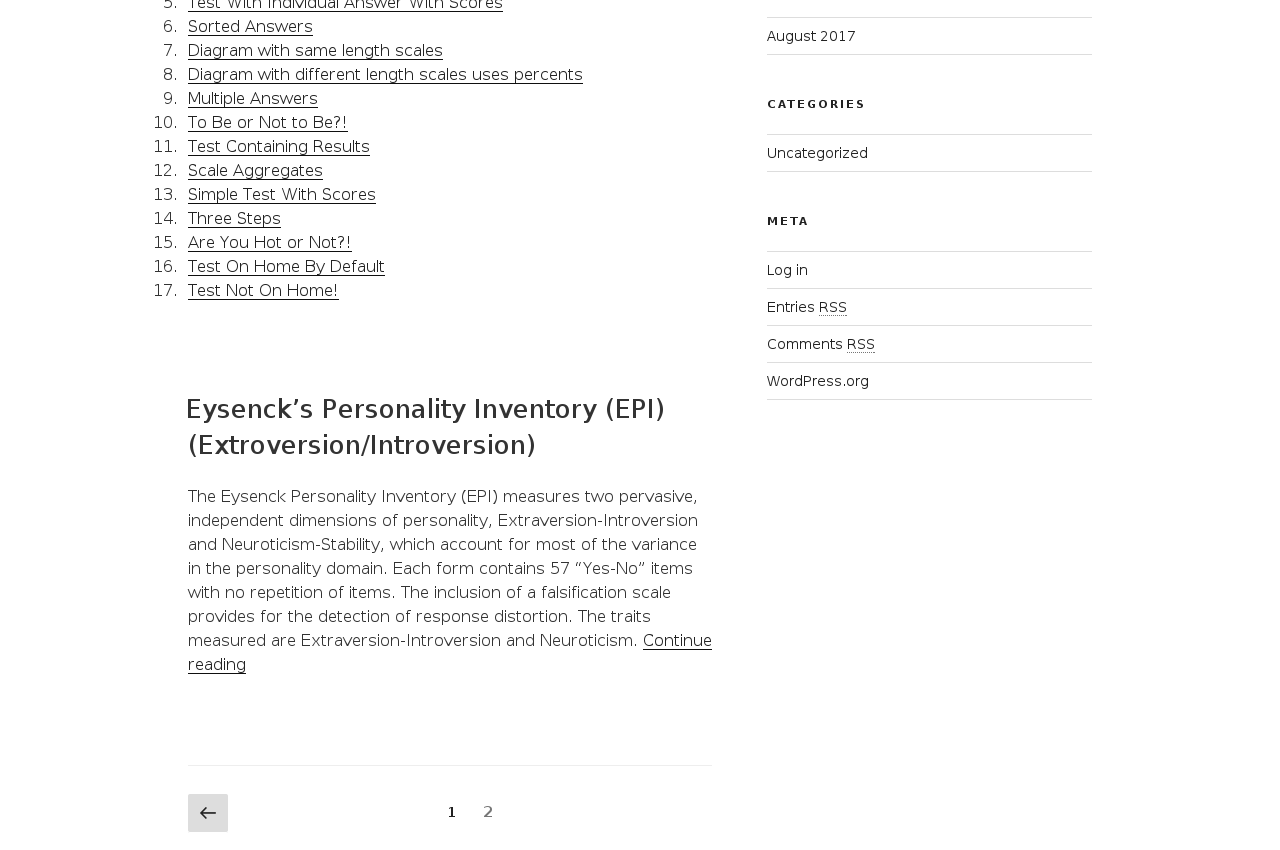
Tests are like posts — they appear on home page and inside their categories pages if selected. But if you don't want your test to appear on home page, you can uncheck "Publish on the home page" in "Publish" metabox and this test will not appear on homepage.
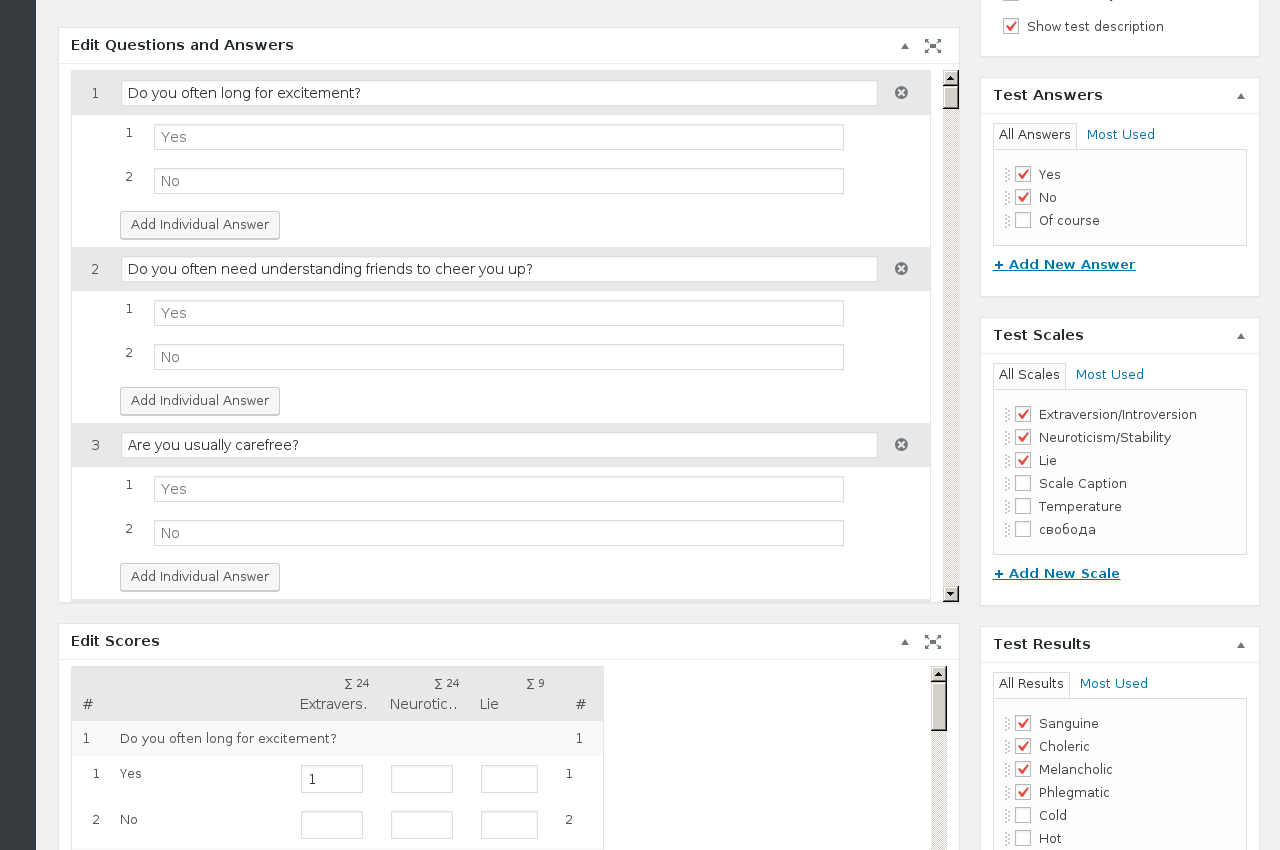
Quick fill for questions and scores minimizes author's time. You can quick fill questions from text and they will fill appropriate fields. Same way you can Quick fill scores in many questions some answer+scale combination.
Respondent will get results on it's own individual passing page, which will allow share it. Logged-in respondent can see own results in admin area above the "Profile" page. There will be table with columns like: passing number, link, test, scales, results and date. It's possible to search/sort by test and date columns.
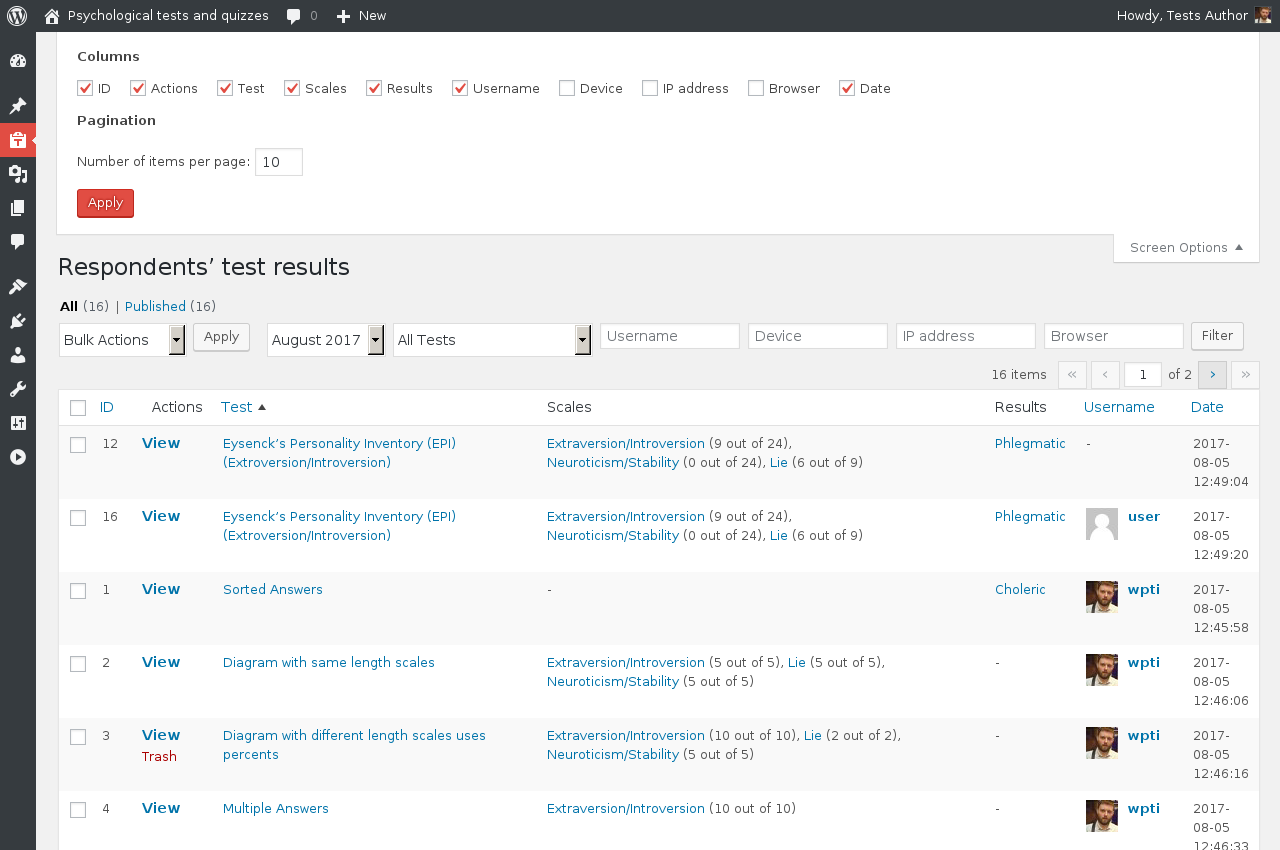
Passings are saved in DB with respondent's ip and device unique identifier. They are shown at "Respondents' results" table under "Tests" menu. It allow to see if someone will have many passings from same computer/smartphone/another device, which scales/results respondent have for concrete passing and ability to open it from there. If respondent was a logged in user — then you will see it in "Username" column with a link to profile. "Respondents' results" can be searched/sorted by most of it's columns. You can setup which columns you want to see there and how many passings per page you want to see.
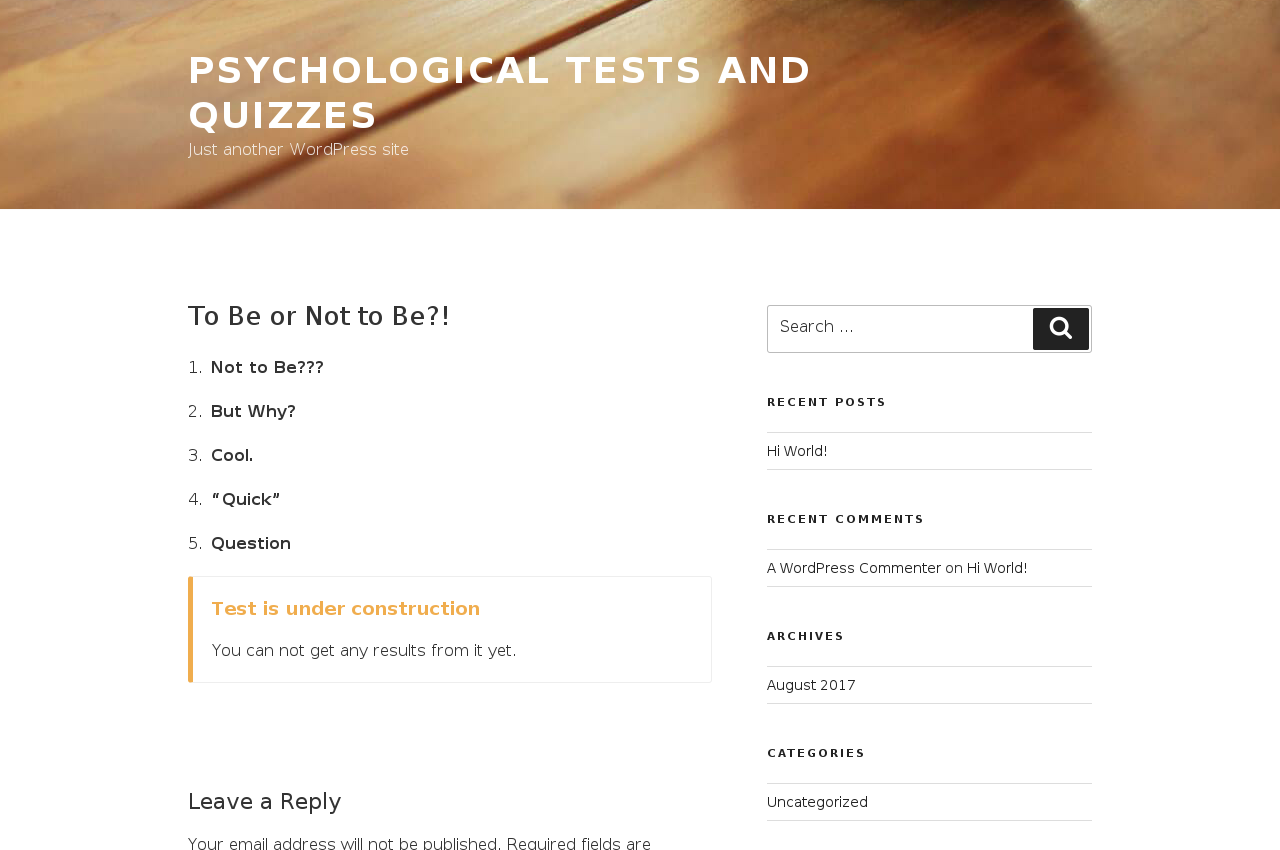
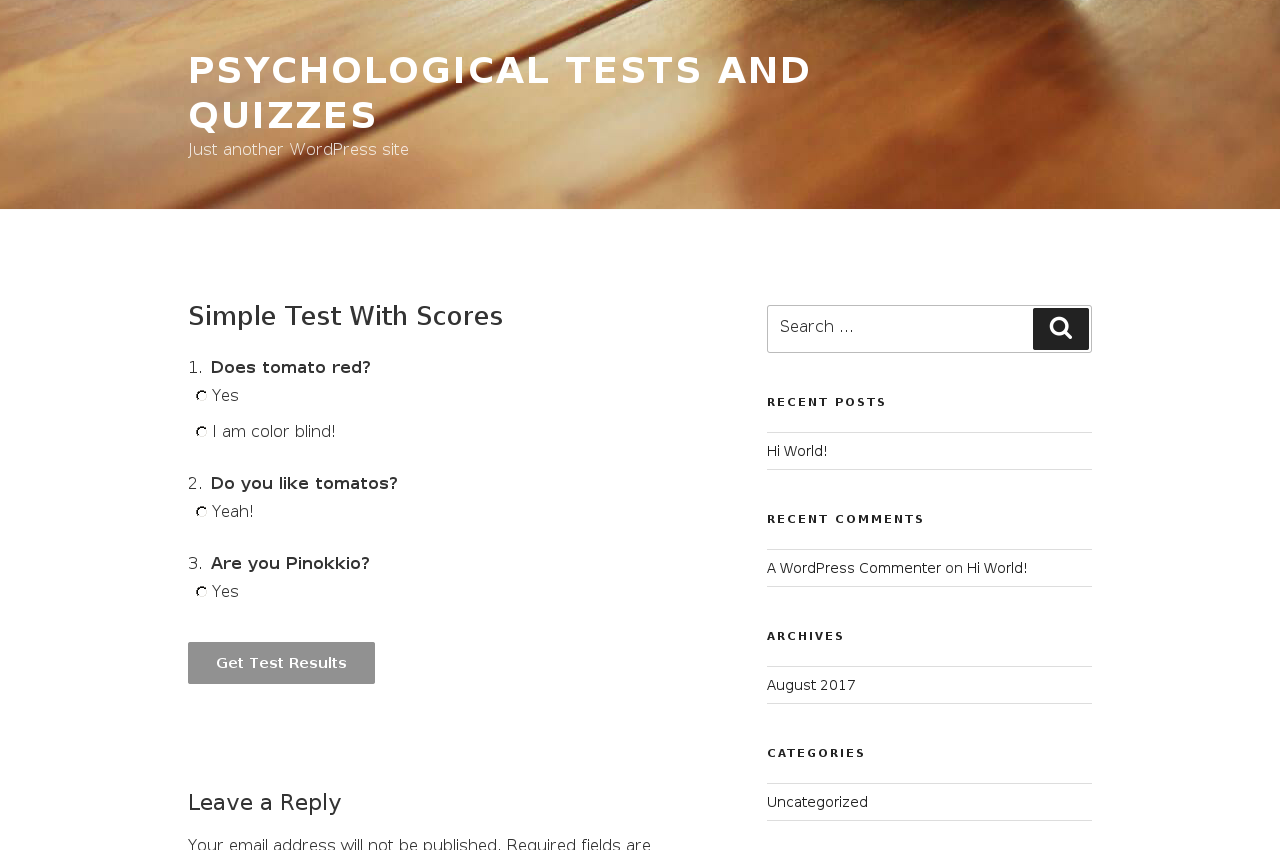
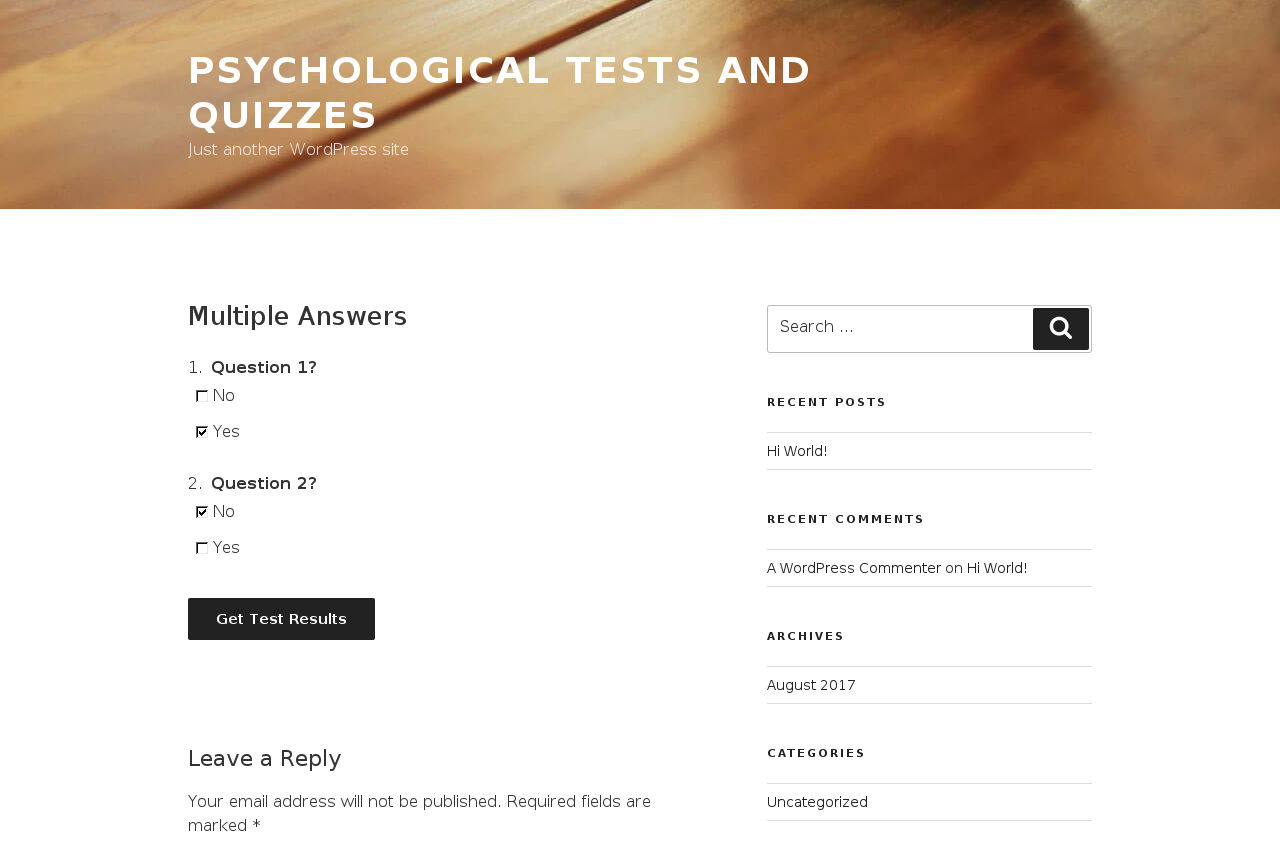
Test page can be customized: reset answers on "Back" button, use your own caption for "Get Test Result" button, allow multiple answers per question, show percentage of answered questions and show one question per page.
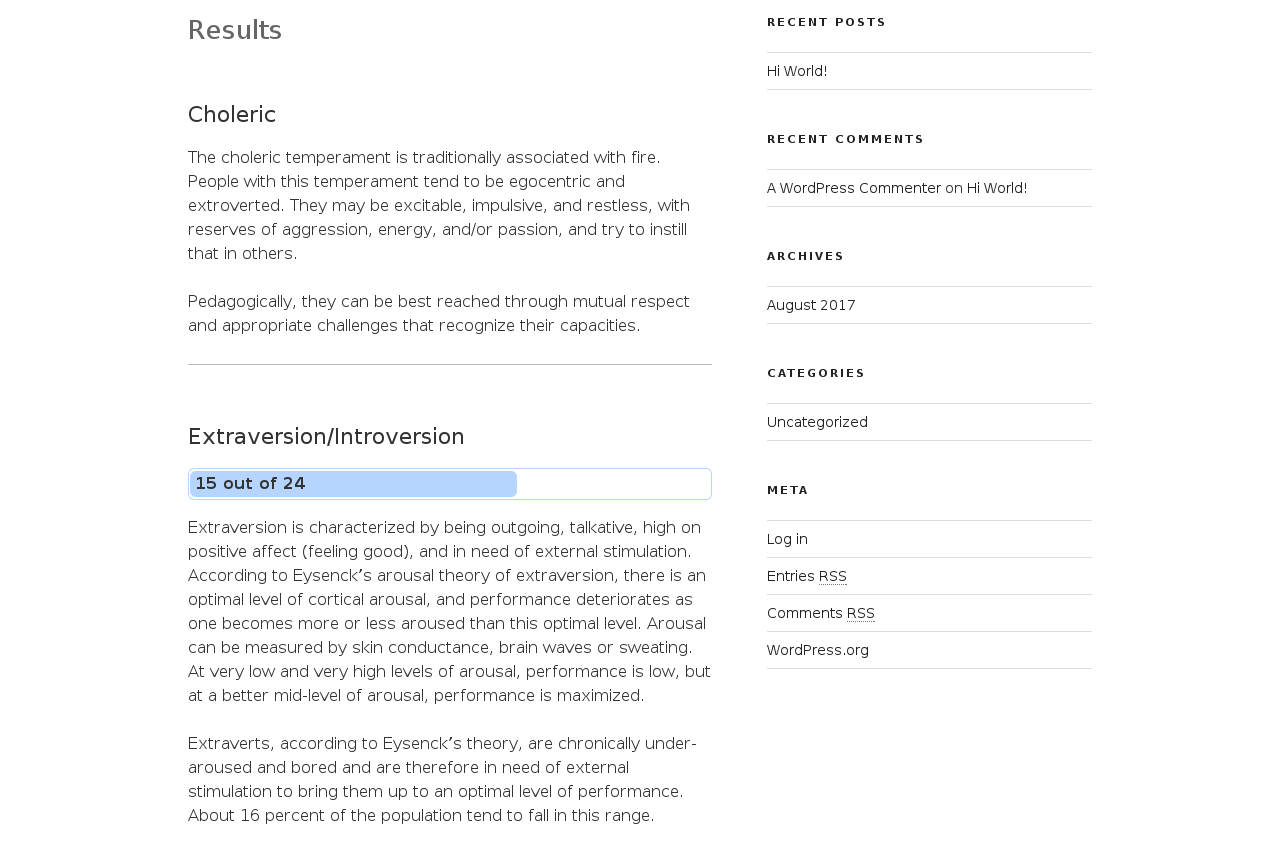
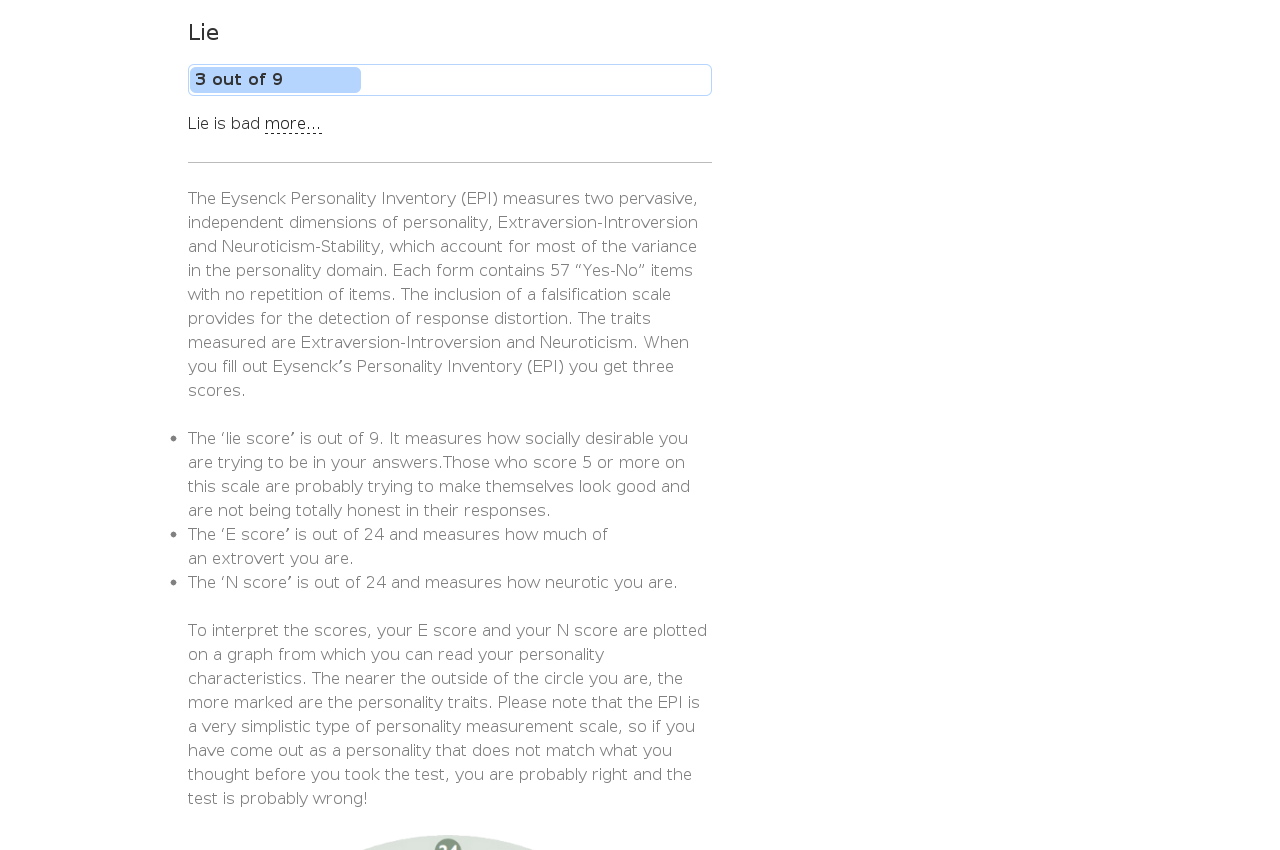
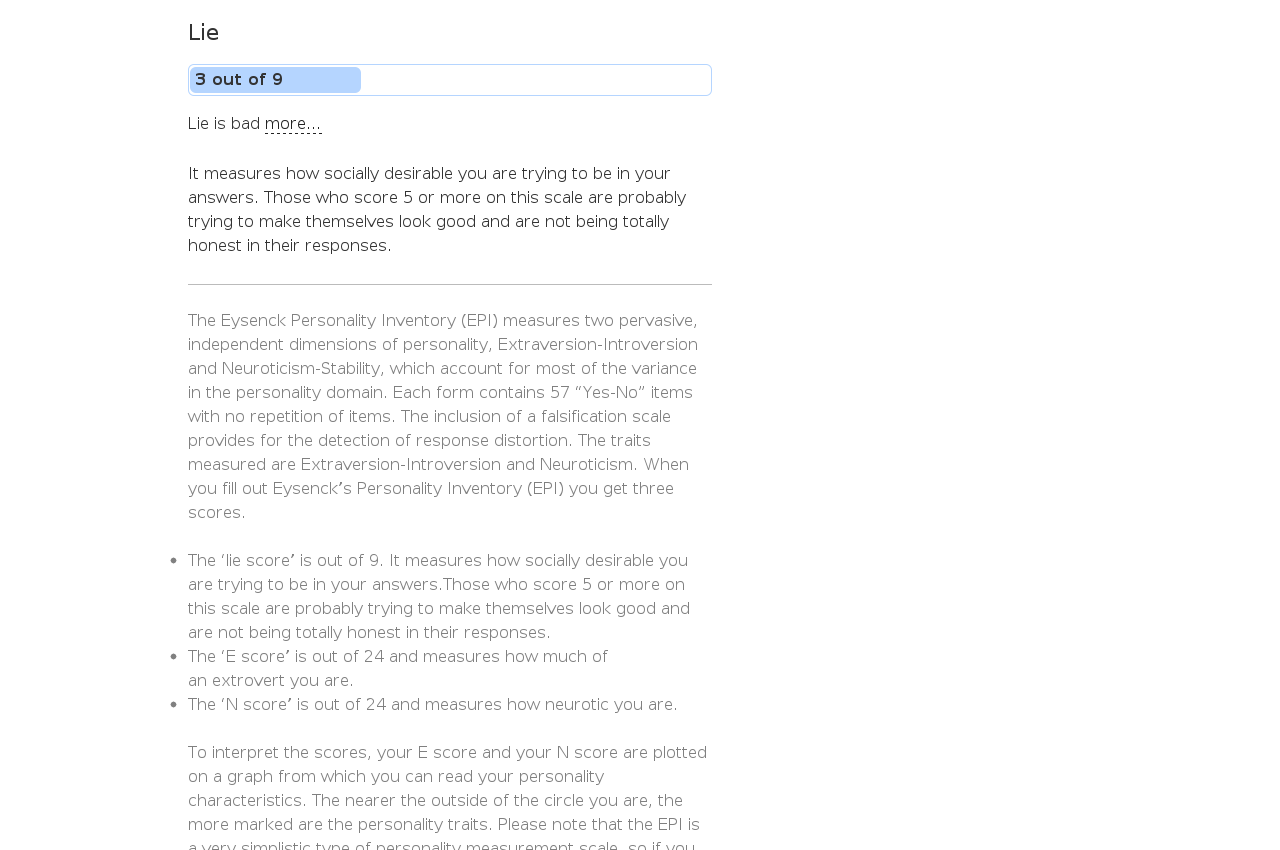
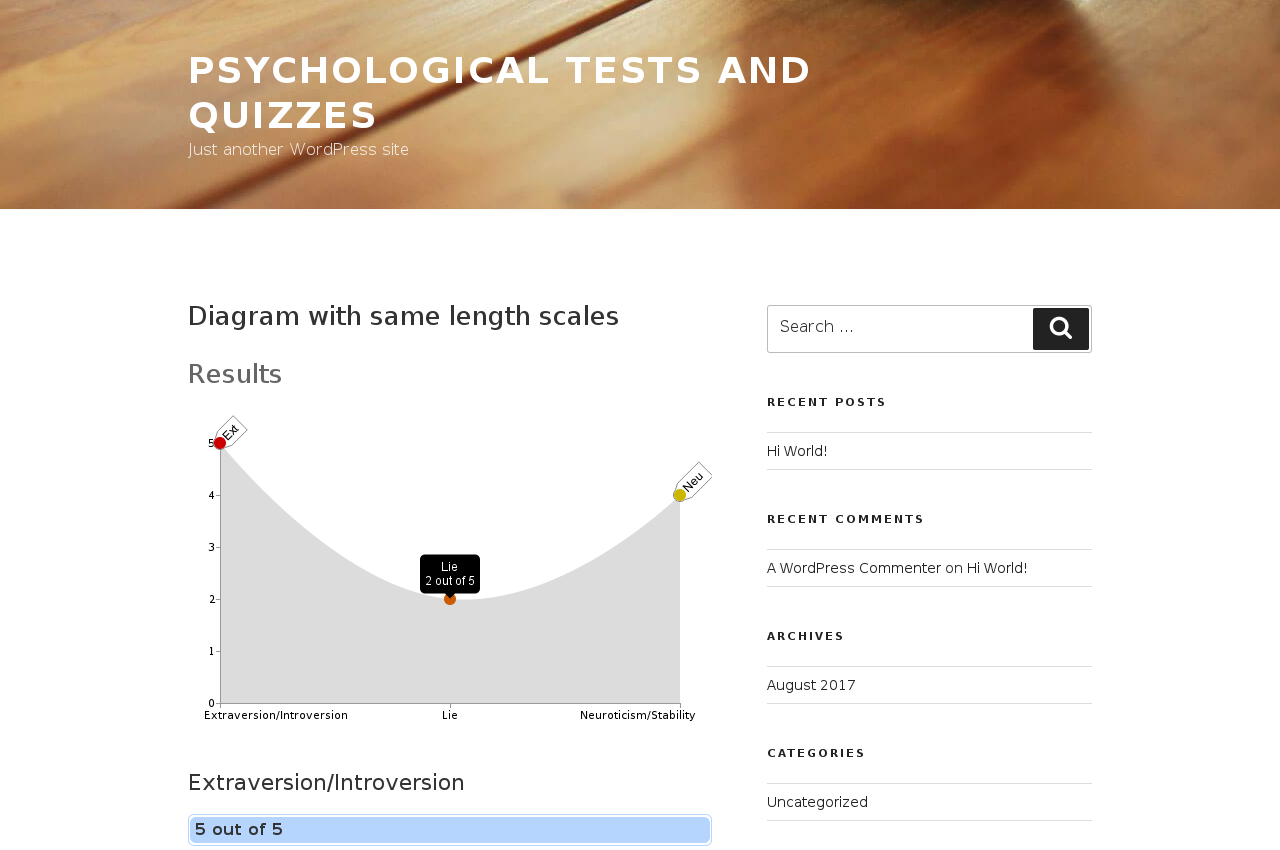
Results page also can be customized: when you need to show/hide scales or test description on it; when you want to show scales chart or sort scales by scores sum.
Plugin localized into many languages: English, German, French, Dutch, Swedish, Bulgarian, Italian, Turkish, Chinese, Brazilian, Spanish, Persian, Czech, Slovak, Thai, Arabic, Romanian, Greek, Icelandic, Hebrew and Russian. English, French, Dutch, Bulgarian, Italian, Turkish, Chinese, Brazilian, Spanish, Persian, Czech, Slovak, Thai, Arabic, Romanian, Greek, Polish, Icelandic, Hebrew and Russian have good quality (native speakers) — others need review. You can easily add your language through excellent Transifiex service. Translators and reviewers are kindly welcome! See http://wp-translations.org/join/ for instructions.
Quality and compatibility are taken really seriously. Plugin tested on more than 30 combinations of WordPress (from 3.2 to latest) and PHP (from 5.2 to 7.3) plus three custom combinations: for old MySQL storage engine (MyISAM), with few popular plugins and in multisite mode. So you can be sure, that it will just work, even if you don't have the latest WordPress or your hosting doesn't have the latest versions of PHP/MySQL. Build status image is available.
PS: If something broken or doesn't work, pls create new topic in "Support" tab! Good support topic describes problem and have WP version and other plugins that you have in it.
Thank you board
- For Bulgarian translation thanks to Borry Semerdzhieva borry.semerdzhieva@gmail.com
- For German translation thanks to Sascha info@newwaystec.com
- For Italian translation thanks to Ilaria Rizzo dott.rizzo.ilaria@gmail.com
- For Turkish translation thanks to Islam Kurtuldu and Ufuk Luker — http://ufukluker.com/
- For Dutch translation thanks to Jacha Heukels info@orthomanueeldierenarts.nl and Patrick van de Kerkhof patrick@metavoor.nl
- For French translation thanks to Christophe Peiffer chris.peiffer@gmail.com
- For Chinese translation thanks to Kyle Wang — https://github.com/osfans
- For Brazilian translation thanks to Cristiano Pereira da Conceição cristiano@cristiano-coach.com.br
- For Spanish translation thanks to Jon Ca — https://facebook.com/joncast
- For Persian (Iran) translation thanks to Reza Maleki rezaa.maleki@gmail.com
- For Czech translation thanks to Dalis Dobrota — clubseznamka.cz
- For Slovak translation thanks to Martin Oravec oravec@it2core.sk
- For Thai translation thanks to Natcha Wiratwattanakul natchalike@gmail.com
- For Arabic translation thanks to Mohammed Jawad info@researchgate.asia
- For Romanian translation thanks to Maria Estela Mihoc maria_estela_mihoc@yahoo.com
- For Greek translation thanks to Elektra Manousis safiragon@yahoo.gr
- For Polish translation thanks to Maciej Dzierżek — https://bezdechu.pl/
- For Icelandic translation thanks to Gunnar Geir Johannsson gunnargj@gmail.com
- For Hebrew translation thanks to Noam Lederman noaml@noamlederman.co.il
- Custom Fields. Add custom form fields like name, email, sex and etc. Use their values in formulas and see in respondents' results. Denote required/optional fields, place fields before or after questions.
- Questions Sections. Group questions into sections and display each section on a different pages.
- Styling. Apply your style to questions, answers, scales and results. Choose your color/font/alignment and placement.
- Export Results. Export respondent's results into CSV tables. Choose which test, dates and columns do you want. Export just results or all data, including concrete answer on concrete question in concrete result.
- Save Results in PDF. Respondent will be able to get results in PDF form.
- Redirect to Custom Results Page. Respondent will be redirected to custom built URL(s) where you can pass as params scales, results and result key. URL could be single for whole test or individual for each result.
- Computed Variables. Create computed variables from existing variables and shortcode any variable at results page.
- Email results to Author and Respondent. Auto-notify author by email about respondent's result and also send it to respondent's email.
安装:
- Download plugin archive.
- Unzip it.
- Upload it to your plugins directory. It will create a 'wp-content/plugins/wp-testing/' directory.
- 通过WordPress的“插件”菜单激活插件。
- Start with reviewing example Eysenck's Personality Inventory (EPI) test.
- Or directly create your own test through Tests menu in admin area.
屏幕截图:

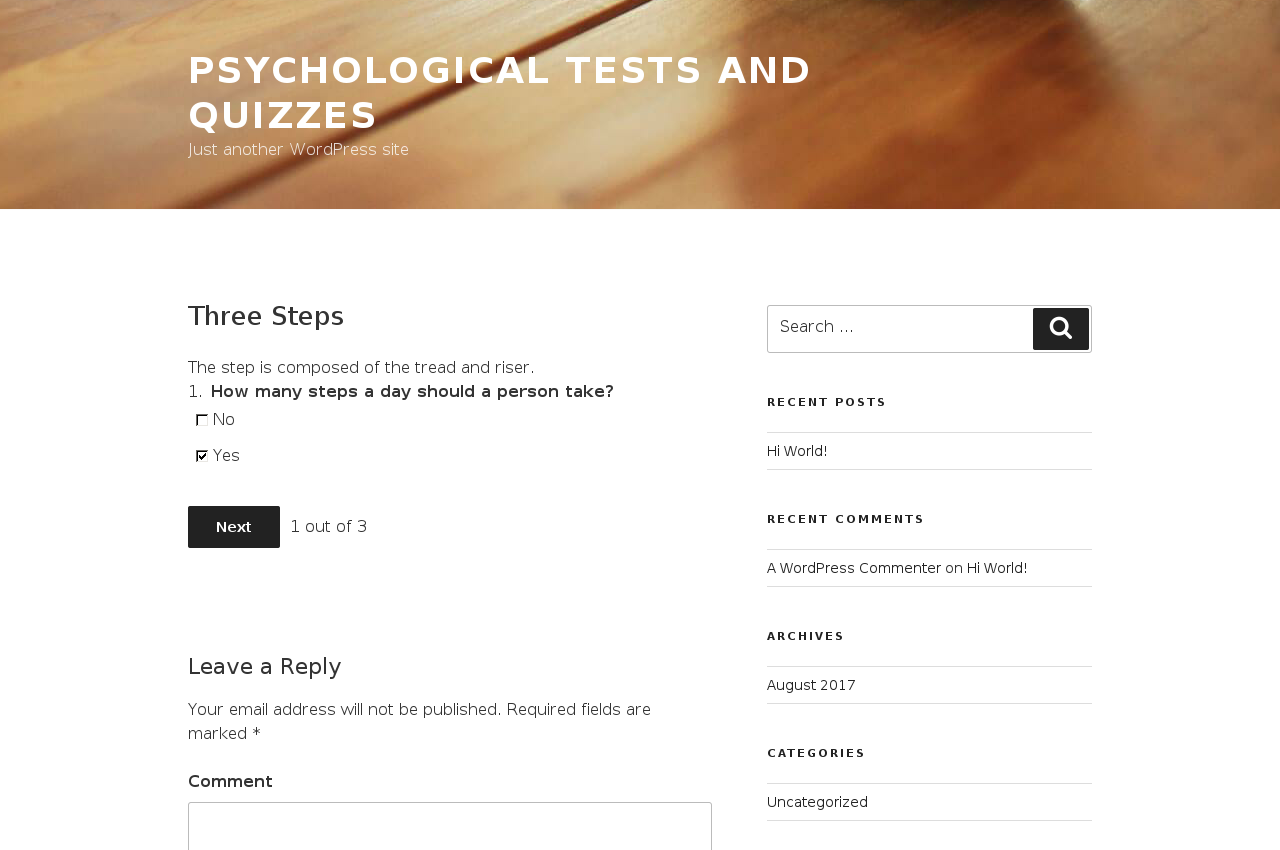
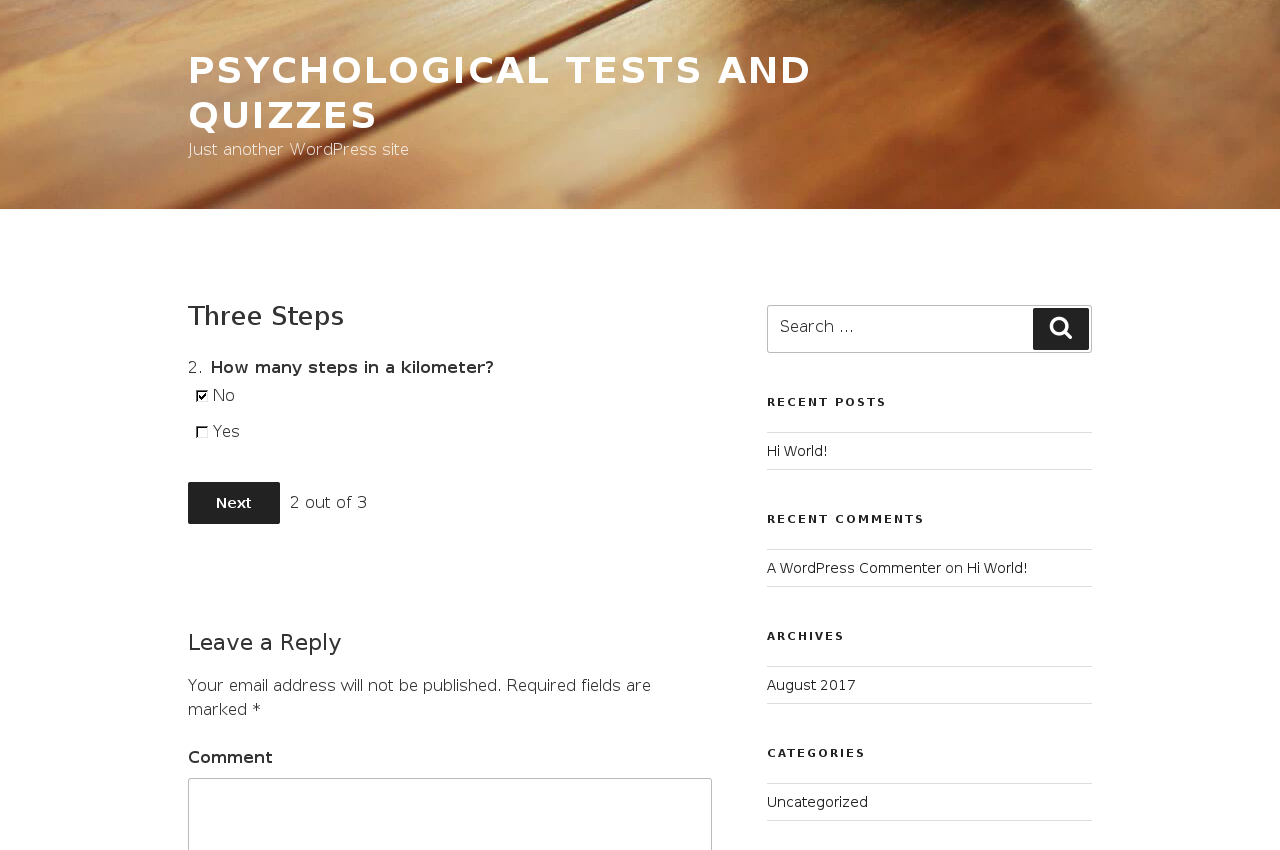
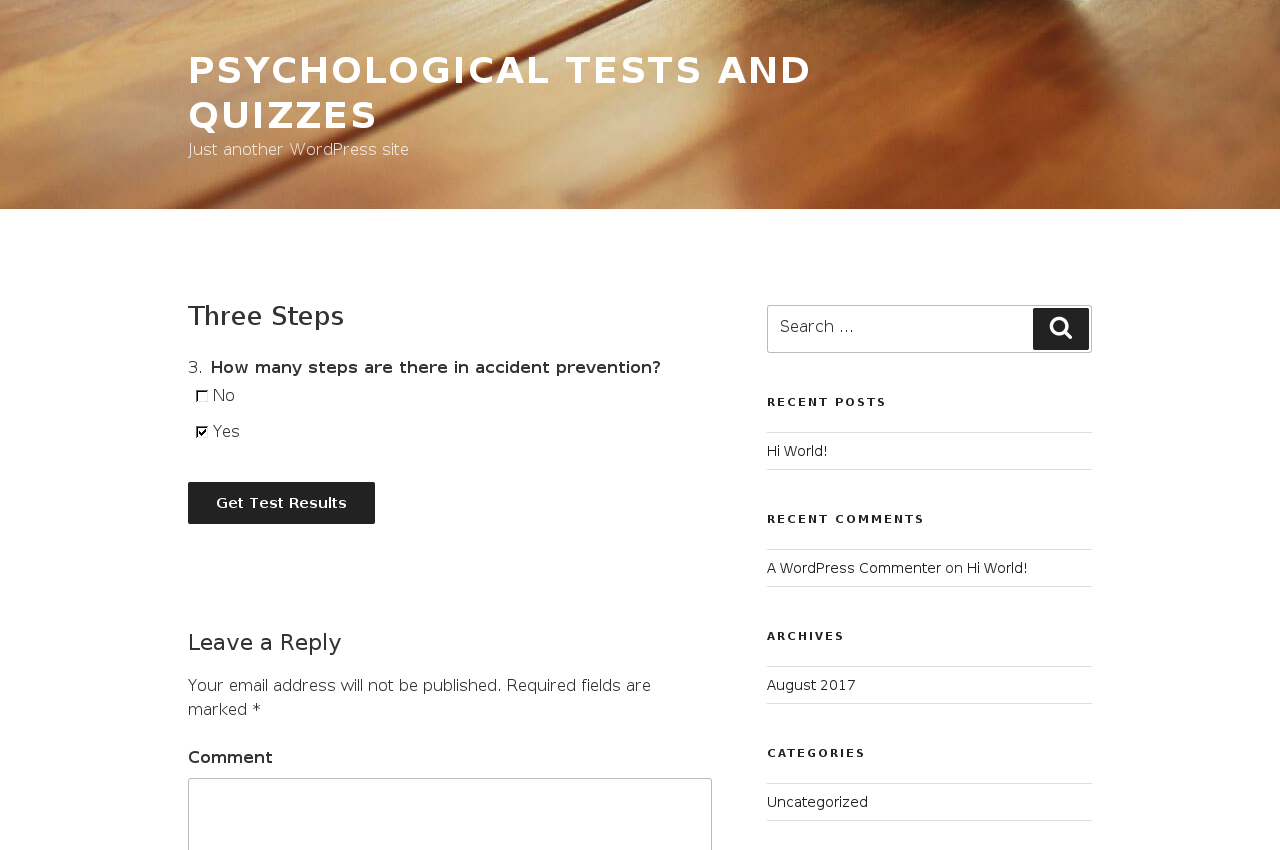

常见问题:
Plugin is not works or works improperly
Most possibly it's a conflict with your current theme or some of other plugin. To check it — try to switch theme to default WP theme and see if it helps. In case of plugins conflict try to disable other plugins one by one and check. Or disable all of them and check — it will help to understand if problem is on other plugins side. Another possible source of troubles is mis-configured mod_security. Ask your hoster about it. If it could be disabled or reconfigured to avoid false-positives, then your hoster is good. Otherwise it's better to switch to more competent hoster.
I see some "Fatal error: bla-bla-bla"
Try to find there phrases like "Class ... not found" or "Call to undefined function ...". If it's the case — then your current hoster has disabled some PHP extension. Contact with your hosting company to enable them. Most popular missing extension is "mysqli".
How to start? Where is documentation?
See the video, screenshots and example test. We will not plan to create any documentation. For complex test logic paid support is available.
Shortcodes?
wpt_tests — the list of tests. Attributes (allowed values): sort/reverse (id, title, created, modified, status, name, comments), max (number), id (numbers separated by commas), list (values for CSS list-style-type), class (any CSS class name).
wpt_test_read_more — the title of test, text before "more" and "Start Test" button. Attributes (allowed values): id/name (id or name or your test), start_title (any text), class (any CSS class name).
wpt_test_first_page — the first page of the test with title. Attributes (allowed values): id/name (id or name or your test), class (any CSS class name).
Wonderful, but I want to have this, that and those feature in plugin
Create new support topic if same feature topic not yet created and describe there what do you want. You can check already created topics from tags list. Some features already implemented or planned to as a paid addons — see sticked topic at forum.
I want some feature here and now, I can pay you
WordPress as platform good as it's opensource and popular — you can find someone who knows it and it's technologies for your tasks. But if you think it should be me — then contact me.
更新日志:
- Update compatibility testing to make sure latest WP 5.2 is compatible. Nothing changed in functionality.
- Fix PHP 7.3 compatibility warning in dependencies.
- For Icelandic translation thanks to Gunnar Geir Johannsson gunnargj@gmail.com
- For Hebrew translation thanks to Noam Lederman noaml@noamlederman.co.il
- Update compatibility testing to make sure latest WP 5.0 is compatible. Nothing changed in functionality.
- Avoid circle-ci and move multisite testing to travis.
- Improve database-related testing aspects
- Stabilize auto-tests
- Upgrade testing environment
- Parse wordpress's DB_HOST constant in same way as it was introduced in WP 4.9 with respect to socket and IPv6.
- If your DB_CHARSET was set to utf8mb4, then you could have issues in plugin activation
- If your DB_CHARSET was set to latin1, then you could have issues with scales showing
- Maitenance update.
- Comment about mod_security issues
- Such extensions can block some scripts that used on passing fill form step
- Even when we have such scripts blocked, respondent must be able to proceed with form filling
- Correctly determine test editor
- Clean up test data on save in more reliable way
- Save test after other plugins, in latest filter
- Fix missing test issue at "Respondents’ test results" page. It concerns you only if your database uses old not recomended database engine MyISAM, that is not clean other tables after removing something in main table.
- Fix migration in multisite mode
- Switch to phpenv 5.4 in travis
- Show only first megabyte of error logs
- No new functionality was added!
- No new functionality was added!
- Make answers normal (non-bold) again (under current default theme)
- Remove underline in maximize button
- Fix example test global answers labels
- Correctly process shortcodes with bad parameters
- Fix for scales out-of under PDF version
- For Greek translation thanks to Elektra M. safiragon@yahoo.gr
- For Polish translation thanks to Maciej Dzierżek — https://bezdechu.pl/
- Update plugin description
- Safely replace placeholders in questions on form filling
- No new functionality was added!
- Speed up saving time and passing processing time
- Show saving progress in editor by changing cursor to "progress"
- Applied to plesk hostings or other hostings where default database encoding is utf8mb4
- Dynamically show formula's toolbair above active formula. Very usable when you have many results.
- Add result's edit link and tooltip with content.
- Validate formula errors without page reload. Before when you already entered questions/answers/scores/formulas and have some error in formula, all data was lost. Now it's saved by validating before form sending.
- Fix misspells in example test
- Improve CSS for non-standard themes, that omit custom post type
- Update TR locale by @ufukluker
- Fix "next-step" and "passing by reference" warnings on latest PHP versions
- Improve autotests on legacy PHP versions
- Allow text values variables and update plugin for "Computed variables" addon
- Upgrade screenshots
- Translated by @mimaes
- Check compatibility
- No new functionality was added!
- Translated by @memjavad
- Minor fix in editor
- Upgrade autotests
- No new functionality was added!
- Reported by @Enis regarding Glossary plugin
- Interactively edit questions/answers with quick fill
- Destroy "low server settings" issue
- Solve huge-scores problem by rendering inputs on mouse enter
- Add maximize feature to some editor metaboxes
- Update intro-video (make it smaller)
- Auto-update locale (10 new strings). If you will see some strange new phrases in your language, then dont' hesistate to send us correct translations.
- Fix 3 strings in Dutch locale (thanks to Patrick van de Kerkhof)
- Thanks to @khani26 for reporting
- Pages was missing in search results
- Thanks to @berylune for reporting
- Upgrade autotests
- Add
wp_testing_passer_before_renderextension point - Add PHP 7.0 support and leave only edge cases in tests
- Thanks to new PayPal.Me service
- Avoid MySQL errors like
Deadlock found when trying to get lock; try restarting transaction - Issue solved by catching such errors and restarting save as recommended at MySQL :: How to Cope with Deadlocks
- Switch to more independent unique identifiers generating lib to avoid theme compatibility issues
- Check WordPress 4.4.1 compatibility
- Add more extension points for addons in settings and results managing (related to pdf addon)
- Upgrade autotests
- Update screenshots
- Improve external addons intergation
- When "Network Activate" is used — database updated for all sites
- When new site created, it's database also updated
- Respect user role when adding menu
- Rename page title to "My Test Results"
- Normally you should have only single table type (name if format, engine): MyISAM or InnoDB
- But there are cases when you have "damaged" or "optimized" database and table types differs
- Now database migration takes this into account. It's critical only for new users when they can't activate plugin
- Thanks to paid support — this issue was catched during it
- Improve code quality and avoid duplicates
- Improve test rendering
- The questions on the first page of the test dissapear
- Shortcodes don't work on result page
- If you use version 0.17 upgrade to this version!
- Please check first pages of all tests, that use shortcodes in them
- Also please check result pages, which could have shortcodes inside. It's ok just to open at least one existing page. Shortcodes could be in results or scales descriptions.
- Add
wpt_test_read_moreandwpt_test_first_pageshortcodes that allows to embed test in short or full modes. - Enrich parameters of
wpt_testsshortcode (ex-wptlist). - Hide "Publish on homepage" checkbox when it's impossible to publish on homepage (custom page on home instead of latests posts).
- Fix formulas with negative scale values substracting
- Improve passing results table internals and addons integration
- Upgrade WordPress compatibility to 4.3
- Allow to switch test's author (same as for posts)
- Use unique DB names to allow many installs in same DB
- Test multisite install as two activations and programming auto-tests on 1st install
- WordPress compatibility updated to 4.2.4 and prepared to 4.3.
- Use semantic headers in respondents results as of WP 4.3.
- Respect results orders. Helpful when you have many results and their output order is important at results page.
- Fix support tags generation.
- Step strategy know if answered questions are possible now.
- Step strategy can show step's description as a short description before questions.
- You don't need to update on this version as it's here only for legal purposes.
- Add FAQ with links to support forum tags
- Improve screenshots style
- Test latest WP version compatibility (4.2.3)
- Minor locale update
- Speed up testing auto-builds for 30 minutes
- Link results without scales and scores — only questions and answers needed
- Add NOT comparisions in formulas
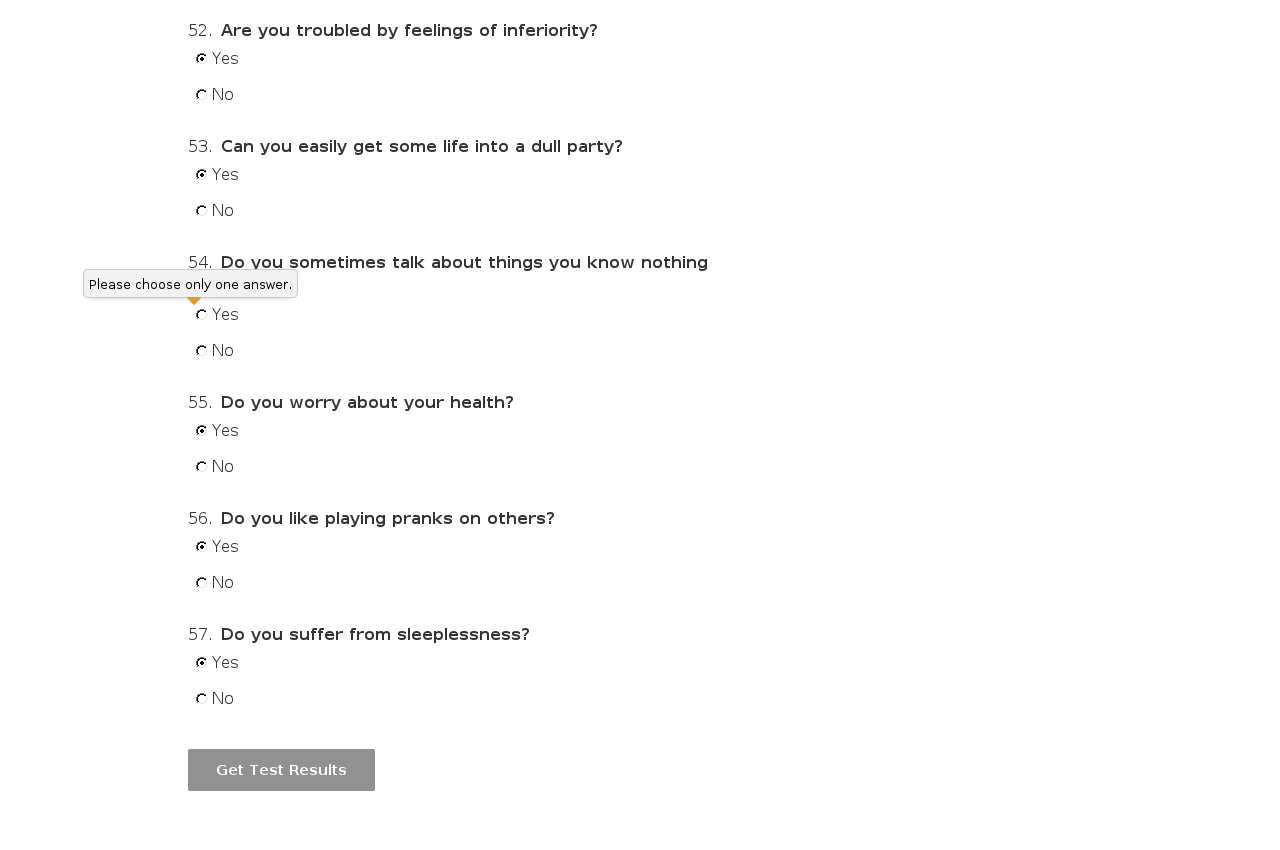
- Warn about required answers in more understandable way
question_1_answer_2. This variable will be true only when respondent will choose in 1st question 2nd answer.
Before when you have two opposite results and you was enforced to negate their formulas manually. For example: scale-1 > scale-2 AND scale-1 < scale-3 for 1st result and opposite scale-1 <= scale-2 OR scale-1 >= scale-3.
Now you can do it without moving your mind on 2nd: NOT(scale-1 > scale-2 AND scale-1 < scale-3).
Internal improvements:
- Cleanup external modules: remove bad and excessive files (184KB)
- Replace "quizes" to "quizzes" in plugin descriptions ))
- Check for taxonomy object type on archieve pages
- Allow dependencies in plugin's style
- Fix links to tests in respondents results
- Add post_type in result's rewrite to integrate with polylang
- Add addon updater and setup it
- Add Czech and Slovak translations
- Improve activation and update reliability (fix migrations)
- Avoid section's questions false-duplicates (for sections addon)
- Now you don't have to deactivate and activate plugin after every update!
- Tested on standalone mock-plugin
- Make permalinks like /archives/%post_id% work for both tests and results
- Respondent can view own passings in wordpress admin area
- Significantly improved respondents passings: search/sort/toggle by columns and setup items per page
- Add Persian (Iran) locale
- Fix test page in Internet Explorers before 9.0
- Speed-up build, which will allow to test new features faster
- Rename passing columns in WP style, which is just perfectionism, but who knows
- Remove disabled button state and highlight to respondent non-answered questions
- Make required attributes compatible with screen-readers
- Make sure new validation is compatible with old browsers
- Upgrade jQuery for old WordPress at form fill
- Fix tests under old WP by using only extraversion scale (1st always)
- Add more extension points for fields addon
- Radically speed-up saving of tests with many scores (many questions, answers and scales)
- Improve respondents results' table look by making it non-fixed
- Add Spanish locale
- Update tests to the latest WP version
- Add extension points for fields addon
- There are no questions on test page
- Test's content text is small (less than 255 chars)
- You have plugin that also adds something to content
- You should upgrade to this version only if nothing works on test page and your PHP error settings are strict
- Was stuck on 2nd step
- You should upgrade to this version only if you have sections addon
- Add option when respondent could read only one question at a time on page, to avoid to see through pattern
- Fix annoing database latin1 collation problem for non-latin languages when question marks shown instead of text
- Use more robust way to pack metadata in edit form fields
- All these dances are to minify fields numbers
- You shouldn't upgrade to this version if all is working
- Only if it was working, then you install something (another plugin/theme) and all was broken
- Save respondent from logged in user
- Add external addons base
- Test minimum score error
- Add Chinese and Brazilian locales
- Fix activation under windows
- Fix taxonomy sortable containers look
- Fix plugin uninstallation
- Remove excessive and old files from download zip
- Avoid rotating text labels when we have too many scales
- Show mini-annotations like abbrevirations always near data values
- Make annotations as popups instead of tags
- Improve one-scale case
- Translate update reviewed locale for FR lang
- Add more math operators: "+*/"
- Enable advanced options for default test
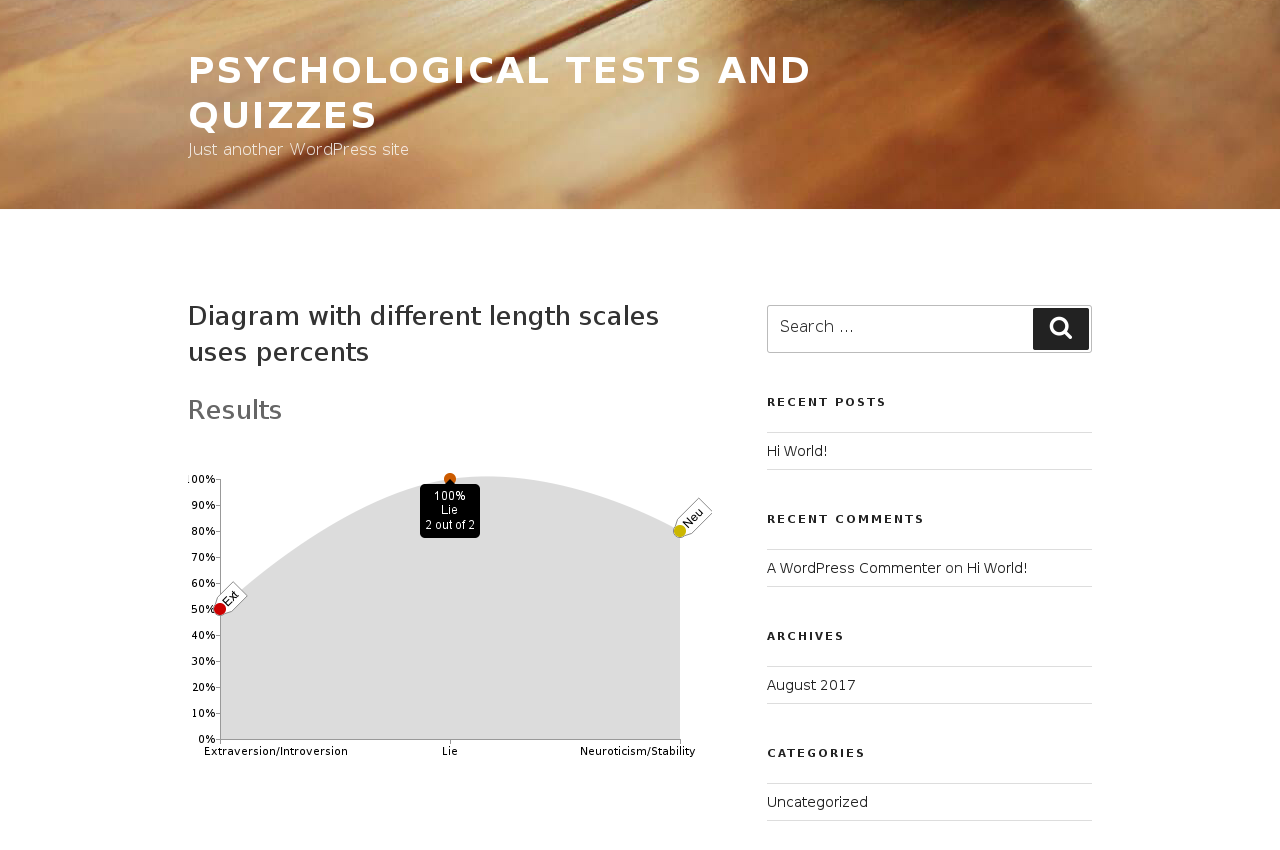
- Use ratio (percents) when scales lengths differs
- Rotate text labels to 45 degrees when we have too many scales
- Visualize scales values with chart (at the same time scales can be hidden)
- Show percentage of answered questions in browser title
- Allow to sort test's answers/scales/results manually and scales by scores sum (implies from more to less)
- Add simple "Respondents' tests results" table in admin area
- Improve scales/results descriptions: allow more HTML tags (headers, lists, images and hr) and add support for "read more"
- Translate new strings and update reviewed locales for IT, NL and BG langs
- Fix results getting in non-published yet test (for example in preview mode)
- Fix questions/scores editor width when test has too many scales
- Research and fix stable continious integration fails
- Move answers input inside labels (will improve rendering on some theme)
- Add semantic CSS classes to scales/results, for example: "result result-id-11 result-slug-result-phlegmatic result-index-0 title"
- Add placeholders to questions form
- Pass data to javascript in more stable way
- Fix external library to allow uppercased table names
- Update translations (Dutch now native)
- Allow to reset answers and customize button caption
- Save user agent in passing
- Update translations
- Fix attachment URLs
- Add CSS class to body on passing pages
- Exit after passing redirect
- Save passings in DB and redirect to them by URLs (with client's ip and device uuid)
- Add result page options for scales and test description
- Add Turkish translation
- Speed-up plugin by not updating rewrite rules everytime
- Fix conflict with scroll-triggered-box plugin
- Update translations
- Add individual answers feature
- Update locales for main languages
- Migrate existing tests on new questions-answers model
- Allow to individualize answers: custom global answer title for question
- Use "Test Categories" in admin menu to differ with post categories
- Update README about Bulgarian translation
- Adding Bulgarian translation
- Prefix screenhots by zeros
- Remove session stuff to avoid openbasedir bug
- Update compatible up to WP 4.0
- Swap formulas and results columns in editor
- Add tags to test
- Localize to six languages with help of Transifiex
- Add understandable labels for no-questions/no-answers and other no-something cases in test editor
- Quick fill questions from text
- Quick fill scores from questions separated by commas
- Update docs and add screenshots
- Fix pages disapperance
- Fix fill form (public) formatting conflict with wpautop (for example under Monaco theme)
- Not changing main WP query when in preview
- Display tests on homepage, in categories and other places just like posts
- Allow to hide individual tests from homepage by "Publish on the home page" setting at publish box
- Fix quickedit for posts
- Fix quickedit for tests by saving test part only in full edit mode
- Minimize possibility of "Max post vars" warning by minizing the number of hidden inputs
- Test under WordPress from 3.2 to latest 4.0 and PHP from 5.2 to 5.5
- Fix plugin under non-latest WP versions
- Add test's buttons only in plugin's test editor, not in post's editor
- Use more styled headers at results page
- Use dashicons in admin only on WP that knows about it (>=3.8)
- Allow empty source in formula (with migration)
- Fix questions adding when scales, results and answers checked
- Avoid deprecated function in formula
- Add build status image into readme
- Remove another not-existing column from wp_posts under WP 3.6
- Check if we are at test screen for WP 3.2
- Move styles and scripts in editor and passer into head to fix under WP 3.2
- Fix test delete under WP 3.2 by clearing records cache
- Remove 3rd unused param from save_post subscription
- Avoid WP_Post in Test Editor
- Avoid direct usage of WP_Post class
- Avoid direct usage of WP_Screen class
- Fix minor notice under old WP version
- Add type=text to all inputs to fix ugly inputs under old WPs
- Formulas parser undertands variables and comparision operators like "less", "more", "same", "not same", "and", "or"
- Formulas editor added with buttons of scales and comparision operators
- Show scale scores totals at the top of questions editor and on the formulas editor buttons
- Add shortcut buttons to the top of content editor: Add New Questions, Edit Questions, Edit Formulas
- Show test results calculated through formulas above above scales bars on the results page
- Manual relashionships naming
- Misspell in one of tables names
- Permissions on migrations directory
- Working under MySQL engine named MyISAM and in mixed InnoDB/MyISAM cases
- In initial release migrations dir taken from wordpress dir rather than be hardcoded. Locally all was ok as always, but not on your wordpresses :(
- Upgrade notice added
- Add shortcode for tests lists: wptlist
- Edit tests, answers (global), scales, results and categories through admin
- Edit tests questions and scores (question -> answer -> scale -> score value)
- Show test page, allowing to redefine it's template if needed
- Allow to send test form only when all questions selected
- Show test results by scales totals
- Add eysenck personality inventory example
- Init repo and files