
WP User Manager - Registration Form, Login Form, User Profile Builder & Member Directory
| 开发者 |
wpusermanager
polevaultweb alessandro.tesoro |
|---|---|
| 更新时间 | 2026年10月2日 19:15 |
| PHP版本: | 7.4 及以上 |
| WordPress版本: | 7.1 |
| 版权: | GPLv2 or later |
| 版权网址: | 版权信息 |
标签
下载
详情介绍:
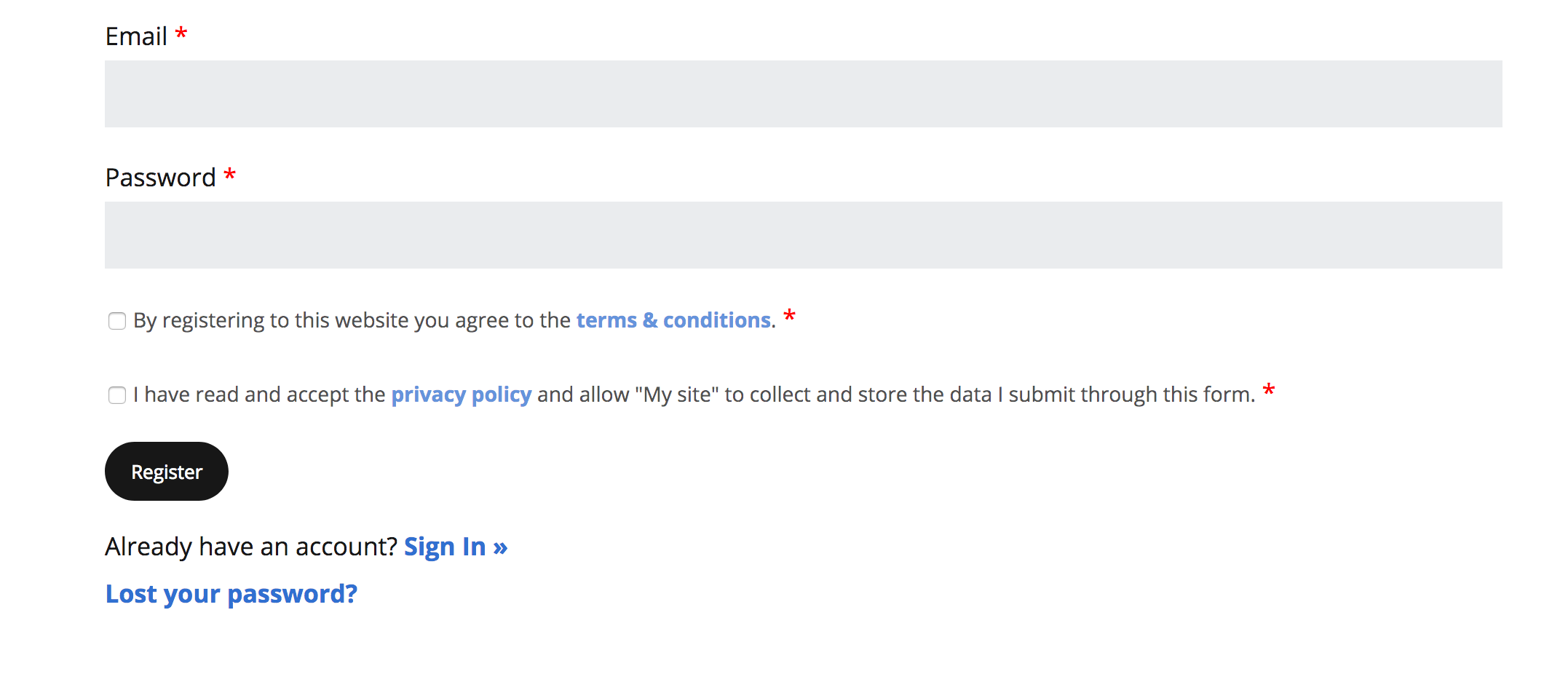
- A custom registration form on any page, with your own user fields, terms and privacy checkboxes, and automatic login after signup
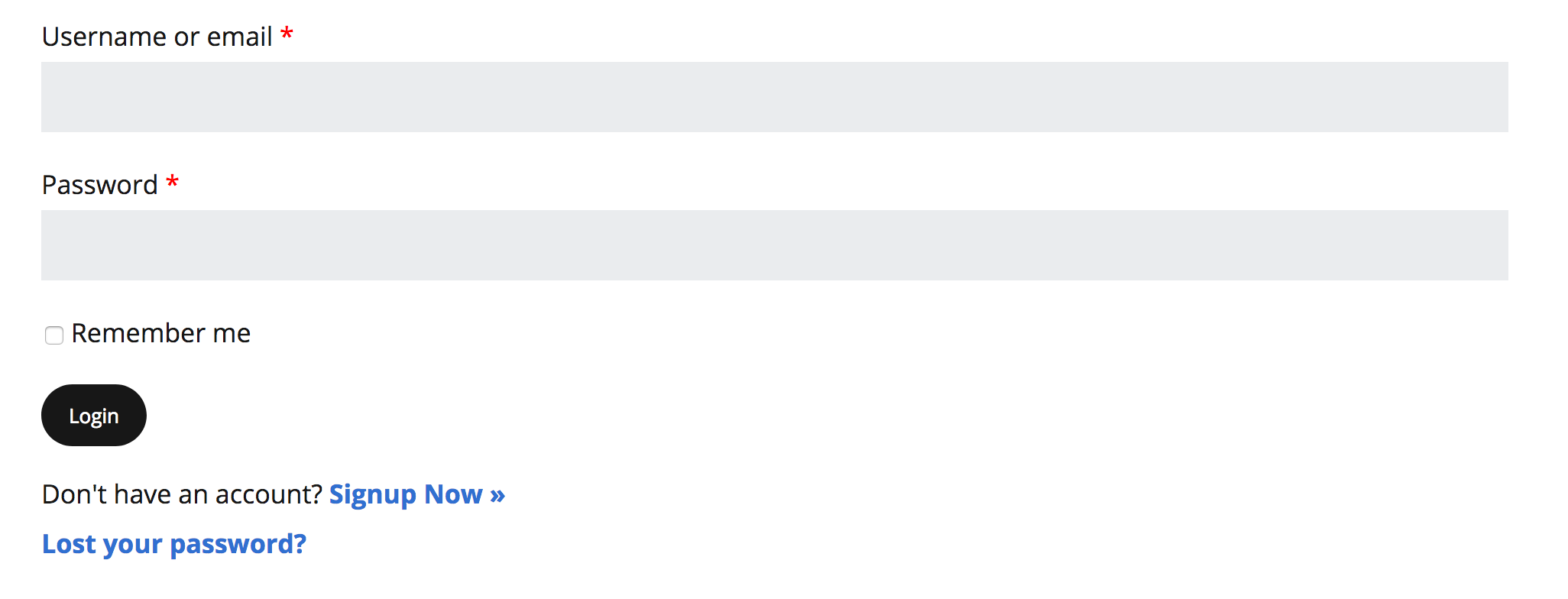
- A front-end login form and login page, with password recovery, so users never see wp-login.php
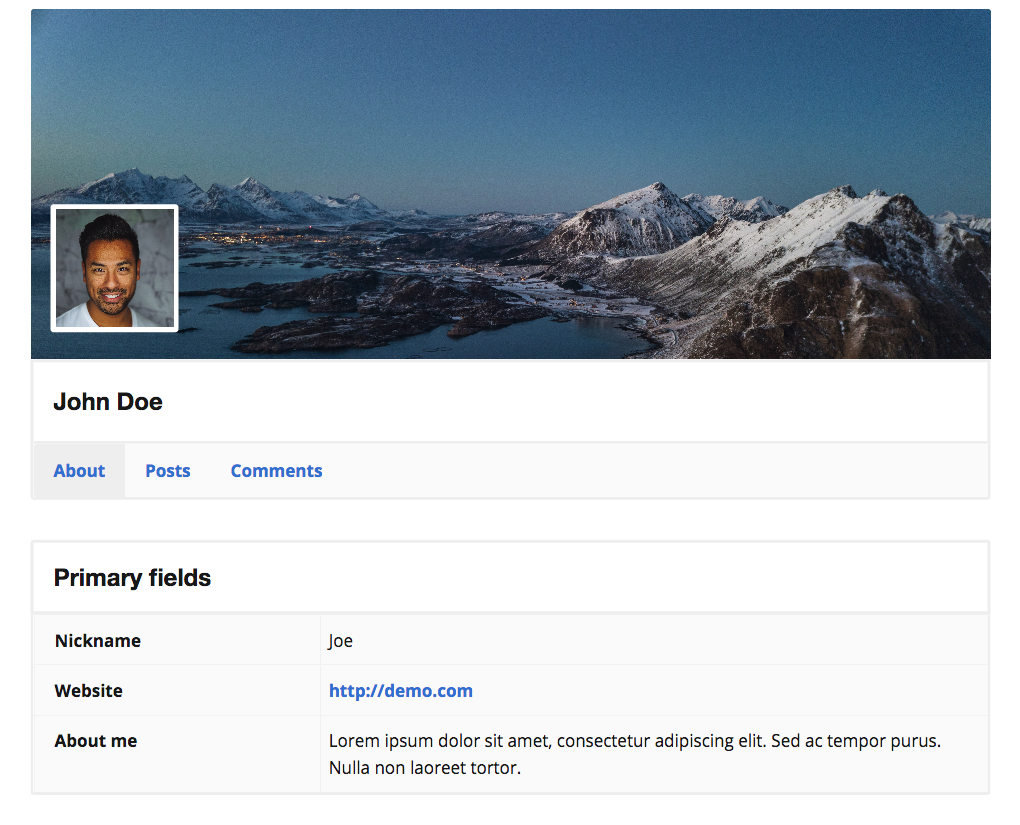
- User profile pages with custom avatars, cover images and tabs for each member's posts and comments
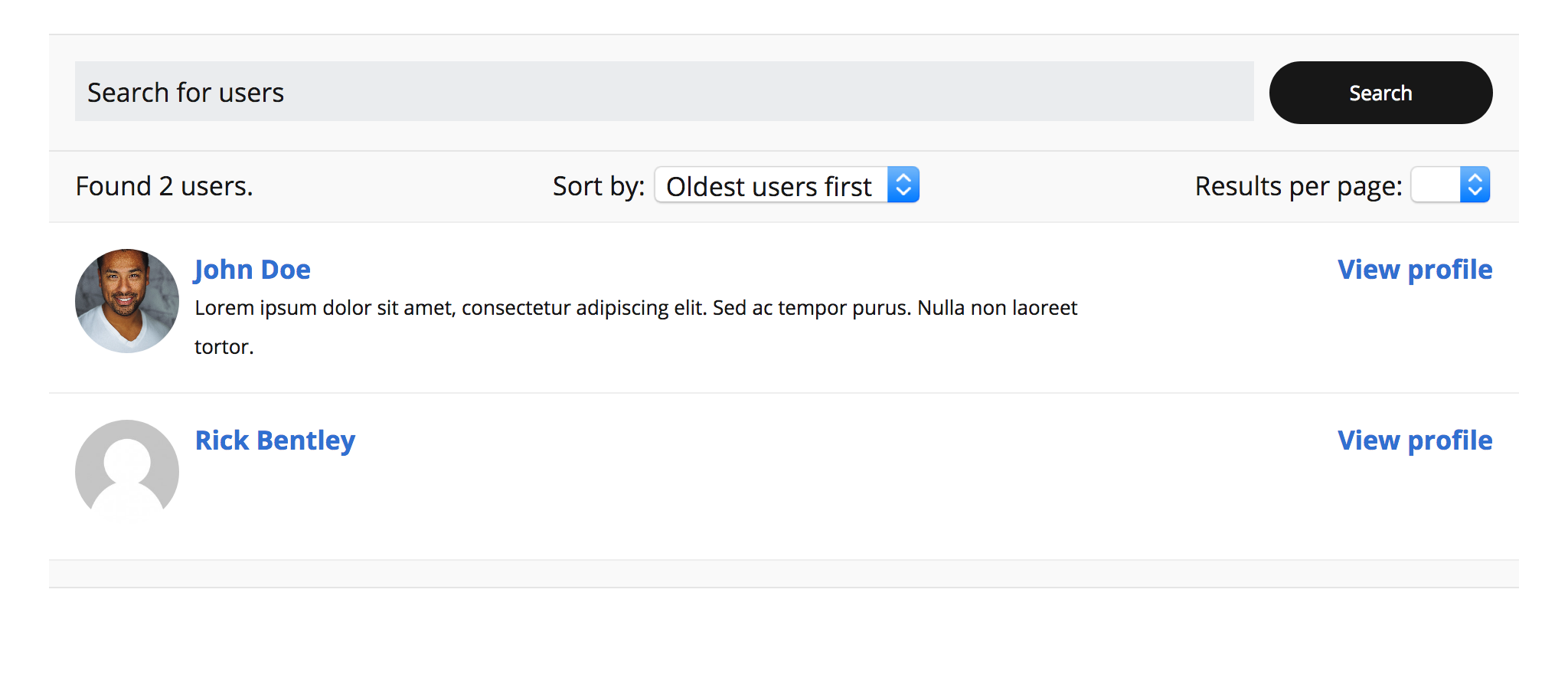
- A member directory with search, sorting and filtering by role, displayed anywhere with a block or shortcode
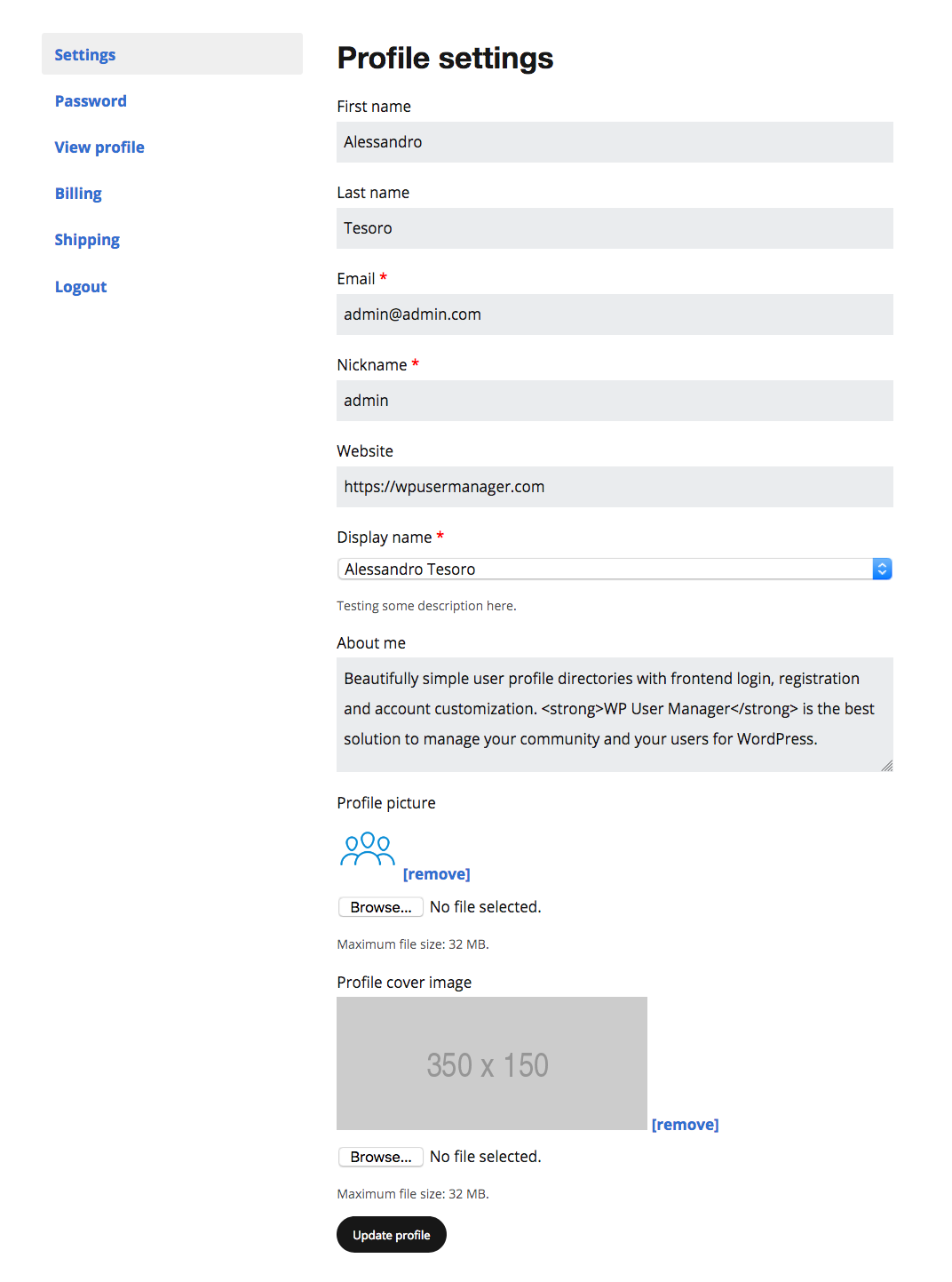
- An account page where members update their details and change their password
- Paid registration with Stripe, collecting a one-off or recurring payment when someone signs up
- Content restriction by role or logged-in status, on whole pages or on any individual block, plus custom redirects after login, logout and registration
- Blocks and Elementor widgets for every form and page: login, registration, password recovery, account, profile, profile card, user directory, recently registered users, and login and logout links. Shortcodes work everywhere else
- Frontend forms: Allow users to register and login from the front of the site. Customize the registration form with custom fields to collect data
- Stripe integration: Take one-off or recurring payments on the registration form, using Stripe Connect
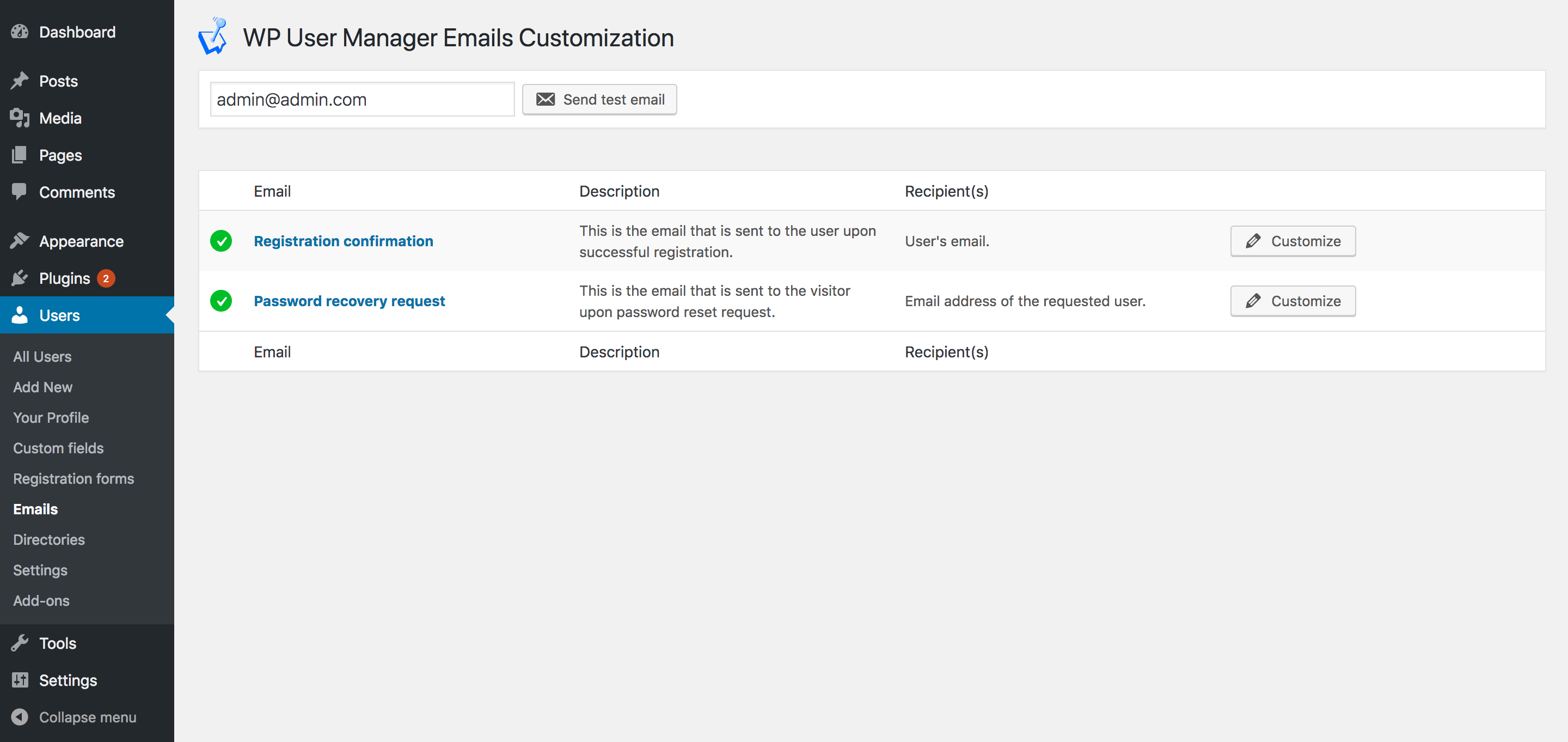
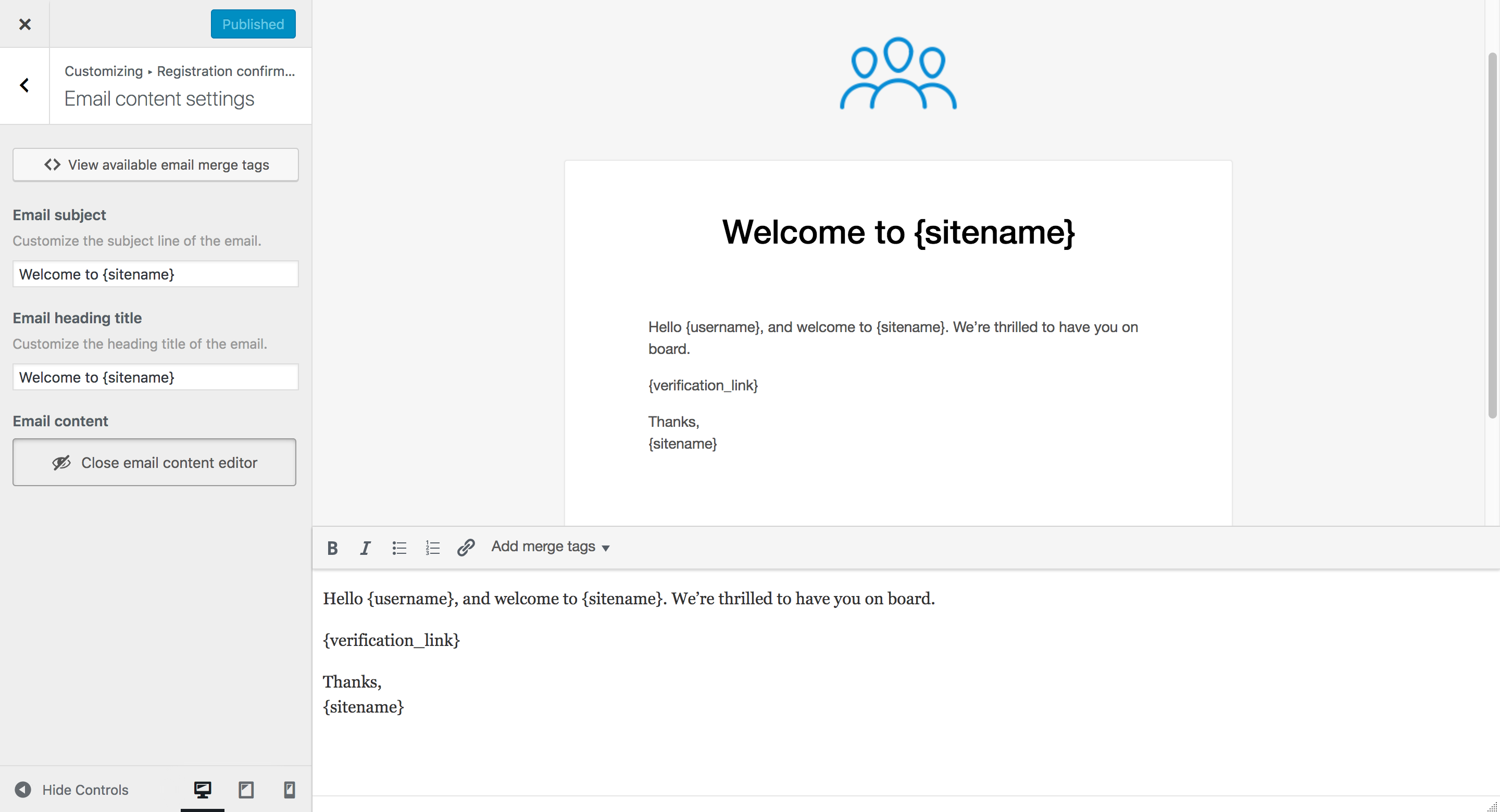
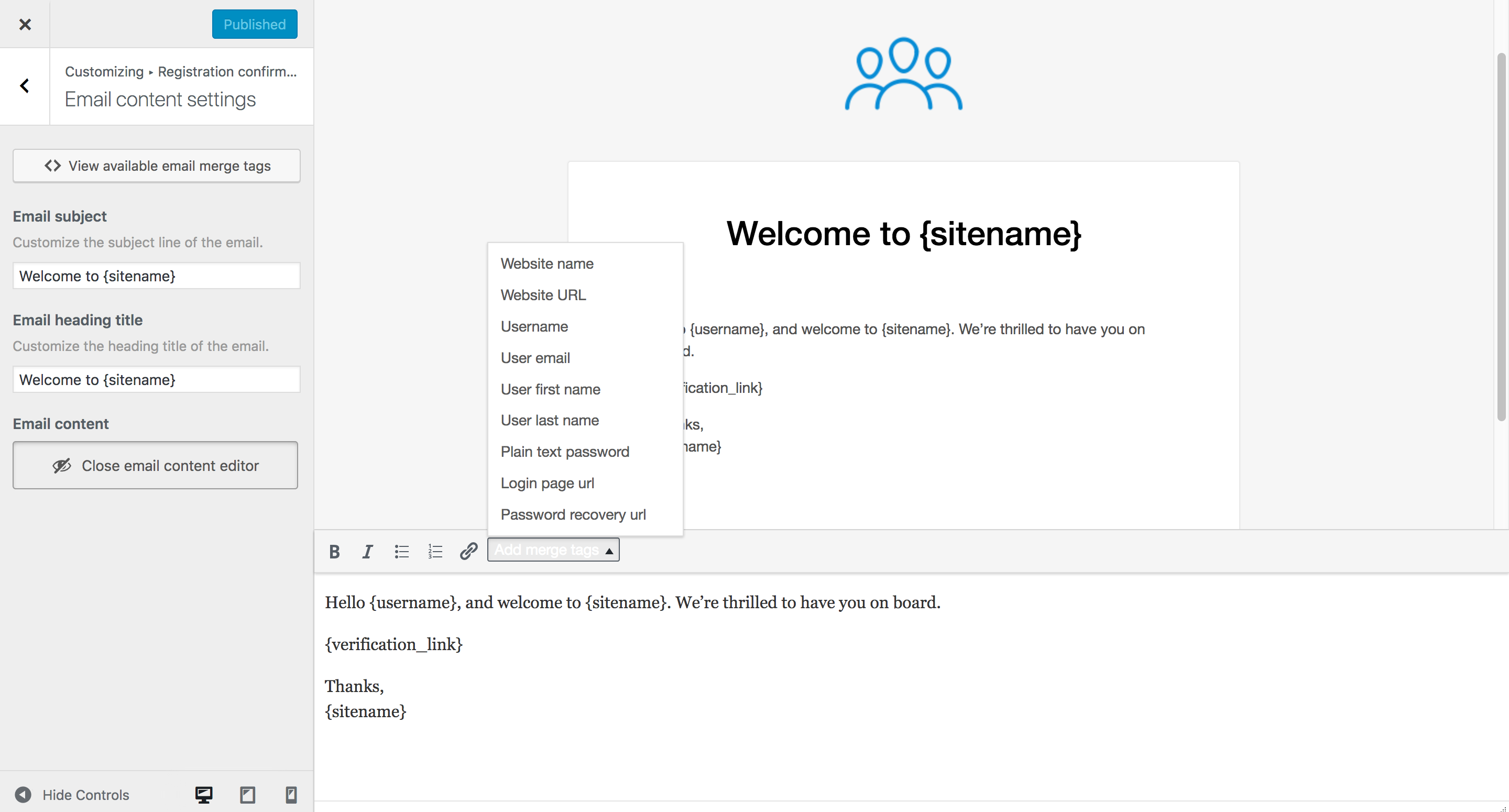
- Custom email notifications: Customize the emails sent to users when the register, reset their password and more
- Custom avatars: Users can edit their site avatar by uploading an image from the account page
- Elegant user profiles: All users have a public profile page to display their data
- Shortcodes editor: Easily add the plugin shortcodes to pages or posts with the shortcode generator and editor
- Roles editor: Edit roles and their capabilities. Create new roles and duplicate existing ones
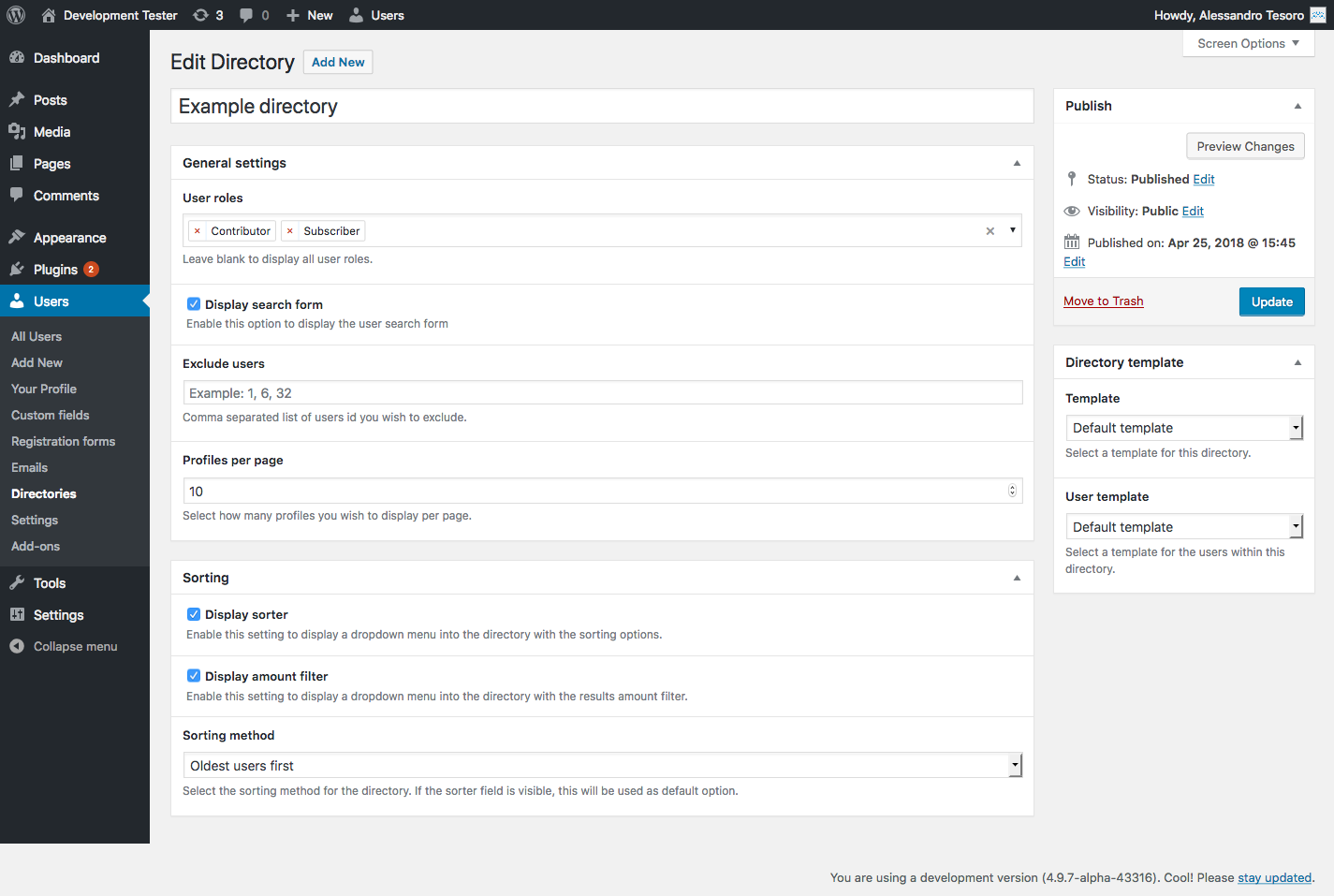
- Beautiful user directories: Display users in a directories that can be displayed anywhere on the site
- SEO URLs: All the URLs are SEO friendly
- Content restriction: Restrict content for certain users, by logged in status, or by role
- Passwords management: Allow users to update their password from their account page
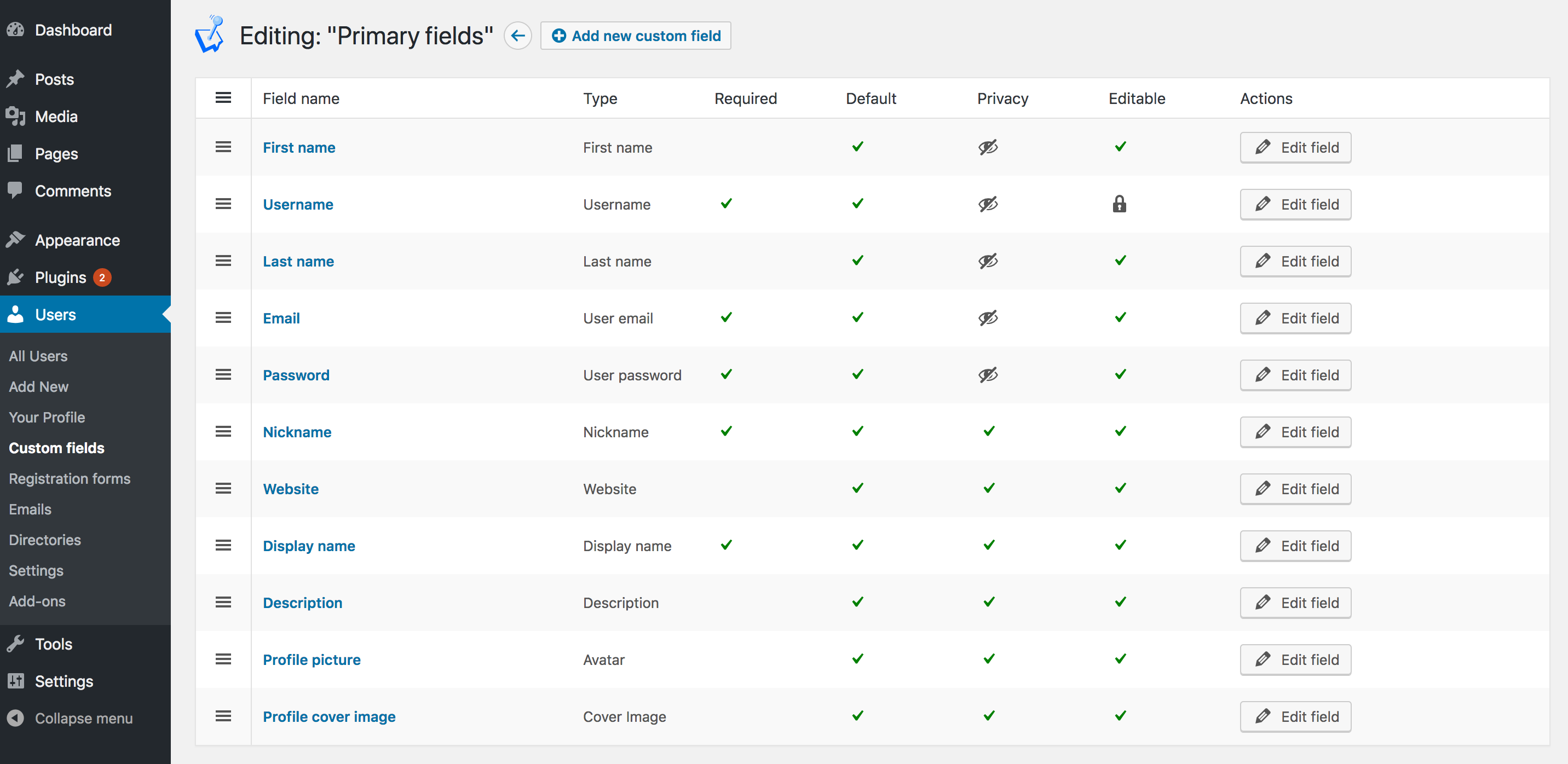
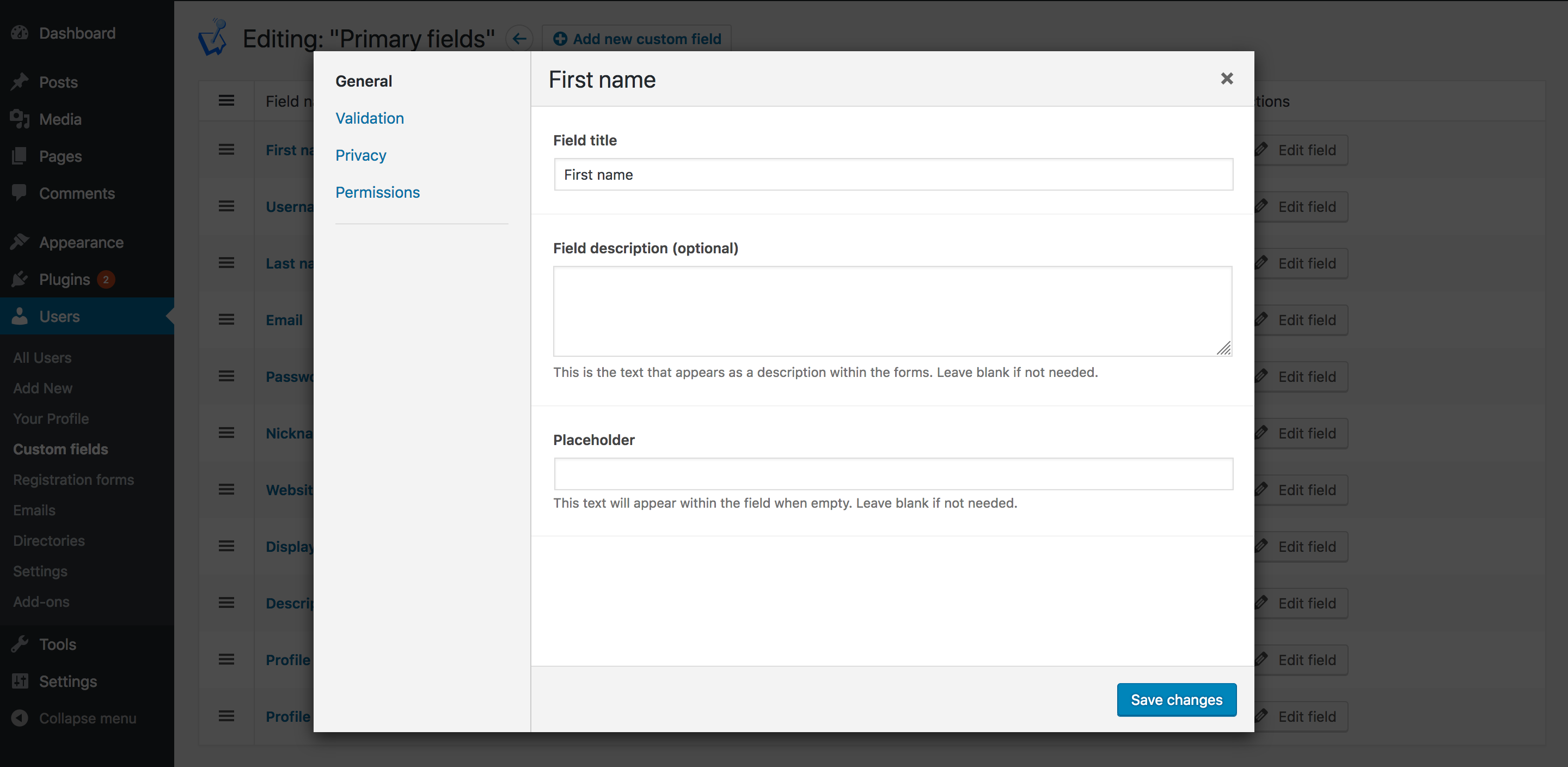
- Custom fields editor: Create custom user fields that can be used to collect data on registration
- Custom widgets: Display user data and forms in sidebars using widgets
- Custom redirects: Control where the users are redirected to on login, registration and more
- Powerful tools: Tools to be in control of your site and who registers
- Developers friendly: Customize and integrate with other plugins with a large number of hooks and filters
- Extensive documentation: Full documentation and expert support
- Translation Ready - The plugin and addons are fully localized ready for translation
- Custom Fields: Add custom fields to members profiles and registration forms
- WooCommerce: Integration with WooCommerce. Collect payment at registration, allow members to update their billing and shipping addresses, display product purchases, reviews and more!
- Stripe Pro: Integration with Stripe. Collect payment at registration with Stripe, restrict access to your site, remove the commission fees.
- User Verification: Send a verification link via email upon registration or manually approve users before they can login
- Groups: Give your users the ability to create and join groups
- Security: Add password security features and user login management features
- Registration Forms: Create unlimited registration forms, create multi-step forms, customize forms with HTML, and have full control over form settings
- Frontend Posting: Allow your users to submit posts and other content from the frontend
- Advanced Custom Fields: Collect ACF user data at registration and allow users to see and edit the data on their profile
- Social Login & Registration: Allow your users to quickly login and register with their favorite social network account, Facebook, Twitter, Instagram & LinkedIn
- Private Content: Provide private content for all your users, as well as user specific content so you can tailor for each member
- Mailchimp: Sync users with Mailchimp upon registration & more
- Google reCAPTCHA: Stop spam registrations on your website for free
- Content Restriction Plus: One-click restriction to posts, pages and custom post types
- Likes: Allow your users to like posts, pages and other content
- hCaptcha: Stop more bots. Start protecting user privacy with hCaptcha
- WPML: Translate your custom fields, field groups, registration forms, and emails using WPML
- Personal Data: Allows the user to request an export of personal data and request erasure of personal data from the account page for GDPR compliance
- Delete Account: Allows the user to delete their own profile from the frontend account page
- Newsletter: Subscribe your members to your Newsletter plugin lists easily during registration
- Username Length: Set minimum and maximum characters length for usernames
安装:
屏幕截图:
常见问题:
How do I add a login form to a page?
Add the Login Form block (or Elementor widget) to any page, or use the [wpum_login_form] shortcode. WP User Manager creates a login page for you on activation, and you can redirect wp-login.php to it so users never see the default WordPress login screen. See the login form shortcode guide.
How do I create a custom registration form?
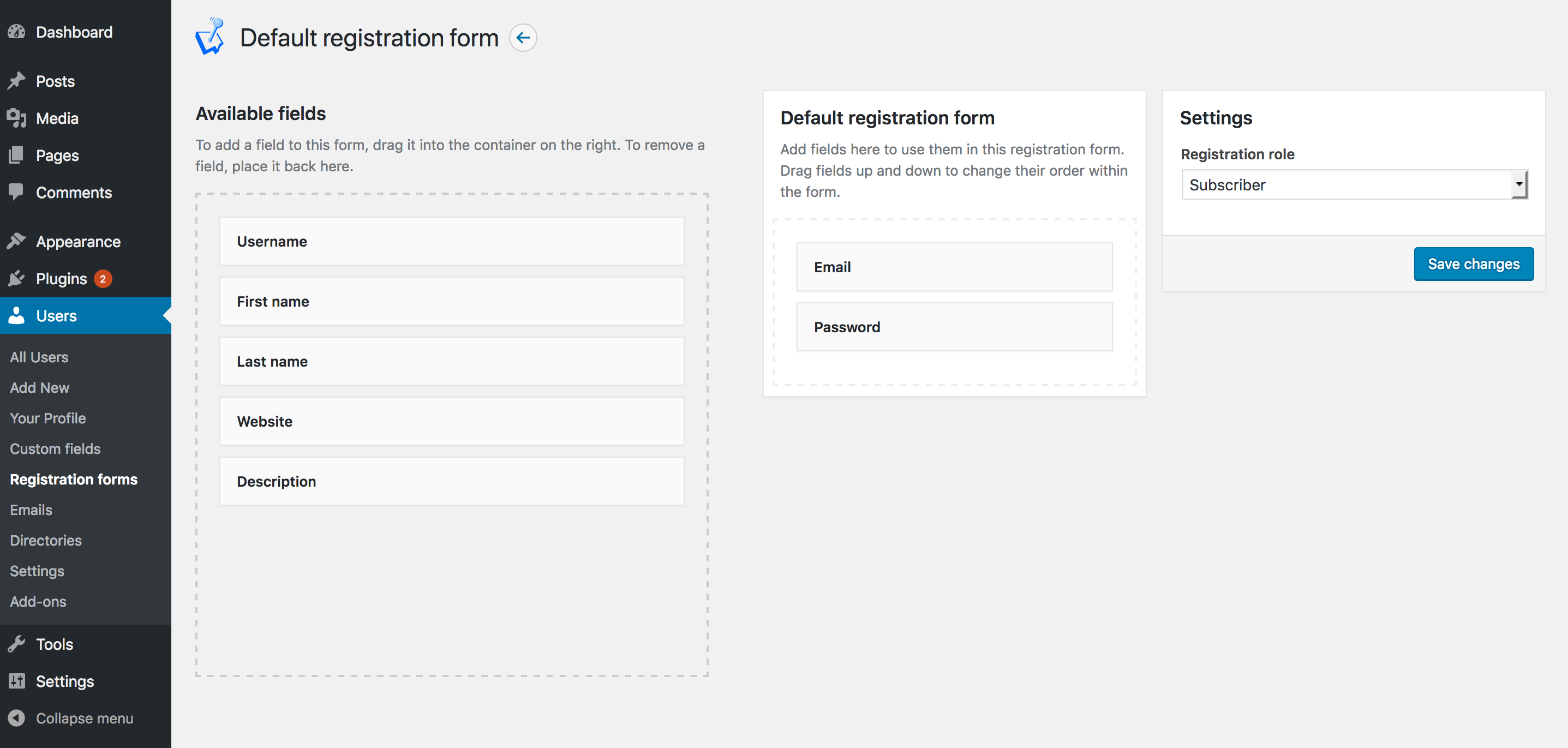
Add the Registration Form block, Elementor widget or [wpum_register] shortcode to a page, then choose which user fields the form shows under Users → Registration Forms. The free plugin includes one registration form. The Registration Forms addon adds unlimited forms and multi-step forms.
How do I create a member directory?
Create a directory under Users → Directories, choose which roles to include and whether to show a search form, then add it to a page with the User Directory block, the Elementor widget or its [wpum_user_directory id="123"] shortcode.
Can I charge for registration?
Yes. The free plugin connects to Stripe so you can take a one-off or recurring payment on the registration form. Stripe Pro uses your own Stripe keys and removes the platform fee. See how to accept recurring payments with Stripe.
Does it work with the block editor and Elementor?
Yes. Every form and page has a block and a native Elementor widget: login, registration, password recovery, account, profile, profile card, user directory, recently registered users, and login and logout links. In the block editor you can also show or hide any block by logged-in status, user role or specific users.
Which shortcodes are available?
Login, registration, password recovery, account, profile, profile card, user directory, recently registered users, logout and content restriction shortcodes, for classic themes, widgets and page builders. See the full list of pages and shortcodes.
Install instructions
Please refer to the official documentation.
Does WPUM work with any theme?
WP User Manager has been designed and coded to seamlessly integrate with any properly coded WordPress theme. However, each theme is coded differently and the quality of the code can vary. To avoid potential issues and conflicts, WPUM adds very little css and js to your website. If your theme is properly coded, WPUM should adapt itself to your site layout. Although we cannot guarantee that the plugin works with all themes.
My emails aren't delivering
Please refer to the official documentation.
Where do I report security bugs found in this plugin?
Please report security bugs found in the source code of the WP User Manager plugin through the Patchstack Vulnerability Disclosure Program. The Patchstack team will assist you with verification, CVE assignment, and notify the developers of this plugin. For further details, see our security policy.
Is WP User Manager GDPR compliant?
Please refer to the official documentation for gdpr compliance. WP User Manager provides add-ons to comply with the right of erasure and the right Please note that using WPUM and the mentioned add-ons does NOT guarantee compliance to GDPR. WPUM gives you general information and tools, but is NOT meant to serve as complete compliance package. As the owner of your website, it is your responsibility to ensure that your site is compliant with the regulations. Please always contact an attorney for accurate information, we are not responsible for your website GDPR compliance and we can’t be held accountable for any legal issues.
更新日志:
- New: Form Styles setting (Users > Settings > General > Misc Settings) adds basic styles to WP User Manager forms. On by default for new installs and for sites using a block theme
- New: Support link on the Plugins screen
- New: wpum_field_datepicker_disable_mobile filter, to use the device's native date input on mobile instead of the calendar
- Fix: With "Prevent site access to visitors" on, logged-out visitors can no longer read content through the REST API. Use the wpum_prevent_entire_site_rest_allowed_routes filter to open specific routes
- Fix: Emails with no saved subject are no longer sent with a blank subject line
- Fix: Emails missing from saved settings (including password recovery and the admin new registration notice) now send using the defaults
- Fix: Responsive column classes (wpum-col-sm-, wpum-col-md- and wpum-col-lg-*) now apply. If you added CSS to work around them, check your layouts
- Fix: Date fields open the calendar on mobile devices and show the site's date format
- Fix: The registration forms admin screen lists every form, not just the first 20
- Fix: The ACF settings metabox and the Elementor registration form widget list every registration form
- Fix: "Translation loading triggered too early" notices for Groups and Social Login caused by the addon version check
- Security: Accounts with an outstanding Stripe payment are limited to read access across the site, including wp-admin, the REST API and admin-ajax (thanks to Pedro Delgado via Patchstack for responsible disclosure)
- Security: Role-restricted content, Elementor widgets and profile fields treat accounts with an outstanding Stripe payment as having no role
- Tweak: Members whose Stripe subscription has lapsed also lose their role's capabilities until they pay. Use the wpum_stripe_restrict_unpaid_capabilities filter to keep the previous behaviour
- Security: Stripe registration only accepts the plans configured on the registration form (thanks to Patchstack for the follow-up review)
- Security: Stripe Connect callback is now tied to the administrator who started the connection
- Security: One-time Stripe plans are only marked as paid once Stripe confirms the payment
- Security: Hardened addon version check, license requests, file field output and bundled Carbon Fields AJAX actions
- Fix: One-time Stripe payments not being marked as paid
- Fix: Fatal error when downloading Stripe invoices
- Fix: Customers who abandoned a one-time Stripe checkout had no way to pay
- Fix: Addon licenses entered since 2.9.14 not activating
- Tweak: Removed unused Carbon Fields source files from the plugin package
- Security: Enforced server-side Stripe plan validation on registration (thanks to Ananda Dhakal via Patchstack for responsible disclosure)
- Security: Added authorization check to Stripe Connect callback (thanks to Wordfence PRISM for responsible disclosure)
- Enhancement: Added "Fetch Stripe Products" button to Stripe settings
- Enhancement: Stripe product webhook handlers to auto-sync product cache
- Enhancement: Filter Stripe API queries to active products and prices only
- Enhancement: Generic login error messages setting to prevent username enumeration
- Fix: PHP 8 fatal in avatar cache key when $id_or_email is an object
- Security: Hardened profile tab input validation (thanks to Yat via Wordfence for responsible disclosure)
- Fix: Custom avatar not shown when a default avatar is also configured
- Fix: Multiple roles not saving on the admin edit user page
- Fix: Email content editor for 'Delete Inactive Accounts' not working with block themes
- Security: Hardened file field input validation during registration (thanks to endy via Patchstack for responsible disclosure)
- Fix: PHP 8.2+ dynamic property deprecation warnings in WPUM_Field
- Fix: Account update no longer fails when avatar or cover image file is missing from disk
- Fix: Password recovery now works when the username is an email address different from the stored email
- Fix: Multicheckbox and multiselect fields no longer cause errors when the stored value is not an array
- Fix: User role multiselect was disabled on the admin user profile after Carbon Fields upgrade
- Improvement: Updated Brain\Cortex routing library for PHP 8.3 compatibility
- Improvement: Upgraded Carbon Fields to a version compatible with PHP 8.1-8.3
- Fix: Translation loading now uses the correct hook for WordPress 6.7+ compatibility
- Improvement: Minimum PHP version raised from 7.2 to 7.4
- Security: Fixed authenticated arbitrary file deletion vulnerability in custom avatar and cover image handling (Thanks to YC_Infosec via Wordfence)
- Security: Fixed a PHP Object Injection vulnerability in the user nickname profile field (Thanks to Nguyen Ngoc Quang Bach (maysbachs) via Patchstack)
- Security: Missing authorization to authenticated check for the unique usermeta key check when editing a field (Thanks to Tieu Pham Trong Nhan)
- Security: Carbon Field sidebar AJAX action handlers removed which are not used but posed a CSRF security risk (Thanks to BrokenAC)
- Security: Nonce check added to the admin action of fixing old plugin data
- Improvement: + and other characters no longer accepted in username at registration
- Fix: Required checkboxes field hidden with conditional logic incorrectly requires all boxes to be checked
- Fix: Registration form duplicate id attribute HTML issues
- Tested with WordPress 6.5
- Fix: Stripe subscriptions not connecting to user correctly
- Fix: Password field not allowing special characters
- Fix: Unable to add new WPUM Blocks or edit existing ones
- Fix: PHP 8.1 and 8.2 notices
- Fix: Redirect loop when preventing access to the site unless logged in for sites installed in a subdirectory
- Fix: Unable to submit WPUM forms as Elementor widgets
- Fix: Displayed Stripe product prices incorrectly rounded to whole numbers
- Fix: REST API endpoints not accessible when preventing access to the site unless logged in
- Fix: Unable to remove all "Allowed Roles" in the custom field permissions tab
- Fix: Unable to add blocks for the Likes, Private Content, and Social Login addons
- Fix: Unable to delete custom role
- Fix: WP User Manager custom blocks and block restriction settings now appear in the block editor
- Improvement: Plugin now requires PHP 7.2+
- Fix: PHP Fatal error: Cannot declare because the name is already in use in
- Fix: Date picker on the account page now uses the correct display format
- Fix: PHP Fatal error: Uncaught Error: Class 'WPUM\Walker_Nav_Menu_Edit' not found
- Fix: Date picker not saving in correct format
- Fix: Repeater fields not loading correctly
- Fix: Fatal error: Cannot declare because the name is already in use in errors
- Fix: Fatal errors on sites using Divi
- Fix: PHP 8 Fatal error: Uncaught TypeError: spl_autoload_unregister(): Argument #1 ($callback) must be a valid callback
- Fix: PHP Fatal error failed opening required /includes/functions-scoped.php
- New: Collect payment for site access with credit cards using our Stripe integration
- New: Use native Elementor widgets instead of WP User Manager shortcodes
- New: Choose an image as the default avatar for users who haven't uploaded one
- New: Compatibility with the Stripe Pro addon
- Improvement: Registration success notice now shows on after registration redirect pages
- Improvement: Third-party dependency code is now prefixed to avoid clashes with other plugins
- Improvement: Storage date format for the Date picker field updated to 'Y-m-d' for standardization
- Improvement: Date format for the Date picker field can be altered with the 'wpum_field_datepicker_date_format' filter
- Fix: PHP notice on form submit with Repeater field with conditional logic
- Improvement: Pagination for comments on the profile, with comments per page setting
- Fix: Email customizer now works with the OceanWP theme
- Fix: Conditional logic support for Repeater subfields
- Fix: Code fixes using PHPStan (props szepeviktor)
- Fix: Renaming a registration form now works correctly
- Fix: Abort loading plugin early if plugin doesn't meet PHP or WP requirements
- Fix: Newsletter email form on welcome page updated
- Fix: Formatting on the welcome page
- Fix: Updated documentation URLs
- New: Setting to partially obfuscate email addresses used as the user display name
- Improvement: 'wpum_authentication_method_admin_override' filter to enforce admin logins with the correct username/email method
- Fix: Headers for field groups with only hidden fields now don't render on the profile
- Fix: Searching in a directory for users with apostrophes in their names now returns result
- Fix: Redirecting to a URL with query parameters now retains the parameters after login
- New: Compatibility with Likes addon
- New: Blocks for Social Login Buttons and Private Content
- Improvement: Profile permission settings now in a different tab in the admin
- Fix: User role editor now saving grant and deny capabilities correctly
- Fix: Profile Card block settings now working correctly
- Fix: Undefined offset: 0 in wp-user-manager/includes/actions.php on line 117
- Fix: Error log messages now not showing if a profile is accessed for a user that does not exist
- New: Compatibility with hCaptcha addon
- Fix: Warning: Undefined array key “action” now not showing
- Fix: Undefined offset: 0 when excluding roles from showing the admin bar
- Improvement: Saving a custom field with same unique key is now not allowed
- Improvement: 'wpum_prevent_entire_site_access_allowed_urls' filter for allowing URLs when site access is prevented
- Fix: Multiple checkboxes field now saving correctly
- Fix: Existing file fields data in a repeater field are now preserved correctly on save
- Fix: Menu item user role restriction now works as expected
- Fix: Switching back to a user with the User Switching plugin now works as expected
- Fix: Plugin admin scripts now not loading on every admin page
- Fix: Hypens now allowed in unique meta key for custom fields
- Fix: User, User Role, and User Taxonomy fields now saving multiple values correctly
- Fix: Forms in widgets now render correctly
- Fix: Multi select fields now rendered correctly when hidden with conditional logic
- Improvement: Links on the Already Logged In template can be filtered using the 'wpum_already_logged_in_links' filter
- Fix: Password reset success message now renders HTML correctly
- Fix: File field now correctly saving uploads
- Fix: Sub pages for the account and profile page now loading when using an Elementor template
- Fix: Conditional logic settings now correctly saving when editing a field
- Fix: Custom field unique meta keys now converted to lowercase to stop fatal errors
- Improvement: Options for dropdown, multiselect, checkbox and radio buttons fields can be pasted in
- Improvement: Plugin coding standards improved
- Fix: Account and profile subpages now correctly styled like the parent page when using page builder plugins
- Fix: PHP notices now not thrown when using conditional logic with empty multiselect fields
- Security: File uploads now checked for matching file extension and file type before attempting to upload
- Fix: HTML in form error messages now showing correctly
- Fix: 'Edit account' string on the profile page now localized for translation
- Fix: PHP Notice: Undefined index preventing form submission on some installs
- Improvement: Conditional logic for fields now supported for both the Custom Fields and ACF addons
- Fix: Change Password account form now loading correctly after save
- Fix: Account and profile sub pages now inheriting the parent page template which was broken in WordPress 6.0
- Fix: Saving Divi pages now not throwing fatal errors on some installs
- Fix: Registration form error messages now using the general-error.php template
- Fix: Account and profile sub pages now working with WordPress 6.0
- Tested with WordPress 6.0
- Fix: Plugin now compatible with sites with object caching enabled
- Fix: Field names with apostrophes now don't have slashes added
- Fix: Prevent site access now compatible with Social Login addon
- Improvement: Redirect URL after login can now be filtered with 'wpum_login_redirect_to_url' filter when restricting content
- Fix: Password reset page now accessible when preventing access to the whole site
- Fix: Email settings tab now only showing for File fields
- Fix: File field help hint now includes jpeg in the example file extensions for clarity
- Fix: WP User Manager addons now showing as tested up to the minor WordPress versions correctly
- Fix: User password now not regenerated when other plugins create users when using a 'password' field
- Fix: WP CLI commands now working when the site is locked
- New: Sites can now be completely locked from access unless users are logged in
- New: Email sent to the site administrator when a new user registers can now be customized like other emails from the email screen
- New: File fields can now be attached to new user registration emails with the Custom Fields addon
- New: Emails can now be disabled from the email screen
- New: Directory sorting option is now filterable with 'wpum_directory_sort_options' to allow setting custom sort field
- Improvement: User is now alerted if they have unsaved field settings and try to change settings tabs
- Fix: 'Username or email' string now used to match WordPress and leverage existing string translations