WP to CRM Lead Sync
| 开发者 | dipesh_patel |
|---|---|
| 更新时间 | 2026年10月7日 15:14 |
| PHP版本: | 7.4 及以上 |
| WordPress版本: | 7.1 |
| 版权: | GPLv2 or later |
| 版权网址: | 版权信息 |
详情介绍:
This plugin will provide a Widget Form anywhere you want for easy,fast & hassle-free SugarCRM Leads.
No license fees, 100% FREE, No Ads, No BloatWares
Follow us on Facebook , Google+, Pinterest & Youtube.
WP to CRM Lead Sync plugin is simple yet advance, easy & one time setup solution for your business needs. Plugin will dynamically generate a Lead-form on a Widget based on your choices using fields which are mapped to your SugarCRM Lead module. You can change the Order & Label of the field any time you want. Now convert your website traffic/visitors into business Leads. It was never that easy before.
Features
- 2 minute setup
- No HTML
- User Friendly Form builder
- Dynamically generated
- Easy to manage
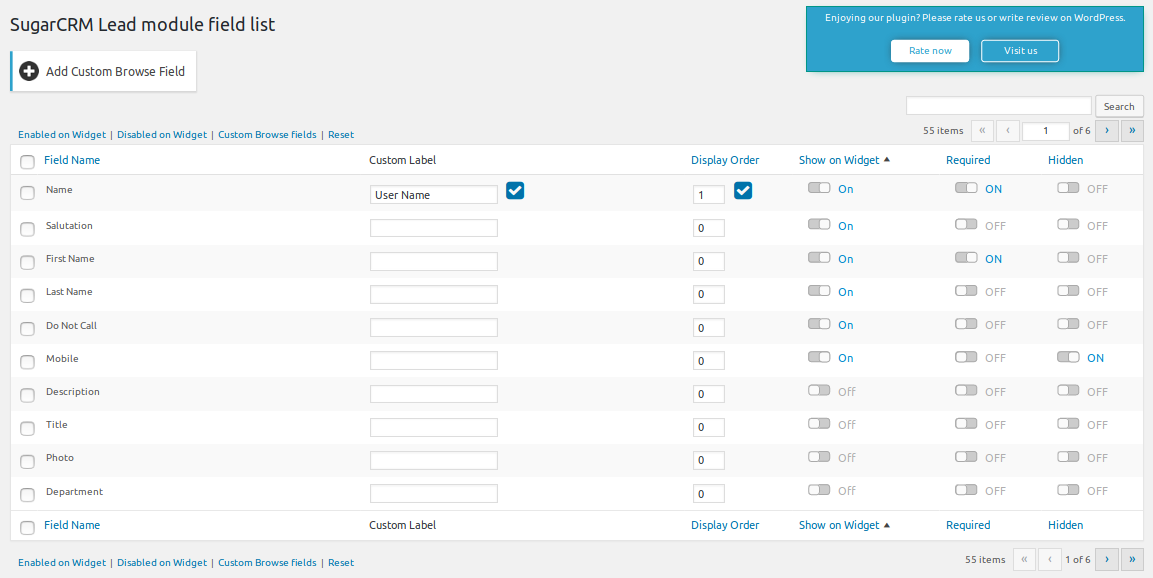
- Pass any field as hidden field with any value you want. You can also change that value anytime you want
- Mark any field mandatory
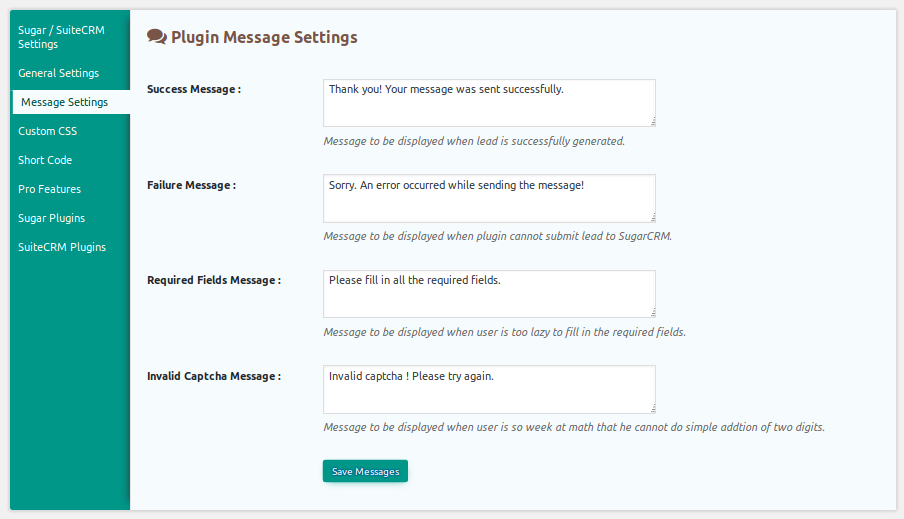
- Change success/failure and all error messages at your convenience
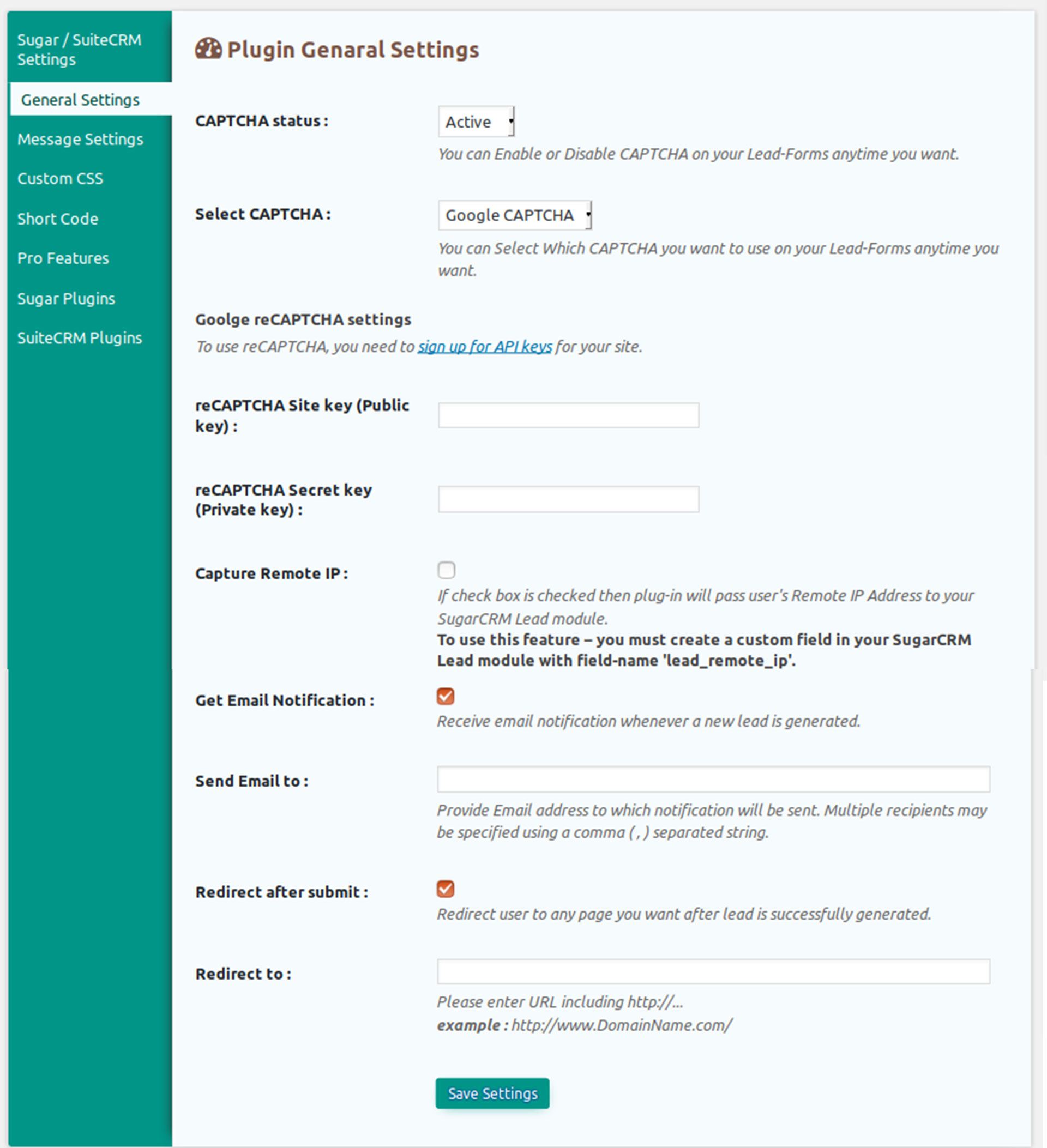
- Capture user/visitor's Remote Address
- Option to attach unlimited files with every lead
- Get Email notifications for each lead generation
- Option to redirect page on lead submission
- Connect to your SugarCRM or SuiteCRM even if it's protected with .htaccess
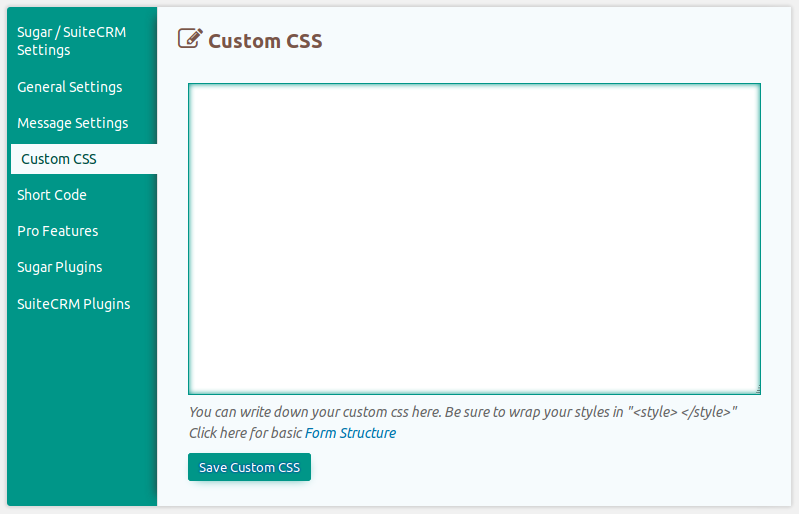
- Now you can apply custom CSS on your lead forms.
- User-friendly Drag & Drop form builder.
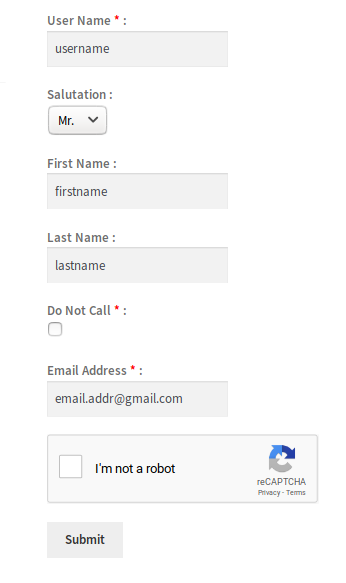
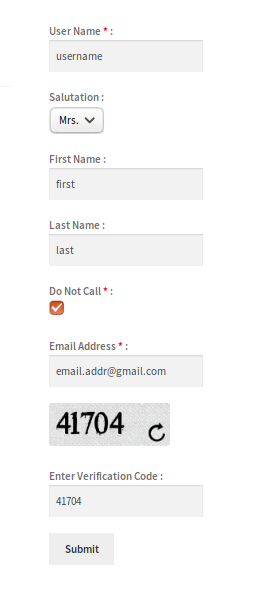
- Option to use Custom CAPTCHA method or google reCAPTCHA on your Lead-Forms.
- Create multiple forms and use Shortcode generated anywhere on your WordPress site.
- Unlimited Forms with different set of fields.
- Additional email notification option for each form.
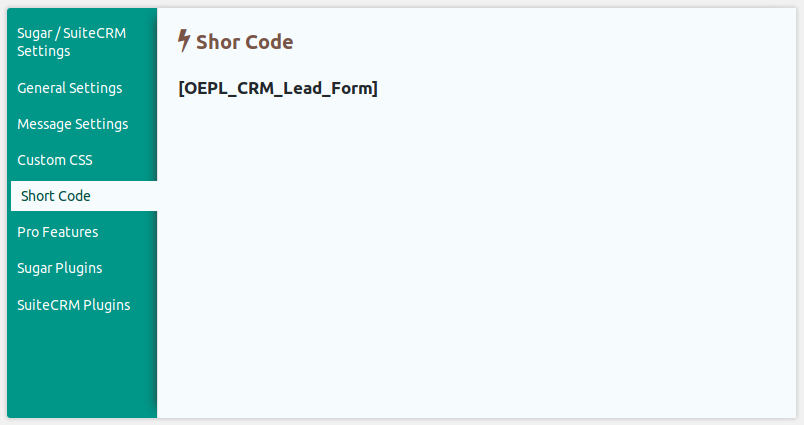
- Generate Short-Code to set form anywhere in your WordPress website.
- Email compose feature to send auto reply to visitors for individual forms. You can use Lead-Form fields in WYSIWYG editor to compose email template.
- Get premium support.
- Download & Enable plugin
- Test connection with your SugarCRM & save your SugarCRM credentials
- Synchronize Lead Fields
- Now all your Lead fields will be mapped in 'Lead module' table. Choose which fields you want to display on widget
- Go to widget page Drag & Drop SugarCRM Lead Form Widget to wherever you want (P.S Only one widget per page)
- You will require SugarCRM administrator level credentials to Plug-in it
- You can use Widget one time only on each page, if will be display 2 time at single page – it will not work
- You must save your SugarCRM URL, Username & Password without which plugin won't work
- To use 'Pass user Remote Address with every lead' function you must create custom field in your SugarCRM lead module named 'lead_remote_ip'
- Now make any field hidden & provide it's value in Widget arguments in Widgets page. You can optimize this feature for something like from which part of your website lead is generated
安装:
- Download & Enable plugin.
- Test connection with your SugarCRM & save your SugarCRM credentials.
- Synchronize Lead Fields.
- Now all your Lead fields will be mapped in 'Lead module' table. Choose which fields you want to display on widget.
- Go to widget page Drag & Drop SugarCRM Lead Form Widget to wherever you want.(P.S Only one widget per page)
屏幕截图:
更新日志:
Version 5.9.0
Release Date : 07 Oct 2026
- Updated compatibility metadata for WordPress 7.1.x
- Fixed CRM lead success detection and attachment handling
- Added administrator authorization and nonce checks to settings actions
- Added server-side reCAPTCHA verification and isolated numeric CAPTCHA sessions
- Improved SQL safety, output escaping, and input validation Version 5.7 Release Date : 17 Feb 2025
- Tested up to WordPress 6.7.2
- Bug fixes and improvement Version 5.6 Release Date : 04 May 2024
- Tested up to WordPress 6.5.2 and PHP 8.2
- Apply validation in message settings
- Implement strict equality check for better logics
- Bug fixes and improvement Version 5.5 Release Date : 22 May 2023
- Numeric Captcha bug fixes
- Tested up to WordPress 6.2.2 Version 5.4 Release Date : 18 Oct 2022
- Bug fixes and improvement
- Tested up to WordPress 6.0.3, PHP 8 Version 5.3 Release Date : 29 Mar 2022
- Bug fixes and improvement
- Tested up to WordPress 5.9.2 Version 5.1 Release Date : 23 July 2021
- Bug fixes and improvement
- Tested up to WordPress 5.8 Version 5.0 Release Date : 07 April 2021
- Bug Fixes Version 4.6 Release Date : 02 August 2018
- Bug Fixes Version 4.4 Release Date : 16 June 2018
- Bug Fixed -- Checkbox displayed as Dropdown is fixed.
- Added new option to select CAPTCHA for better security Purpose. User can Select CAPTCHA and use it in Lead Form
- Google reCAPTCHA
- Numeric method CAPTHCA
- Compatible with WordPress Version 4.9.6 Version 4.2 Release Date : 7 Feb 2017
- Email alert on connection failed
- GUI change
- Short code feature to load form in web page
- Tested with WordPress Version 4.7.2 Version 4.0 Release Date : 23rd April 2015
- Option to enable/disable CAPTCHA.
- New image CAPTCHA.
- Updated UI.
- Now you can apply Custom CSS to your Lead-Forms easily.
- Now you can set Invalid captcha & Required fields error messages.
- Bug Fixes - 'Account name' field synchronize issue fixed.
- Bug fixes - Form will not reset on submit error.
- Bug fixes.
- Provided an option to redirect page on successful lead submission.
- Connect to your SugarCRM or SuiteCRM even if it's protected with .htaccess. Setting available in settings panel.
- Option to attach unlimited files with every lead.
- Get Email notifications for each lead generation.
- Design changes.
- Changed the method of saving SugarCRM settings to prevent conflicts.
- Now you can capture user's Remote Address with every lead.
- Option to pass any field as hidden field. You can set value for that hidden field in Widget arguments. With this feature you can get information about from which part of your website lead is generated.
- Now you can change the Label for any field.
- Option to mark any field mandatory.
- Provided calander plugin for date & datetime fields.