
WPBits Block Studio
| 开发者 |
wpbits
kyguney |
|---|---|
| 更新时间 | 2026年8月29日 03:32 |
| PHP版本: | 8.0 及以上 |
| WordPress版本: | 7.1 |
| 版权: | GPLv2 or later |
| 版权网址: | 版权信息 |
详情介绍:
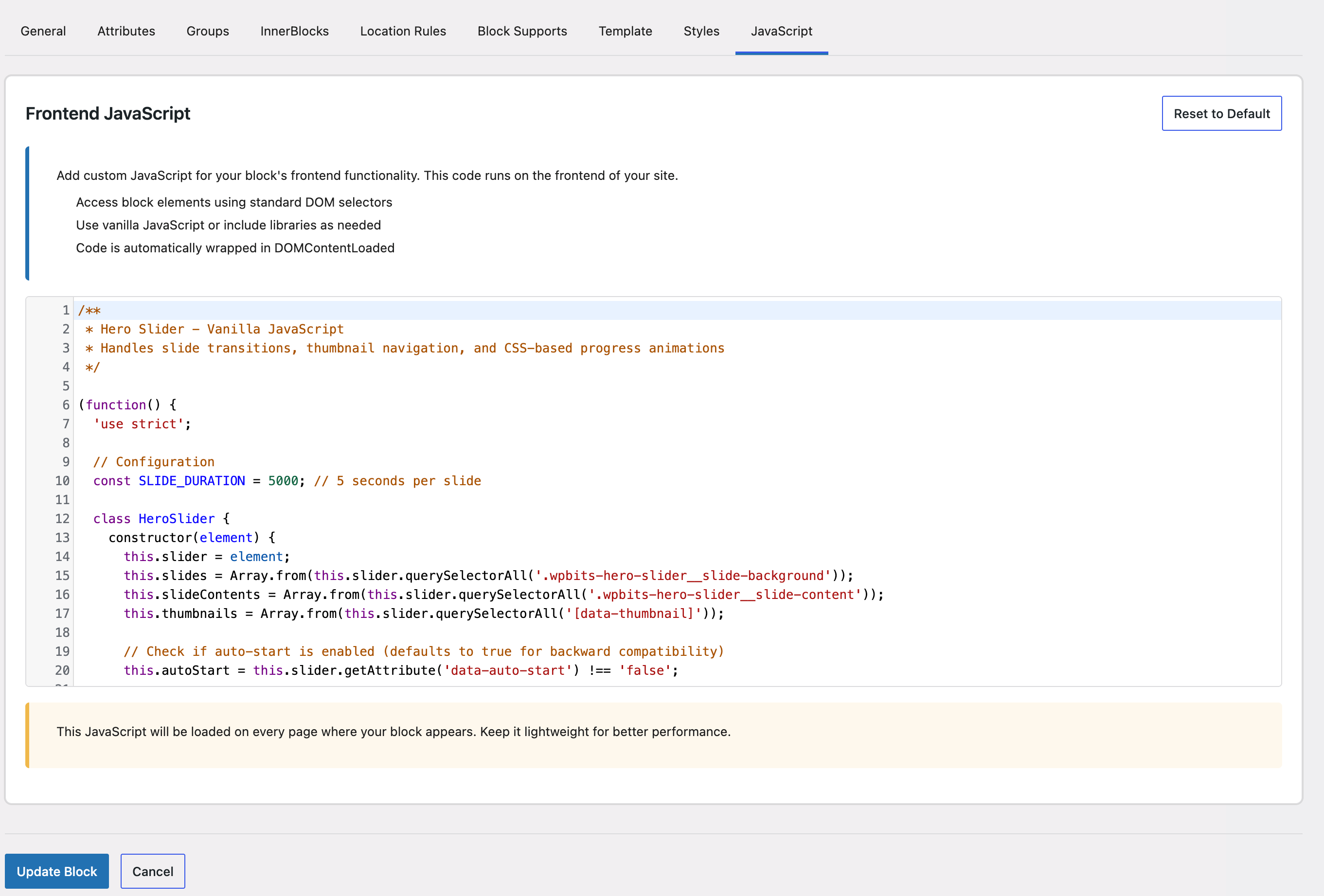
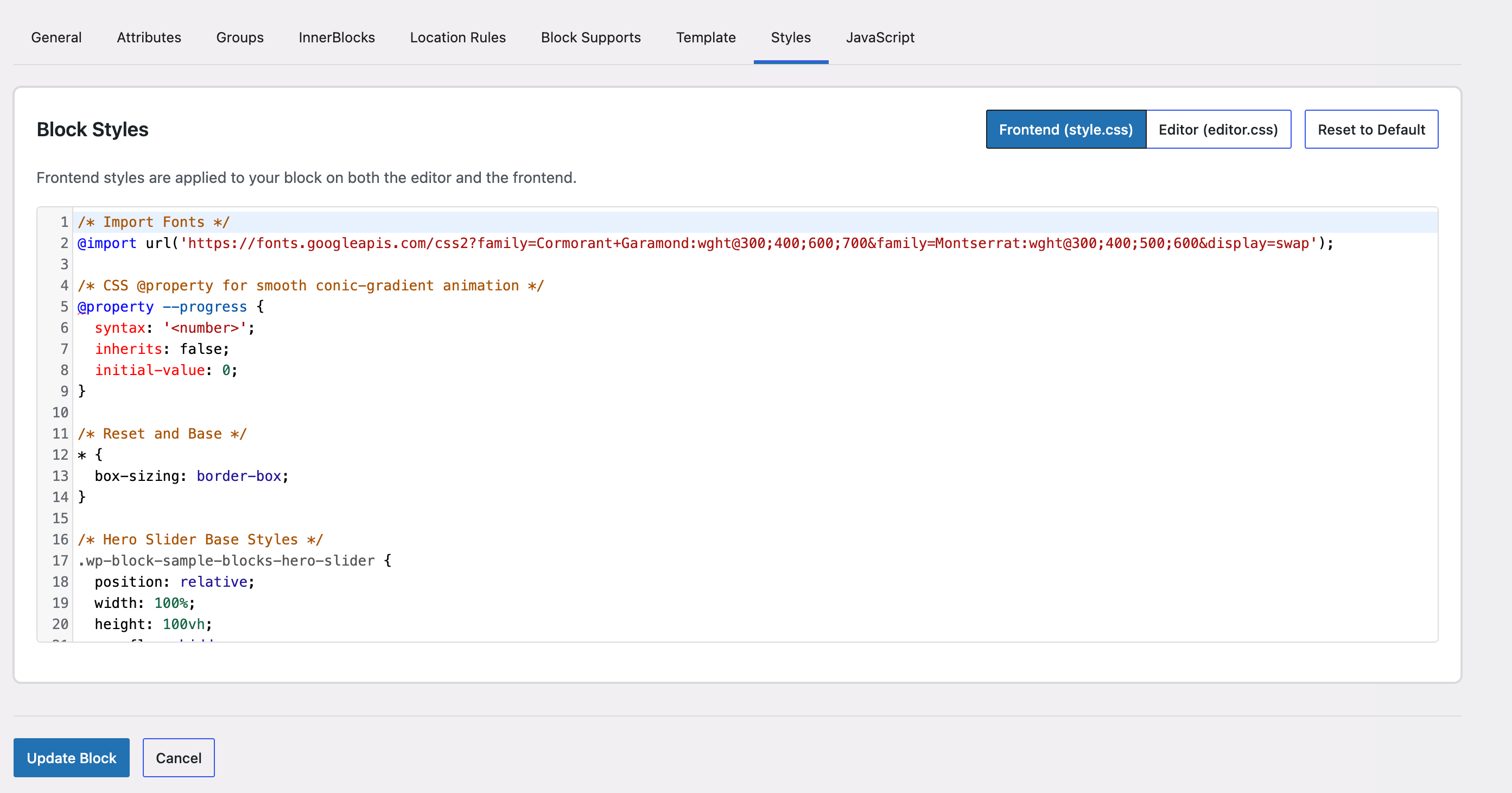
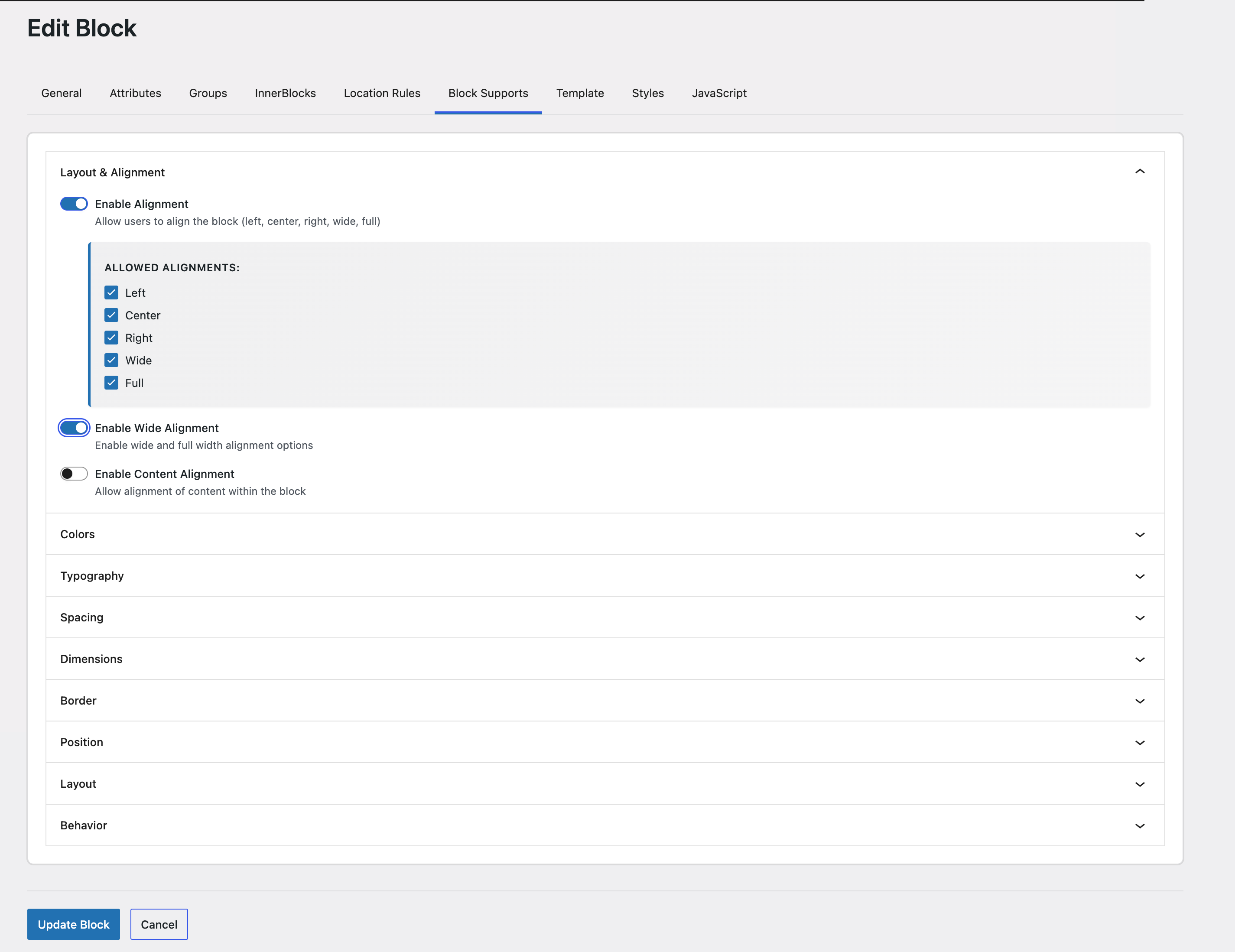
- Visual Development Workflow — Build custom Gutenberg blocks through a visual development interface.
- Real, Editable Block Files — Generate standard WordPress block files that developers can inspect, modify, and integrate into their own projects.
- Static & Dynamic Rendering — Create both static blocks and server-rendered dynamic blocks.
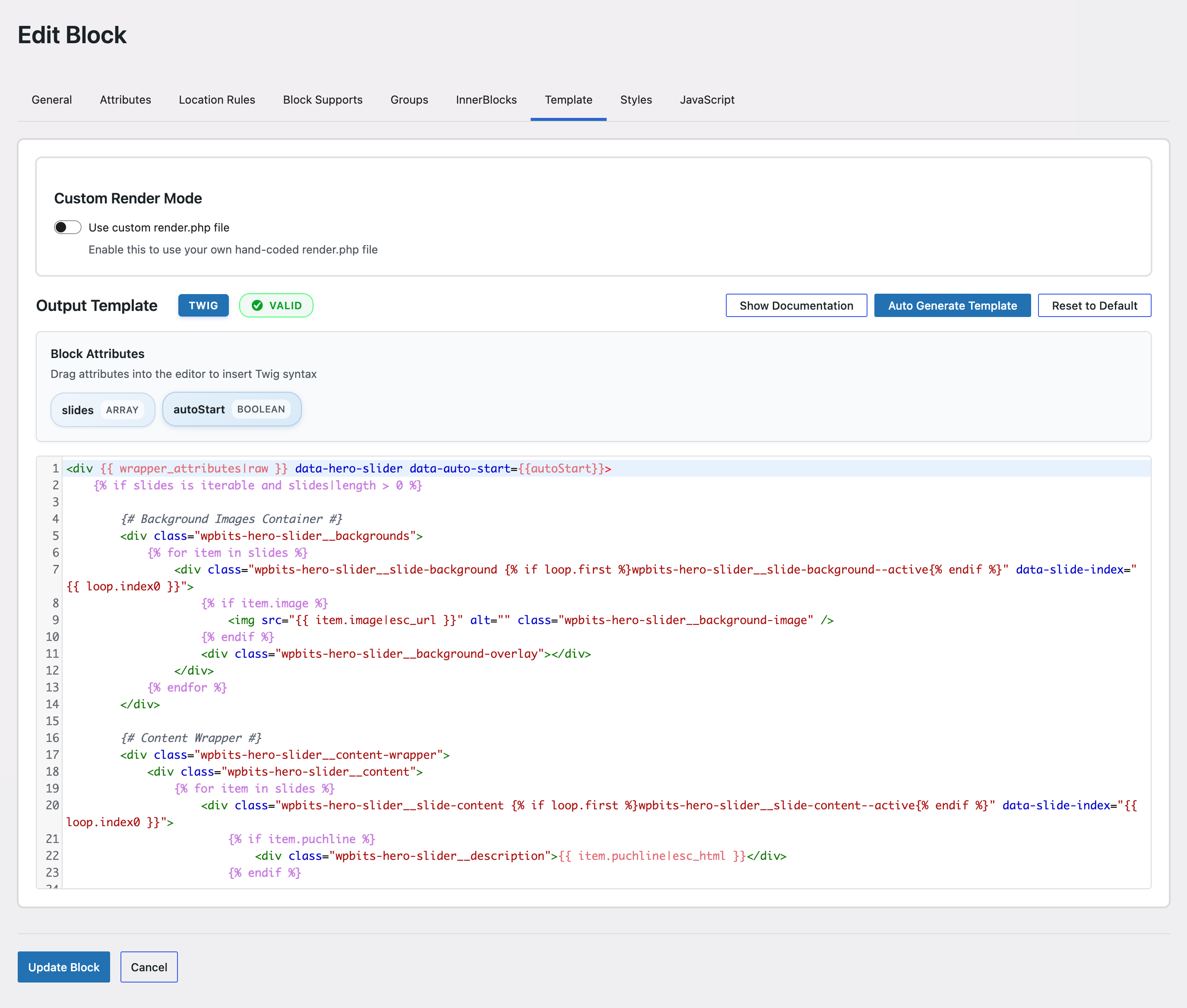
- Twig Templates — Use clean, maintainable Twig templates for block markup.
- Developer Freedom — Export and integrate generated blocks into themes, plugins, and other WordPress development workflows.
- WordPress developers building custom blocks
- Agencies creating blocks for multiple clients
- Theme developers needing block patterns
- Plugin developers requiring custom blocks
- Advanced users who want to accelerate block development
安装:
- Upload the plugin files to the
/wp-content/plugins/wpbits-block-studiodirectory, or install the plugin through the WordPress plugins screen directly. - Activate the plugin through the 'Plugins' screen in WordPress.
- Navigate to WPBits Block Studio in your WordPress admin menu.
- Start creating blocks!
- Download the plugin ZIP file.
- Go to WordPress admin → Plugins → Add New.
- Click "Upload Plugin" and select the ZIP file.
- Click "Install Now" and then "Activate Plugin".
- WordPress 6.5 or higher
- PHP 8.0 or higher (PHP 8.3 recommended)
- Node.js 20.x for development builds
屏幕截图:
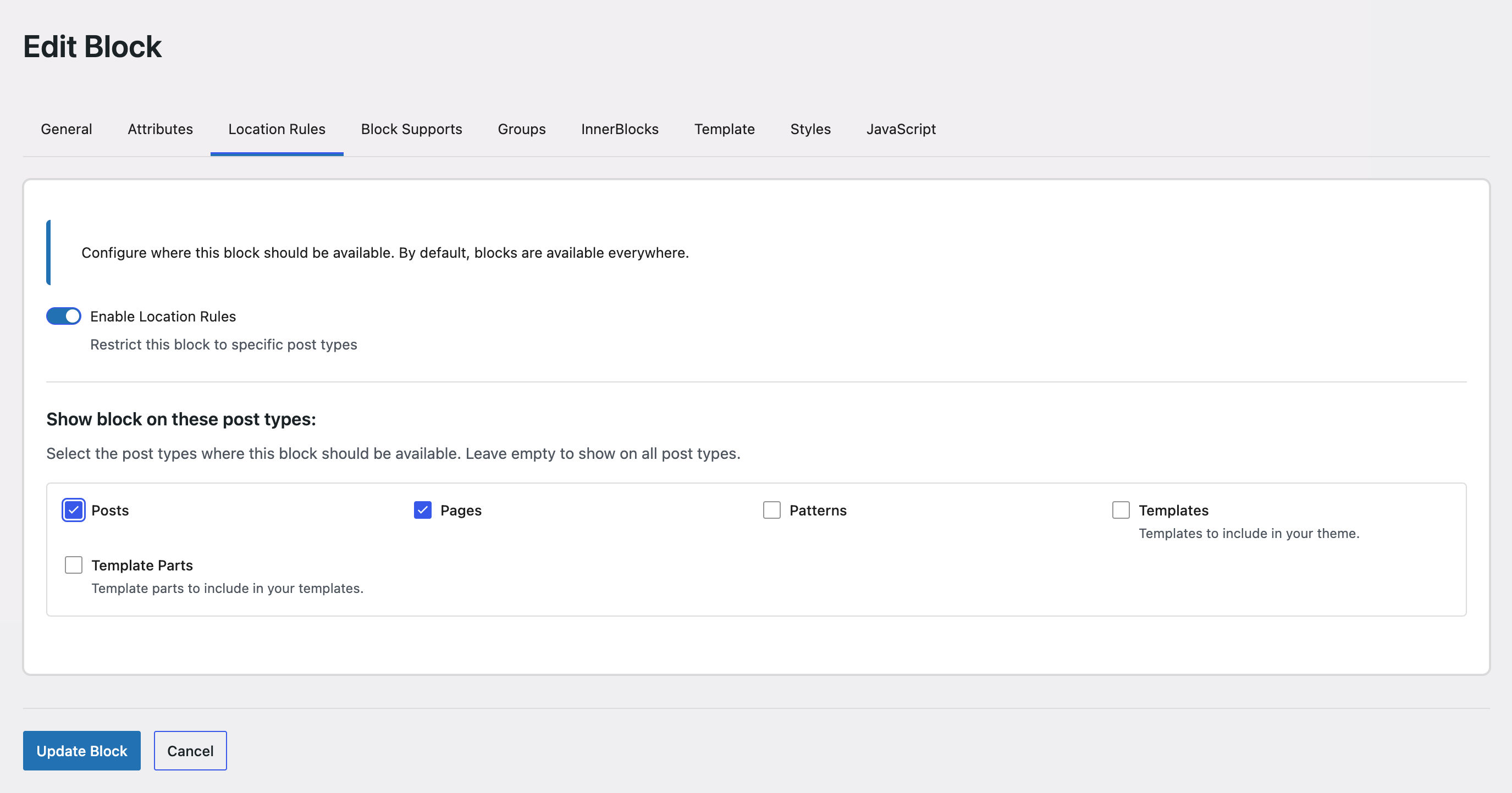
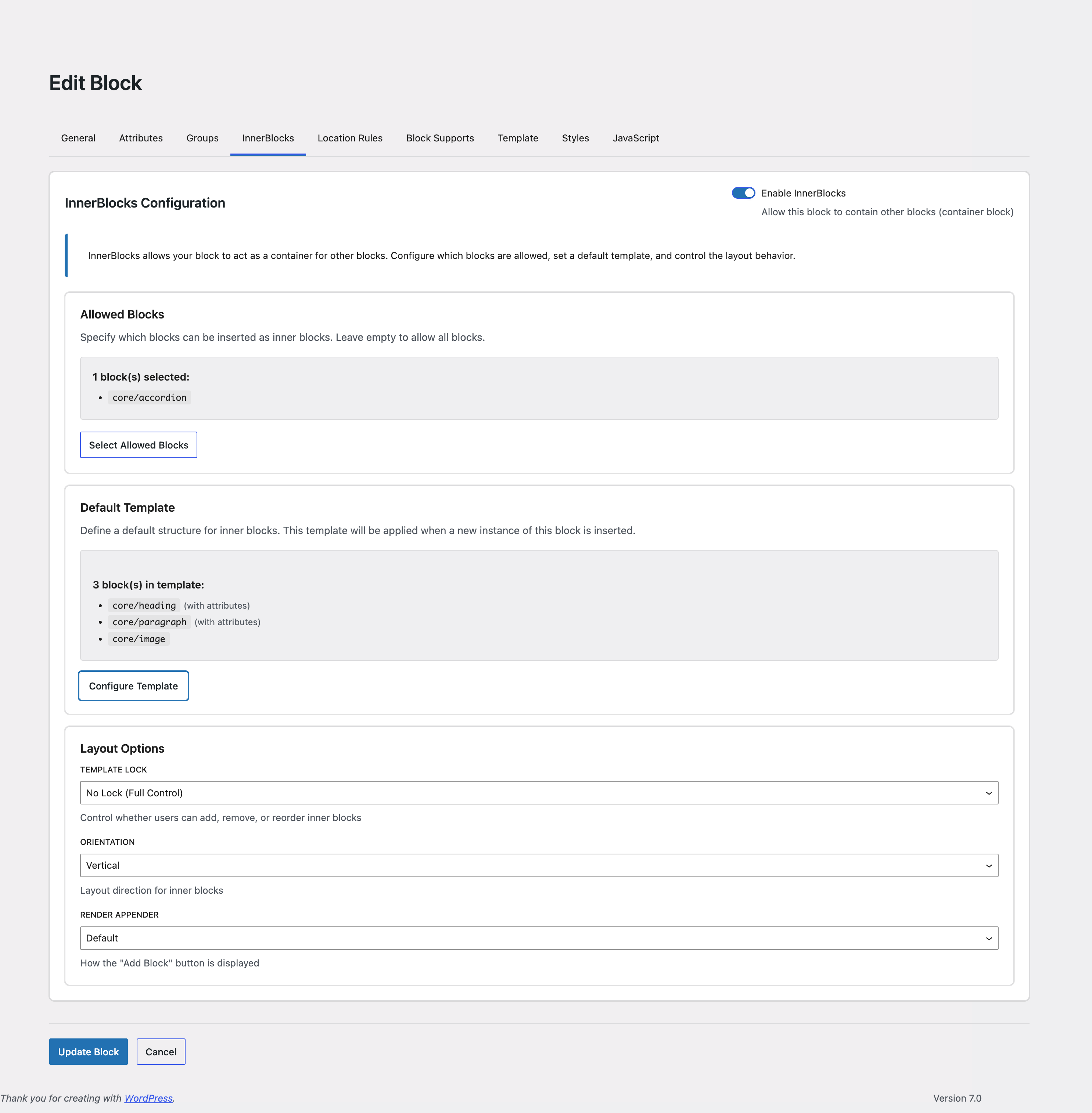
常见问题:
Do I need coding knowledge to use this plugin?
Basic understanding of WordPress blocks is helpful. The visual interface accelerates block development, but familiarity with block concepts helps you get the most out of the generated code.
Can I edit the generated blocks after creation?
Yes. You can update block configuration in the plugin interface, regenerate files, or edit generated project files externally with your own editor, FTP, or local development workflow.
What's the difference between static and dynamic blocks?
Static blocks save their output directly to the post content using JavaScript's save function. Dynamic blocks render on the server side using the generated Twig template, which is better for content that changes frequently.
Can I use Twig templates?
Yes. WPBits Block Studio generates template.twig files and renders them through the plugin runtime. Edit those generated files outside wp-admin using your normal development tools.
Can I use the generated blocks in my theme?
Yes. The free version generates block files in the plugin-managed output directory. Pro can generate to a custom output directory.
Does this work with block themes?
Yes! The plugin is fully compatible with both classic and block themes.
Can I import existing blocks?
Yes, you can import compatible generated block files and regenerate them.
Can I export multiple blocks at once?
The free version supports block configuration export. The separate Pro version adds standalone plugin export.
How does auto-sync work?
Auto-sync monitors generated block files edited outside wp-admin and compares them with the saved block definitions. It detects new or changed generated files so you can keep the file workflow and block configuration in sync.
更新日志:
- Improved product positioning and documentation
- Refactored CSS editor state handlers for improved reliability
- Tested up to WordPress 7.1