WPCraftEngineer Product Finder for WooCommerce
| 开发者 | wpcraftengineer |
|---|---|
| 更新时间 | 2026年4月28日 00:31 |
| PHP版本: | 7.4 及以上 |
| WordPress版本: | 6.9 |
| 版权: | GPLv2 or later |
| 版权网址: | 版权信息 |
详情介绍:
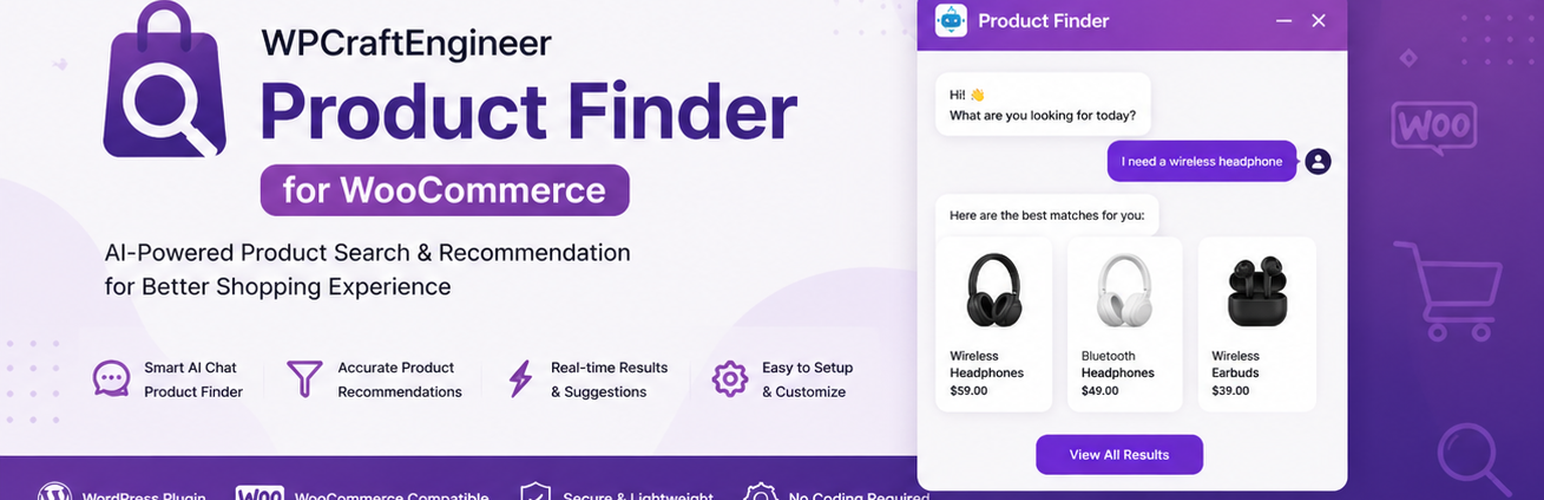
WPCraftEngineer Product Finder for WooCommerce adds a floating chat widget that helps shoppers discover products through natural language.
It can work in two modes:
- Keyword mode: no external AI account required. The plugin uses on-site keyword matching and WooCommerce product data.
- AI provider mode: connect OpenAI, Google Gemini, or Anthropic to improve intent detection and reply quality.
- “Show me products under $50”
- “I need a gift for a runner”
- “What are your newest arrivals?”
- “Do you have anything on sale?”
- Floating chat widget for the front end
- Optional WooCommerce product recommendations
- Keyword mode with no API key required
- Optional OpenAI, Google Gemini, and Anthropic provider support
- Product cards with image, price, rating, stock status, and product links
- Admin settings for color, bot name, greeting message, and chat history retention
- Option to hide out-of-stock products
- Preview and test screen in wp-admin
- Upload the plugin ZIP in Plugins → Add New → Upload Plugin, or upload the folder to
/wp-content/plugins/. - Activate WPCraftEngineer Product Finder for WooCommerce.
- Go to Product Finder in wp-admin.
- Configure the widget settings.
- If you want AI provider mode, add an API key for OpenAI, Google Gemini, or Anthropic.
- Enable the chatbot.
- Decide whether to enable WooCommerce product recommendations.
- Choose either keyword mode or an AI provider.
- Visit the front end and test the widget.
- WooCommerce is optional, but product recommendations require WooCommerce to be installed and active.
- API keys are stored in your WordPress options table.
- The plugin stores short chat history in transients so follow-up questions can work for the configured number of days.
常见问题:
Does the plugin require WooCommerce?
No. The chat widget can still run as a general store assistant without WooCommerce. WooCommerce is required only for product recommendations.
Does the plugin require an AI API key?
No. Keyword mode works without an external AI provider.
Where are settings stored?
Settings are stored in the WordPress options table using the plugin prefix wcpfw_.
更新日志:
1.1.0
- Initial public release.