
wpDose Form Styler for Gravity Forms
| 开发者 |
wpdose
freemius |
|---|---|
| 更新时间 | 2026年11月20日 23:24 |
| PHP版本: | 7.4 及以上 |
| WordPress版本: | 7.1 |
| 版权: | GPLv2 or later |
| 版权网址: | 版权信息 |
详情介绍:
- Form container: background, border, corner radius, padding, margin, width, alignment, column and row gaps, and one font for the whole form.
- Form title, form description and the “* indicates required fields” note, each of which can be shown or hidden.
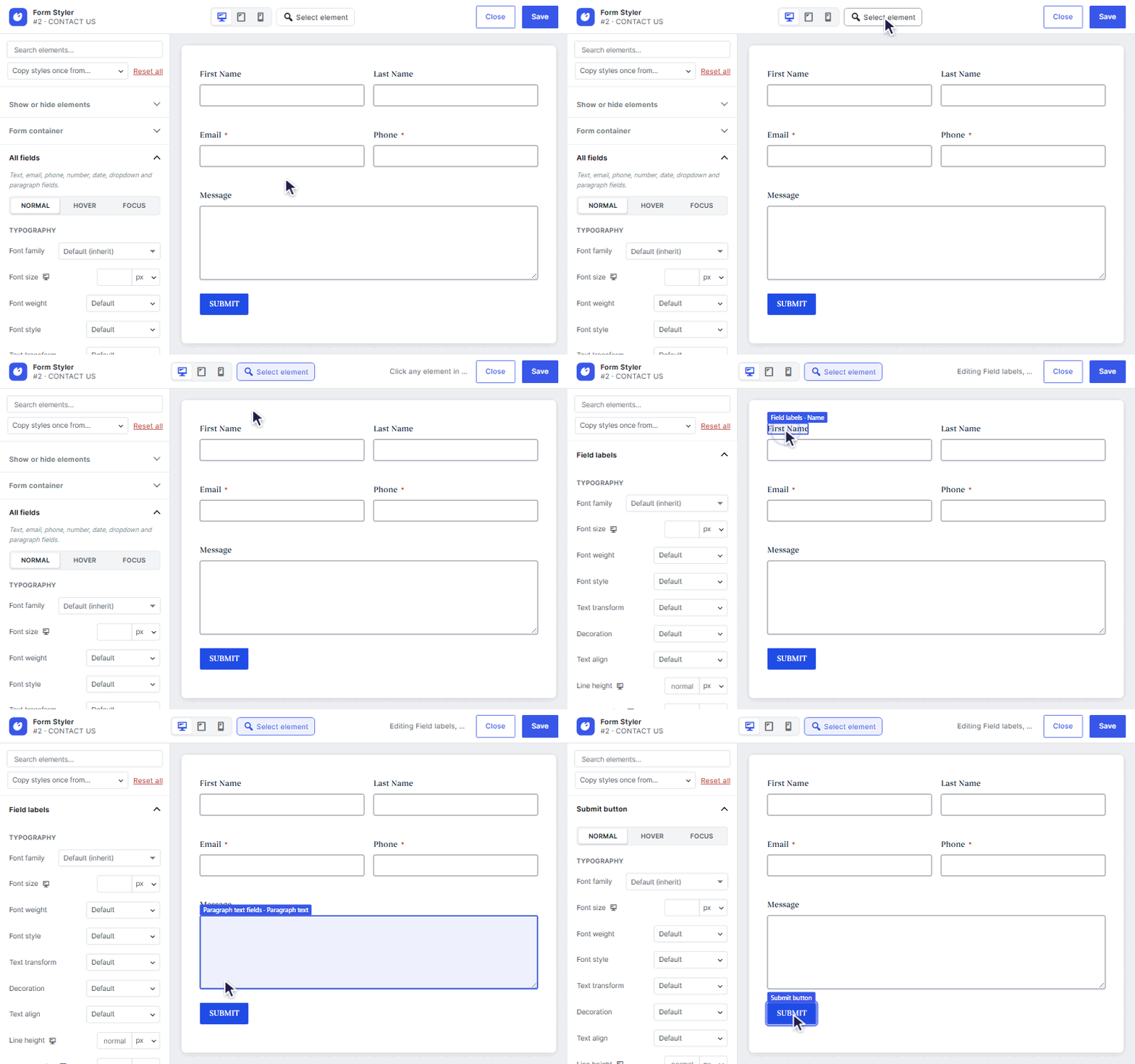
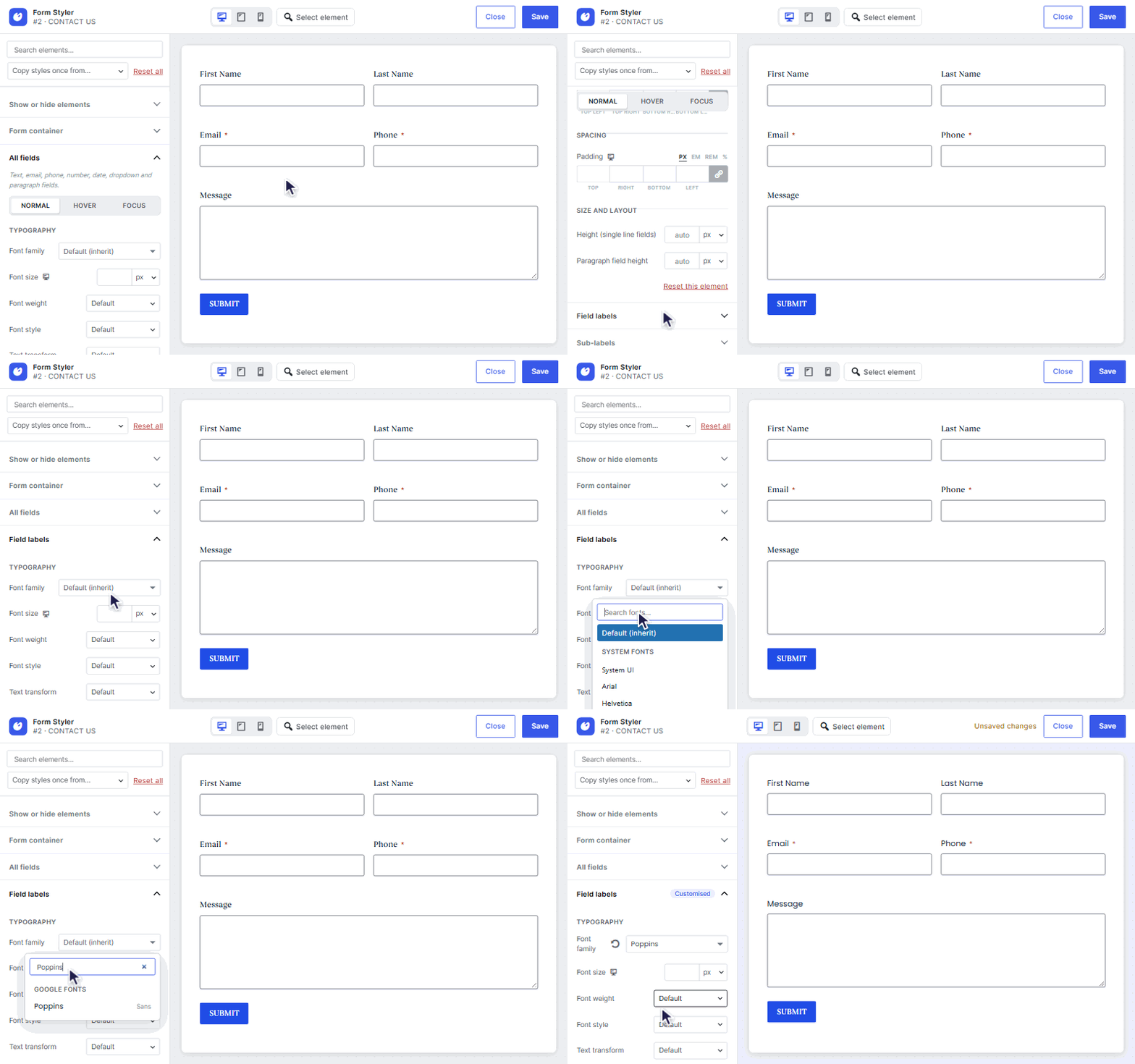
- Field labels and their required marker, sub-labels and field descriptions.
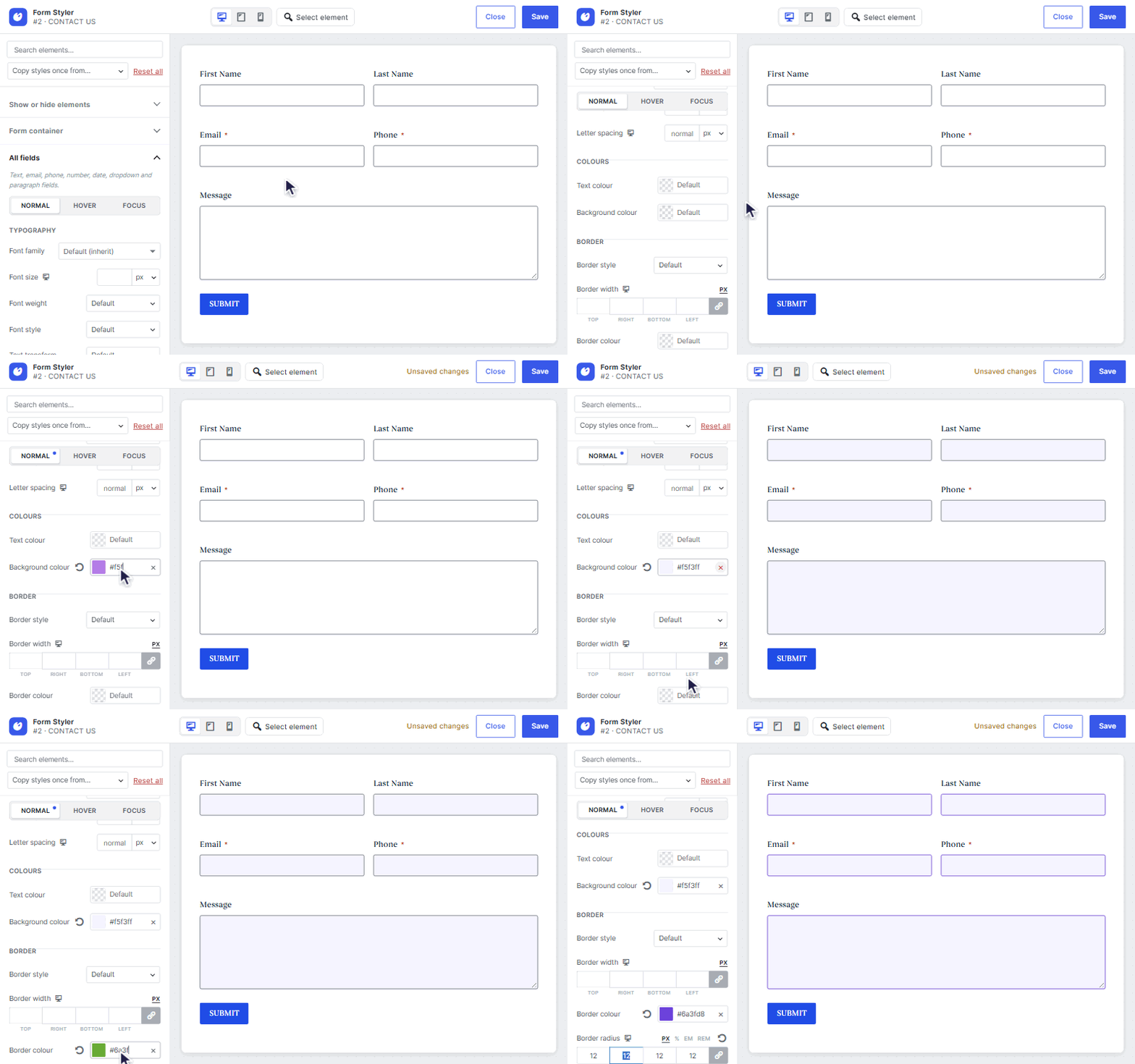
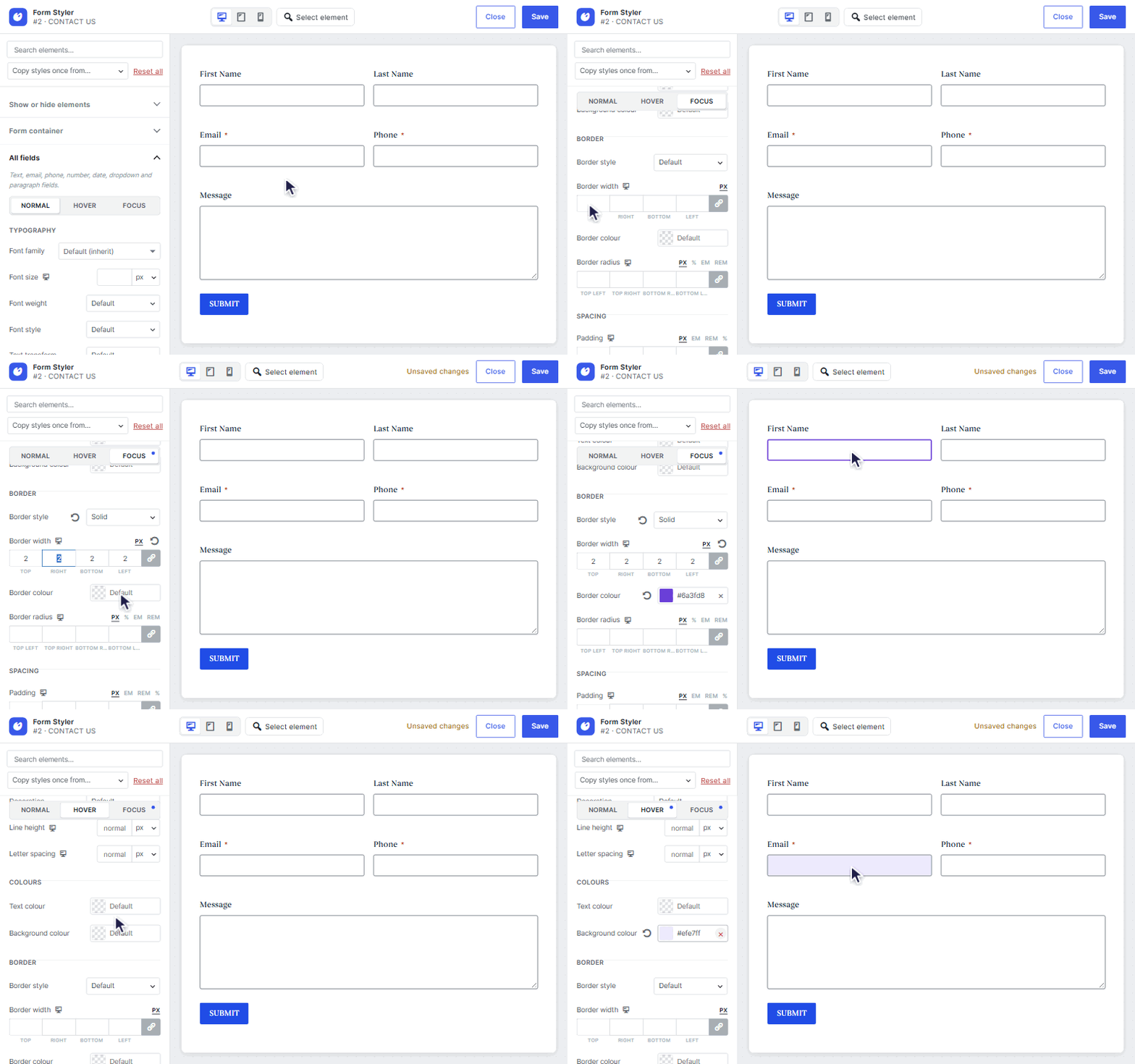
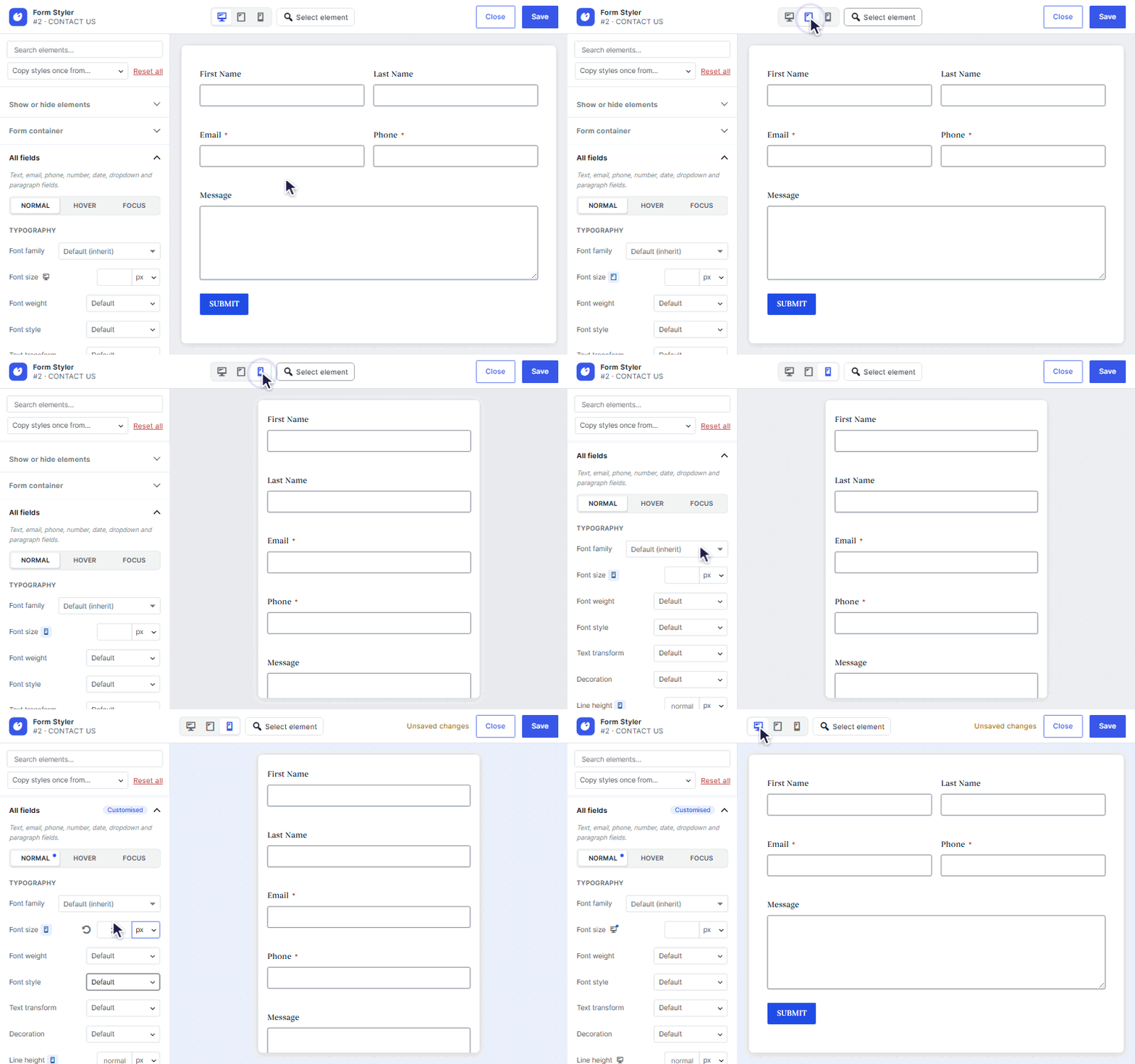
- All fields (text, email, phone, number, date, dropdown, paragraph) with Normal, Hover and Focus states: text and background colours, border style, width, colour and radius, padding, height and typography.
- Paragraph text fields on their own: typography, colours, border, padding, minimum and maximum height and the resize handle.
- Date fields: a full-width date picker input and the calendar icon position.
- Placeholders: colour, typography and opacity.
- Dropdowns: text and background colours and typography for Normal, Selected and Hover options, and the open list's border, border width and corner radius.
- Checkboxes and radio buttons: size, background, border and check mark colour, with Normal, Hover, Checked and Focus states.
- Choice labels, including a Checked state.
- Consent field: the box around it, its label, checkbox, text and scrolling description, with the gap between the checkbox and the text.
- Single file upload: the field box, the Choose file button and the upload rules text. Change the Choose file, No file chosen and rules texts.
- Multi-file upload: the drop area and its icon (keep or hide it, size and colour), the Select files button and the upload rules text. Change the drop, Select files and rules texts.
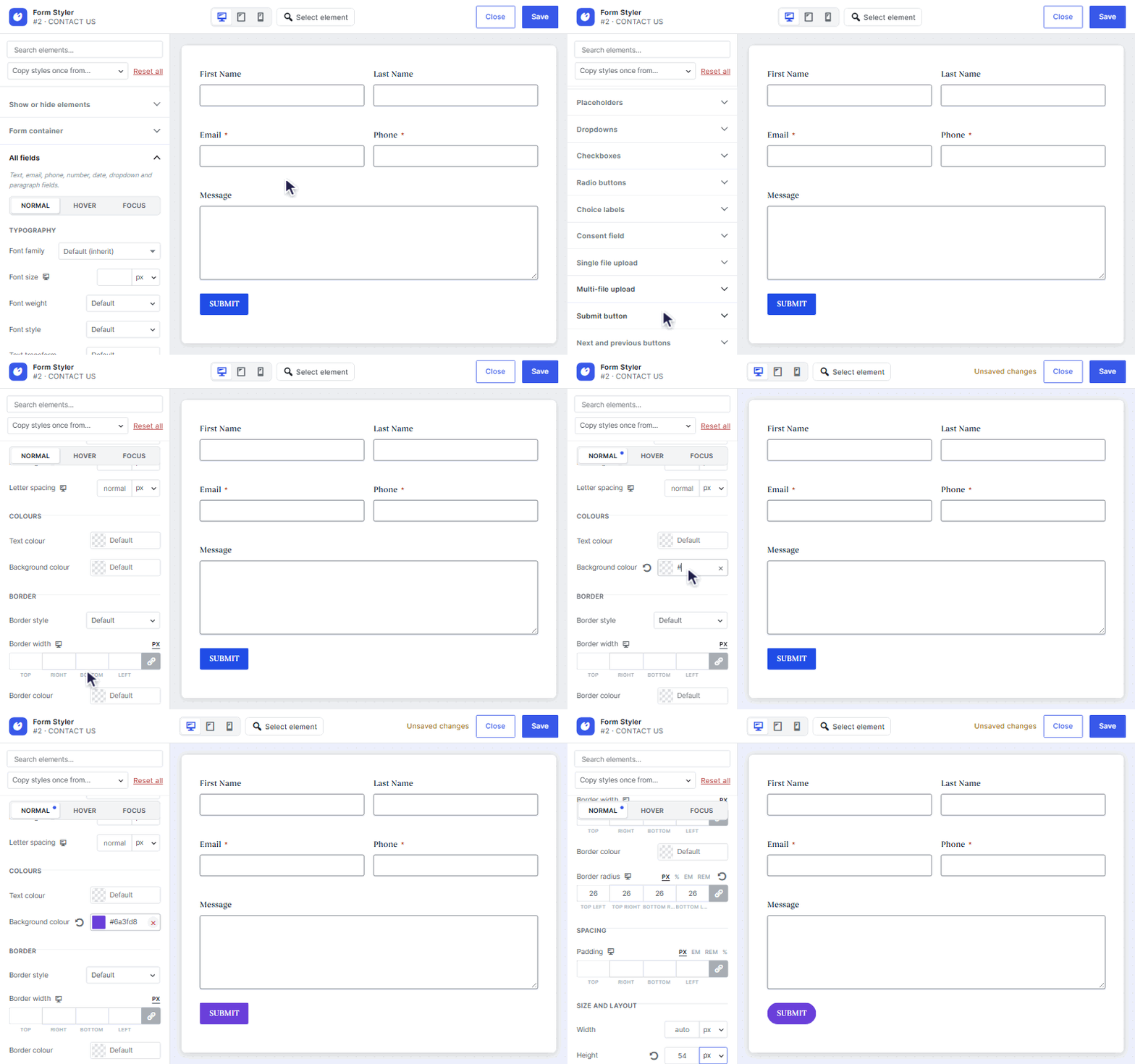
- Submit button with Normal, Hover and Focus states, alignment and full width, and the Next and Previous buttons of multi-page forms.
- Global style: one style that every form can follow, edited in the global styler window, with an overview of what each form uses.
- Sources per form: in its Form Styler, each form chooses per tab to use the global style, its own style, or to copy the style of a specific form and stay in sync with it.
- Ajaxy: submits forms over AJAX and keeps the visitor's scroll position anchored to the form after submitting, instead of jumping the page. Includes form ID limits, the restore target, a sticky header offset and timing. This is the feature set of the Ajaxy for Gravity Forms plugin; its settings are imported.
- Messages: replace "There was a problem with your submission. Please review the fields below." and "This field is required." with your own wording.
- Validation messages: style the message under each invalid field (colours, spacing, typography, position, border styles and accent bars, corner radius, padding, icons and animations), the field itself while it has an error, and the summary box above the form, or hide the summary.
- Success popup and Error popup, and a custom submit button Preloader.
- A Custom CSS box per form and for the global style, with a {form} placeholder for the form's wrapper.
- Box shadow, outline and transition settings on every element.
- An icon library and uploaded SVG icons for submit buttons, dropdown arrows, checkbox check marks and the multi-file drop area.
- More dropdown options: check mark, list height, gap and shadow, and arrow icon, colour, position and size.
- Section breaks, headings and text in HTML fields, scroll bars and the progress bar.
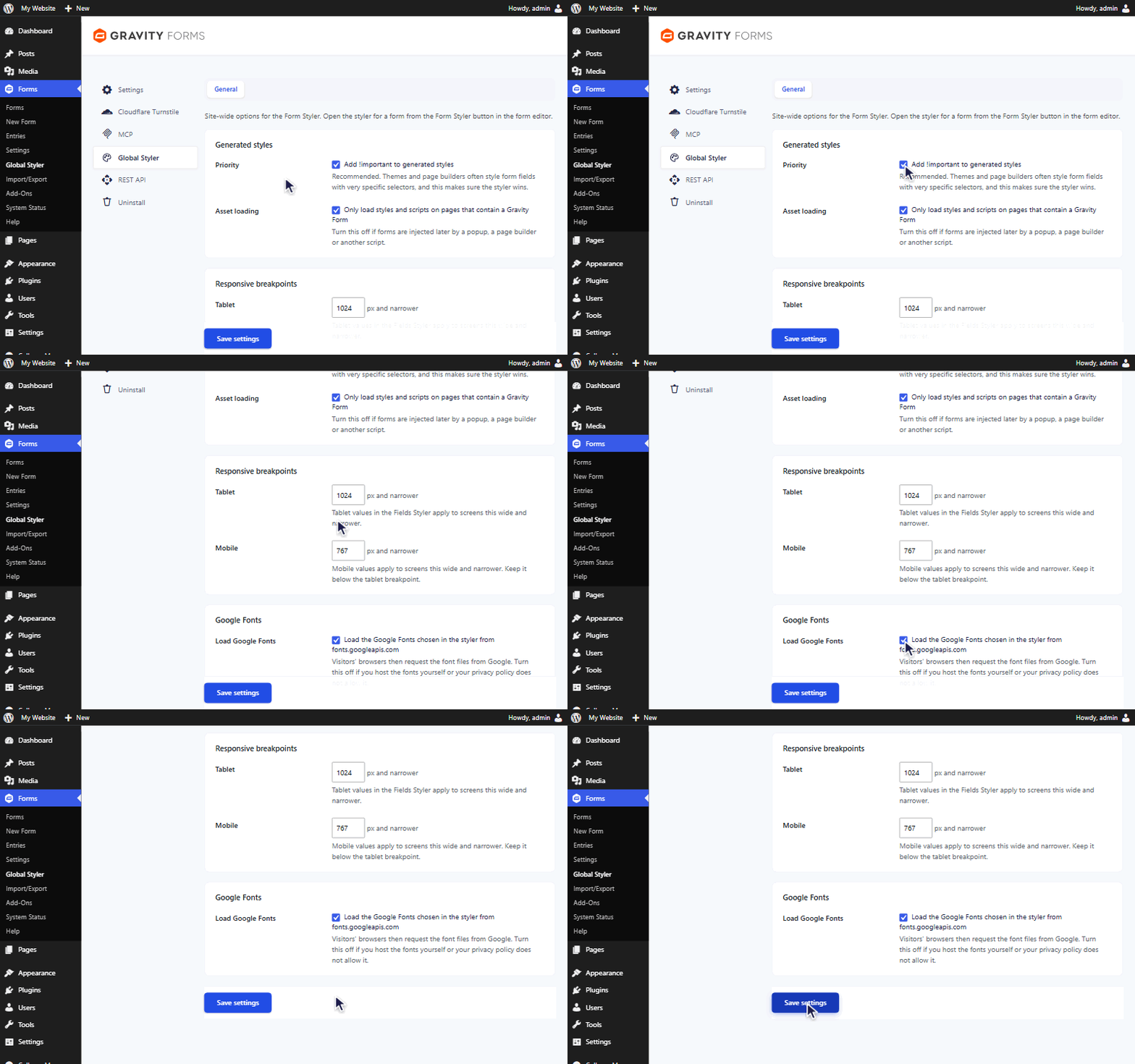
- Loading fonts. When a form style uses a Google Font and "Load Google Fonts" is on (the default), pages with that form load the font stylesheet from fonts.googleapis.com, and the visitor's browser downloads the font files from fonts.gstatic.com. Google receives the visitor's IP address and browser details with those requests. The same happens in the admin when previewing styles. Turn "Load Google Fonts" off under Forms, Global Styler, General if you host the fonts yourself or your privacy policy does not allow it.
- Font list previews. In the admin, the font dropdowns show each visible font name in its own typeface by loading just the letters of that name from fonts.googleapis.com. This only happens for logged-in users who open a font dropdown, and only while "Load Google Fonts" is on.
- Nothing is sent unless you agree. The plugin starts without sending anything to Freemius and shows no opt-in screen or link. The site is connected to Freemius only if an administrator starts a Pro trial or activates a Pro licence. Only then are the site's address and language, the WordPress, PHP and plugin versions, the plugin's activation, deactivation and uninstall, and the administrator's name and email address sent to Freemius, to send security and feature updates. The list of plugins and themes is sent only if that permission is left on. You can opt out at any time from the Plugins screen.
- Deactivation feedback. When the plugin is deactivated, an optional form asks why. Your answer is sent to Freemius only if you submit the form; you can skip it.
- Upgrading. The upgrade page, checkout and trial of wpDose Form Styler Pro are provided by Freemius.
安装:
- Upload the
wpdose-form-styler-for-gravity-formsfolder to/wp-content/plugins/, or install it through the Plugins screen. - Activate the plugin.
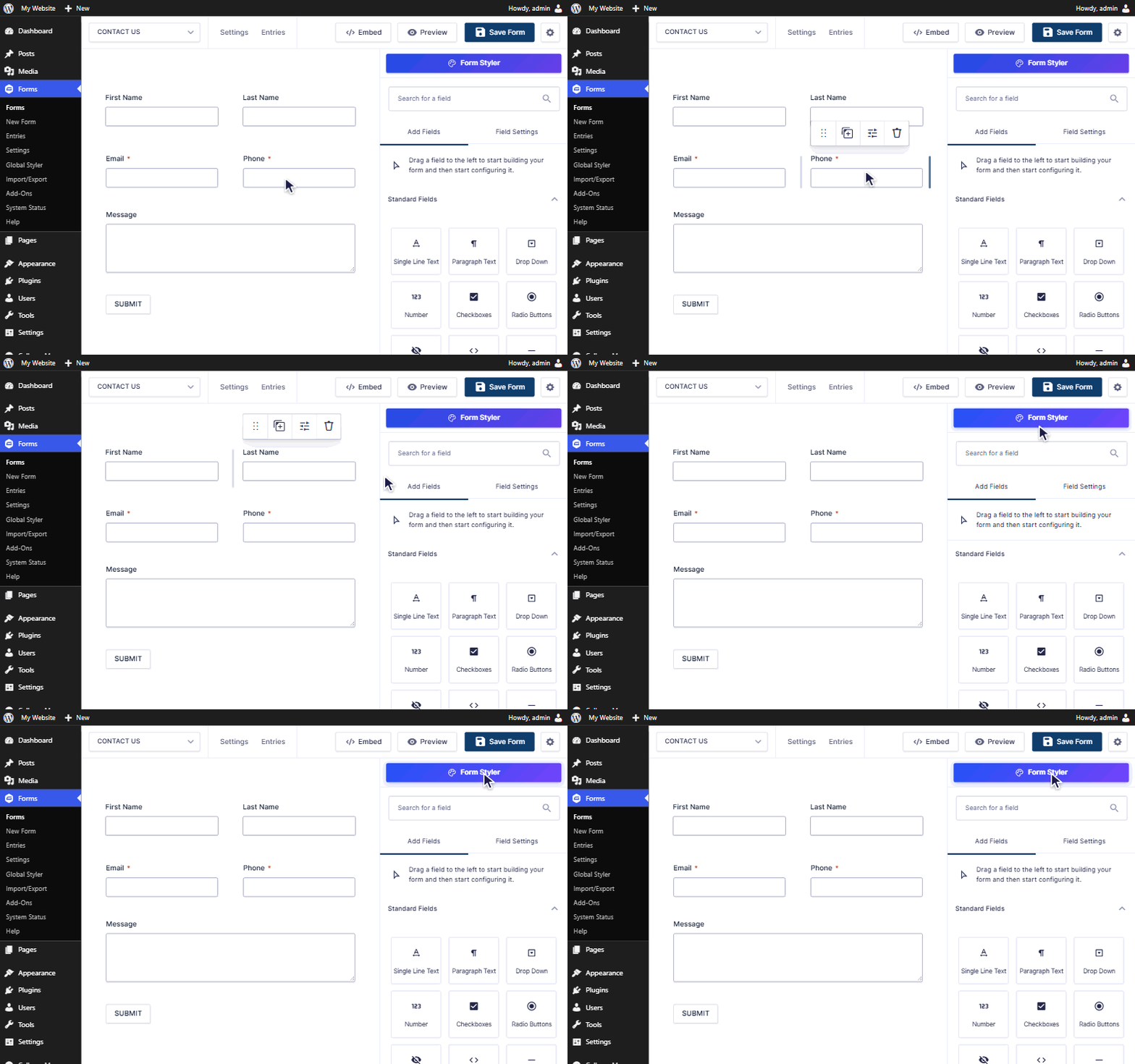
- Open a form in the Gravity Forms editor and click Form Styler, or go to Forms, Global Styler.
屏幕截图:
常见问题:
Why do I have to save the form before styling it?
The styler shows the real, saved form inside your theme. Unsaved changes in the editor would not appear in the preview, so the button asks you to save first.
My theme still overrides some styles.
Keep "Add !important to generated styles" switched on under Forms, Global Styler, General. For anything else, add your own CSS under Appearance, Customize, Additional CSS (or Styles, Additional CSS in the Site Editor).
Can I use the font my theme already loads?
Yes. Type its name into the font search and pick "Use … (theme or custom font)". It is used as it is and nothing is loaded from Google.
How do global and form styles combine?
The global style and sources are part of wpDose Form Styler Pro. Each tab of each form uses exactly one source: the global style, its own values, or the values of another form. Global and own values are never mixed, so a form with its own Fields Styler style is not affected by the global field styles.
I also have Ajaxy for Gravity Forms installed.
This concerns the Ajaxy tab of wpDose Form Styler Pro. While the standalone plugin is active it handles AJAX submission and scrolling, and the Ajaxy tab only shows a notice. Deactivate the standalone plugin to use the Ajaxy tab; its settings were copied into the Ajaxy tab.
What happens to Pro settings if I go back to the free plugin?
They are kept. The free plugin does not use them, and saving in the free plugin does not delete them, so they are back as soon as Pro is active again.
Does the plugin store visitor data?
No. In wpDose Form Styler Pro, the Ajaxy scroll position is kept in the visitor's own browser session storage and cleared once used. A suggested privacy policy paragraph about Google Fonts is added under Settings, Privacy. See External services.
更新日志:
- Changed: The Plugins screen no longer shows the Opt In link or Freemius' own Upgrade link. A site that has opted in keeps its Opt Out link.
- New: A Get Pro Plugin link at the end of the plugin row opens the Pro pricing page while Pro is not active.
- Fixed: The View details window on the Plugins screen could show a copy of its own page, starting with some stray style text, below the last screenshot.
- Fixed: The View details window showed the older screenshots from WordPress.org instead of the ones that ship with the plugin.
- Fixed: The See Pro button opens the Pricing page straight away. Before, it showed "Sorry, you are not allowed to access this page" until the Freemius opt-in had been answered.
- Changed: Nothing is asked or sent at activation. The optional usage data opt-in is the Opt In link on the Plugins screen.
- Changed: The Freemius integration is updated for the new plugin name.
- Changed: The plugin is now called wpDose Form Styler for Gravity Forms.
- Changed: The Custom CSS box is now only in wpDose Form Styler Pro. WordPress.org does not host plugins that save custom code. Add your own CSS under Appearance, Customize, Additional CSS. Custom CSS already saved is kept, and works again with Pro.
- Changed: The code for the global style and for forms that copy another form's style is now only in wpDose Form Styler Pro. The free plugin has none of it. What you can do in the free plugin is the same: every form has its own style, and Copy styles once from another form still works.
- Improved: The note about wpDose Form Styler Pro on Forms, Global Styler is now a box with a See Pro button.
- Fixed: The View details window on the Plugins screen was almost empty when the plugin was up to date. It now shows a header banner, the description, the requirements (WordPress, PHP and Gravity Forms versions), installation, FAQ, changelog and animated screenshots, and fills in Requires WordPress, Requires PHP and Tested up to.
- Changed: Deleting the plugin still removes everything it stored, now through Freemius' uninstall step instead of an uninstall.php file. While the other edition (free or Pro) is still active, its settings are kept.
- Changed: The global style, and the Use global style and Copy style from a specific form sources, move to wpDose Form Styler Pro. In the free plugin every form has its own style, edited in its Form Styler, and Copy styles once from another form stays available. Saved sources are kept and come back with Pro.
- Changed: Saving a form in the free plugin makes it use its own style.
- Changed: The Ajaxy, Messages and Validation messages tabs move to wpDose Form Styler Pro. The free plugin keeps the complete Fields Styler, with global and per-form styles. Settings already saved on these tabs are kept and come back with Pro.
- Changed: With the Fields Styler as its only tab, the styler window leaves out the tab bar.
- New: Freemius is connected (SDK 2.13.5, installed with Composer in the vendor folder): the optional opt-in, Pro licences and a 7-day Pro trial. Nothing is sent to Freemius unless an administrator opts in or activates a licence.
- New: Global Styler in the Forms menu, right after Settings. It opens the Global Styler tab of Forms, Settings and is highlighted there.
- New: Free and Pro editions. The free plugin has the styler with live preview, responsive values, every state, global and per-form styles, every field element, Ajaxy, Messages and validation message styling. wpDose Form Styler Pro adds popups, the preloader, box shadows, outlines and transitions, icon libraries and more element options.
- Changed: Saving in the free plugin keeps Pro settings already saved.
- New: Suggested privacy policy text under Settings, Privacy.
- New: The optional Freemius opt-in for usage data and Pro licences. Nothing is sent without opting in.
- Improved: Faster pages with forms. The front-end CSS is cached instead of being rebuilt on every page view; any change to the styles, the General settings or the plugin version makes a fresh copy automatically, and old copies expire after a week.
- New: Translation support. The plugin loads translations from its languages folder and ships a translation template (languages/wpdose-form-styler-for-gravity-forms.pot).
- Changed: Uninstall also removes the cached CSS. Earlier versions are listed in changelog.txt.