
WPHH SECURE – AIO WordPress Security With File Locking & WP Hide Login
| 开发者 | pluginsupportwphackedhelp |
|---|---|
| 更新时间 | 2026年6月12日 23:38 |
详情介绍:
安装:
There are three ways to install the WPHH SECURE plugin:
- WordPress Admin Method\ A. Go to your WordPress dashboard.\ B. Navigate to Plugins > Add New.\ C. Search for WPHH SECURE.\ D. Click Install and then Activate.
- Manual Installation (via .zip file)\ A. Download the plugin ZIP file from WordPress.org.\ B. In your WordPress dashboard, go to Plugins > Add New.\ C. Click Upload Plugin and select the ZIP file.\ D. Click Install Now, then Activate.
- FTP Method\
A. Download and extract the plugin ZIP on your computer.\
B. Upload the extracted
WPHH SECUREfolder to/wp-content/plugins/using FTP.\ C. Go to Plugins > Installed Plugins in WordPress and click Activate.
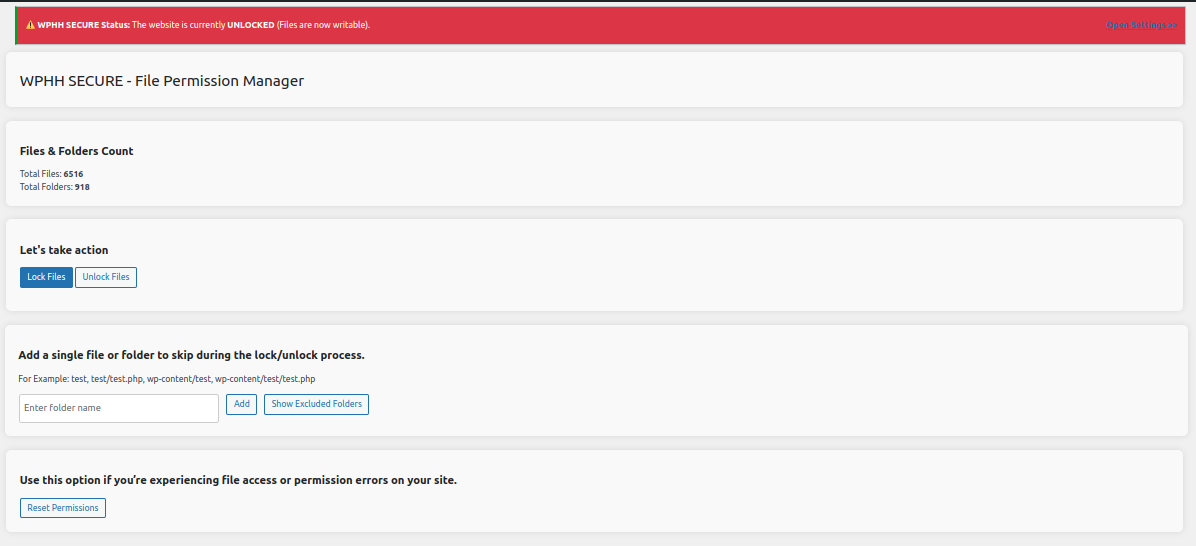
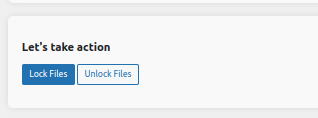
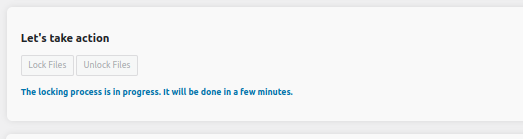
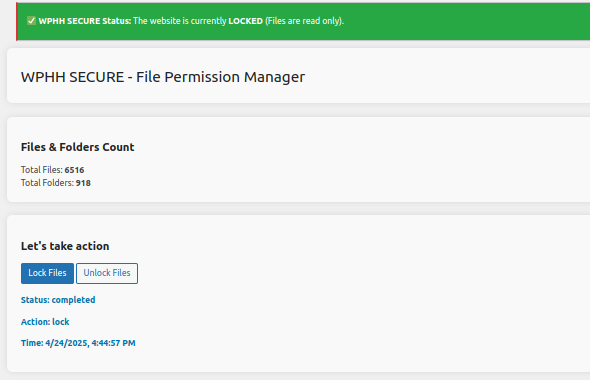
屏幕截图:
更新日志:
1.1.10
- Fixed permission reset issue.
- Improved file permission handling.
- Added automatic cleanup of log files older than 24 hours.
- Improved logging performance and file handling.
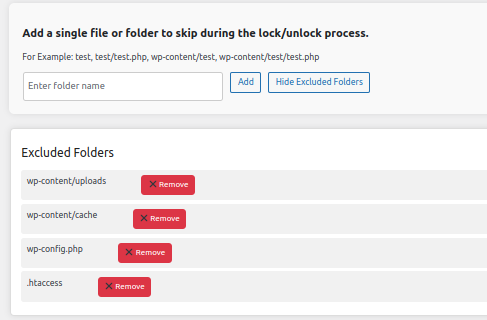
- Added support to reset file and folder values when deactivating the plugin.
- Improved handling for fetching
wp-config.phpif it's located outside of thepublic_htmldirectory.
- Added additional cache and backup folder locations by default.
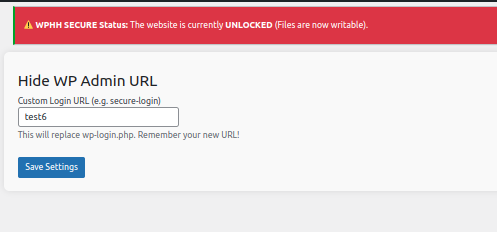
- Fixed issue with WordPress redirecting after logout when using the "Hide WP Login URL" feature.
- Disabled the default login URL and replaced it with a custom path stored in the database.
- Implemented minor UI fixes for better user experience.
- Enhanced AJAX functionality for real-time status updates during lock/unlock operations.
- Introduced "Hide WP Login URL" feature to block access to the default WordPress login page.
- Made improvements to the user interface for better functionality and usability.
- Added AJAX-based background task handling to improve performance.
- Introduced feature to hide the default WordPress login URL for added security.
- Minor UI improvements and bug fixes.
- Ensured compliance with WordPress.org plugin repository standards.
- Fixed minor bugs for better stability.
- Major improvements to security and performance.
- Enhanced compatibility with the latest version of WordPress.