
WPLocation - Geolocation and Country Rules
| 开发者 | wplocation |
|---|---|
| 更新时间 | 2026年11月4日 08:50 |
| PHP版本: | 7.4 及以上 |
| WordPress版本: | 7.1 |
| 版权: | GPLv3 or later |
| 版权网址: | 版权信息 |
详情介绍:
- Set include or exclude country audiences for WordPress posts, pages and categories.
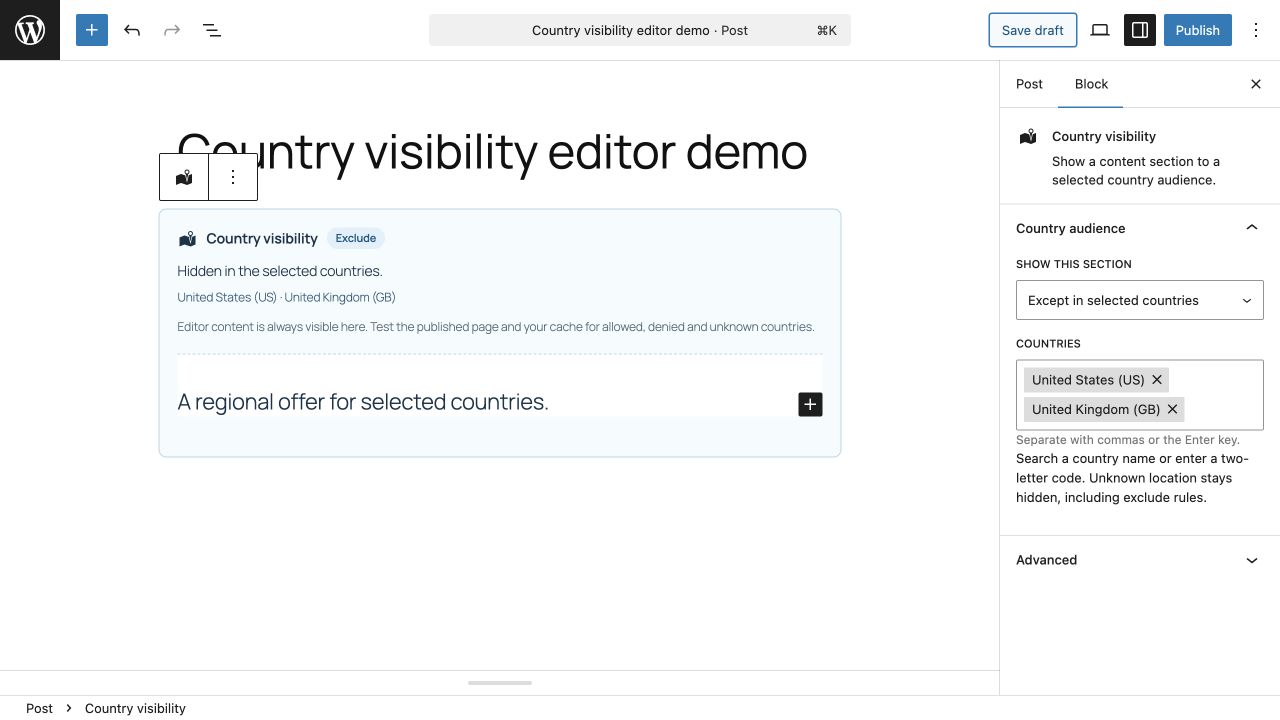
- Show selected sections with the Country visibility block in the WordPress block editor.
- Use [wplocation_target] for country-based conditional content and [wplocation_country] to display the detected country.
- Search country choices, review a saved audience and test a country decision before checking the real page.
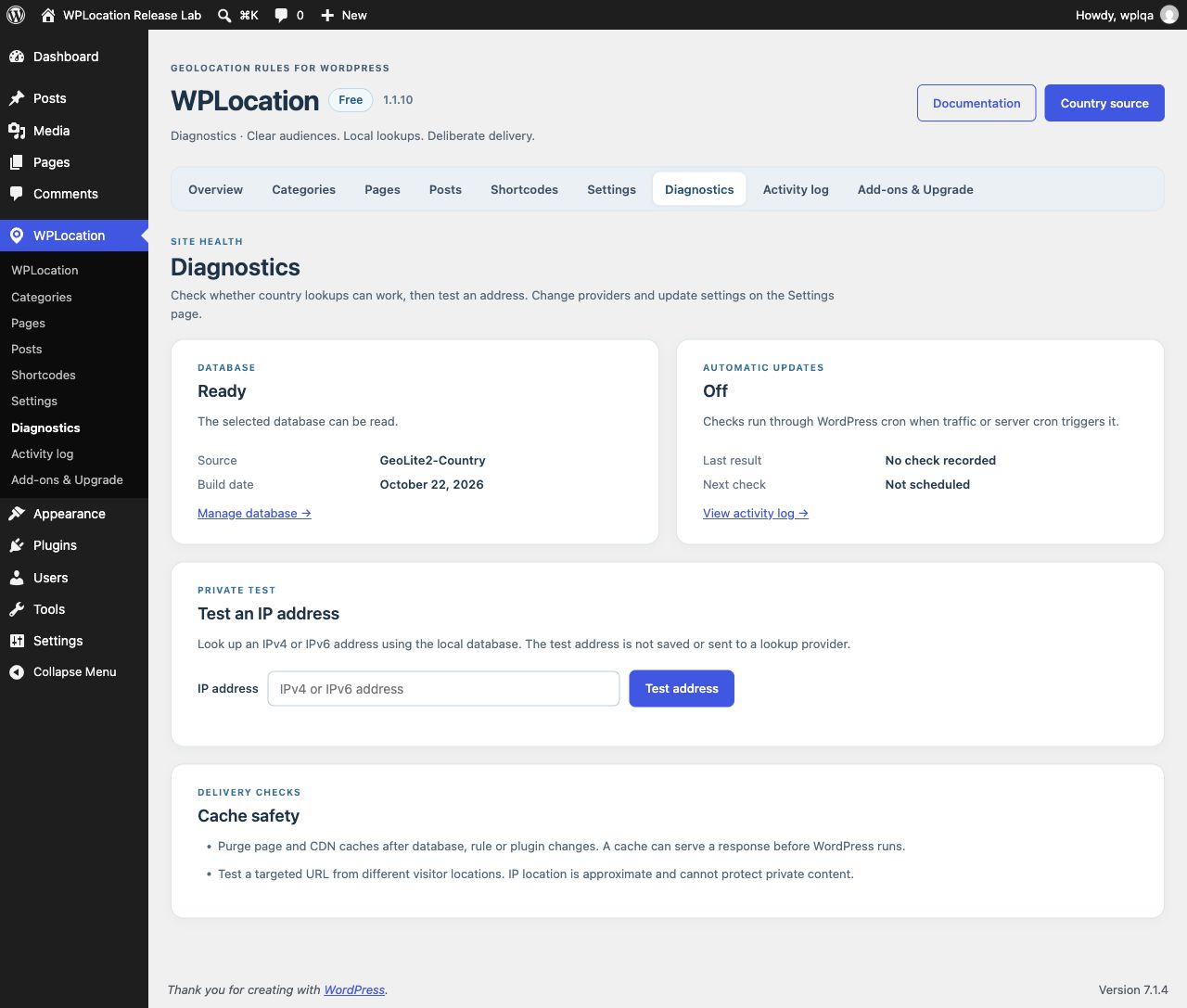
- Check your local source and database build date in Diagnostics.
- Use your own current licensed country database without a paid WPLocation key or visitor lookup credits.
安装:
- If upgrading an older standalone build, back up the site and prepare a current licensed database outside the plugin folder before replacing it. Review custom shortcode integrations as described above.
- Install and activate WPLocation.
- In WPLocation > Settings, select an existing private GeoLite2 Country MMDB or save your own MaxMind credentials and download one. Alternatively define WPLOCATION_GEOIP_DB_PATH in wp-config.php; this constant takes priority. Illustrated setup: https://wplocation.com/documentation/maxmind-geolite2-country-setup/.
- In Diagnostics, verify the database date and run a private IP lookup. Create a country rule and test the page with your actual cache and CDN configuration.
- If you enable automatic updates, monitor WordPress cron and the update status. Purge external page and CDN caches after plugin, data or rule changes.
屏幕截图:
常见问题:
Does it work without a MaxMind account?
Yes, if you already have a current, licensed GeoLite2 Country MMDB that you can maintain. The in-plugin GeoLite download requires your own MaxMind account and license key.
Does it secure confidential content?
No. IP location is approximate. Other APIs, feeds, queries and caches may expose content. Use WordPress access controls for confidential material.
Is every page cache or CDN compatible?
No. A cache can serve an existing response before this plugin runs. Test targeted URLs from different countries and bypass or vary shared cache entries when necessary. WP Super Cache is purged on activation, updates and rule or data changes when its API is available. Other caches need their own purge or configuration.
Can country rules affect SEO?
Yes. A whole-page rule returns a 404 outside the selected audience, including for search crawlers in those countries. Core sitemap URL lists remain independent of visitor country, but listing a URL does not make its content available or guarantee indexing. Keep important general content public and use targeted sections for regional messages. The plugin does not automatically create translated URLs, hreflang tags or search ranking improvements.
Why does my page cache show a bypass?
WPLocation conservatively requests no shared caching for frontend HTML because rules, blocks, shortcodes and other integrations can personalize a response. Do not remove this protection solely because the main page has no rule. An existing CDN or page-cache response can still run before WordPress: configure and test that layer separately.
更新日志:
- Fixed WordPress core sitemap URL lists and pagination varying with the requesting country. Country rules still apply to the real content URLs.
- Bulk-loaded rule objects, metadata and page options to avoid a database query per saved page rule.
- Invalidated request-local rule decisions after rule edits, imports, object changes and category reassignment, with separate caches per site.
- Added search visibility and cache guidance to the audience editor; clarified Free setup, practical uses and optional paid extensions.
- Kept conservative shared-cache protection and all existing data, privacy and upgrade safeguards.
- Unify Free improvements in the WordPress.org plugin; retire the separate website distribution.
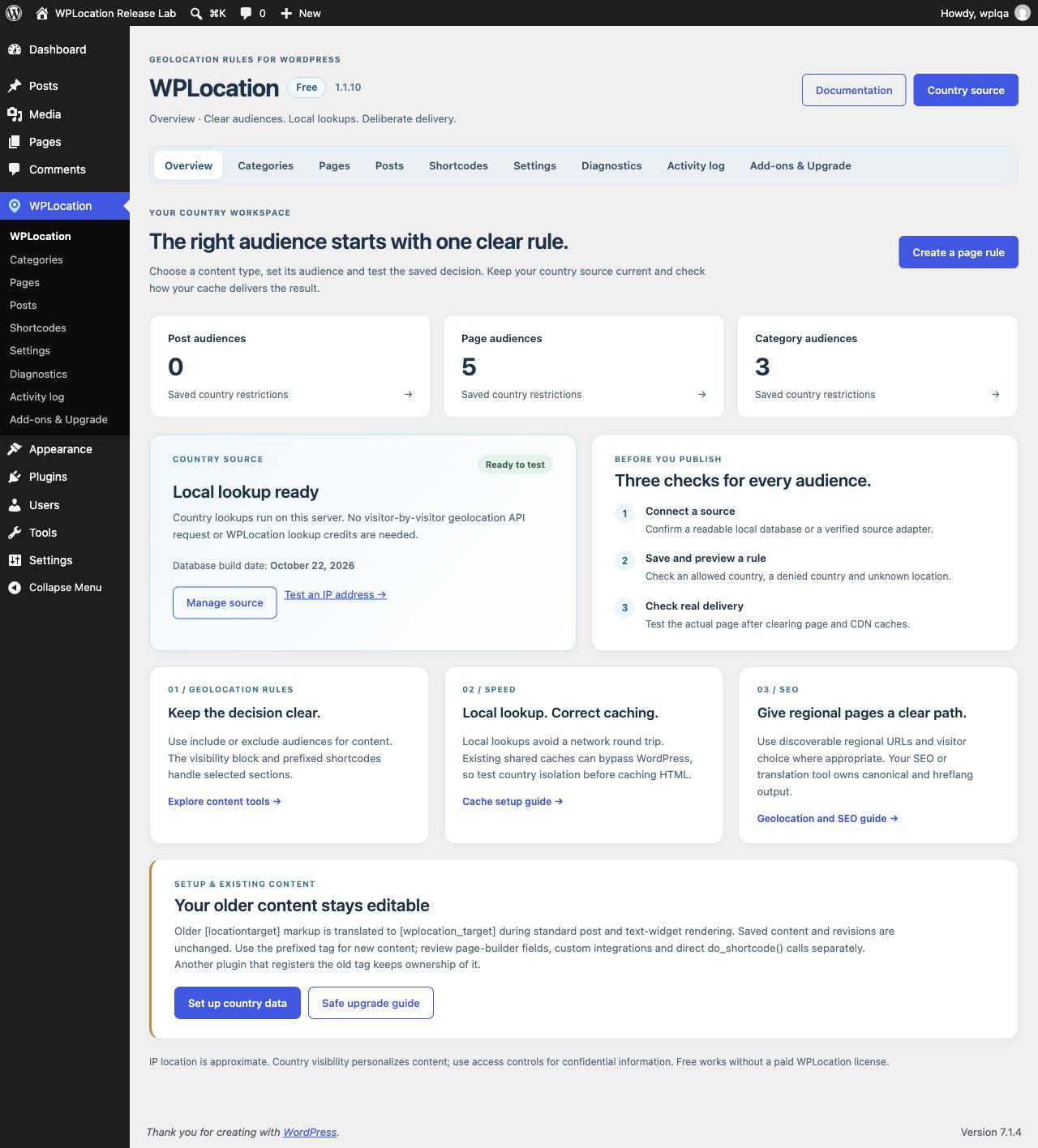
- Redesign Overview with saved audience counts, source health, setup steps and geolocation, cache and SEO guidance.
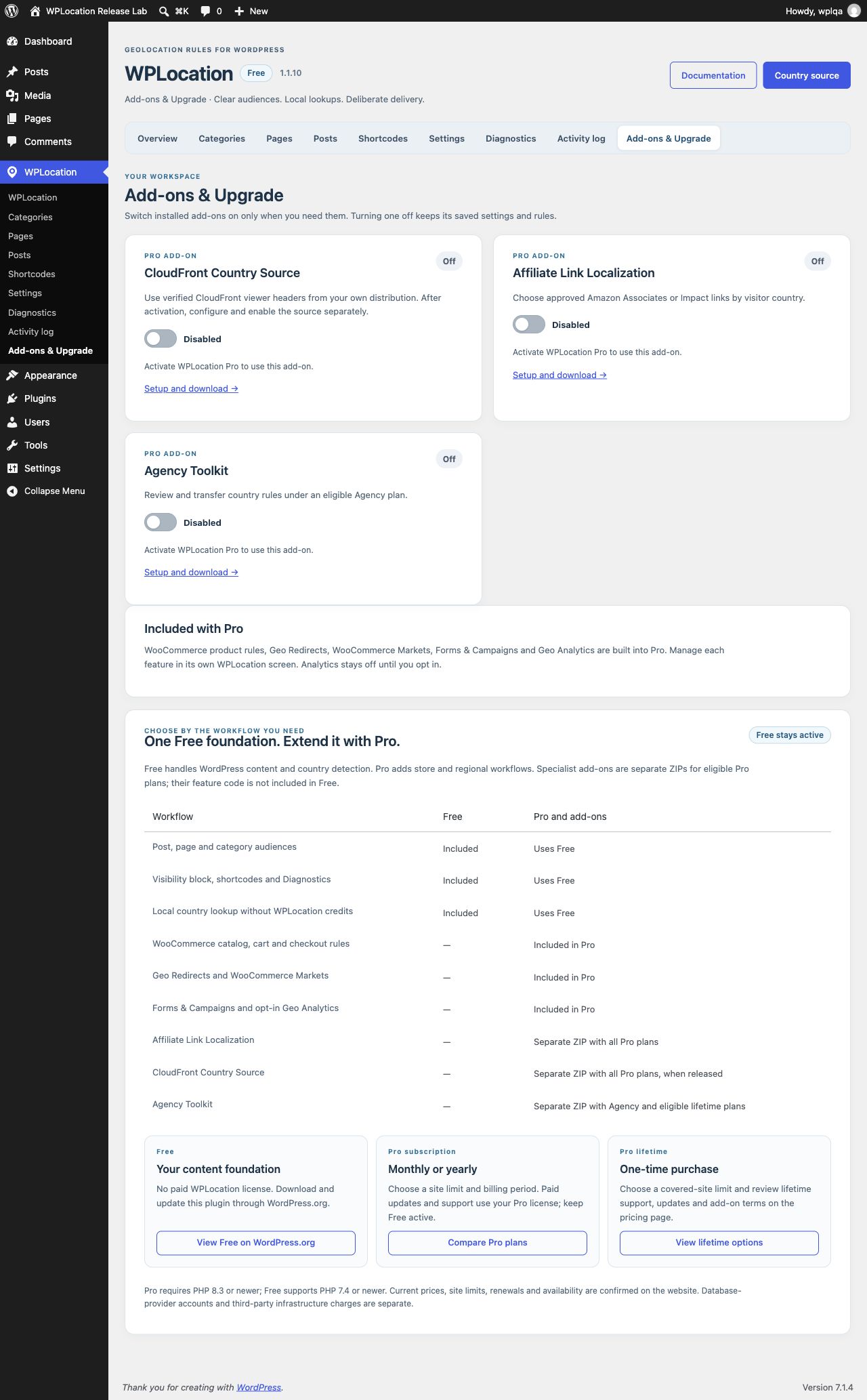
- Improve the audience editor, add-on controls and Free/Pro comparison without stale embedded pricing.
- Normalize older ISO/name choices in the country picker and explain how to repair malformed saved audiences.
- Replace the old post-editor table with a compact, searchable Country audience panel and explicit Everyone control; invalid saves retain the prior rule.
- Add searchable country choices and an audience summary to the visibility block editor; retain saved block content.
- Translate legacy shortcode markup during standard content rendering without registering an unprefixed shortcode or rewriting saved content.
- Preserve private database and rule settings, and explain recovery when an older bundled database is no longer available.
- Add a validated optional country-source hook and source status for separately installed adapters.
- Restrict changes to network-active add-ons to network administrators; reject malformed audience tokens safely.
- Purge supported page caches on deactivation as well as rule, data and version changes.
- Preserve scoped REST cache headers, PHP 7.4 compatibility and the trimmed vendor package.
- Preserve safe form fields in conditional content while filtering unsafe HTML.
- Provide a compatibility marker for Pro 1.4.4 or newer without changing the migration-safe directory version number.
- Initial WordPress.org release under the wplocation slug. Version 1.0.0 shared the legacy version number to avoid offering an unattended update to old standalone installations.
- Validate admin inputs as they enter the plugin and document why read-only navigation needs no nonce and why the update lock uses direct SQL.
- Correct the MaxMind credential-removal checkbox layout and publish key-free GeoLite setup and data-source guides on wplocation.com.
- Add post, page and category audience rules, country visibility block, country shortcodes, Diagnostics, Activity Log and mobile admin screens.
- Support a private GeoLite2 Country MMDB and opt-in MaxMind downloads with validated file replacement, rollback and cleanup.
- Clarify migration, data licensing, privacy and cache limitations. The DB-IP source is excluded from this directory edition while its attribution requirements are reviewed.