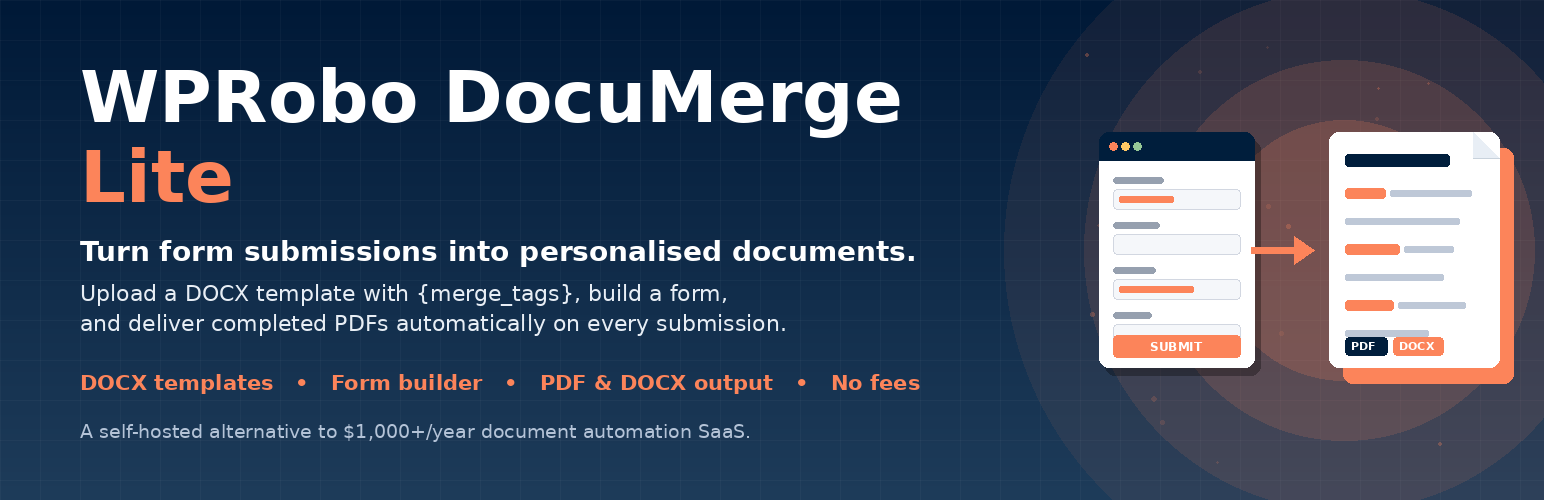
WPRobo DocuMerge Lite
| 开发者 |
alishanvr
wprobo |
|---|---|
| 更新时间 | 2026年4月30日 02:35 |
| PHP版本: | 7.4 及以上 |
| WordPress版本: | 6.9 |
| 版权: | GPLv2 or later |
| 版权网址: | 版权信息 |
详情介绍:
{client_name} or {email}, connect it to a form, and on every submission the plugin fills those tags with submitted data and delivers a completed document as DOCX or PDF.
Why DocuMerge Lite?
SaaS platforms like Formstack Documents and Gavel charge $1,000–$2,000/year for document automation. DocuMerge Lite gives you the core functionality completely free, self-hosted on your own WordPress site.
Free Features
- DOCX Template Upload — upload existing Word templates with merge tags
- Automatic Tag Detection — plugin scans your template and finds all
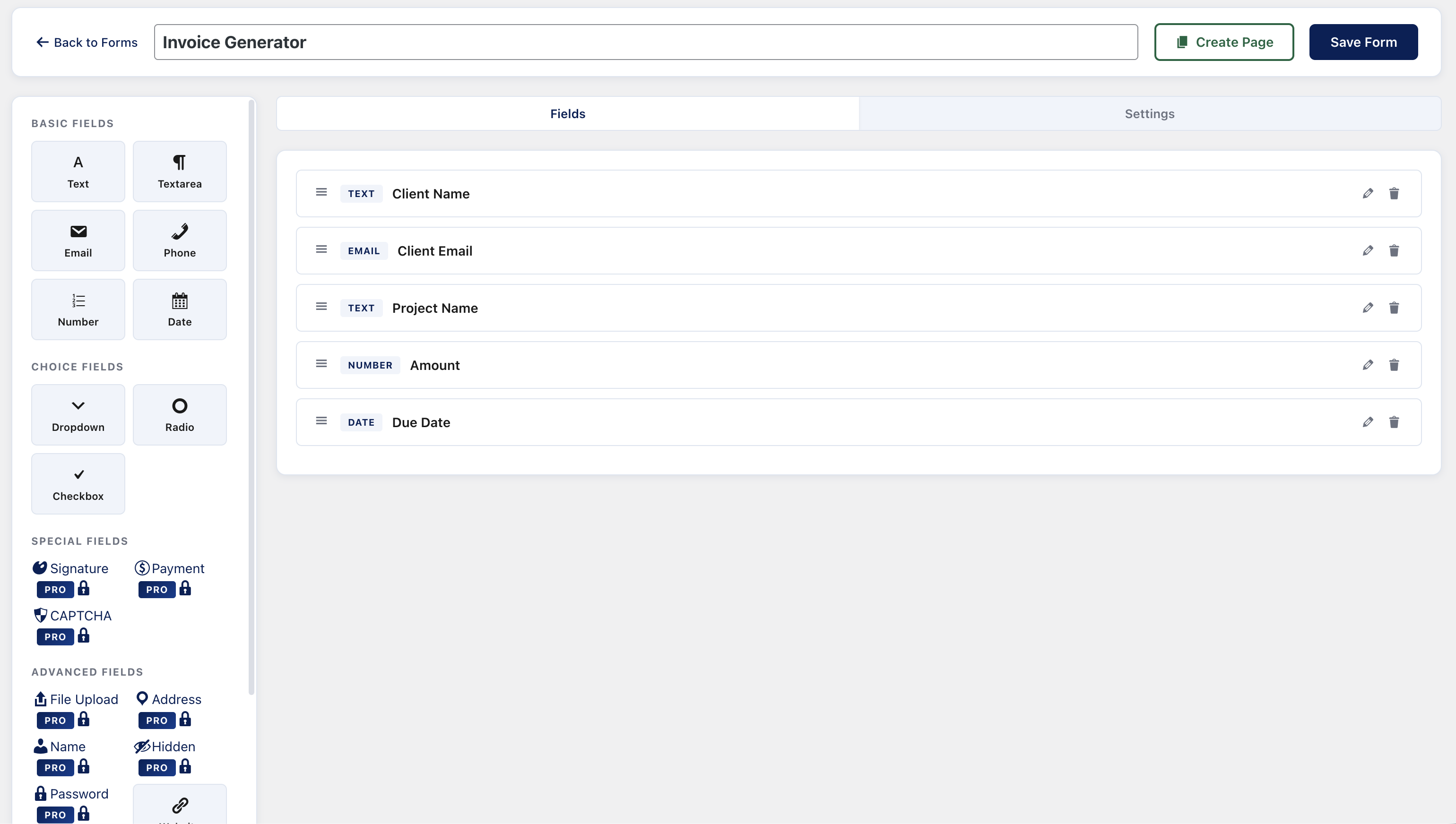
{merge_tags} - Built-in Form Builder — drag-and-drop form builder with 6 field types (Text, Textarea, Email, Phone, Number, Date)
- Merge Tag Mapping — visually map template tags to form fields
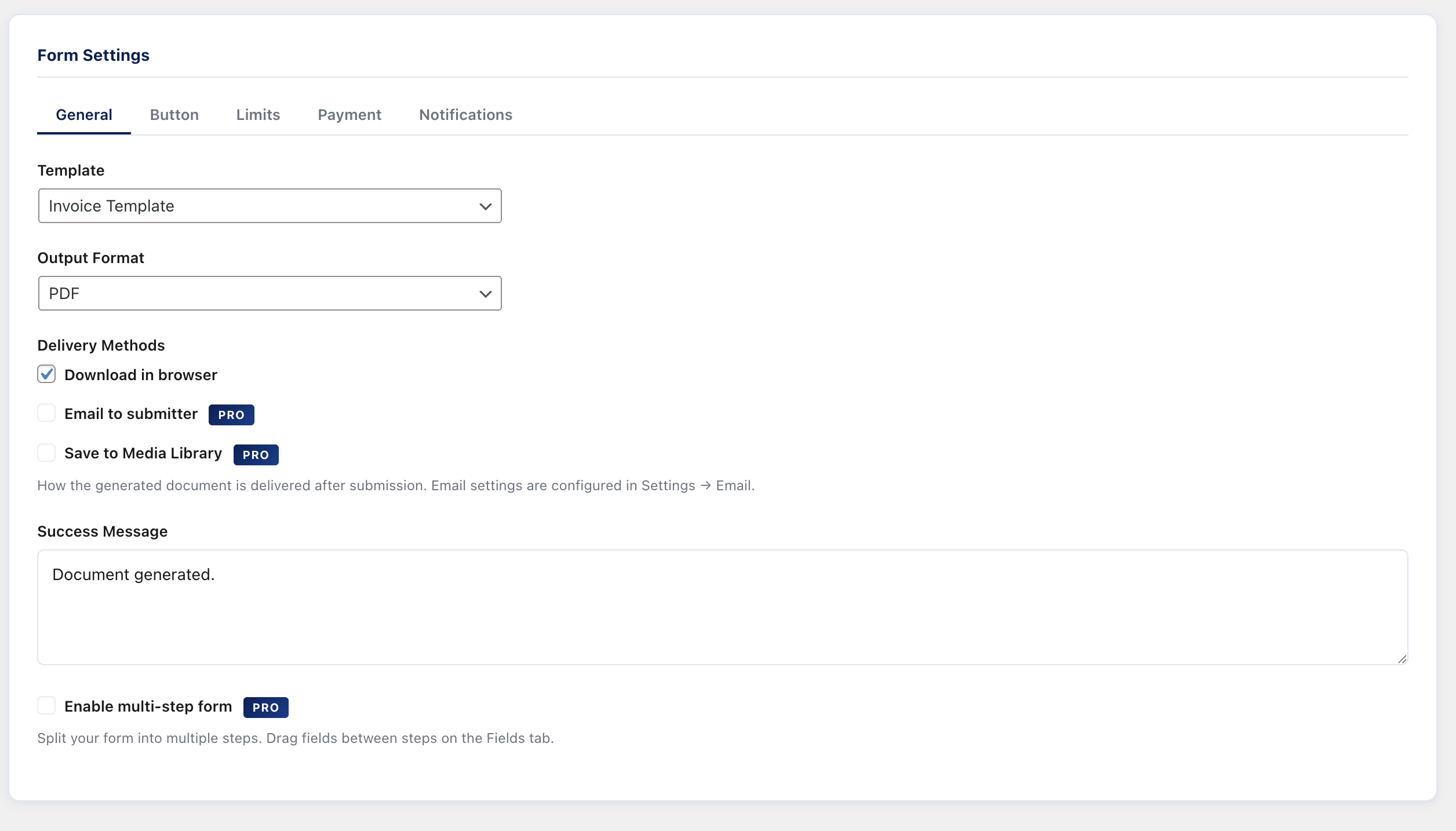
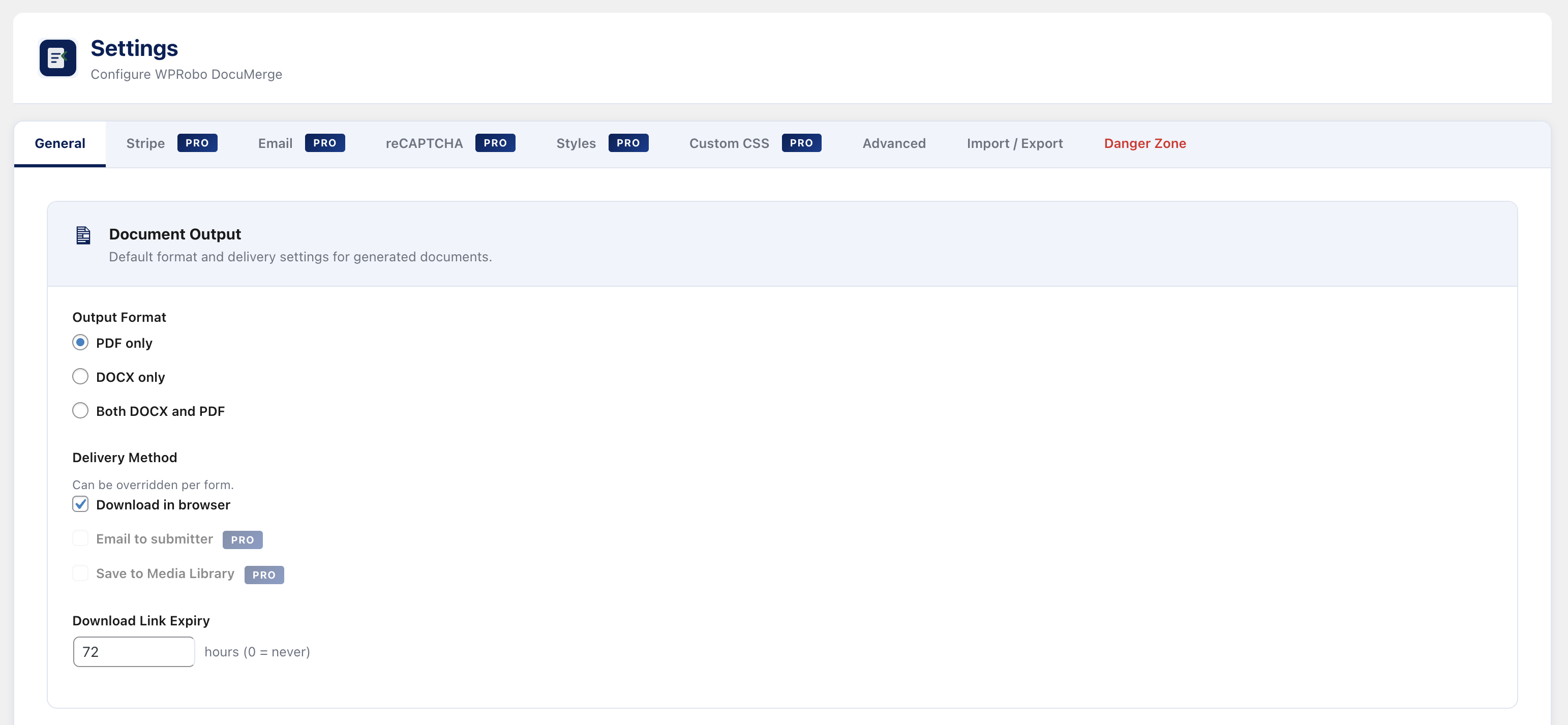
- PDF Output — generate PDF documents from submissions via mPDF
- DOCX Output — generate completed DOCX documents via PHPWord
- Browser Download — submitters can download their document immediately
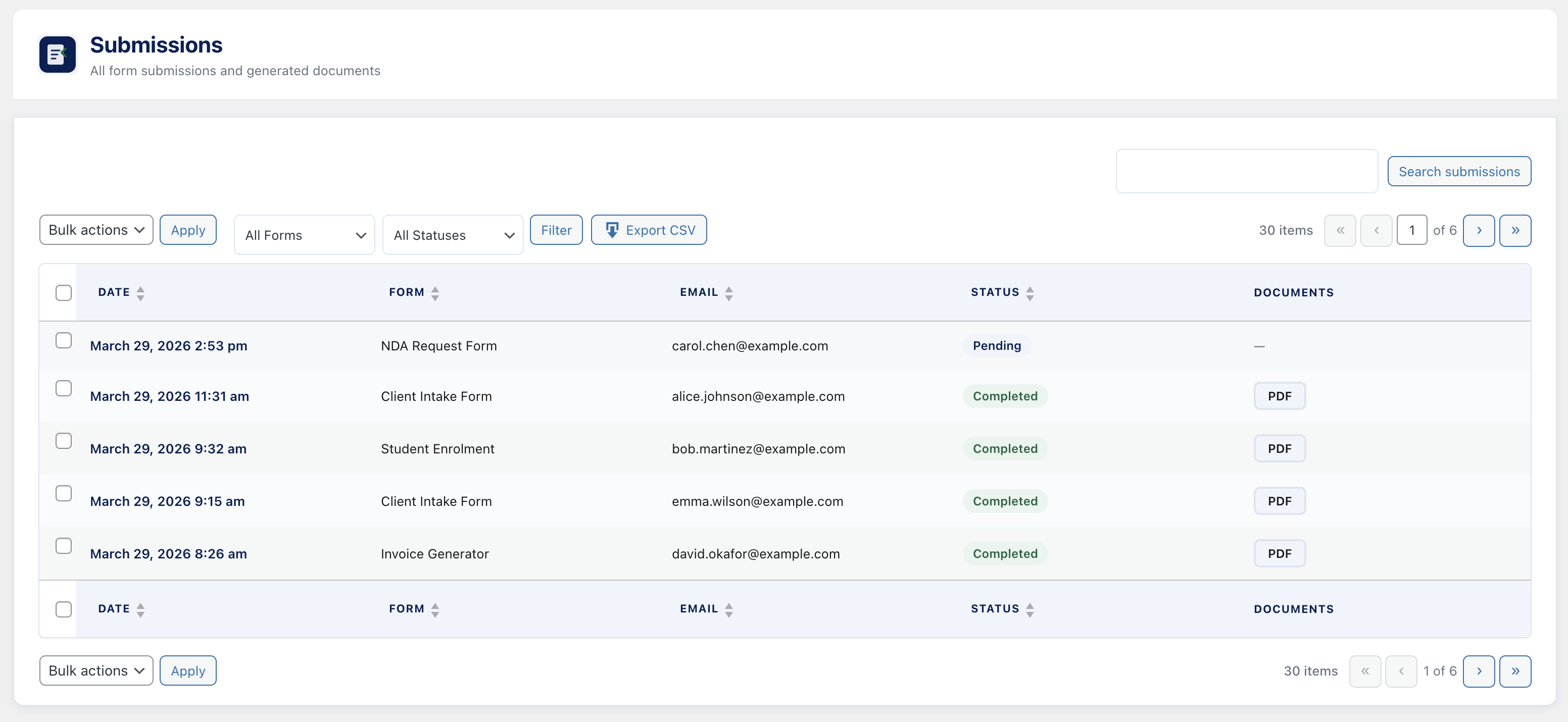
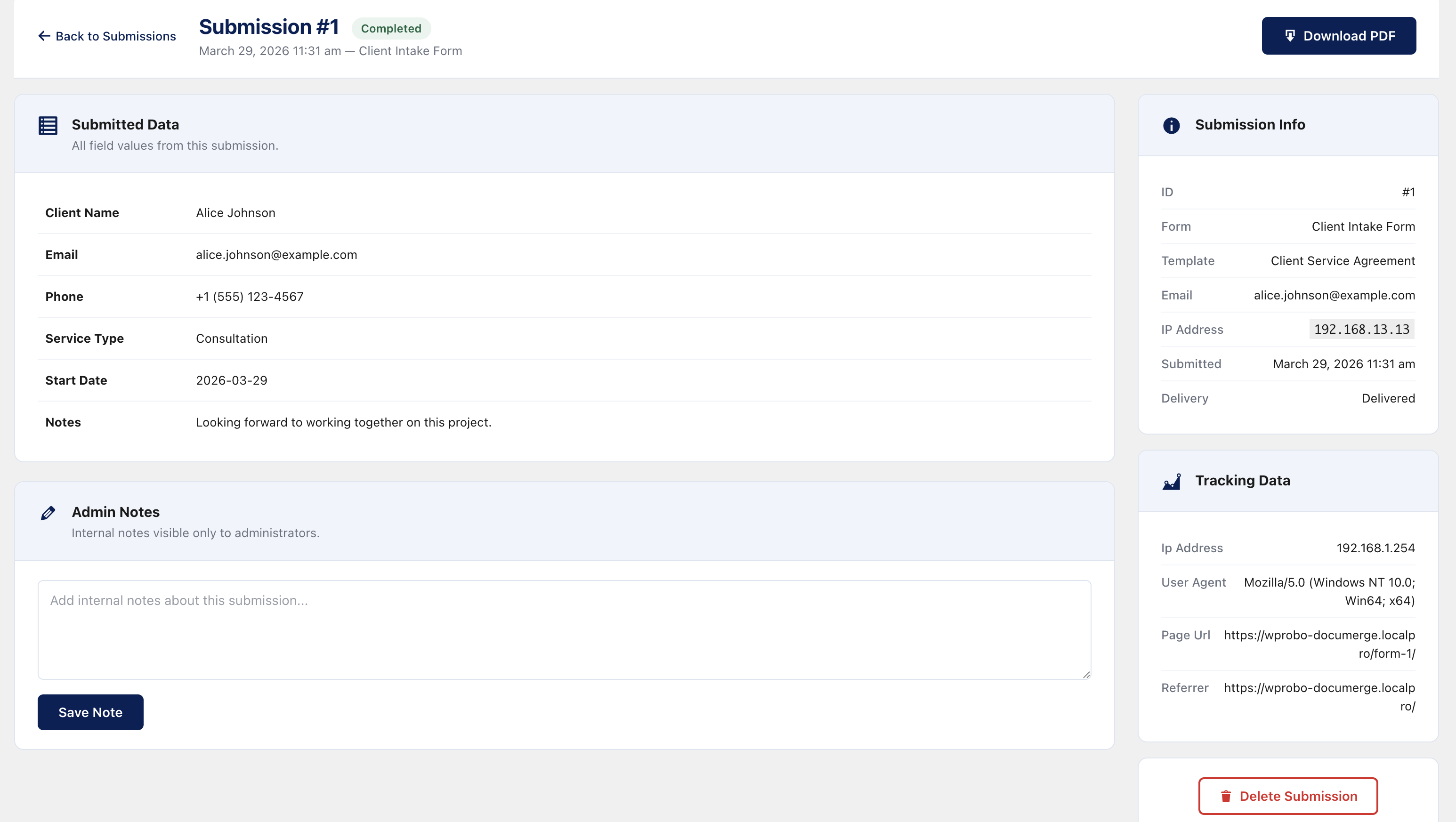
- Submissions Archive — view all submissions with document download links
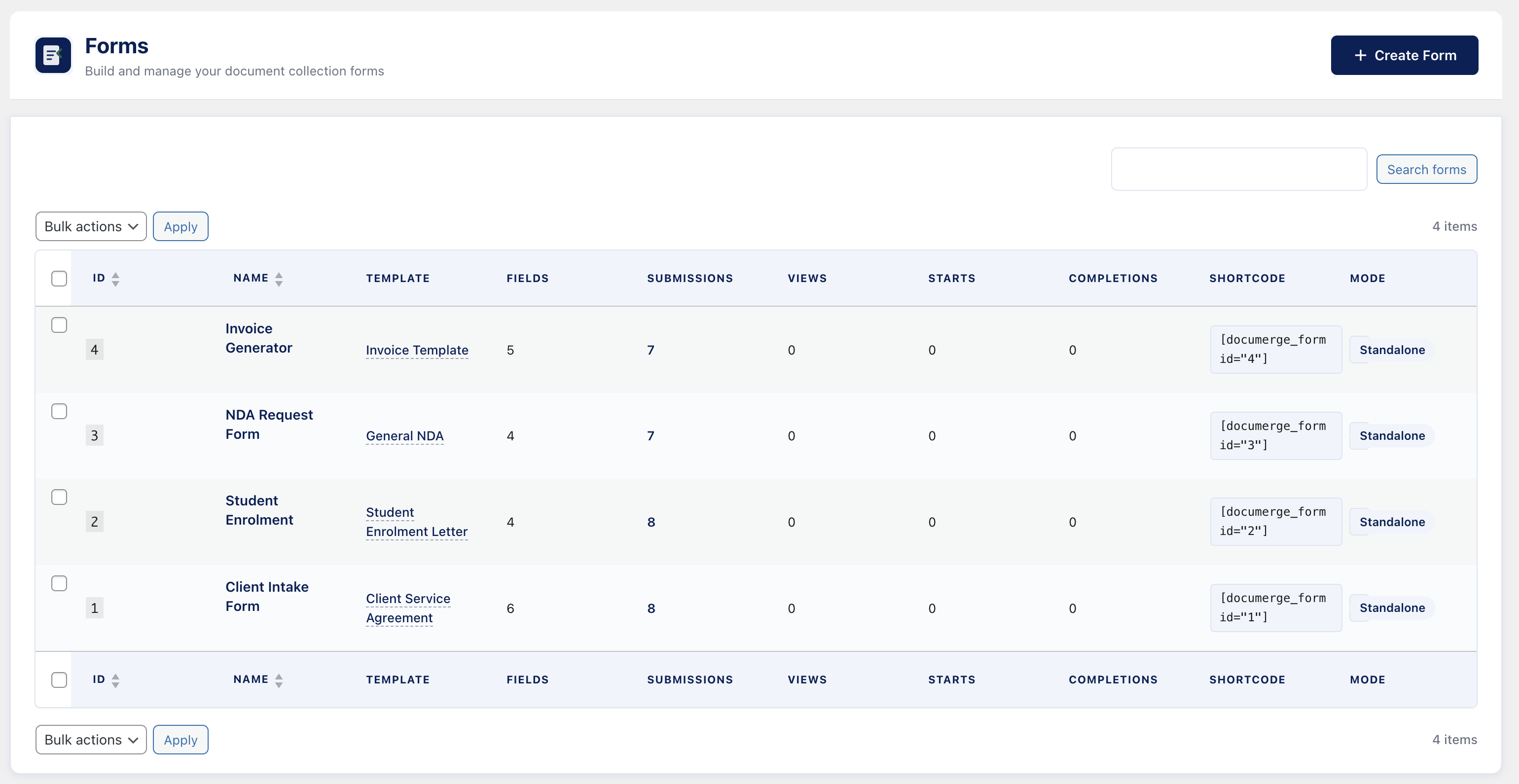
- Shortcode Embed — embed forms anywhere with
[wprobo_documerge_form id="X"] - Gutenberg Block — embed forms via the block editor
- Setup Wizard — guided first-run configuration
- Fully Translatable — complete .pot file included
- Multisite Compatible — works on WordPress multisite installations
- No External Dependencies — everything runs on your server
- Signature Field — canvas-based signature capture embedded in documents
- Payment Field — charge via Stripe before delivering documents
- Dropdown, Radio & Checkbox Fields — advanced choice fields for forms
- Conditional Logic — show/hide form fields based on user input
- Conditional Document Sections —
{if:field == value}...{/if}blocks in templates - Multi-Step Forms — break long forms into guided steps with progress bar
- Email Delivery — automatically email documents to submitters
- Media Library Storage — save generated documents to WordPress media
- Google reCAPTCHA v2/v3 — protect forms from spam submissions
- hCaptcha Support — privacy-focused CAPTCHA alternative
- WPForms Integration — trigger document generation from WPForms submissions
- Contact Form 7 Integration — trigger from CF7 submissions
- Gravity Forms Integration — trigger from Gravity Forms submissions
- Fluent Forms Integration — trigger from Fluent Forms submissions
- Priority Support — direct support from the WPRobo team
- Chart.js — https://github.com/chartjs/Chart.js
- intl-tel-input — https://github.com/jackocnr/intl-tel-input
- Flatpickr — https://github.com/flatpickr/flatpickr
- Select2 — https://github.com/select2/select2
- Signature Pad — https://github.com/szimek/signature_pad
- PHPWord — https://github.com/PHPOffice/PHPWord (via Composer)
- mPDF — https://github.com/mpdf/mpdf (via Composer)
git clone https://github.com/WPRobo/wprobo-documerge-lite-public.gitcd wprobo-documerge-lite-publiccomposer install --no-dev(installs PHPWord, mPDF and other PHP dependencies)npm install(installs the build toolchain — sass, terser)npm run build(compiles SCSS → CSS and minifies JS, writing toassets/css/andassets/js/)
bash deploy.sh from the repository root to execute all of the above and produce a distribution ZIP under production/.
Use Cases
- Law firms — client intake forms that generate signed contracts
- Education — student applications that produce enrolment documents
- HR — employee onboarding forms that generate offer letters
- Real estate — buyer inquiries that produce tenancy agreements
- Consulting — proposal forms that generate branded proposals
- Any business — automate repetitive document creation from form data
- Upload a Word/DOCX template with merge tags like
{client_name} - Create a form using the built-in drag-and-drop form builder
- Map each template tag to a form field
- Embed the form on any page using a shortcode or Gutenberg block
- Done — every submission generates a personalised document automatically
安装:
- Upload the
wprobo-documerge-litefolder to/wp-content/plugins/or install directly from the WordPress plugin directory - Activate the plugin through the Plugins menu in WordPress
- Follow the setup wizard that appears on first activation
- Upload your first DOCX template via DocuMerge → Templates
- Create a form via DocuMerge → Forms
- Embed the form using the shortcode
[wprobo_documerge_form id="1"]or the Gutenberg block
屏幕截图:
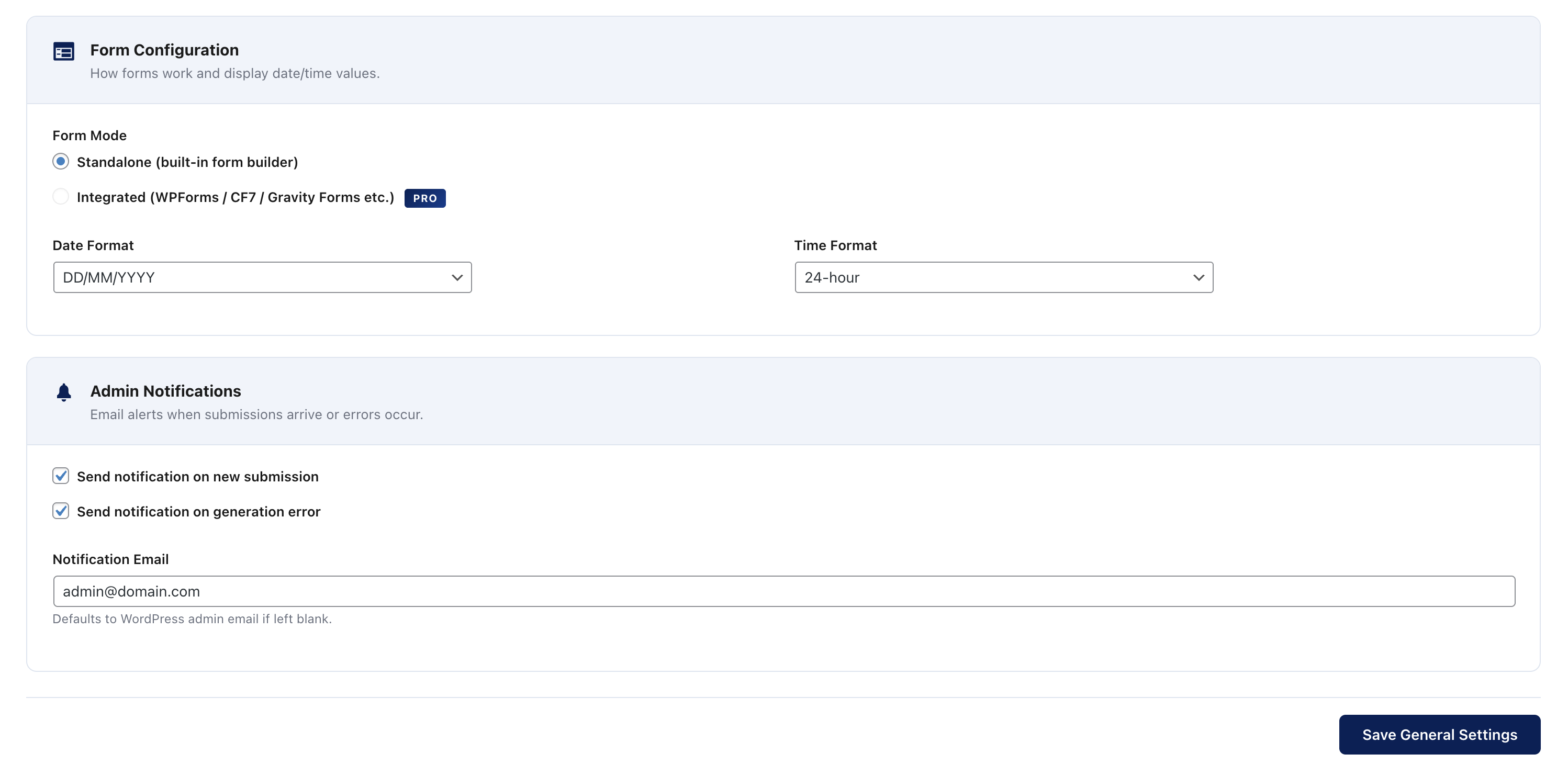
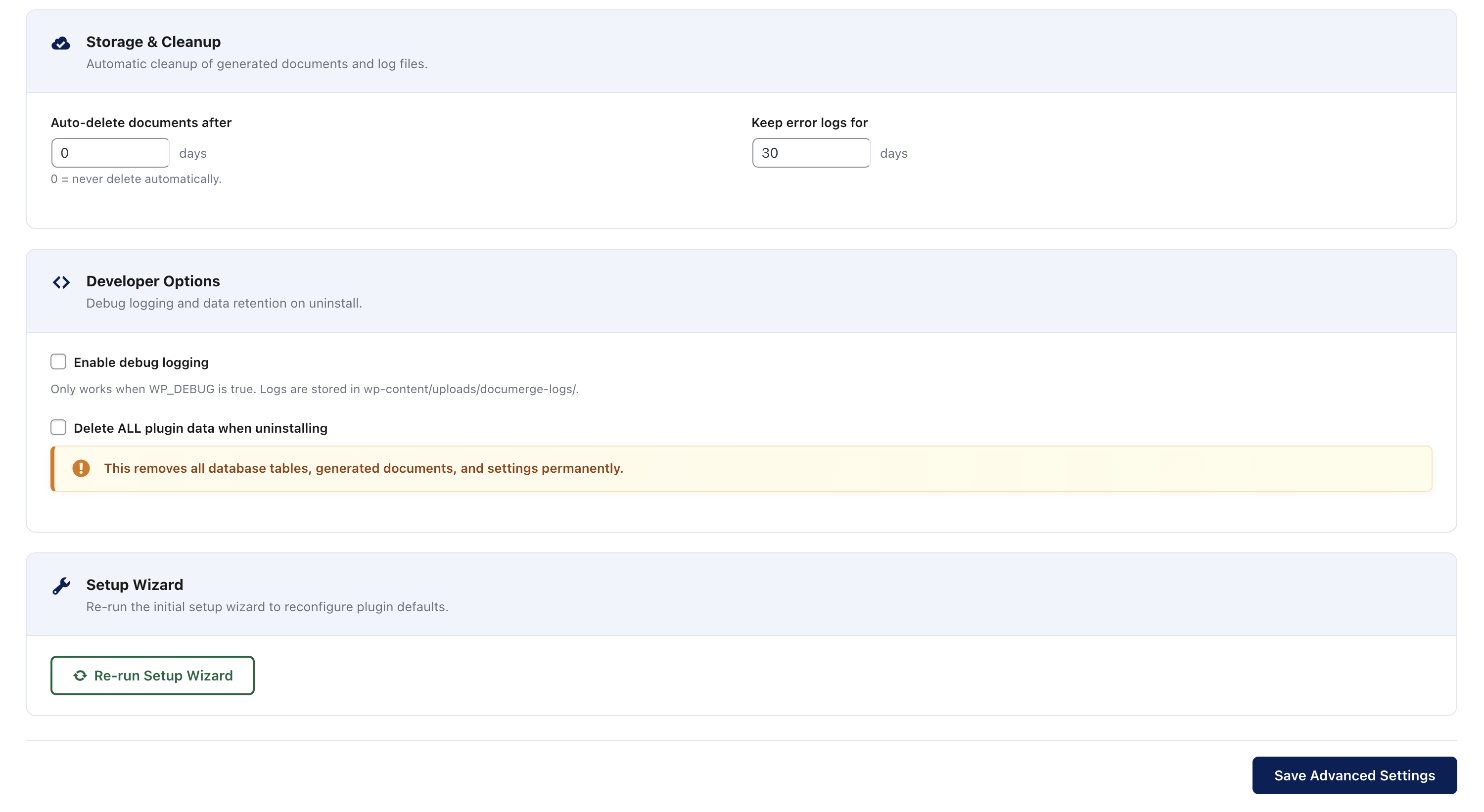
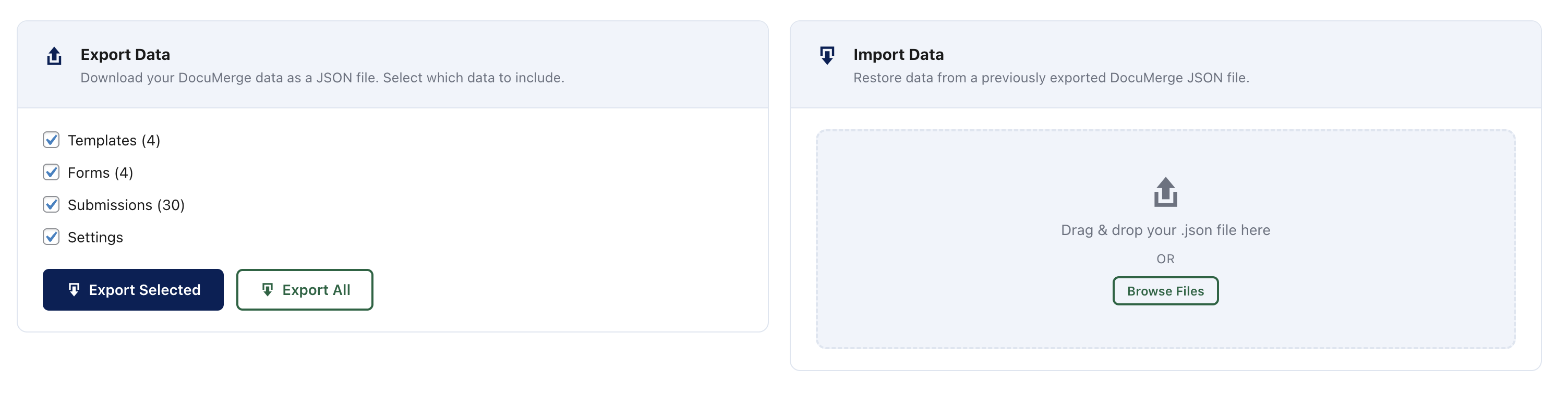
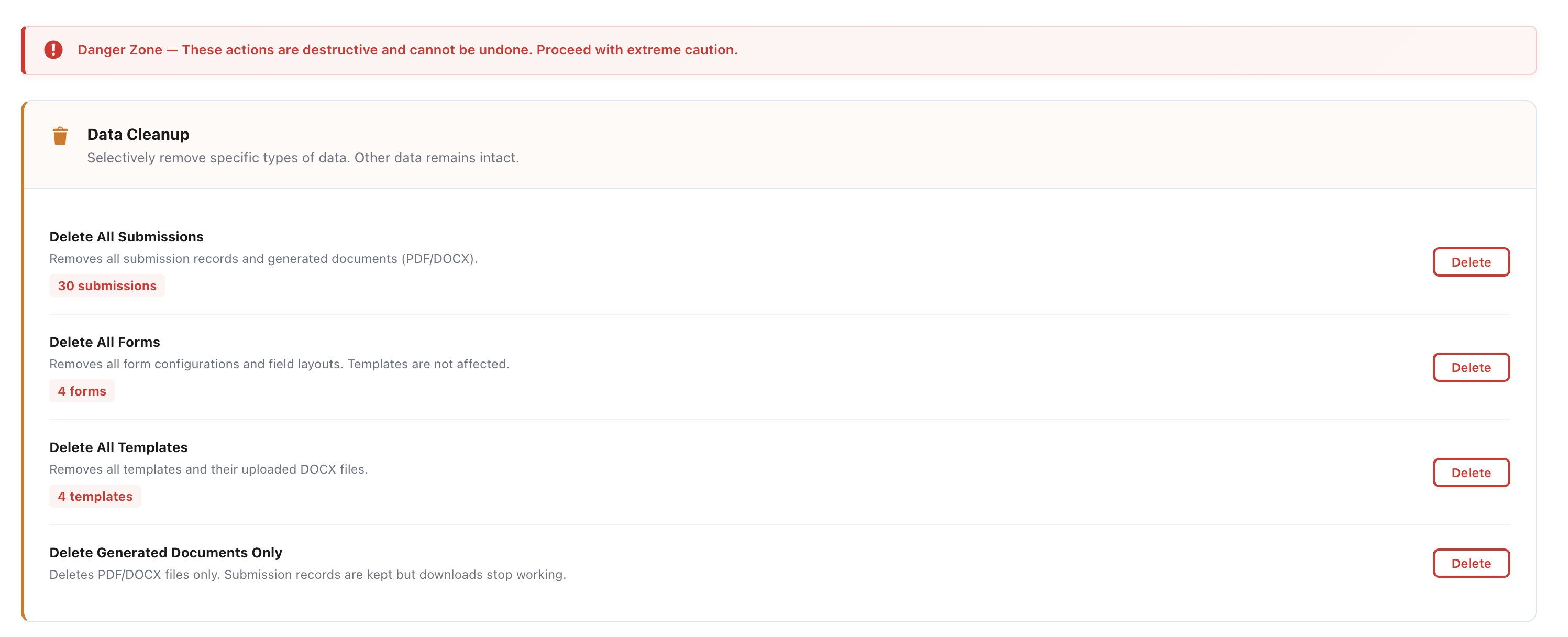
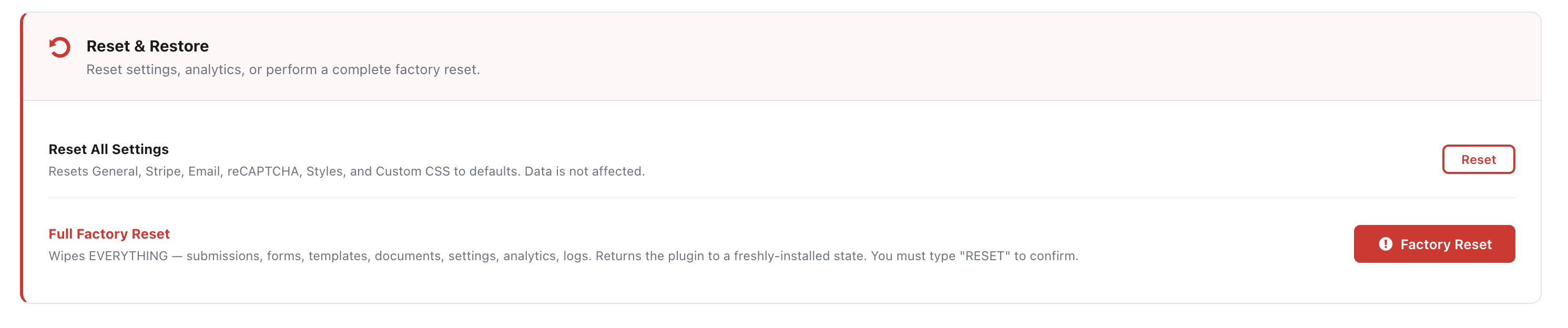
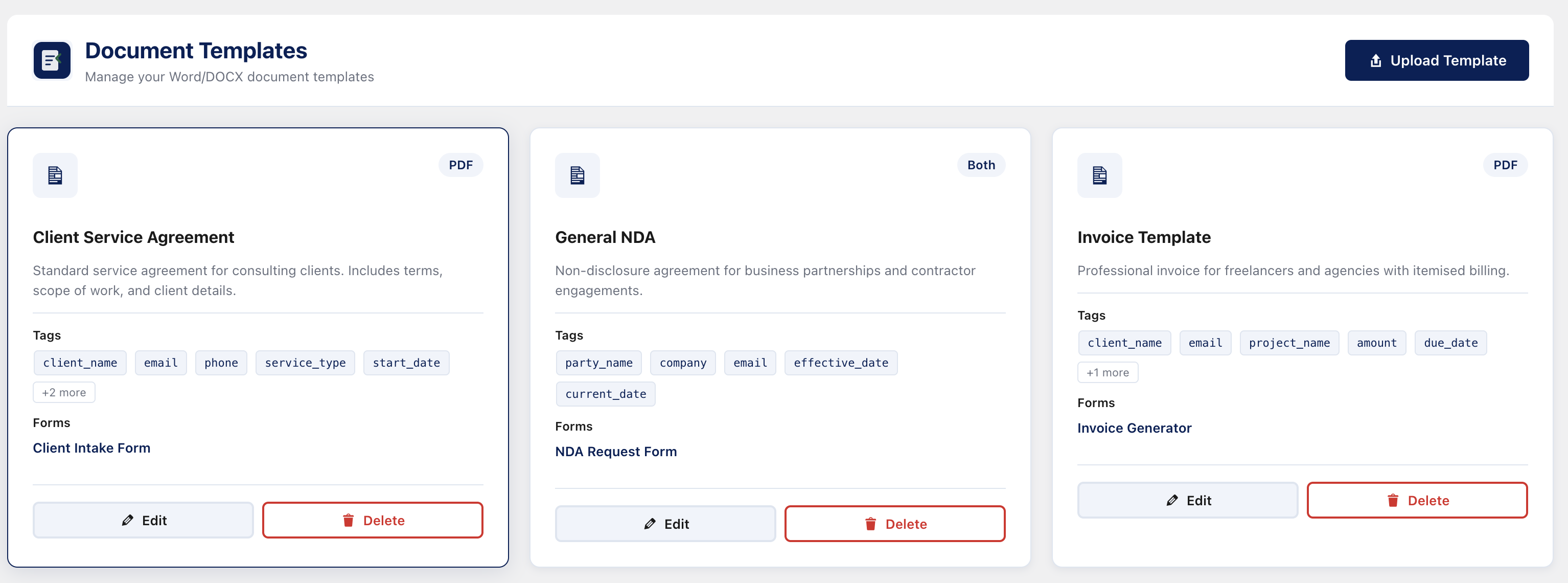
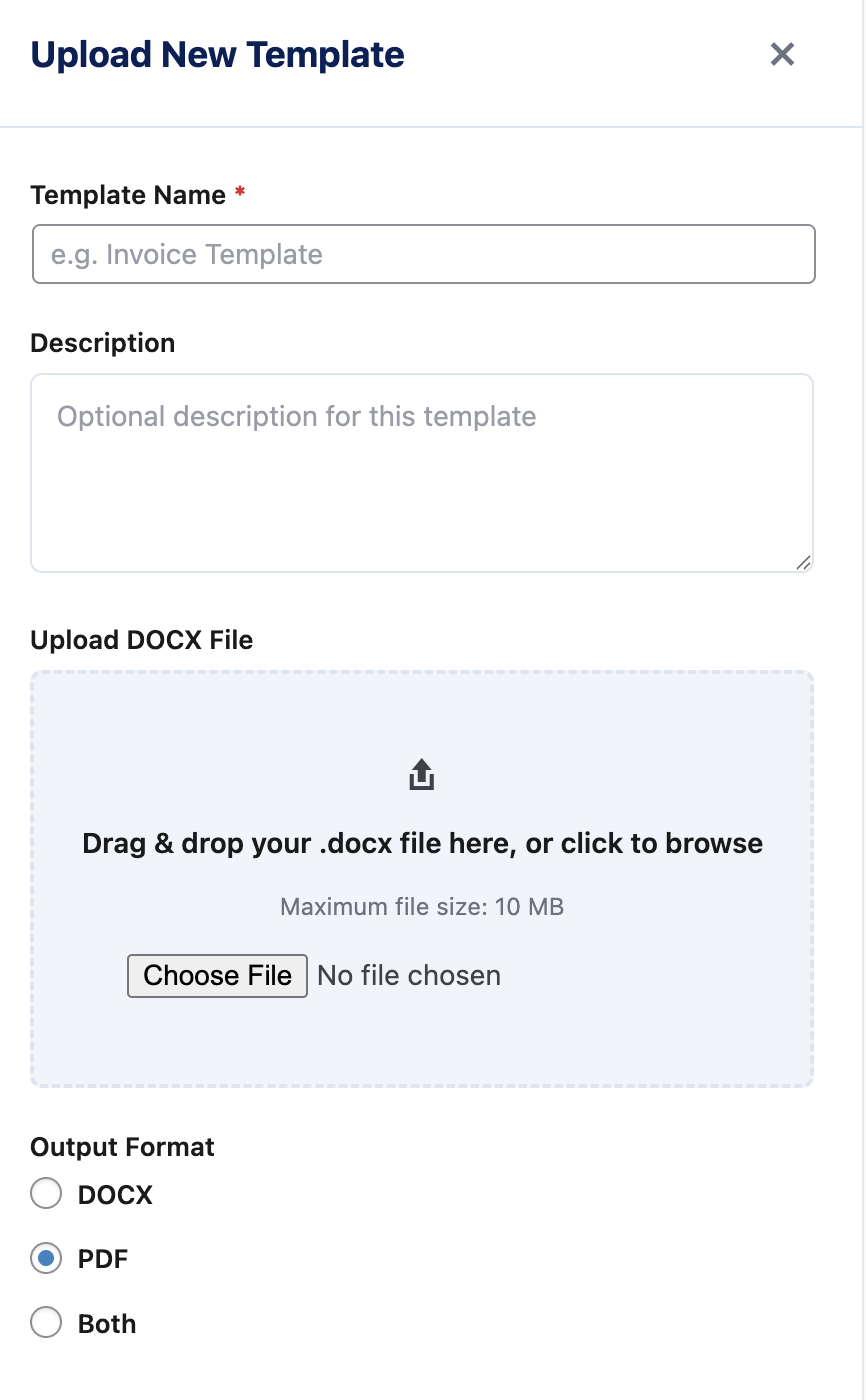
常见问题:
Is this plugin really free?
Yes. WPRobo DocuMerge Lite is 100% free with no usage limits on documents generated, forms created, or submissions received. The Pro version adds advanced features like signature fields, payments, conditional logic, and third-party form integrations.
What is the difference between Lite and Pro?
The Lite version includes the core document automation workflow: upload templates, build forms with basic field types (text, textarea, email, phone, number, date), generate PDF/DOCX documents, and deliver via browser download. The Pro version adds signature capture, Stripe payments, choice fields (dropdown/radio/checkbox), conditional logic, multi-step forms, email delivery, CAPTCHA protection, and integrations with WPForms, CF7, Gravity Forms, and Fluent Forms.
What document formats are supported?
Templates must be uploaded as DOCX (Microsoft Word) files. Output can be DOCX, PDF, or both.
How do I add merge tags to my template?
In your Word document, type tags using curly braces: {field_name}. Upload the document to DocuMerge and the plugin will automatically detect all tags. Then map each tag to a form field using the visual mapper.
Does this plugin require any other plugins?
No. WPRobo DocuMerge Lite works completely standalone with its own built-in form builder. No other plugins are required.
Can I upgrade to Pro later without losing data?
Yes. Installing the Pro version preserves all your existing templates, forms, and submissions. The upgrade is seamless.
Is the plugin GDPR compliant?
Generated documents are stored securely on your own server and are not publicly accessible via direct URL. No data is sent to third-party services. All data stays on your WordPress installation.
Can I use multiple templates?
Yes. Create as many templates as you need. Each form is assigned one template.
Does it work with my theme?
Yes. The frontend form output uses its own namespaced CSS classes that do not conflict with themes. The form will adapt to your site layout.
更新日志:
- Update: low-DPI banner refreshed for the WordPress.org plugin listing. No code changes.
- Fix: merge tags in
{tag}format were not detected when uploading a DOCX template (scanner returned an empty list). - Fix: tag replacement during document generation now correctly substitutes
{tag}placeholders.
- Initial release
- Setup wizard with guided configuration
- DOCX template manager with automatic merge tag scanning
- Drag-and-drop form builder with 6 field types (Text, Textarea, Email, Phone, Number, Date)
- Visual merge tag mapper
- PDF output via mPDF
- DOCX output via PHPWord
- Browser download delivery
- Submissions archive with document management
- Shortcode embed support
- Gutenberg block for form embedding
- Full translation support with .pot file