WPZOOM Forms - Drag & Drop Contact Form Builder for WordPress
| 开发者 | WPZOOM |
|---|---|
| 更新时间 | 2026年6月1日 17:24 |
| 捐献地址: | 去捐款 |
| PHP版本: | 7.4 及以上 |
| WordPress版本: | 7.0 |
| 版权: | GNU General Public License v2 |
| 版权网址: | 版权信息 |
详情介绍:
- Google reCAPTCHA integration (v2 and v3)
- Akismet anti-spam protection
- Cloudflare Turnstile integration
- Job applications (resumes, cover letters)
- Project briefs and client documentation
- Media submissions and portfolios
- Support ticket attachments
- Ask a Question – Get support from our team and community
- Download Free Themes – Complement your forms with beautiful designs
- WPZOOM Official Site – See our complete WordPress product lineup
- Join us on GitHub – Contribute to open-source development
- Plugin Documentation – Step-by-step guides and tutorials
安装:
- Install the WPZOOM Forms from the "Plugins > Add New" page in your WordPress Dashboard.
屏幕截图:
常见问题:
How do I add a contact form to my page?
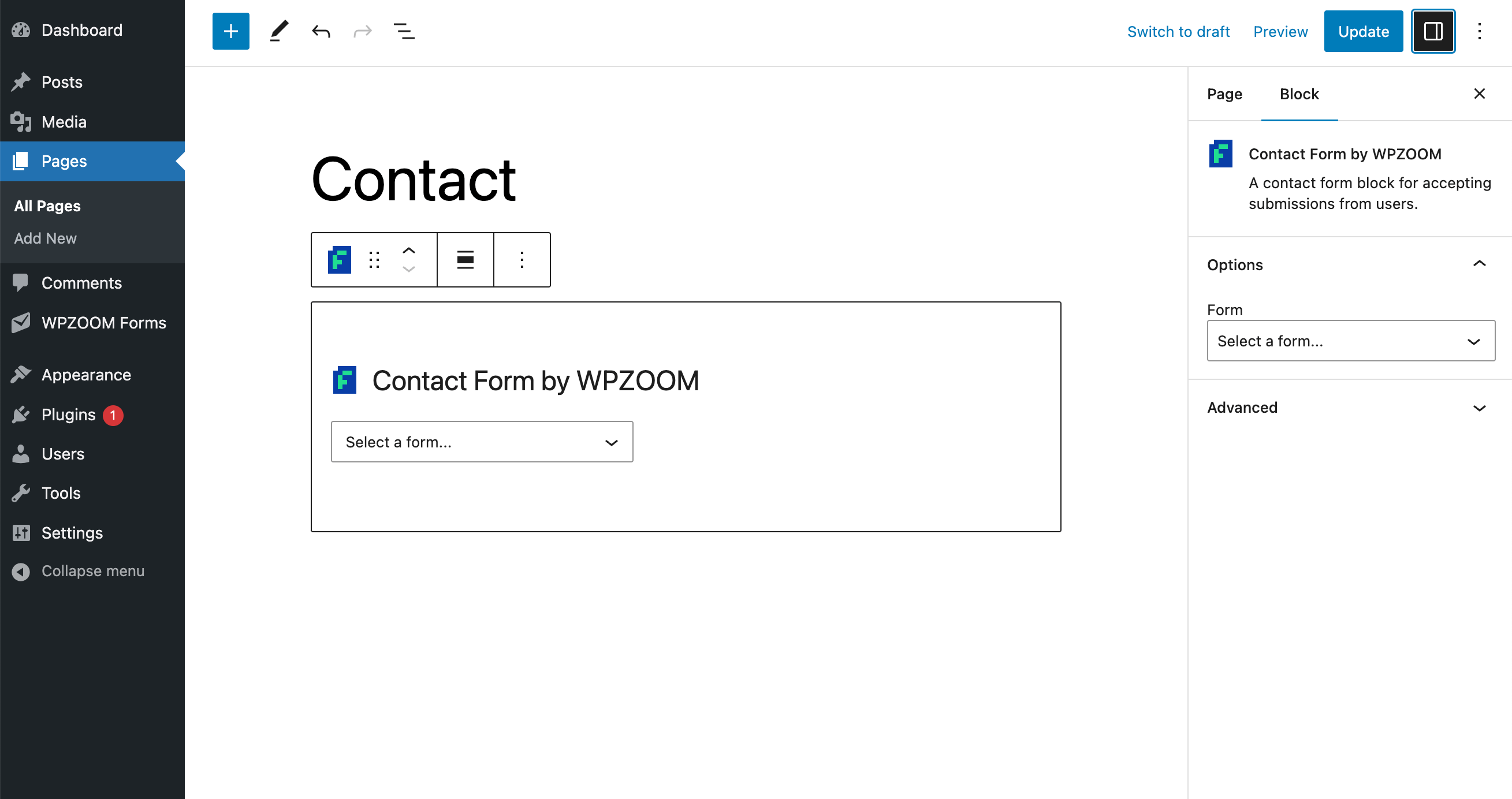
First, build your form in the WPZOOM Forms section of your WordPress dashboard. Once it's ready, embed it anywhere using one of these three options:
- Block: Add the "WPZOOM Form" block to any page or post and select your form
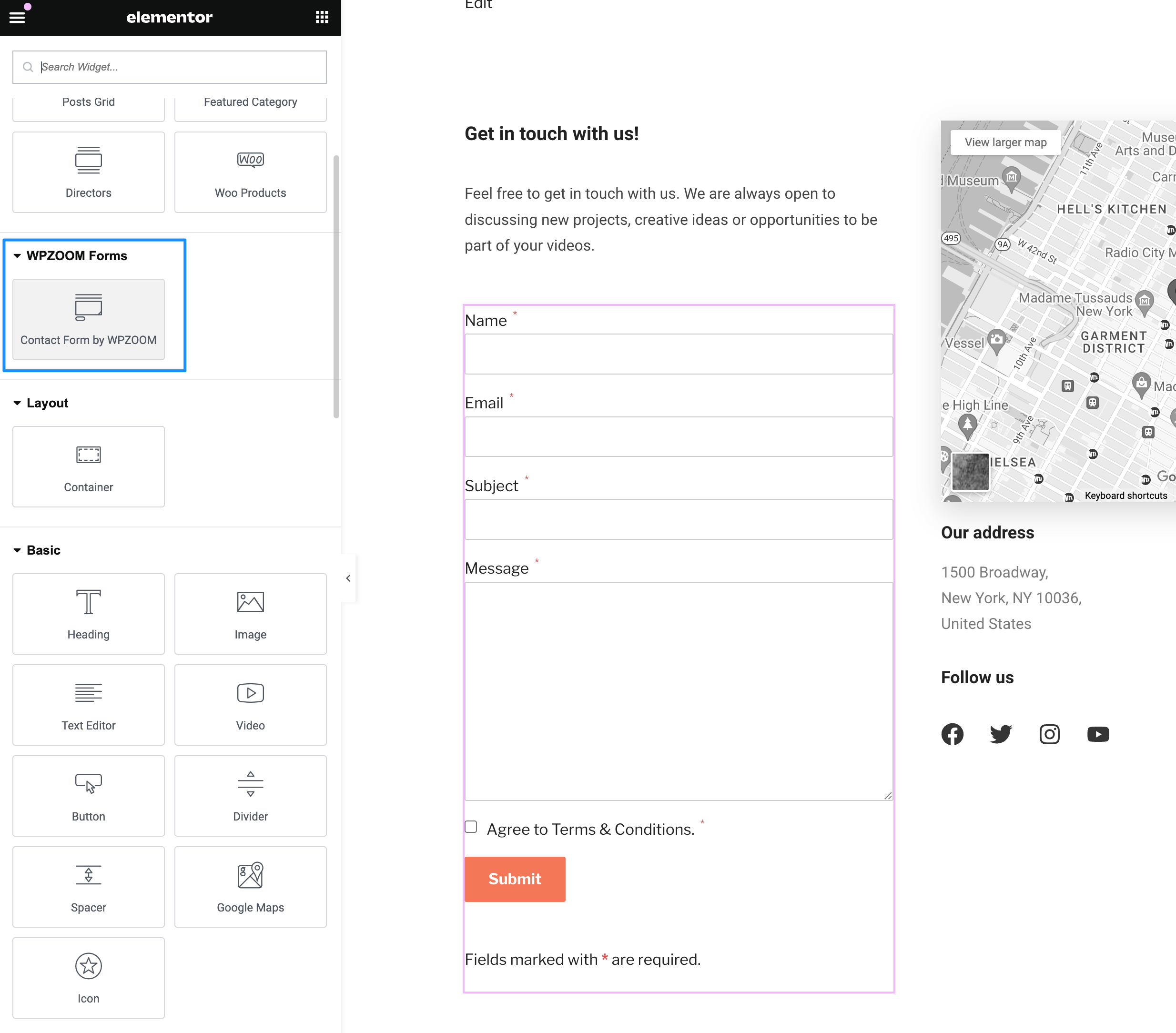
- Elementor: Drop in the WPZOOM Forms widget and select your form
- Shortcode: Copy the form's shortcode and paste it into any theme or page builder
Does this contact form plugin work with Elementor?
Yes! WPZOOM Forms has a dedicated Elementor widget. You can add and style your contact forms directly in the Elementor editor.
Is there spam protection for contact forms?
Yes, WPZOOM Forms includes multiple spam protection options:
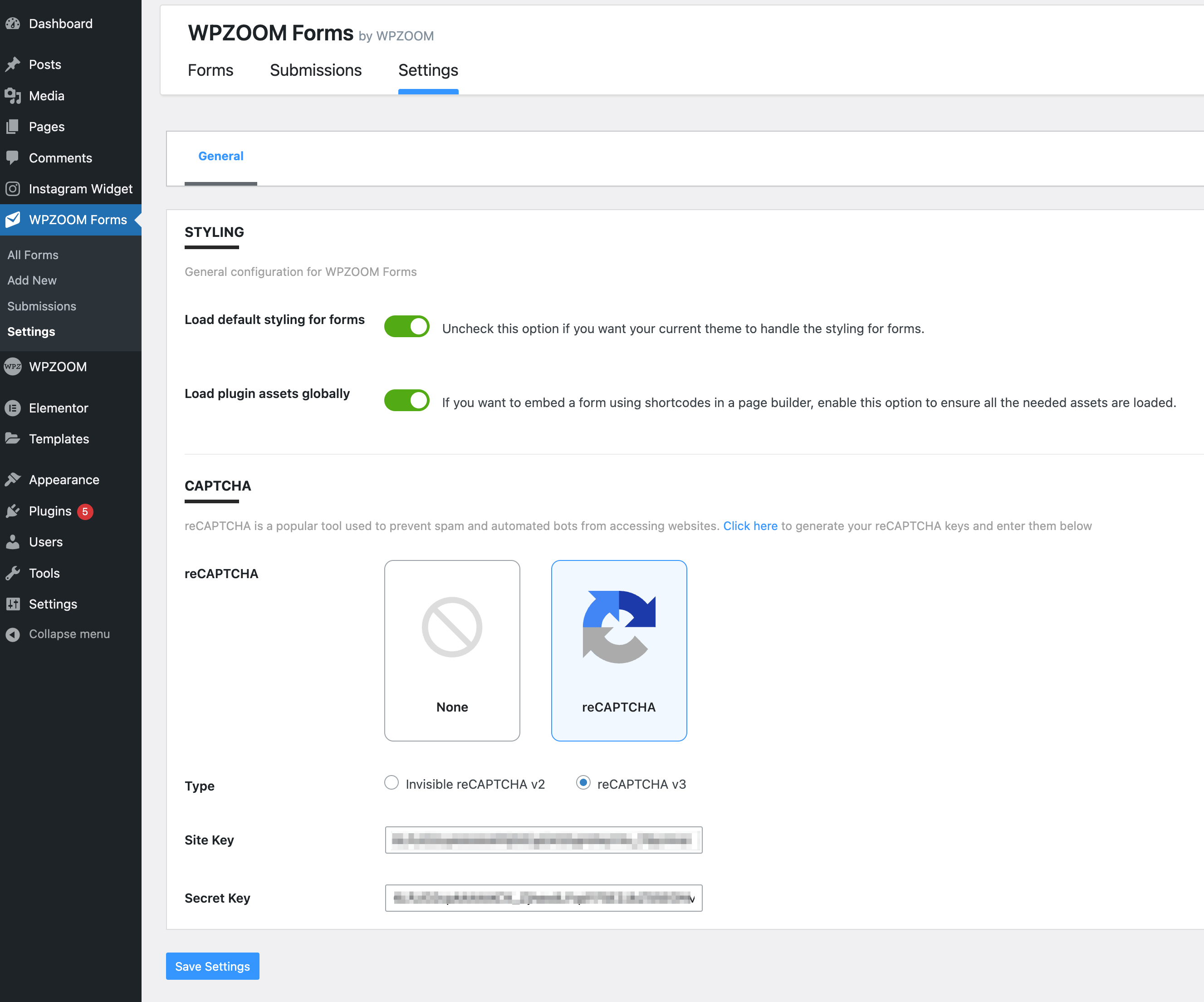
- Google reCAPTCHA v2 and v3
- Cloudflare Turnstile
- Akismet anti-spam integration
Can I receive email notifications when someone submits a form?
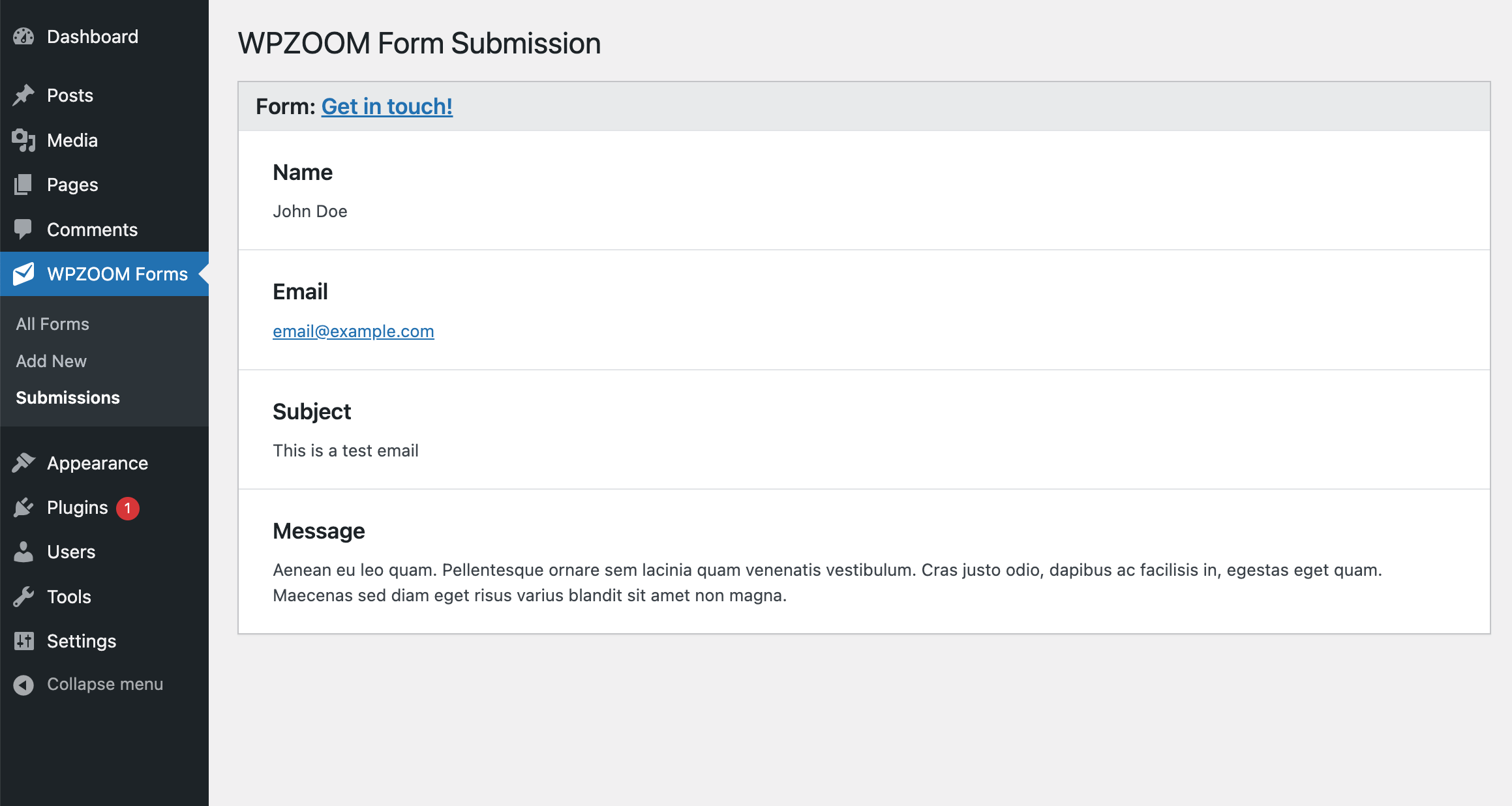
Yes, you receive instant email notifications for every form submission. All submissions are also saved in your WordPress dashboard.
Is this a free contact form plugin?
Yes, WPZOOM Forms is free with all essential features. A PRO version is available with advanced features like file uploads, conditional logic, and Mailchimp integration.
How do I export form submissions?
Navigate to Tools > Export in your Dashboard and choose "WPZOOM Submissions" to export all entries.
Does it work with the Classic Editor?
Yes! Use shortcodes to embed your contact forms in the Classic Editor or any theme.
更新日志:
- Minor bug fixes
- Minor bug fixes
- New: Completely rebuilt, dedicated drag-and-drop form builder — independent of the block editor, so it's faster, more reliable, and free of editor/theme conflicts.
- New: Standalone admin interface for building and managing forms, designed to be easy for beginners.
- New: Searchable form template library to start from a ready-made layout.
- Improved: Cleaner, lighter frontend markup with optional form themes and wide/full alignment support.
- Compatibility: Your existing forms are preserved and keep rendering exactly as before — they are upgraded to the new builder only when you open and save them.
- Added compatibility for WordPress 7.0
- Added 20 new free form templates
- Multiple bug fixes and improvements
- Multiple bug fixes and improvements
- Improved template modal UI
- Refactored the Form Block editor component for better maintainability
- Improved block styling with currentColor for better theme compatibility
- Multiple UI improvemens
- Minor bug fix
- Bug fix with default form
- Bug fix with the Date Picker field
- Minor bug fix
- Multiple bug fixes and improvements
- Added two new options to edit the Success/Confirmation and Failure messages when submitting an entry
- Moved the confirmation message below the form
- Added an option to set the location of the reCAPTCHA badge
- Minor bug fix
- Added quick access to form fields.
- Fixed an issue with the label field.
- Minor bug fix
- Added new styling options to the block used to embed a form
- Added new styling options to the Elementor widget
- Added Dark mode support for Cloudflare Turnstile
- Minor bug fix
- Minor bug fixes
- Added Cloudflare Turnstile integration
- Added separate key fields for reCaptchaV2 and reCaptchaV3
- Fixed a bug with the date field in Elementor
- Added new form templates: Advanced Form with Full Address, Wedding Invitation, Quote Form, Feedback Form, Appointment Form
- Added a new "Date" field
- Added a new "Multi checkboxes" option
- Added forms filter in the Submissions section
- Added bulk editor to Select and Multi checkboxes fields
- Added predefined lists with all countries and US states to the Selected field
- Multiple fixes and improvements
- Fixed an issue with line breaks in the email template.
- Removed the Submission counter in the admin menu
- Fixed an issue with the block alignment
- Added Elementor widget
- Fixed an issue when the Checkbox field is required
- Fixed an issue with required fields
- Added reCAPTCHA integration
- Added Settings page
- Minor bug fixes
- Added Akismet Anti-Spam integration
- Fix for non-authenticated users not being able to submit the form
- Bug fix with incorrect "Reply to" address
- Minor improvements
- Initial plugin release