
WriteLeash
| 开发者 | duyytrann |
|---|---|
| 更新时间 | 2026年10月28日 22:58 |
| PHP版本: | 7.4 及以上 |
| WordPress版本: | 7.1 |
| 版权: | GPLv2 or later |
| 版权网址: | 版权信息 |
详情介绍:
- Set a price, add or subtract an amount, or change it by a percentage.
- Regular Price or Sale Price. A variable product means its variations.
- A regular-price change keeps the current sale price and its dates.
- Clear a sale price to blank, not zero.
- Filter by the stored price, then exclude products before approval. Exclusions stay out of Apply and Undo.
- Optional .99, .95, .90, or whole endings use the same safety limits.
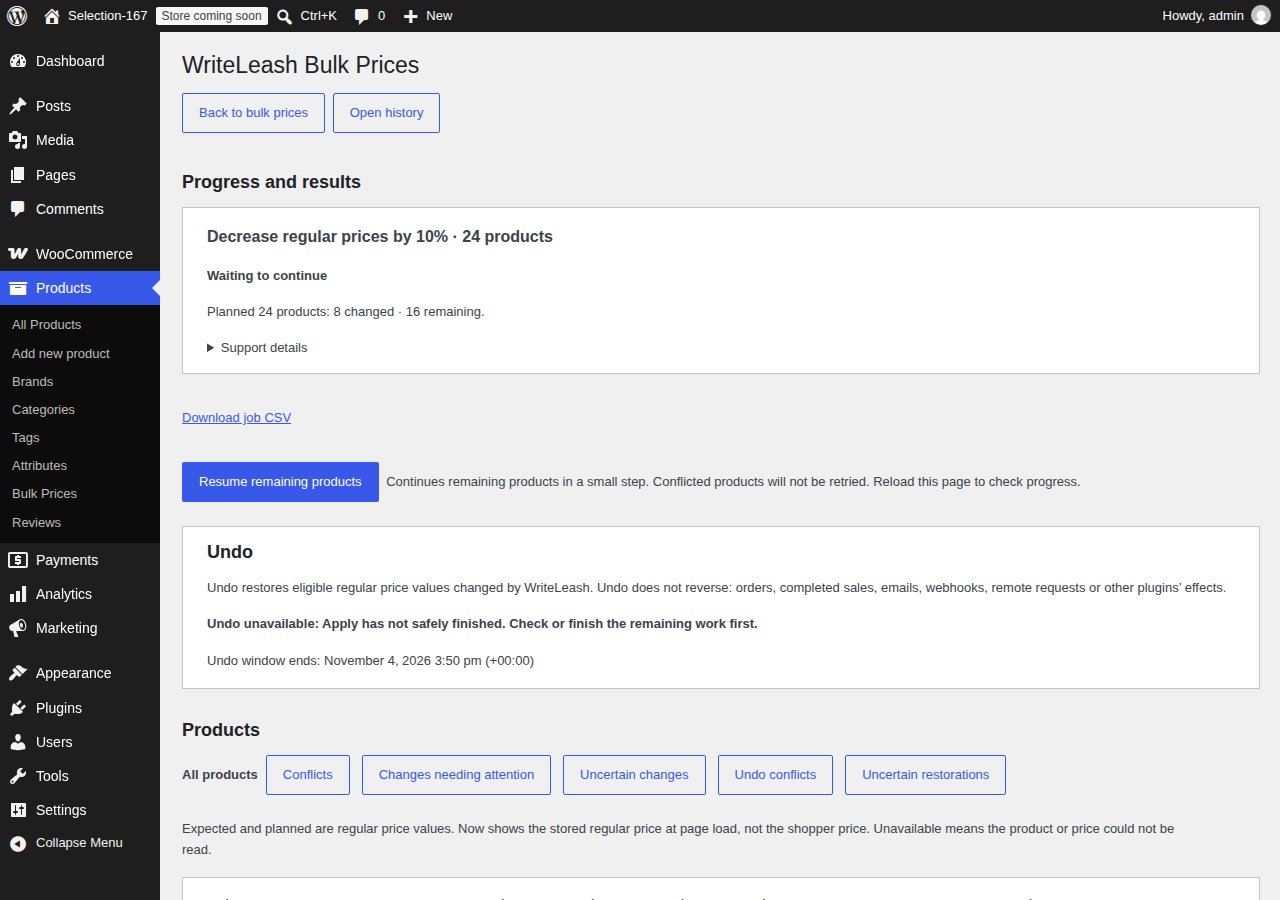
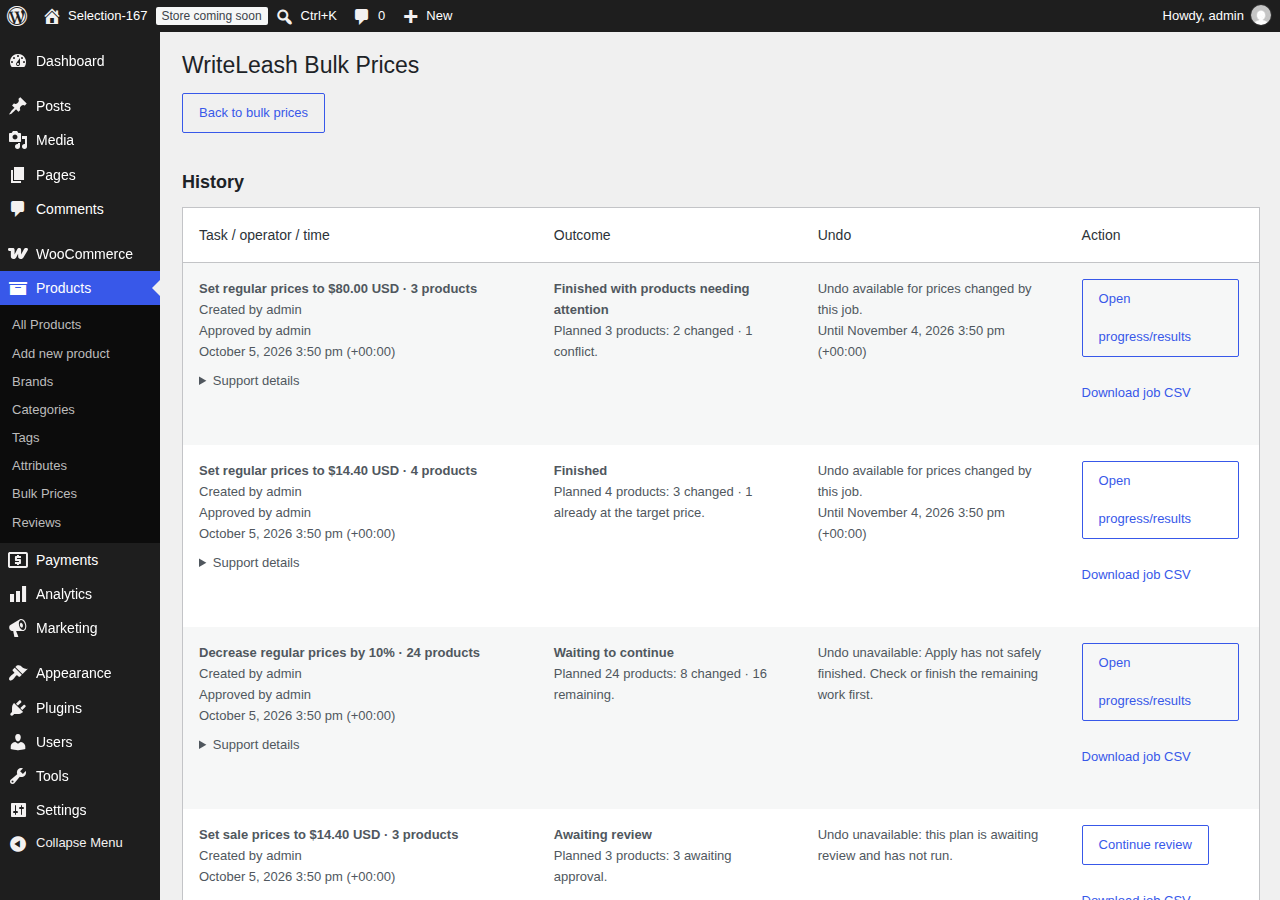
- Resume a stopped job without repeating changes that already finished.
安装:
- Install and activate WooCommerce on a pair named under Requirements.
- Install and activate WriteLeash.
- Open Products → Bulk Prices.
- Choose the products and the price change.
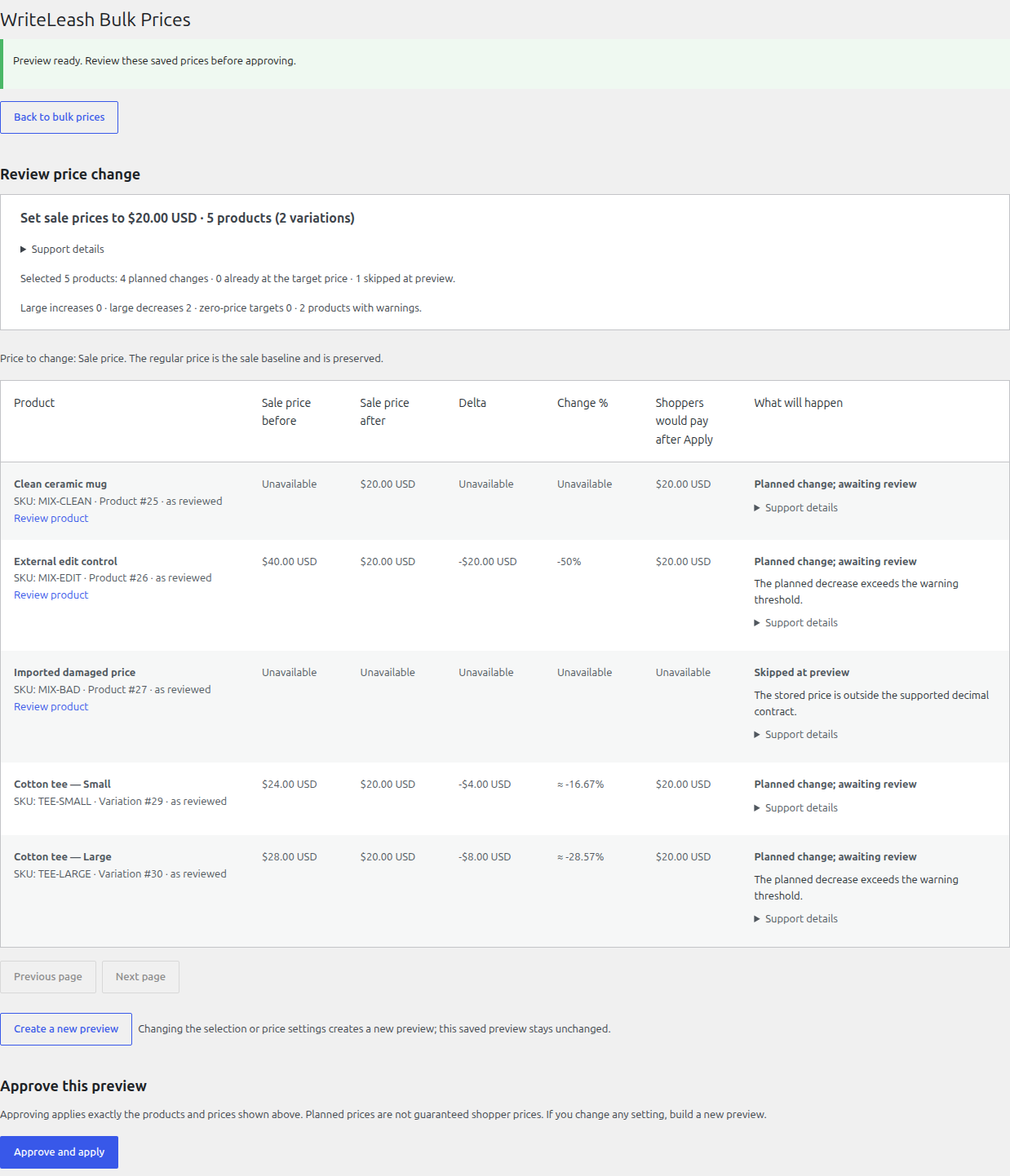
- Read the Preview. Approve it separately, then Apply.
屏幕截图:
常见问题:
Will Preview change my prices?
No. Preview and its CSV write nothing and approve nothing.
Can I change sale prices and variations?
Yes, for products under What is supported. A sale price has to stay below the regular price. A regular price has to stay above an existing sale.
What if a price changes after Preview?
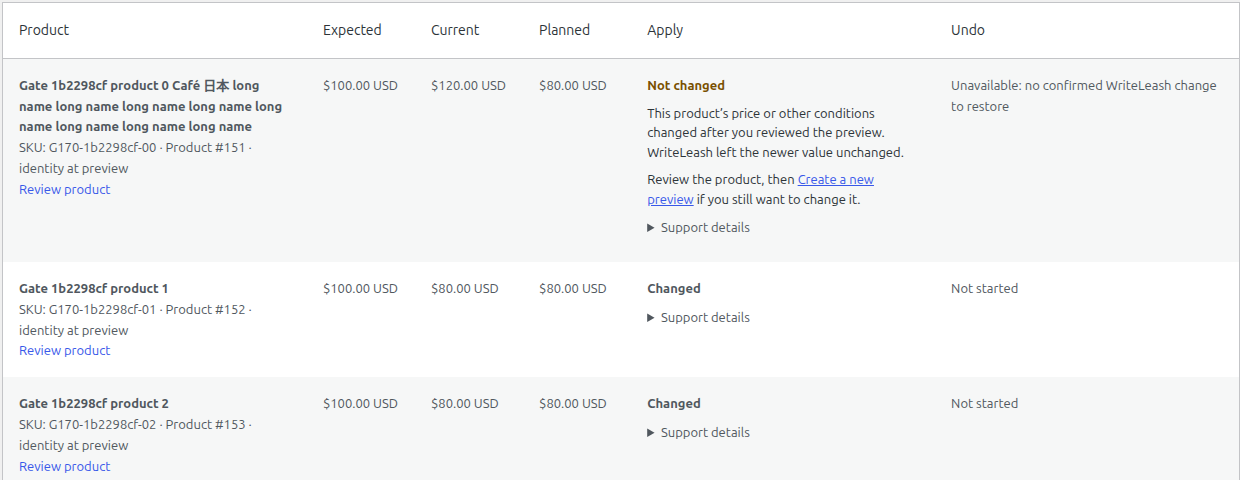
A later price or setting change becomes a conflict instead of a blind overwrite. Review it in a fresh Preview and approve that Preview. A value that moves away and comes back may not be detected.
Can Undo reverse the whole store?
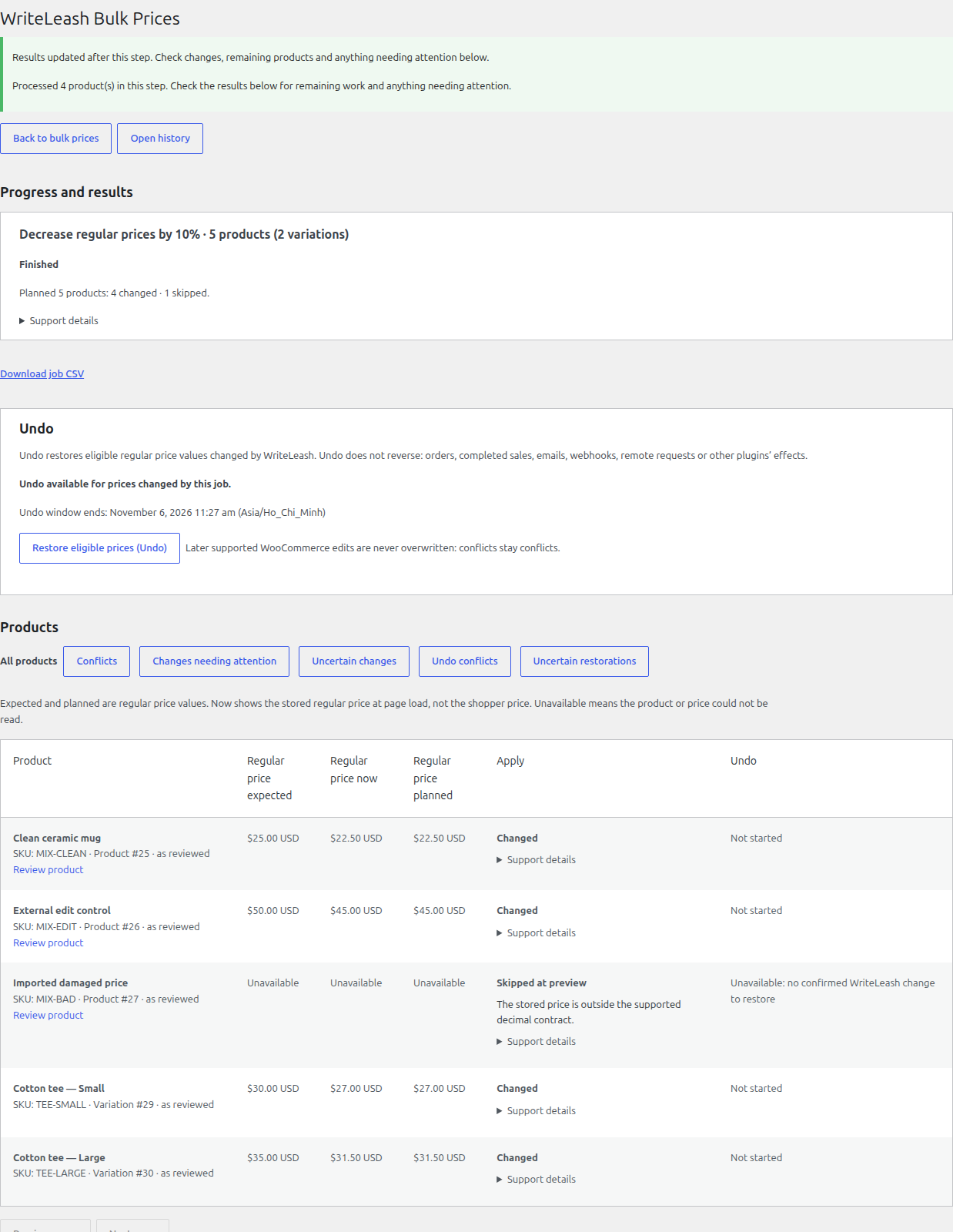
No. Only an eligible price can be restored. Missing evidence, a product that no longer qualifies, a changed value, or an expired window can block it. Orders, sales, and effects outside WriteLeash are not reversed. Stock Undo is not supported.
Do I still need a backup?
Yes. Back up and test on staging first. Preview and Undo do not replace backups. WriteLeash creates no backups.
更新日志:
- Added opt-in grants for bounded price and stock jobs. Grants stay off until you issue one.
- Restricted accounts are denied on monitored product writes outside a matching Execution Frame. Pause, revoke, and remove-restriction do not fall open.
- Upgrade from 0.2.2 keeps existing jobs, journals, and presets. No grant is created on upgrade. Stock Undo is not supported.
- Hardened apply-journal transitions so a committed change is not demoted, and improved recovery after an interrupted request.
- Refreshed permission checks before Undo. Added disabled-by-default foundations for bounded delegated price authority.
- Refreshed the plugin listing. No price-change behavior changed.
- Added live progress, Conflict to fresh Preview, presets, exclusions, Repeat, CSV export, price range, and price endings.
- Requires WooCommerce 10.0 through 11.x.
- Added bulk Regular and Sale price changes with Preview, background jobs, Resume, History, and eligible Undo.