
Wxs Text Watermarking
| 开发者 | twsh0305 |
|---|---|
| 更新时间 | 2026年6月11日 19:11 |
| 捐献地址: | 去捐款 |
| PHP版本: | 7.4 及以上 |
| WordPress版本: | 7.0 |
| 版权: | GPLv2 or later |
| 版权网址: | 版权信息 |
详情介绍:
U+FE00-U+FE0F, U+E0100-U+E01EF) which are visually invisible. Watermark generation converts info (IP, user ID, etc.) to byte sequences, then to variation selector characters via mapping algorithm. Invisible characters are embedded per rules and restored via reverse parsing during extraction.
Installation Requirements:
- Server environment: PHP 7.4
- WordPress version: 6.3 User Guide: Basic Configuration:
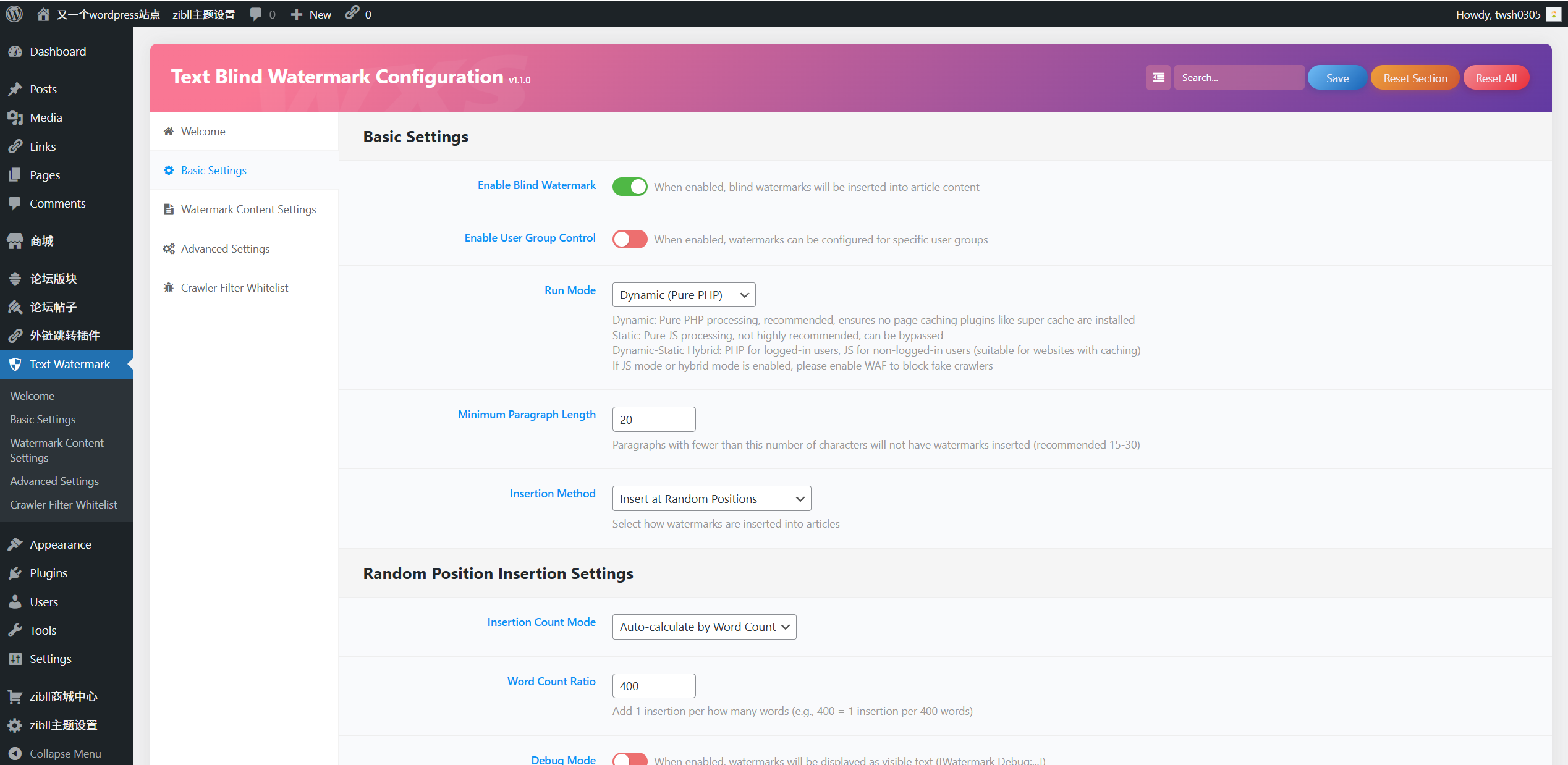
- Enable blind watermark in "Basic Settings", select operation mode (hybrid mode recommended).
- Configure minimum paragraph word count (15-30 recommended) and insertion method.
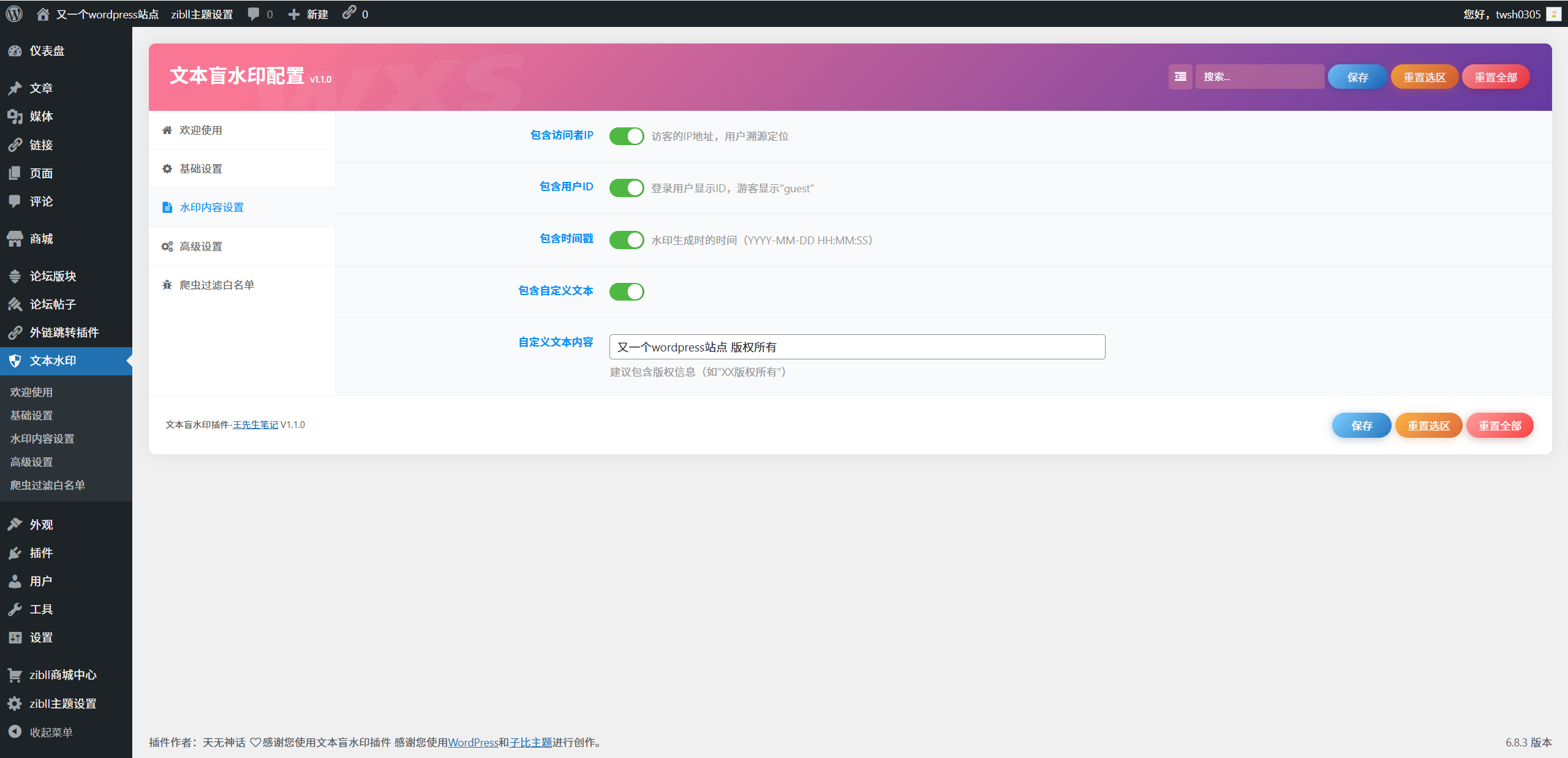
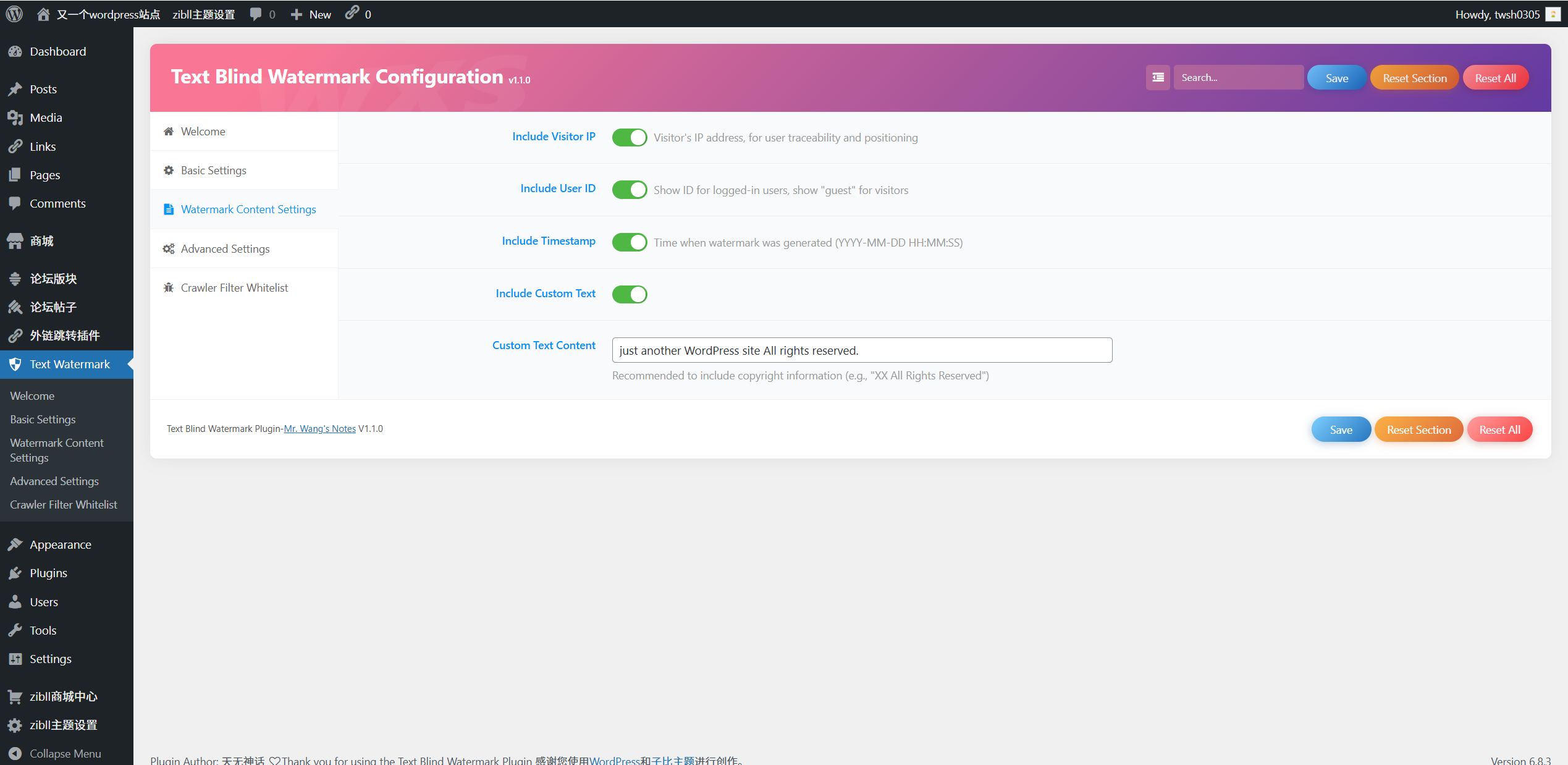
- Set parameters for random/fixed interval insertion as needed. Watermark Content Configuration: Check desired info in "Watermark Content Settings": Visitor IP (default enabled), User ID (default enabled), Timestamp (default enabled), Custom text (supports domain/copyright statements).
- Enable "Debug Mode", publish article to view visible watermarks (
[Watermark Debug:...]). - Confirm positions and content are correct, then turn off debug mode. Watermark Extraction:
- Online tool: Visit Official text blind watermark, paste text for parsing.
- Online tool: Visit Heo Text Watermark, paste text for parsing.
-
Use the extraction function provided in the GitHub source code (file path:
example.php). Plugin based on open-source projects: - Background framework: Codestar Framework
- Encryption scheme: Emoji Encoder License Details: Use and modification permitted, but original copyright notice must be retained (prohibits removing/modifying author info in code). Modified versions must be open-sourced as GPLv2 or later with full source code available.
- Author: twsh0305
- Blog: Mr. Wang's Notes
- Principle Introduction: Implementation of text blind watermark technology
- QQ Group: 399019539
- Open Source Address: GitHub
安装:
- Download the plugin source code zip package.
- Log in to WordPress backend, go to "Plugins" → "Add New" → "Upload Plugin".
- After activation, access the configuration page via left menu "Text Watermark".
- Enable the plugin and configure parameters (enable debug mode first for testing).
屏幕截图:
常见问题:
Are the blind watermarks visible to readers?
No. The watermarks use Unicode Variation Selectors that are visually invisible and do not affect reading experience or text layout.
Will the plugin affect my website's SEO?
No. It has built-in search engine crawler UA filtering rules, so no watermarks are inserted for crawlers, avoiding any impact on SEO.
How to extract watermark information from suspected infringing text?
Two methods: 1. Use the online tool at Official text blind watermark or Heo Text Watermark by pasting the text. 2.Use the extraction function provided in the GitHub source code (file path: example.php).
Does the plugin support cached WordPress sites?
Yes. It offers three processing modes: hybrid mode (recommended) uses PHP for logged-in users and JS for visitors, ensuring watermarks work normally on cached sites.
What happens to the plugin's configuration when I uninstall it?
The plugin automatically clears all configuration data during uninstallation, leaving no redundant residues in the database.
更新日志:
- Fix duplicate registration of CSF settings panel under Zibll theme
- Replace zib_require_end hook with after_setup_theme
- Add re-entry protection to CSF initialization
- Restrict settings.css to plugin settings page only
- Fix the issue where the Zibll theme triggers translation prematurely
- Fix the problem of the Codestar Framework welcome page being incorrectly loaded under WordPress 7.0
- Fixed Remove cache control
- Added exclude code and url
- Added: User Rights Control
- Fixed: js code causes content location disorder
- Added: Multilingual internationalization,
- Fixed: External resource localization
- Fixed: Compliance with WordPress plugin development specifications, using WP functions To read the changelog for Wxs Text Watermarking, please navigate to the Github page.