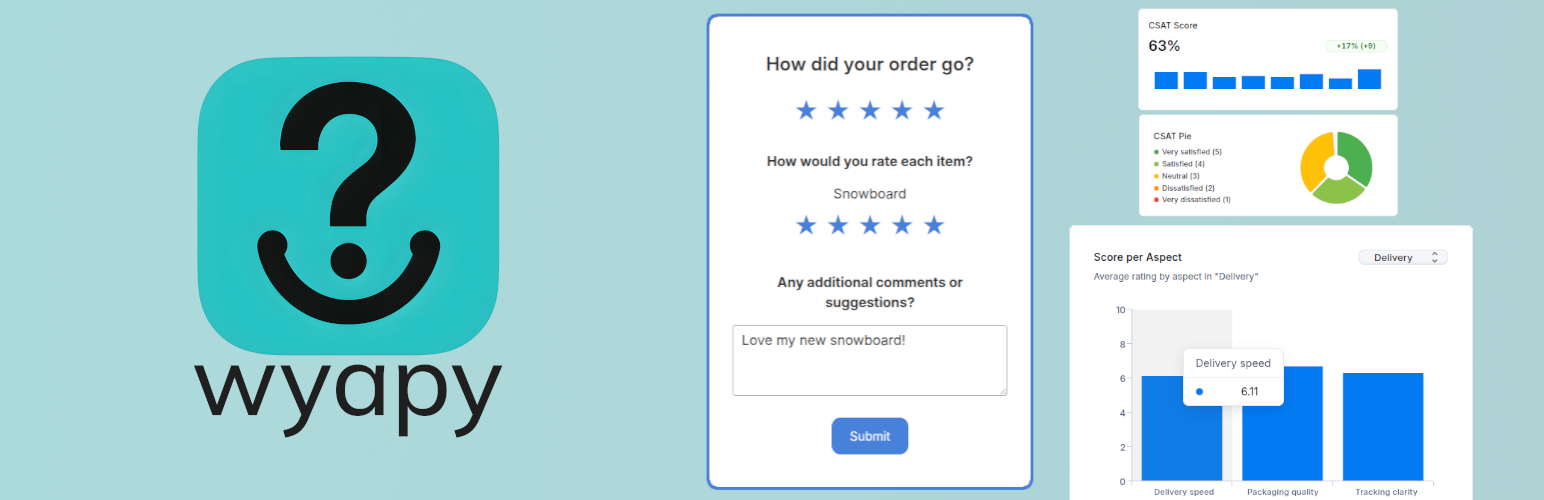
Wyapy Customer Feedback for WooCommerce
| 开发者 | wyapy |
|---|---|
| 更新时间 | 2026年1月2日 17:10 |
| PHP版本: | 7.4 及以上 |
| WordPress版本: | 6.9 |
| 版权: | GPLv2 or later |
| 版权网址: | 版权信息 |
详情介绍:
Wyapy Customer Feedback for WooCommerce lets you collect structured customer feedback at two key moments:
- On the WooCommerce "Thank you" page (post checkout survey).
- A few days after order completion (post delivery survey reached from a feedback request sent by email).
- Embed a customer satisfaction survey directly on the order confirmation page.
- Gather per-item or categorized customer feedback after delivery.
- Schedule transactional feedback request emails a configurable number of days after order completion.
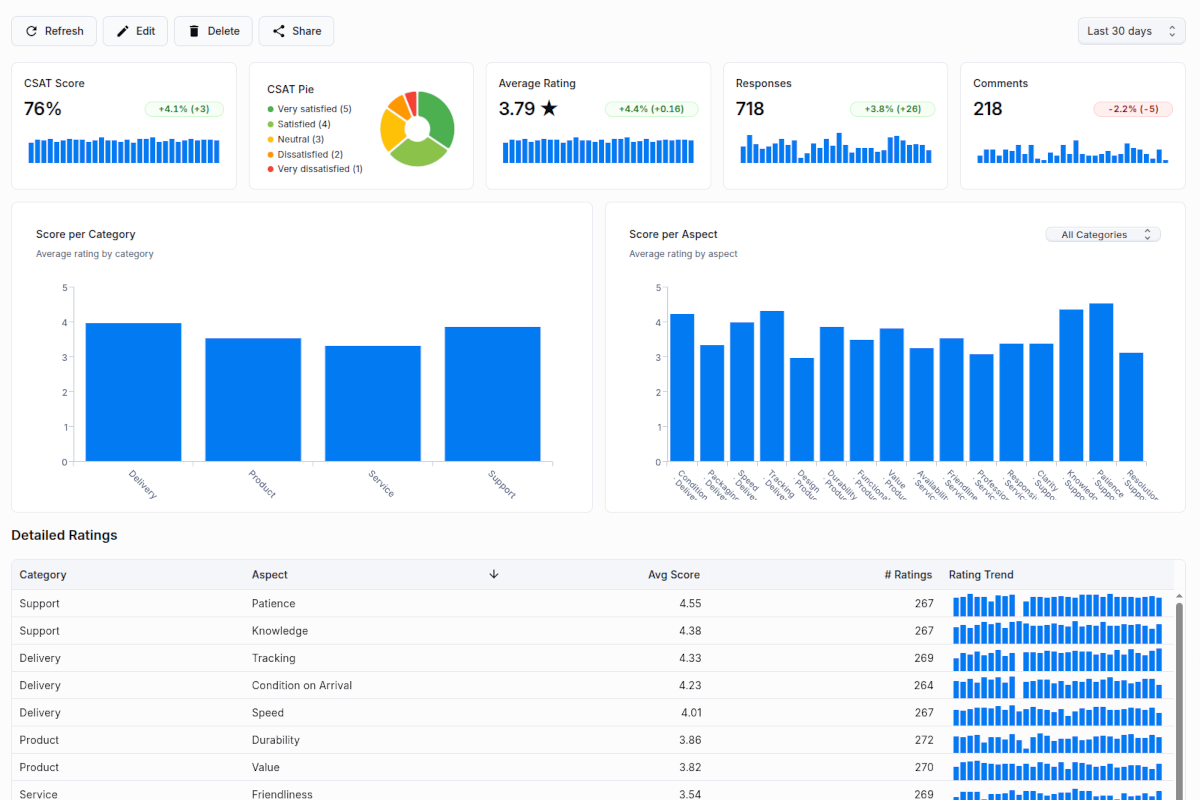
- Advanced analytics and AI reports available inside the Wyapy dashboard loaded inside your admin console.
- Install and activate the plugin.
- Connect your store to Wyapy.
- Wyapy creates a workspace and default projects for your store.
- Configure:
- Post checkout survey
- Post delivery survey
- Wyapy embeds a survey iframe on the Thank you page and schedules post delivery emails using Action Scheduler.
- Order ID.
- Order status and completion time.
- Items and totals necessary to associate feedback with an order.
- Store identifier and project configuration.
安装:
- Upload the plugin folder
wyapy-customer-feedback-for-woocommerceto the/wp-content/plugins/directory or install it via the WordPress Plugins screen. - Activate the plugin through the Plugins screen in WordPress.
- Ensure WooCommerce is active.
- Follow the on screen instructions from the Wyapy plugin section:
- Create or connect your Wyapy workspace.
- Enable post checkout survey if you want feedback on the Thank you page.
- Enable post delivery survey and set the delay in days.
- Grant email sending consent to enable sending transactional feedback request emails from your WooCommerce site.
屏幕截图:
常见问题:
Do I need a Wyapy account?
Yes. The plugin will create or connect a Wyapy workspace for your store during the setup in WooCommerce admin.
Is Wyapy free?
Wyapy offers a free plan that includes up to 20 feedback responses per month. Paid subscription is 29USD/month (and currently at 70% off with promo code WOOCOMMERCE70).
Are the feedback emails marketing emails?
No. Post delivery emails triggered by this plugin are transactional messages related to a specific order and used only to request feedback on that order.
Does this plugin store data outside my site?
Yes. Feedback responses and analytics are stored in Wyapy so that you can see aggregated reports and manage your surveys. The plugin sends limited order related data needed to associate feedback with orders.
Can I disable emails and only use the checkout survey?
Yes. You can:
- Enable or disable the post checkout survey.
- Enable or disable the post delivery survey.
- Adjust the delay in days for the post delivery survey.
Who sends the post-delivery feedback email?
The email is sent by your WooCommerce site.
更新日志:
1.0.0
- Initial release.
- Post checkout survey embedded on the Thank you page.
- Post delivery feedback emails based on completion date and configurable delay.
- Wyapy Home page for connection and settings.
- Responses page listing recent feedback by project.
- Advanced Wyapy dashboard integration inside WordPress admin.