Xinc Events for Dice
| 开发者 | xinc |
|---|---|
| 更新时间 | 2026年3月31日 03:31 |
| PHP版本: | 7.4 及以上 |
| WordPress版本: | 6.9 |
| 版权: | GPL-2.0-or-later |
| 版权网址: | 版权信息 |
详情介绍:
widgets.dice.fm) and event data is fetched from Dice's API servers on behalf of your visitors.
- Service provider: Dice FM
- Script loaded:
https://widgets.dice.fm/dice-event-list-widget.js - Dice FM Terms of Service
- Dice FM Privacy Policy
- Adds a Dice Events block to the Gutenberg editor — drop it anywhere on any page or post
- Provides a
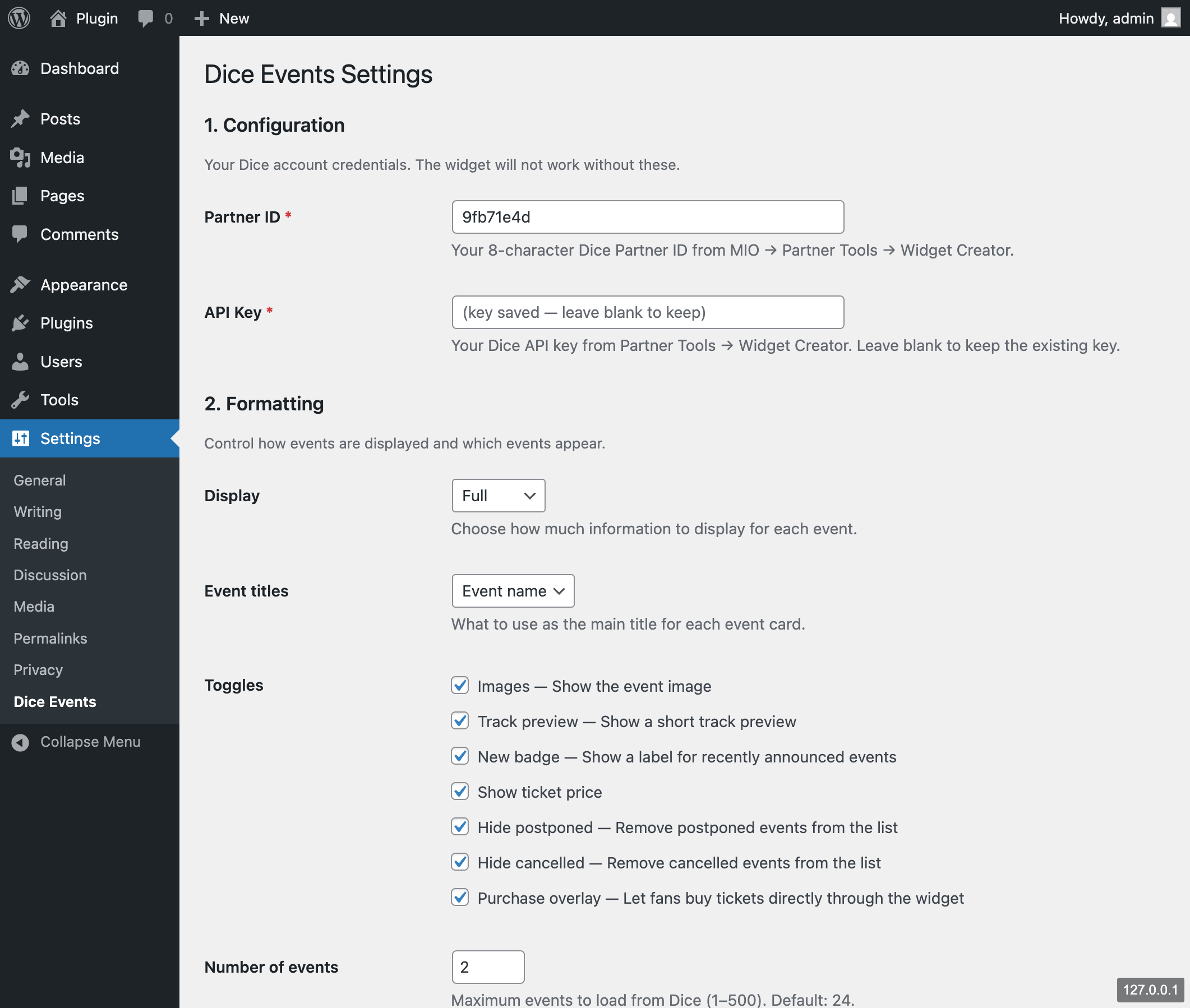
[dice_events]shortcode for classic editor users and widget areas - A Settings page (Settings → Dice Events) to enter your Partner ID and set global defaults once
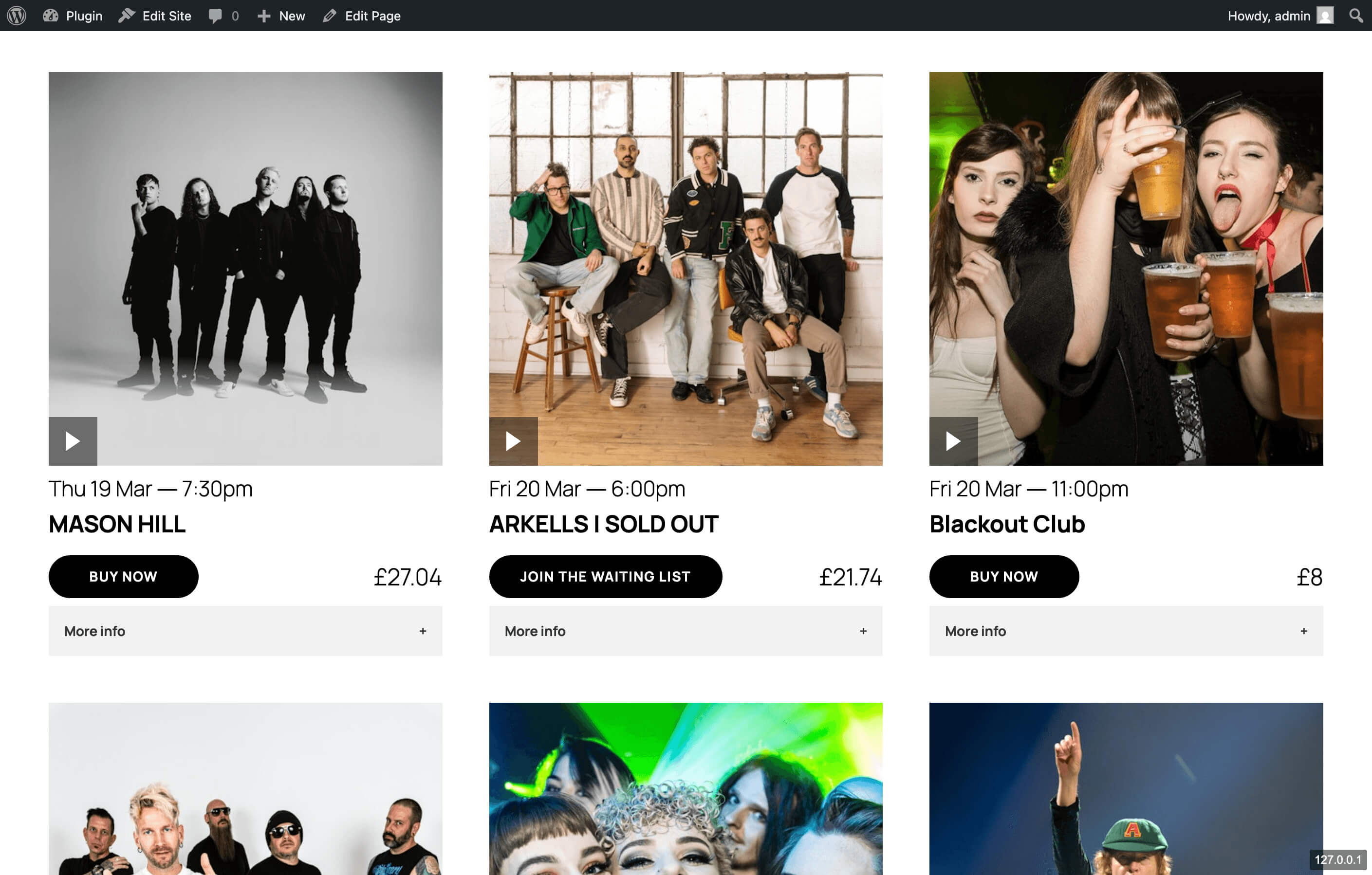
- Loads Dice's official widget script — all event data is fetched directly from Dice's servers, so your listing is always live and up to date
- The Dice script is only loaded on pages that contain the block or shortcode — never added globally
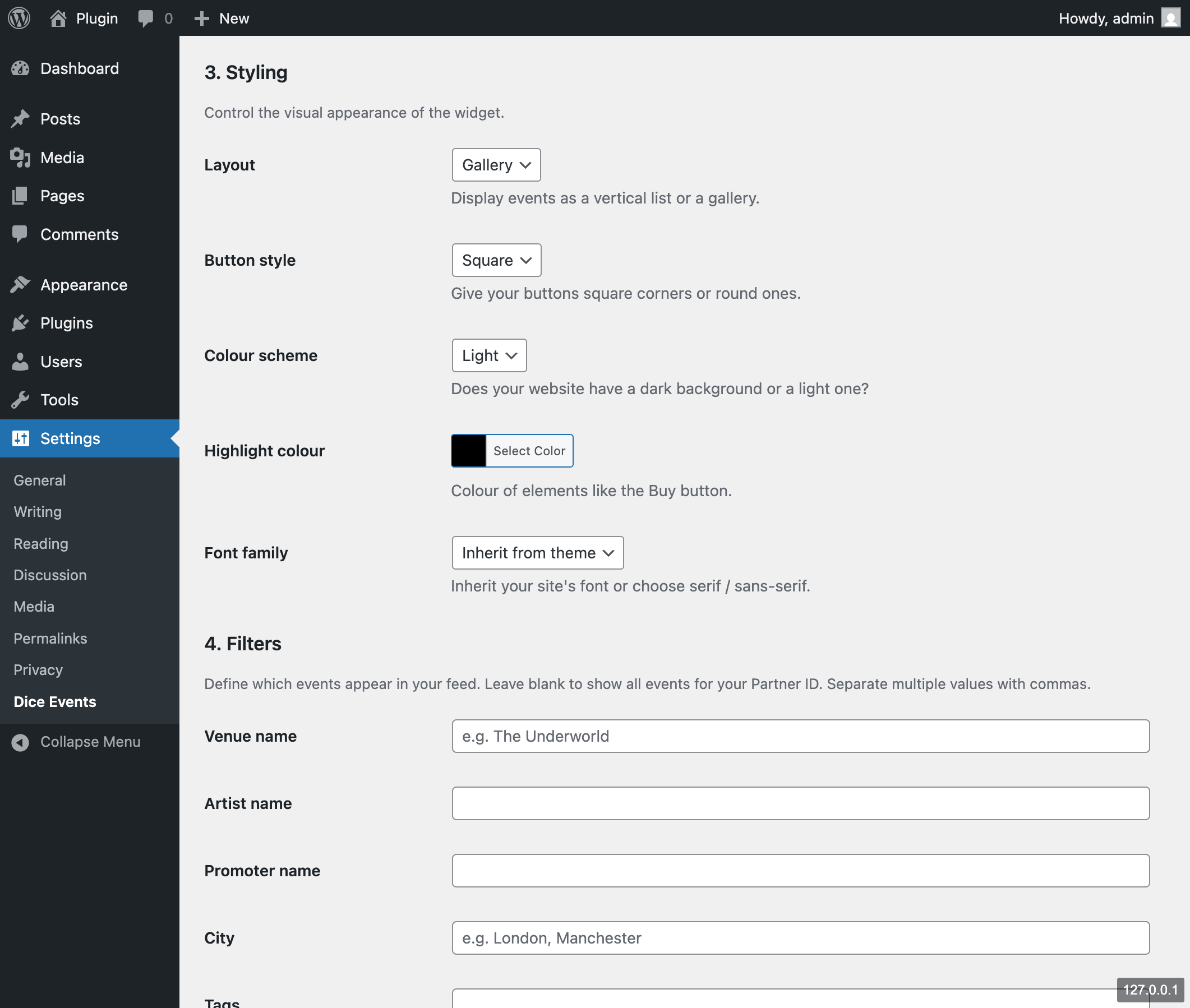
- List or gallery layout
- Light or dark colour scheme
- Highlight colour (full colour picker in settings, hex in shortcode)
- Font family: inherit from your theme, serif (Georgia), or sans-serif (Helvetica)
- Square or round booking buttons
- Display mode: regular, simple, or full
- Event titles: show event name, city, or venue
- Toggle event images, ticket prices, track previews, and new badge on/off
- Hide postponed and/or cancelled events
- Purchase overlay — let fans buy tickets directly through the widget
- Custom number of events (1–500)
- Powerful filters — filter by venue name, artist, promoter, city, tags, price range, currency, or Dice internal IDs
- Optional container height override (e.g.
600px,80vh) - Full width / wide alignment support for the Gutenberg block
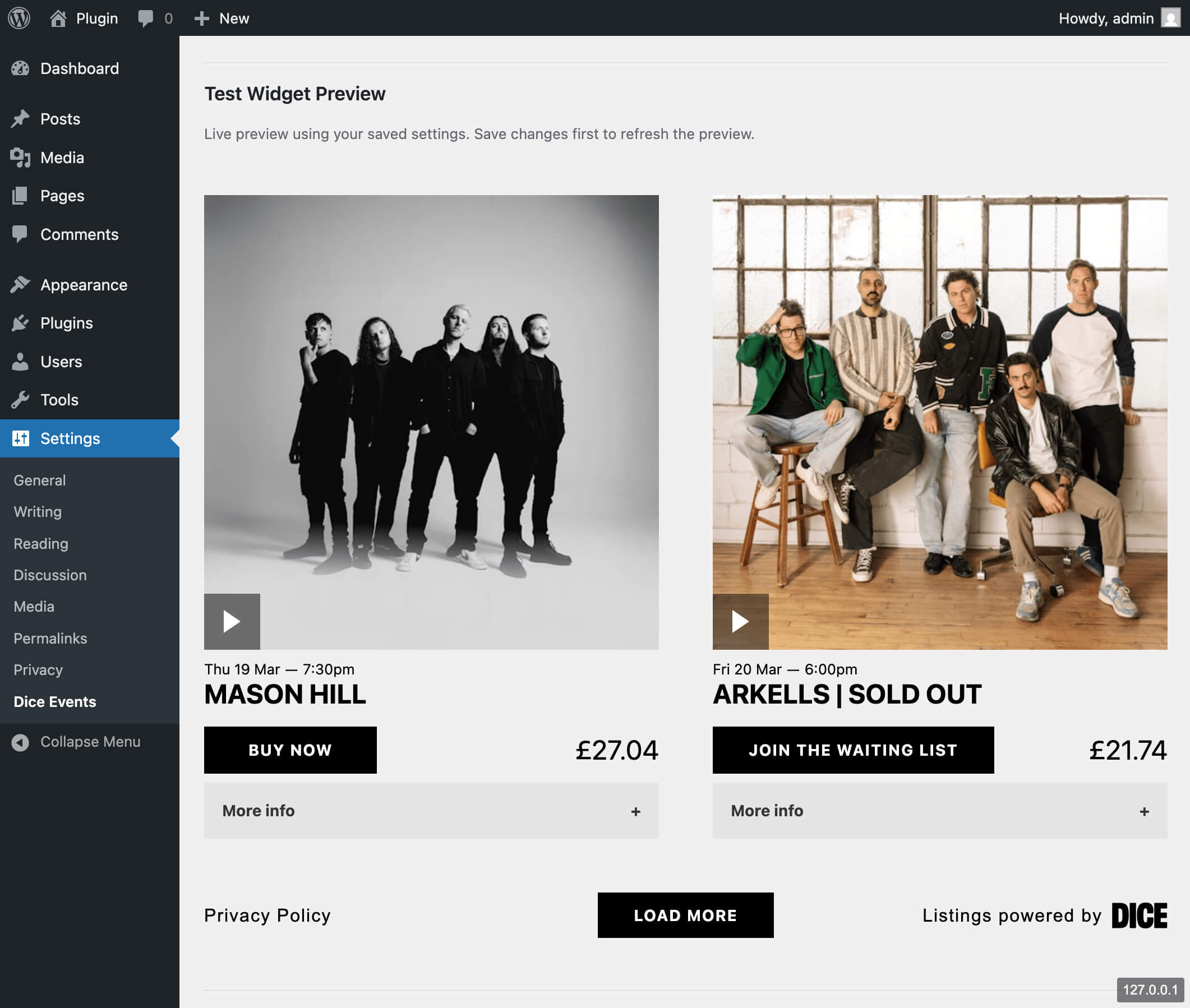
- Live Test Widget Preview on the settings page — see exactly how your events will look before embedding
- Multiple instances on the same page — each gets its own unique container
- Install and activate the plugin
- Go to Settings → Dice Events and enter your Partner ID and API Key
- Optionally add a venue or other filter to narrow your event feed
- Save and check the live preview at the bottom of the page
- Add the Dice Events block anywhere in the Gutenberg editor, or use
[dice_events]in any widget area or classic editor
[dice_events layout="list" theme="light" highlight_colour="#000000" font_family="Georgia" button_style="square" show_images="true" show_price="true" hide_postponed="false" hide_cancelled="false" tags="Venue Name" height="600px"]
All attributes are optional — omit any to inherit the global settings value.
The tags attribute accepts a comma-separated list: tags="The Underworld,Fabric London"
Performance
The Dice widget script (dice-event-list-widget.js) is loaded only on pages that contain the block or shortcode. It is never added to every page globally.
安装:
- Upload the
xinc-events-for-dicefolder to/wp-content/plugins/ - Activate Xinc Events for Dice through the Plugins screen in WordPress
- Go to Settings → Dice Events and enter your Partner ID and API Key
- Add any filters (e.g. venue name) to narrow your event feed
- Use the Gutenberg block or
[dice_events]shortcode to embed your listing
屏幕截图:
常见问题:
Where do I find my Partner ID?
Log in to your Dice MIO dashboard, go to Partner Tools → Widget Creator. Your 8-character alphanumeric Partner ID is shown there. You can also generate it at dice.fm/partners/widget.
Does this work with the Classic Editor?
Yes — use the [dice_events] shortcode in any post, page, or text widget.
Where do I find my API Key?
Log in to your Dice MIO dashboard, go to Partner Tools → Widget Creator. Your API Key is shown there. Both the Partner ID and API Key are required for the widget to work.
Can I show events from a specific venue only?
Yes. Go to Settings → Dice Events → Filters and enter the venue name (e.g. "The Underworld"). You can also filter by artist, promoter, city, tags, price range, or Dice internal IDs. Multiple values can be comma-separated. The tags shortcode attribute also accepts comma-separated values for per-instance filtering.
Can I have multiple widgets on the same page?
Yes. Each block or shortcode instance gets a unique container, so you can embed multiple listings (e.g. different filtered views) on a single page.
Why does the block show a placeholder in the editor?
Dice's widget script does not run inside WordPress's editor iframe. You'll see a styled placeholder instead. Use the Test Widget Preview on the Settings page to see how your events look.
Is this an official Dice.fm plugin?
No — this is an independently developed plugin that wraps Dice's official public widget. All event data is served from Dice's own infrastructure. Dice FM is a trademark of its respective owner.
I see "Please set your Partner ID" in the editor — why?
Go to Settings → Dice Events and enter your Dice Partner ID. The block requires a valid Partner ID to render on the frontend.
更新日志:
- Added full filter support: venue name, artist, promoter, city, tags, price range, currency, and Dice internal IDs
- Fixed Gutenberg block alignment — wide and full width now work correctly
- Added global padding to full-width block to match theme content area
- Settings page restructured: Configuration (credentials) moved to the top
- Removed listing title field (not relevant in WordPress context)
- JS config output now matches Dice's own embed format and property order
- Optional fields (numberOfEvents, tags) only included when non-default
- Added API Key field to settings
- Added all Dice widget formatting options (display mode, event titles, track preview, new badge, number of events, purchase overlay)
- Restructured settings page into Formatting / Styling / Configuration sections
- Fixed font family values to match Dice widget (Georgia, Helvetica)
- Fixed widget container property (divId)
- Hide postponed and cancelled events by default
- Initial release