PDF Catalog for WooCommerce + Drag And Drop Template Builder
| 开发者 | addonsorg |
|---|---|
| 更新时间 | 2026年8月30日 17:20 |
| PHP版本: | 7.0 及以上 |
| WordPress版本: | 7.1 |
| 版权: | GPLv2 or later |
| 版权网址: | 版权信息 |
详情介绍:
[youtube https://www.youtube.com/watch?v=HRY3GlsaGfI]
DEMO: https://demo.add-ons.org/woocommerce-pdf-catalog/product/beanie/
DOCUMENT: https://pdf.add-ons.org/document-pdf-catalog-for-woocommerce/
Pro Version: https://add-ons.org/plugin/pdf-catalog-for-woocommerce/
[youtube https://www.youtube.com/watch?v=ae4Ymg2oFuo]
Let your customers generate professional, print-ready product catalogs directly from the frontend of your WooCommerce store – no coding needed!
PDF Catalog Builder for WooCommerce is a powerful plugin that empowers store owners, wholesalers, and B2B suppliers to provide custom PDF product brochures automatically. With just a few clicks, your customers or sales team can generate Branded Product Catalogs, Line Sheets, or Lookbooks straight from the product and shop pages.
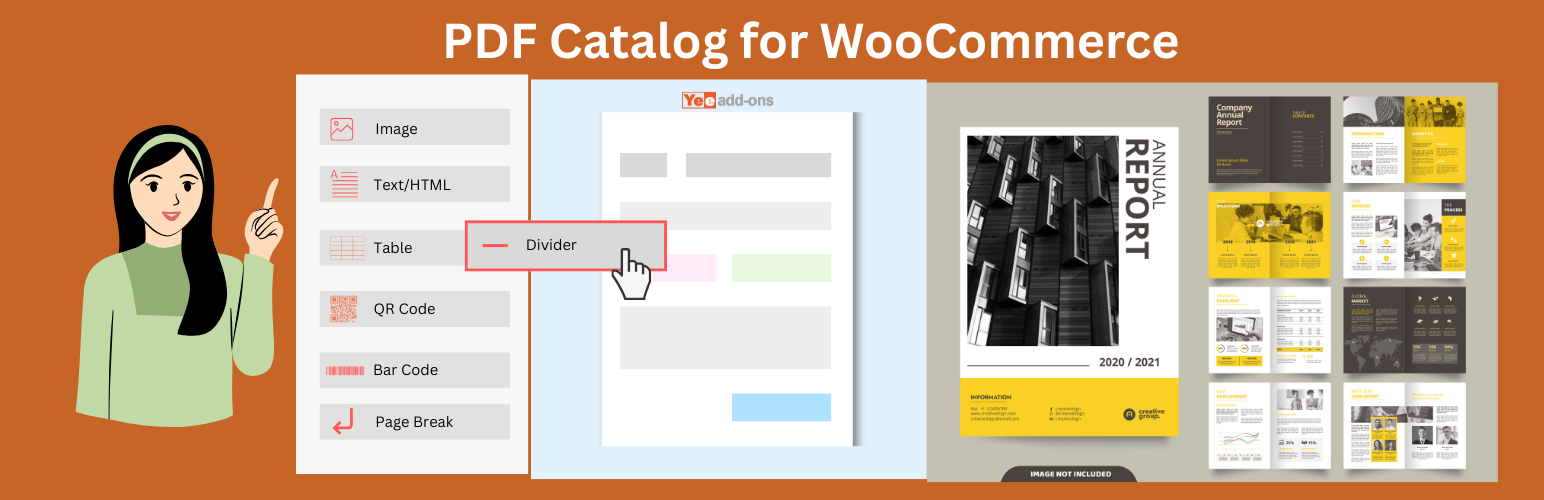
Thanks to the built-in Visual Drag & Drop Template Builder, designing your WooCommerce PDF catalog layout is incredibly easy. Choose the exact product data to display (Product name, Price, SKU, Description, Barcode, Images) and format it exactly how you want.
Key Features
- Visual Drag & Drop Template Builder: Absolutely no coding required. Use the intuitive visual editor to drag elements like product images, titles, pricing, and custom text into your preferred layout.
- Generate PDF on WooCommerce Frontend: Seamlessly integrates with your store's frontend. Add download buttons on Single Product Pages, Shop Pages, and Category Pages, saving time for both you and your customers.
- Dynamic Product Data Retrieval: The PDF pulls real-time information from your WooCommerce database, ensuring that prices, stock status, descriptions, and galleries are always accurate and up-to-date.
- Custom Shortcode Support (
[yeekit_pdf_catalog]): Highly flexible! Place a catalog download button ANYWHERE on your site (Elementor widgets, blog posts, static pages) using our built-in shortcode. - Download or Email Instantly: Provide flexibility by allowing users to either download the PDF document directly to their device or receive it via email. Perfect for B2B quoting and lead generation.
- Fully Customizable Design & Branding: Take full control of the appearance. Add your company logo, custom headers, footers, typography, spacing, and brand colors to ensure a professional look.
- Multilingual & RTL Ready: Fully compatible with translation plugins like WPML and Polylang, and completely supports Right-to-Left (RTL) languages.
- Developer Friendly & Optimized: Lightweight, fast, and optimized for performance so it won't slow down your store. Includes hooks and filters for advanced customizations.
[yeekit_pdf_catalog id="YOUR_TEMPLATE_ID" label="Download Catalog" name="my-awesome-catalog"]
Shortcode Attributes:
id(Required): The ID of your PDF Template (You can find this by looking at the Post ID of your template in the PDF Catalog Builder menu).label(Optional): The text displayed on the button. Default: "Download Catalog".name(Optional): The file name of the PDF when downloaded. Default: "catalog". Example: If your template ID is 104, using[yeekit_pdf_catalog id="104" label="Get Product Brochure" name="brochure-2024"]will display a button that says "Get Product Brochure" and downloads the file asbrochure-2024.pdf.
安装:
Normal installation
- Download the plugin
.zipfile to your computer. - Go to Plugins > Add New in your WordPress dashboard.
- Click Upload Plugin and select the
.zipfile you downloaded. - Click Install Now and activate the plugin after installation.
- Create your first template in the PDF Catalog menu!
更新日志:
1.1.1
- Added: add filters yeekit_catalog_shop_args yeekit_catalog_cat_args
- Added: Advanced shortcode
[yeekit_pdf_catalog id="{id}" label="{label}" name="{name}"]for flexible frontend placement. - Improved: Logic for capturing real-time WooCommerce object data context on pages.
- Added: Meta key rendering mapping in product pdf catalog
- Fixed: Shortcode name resolution not working correctly in specific layouts
- Initial Release