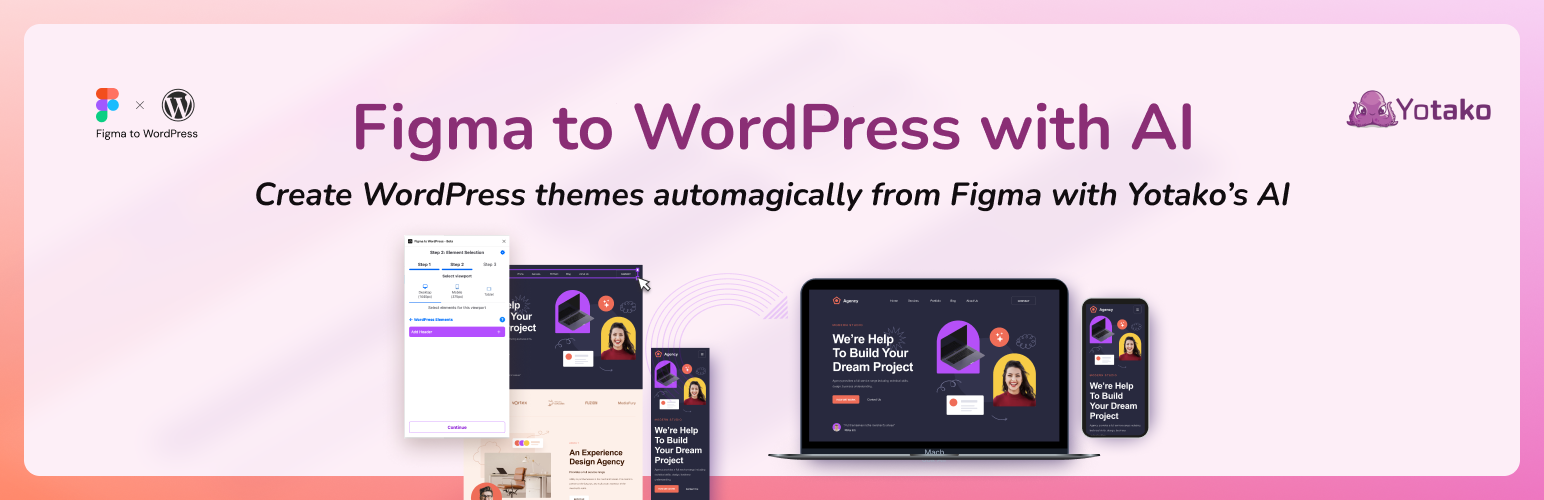
Yotako - Convert Figma Designs
| 开发者 | yotako |
|---|---|
| 更新时间 | 2026年7月13日 22:19 |
| PHP版本: | 7.0 及以上 |
| WordPress版本: | 6.9 |
| 版权: | GPLv2 |
| 版权网址: | 版权信息 |
详情介绍:
Convert Figma designs into fully editable WordPress themes in just a few clicks. No coding required.
安装:
- Download and extract the plugin ZIP file.
- Upload the plugin folder to the
/wp-content/plugins/directory. - Activate the plugin through the "Plugins" menu in WordPress.
- Run and Enjoy!
常见问题:
Where do I get support?
The plugin integrates a Live Chat icon you can use to talk with our Customer Support anytime!
Is this plugin compatible with Gutenberg and the WordPress editor?
Yes, our AI produces standard WordPress themes that you can edit easily. Check how to edit here.
更新日志:
1.2.32
- Preview button now stays disabled until the preview is ready, and copies the link to your clipboard if the tab can't be opened
- Fix a connection retry loop that could prevent a conversion from starting
- Auto-redirect to re-authenticate when session expires instead of showing generic error
- Show specific error messages with help links when users enter FigJam, Slides, or Make URLs
- Improve error handling for Figma render timeouts with correct user messaging
- Fix empty version parameter in Figma image export requests
- Reduce Figma API calls by caching file data between steps, improving reliability for free Figma accounts
- Fix potential crash on very large Figma files by streaming the file response instead of buffering in memory
- Use environment variable for preview URL encryption key instead of hardcoded secret
- Code formatting improvements
- Improve analytics reliability by routing through first-party API endpoint
- Reject FigJam and Slides URLs with clear error message before hitting the API
- Show "Unsupported File Type" error instead of misleading "Connection Expired" for non-design files
- Reduce crash report noise by skipping reports for user-recoverable Figma errors
- Handle deleted account (410) gracefully across all Figma auth endpoints
- Show clear "account deleted" message instead of generic errors
- Prevent crash reports for known account deletion conditions
- Handle 429 rate limits silently with user-friendly retry message and Retry-After support
- Detect FIGMA_FILE_UNAVAILABLE errors and show correct error UI
- Improve FIGMA_NO_PERMISSION error messages and recovery flow
- Fix dashboard preview URL causing redirect issues
- Improve finished build button layout and styling
- Always load artboard thumbnails by default
- Add "Free Alternative: Use Figma Plugin" component to all error screens
- Add FIGMA_SERVER_ERROR handling with user-friendly UI
- Improve error messaging for Figma API issues
- Better error handling for Figma permission errors (403 vs 401)
- Minified styles for faster loading and smaller plugin size
- Fixed styles
- Add comprehensive crash reporting with user email, response codes, and error details
- Fix auth error UX: show "Reconnect Figma" instead of useless "Try Again" button
- Persist Figma file ID to localStorage to survive browser refresh
- Fix logout to properly clear localStorage and generate fresh OAuth session
- Always load screenshots for AI (batched with images, no extra API calls)
- Remove screenshot opt-in setting - thumbnails now load automatically
- Enable auto-updates by default for seamless security and feature updates
- Fix asset cache busting - use dynamic version instead of hardcoded 1.1.0
- Fix stale closures, error handling, and add failedImages UI
- Use getState() pattern to avoid stale closures in async callbacks
- Add try/catch for JSON.parse in WS message handler
- Add try/catch for localStorage history parsing
- Reset failedImages on retry
- Move getThemeUrl into try/catch block
- Display failed images warning in FinishedBuild component
- Add IMAGE_TOO_LARGE error type
- Add warnings pre-figma token expiration and offers reconnetion
- Add automatic reconnection with exponential backoff (max 3 attempts)
- Handle intentional vs unexpected WebSocket closes
- Detect rate limit errors in BUILD_STATE and show RateLimitError UI
- Use buildState.message for better error messages
- Add crash reporting for rate limit errors during build
- Ported improvements from Figma plugin.
- Add expiresAt field to FigmaAuth store (7 day default)
- Check token expiration on component mount
- Auto-logout and show message if token expired
- Prevents FIGMA_AUTH_FAILED errors from expired stored tokens
- Add auth guard to PageSelection page
- Improve download theme instructions modal styling
- Add blue gradient header with better typography
- Move navigation arrows to overlay on image with circular buttons
- Add step indicators (dots) for direct navigation
- Add step counter text
- Improve tab labels and spacing
- Make video section responsive with proper aspect ratio
- Better overall visual hierarchy and padding
- Validates scenegraph.project.id exists before initiating WebSocket
- Prevents connection to build:undefined when project creation fails
- Shows clear error message when project creation fails silently
- Fixed WPMaven.ai cards
- Fixed fonts
- Improved Figma API calls
- Added WPMaven styling
- Minor bug fixes
- Improved Figma URL validation to only accept direct file/design URLs
- Updated error message for invalid URLs
- Option to load screenshots on-demand with preference memory for paid users
- Increased OAuth popup size to prevent scrolling
- Fixed OAuth disconnect functionality
- Updated sidebar links and documentation URLs
- New gradient title design for better branding
- Added smooth gallery carousel showcasing themes from 95K+ Figma users
- Screenshot loading optimization - saves Figma API calls for free tier users
- Added WPMaven waitlist promotion (AI-powered WordPress assistant)
- Added Figma OAuth authentication - connect directly with your Figma account
- Removed email requirement in favor of secure OAuth flow
- Improved user experience with persistent authentication
- Initial release.