
YS Desk: Live Chat, Chatbot, Chat Widget, Helpdesk, Customer Support & Support Chat
| 开发者 | ysinnovations |
|---|---|
| 更新时间 | 2026年9月18日 19:24 |
| PHP版本: | 7.4 及以上 |
| WordPress版本: | 7.0 |
| 版权: | GPLv2 or later |
| 版权网址: | 版权信息 |
详情介绍:
- Faster replies to visitors, often within the first week of setup
- Average customer satisfaction rating of 4.7 out of 5 across workspaces
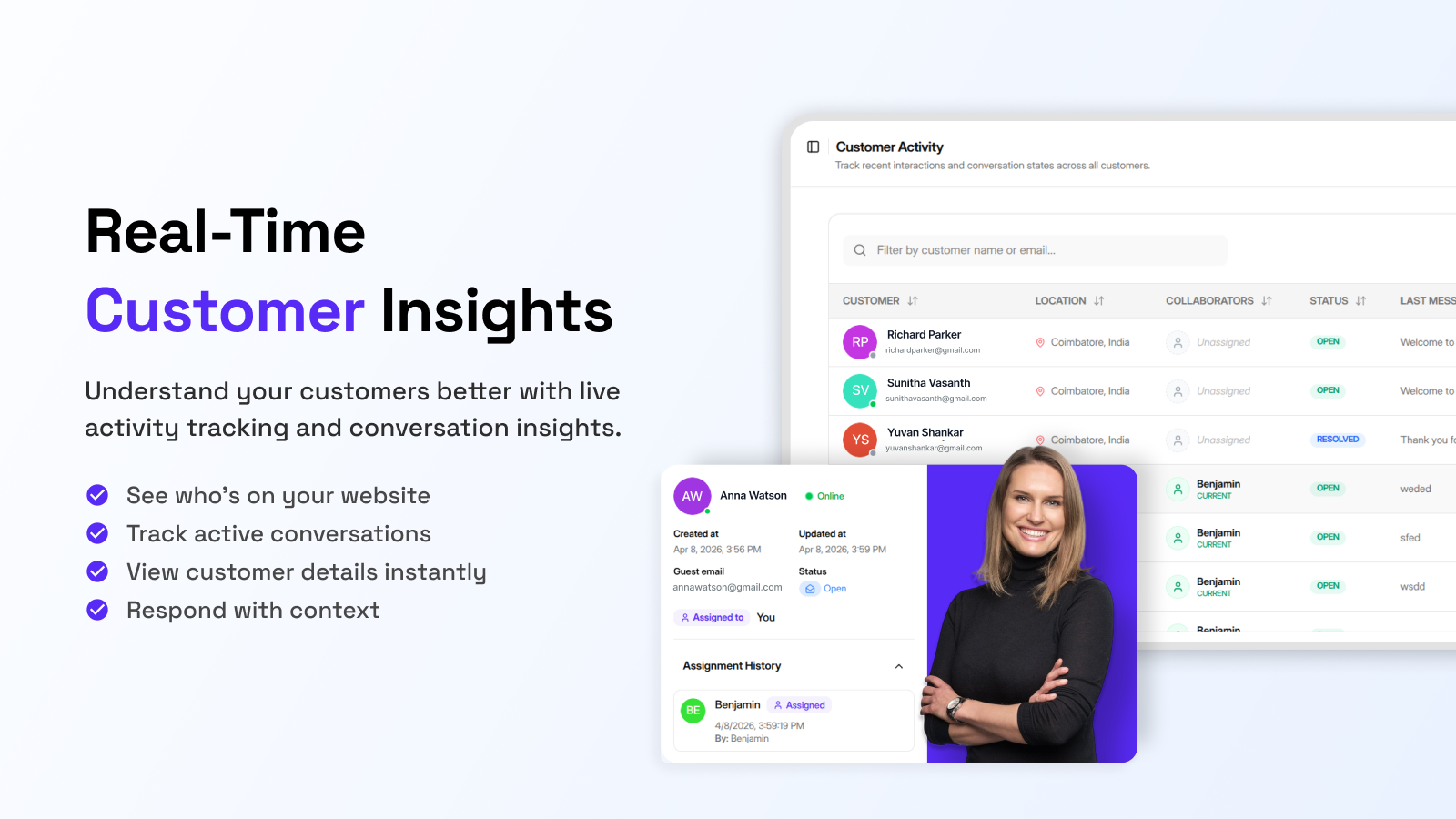
- Full visibility into who on your team is handling which conversation
- Most teams are live and chatting with their first visitor in under 10 minutes
- Online stores wanting to catch customers before they abandon their cart
- SaaS products answering onboarding and account questions
- Healthcare practices handling patient questions securely
- Financial services building trust during sign up and account setup
- Logistics companies keeping customers updated without email threads
- Agencies managing multiple clients from one inbox
- Schools and universities answering admissions questions
安装:
- Go to Plugins, then Add New in your WordPress admin
- Search for YS Desk, or upload the plugin ZIP file
- Click Install Now, then Activate
- Open YS Desk Chat from the admin sidebar
- Paste in your token from https://ysdesk.com
- Click Save Changes and the widget will appear on your site
屏幕截图:
常见问题:
What is YS Desk?
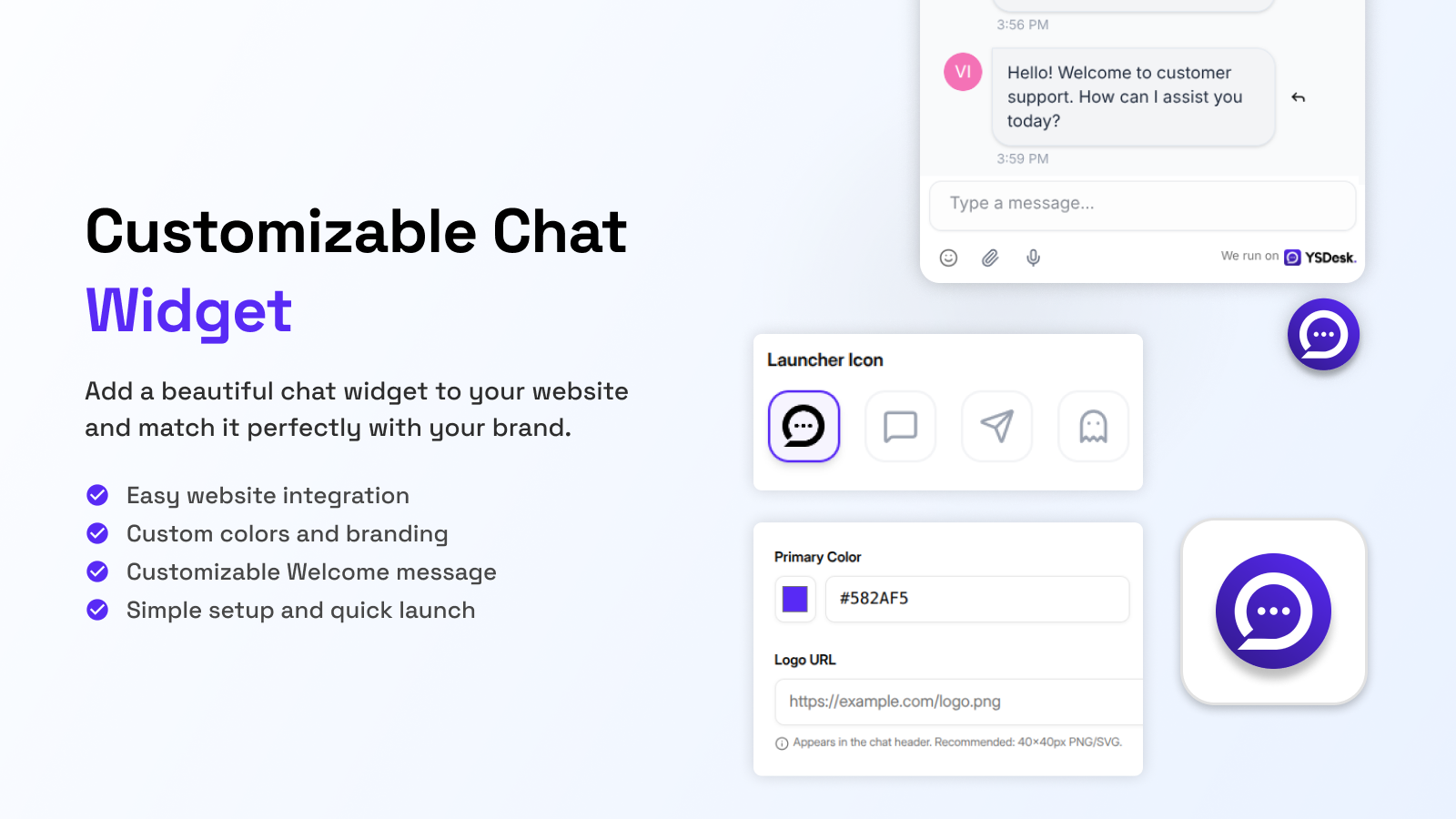
YS Desk is a live chat plugin for WordPress. It lets visitors message you directly from your site, and your team replies from a shared inbox instead of juggling email.
Do I need to know how to code?
No. You just paste your token into the settings page and the widget starts working on its own.
Where do I find my token?
Sign up at https://ysdesk.com and your token is in the workspace settings section of your dashboard.
Will the chat widget slow down my site?
No. The script loads in the background after your page has already loaded, so it doesn't hold anything up.
Does it work with my theme?
Yes, YS Desk works with any standard WordPress theme without extra setup.
What happens if I forget to add a token?
The widget simply won't show up until a valid token is entered. Nothing else on your site is affected.
Can more than one person on my team use it?
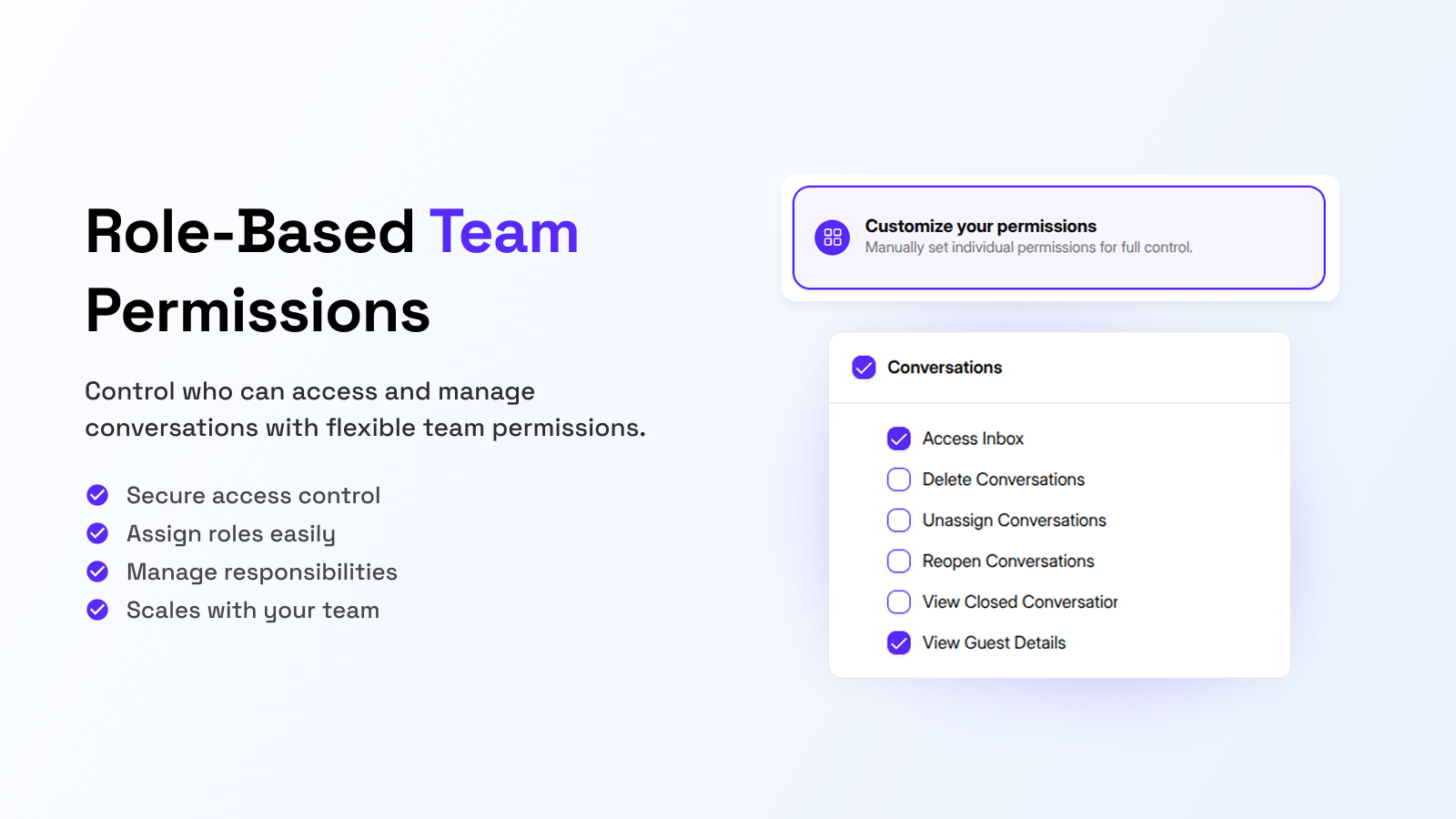
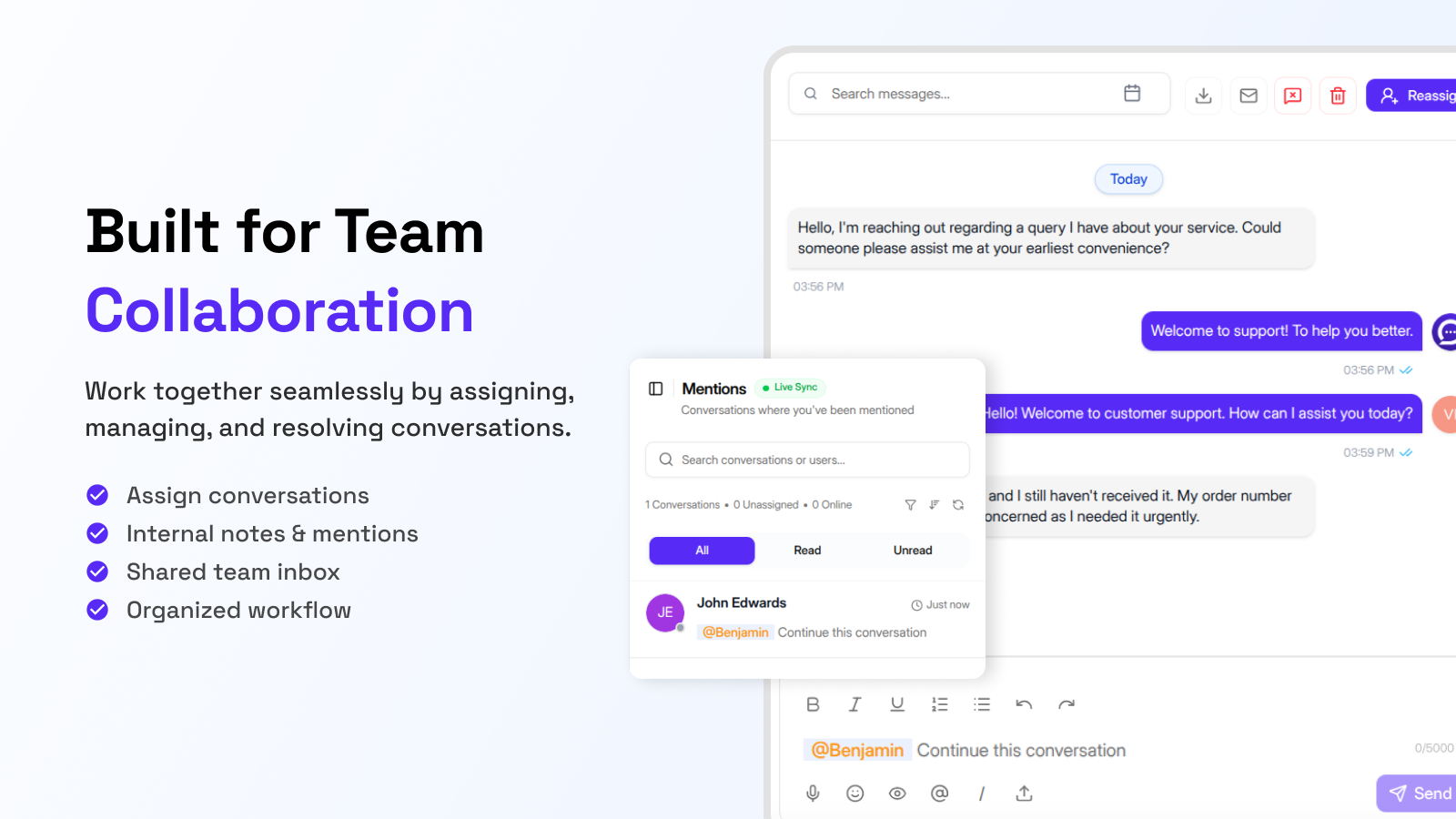
Yes. YS Desk is built for teams, with a shared inbox, roles and permissions, conversation assignment, @mentions, and live status for each agent.
Does YS Desk track analytics?
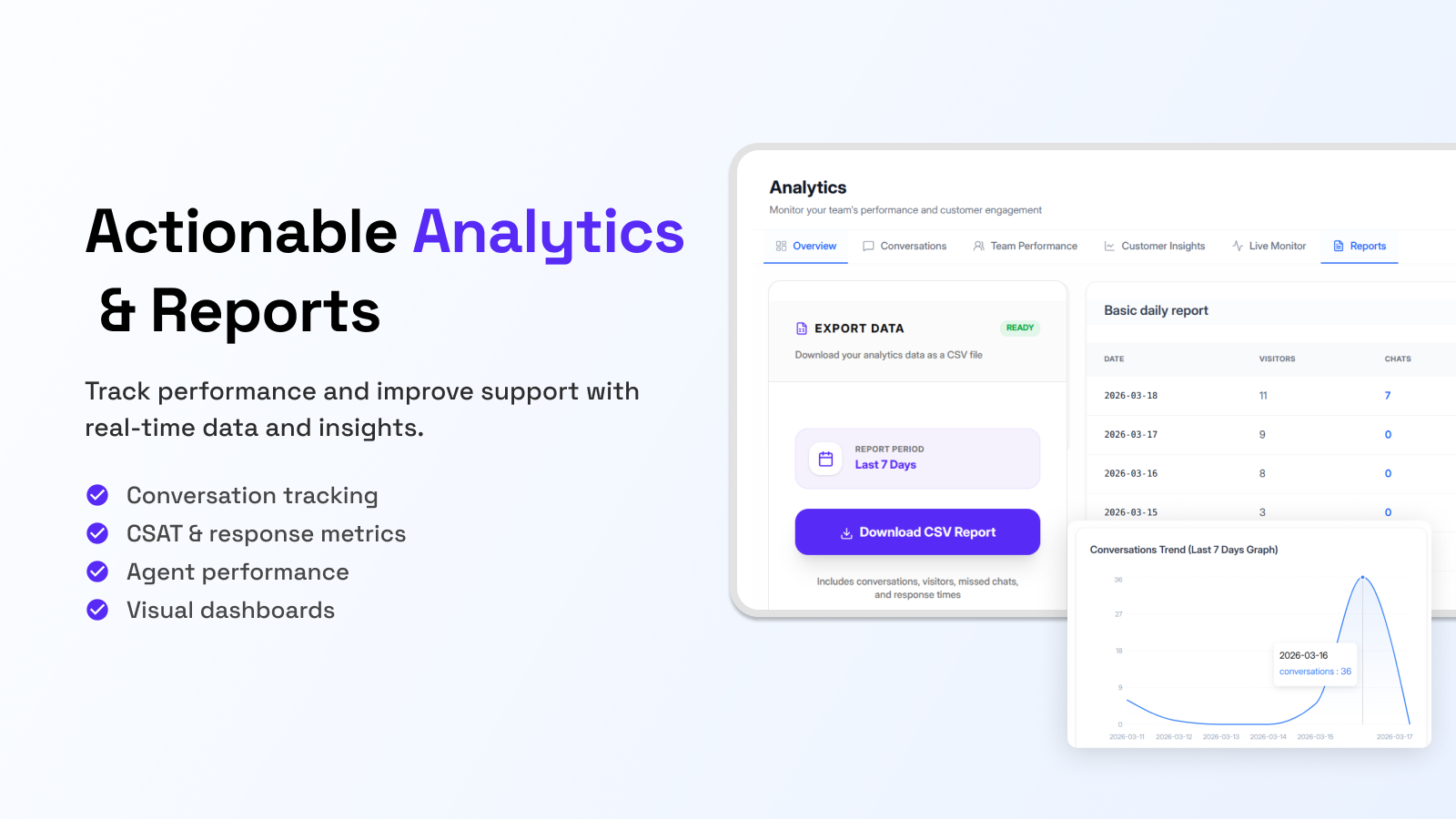
Yes. You get real time numbers on conversations, response times, CSAT scores, missed chats, and how each agent is performing.
What kind of businesses use this?
E-commerce stores, SaaS companies, healthcare providers, financial services, logistics companies, agencies, and schools, among others.
Is there a free plan?
Yes. You can start using YS Desk for free at https://www.ysdesk.com and no card is required.
更新日志:
- Added billing and subscriptions with free, trial, and paid plans, upgrades and downgrades, and support for domestic and international payment methods
- Added a fuller billing dashboard with invoices, payment history, and automated billing emails
- Added more detailed role based permissions with reusable templates and instant syncing across the workspace
- Added the ability to transfer workspace ownership by email
- Added support sessions for logged in users and live agent status inside conversations
- Added instant message display before the server confirms delivery
- Added file downloads from within chat conversations
- Added friendlier auto generated names for anonymous visitors
- Improved accuracy of the live monitor when visitors become customers
- Fixed unread count inconsistencies and duplicate welcome messages on reconnect
- Fixed analytics inaccuracies in visitor counts and conversation metrics
- Improved chat rendering speed, real time updates, and background job reliability
- Strengthened security with centralized permission checks and webhook signature verification
- Added live location mapping so agents can see visitor locations on a map
- Improved multi tab session syncing for more accurate presence tracking
- Added glassmorphism and neumorphic widget theme options
- Added more control over widget positioning
- Improved file upload reliability on slow connections
- Fixed race conditions affecting message delivery and file sharing
- Initial release