ZapOrder – Pedidos pelo WhatsApp, Botão Flutuante e Catálogo for WooCommerce
| 开发者 | wooglobalapps |
|---|---|
| 更新时间 | 2026年10月24日 07:39 |
| PHP版本: | 7.4 及以上 |
| WordPress版本: | 7.1 |
| 版权: | GPLv2 or later |
| 版权网址: | 版权信息 |
详情介绍:
- Order on WhatsApp button on product pages. The message already includes the product, the selected variation (size, color…), quantity, price and link.
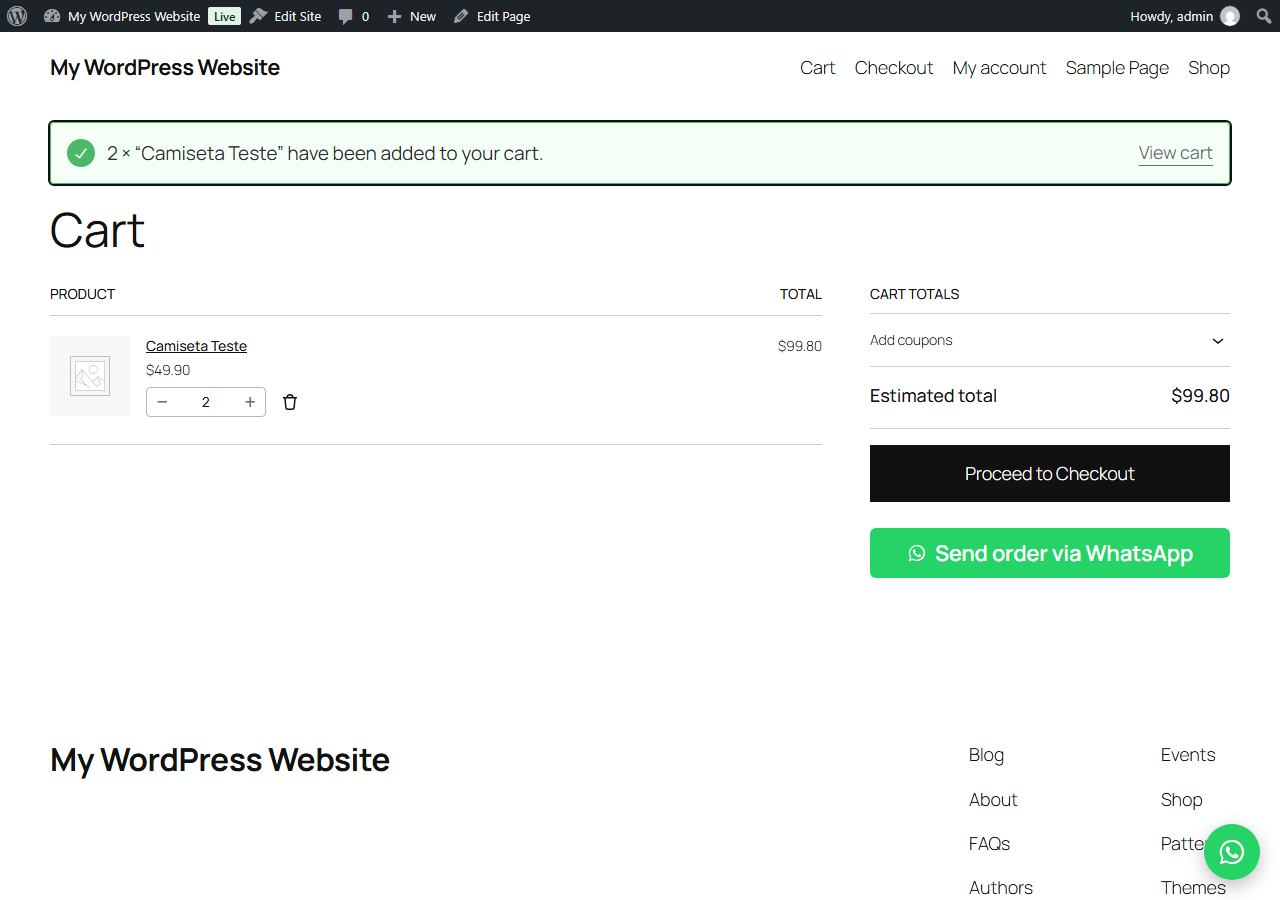
- Send cart via WhatsApp: the customer sends the full cart (items, quantities and total) to you in one tap. Works with the classic cart and the new Cart block.
- Floating WhatsApp chat button on every page.
- Catalog mode: remove "Add to cart" and checkout. Customers order only through WhatsApp.
- Hide prices for "ask for a quote" stores.
- Buttons on shop and category pages.
- Custom button texts, color and message templates with placeholders:
{product}{qty}{price}{sku}{url}. - Uses the official
wa.melink: no API, no monthly WhatsApp fee, works with WhatsApp and WhatsApp Business. - Generate with AI: describe what you want (a setting, a design change, texts, a custom feature) in the plugin screen and the AI assistant answers in the same chat.
- Compatible with HPOS and the Cart/Checkout blocks.
- Translation ready.
安装:
- Install and activate WooCommerce.
- Upload the
zaporderfolder to/wp-content/plugins/or install it from Plugins → Add New. - Activate ZapOrder.
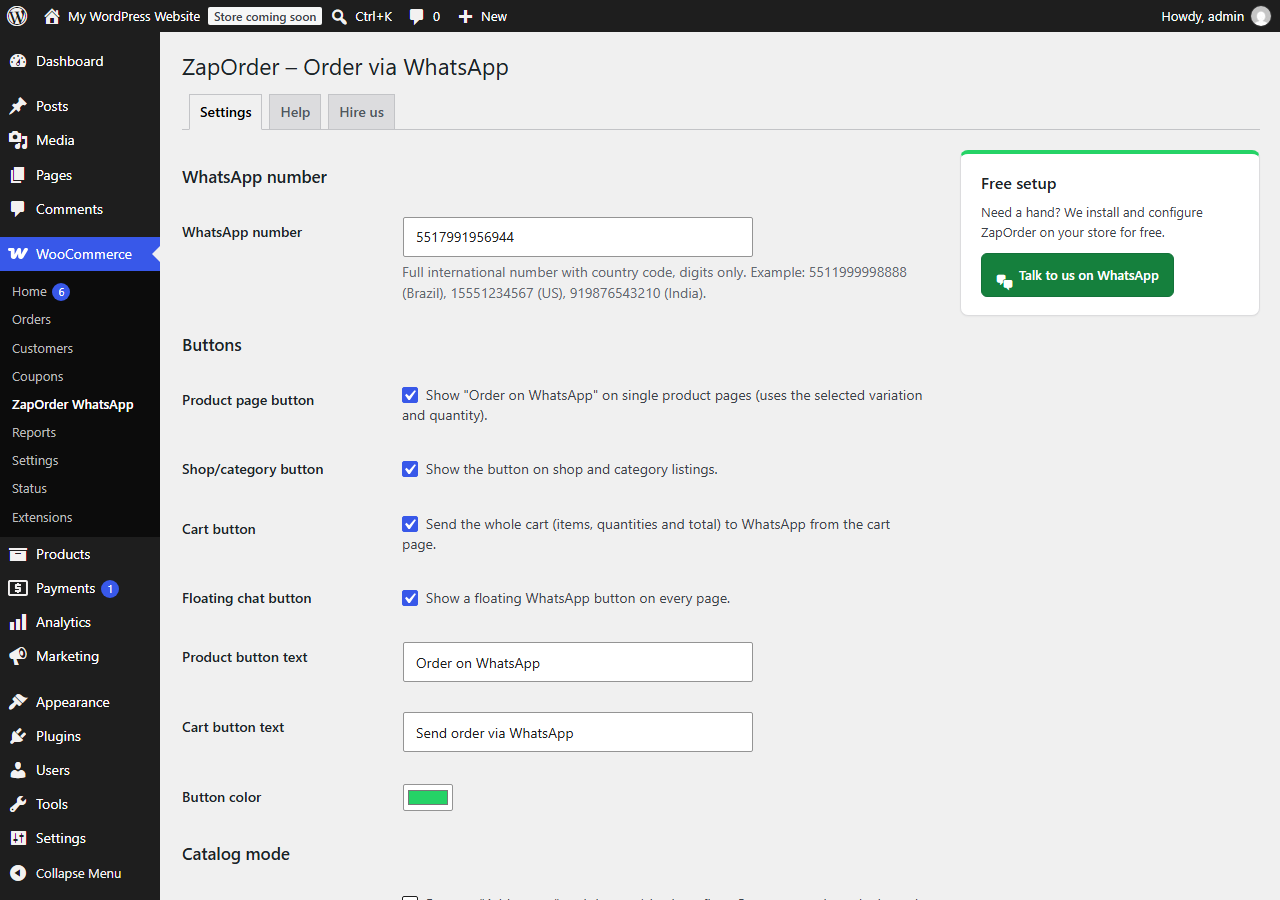
- Go to WooCommerce → ZapOrder WhatsApp, enter your number with country code (e.g. 5511999998888) and save.
屏幕截图:
常见问题:
Do I need the WhatsApp Business API?
No. ZapOrder uses the free wa.me click-to-chat link. Any WhatsApp or WhatsApp Business number works.
Does it work with variable products?
Yes. The message includes the selected attributes, quantity and the variation price. If no option is selected, the customer is asked to choose one first.
Can I disable the normal checkout?
Yes. Turn on Catalog mode: the Add to cart buttons and the checkout page are removed, and customers order through WhatsApp.
Does it collect any data?
No store or customer data is collected. Clicking the button opens WhatsApp with the message pre-filled. The only connection to an external server is the optional "Generate with AI" tab, and only when an administrator clicks Send (see "External services").
What can I ask in "Generate with AI"?
Anything related to your store and this plugin: settings, design changes, texts and translations, or a custom feature. The answer appears in the same chat, usually within a few hours.
更新日志:
- Plugin name, tags and description now use the Portuguese terms Brazilian stores search for (pedidos pelo WhatsApp, botão flutuante, catálogo). No functional changes.
- Generate with AI tab: describe what you need and the AI assistant answers in the plugin screen.
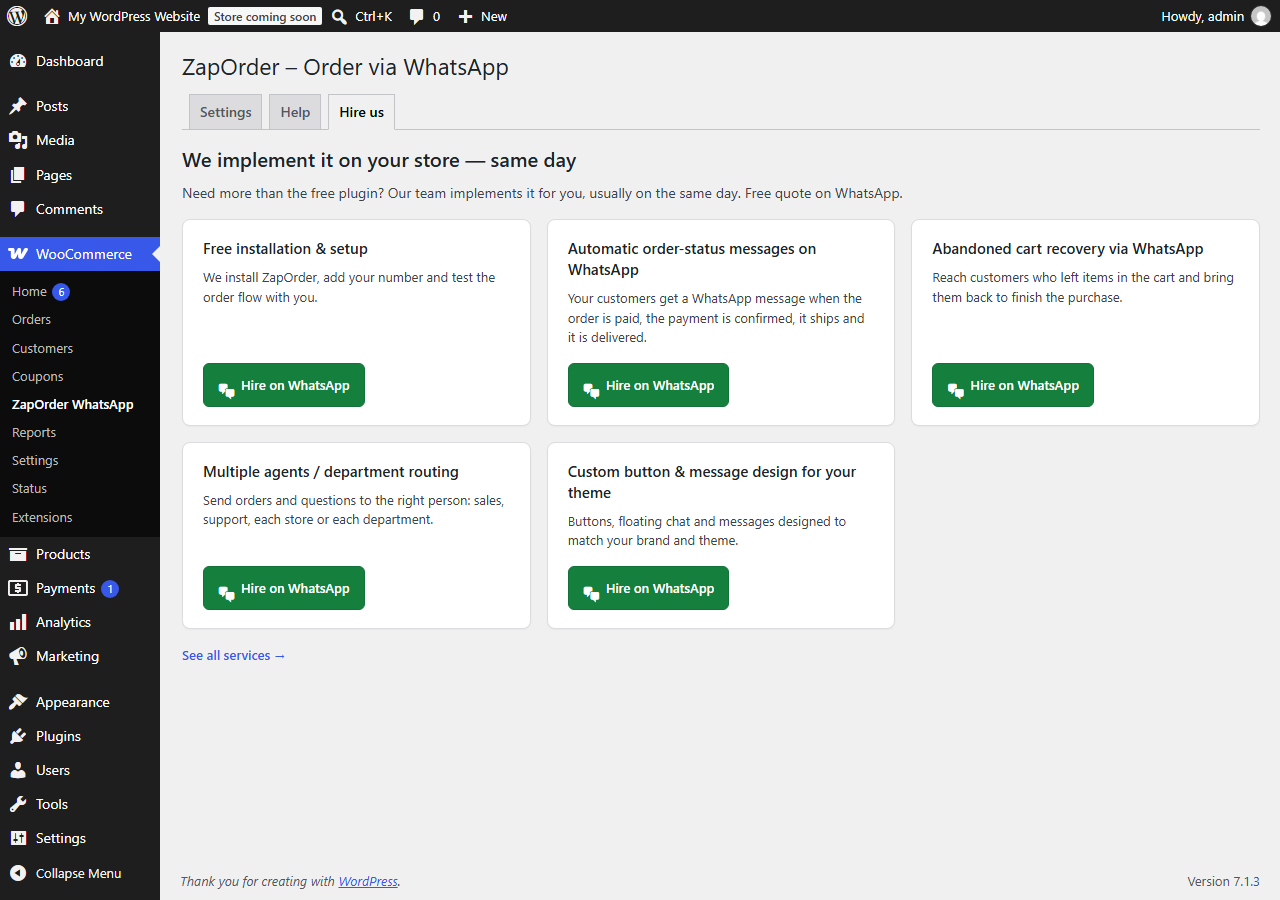
- Welcome screen, Help and Hire us tabs, free setup help links, pt_BR translation; new plugin name.
- First release.