Zaygl IP blocker and anti-DDoS
| 开发者 | zoyakn |
|---|---|
| 更新时间 | 2026年7月14日 18:27 |
| PHP版本: | 7.4 及以上 |
| WordPress版本: | 6.9 |
| 版权: | GPLv2 or later |
| 版权网址: | 版权信息 |
详情介绍:
Zaygl IP blocker and anti-DDoS is a lightweight WordPress plugin that helps site owners monitor visitor IP activity and block suspicious traffic.
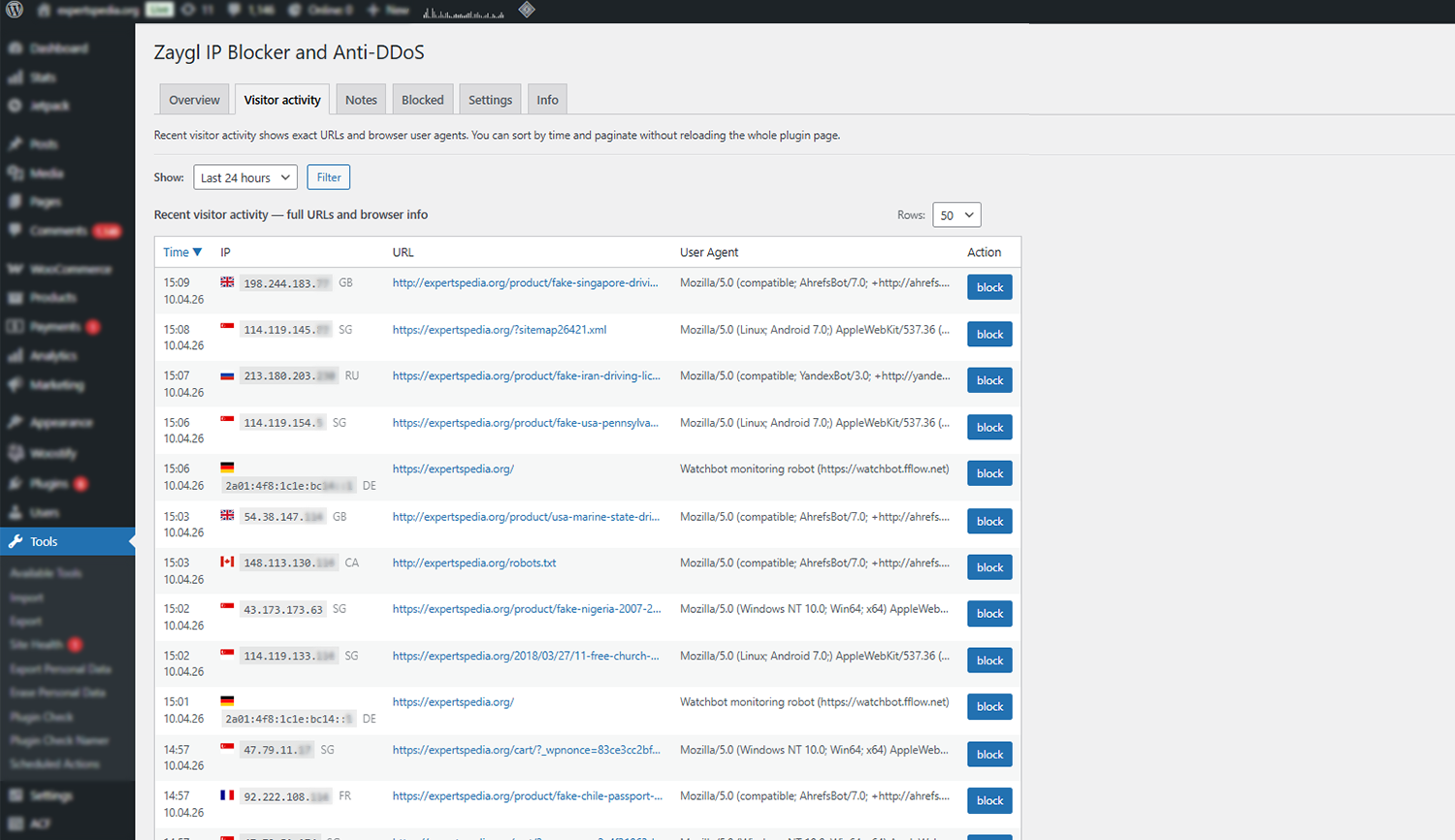
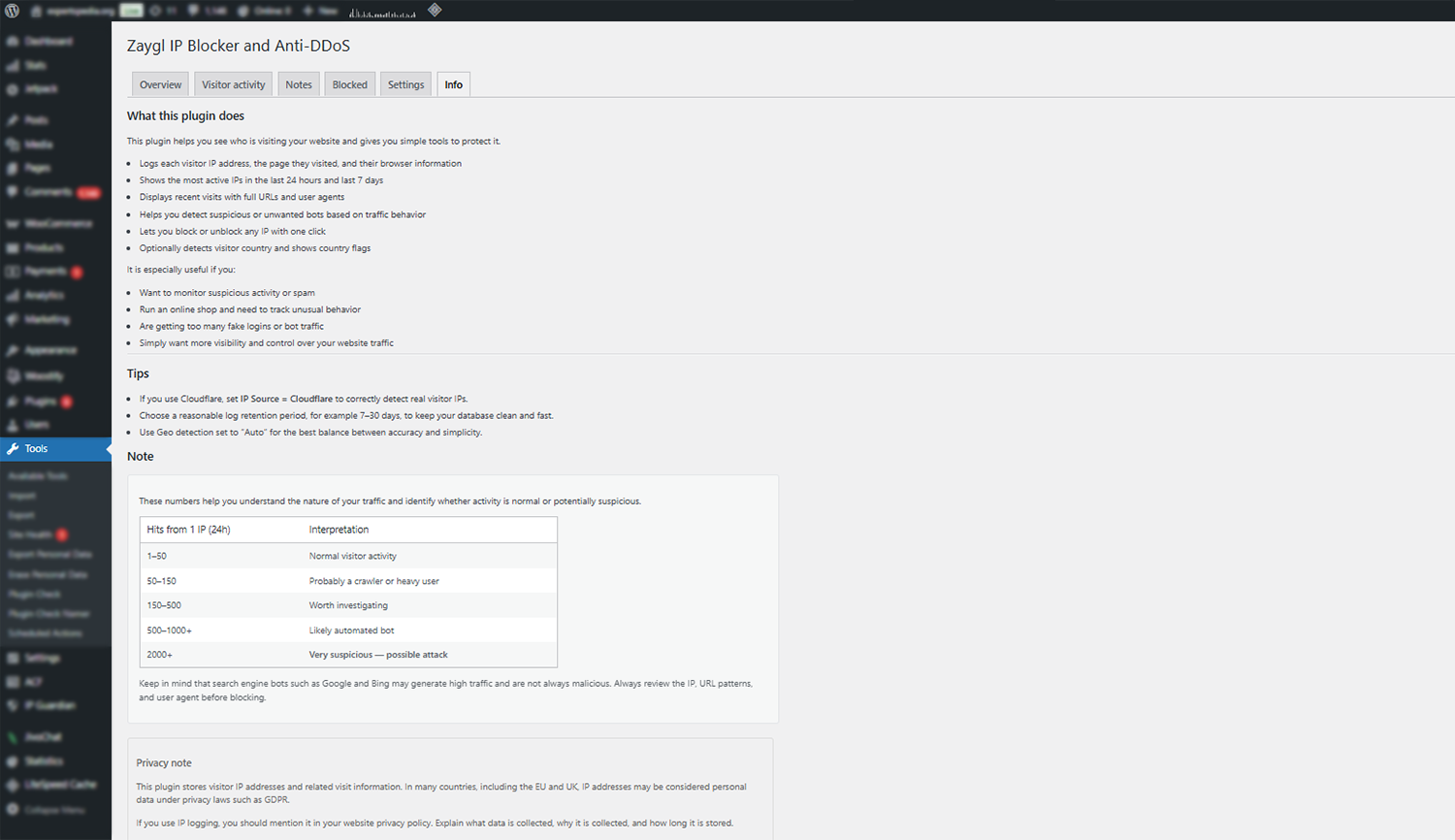
The plugin records visitor requests and displays useful statistics inside the WordPress admin panel. This allows you to quickly identify unusual traffic patterns, repeated requests from the same IP address, or possible bot activity.
If you are looking for a simple way to block IP addresses in WordPress, this plugin provides an easy and effective solution. You can monitor incoming traffic, search for specific IPs, and quickly block IP addresses that show suspicious behavior.
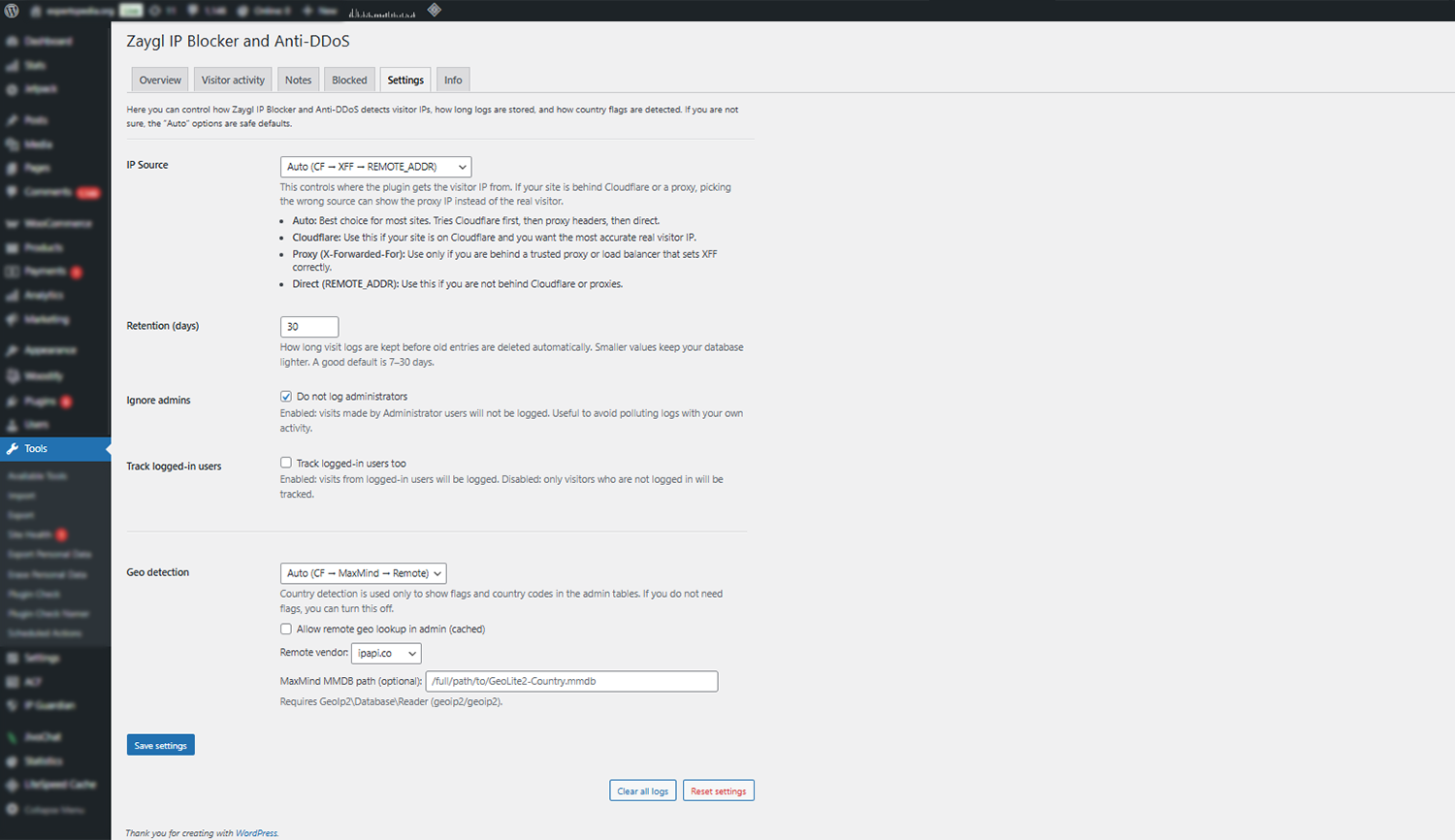
Whether you need a WordPress IP blocker for security, spam prevention, or traffic control, Zaygl helps you identify and block unwanted visitors. The plugin also supports country-based IP detection, making it easier to understand where your traffic comes from and take action when needed.
The plugin is designed to be simple, fast, and safe to run on production sites.
安装:
- Upload the plugin folder to
/wp-content/plugins/ - Activate the plugin through the WordPress Plugins screen
- Open Zaygl IP blocker in the WordPress admin menu
屏幕截图:
常见问题:
Does the plugin slow down my website?
No. The plugin is designed to be lightweight and runs minimal logic during page requests.
Can I disable IP logging?
Yes. Logging behavior can be controlled in the plugin settings.
Can I block multiple IPs at once?
Yes. The plugin supports bulk blocking and unblocking actions.
Can I block an IP that hasn't appeared in my traffic yet?
Yes. Use the block specific IP or range option above the top IPs table to block any IP directly, without needing it to show up in your logs first.
Can I block a range of IPs at once?
Yes. You can block a whole last-number range (for example, entering 192.168.1 blocks everything from 192.168.1.0 to 192.168.1.255), or a specific range like 192.168.1.10-192.168.1.50. Range blocking currently supports IPv4 addresses only.
Does this plugin replace a firewall?
No. This plugin is a monitoring and blocking tool. It is not a full firewall solution.
更新日志:
1.1.0
- New: block a specific IP directly, even one that hasn't shown up in your traffic yet
- New: block a whole IP range at once, either the last-number range (e.g. 192.168.1) or a specific range (e.g. 192.168.1.10-192.168.1.50)
- New: Blocked tab now lists blocked IP ranges separately, with per-range and unblock-all actions
- Improved: copy-to-clipboard icon next to IP addresses across all tables
- Improved: reorganized the Overview toolbar for a cleaner layout
- Improved UI/UX for bulk actions
- Minor improvements and fixes
- Initial release
- IP logging system
- Traffic statistics tables
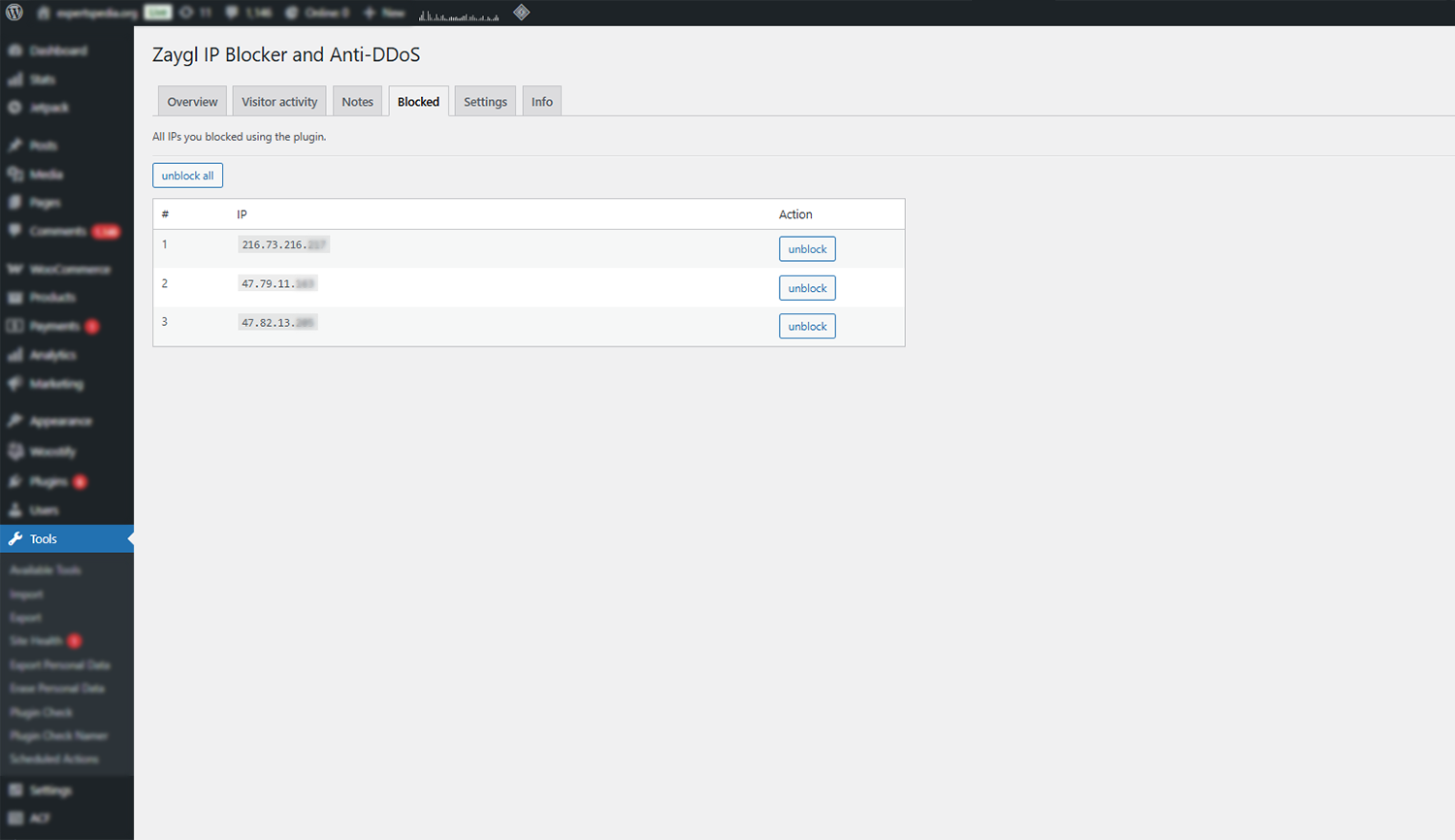
- Manual IP blocking
- Bulk block and unblock actions
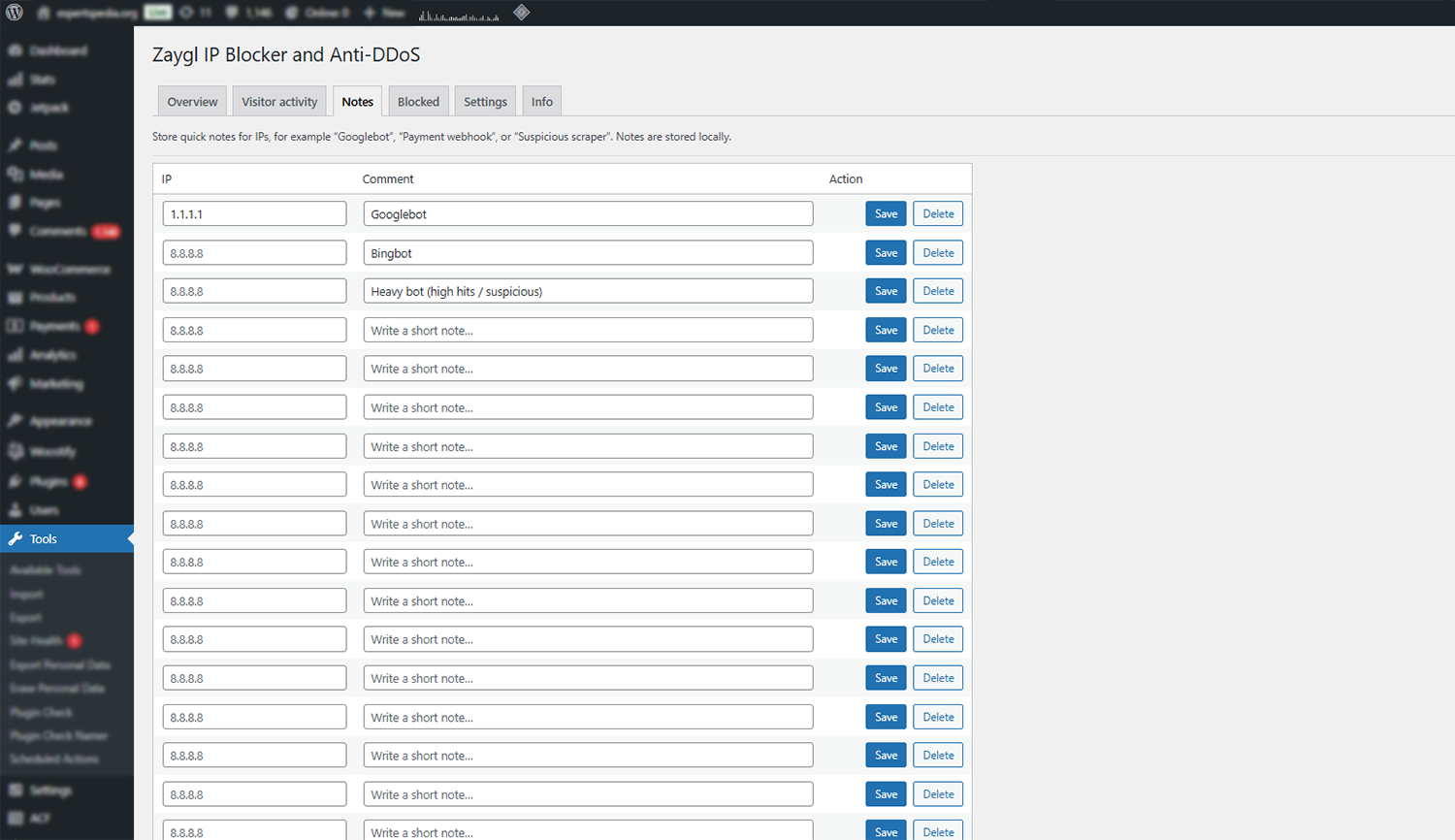
- IP notes system
- CSV export
- Optional geolocation support