Zenbit Invitation Builder
| 开发者 | goran007 |
|---|---|
| 更新时间 | 2026年4月25日 17:47 |
| PHP版本: | 8.0 及以上 |
| WordPress版本: | 6.9 |
| 版权: | GPLv2 or later |
| 版权网址: | 版权信息 |
详情介绍:
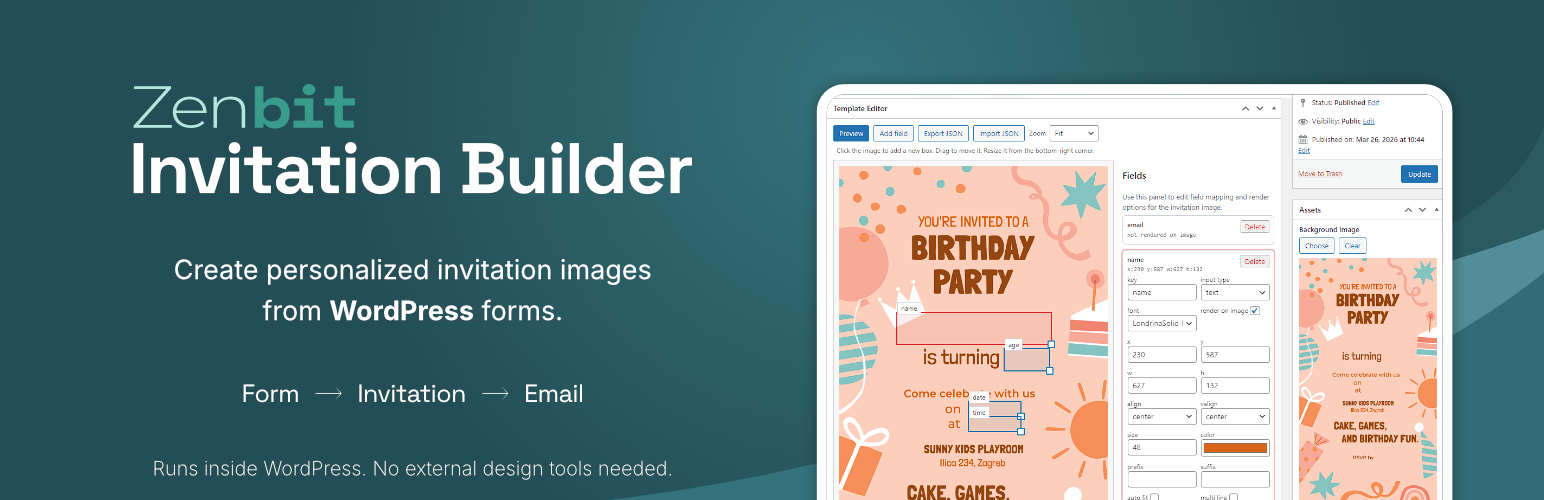
Zenbit Invitation Builder is a WordPress plugin for creating invitation forms and generating personalized digital invitation images.
Version 1.0.1 includes the complete core workflow with one ready-to-use template. You can build a template, map form fields onto the invitation design, preview the generated result, publish the form with a shortcode, and send invitation emails based on submitted form data.
The plugin is designed for sites that need a focused invitation workflow inside WordPress without a large setup process.
安装:
- Upload the plugin to
/wp-content/plugins/or install it from the WordPress plugins screen. - Activate
Zenbit Invitation Builder. - Open the
Invite Templatesmenu in the WordPress admin. - Create or edit your template.
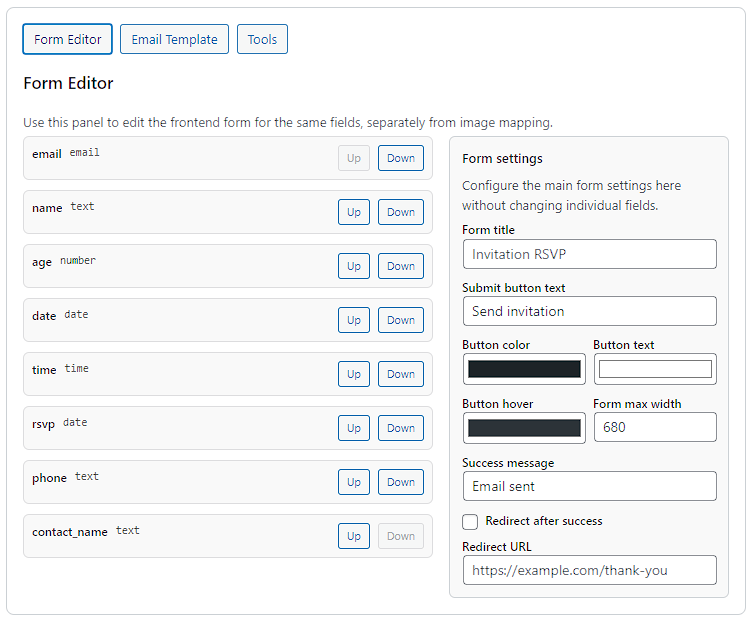
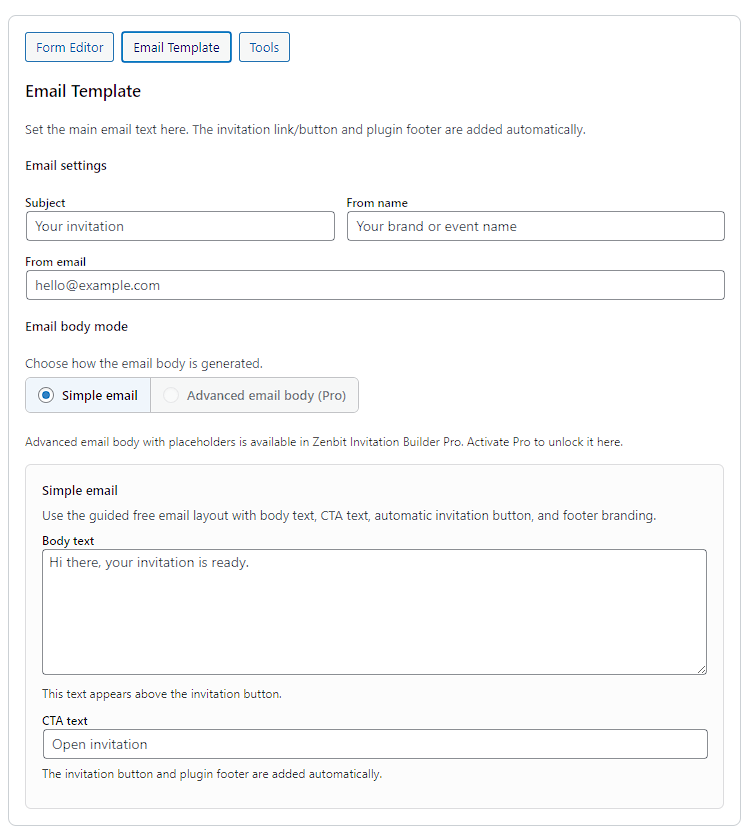
- Configure the invitation layout, form fields, and email settings.
- Publish the template and place the shortcode on a page.
屏幕截图:

常见问题:
What does the free version include?
The free plugin includes the core invitation workflow with one fully functional template. You can build a template, publish the form with a shortcode, generate a personalized invitation image, and send invitation emails from WordPress.
Do I need the Pro addon to use the plugin?
No. The free plugin works on its own and includes the full core workflow for a single-template setup.
What does Pro add?
Pro adds additional templates and more advanced email and template workflow options.
Can I use the plugin without coding?
Yes. The intended workflow is managed through the WordPress admin, with shortcode placement used to display the frontend form.
Does the free version support frontend form submission?
Yes. You can publish the form with the shortcode, accept submissions, generate personalized invitation output, and send invitation emails in the free version.
更新日志:
1.0.1
- Cleaned up the public WordPress.org changelog for the initial release listing.
- First public WordPress.org release of Zenbit Invitation Builder.
- Includes template editing, frontend form publishing, invitation image generation, and invitation email settings.