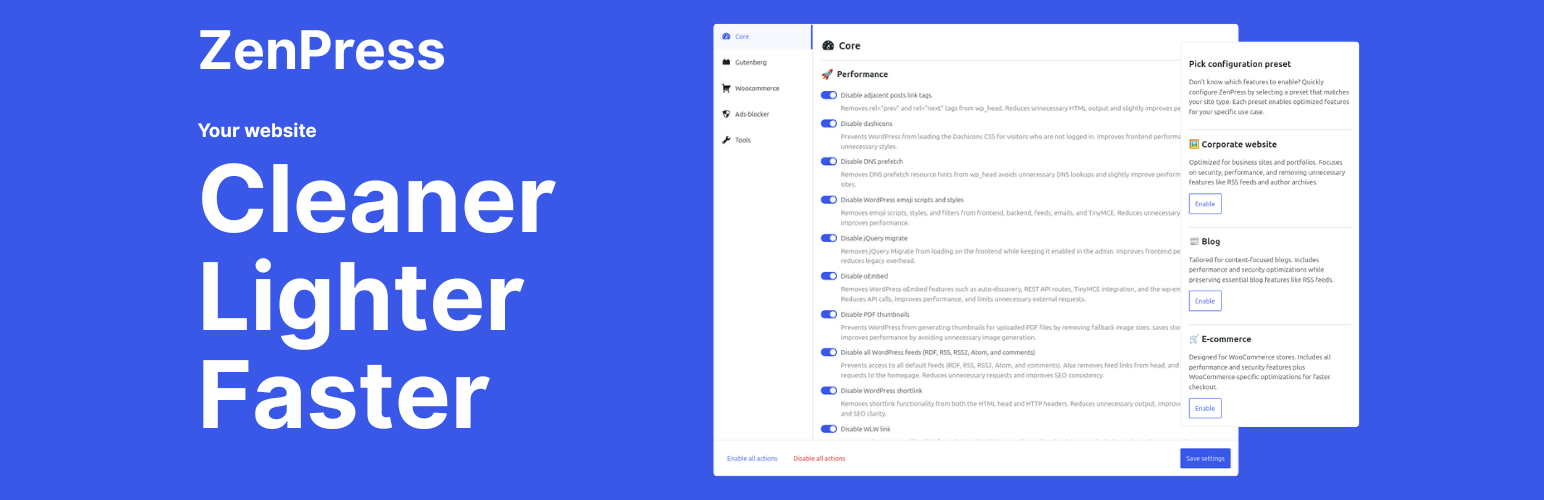
ZenPress
| 开发者 | @quentinldd |
|---|---|
| 更新时间 | 2026年2月27日 00:30 |
| 捐献地址: | 去捐款 |
| PHP版本: | 8.1 及以上 |
| WordPress版本: | 6.9 |
| 版权: | GPLv2 or later |
| 版权网址: | 版权信息 |
详情介绍:
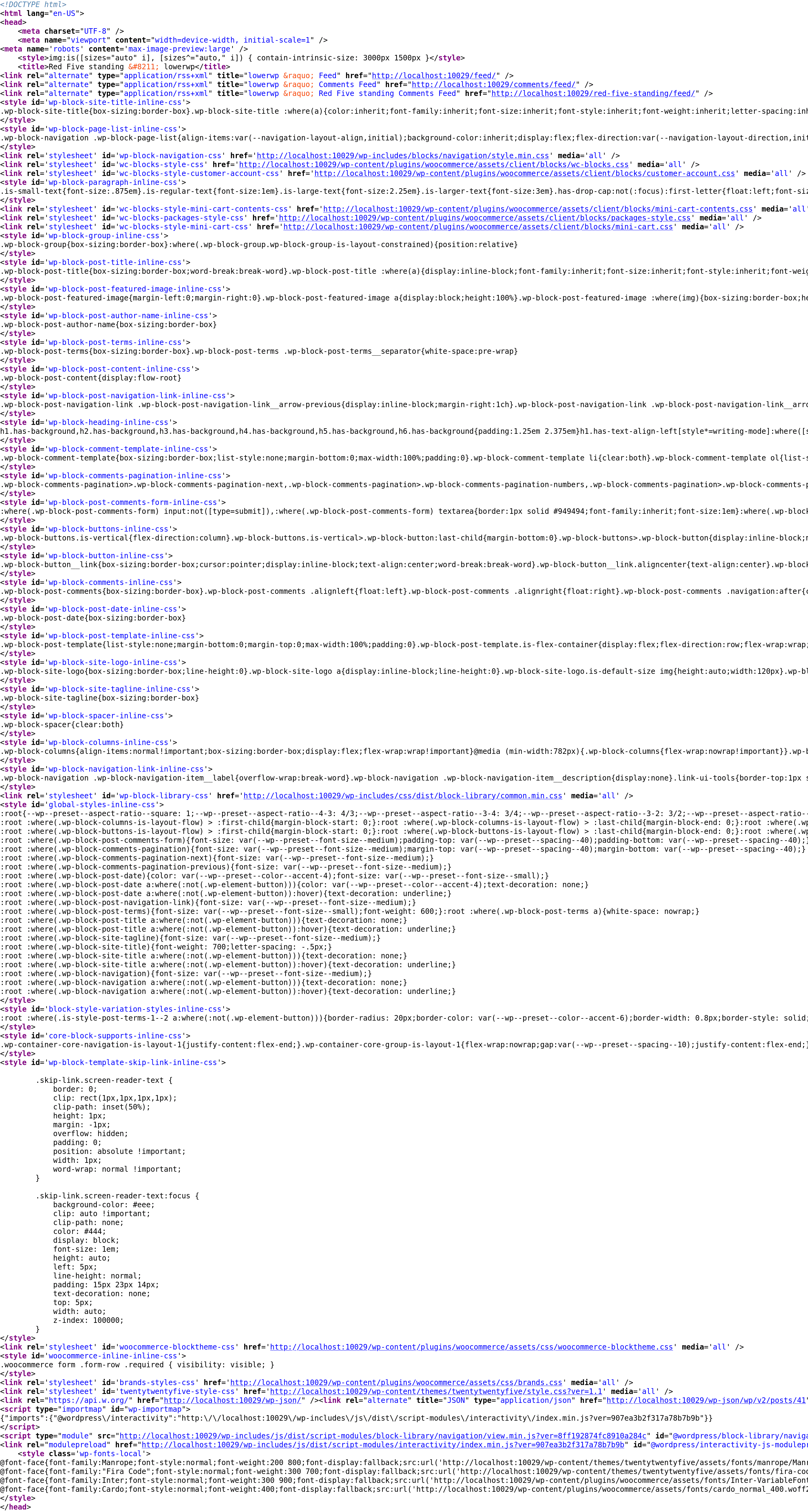
- Use curated settings presets to help you optimize your site instantly.
- Experience deep integration with the WordPress core interface for a lightweight, familiar experience.
- Choose a free, reliable alternative to premium performance plugins.
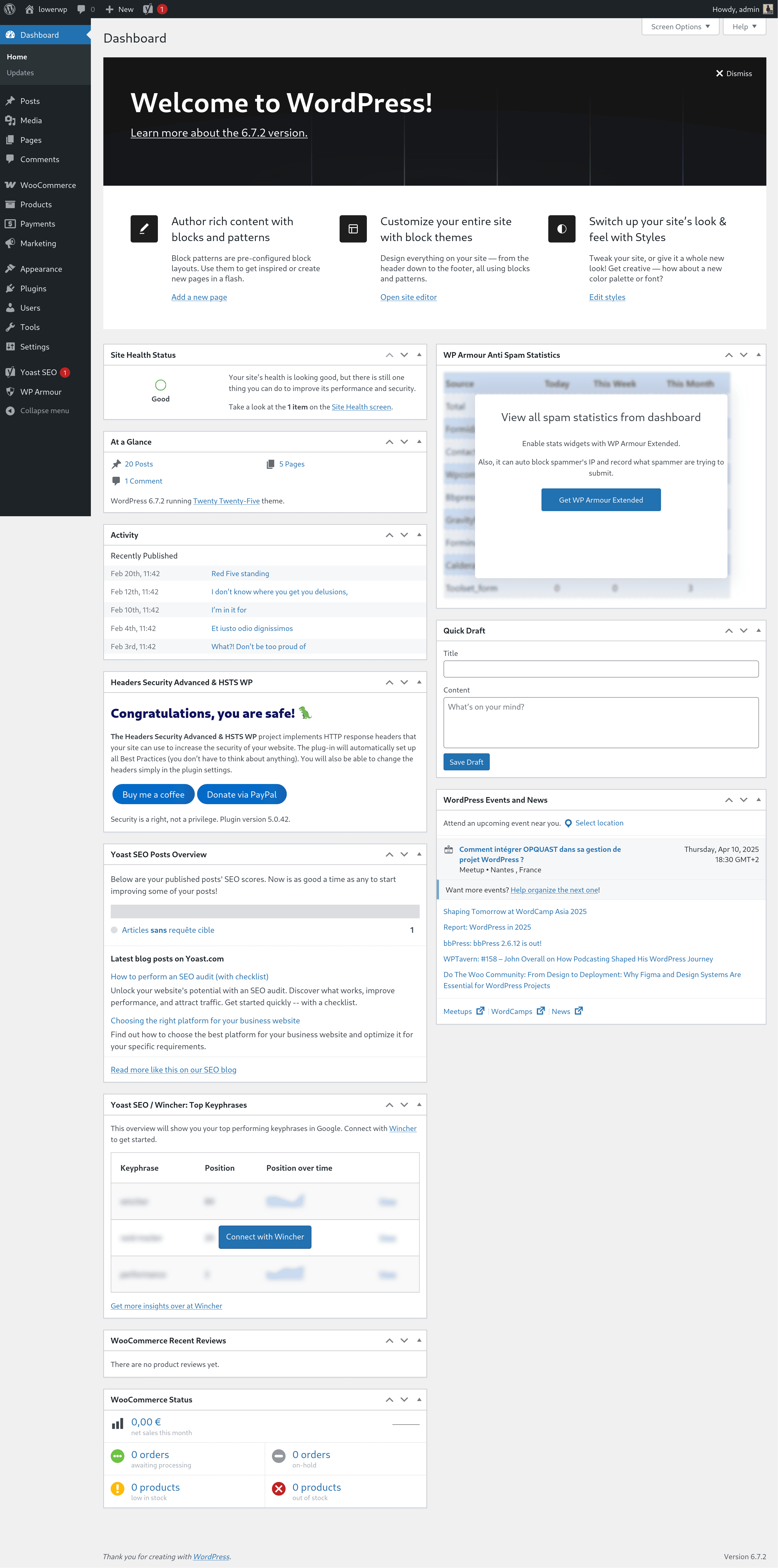
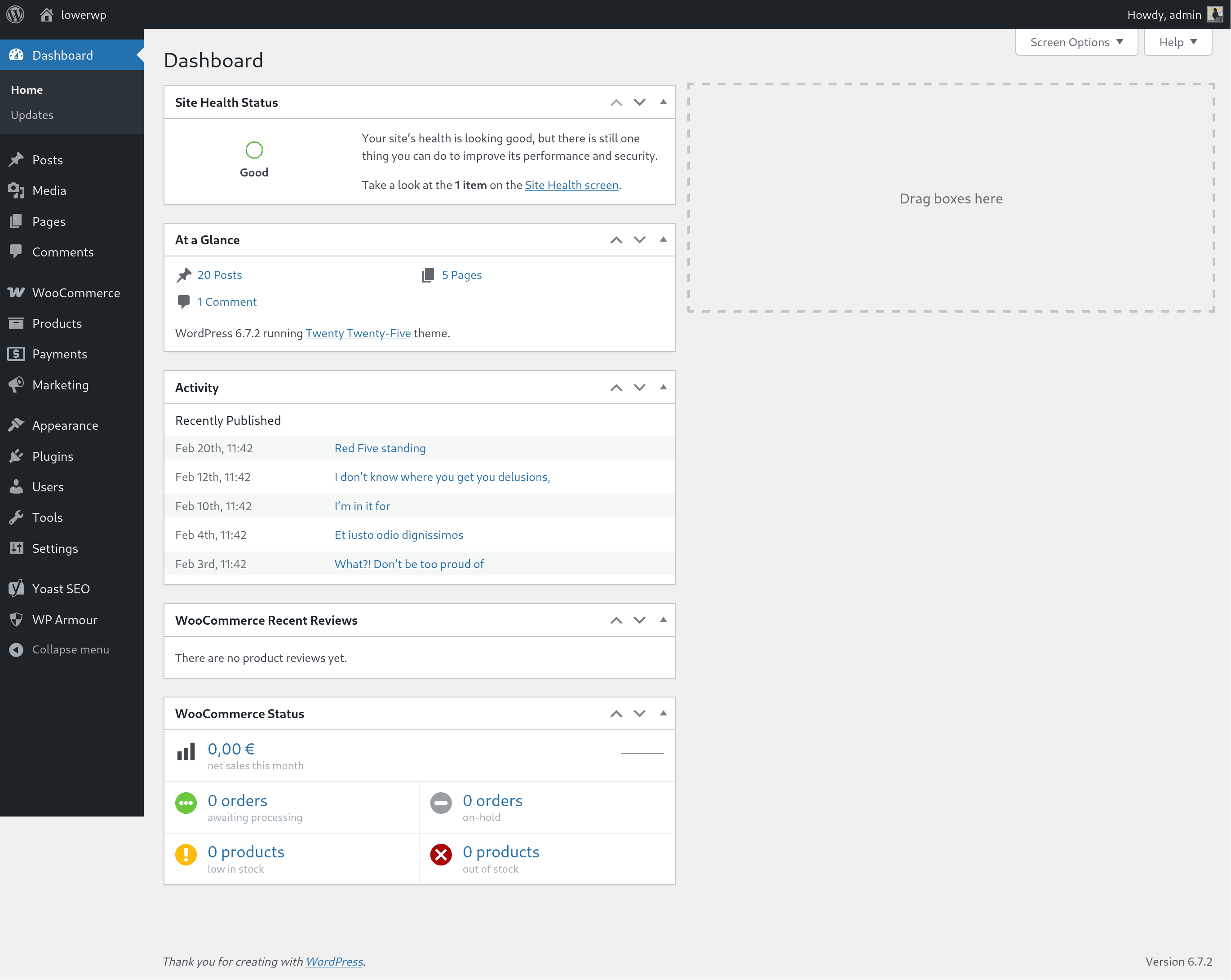
- Keep your site fast and clean by disabling unused features.
- Harden your security by turning off unused features and protecting weak spots.
- Reduce bloat from third-party plugins.
- Enjoy an ultra-lightweight and future-proof design.
屏幕截图:


常见问题:
No pro version? Really?
Yes, there is no pro version for this plugin and there never will be. However, I am accepting sponsorships via the GitHub Sponsors program. If you work at an agency that develops with WordPress, ask your company to provide sponsorship in order to invest in its supply chain. The tools that I maintain probably save your company time and money, and GitHub sponsorship can now be done at the organisation level. In addition, if you like the plugin then I'd love for you to leave a review. Tell all your friends about it too!
Does ZenPress work with my existing caching / optimization plugins?
Yes. You can use ZenPress alongside tools like Cache Enabler or Autoptimize. Because ZenPress focuses on disabling unused core features and reducing bloat, it does not interfere with page caching or image optimization. If you notice overlapping features, you can easily toggle them off in either tool.
How do I know which snippets are safe to enable?
If you are new to optimization, you can safely start with a curated preset (Corporate, Blog, or E‑commerce). For manual changes, we suggest starting with User Interface (UI) and performance settings, such as cleaning up the Admin Bar, before moving to more advanced core settings.
What happens if I disable the REST API?
The REST API allows different applications to communicate with your site. If you disable it, ZenPress will block unauthenticated requests to keep your site secure. However, some blocks or third-party integrations may require this to be active. If a feature stops working, you can simply use our documented filters to allow specific routes.
Does ZenPress store any personal data or phone home?
No. ZenPress does not collect, store, or transmit any personal data. It does not contact external services or include third‑party trackers. All settings are stored in standard WordPress options and remain on your site only.
Is ZenPress multisite compatible?
ZenPress is fully compatible with multisite networks. You can activate it across the entire network or on individual sites. Only Network Administrators have the capability to manage these settings across the network to ensure consistent performance and security policies.
I have a suggestion
I welcome your ideas! If you have a suggestion for the roadmap, please visit the official support forum. If you are a developer, you can also contribute directly to the project on GitHub.
更新日志:
- Linguistic improvements : Align to WordPress Style, voice, and tone.
- Accessibility improvements : Align to WordPress accessibility guidelines.
- Fix : Admin bar “Clear all caches” is now off by default; user turns it on if they want.
- Code quality : Split Settings page into smaller, modular piece.
- Interface : After clearing cache from the admin bar, show a WordPress success notice on the next admin load.
- Fix : Disable Cache enabler "clear page cache" button in admin bar when ZenPress admin bar button is active.
- Fix : ZenPress admin bar button default option is now "off".
- Integration : Cache enabler autoconfig in one click.
- Integration : Autoptimize autoconfig in one click.
- Integration : SQLite Object cache autoconfig in one click.
- New actionable function: Enable Admin bar "Clear all caches" button, visible only when at least one integration is active; third-party cache buttons hidden when ZenPress admin bar is enabled.
- Fix: REST and AJAX handlers wrap integration calls in try/catch; failed autoconfig or cache clear returns 500 with message instead of fatal.
- Fix: get_active_integrations_for_ui() wraps ReflectionClass in try/catch so one missing integration does not break the settings UI.
- Fix: Metadata and snippet loader wrap include in try/catch so a single bad meta file or snippet does not fatal the site.
- Security: Fixed $_SERVER['REQUEST_URI'] and $_SERVER['QUERY_STRING'] sanitization issues in disable-rest-api.php and block-user-enumeration.php.
- Global: Fixed global variable naming conventions to use zenpress_ prefix.
- Global: Change tagline.
- Global: Dropped PHP 7.4 support and aligned minimum PHP requirement with the currently recommended WordPress version.
- Global: Replaced strpos() with str_contains() and str_starts_with() throughout all snippets.
- Snippets: Converted snippets to use direct execution pattern where applicable for better performance.
- Security: Protect wp-login: fix wp_die() so blocked login responses return HTTP 403 instead of 200.
- Security: Loader: guard against path traversal in zenpress_load_snippets() when the folder argument contains '..'.
- Security: Disable REST API: document in-code that bypass filters (zenpress_disable_wp_rest_api_post_var, zenpress_disable_wp_rest_api_server_var) should use non-guessable values only.
- New actionable function: Disable autosave.
- New actionable function: Disable capital_P_dangit filter.
- New actionable function: Disable Password Strength Meter.
- New actionable function: Disable WordPress default lazy loading.
- New actionable function: Limit post revision to 10.
- New actionable function: Remove "Help" button.
- New actionable function: Remove "Thanks for using WordPress" in footer.
- New actionable function: Remove WordPress logo.
- Global: Tested with WordPress 6.9.
- Interface: Complete redesign with vertical tabbed interface for better organization.
- Interface: Features now organized by categories (Core, Gutenberg, WooCommerce, Tools) and subcategories (Performance, Security, User Interface).
- Interface: Visual icons added to categories and subcategories for quick identification.
- Presets: Three ready-to-use presets with detailed descriptions (Corporate website, Blog, E-commerce).
- Accessibility: Fully ARIA-compliant tab interface following W3C ARIA Authoring Practices Guide.
- Accessibility: Complete keyboard navigation support (Arrow keys, Home, End, Space, Enter, Tab).
- Accessibility: Automatic tab activation on focus for improved user experience.
- Accessibility: Proper focus management with visible focus indicators.
- Accessibility: Screen reader friendly with proper ARIA labels and roles.
- Keyboard: Toggle controls now fully keyboard accessible with Enter key support.
- Keyboard: Added Ctrl+S / Cmd+S shortcut to save settings.
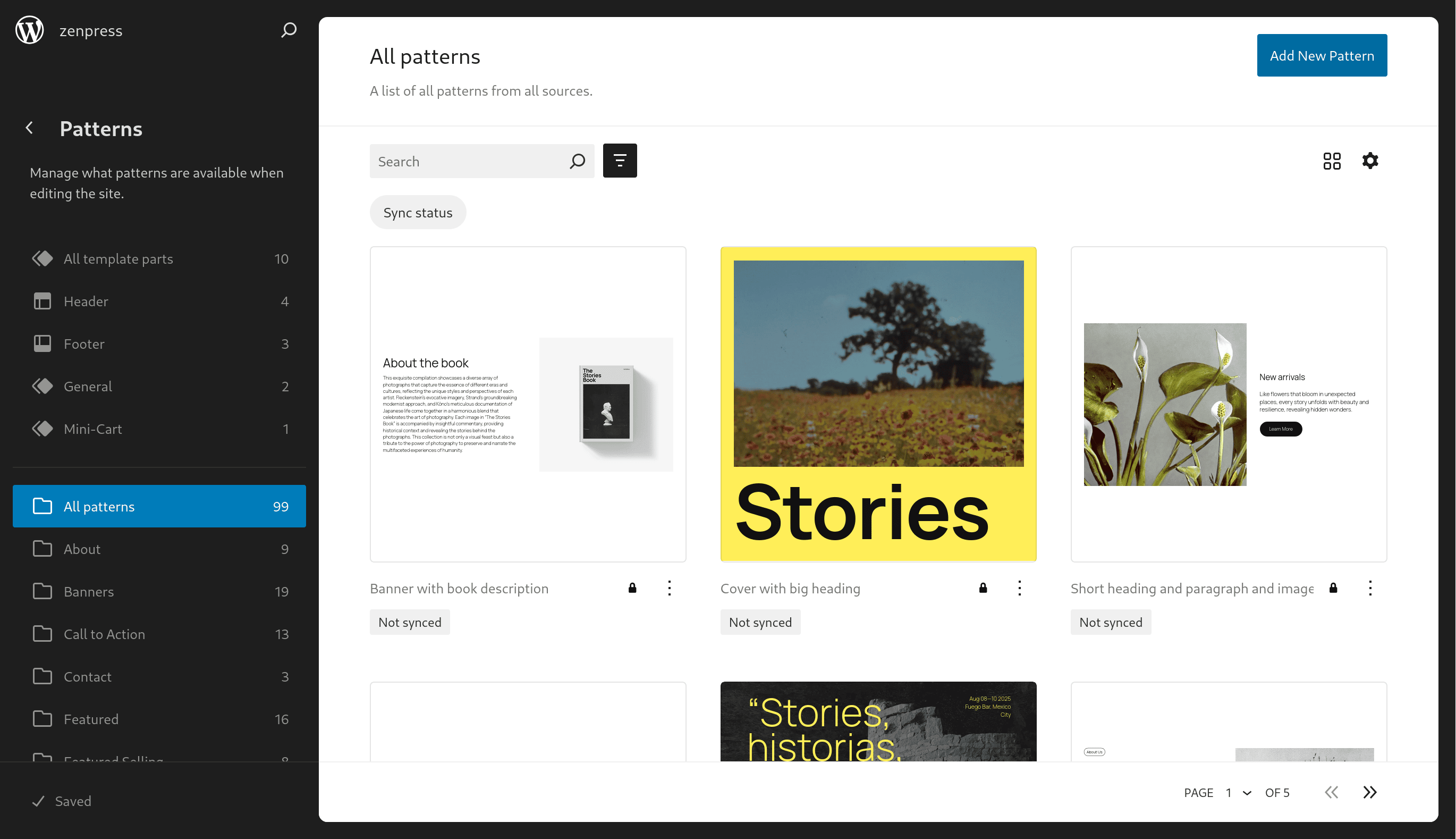
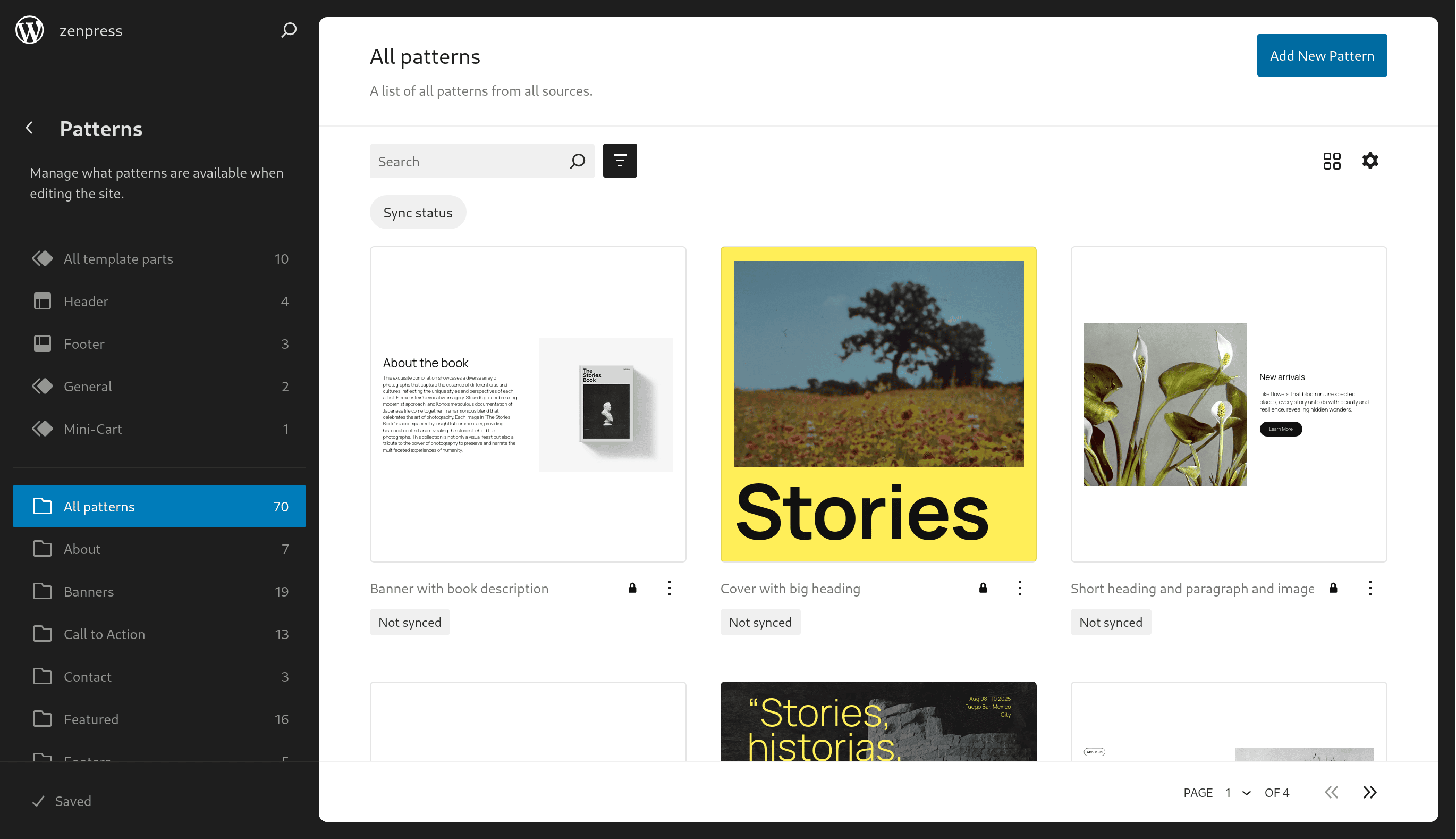
- Gutenberg: New actionable function: Disable default pattern categories in site editor.
- Global: Compatibility check.
- Global: Fix plugin png icon.
- Global: Fix typo.
- New actionable function: Disable the WP REST API for visitors not logged into WordPress.
- New actionable function: Disable application passwords.
- Global: Codebase and snippets optimization.
- Global: Fix typo.
- New actionable function: Disable application passwords.
- Global : Codebase and snippets optimization.
- Global : Fixed a bug in the automatic opening and closing function of the panels on the settings page.
- Global: Fix typo.
- Settings subpage: new ZenPress settings page, where you can choose your features or select a preset.
- Global: code reinforcement to prevent vulnerabilities, prepare plugin scaling and easy addition of new features.
- Global: new banners and icons.
- Global: addition of translation strings and metadata.
- Compatibility: improved compatibility from PHP 7.4 to PHP 8.4.
- Compatibility: Plugin tested up to PHP 8.4.
- Compatibility: Plugin tested up to PHP 8.4.
- New actionable function: Disable login language selector.
- Fix constant naming in readme.txt.
- UI: Remove smash baloon ads meta box.
- Global : Files naming and call for scalability.
- ZenPress tested for WordPress 6.8.1.
- UI: Remove site health meta box.
- UI: Remove WooCommerce admin dashboard setup metabox.
- Remove the image assets from the plugin.
- Plugin deployment with github actions.
- No hidden files in plugin.
- Remove the image assets from the plugin.
- Fix ABSPATH on woocommerce patterns snippets.
- New actionable function: Disable RSS feeds except main one.
- New actionable function: Remove RSS feeds links in head except main one.
- New actionable function: Remove Rest API link in head.
- New actionable function: Remove WP Mail SMTP ads widget.
- ZenPress tested for WordPress 6.8.
- UI: Disable AARVE plugin bloat widget.
- Remove load_plugin_textdomain, not needed since WordPress 4.6.
- Protect wp login: Add zenpress_ prefix to transients.
- Remove woocommerce patterns : Add zenpress_ prefix to function.
- Lint and fix PHP code with phpstan.
- Fix script loading error on WC home admin page.
- First release of ZenPress, yaaaaayyy!